How to Generate Renovation Visuals for Fixer-Upper Listings With Imagen
Fixer-upper listings often underperform because buyers struggle to visualize a space’s post-renovation potential. This guide shows real estate marketers how to use Imagen’s image-to-image capabilities to generate photorealistic, architecturally consistent renovation visuals from existing listing photos. It includes room-specific prompts, transparency safeguards, and tips for deploying before/after sets across listings and social media.
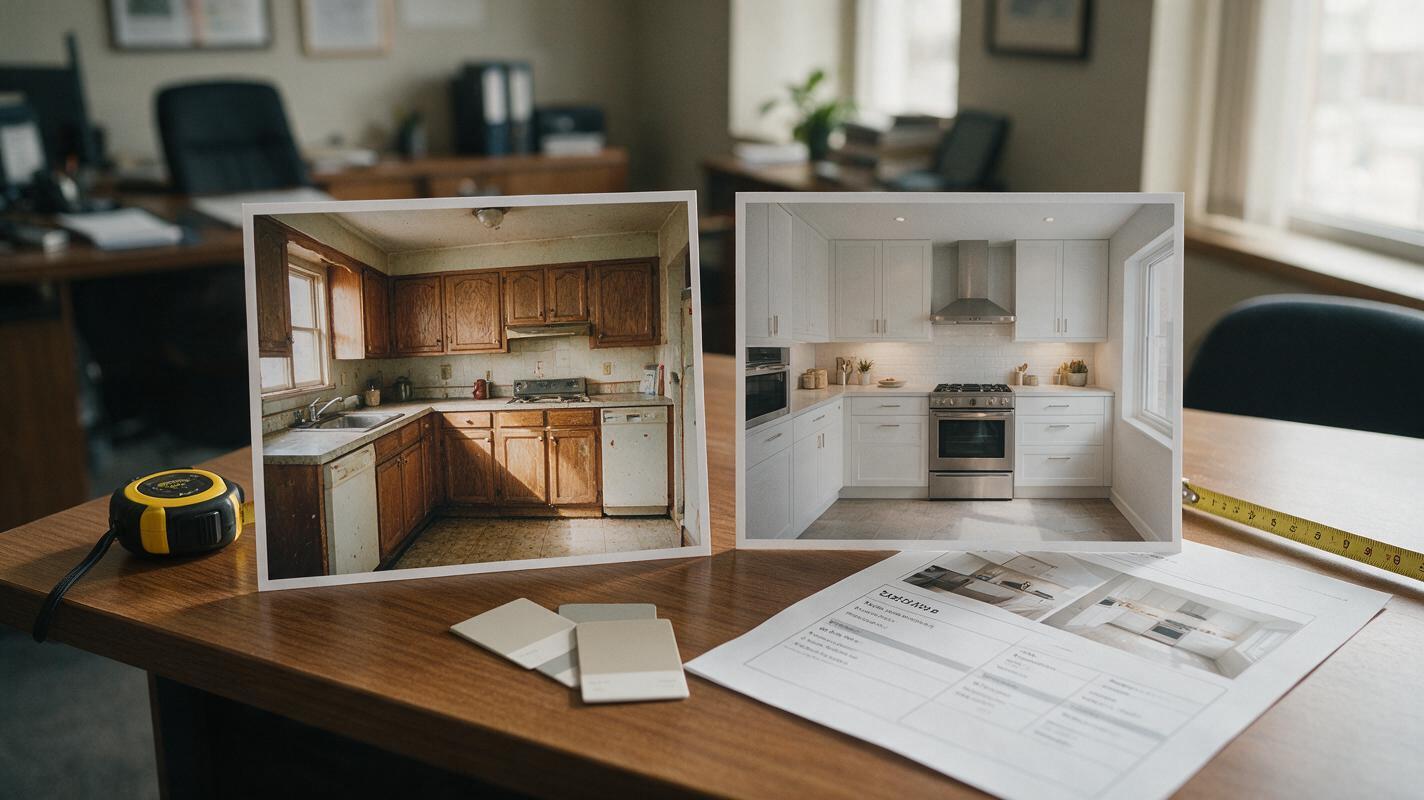
Table of contents
Why fixer-upper renovation visuals lift listing performance
Fixer-upper listings spend 3x longer on the market than move-in-ready homes, largely because buyers struggle to see past outdated finishes, worn floors, and cramped kitchen layouts.
Professional 3D renovation renderings cost $300–$800 per room and take 3–5 business days to deliver, putting them out of reach for many independent agents and small listing teams. Using a high-quality ai image generator to create photorealistic renovation visuals from existing listing photos cuts that cost to a fraction and delivers results in minutes, without sacrificing accuracy when done correctly.
This guide breaks down how to use Imagen, Google’s photorealistic AI image model, to generate renovation visuals that stay true to a home’s actual structure and layout. You’ll find room-specific prompt templates, transparency safeguards to avoid misleading buyers, and actionable ways to use before/after sets across your listing and social channels.
Select base photos that keep structural details intact
The accuracy of your final renovation visual depends almost entirely on the quality of your base listing photo. A poor reference image will lead to distorted walls, misplaced windows, or unrealistic proportions that look fake to buyers.
Choose base photos that meet these criteria for the best results:
- Wide, straight-on perspective: Shoot from eye level with the camera parallel to the main wall, so the room’s proportions are not skewed by a tilted or angled lens.
- Even, natural lighting: Avoid harsh midday shadows or heavily overexposed windows that obscure structural details.
- Full room view: Frame the shot to show all walls, windows, doors, and built-in features (like fireplaces or kitchen islands) so the AI has complete structural context.
- Minimal clutter: Remove large items that block the view of floors, walls, or fixtures — the less the AI has to “guess” about hidden structure, the more accurate the result.
- Consistent aspect ratio: Match the base photo’s aspect ratio to your intended use (4:5 for Instagram carousels, 16:9 for listing site hero images, 1:1 for social ads).
Avoid close-up shots, photos with people or pets, and heavily filtered images, as these can cause the AI to misinterpret the room’s size or layout.
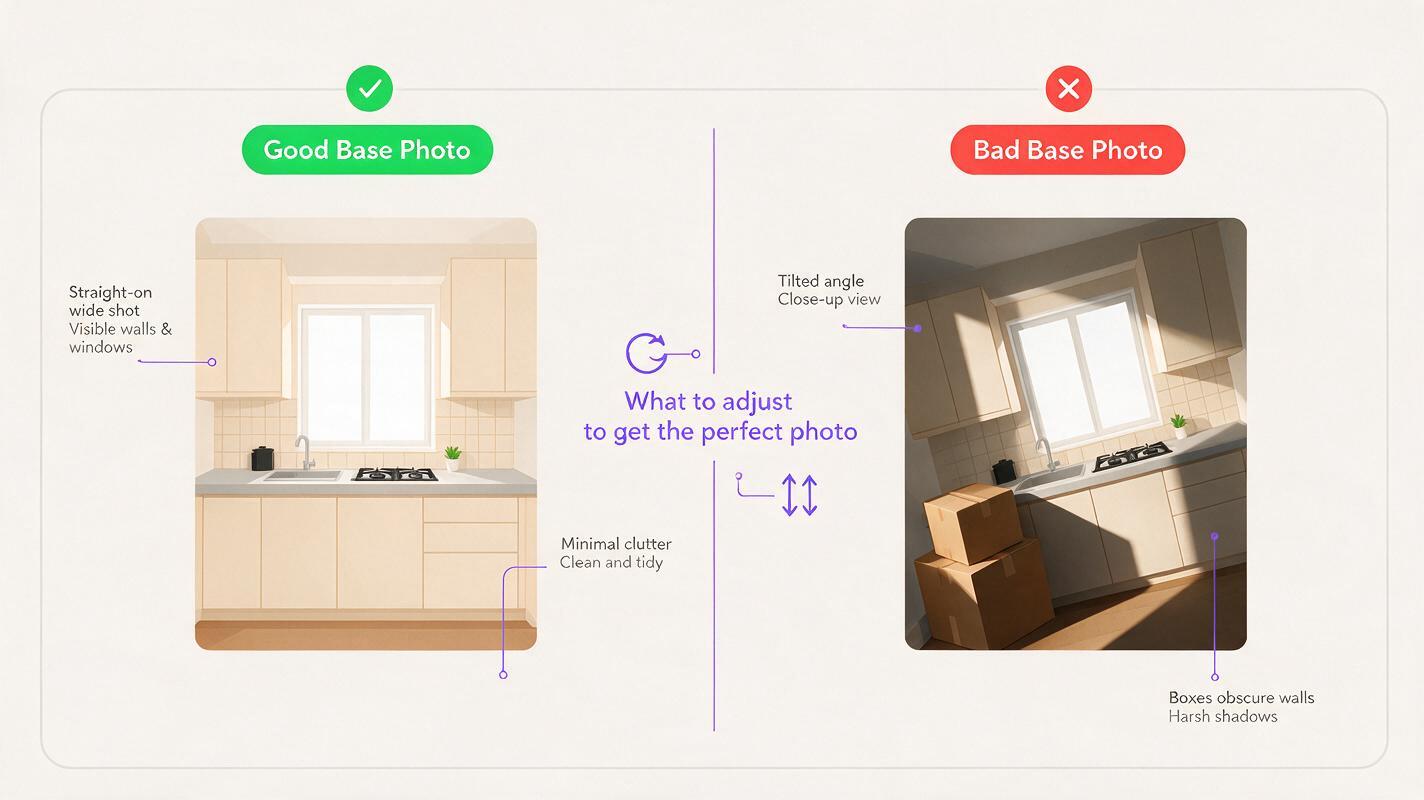
Imagen prompt templates for common listing renovation projects
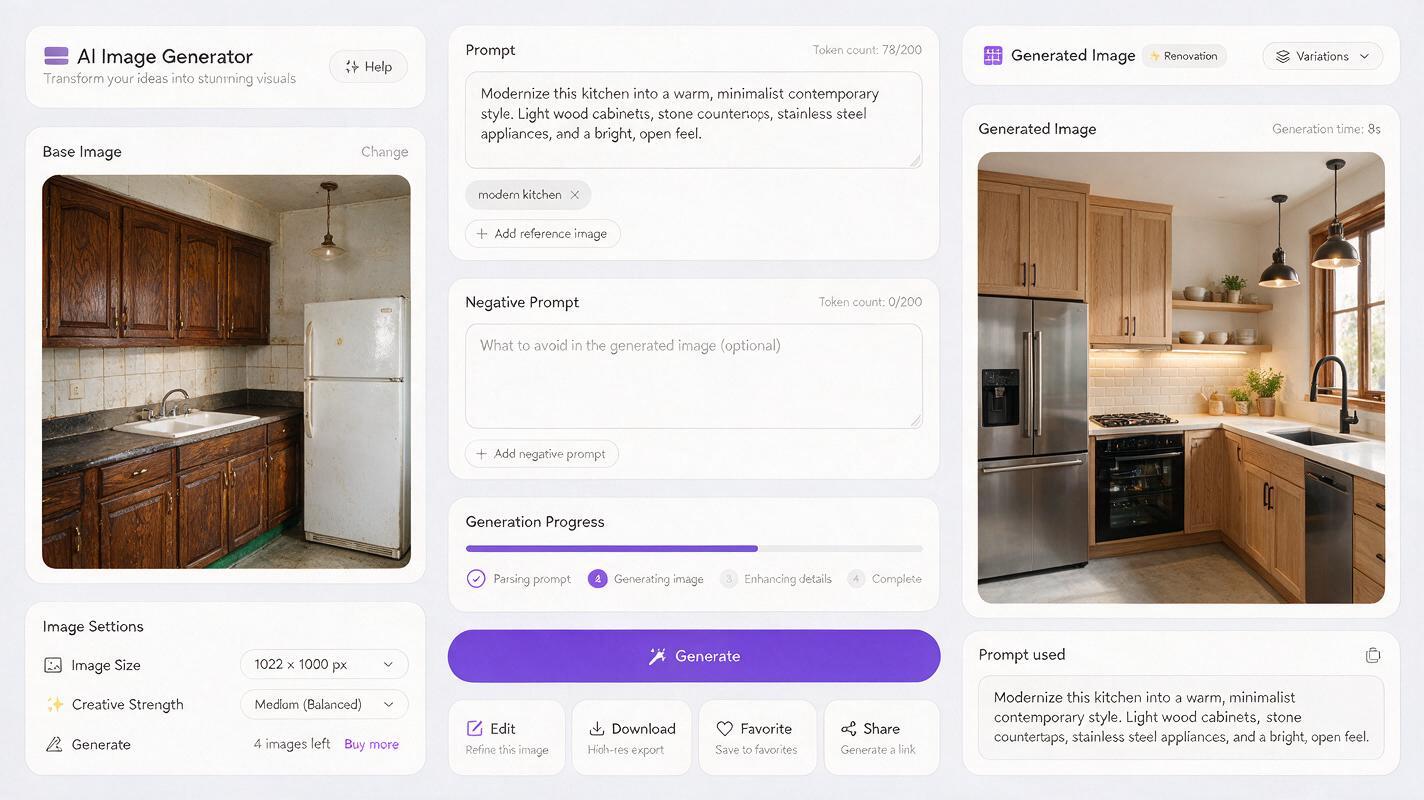
Imagen’s image-to-image mode lets you upload a base photo and describe the desired renovation while preserving the room’s core structure. The most effective prompts include three key components: a structural preservation cue, specific renovation details, and a photorealism/lighting cue to match professional listing photo style.
Below are reusable prompt templates for the highest-impact fixer-upper renovation projects:
Kitchen renovation (highest ROI for listings)
photorealistic real estate listing photo of a renovated kitchen, preserve exact wall, window, and door positions from the reference image, replace old wooden cabinets with white shaker cabinets with gold hardware, install white quartz countertops, add a glossy white subway tile backsplash, replace old vinyl flooring with light oak hardwood, update stainless steel appliances, soft natural daylight from windows, clean and uncluttered, professional real estate photography, sharp details, 4kTest this prompt yourself with a kitchen listing photo to see how well Imagen preserves structural details while updating finishes.
Bathroom renovation
photorealistic real estate listing photo of a renovated full bathroom, preserve exact wall, window, shower, and toilet positions from the reference image, replace old ceramic tile with large-format light gray porcelain tile, install a floating white vanity with quartz countertop, add a frameless glass shower door, update lighting to modern brass sconces, neutral color palette, soft natural light, clean and bright, professional real estate photographyMain living area renovation
photorealistic real estate listing photo of a renovated open-concept living room, preserve exact wall, window, and fireplace positions from the reference image, replace old stained carpet with light white oak hardwood floors, paint walls warm off-white, add modern neutral staging furniture, update light fixtures to minimalist black, bright natural light, spacious and inviting, professional real estate photographyExterior curb appeal renovation
photorealistic real estate listing photo of a renovated single-family home exterior, preserve exact house structure, roofline, window, and front door positions from the reference image, repaint siding warm off-white, replace old front door with a modern black wood door with glass panels, add landscaped front yard with native plants and a curved stone walkway, bright sunny day, green lawn, curb appeal focus, professional real estate photographySafeguards to avoid misleading buyers with AI renovations
Transparency is non-negotiable when using AI-generated visuals in real estate marketing. The goal of renovation visuals is to show realistic potential, not to invent features or space that doesn’t exist. Failing to disclose AI-generated content can lead to lost trust, regulatory issues, or even legal trouble.
Follow these rules to keep your marketing ethical and compliant:
- Never alter structural layout: Don’t add bedrooms, expand square footage, or move load-bearing walls unless those changes are already permitted and under construction.
- Preserve fixed elements: Keep windows, doors, fireplaces, and built-in fixtures in their original positions to avoid misrepresenting the home’s actual footprint.
- Label all visuals clearly: Add a text overlay or caption that says “Conceptual renovation rendering” or “Digital renovation example” to every AI-generated image used in listings, social media, and ads.
- Stick to realistic renovations: Only show finishes and changes that are physically possible and cost-appropriate for the home’s price point and neighborhood.
- Disclose in listing copy: Mention in the listing description that renovation visuals are included to show potential, and note that they are not photos of the current home.
The National Association of Realtors (NAR) recommends clear labeling of all AI-generated marketing materials to maintain transparency and uphold fair housing standards.
Use before/after sets across listing and social channels
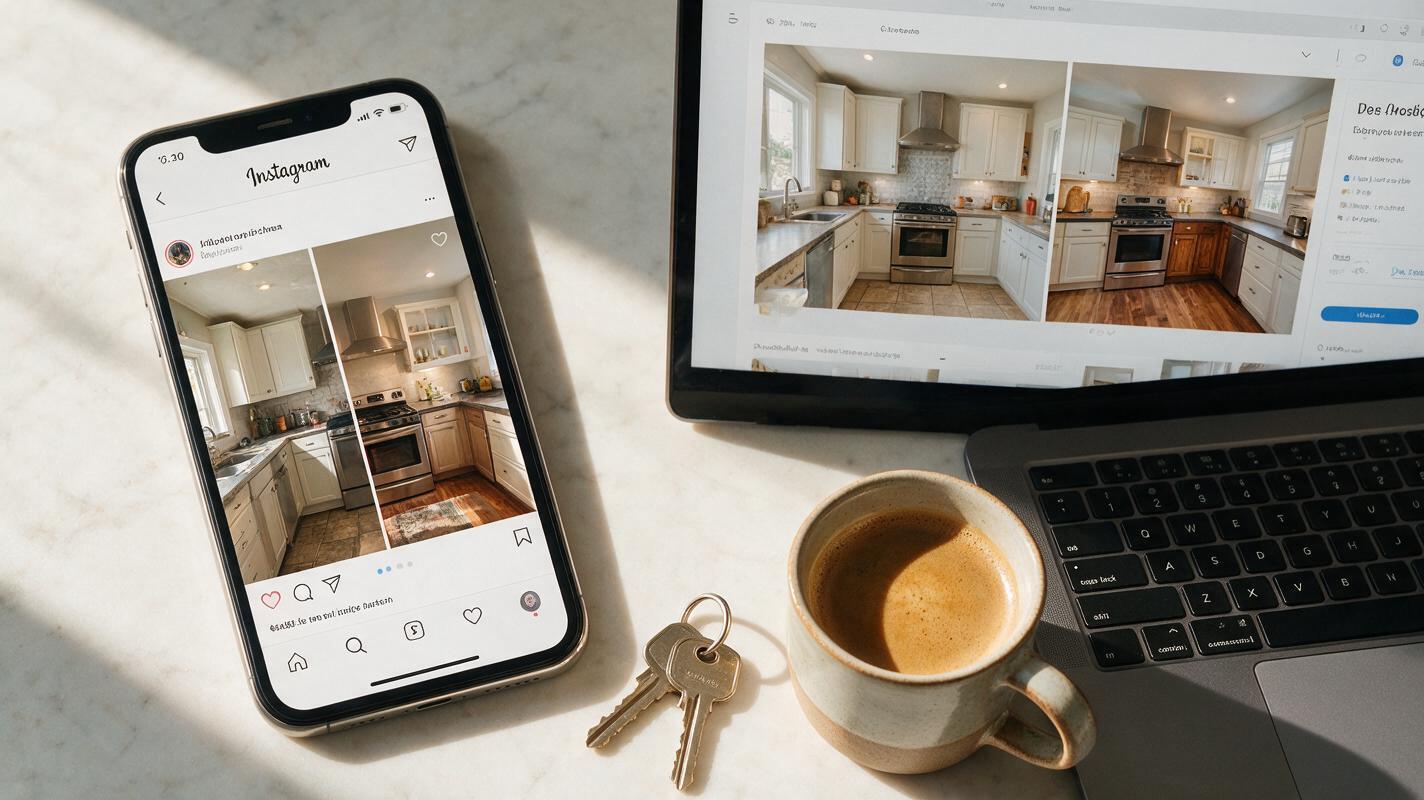
Renovation visuals perform best when paired with the original “before” photo to show the home’s transformation potential. Side-by-side before/after sets stop scrollers in their tracks and help buyers connect the current state of the home to its future value.
Here are the highest-impact ways to deploy your renovation visuals:
- Listing photo gallery: Add a labeled before/after set as the 3rd or 4th image in your gallery, right after the main exterior and living room photos.
- Instagram carousels: Create a 5-slide carousel: 1) Before photo with text overlay, 2) After renovation visual, 3) Close-up of key finishes, 4) Estimated renovation cost range, 5) Call to action to book a private tour.
- Facebook and Instagram ads: Test two ad creatives — one with just the after visual, one with a side-by-side before/after — to see which drives more lead form submissions.
- Buyer presentation packets: Include renovation visuals alongside rough cost estimates for each project to help first-time buyers visualize how they can customize the home.
- Open house displays: Print large before/after posters for the kitchen and main living area to give visitors a clear sense of the home’s potential as they walk through.
Final checklist
- Choose a straight-on, well-lit base photo that shows all structural elements of the room with minimal clutter.
- Include a clear structural preservation cue in every Imagen prompt to keep walls, windows, and doors in their original positions.
- Use room-specific prompt templates tailored to the home’s style and neighborhood price point.
- Label all AI-generated renovation visuals as conceptual renderings in every marketing channel.
- Pair renovation visuals with original before photos to highlight transformation and build trust with buyers.
- Test before/after sets on social media to identify which renovation angle drives the most engagement and leads.
Keywords
fixer upper listings, renovation visuals, imagen ai, real estate marketing, listing photos, image to image, before after visuals