Flux Prompts for Three Distinct Portable Task-Light Concepts
When every AI-generated product concept looks like the same object with a different finish, the prompt may be constraining styling but not form. These Flux prompts explore three portable task-light architectures under one design brief, then show how to compare the results without mistaking a persuasive render for a viable design.
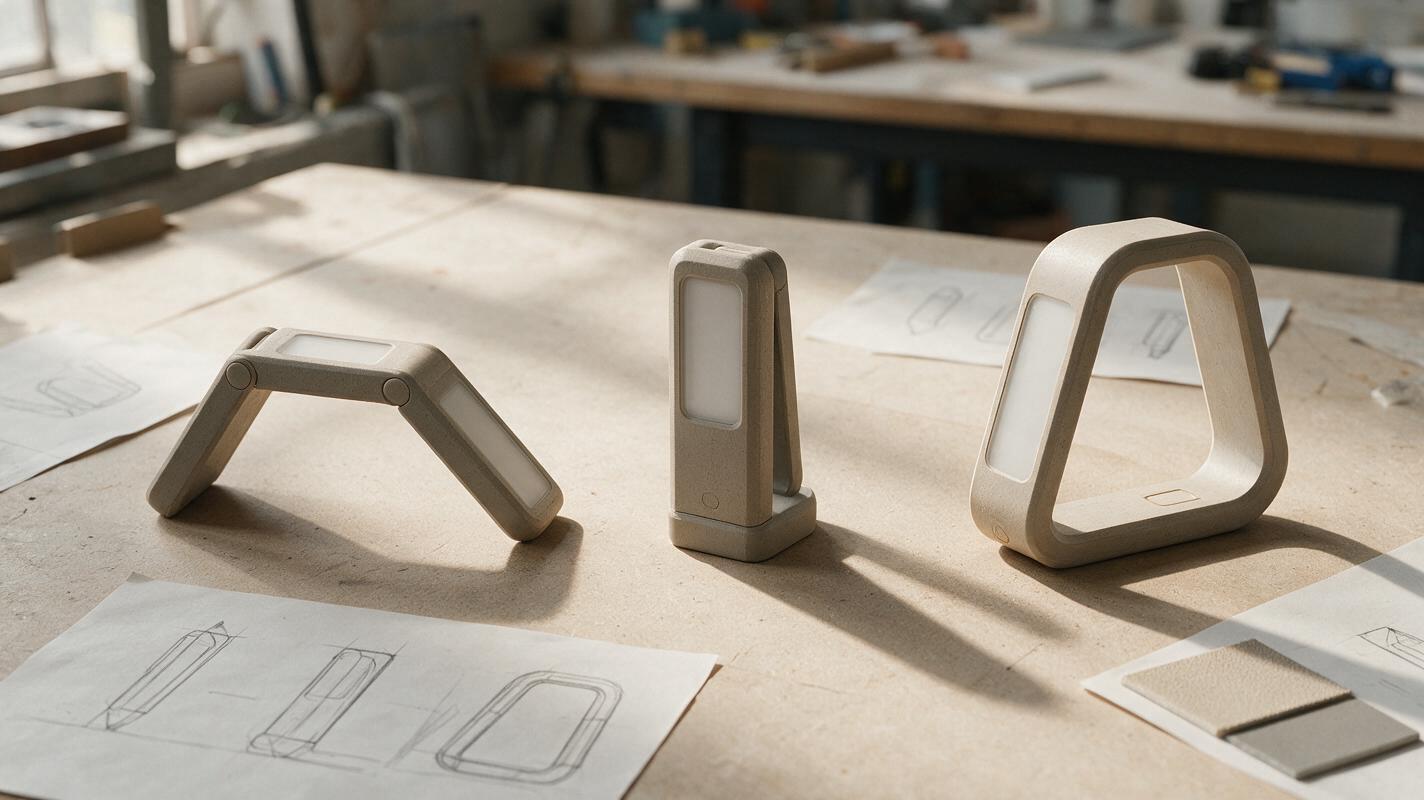
Table of contents
The design brief
Need three portable task-light concepts for a design review, but keep getting the same lamp in different colors? The prompts below hold the use case constant while changing the product’s underlying form: a folding bridge, a telescoping column, and an offset loop. Use them to explore distinct directions—not to claim that any generated hinge, balance point, or lighting assembly is ready to manufacture.
The shared brief is a compact rechargeable task light that can sit on a desk, illuminate a reading or making surface, and pack away when not in use. Treat battery location, dimensions, and mechanism as open engineering questions. The immediate goal is a set of images your team can discuss without confusing finish changes for design alternatives.
Separate silhouette from styling
A prompt that asks for “three innovative task lights” often leaves the model free to repeat a familiar lamp shape. Instead, assign each direction a different primary silhouette and physical arrangement. Hold presentation choices steady so the differences remain visible.
- Keep constant: intended use, approximate scale, camera angle, neutral finish, background, and lighting.
- Change deliberately: where the light head sits, how the body occupies space, and what the object looks like when stored.
- Leave unresolved: hinge design, electrical routing, optical performance, and production details that a concept image cannot verify.
Start with a single concept per prompt. In a text to image session with Flux, separate outputs are easier to judge than one generated sheet containing several objects, where proportions and features can become inconsistent. Ask for a three-quarter view that reveals depth and a recognizable base; avoid a dramatic camera angle that hides the proposed structure.
Prompts for genuinely different product concepts
Run these prompts independently. They share the same restrained presentation language, but each specifies a different spatial idea. If your generation interface supports multiple outputs, inspect individual images before selecting one from each direction.
Folding bridge: a low object that opens across the workspace
Industrial design concept render of a compact portable task light for a desk. Primary form: a low, elongated bridge with two short supports and a slim light bar spanning between them; the light bar folds down toward the base for storage. Show the product in its open working position, with the folded footprint understandable from the visible joints. Restrained warm-gray finish, no branding, no decorative accents. Three-quarter view at desk height on a plain light background, soft studio illumination, believable product scale. One product only. Prioritize the bridge silhouette and clear component relationships; do not add extra arms, screens, or unrelated controls.Inspect for: a genuinely low profile, enough apparent clearance for the intended workspace, and a fold that does not require parts to pass through one another. A rendered joint is only a proposal; sketch its motion separately before advancing it.
Telescoping column: a compact footprint with adjustable height
Industrial design concept render of a compact portable task light for a desk. Primary form: a stable compact base, one central telescoping vertical column, and a small horizontal light head at the top. Make the nested column segments visually legible and keep the overall silhouette upright rather than arch-shaped. Show the light extended to a practical working height. Restrained warm-gray finish, no branding, no decorative accents. Three-quarter view at desk height on a plain light background, soft studio illumination, believable product scale. One product only. No second arm, floating parts, or oversized base.Inspect for: a clear adjustment idea, a plausible relationship between base width and height, and an apparent path for the light head to pack away. Do not infer stability from the render alone.
Offset loop: an open frame around the working area
Industrial design concept render of a compact portable task light for a desk. Primary form: one continuous-looking offset loop rising from a grounded base, leaving an open center; integrate a short downward-facing light segment into the upper portion of the loop. The loop should read as the defining silhouette, not as a conventional lamp arm. Suggest a compact storage position without showing an impossible transformation. Restrained warm-gray finish, no branding, no decorative accents. Three-quarter view at desk height on a plain light background, soft studio illumination, believable product scale. One product only. Keep the frame simple and avoid added rings or ornamental cutouts.Inspect for: whether the open center serves a useful relationship to the task area and whether the offset mass appears manageable. If the image suggests a flexible or folding frame, ask how that movement could actually occur.
Compare concepts before refining the winner
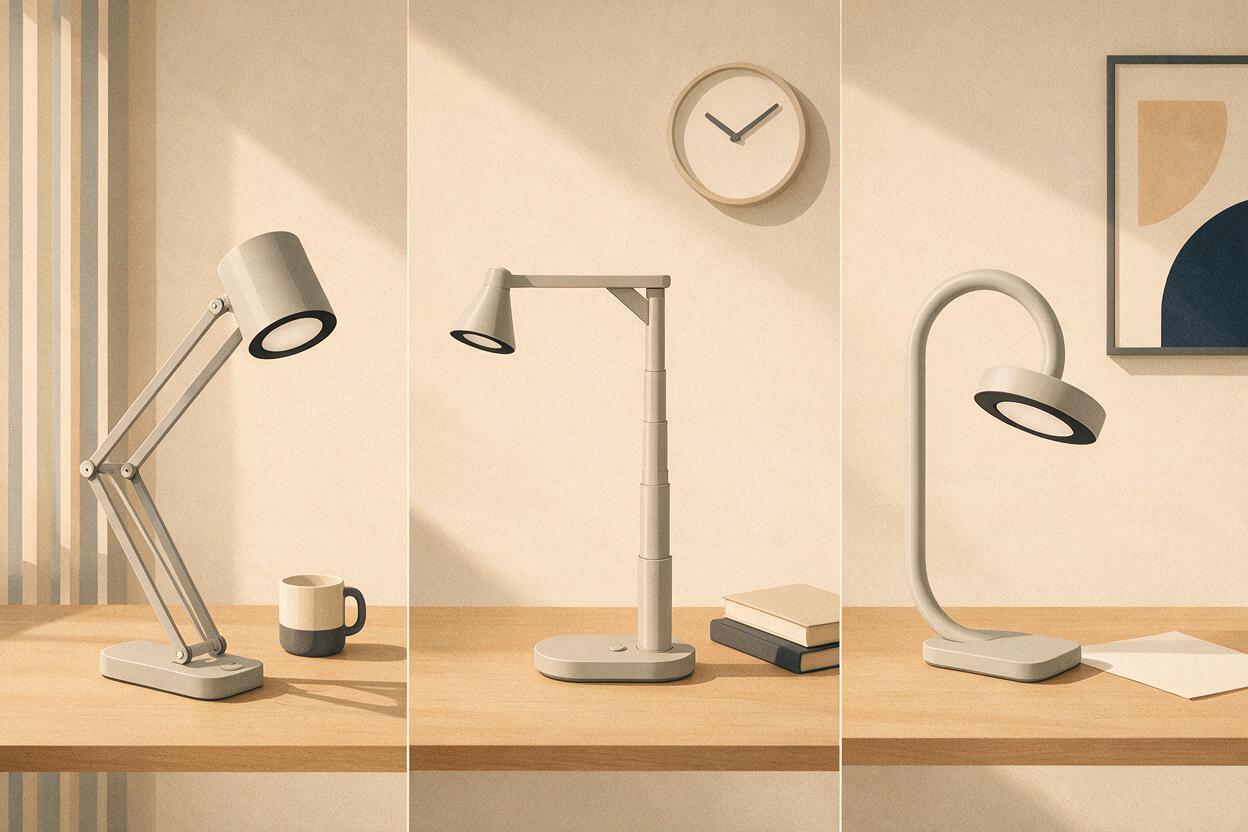
Put one representative image from each direction into three equal-size cells. Give them the same crop and background, and label them by architecture rather than by a flattering name. A beautiful render can bias a review toward the best-lit image instead of the strongest product idea.
| Review question | What to look for | What the image cannot establish |
|---|---|---|
| Is the form distinct? | A recognizable silhouette at thumbnail size | Whether it is protectable or original |
| Does it suit the task? | Apparent light position and usable desk clearance | Illuminance, glare, or optical performance |
| Could it store compactly? | An understandable closed-state hypothesis | Whether the proposed mechanism works |
| Does it look stable? | Visible footprint relative to height and overhang | Center of mass or tip resistance |
Mark the unresolved questions directly beneath each image. For example: “Where does the bridge hinge?”, “How tall can the column extend?”, or “Does the loop block the user’s hand?” Those questions are useful outcomes of concept generation, not defects to hide with another render.
Refine the form without collapsing the alternatives
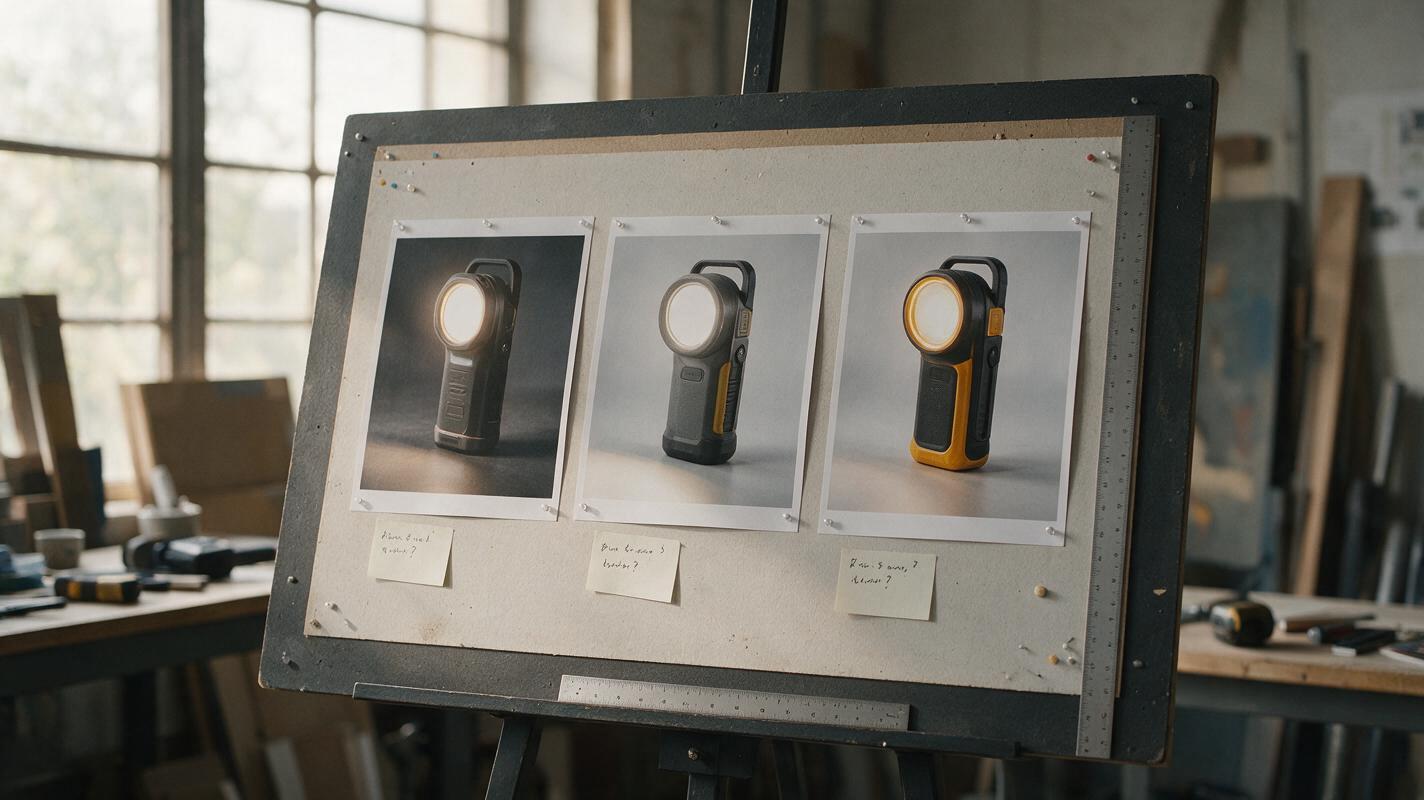
Once the team selects a promising direction, revise only that direction. Reuse its chosen image as a visual reference if your interface permits it, and describe the specific change: “widen the base while retaining the single telescoping column,” for example. Avoid requesting “a more premium version” without defining what must remain unchanged; that instruction can replace the architecture with a more familiar-looking product.
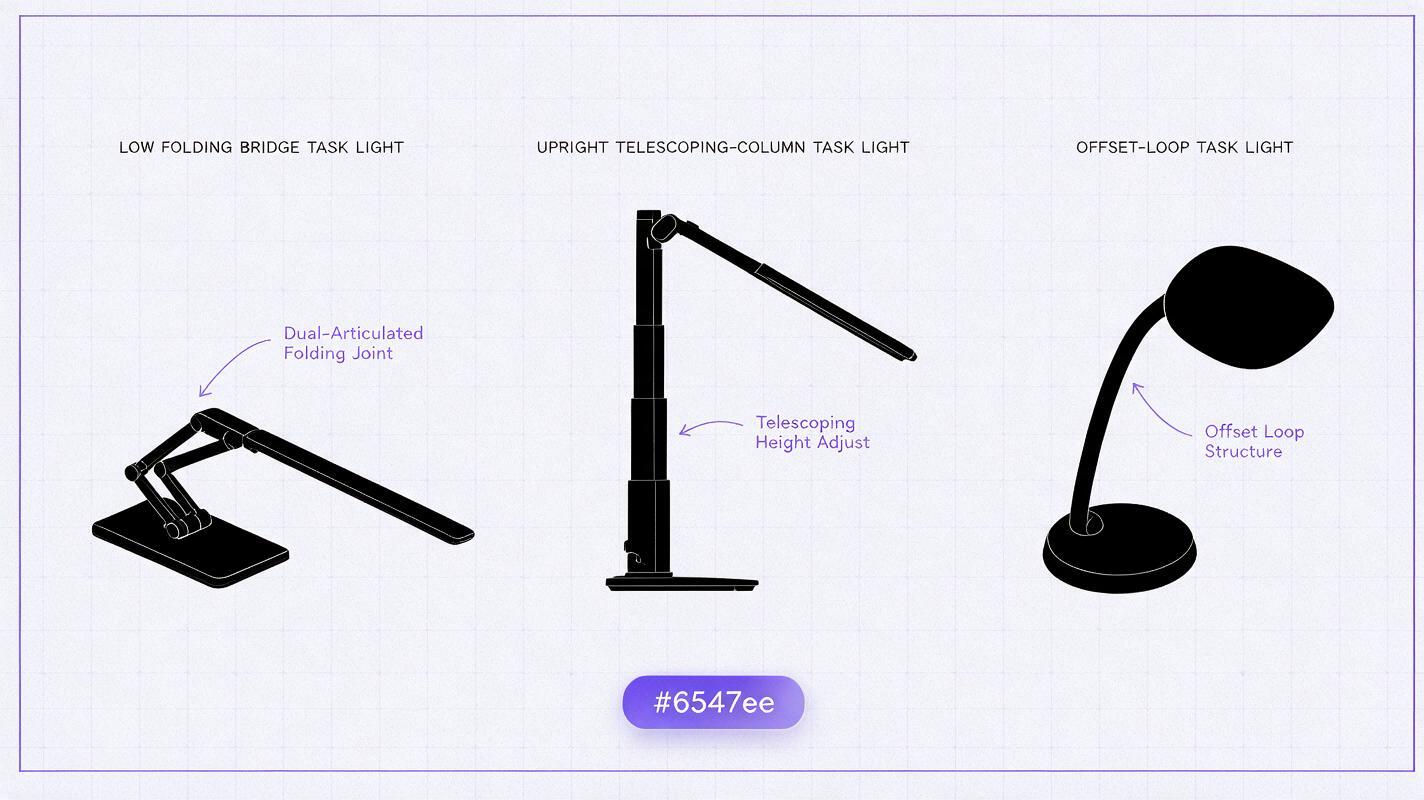
If all three outputs still resemble one another, remove shared style words such as “minimal,” “sleek,” or “futuristic” and strengthen the spatial constraints. Sketch each silhouette as a quick black shape. If you cannot tell them apart without color or surface detail, the concepts need further divergence before more rendering. When the brief and evaluation criteria are ready, test this prompt yourself with one architecture at a time.
Final checklist
- Keep the product brief and viewing conditions consistent across all three directions.
- Specify a different physical arrangement for each prompt—not merely a different aesthetic.
- Compare equal-size images before polishing materials or lighting.
- Record mechanism, stability, and optical questions for physical or CAD validation.
- Refine the selected architecture without silently replacing its defining form.
Keywords
flux product design prompts, ai product concept generator, portable task light design, industrial design ai, product silhouette exploration, concept comparison board