Flux Prompts for Photorealistic Product Lifestyle Images (No Generic AI Look)
Ecommerce marketers often struggle with generic, AI-looking product lifestyle images that fail to resonate with shoppers and hurt conversion rates. This collection of Flux prompts delivers photorealistic, conversion-focused lifestyle images for apparel, beauty, home goods, and electronics, with pro tips to avoid the generic AI stock look. Use these templates to create on-brand product imagery faster and at a fraction of the cost of traditional photoshoots.
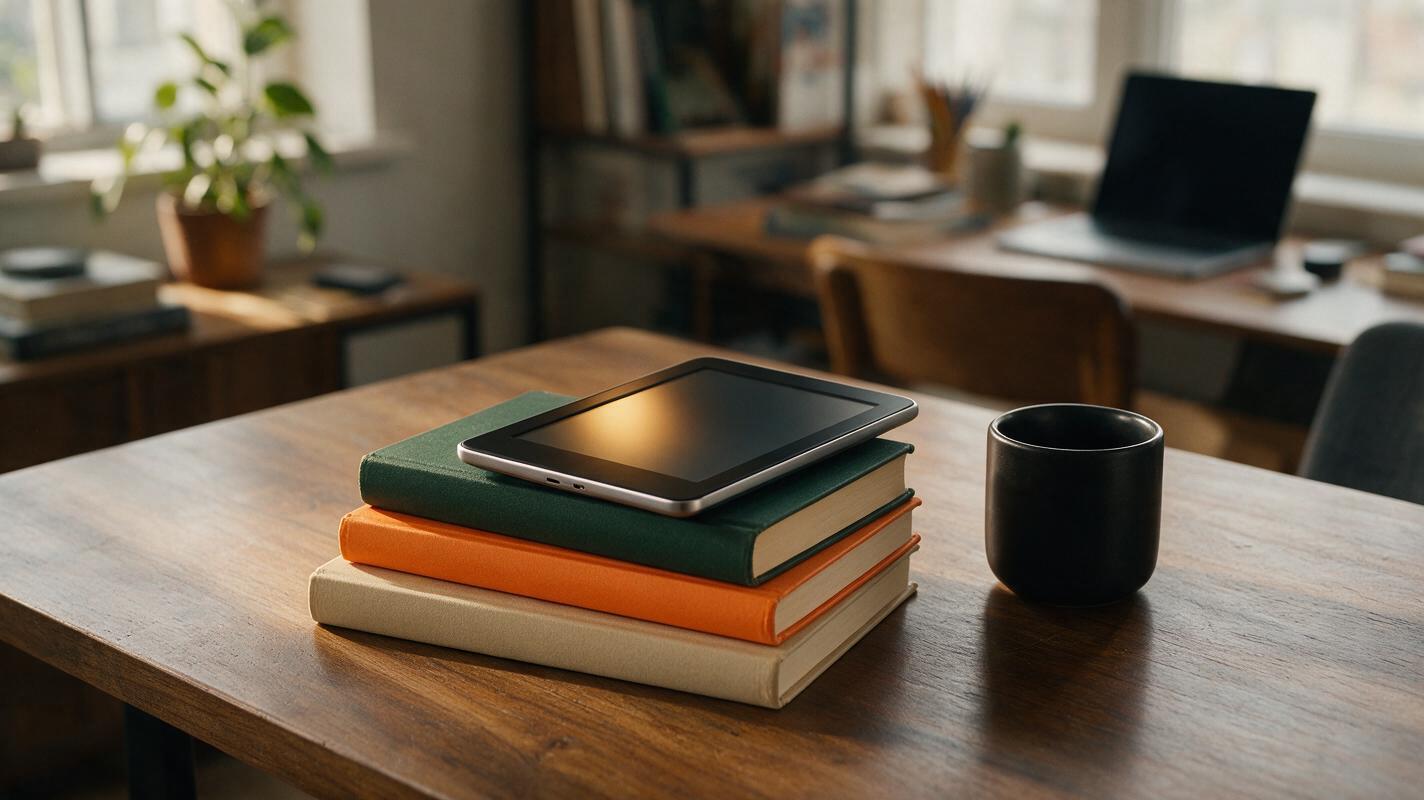
Table of contents
Why generic AI product images fall flat for ecommerce
Scroll through any social media feed and you can spot them instantly: AI-generated product lifestyle images that look too perfect, too clean, and nothing like real life. For ecommerce and DTC marketers, these generic visuals are more than just a pet peeve — they tank click-through rates, erode shopper trust, and drag down conversion rates.
The problem isn’t the model itself. Flux delivers some of the most photorealistic output of any current AI image generator, but default prompts tend to produce the same polished, stock-photo look that shoppers have learned to scroll past. The key to high-performing product imagery is specificity: small, intentional details that make the scene feel lived-in, relatable, and authentic.
This collection of prompts is built exclusively for ecommerce use cases, with a focus on keeping the product the clear hero, using natural lighting that flatters merchandise, and adding subtle real-world touches that stop scrollers in their tracks. These text to image prompts work for Flux schnell and pro versions, with notes for adjusting output to match your brand aesthetic.
Prompt templates by product category
Each template below is crafted to prioritize product clarity while adding enough context to feel like a real customer photo, not a studio shot. Swap the bracketed details for your own product specs, brand colors, and target audience context.
Apparel lifestyle shots (casual wear, activewear, accessories)
Apparel images perform best when they show the garment on a real-looking person in a natural setting, not a stiff model against a plain background. This prompt produces candid, relatable shots that highlight fit and fabric without feeling staged.
candid phone photo of a [28-year-old non-binary person] wearing a [soft heather gray oversized cotton hoodie, small embroidered white logo on left chest], leaning against a weathered brick wall outside a coffee shop, holding a paper coffee cup in one hand, other hand in pocket, soft overcast morning light, slight film grain, minor wrinkles on the hoodie, background slightly blurred, product in sharp focus, shot on iPhone 14, natural skin texture, no heavy editing --ar 4:5 --style rawWhy this works: The "candid phone photo" and "shot on iPhone 14" cues push Flux away from glossy studio stock looks. Adding "minor wrinkles" and "natural skin texture" eliminates the too-perfect AI finish. The 4:5 aspect ratio is optimized for Instagram and TikTok feed ads.
test this prompt yourself with your own product details to see how small texture changes impact perceived authenticity.
Beauty product flat lays and in-use shots
Beauty imagery needs to balance product clarity with a luxurious, approachable vibe. Generic AI beauty shots often look overly airbrushed or use identical marble backgrounds that feel overdone. This prompt uses a lived-in vanity setting to feel personal and trustworthy.
close-up flat lay of a [frosted glass serum bottle with gold dropper, labeled "hydrating hyaluronic acid"] on a worn wooden vanity, next to a half-used tube of lip balm, a small potted succulent, and a crumpled silk scarf, soft natural window light from the left, subtle dust motes in the light, slight reflection of the bottle on the wood, product labels legible, warm neutral tones, shot on a 50mm lens, shallow depth of field --ar 1:1 --style rawWhy this works: Adding "half-used" and "crumpled" details makes the scene feel like a real person’s vanity, not a stylist-perfected set. The "subtle dust motes" cue adds depth and realism that generic prompts miss. The 1:1 ratio works for Instagram carousels and Facebook ad creatives.
Home goods lifestyle shots (decor, kitchenware, bedding)
Home products sell best when shoppers can visualize them in their own space. Generic AI home shots often look like show homes, with no signs of actual use. This prompt creates a cozy, lived-in space that feels attainable for most customers.
cozy living room corner, [ceramic cream-colored French press with wooden handle] sitting on a reclaimed wood side table, next to an open paperback book with folded page corner, a knit throw blanket draped over the arm of a worn linen couch, soft golden hour light through sheer curtains, a few crumbs on the side table, slight wear on the couch fabric, product in sharp focus, warm earthy tones, shot on a 35mm lens --ar 16:9 --style rawWhy this works: Small imperfections like "crumbs on the side table" and "folded page corner" signal a real, used space instead of a staged catalog shot. The golden hour light creates a warm, inviting mood that makes shoppers want to replicate the feeling in their own home. The 16:9 ratio works for YouTube pre-roll and website hero banners.
Electronics product shots (headphones, chargers, small gadgets)
Electronics imagery often falls into the trap of looking too tech-bro generic, with neon lights and glossy surfaces that feel dated. This prompt uses a casual workspace setting to feel relatable for everyday users, not just tech enthusiasts.
candid desk shot, [matte black wireless over-ear headphones] resting on a worn wooden desk, next to a half-empty mug of coffee, a stack of notebooks, and a laptop with faint screen glow, soft warm desk lamp light + natural window light mix, slight smudges on the headphone ear cups, cable loosely coiled on the desk, product in sharp focus, muted neutral tones, shot on a 50mm lens, shallow depth of field --ar 9:16 --style rawWhy this works: The "slight smudges" and "loosely coiled cable" details make the scene feel like a real person’s desk, not a product render. The mixed lighting adds depth and avoids the flat, even lighting of generic product shots. The 9:16 ratio is optimized for TikTok and Reels ad creatives.
Pro tweaks to eliminate the generic AI vibe
Even the best base prompt can produce generic results if you don’t add small, specific details. Use these tweaks to adjust any template to match your brand and make output feel more authentic:
- Add intentional imperfections: Small flaws like minor wrinkles, faint smudges, crumbs, or scuffed surfaces signal real use. Avoid prompts that include words like "perfect," "flawless," or "pristine" — these push output toward the uncanny valley of AI perfection.
- Specify the camera and shot type: Cues like "shot on iPhone 14," "candid phone photo," or "35mm film grain" tell Flux to mimic real consumer photography instead of polished studio work. This makes the image feel like a customer photo, which builds trust.
- Use specific lighting references: Instead of "good lighting," try "soft overcast morning light," "golden hour through sheer curtains," or "warm desk lamp light." Specific lighting creates mood and avoids the flat, even lighting that plagues generic AI images.
- Add negative prompts for artificial traits: Use negative prompts to filter out common AI giveaways:
--no glossy, airbrushed, perfect skin, stock photo, overly polished, fake, distorted product, blurry label - Match your target audience: Swap out model demographics, settings, and props to match your core customer. A sustainable apparel brand might use a thrifted furniture background, while a luxury beauty brand might use a marble vanity with high-end props — the key is specificity, not generic "luxury" cues.
Troubleshooting common Flux product image issues
Even with great prompts, you may run into common issues with product imagery. Here’s how to fix the most frequent problems:
Product distortion or wrong shape
If your product comes out warped, misshapen, or with incorrect proportions, add "product in perfect proportion, accurate [product type] shape" to your prompt, and increase the weight of your product description. You can also use a reference image of your product with Flux’s image-to-image feature to lock in the correct shape.
Blurry or unreadable labels
For products with printed labels or logos, add "labels legible, text clear, sharp focus on product label" to your prompt. If labels are still blurry, try generating at a higher resolution or using a close-up crop prompt to focus specifically on the label area.
Wrong brand colors
If your product’s colors are off, add specific color references instead of generic names. For example, use "Pantone 18-1662 Terracotta" instead of "orange," or "soft heather gray, #888888" instead of "gray." You can also add "color-accurate, true to brand colors" to your prompt to reinforce accuracy.
Generic or uncanny models
If people in your images look too perfect or uncanny, add "natural skin texture, pores, slight imperfections, realistic facial features" to your prompt. Avoid words like "beautiful," "gorgeous," or "model" — these push Flux toward generic, airbrushed faces. Instead, use specific descriptors like "28-year-old elementary school teacher" or "35-year-old hiker" to add personality.
Key takeaways
- Generic AI product images hurt conversion rates because shoppers recognize and distrust the too-perfect stock photo look.
- Flux produces photorealistic product imagery when given specific, detailed prompts that include real-world imperfections and specific lighting cues.
- Adjust prompts by product category to highlight the features that matter most: fit for apparel, texture for beauty, usability for home goods, and functionality for electronics.
- Use negative prompts to filter out common AI giveaways like glossy finishes, airbrushed skin, and distorted products.
- Always test prompts with your own product details and brand guidelines to find the mix that works best for your audience.
Keywords
flux prompts, product lifestyle images, ai image generator, photorealistic product photos, ecommerce product imagery, conversion creative, text to image