Product Demo Video Shot List for Foldable Products—Without Fake Motion
A convincing demo of a foldable product must show how the real mechanism moves, not just make a still image appear to move. This shot list helps marketplace sellers plan, film, and edit a short product video while using AI for visual planning rather than invented product behavior.
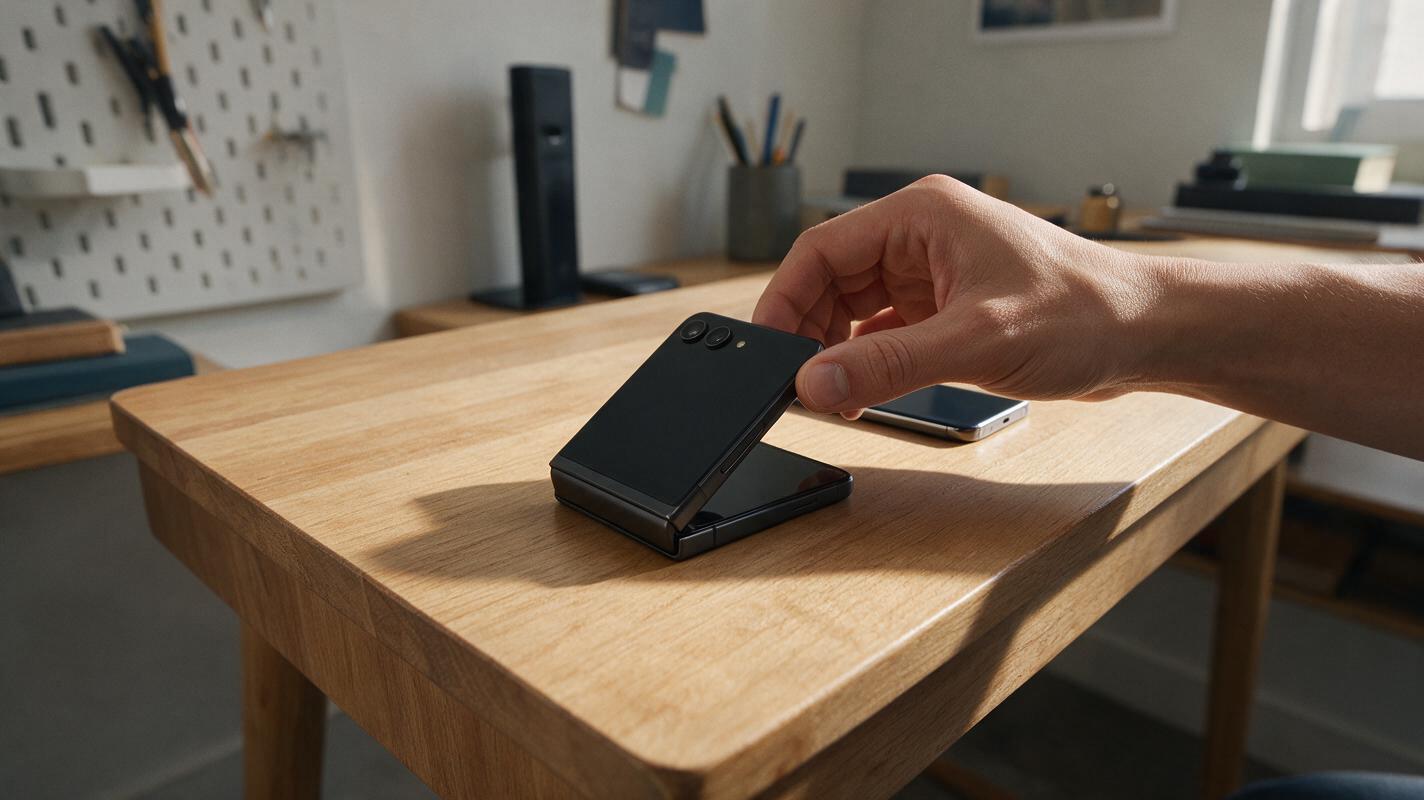
Table of contents
A convincing foldable-product demo starts with the real hinge
A still product photo can show what a folding stand, collapsible organizer, or travel accessory looks like. It cannot prove how the item opens, locks, or packs away. If an AI-generated clip invents that motion, shoppers may see a feature your product does not have. For a TikTok Shop, Shopify, or marketplace demo, use AI to plan the shots—but film the mechanical action with the product you actually sell.
The shot list below uses a foldable desk phone stand as an example. Adapt its structure to another product only after checking that product’s real movement, included parts, and safe operating instructions.
Define the motion you must prove
Before writing a prompt or setting up a camera, handle a sellable sample. Open it, adjust it, and close it at a normal pace. Note each point a buyer might misunderstand: which part moves first, whether a hinge has fixed positions, what supports the phone, and whether anything detaches. Check the packaging and product specifications rather than relying on memory.
Make a short evidence list for the video:
- Starting state: what the customer receives or sees before use.
- Hand action: the exact part a person touches to open or adjust it.
- Resulting state: a stable, observable position—not a generated transition that skips the mechanism.
- Scale: the product next to a familiar object, shown without implying compatibility you have not checked.
- Closing action: how it folds for storage, if that matters to the purchase.
Record a rough phone clip while making this list. The clip is your source of truth when planning prettier shots. If a movement cannot be repeated reliably on camera, do not turn it into a promised feature through editing.
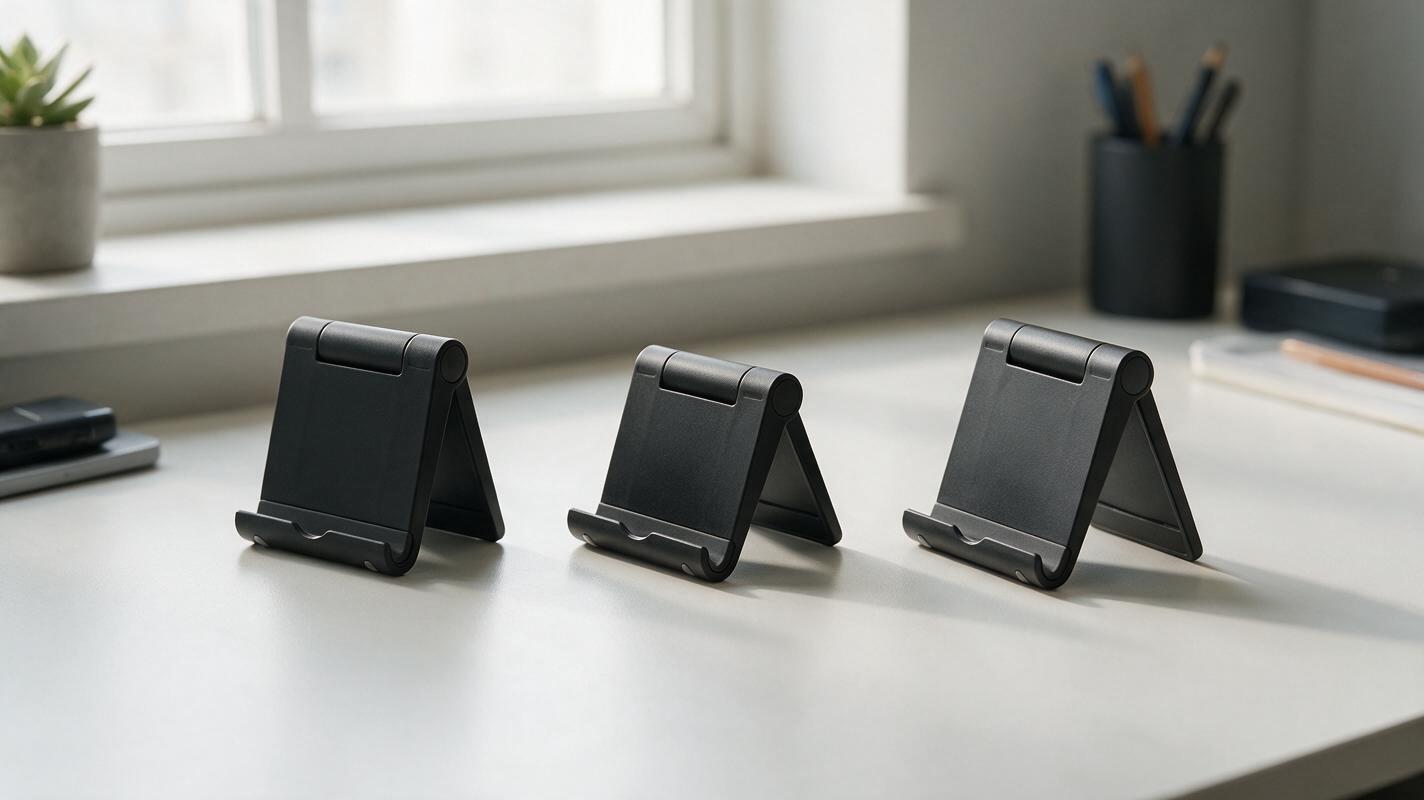
A six-shot script for a folding stand
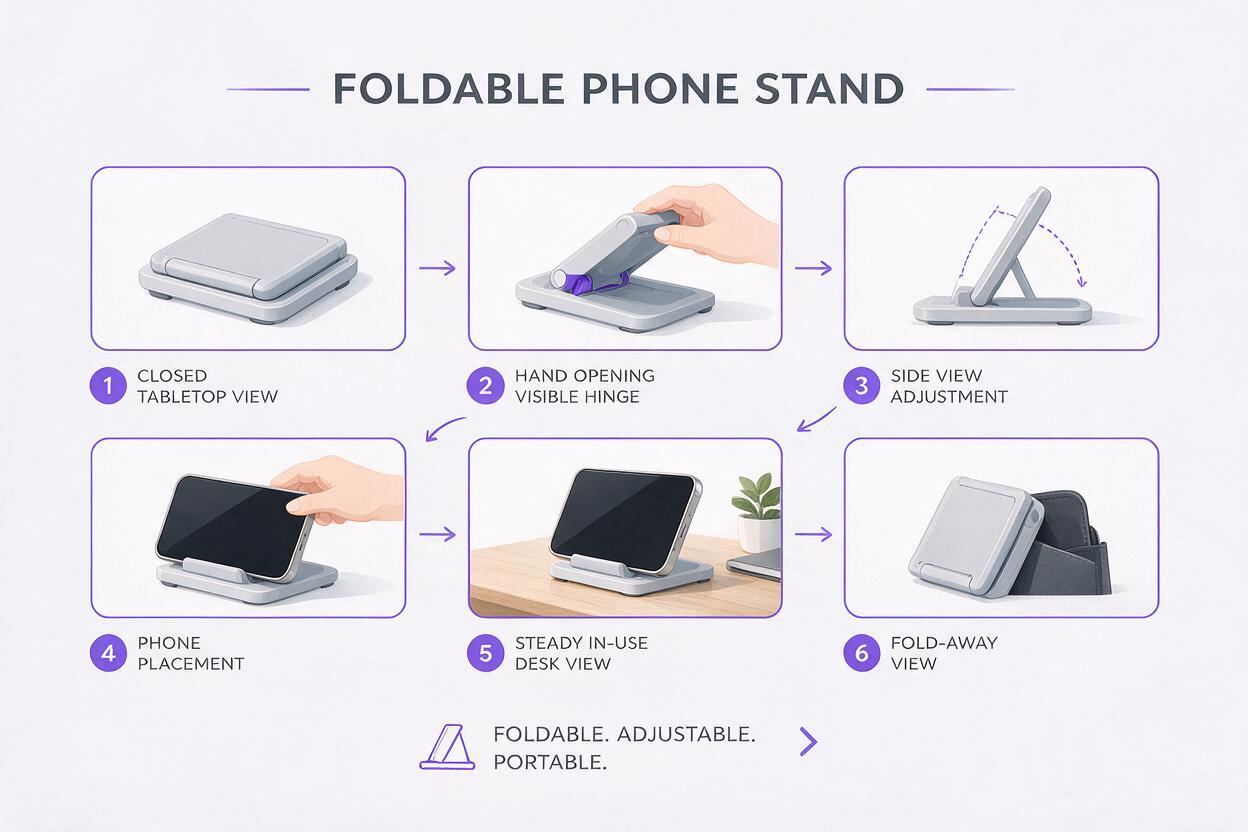
This is a shot list, not a demand to squeeze six separate claims into every video. Keep the cuts that answer a real buyer question. Film the same physical sample throughout so its finish, hinge design, and proportions stay consistent.
| Shot | What to capture | What the shopper learns |
|---|---|---|
| Closed view | The stand lying flat beside the phone you will use in the demo. | Its shape and approximate packed size. |
| Opening close-up | A hand moving the actual hinge in one uninterrupted take. | Where it bends and how it opens. |
| Adjustment | A side view showing a real supported position. | How the viewing position is set. |
| Phone placement | The phone being placed on the opened stand. | Where the device rests. |
| In-use view | A steady front or three-quarter shot of the setup on a desk. | What the arrangement looks like during use. |
| Fold-away | The same stand being closed and set down. | How it returns to its storage position. |
For the opening and fold-away shots, keep the hinge visible. A cut from fully closed to fully open may look polished, but it removes the very information a shopper came to see. Film an alternate wide take if hands obscure the moving part.
Use AI to plan framing, not product behavior
Storyboard images are useful when you need to decide where the camera and hands should be before a shoot. An ai storyboard can help you compare close-up and wide compositions. For a simple visual draft, use seedream 4.5 to explore desk settings or camera angles, then compare every frame against your real sample.
Do not treat an AI-rendered hinge, latch, or phone fit as evidence. If the draft changes the number of joints or the way the stand supports a device, discard that detail and film the actual product instead. A product-free scene is often the safest planning image: it can establish lighting and background without redesigning your SKU.
Try this scene prompt for a framing reference:
Photorealistic tabletop product-video set, clean wooden desk near a window, soft side daylight, uncluttered neutral wall, clear open space in the center for a small foldable phone stand to be photographed later, camera at tabletop height, three-quarter view, natural shadows, no product, no phone, no hands, no packaging, no text.Use the generated scene as a lighting reference, not as a substitute for footage. Place your physical stand in a comparable setting and photograph or film it there. If you want hand-position references, sketch them over a frame from your rough phone clip so the illustrated action remains grounded in the real mechanism.
Turn the shot list into an edit
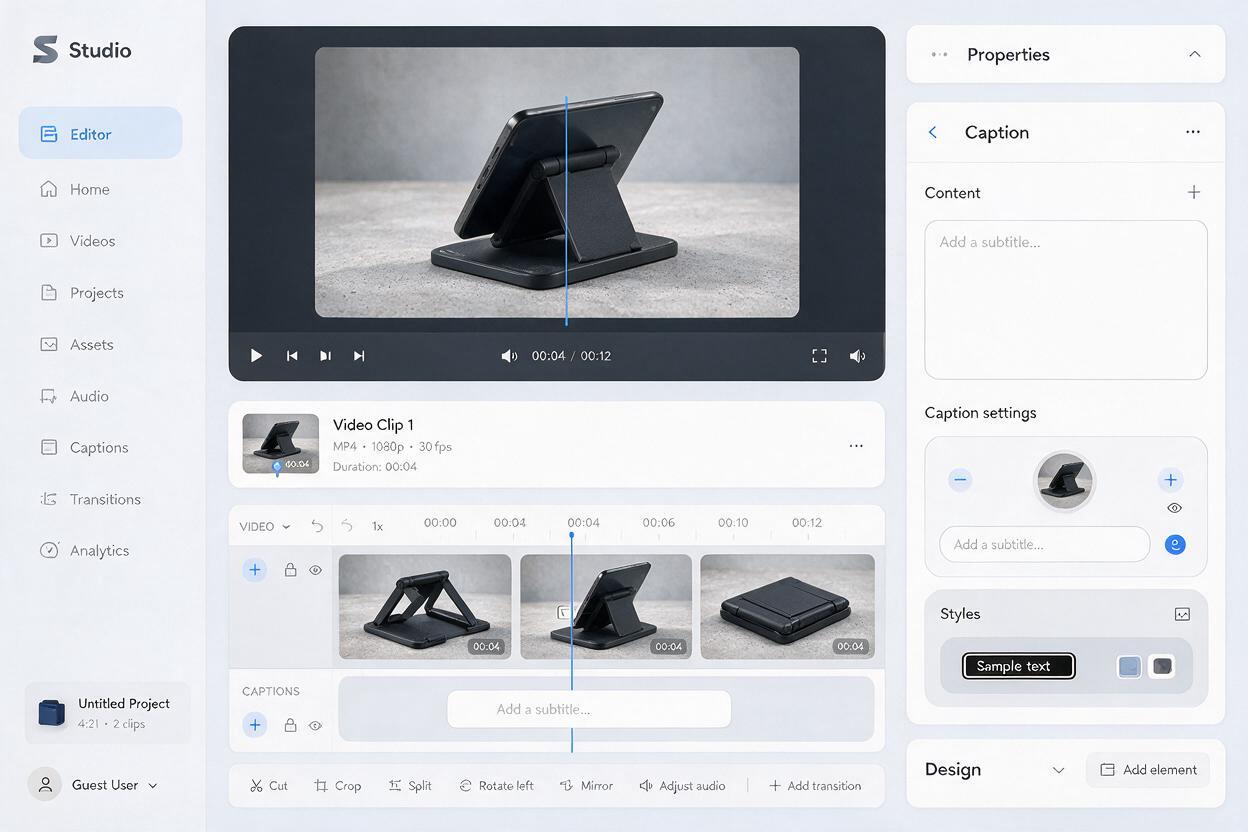
Assemble the footage in the order a buyer needs it: recognize the item, see the opening action, understand its working position, then see it close. Trim pauses, but keep enough continuous action to make the mechanism understandable. Favor a clean close-up over rapid transitions when a small hinge or latch matters.
Text overlays should name only verified details. “Folds flat” is appropriate if the filmed item demonstrably does so; a precise thickness, weight limit, or compatibility claim needs a reliable product specification. Keep text clear of the moving part, and review a phone-sized preview to make sure hands and captions do not cover the evidence.
Sound is optional. Natural clicks can be useful if they accurately represent the product, but avoid adding a sound that suggests a locking mechanism the item does not have. If you add narration, describe what the viewer can actually see. Review the finished video with sound off as well: the essential action should remain understandable without a voiceover.
Useful test: Pause on any frame and ask, “Would a buyer reasonably think this shows the product I ship?” If the answer is uncertain, replace the shot or remove the claim.
Where generated motion is safe—and where it is not
AI motion can help with non-evidentiary material, such as a brief opening shot of an empty desk. It is a poor replacement for footage of a moving joint, a weight-bearing position, or a component fitting into another component. Those shots are demonstrations, not atmosphere.
If you animate a still photograph for a transition, keep the movement to the camera or background. Inspect the resulting frames for bending edges, appearing parts, and altered logos. Cut to real footage before the product opens or performs a function. This distinction lets the video feel polished without making the product seem more capable than it is.
Before publishing, compare the edit with the current listing, its selected variant, and any applicable marketplace video requirements. A beautifully filmed black stand still belongs on the black variant’s listing, not on a listing for a different color or hinge design.
Final checklist
- The opening and closing actions show the real product in motion.
- Hands do not hide the hinge or other feature the shot is meant to explain.
- Every shown position, included part, and on-screen claim matches the sellable item.
- AI-generated scenes are used for planning or atmosphere, not as proof of mechanical function.
- The final edit makes sense on a phone with sound muted.
Have the product and a rough phone clip ready? test this prompt yourself to plan a cleaner set, then film the action your shoppers need to see.
Keywords
product demo video, foldable product video, TikTok Shop product video, product video shot list, ai storyboard, Seedream 4.5, ecommerce video