How to Turn One Food Photo Into an AI Recipe Video Without Morphing
Turn a single finished-dish photo into a believable vertical recipe video without making ingredients melt, multiply, or change identity. This practical workflow uses anchor images, shot-specific AI models, motion prompts, and continuity checks to build a polished food reel.
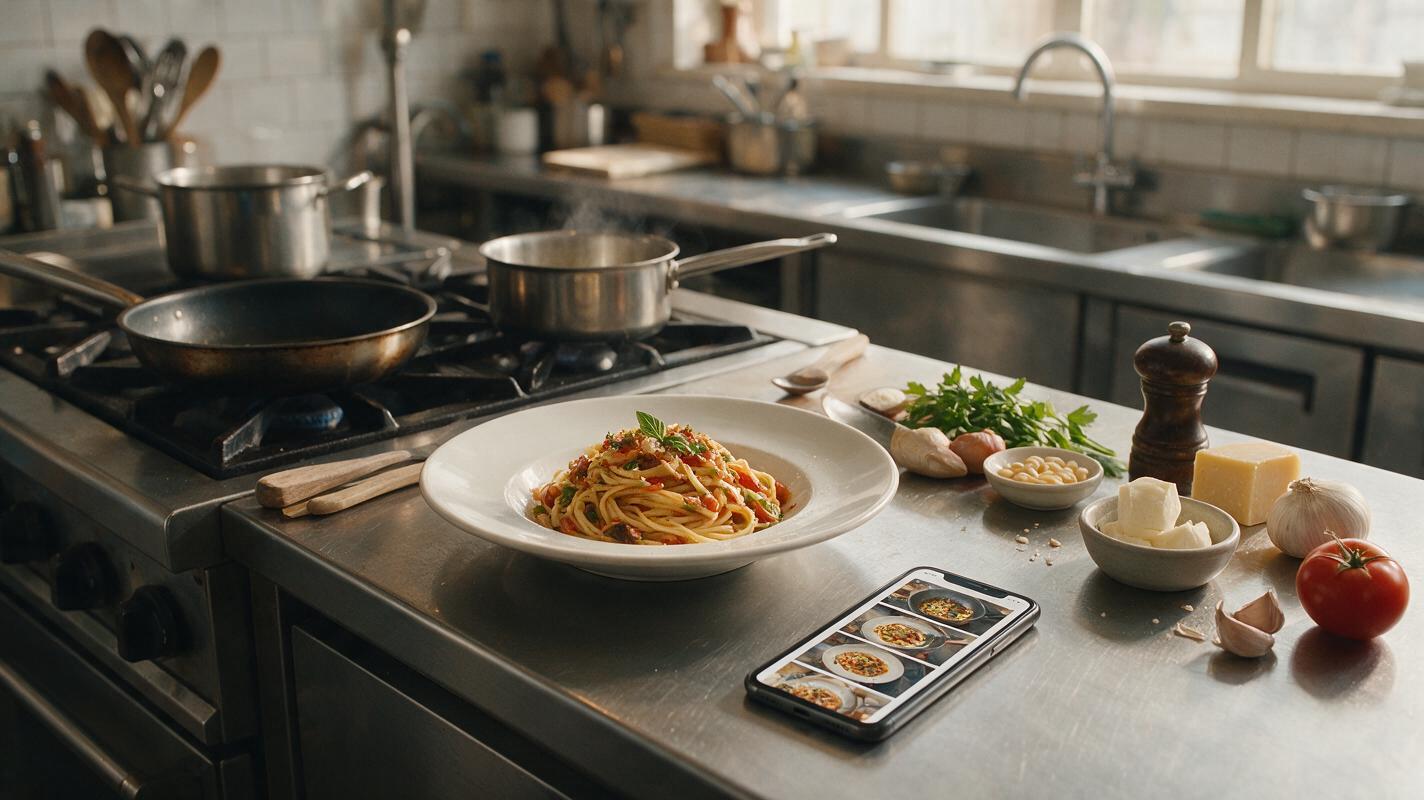
Table of contents
Make a Recipe Reel From One Finished-Dish Photo
A single food photo can become a polished recipe reel, but asking an AI video model to reverse the finished dish into raw ingredients usually causes morphing, invented steps, and inconsistent plating.
The reliable method is to treat the original photo as the visual destination, build a small set of matching anchor images, and animate each shot separately. This gives restaurants, food brands, and culinary creators more control over ingredients, cookware, camera movement, and the final hero plate.
Do not generate the entire recipe in one prompt. Create a sequence of short, visually simple shots and let the edit communicate the transformation.
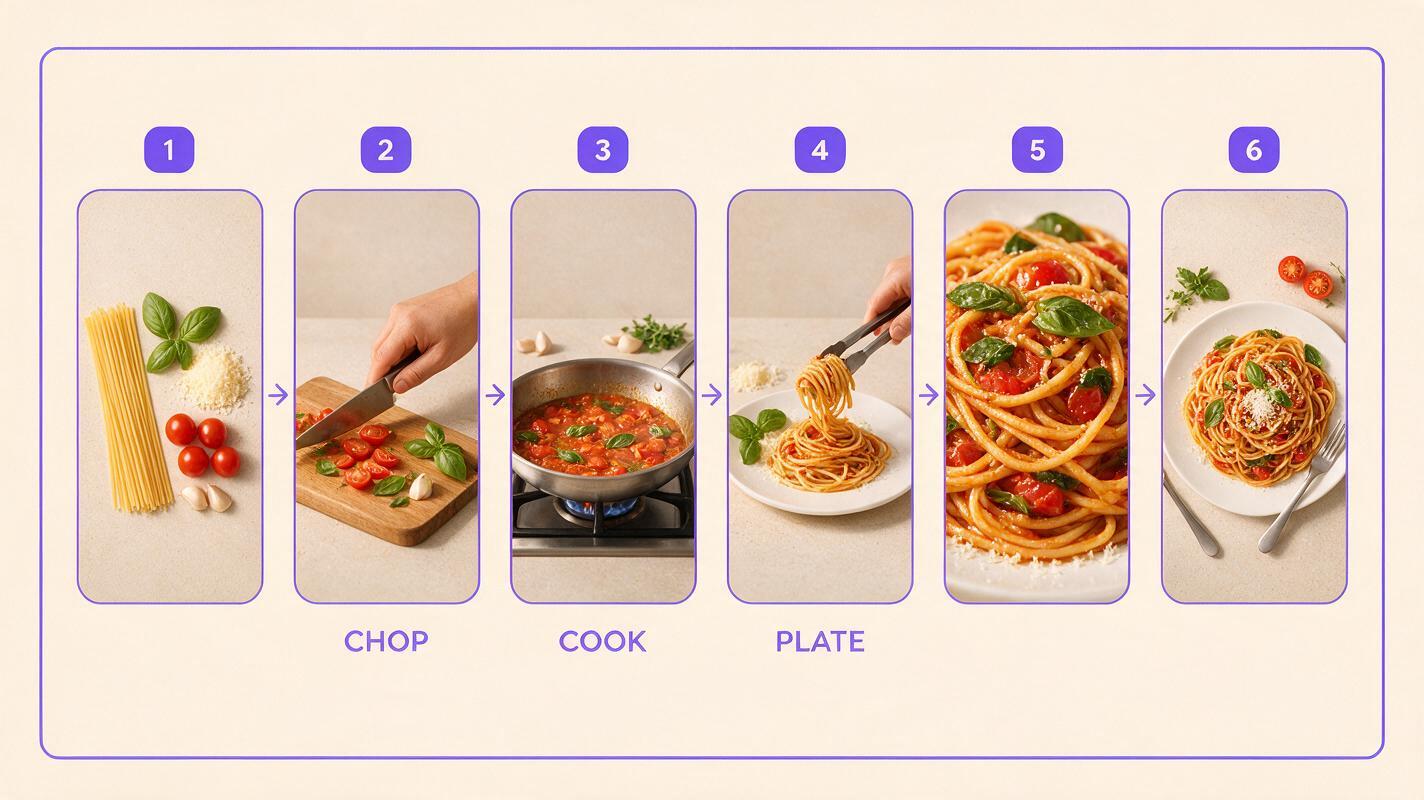
Step 1 — Turn the Recipe Into a Six-Shot Story
Start with the actual preparation method rather than asking a model to infer what happened before the finished photo. If the dish was grilled, do not show it being pan-fried simply because that action is easier to generate.
A practical short-form structure is:
- Ingredient opener: the defining ingredients arranged near the prep area.
- Preparation action: slicing, seasoning, whisking, pouring, or coating.
- Cooking action: one clear process such as grilling, sautéing, baking, or blending.
- Assembly: sauce, garnish, stacking, or plating.
- Texture close-up: steam, crisp crust, melting cheese, bubbles, or a spoon lift.
- Hero ending: the original dish composition with restrained camera movement.
Keep most clips focused on one action. A shot that simultaneously slices vegetables, pours sauce, moves the pan, and rotates the camera creates too many opportunities for visual failure.
Write an ai storyboard before generating anything. For every shot, record the subject, action, framing, background, prop placement, and intended transition. This prevents attractive individual clips from becoming an incoherent reel.
Continuity notes to record
- Plate color, shape, rim, and approximate size
- Countertop material and background tone
- Direction and softness of the light
- Hero ingredients and garnish quantities
- Cookware material, utensil style, and napkin color
- Camera format, such as overhead, 45-degree, or macro
Step 2 — Build Anchor Images for the Missing Stages
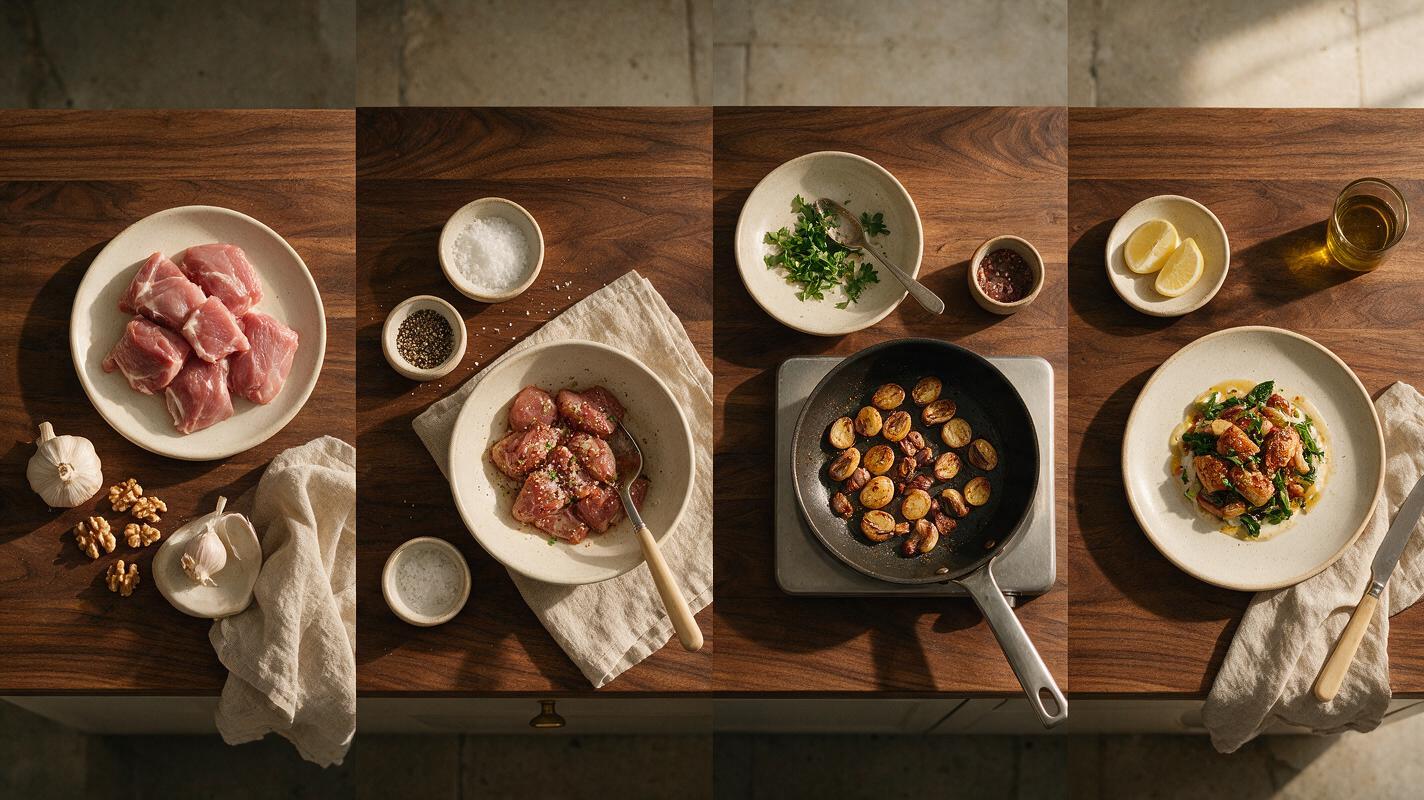
The finished plate is a reference for art direction, not evidence of every preparation stage. Use a food image generator or reference-based editor to create one still for each missing scene while preserving the original visual language.
Extract concrete details from the source photo. Replace vague descriptions such as “beautiful restaurant lighting” with observable features: soft window light from the left, dark walnut table, shallow depth of field, matte ivory plate, warm neutral background, and crisp highlights on the sauce.
Use this reusable anchor-image prompt:
Create a photorealistic vertical food photograph for a recipe video.
Scene: [ONE PREPARATION STAGE]
Dish: [DISH NAME]
Visible ingredients: [EXACT INGREDIENTS IN THIS SHOT]
Action state: [BEFORE OR AFTER THE ACTION]
Environment: [COUNTERTOP, BACKGROUND, COOKWARE]
Lighting: match the reference image, [LIGHT DIRECTION AND QUALITY]
Camera: [OVERHEAD / 45-DEGREE / MACRO], natural lens perspective
Continuity: keep the same plate, palette, props, and restaurant styling as the reference
Food accuracy: realistic portions, clean ingredient boundaries, believable moisture and texture
Exclude: extra ingredients, duplicate utensils, decorative text, labels, hands unless requested
Generate several candidates and select for continuity before beauty. A spectacular preparation image with a different kitchen, plate, or sauce color will be difficult to reconcile in the final edit.
Step 3 — Match the Model to the Shot, Not the Whole Video
Model performance can vary by version, interface, and source image. Test the models available to you with the hardest shot rather than assuming one model should create every clip.
| Shot requirement | Good first model to test | What to evaluate |
|---|---|---|
| Subtle hero movement | Runway or Kling | Plate stability, restrained camera motion, preserved garnish |
| Pouring or ingredient motion | Kling or Seedance | Fluid continuity, hand shape, container stability |
| Cinematic atmosphere | Veo or Runway | Steam, lighting consistency, natural depth |
| Fast social transitions | Seedance or Kling | Action clarity, temporal consistency, controllable energy |
Use image to video for identity-sensitive shots such as the plated hero, branded packaging, a distinctive glass, or a recognizable garnish arrangement. Text-led generation is more suitable for generic connective footage where exact product identity matters less.
Version names and controls change. Judge the output using the same source image, aspect ratio, and motion brief instead of comparing unrelated demo clips.
Step 4 — Prompt Physical Motion Without Redesigning the Food
A strong motion prompt tells the model what moves, what remains fixed, and how the camera behaves. It does not redescribe the dish with a long list of new adjectives.
Use this structure:
Animate only [PRIMARY SUBJECT OR ACTION].
The [FOOD / PLATE / PACKAGE] keeps its exact shape, color, portion, and arrangement.
Motion: [ONE PHYSICALLY PLAUSIBLE ACTION].
Camera: [LOCKED / SLOW PUSH-IN / GENTLE ORBIT / OVERHEAD TRACK].
Lighting remains constant with stable shadows and reflections.
Natural food physics, realistic weight, no sudden transformation.
Avoid: morphing, ingredient duplication, melting geometry, warped utensils,
new garnish, camera shake, flicker, text, logos changing, hands changing shape.
Example: sauce pour
A thin stream of glossy herb sauce pours from a small ceramic jug onto the center of the pasta.
The pasta, bowl, basil leaves, table, and background remain unchanged.
The sauce follows gravity, lands naturally, and spreads slightly between the noodles.
Locked 45-degree camera with a very slow push-in, soft window light from the left.
No extra ingredients, no duplicated sauce stream, no bowl deformation, no hand in frame.
Example: final hero shot
Preserve the plated dish exactly as shown in the reference image.
Only delicate steam rises and one loose herb leaf moves slightly from ambient air.
Slow controlled camera push-in, stable focus on the front texture of the dish.
No ingredient movement, no garnish changes, no plate rotation, no added objects.
For a high-value branded product shot, remove camera movement during the first test. Once the packaging and label remain stable, introduce a subtle push-in or parallax effect. Test this prompt yourself with a low-motion hero frame before attempting complex cooking actions.
Step 5 — Generate Short Clips and Protect Continuity
Generate each shot as an independent clip. Short segments are easier to review, regenerate, and replace than one long sequence containing multiple transformations.
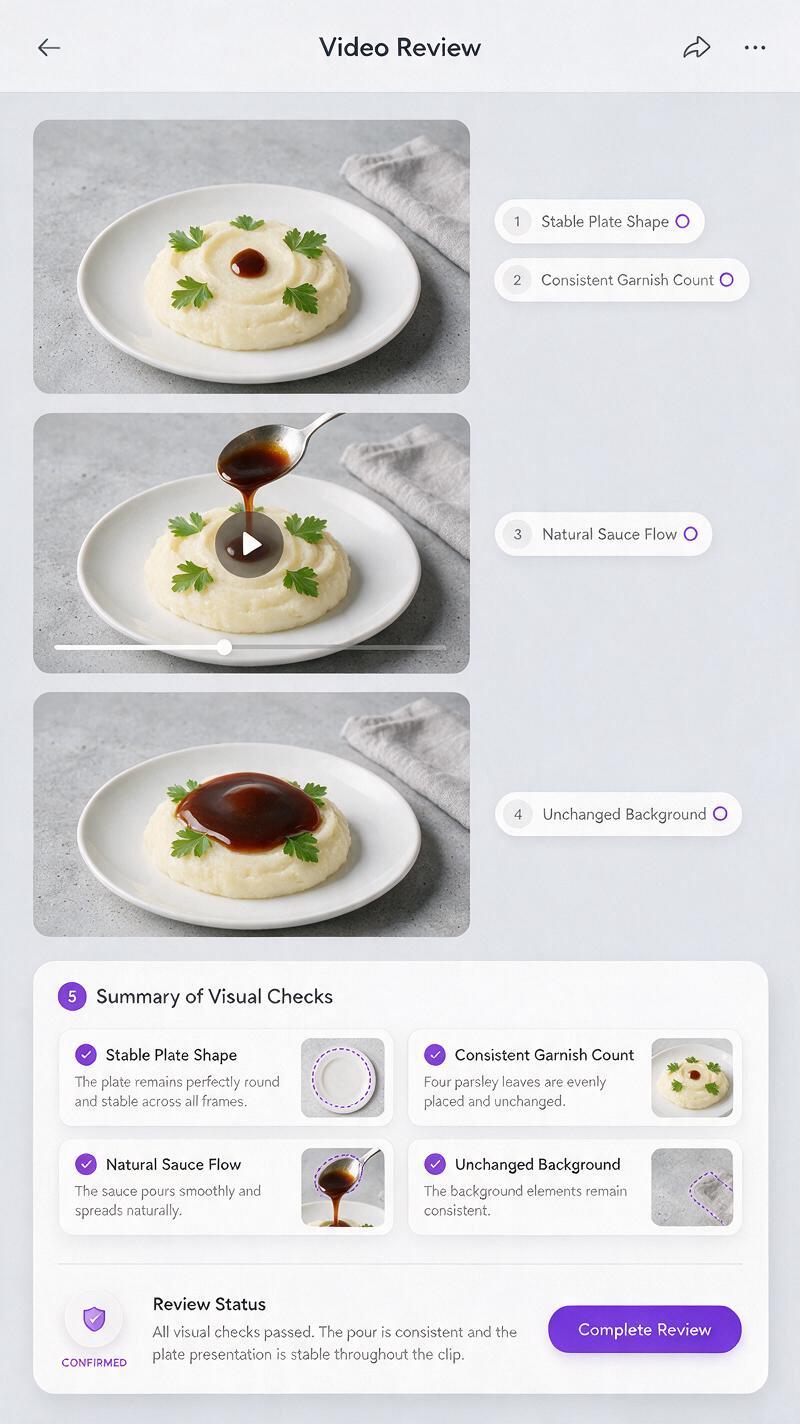
After every generation, inspect the first frame, middle frame, and final frame for:
- Ingredients appearing or disappearing
- Plate rims bending or changing thickness
- Utensils merging with food
- Hands gaining or losing fingers
- Packaging text drifting or becoming unreadable
- Steam turning into smoke or covering the dish
- Food volume increasing during a pour or stir
When a clip fails, reduce complexity before rewriting the entire prompt. Lock the camera, remove the hand, simplify the background, shorten the action, or animate a utensil already visible in the anchor frame.
Step 6 — Edit the Clips Into a Credible Vertical Recipe
AI generation supplies individual moments; editing creates the recipe. Arrange shots by culinary logic, then cut at the peak of each action. A knife reaching the ingredient, sauce contacting the plate, or garnish landing can provide a natural transition point.
For a concise restaurant reel:
- Open with the strongest texture or finished result.
- Use preparation shots to establish authenticity.
- Keep cooking actions readable rather than excessively fast.
- Add ingredient names and measurements during editing, not inside generated frames.
- Use real cooking sounds or licensed audio that matches the visible action.
- End on the original hero composition with a clear order, booking, or recipe message.
If the reel represents a real recipe, verify that every visible ingredient and cooking stage is accurate. AI footage should not imply preparation methods, portions, or product behavior that customers will not receive.
Step 7 — Troubleshoot the Most Common Food Video Failures
| Problem | Likely cause | Practical fix |
|---|---|---|
| Food melts or changes shape | The prompt asks for a large transformation | Create separate before-and-after anchors and animate only the connecting action |
| Ingredients multiply | Too many loose elements are moving | Specify exact quantities and keep secondary ingredients fixed |
| Pour looks unnatural | The source frame does not show a clear pouring path | Place the container and destination visibly in the anchor image |
| Hands look distorted | Complex grip or hidden fingers | Use a simpler side angle, crop above the wrist, or remove the hand |
| Hero dish loses identity | The model is redesigning instead of animating | Shorten the prompt, emphasize preservation, and reduce motion |
| Clips do not match | Lighting and props were generated independently | Reuse the same reference, continuity notes, and anchor-image template |
Final Checklist
- The recipe is divided into simple, physically plausible shots.
- Every missing stage has a matching anchor image.
- The plate, background, lighting, props, and garnish remain consistent.
- Each motion prompt names one main action and several fixed elements.
- Identity-sensitive shots begin from reference images.
- Generated clips have been checked at the beginning, middle, and end.
- Measurements, claims, pricing, and calls to action are added during editing.
- The final sequence reflects the real recipe or preparation method.
Keywords
ai recipe video, food image to video, ai food photography, recipe video prompts, food video generator, restaurant social content, Kling AI, Runway AI