Hailuo Prompts for Believable Concert Crowds in Music Videos
Concert crowd footage can make a music video feel larger, but AI-generated audiences often move like copies of the same person. These Hailuo prompts and directing techniques create more believable crowd reactions, phone-light moments, barrier shots, and energetic wide scenes.
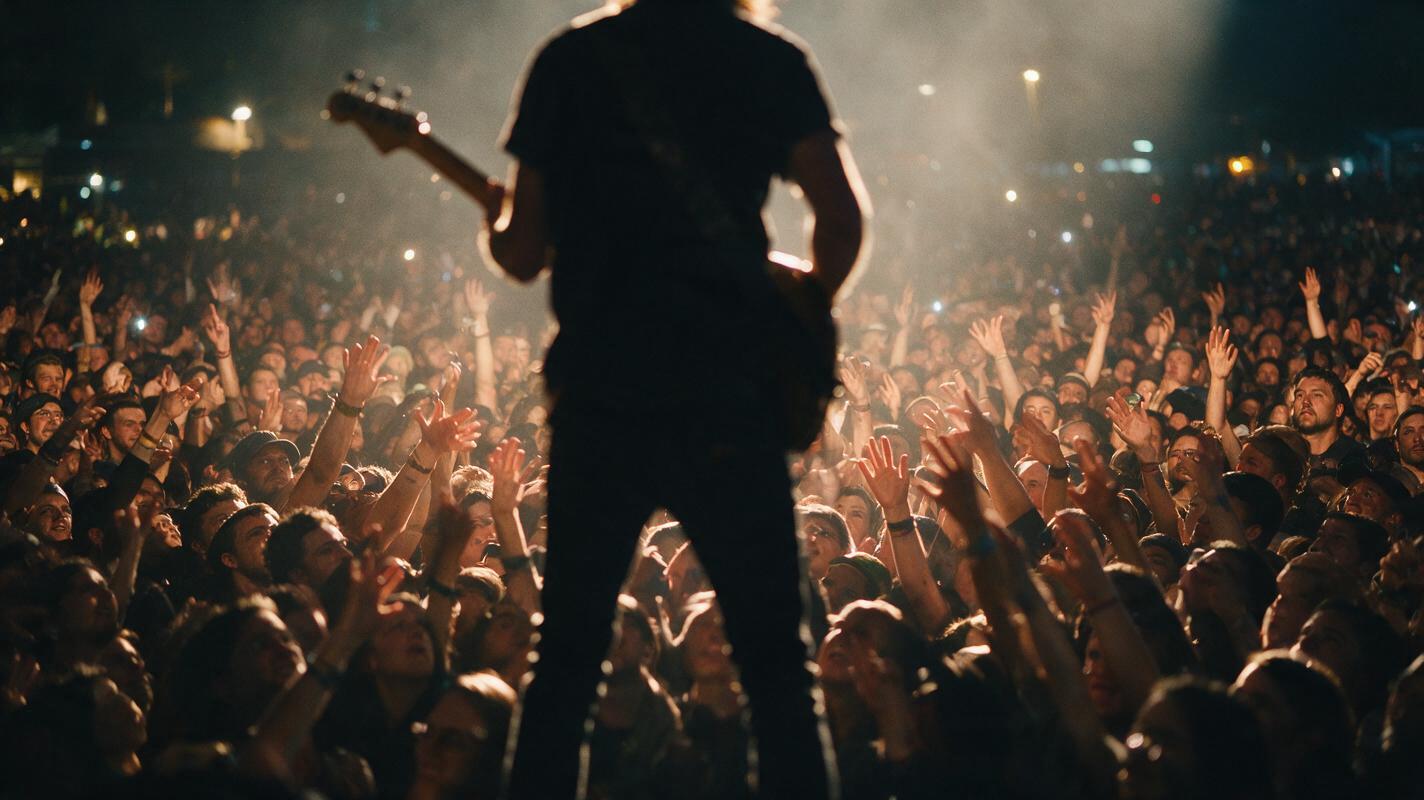
Table of contents
The crowd should feel the beat
A convincing concert crowd does not need hundreds of perfectly rendered faces. It needs layered movement, uneven timing, a clear relationship with the performer, and a camera angle that hides generation weaknesses. This guide provides reusable Hailuo prompts for crowd shots that can be cut into music videos, performance visualizers, tour announcements, and artist promos without making the audience look synchronized or artificial.
The central rule: direct the crowd as several overlapping groups, not as one object performing one action.
Why AI concert crowds look fake
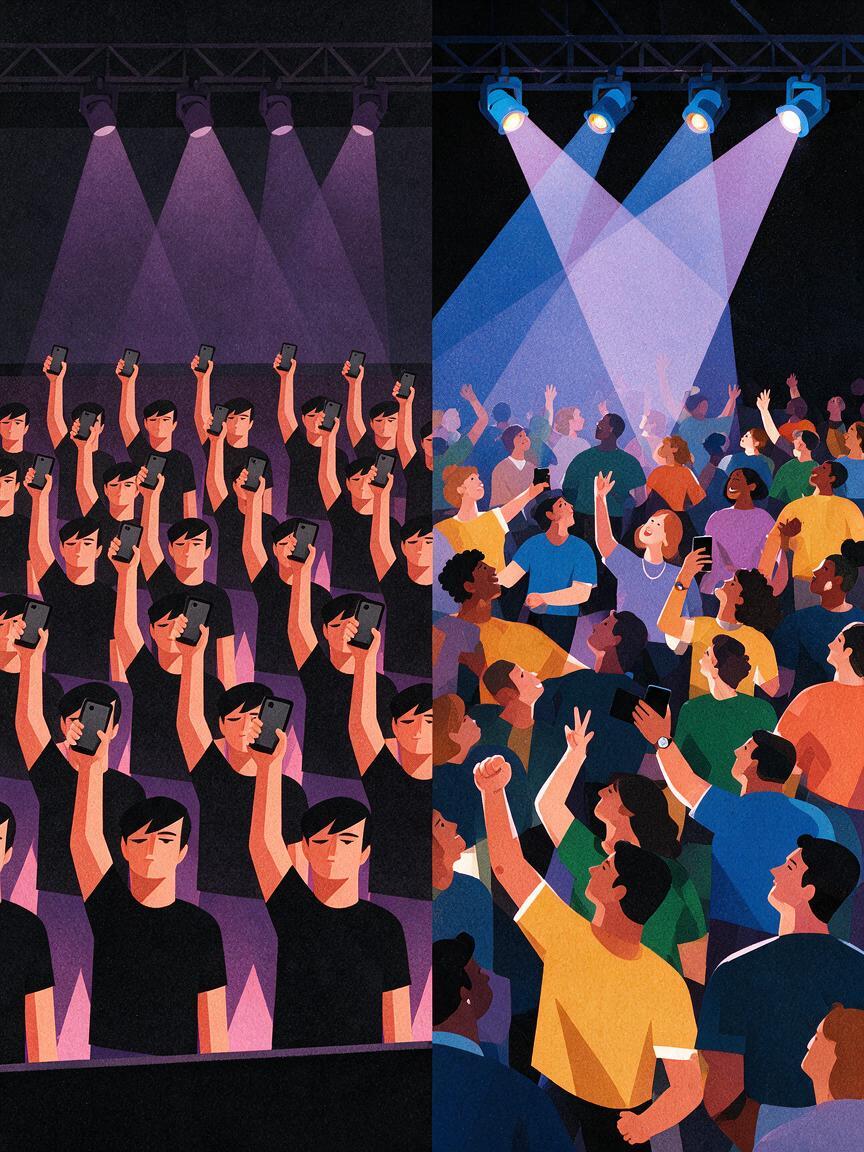
A prompt such as “a huge crowd dancing at a concert” gives the model very little structure. The result may contain repeated gestures, duplicated clothing, uniformly raised arms, unstable faces, or bodies moving at the same speed.
Real audiences are visually irregular. People near the barrier watch the performer closely. A group farther back may jump together, while others record on phones, turn toward friends, or remain almost still. These small differences create scale and credibility.
Four prompt problems are responsible for many weak results:
- One collective verb: “Everyone jumps” encourages synchronized motion.
- No spatial layers: the foreground and background receive the same detail and behavior.
- Too many simultaneous events: confetti, lasers, smoke, phones, dancing, camera movement, and performer motion compete for attention.
- Uncontrolled facial visibility: close, well-lit audience faces demand more consistency than a short insert usually needs.
The solution is not simply adding “realistic” to the prompt. Assign different actions to specific zones and make one action dominant.
Choose the right generation path for the shot
Use Hailuo with text to video when you need an establishing shot, an anonymous audience, or a venue that does not have to match existing footage exactly. The written prompt can define the stage position, crowd density, lighting, lens behavior, and emotional peak.
Use image to video when you already have a stage concept, tour poster, venue photograph, or approved performance frame. Begin with an image that has a readable foreground, middle distance, and stage area. Avoid reference images in which every person is tiny, sharply lit, or partially fused with another body.
| Shot requirement | Better starting point | Main advantage |
|---|---|---|
| Anonymous festival establishing shot | Written prompt | Freedom to design the venue and atmosphere |
| Artist-specific stage production | Reference frame | Better continuity with approved visual direction |
| Phone-light audience insert | Either method | Faces can remain dark and secondary |
| Close barrier reaction | Curated reference frame | More control over composition and crowd spacing |
Build the shot around one readable action
Before writing a long cinematic prompt, define the shot in one sentence: “The front row surges toward the stage as the chorus drops,” or “Phone lights rise gradually during the final refrain.” That sentence is the visual event.
Then add information in this order inside the prompt:
- The camera position and framing
- The dominant crowd action
- Two or three secondary reactions
- The stage or artist relationship
- Lighting, atmosphere, and camera movement
- What should remain restrained or obscured
For example, replace “a crowd goes wild” with “the front row reaches toward the singer, small groups behind them jump at slightly different moments, several people hold phones at uneven heights, and the outer edges sway more slowly.” The second description supplies behavioral variation without demanding dozens of separate actions.
Prompts for four crowd-shot outcomes
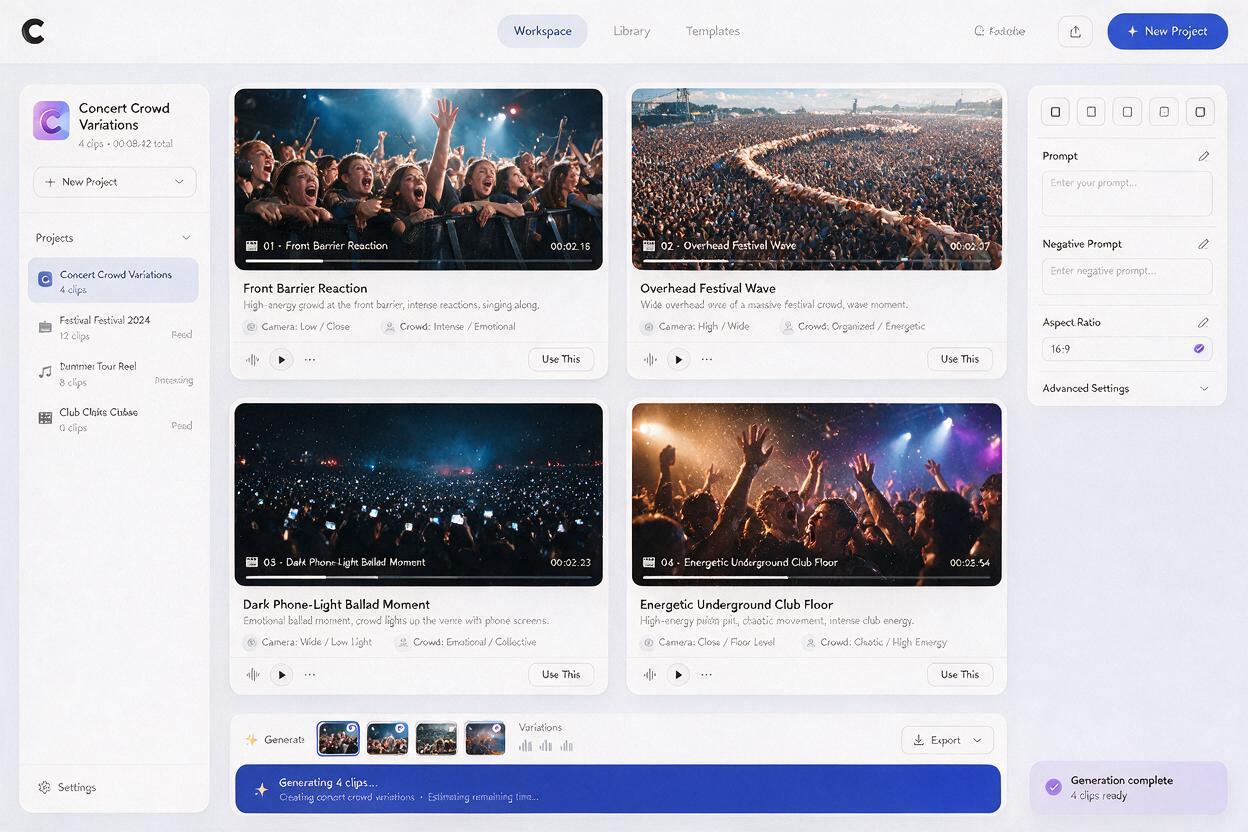
Front-barrier reaction during the chorus
This angle works as a fast insert between performance close-ups. Keep the performer visible only as a partial silhouette or out-of-focus figure so the crowd remains the subject.
Handheld concert footage from inside the photo pit, facing the front barrier during a powerful chorus. The nearest fans reach toward the stage with different gestures and uneven timing. Two friends shout the lyric to each other, several people record with phones held at different heights, and the rows behind them bounce in loose waves rather than perfect synchronization. The singer appears as a soft shoulder silhouette at the edge of frame. Strong backlight, light atmospheric haze, realistic human spacing, subtle handheld camera vibration, brief natural motion blur, energetic but observational music-video cinematography.For a softer indie performance, change “powerful chorus” to “emotionally restrained final refrain” and replace bouncing with slow swaying and attentive expressions.
Overhead crowd wave for a festival-scale reveal
A high angle reduces pressure on individual faces and makes group choreography easier to read. It is useful for establishing scale before cutting back to the artist.
High crane view above a dense nighttime festival audience facing a bright distant stage. Crowd motion travels outward in irregular waves: one central pocket jumps together, nearby groups clap above their heads, scattered attendees turn toward friends, and the outer sections move more slowly. No identical arm poses and no perfectly synchronized movement. Narrow beams sweep across separate portions of the audience, revealing changing patches of color and texture. The camera glides forward gradually with stable horizon and realistic concert atmosphere.Do not combine a rapid crane dive, spinning camera, fireworks, and a crowd wave in the same short clip. Choose one camera move and reserve the other effects for separate shots.
Phone-light moment for a ballad or outro
Phone lights are effective because they provide recognizable audience behavior while allowing faces to remain understated.
Wide view from the stage toward a dark indoor audience during the final quiet chorus. Hundreds of phone lights rise gradually, not all at once. Some remain low, some sway gently, and several appear only after a short delay. The closest silhouettes move independently with subtle shoulders and hands. Warm stage spill outlines the first few rows while the rest of the venue stays dark. Slow controlled push toward the audience, intimate atmosphere, restrained motion, natural variation, realistic low-light concert photography.If the lights flicker aggressively, simplify the prompt and remove extra laser or strobe instructions. A stable field of lights with gentle movement usually cuts better under vocals.
Chaotic club-floor energy without body distortion
For punk, electronic, or high-BPM tracks, imply chaos through framing and camera response rather than asking every body to move violently.
Shoulder-height camera inside a packed underground club during a fast instrumental break. A small central group moves energetically while people around them step back, cheer, nod to the beat, and protect their drinks. The camera is briefly jostled and then recovers, producing controlled handheld energy. Faces pass through colored side light for only a moment. Bodies remain naturally separated, limbs stay close to believable positions, and background movement is softer than foreground movement. Raw documentary music-video texture, dense humid atmosphere, no uniform choreography.The phrase “small central group” gives the scene an action core. The calmer ring around it prevents the entire frame from becoming unstable.
Direct motion in layers, not with more adjectives
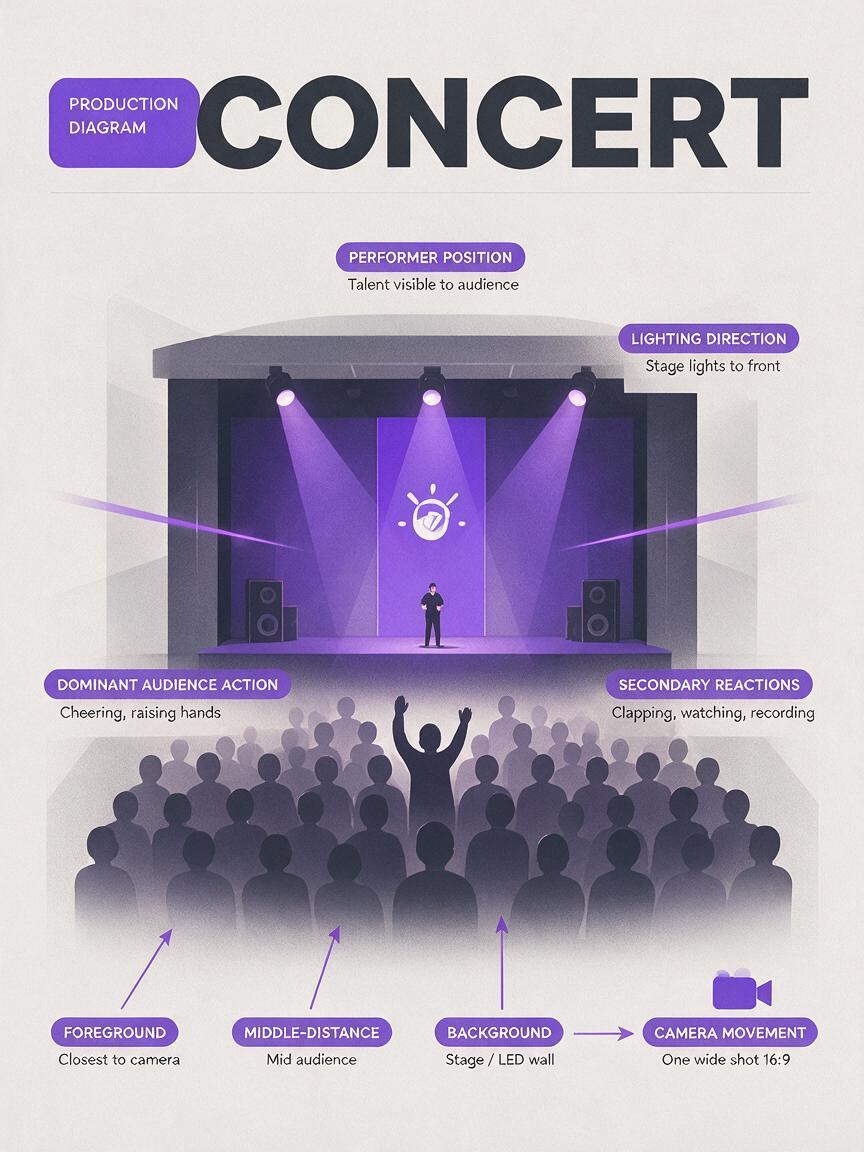
When a crowd feels too mechanical, divide the composition into three behavioral zones:
- Foreground: a few readable gestures, stronger motion, partial bodies, and natural camera occlusion
- Middle distance: the main collective reaction, separated into two or three groups
- Background: softer movement, silhouettes, lighting changes, and atmospheric depth
Motion should also have a cause. The chorus drops, the performer approaches the barrier, the house lights dim, or the final note ends. A visible cause gives the audience a reason to react and helps the shot feel like part of a performance rather than generic stock footage.
Prompt test: if every person could be removed and the camera would still perform the same move, the shot may feel detached. Describe how the camera reacts to the crowd or performer.
Cut around generation weaknesses
Even a strong clip may contain only two or three usable seconds. Treat generated crowd footage as editorial coverage rather than a complete performance take.
- Cut into the shot after the motion has stabilized.
- Leave before hands, faces, or phones begin to deform.
- Place fast crowd inserts on drum fills, transitions, or chorus impacts.
- Use darker grades and motivated stage light to reduce attention on background faces.
- Intercut wide crowd shots with real artist close-ups, stage details, speakers, feet, microphones, and lighting fixtures.
Avoid applying extreme slow motion to an imperfect clip. It gives viewers more time to notice duplicated gestures and unstable anatomy. If you need a held emotional moment, generate restrained movement from the beginning.
Troubleshooting common crowd failures
| Failure | Likely prompt cause | Practical revision |
|---|---|---|
| Everyone raises both hands together | One collective action controls the frame | Assign different gestures and delays to separate groups |
| Faces melt in the background | Too much light or facial detail across the whole venue | Use silhouettes, shallow focus, haze, or a higher camera angle |
| Phones duplicate or float | Too many visible devices requested | Ask for scattered phones at uneven heights |
| The crowd ignores the performer | No spatial or emotional relationship was described | State where the stage is and what triggers the reaction |
| The shot feels frantic and unreadable | Multiple camera moves and effects compete | Keep one dominant action and one controlled camera move |
| Bodies merge in the foreground | The frame is too crowded for the chosen angle | Reduce foreground density or use partial silhouettes and occlusion |
Final checklist
- Define one dominant crowd reaction before adding visual style.
- Split the audience into foreground, middle-distance, and background behaviors.
- Use uneven timing instead of asking everyone to move together.
- Choose one camera movement per clip.
- Keep background faces dark, soft, brief, or distant when possible.
- Generate several focused shot types rather than one overloaded master shot.
- Review hands, phones, faces, and body separation frame by frame.
- Cut the strongest seconds into the track before attempting longer shots.
Start with the prompt closest to your song’s energy, change the crowd trigger and lighting palette, and try these models for free.
Keywords
Hailuo prompts, concert crowd prompts, AI music video, performance video, text to video, image to video, crowd scene