Hailuo Prompts for Product Hero Videos That Don’t Drift
Learn how to animate a product image into a restrained website hero video with Hailuo while keeping the product recognizable and the composition usable for web copy. This guide includes reusable prompts, looping methods, layout advice, and fixes for camera drift, warped packaging, and excessive motion.
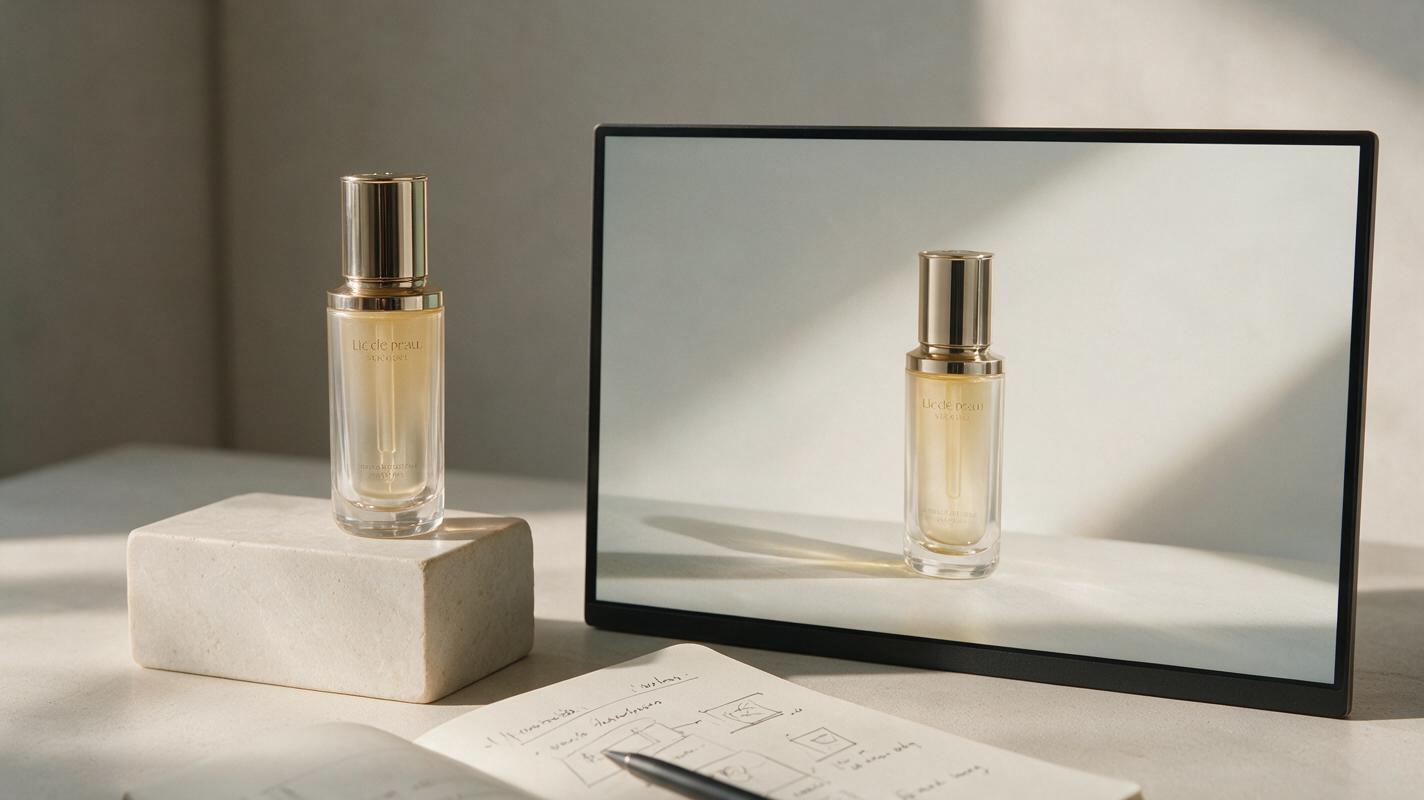
Table of contents
Subtle motion makes a stronger product hero
A useful product hero video adds atmosphere around the product without redesigning it, moving it out of position, or competing with the headline.
Animating a polished product image sounds simple until the label bends, the camera starts orbiting, or the object slowly changes shape. Those failures are especially costly in a website hero, where the product must remain recognizable and the composition must leave room for copy, navigation, and calls to action.
Hailuo can be used for restrained, reference-led product motion when the prompt describes what should remain fixed as clearly as what should move. The goal is not a miniature commercial packed with action. It is a short visual layer that makes a landing page feel alive while preserving the source design.
Choose a source image that can survive motion
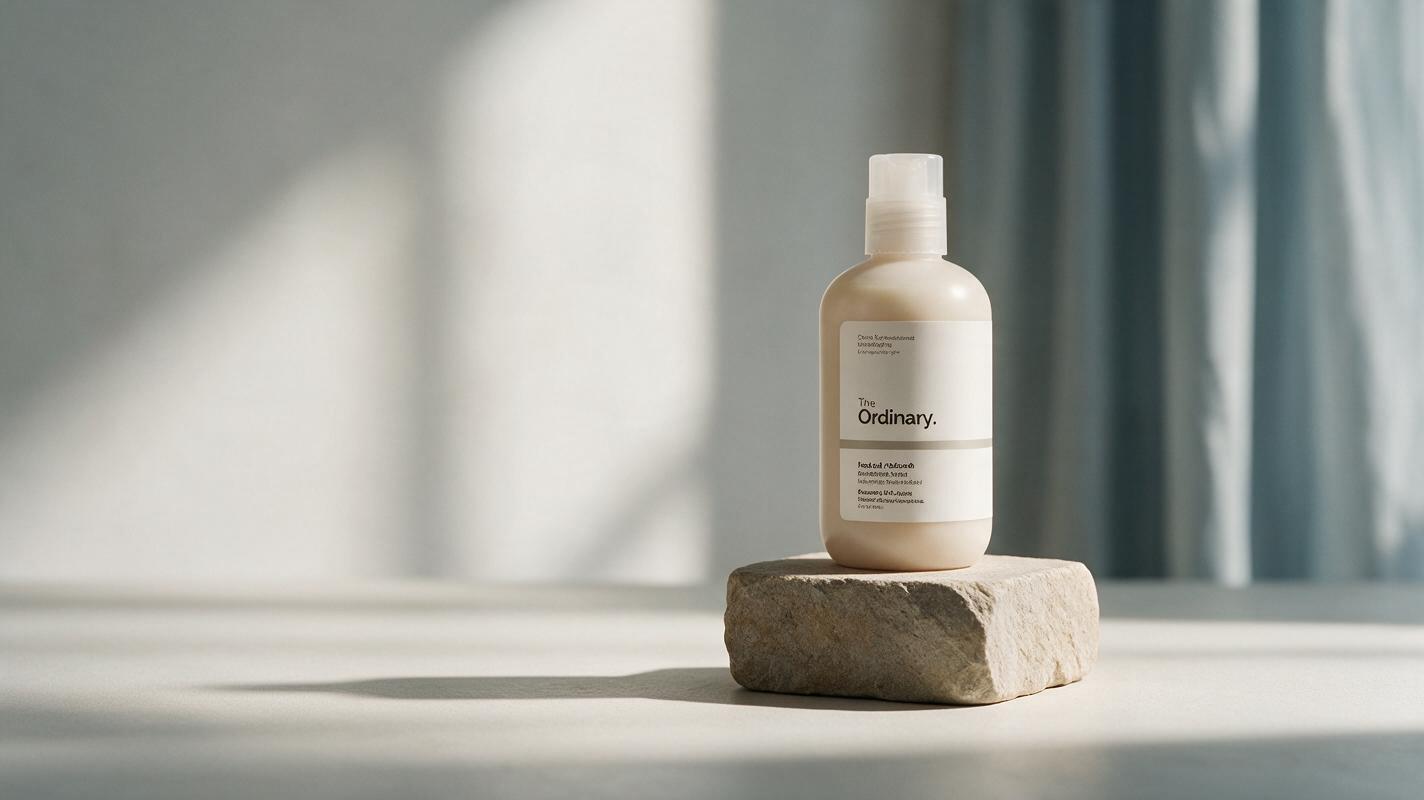
The starting image has more influence on stability than an elaborate motion prompt. Use a clean product photograph or render with a clear silhouette, believable lighting, and enough breathing room around the subject. A centered packshot can work, but an asymmetrical composition is usually easier to combine with website copy.
A strong source frame should have:
- One dominant product with no overlapping props hiding important edges.
- Simple readable geometry, especially around lids, handles, screens, and packaging corners.
- Reserved negative space on the side where the headline and button will appear.
- A background with motion potential, such as soft fabric, mist, reflected light, leaves, steam, or water.
- Final branding already composited when exact typography or a logo must remain readable.
Avoid asking the model to repair a poor source while also animating it. Retouch dust, perspective problems, placeholder labels, and awkward crops before generation. If the product contains critical interface text, consider covering that area with a clean static layer in the final web composition.
Write prompts around constraints, not spectacle
For a website hero, the prompt should define a motion hierarchy. The product remains still, one environmental detail moves, the light changes minimally, and the camera stays locked. This gives Hailuo fewer opportunities to reinterpret the product.
Use this compact structure:
Website hero shot of [product and setting].
The product remains completely fixed in position, shape, scale, and orientation.
Only [one environmental element] moves subtly.
Locked camera, no zoom, no orbit, no reframing.
Soft continuous motion, premium restrained mood.
Preserve the original composition and negative space on the [left/right].
Words such as dramatic, dynamic, cinematic camera, and epic reveal often encourage more movement than a landing page needs. Replace them with specific direction: slow reflected light, barely moving vapor, or gentle fabric movement in the background.
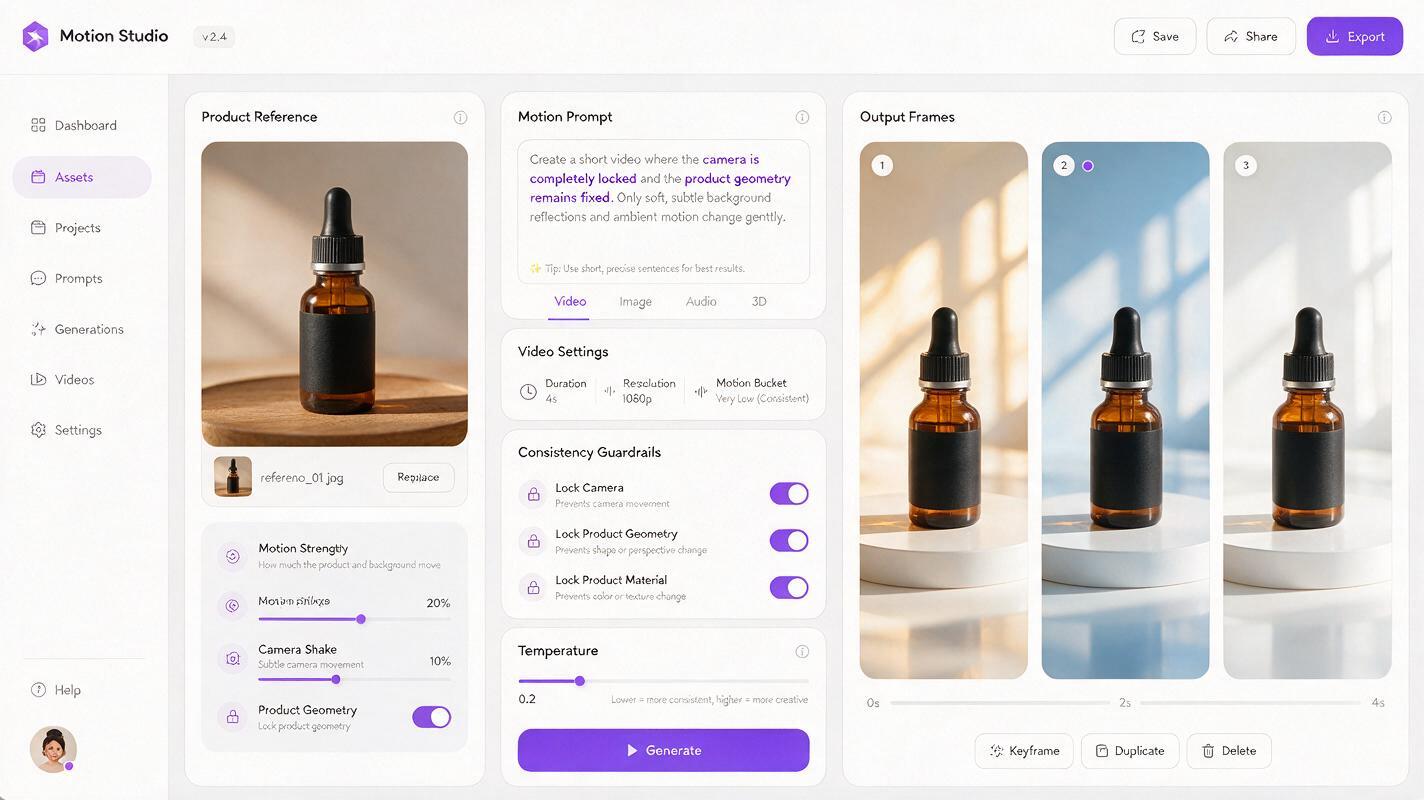
When you use an image to video workflow, treat the source frame as the design contract and the prompt as a narrow motion brief. You can test this prompt yourself with one environmental action before attempting more complex variations.
Reusable Hailuo prompts for common hero styles
Premium skincare with moving reflections
Premium website hero shot of the skincare bottle in the supplied image.
Keep the bottle, cap, printed label, proportions, and placement completely unchanged.
A soft band of reflected daylight moves very slowly across the background surface.
The product shadow remains grounded and consistent.
Locked camera, no zoom, no rotation, no object movement.
Preserve the clean negative space on the left for website copy.
Restrained luxury motion, smooth and continuous.
Consumer technology with ambient screen light
Minimal product hero featuring the supplied wireless speaker.
Preserve the exact speaker shape, controls, material, logo placement, and perspective.
Only a faint cool ambient glow shifts slowly on the wall behind it.
The speaker stays perfectly still and sharply defined.
Static camera, no push-in, no parallax, no scene transition.
Keep the right side visually quiet for a headline and call-to-action.
Beverage packaging with controlled condensation
Clean commercial hero shot of the supplied beverage can on a stone plinth.
Keep the can silhouette, artwork, lettering, top rim, and scale unchanged.
Tiny condensation highlights shimmer subtly without running across the label.
A small amount of cool mist drifts behind the can only.
Locked camera and fixed composition, no rotation or camera movement.
Maintain open space on the left and a stable product shadow.
Home product with soft fabric motion
Editorial website hero featuring the supplied table lamp in a calm interior.
The lamp remains fixed with identical proportions, shade geometry, base, and position.
Only the sheer curtain in the distant background moves gently in a light breeze.
Illumination stays warm and steady with no flicker.
No camera movement, no lens change, no added objects.
Preserve the original crop and uncluttered copy area.
Keep the product fixed while the world moves
The most reliable motion target is usually an element behind or around the product. Background mist, a curtain, reflected light, or a distant shadow can create depth without requiring the model to articulate the product itself.
| Motion target | Web benefit | Main risk | Safer instruction |
|---|---|---|---|
| Reflected light | Creates a premium finish | Label brightness may fluctuate | Move light across the background only |
| Mist or vapor | Adds atmosphere and depth | May cover product edges | Keep vapor behind the silhouette |
| Fabric or foliage | Introduces natural motion | Can become visually busy | Use one distant element with minimal movement |
| Product rotation | Reveals form | Often changes geometry or branding | Avoid unless the product has simple, unbranded surfaces |
| Camera movement | Adds cinematic depth | Breaks copy-safe composition | Keep the camera locked for hero layouts |
If one generation contains a stable opening section followed by visible distortion, keep only the stable portion. A short clean clip is more useful than a longer clip with one conspicuous geometry failure.
Design the clip for a seamless loop
Do not depend on generation alone to create a perfect loop. Start by requesting continuous, low-amplitude movement without a reveal or final pose. Then inspect the first and last frames at full size.
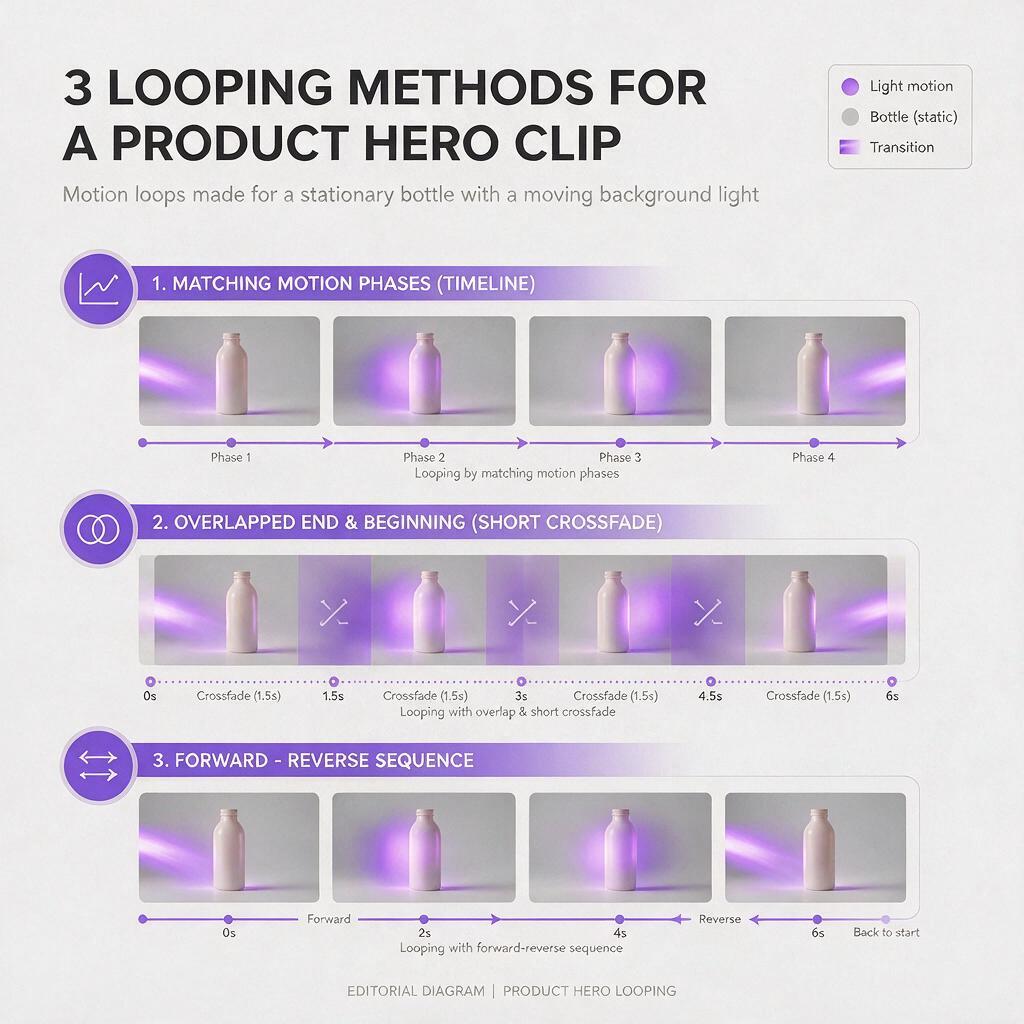
There are three practical finishing methods:
- Trim around a repeating motion phase: Find two frames where the background light, mist, or fabric has a similar position.
- Add a short crossfade: Overlap the end with the beginning when the product is stable and only the background changes.
- Use a forward-and-reverse loop: This works for reflected light or fabric, but it can look unnatural with rising steam, falling droplets, or directional particles.
Judge the loop inside the actual hero layout. A transition that is visible in a video editor may become unobtrusive behind a headline, gradient overlay, or masked edge.
Keep interface elements outside the generated footage. Add headings, buttons, badges, prices, and legal copy as real HTML so they stay crisp, responsive, accessible, and easy to update.
Crop and encode for the real layout
A beautiful wide clip can still fail when the responsive crop removes the product or places motion behind text. Test the video at desktop, tablet, and narrow mobile widths before approving it.
- Place the product inside a central safety region that survives moderate cropping.
- Keep the brightest movement away from the headline and primary button.
- Use a restrained overlay when the footage reduces text contrast.
- Prepare a static poster frame from the cleanest moment in the clip.
- Disable decorative motion when reduced-motion preferences or performance constraints require a static alternative.
For mobile, a separate crop is often more effective than shrinking the desktop composition. The product can remain prominent while the decorative background motion is simplified or removed.
Fix drift, warping, and distracting motion
The product slowly moves across the frame
Remove camera language and reinforce position constraints. Use phrases such as locked camera, fixed composition, and product remains completely stationary. Reduce the requested movement to one background element.
The label or logo changes
Keep branded surfaces front-facing and avoid product rotation. If exact lettering is essential, composite the original label or complete product cutout over the animated result. Generation can supply atmosphere while the source artwork protects brand accuracy.
The product appears to breathe or bend
This usually indicates that motion has reached the object rather than its surroundings. Change the prompt from a global scene instruction to a localized one, such as “mist moves behind the bottle while the bottle and its shadow remain unchanged.”
The result feels too much like an advertisement
Remove dramatic lighting transitions, fast particles, aggressive depth of field, and camera pushes. Website motion should support browsing rather than demand uninterrupted attention. One slow environmental action is usually enough.
The loop has an obvious jump
Trim the clip before the scene changes direction or deforms. If the product is stable, mask it with the original still and crossfade only the animated background. This separates product fidelity from loop continuity and gives you more control.
Final checklist
- The product silhouette, proportions, branding, and orientation remain recognizable.
- Only one or two environmental elements move.
- The camera stays locked and the copy-safe area does not shift.
- The first and last frames can be trimmed, reversed, or crossfaded cleanly.
- Headings and buttons remain live web elements rather than generated pixels.
- Desktop and mobile crops keep the product visible.
- A clean poster image is available when video cannot or should not play.
- The motion supports the product instead of competing with it.
Keywords
Hailuo prompts, product hero video, website hero video, image to video, landing-page visuals, web motion, product animation