Hailuo Prompts for Runway Walk Videos Without Garment Drift
Learn how to prompt Hailuo to create controlled runway walk videos from fashion campaign images while protecting garment shape, styling, and model identity. Includes reusable prompts, shot variations, and practical fixes for fabric melting, camera drift, and unnatural walking.
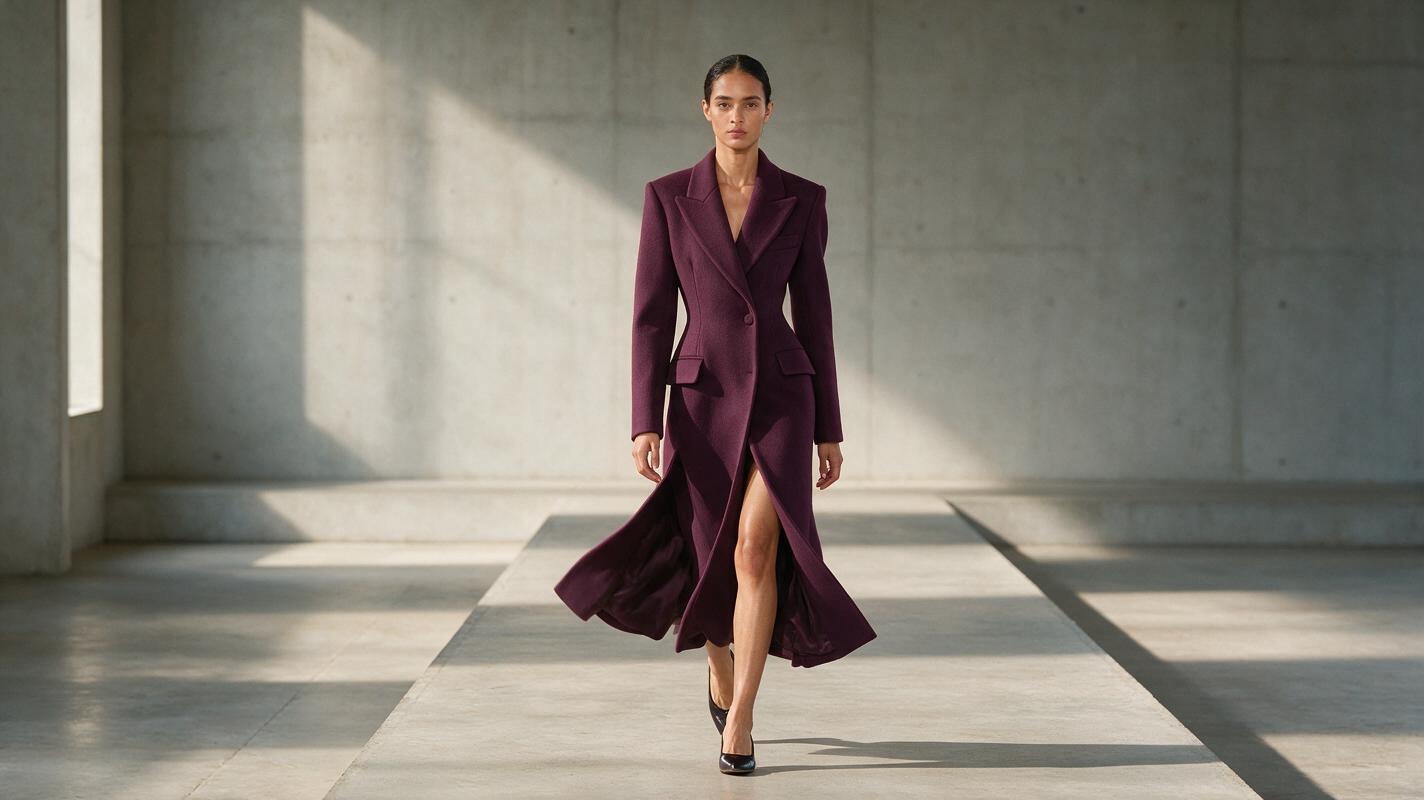
Table of contents
Create runway motion without redesigning the outfit
A strong runway clip should make the model and fabric move—not make the garment mutate between frames.
When a fashion campaign image is animated, small errors can quickly become obvious: lapels change width, prints slide across the fabric, bags switch hands, and a controlled walk turns into an exaggerated performance. Hailuo can produce useful runway motion from a still image, but the prompt must separate body movement, garment response, and camera behavior.
This guide provides prompt structures for front-facing walks, profile passes, subtle fabric movement, and editorial camera shots. It also explains what to remove when the result becomes unstable.
Choose a source image that can support a walk
The source frame determines how much movement can be introduced safely. Start with a full-body or three-quarter fashion image in which the legs, footwear, garment hem, and hands are reasonably visible. A heavily cropped pose may still work for a close editorial shot, but it gives the model less visual information for reconstructing a convincing walk.
A reliable source image usually has:
- A readable silhouette: the outer edges of the outfit are not hidden by furniture, props, or another person.
- Clear garment construction: closures, pockets, panels, and layered pieces can be distinguished.
- Visible foot placement: the stance offers a plausible starting point for forward movement.
- Moderate perspective: extreme wide-angle distortion makes body proportions harder to preserve.
- Simple background geometry: runway lines, walls, and floor seams should not compete with the figure.
A neutral standing pose is often safer than a dramatic editorial pose. If the starting anatomy is already twisted, asking for a full walk adds another layer of interpretation.
Before using an image to video workflow, inspect the reference at full size. Retouch duplicated fingers, broken heels, irregular hems, or unreadable accessories first; motion tends to amplify defects that appear minor in a still image.
Build the prompt around three kinds of control
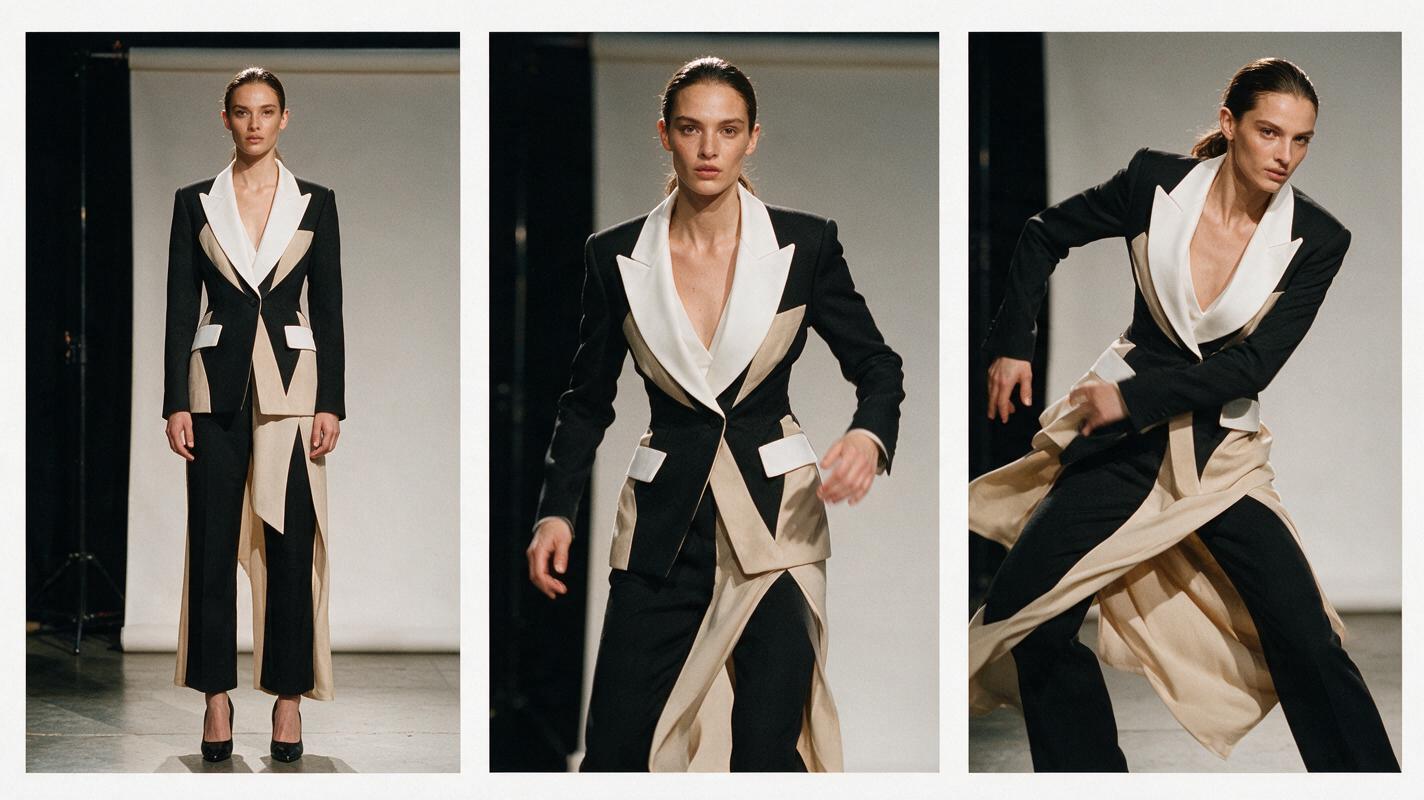
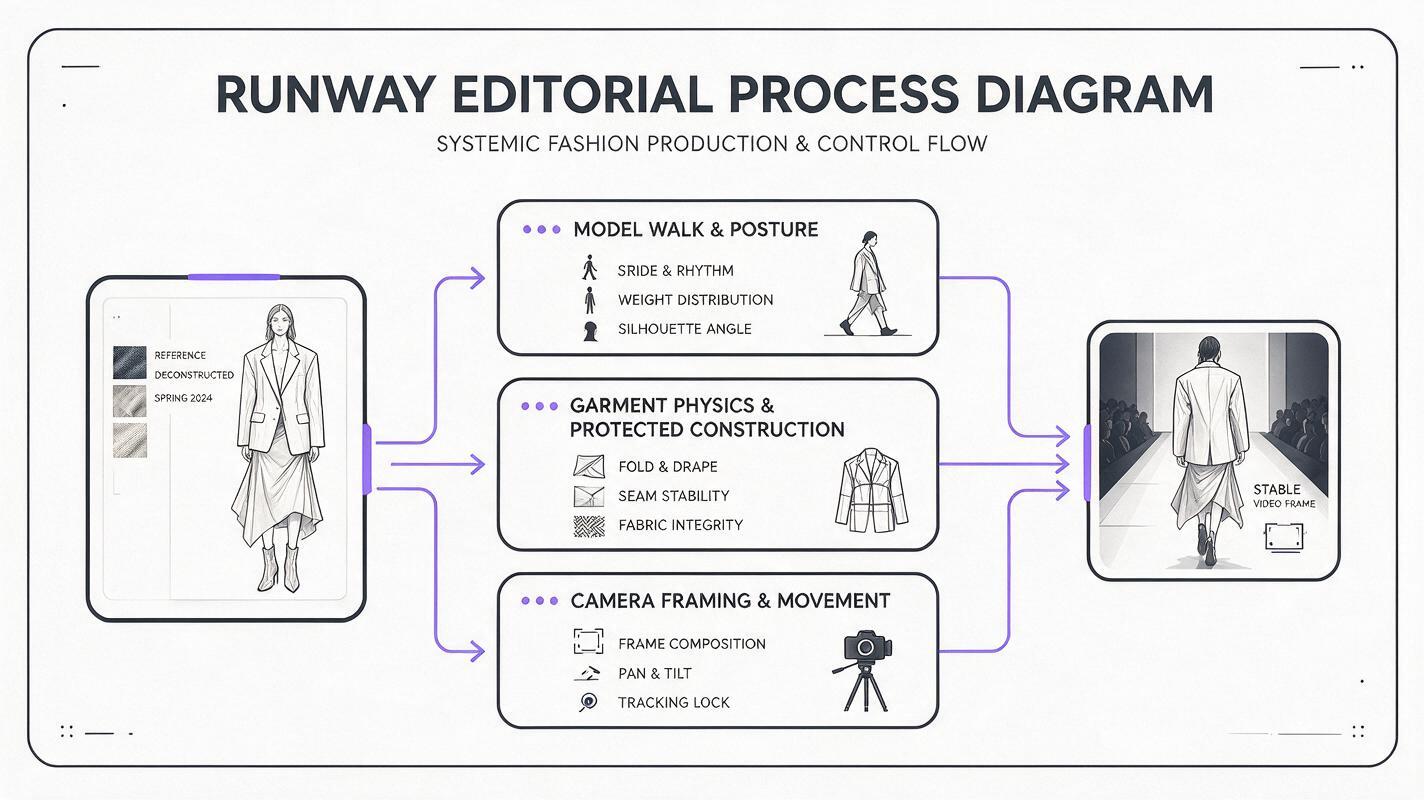
A runway prompt becomes easier to direct when it is divided into subject action, garment physics, and camera instructions. Keep each part concrete. Describing the clip as “dynamic,” “cinematic,” or “high fashion” does not explain what should physically move.
| Prompt layer | What to describe | Useful language |
|---|---|---|
| Subject action | Direction, speed, posture, gaze, arm movement | Walks forward slowly, upright posture, restrained arm swing |
| Garment response | Which materials move and by how much | Hem responds with gentle delayed motion, jacket remains structured |
| Camera behavior | Framing, movement, distance, and stability | Locked frontal camera, full body remains centered |
Finish with preservation constraints that identify the elements that must not change. Prioritize visible construction details instead of adding a long generic negative list.
Preserve the exact outfit design, silhouette, fabric color, print placement, closures, accessories, footwear, hairstyle, facial identity, and body proportions. No garment transformation, no new accessories, no camera orbit.This wording does not guarantee perfect consistency, but it gives Hailuo a clearer hierarchy: animate the existing scene rather than reinterpret the styling.
Use a restrained front-walk prompt
A front-facing walk is useful for collection teasers, designer announcements, and vertical campaign edits. It is also demanding because the model must coordinate both legs while maintaining symmetry and keeping the outfit centered.
The fashion model takes a slow, controlled runway walk directly toward the camera. Upright posture, composed expression, natural short steps, minimal arm swing. The coat remains tailored and structured while only the lower hem shows subtle delayed movement from each step. The model stays centered and fully visible. Locked frontal camera at waist height, stable framing, realistic runway pace. Preserve the exact garment construction, lapel width, buttons, seams, color, styling, face, hair, shoes, and body proportions. No outfit redesign, no added fabric, no camera orbit, no sudden zoom.If the first result is too theatrical, remove mood terms before changing the motion instructions. Words such as “dramatic,” “powerful,” and “energetic” can encourage larger gestures, faster pacing, or aggressive camera movement.
For long coats and dresses, ask for movement only in the areas that would naturally respond. A fitted bodice should not ripple like chiffon simply because the skirt moves.
Adapt the motion to the garment type
Different clothes need different motion limits. Reusing one universal fabric phrase can make heavy tailoring float or make lightweight fabric appear rigid.
Structured tailoring
The model advances with two measured runway steps. The shoulders, collar, waist shaping, and front closure remain firm and precisely constructed. Only a slight movement appears at the trouser break and jacket hem. Restrained arms, neutral expression, stable frontal framing.Fluid dress
The model walks forward at a calm editorial pace. The lightweight skirt follows each step with soft, delayed folds and a small side-to-side response. The fitted upper section remains unchanged. Preserve the neckline, waist seam, print scale, hem length, and exact color.Fringe or decorative trim
The model makes one slow step and settles into a still pose. The fringe responds with brief secondary motion and then comes to rest. The base garment, trim attachment points, embellishment density, and silhouette remain identical to the reference.Accessories
The model walks slowly while holding the bag in the same hand and at the same height as the reference. The bag has minimal natural swing. Preserve its shape, hardware, strap length, material, and position relative to the body.Generate a short test before attempting a more elaborate shot. If the garment survives the first controlled motion, increase movement gradually rather than asking for walking, turning, posing, fabric billowing, and a camera orbit in one generation.
Create a profile runway pass
A profile pass can show coat length, trouser volume, footwear, and the relationship between front and back layers. It generally works best when the source image already shows some side information.
The model walks smoothly from left to right across a minimal runway. Natural heel-to-toe steps, level shoulders, controlled posture, subtle arm movement. The garment keeps its exact side silhouette and length. The lower fabric responds gently to the stride without stretching or changing volume. Static side camera, full body in frame, consistent distance, no pan acceleration. Preserve the face, hairstyle, outfit construction, accessories, shoes, colors, and proportions.Do not request a complete side view from a perfectly frontal reference unless experimentation is acceptable. The system must invent hidden garment details, which may produce an attractive shot that is no longer an accurate representation of the design.
Add editorial camera movement only after the outfit is stable
Camera movement and subject movement compete for generative attention. Begin with a locked camera, then introduce one simple move after confirming that the outfit survives the walk.
- Slow push-in: suitable for a centered hero look and restrained movement.
- Parallel tracking: useful for a profile walk when the background has simple depth cues.
- Gentle tilt: can reveal a look from shoes to face, but it should not occur during complex footwork.
- Static close-up: safest for jewelry, collars, makeup, and upper-body fabric response.
The model takes one controlled step and pauses. The camera performs a very slow, straight push-in while maintaining central framing. No orbit, no handheld shake, no focal-length distortion. The outfit remains identical throughout the shot.Avoid combining a push-in, orbit, rack focus, and runway turn in the same short clip. One deliberate camera instruction usually produces a more usable fashion edit than several competing directions.
Fix the failure instead of rewriting everything
| Visible problem | Likely prompt pressure | Prompt adjustment |
|---|---|---|
| Prints or logos slide | Too much fabric movement | Specify fixed print placement and reduce motion to the hem |
| Coat changes shape | Generic flowing-fabric language | Describe the coat as structured and name the only flexible area |
| Walk looks exaggerated | Energetic mood words or long action sequence | Request one or two measured steps with minimal arm swing |
| Face changes | Rapid turn, camera orbit, or large perspective shift | Keep the face near its source angle and use a locked camera |
| Hands merge with clothing | Arms cross the torso or enter pockets | Keep hands visible and separated from the garment |
| Runway bends or pulses | Complex camera travel | Use static framing and simplify the background |
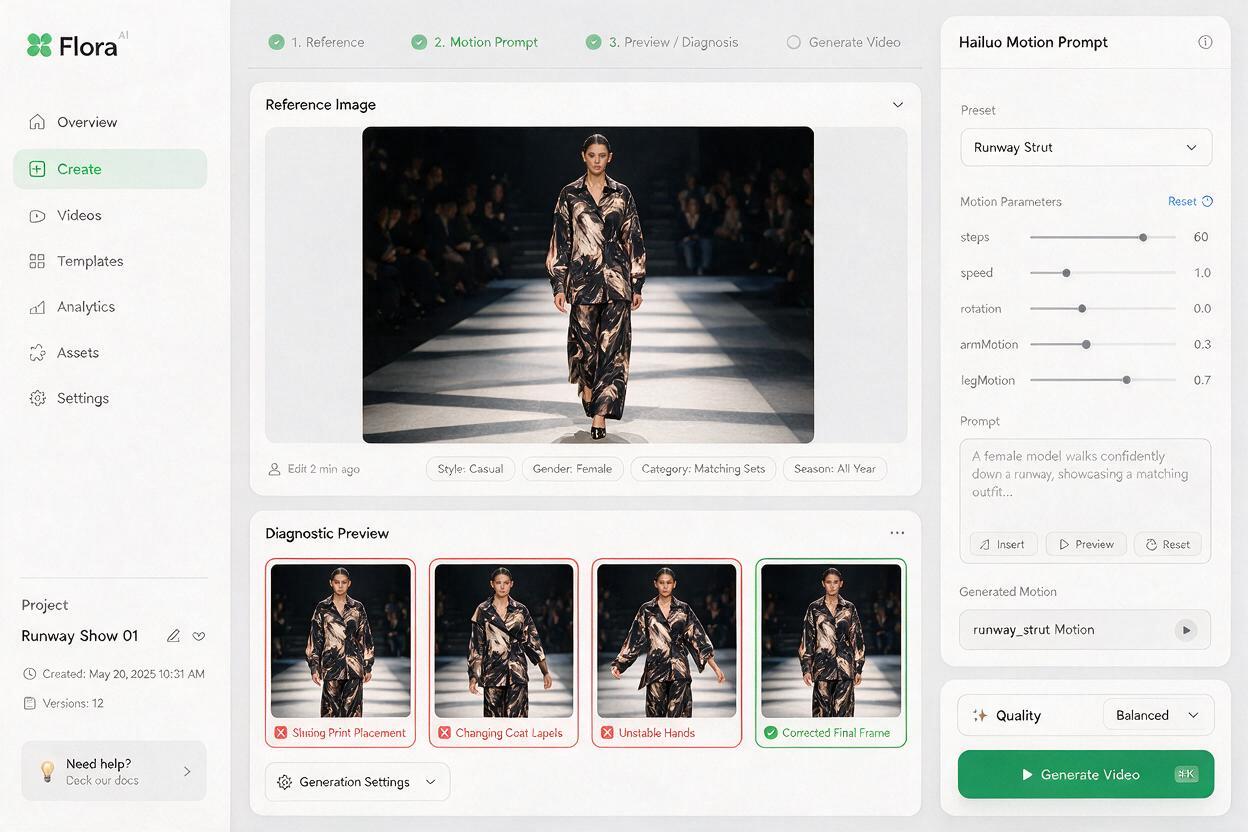
Change one variable per retry. If you alter the walk, camera, lighting, and fabric instructions together, you will not know which change solved—or introduced—the problem.
When garment accuracy matters more than spectacle, reduce the action before adding more negative instructions.
Plan several short shots for the final fashion edit
A polished runway visual does not need to come from one continuous generation. Build it from compact shots that each have a single responsibility:
- A static full-look opening frame
- A short frontal walk
- A profile pass showing silhouette
- A close-up of fabric, hardware, or embellishment
- A final pause or controlled turn
This approach limits continuity risk and gives the editor clean cut points. Keep lighting direction, background palette, model identity, and garment description consistent across prompts. Use movement to reveal design information rather than adding motion merely because the format allows it.
Once the reference frame and first prompt are ready, turn your image into a video and judge the garment before judging the drama. A technically restrained clip that preserves the collection is more valuable than a spectacular shot featuring a different outfit.
Final checklist
- Use a source image with visible legs, footwear, hands, and garment edges.
- Describe subject action, garment response, and camera behavior separately.
- Assign motion only to fabric areas that should physically move.
- Preserve specific construction details, accessories, identity, and proportions.
- Test with a locked camera before adding a push-in or tracking move.
- Use one or two controlled actions per clip.
- Change one prompt variable at a time when troubleshooting.
- Assemble several stable shots instead of forcing one complex sequence.
Keywords
Hailuo prompts, runway walk video, garment motion, fashion video, image to video, runway visuals, outfit animation