How to Generate Realistic Aerial Drone Footage for Listings With Kling
Aerial drone footage helps real estate listings showcase lot size, property layout, and neighborhood proximity, but hiring a pilot can be costly or restricted by regulations. This guide explains how to generate realistic, architecturally accurate aerial drone clips for listings using Kling’s text-to-video capabilities, including reusable prompt templates, optimal settings, and troubleshooting for common rendering issues. Marketers can use these clips for MLS listings, social media reels, and virtual property tours without the need for a physical drone.
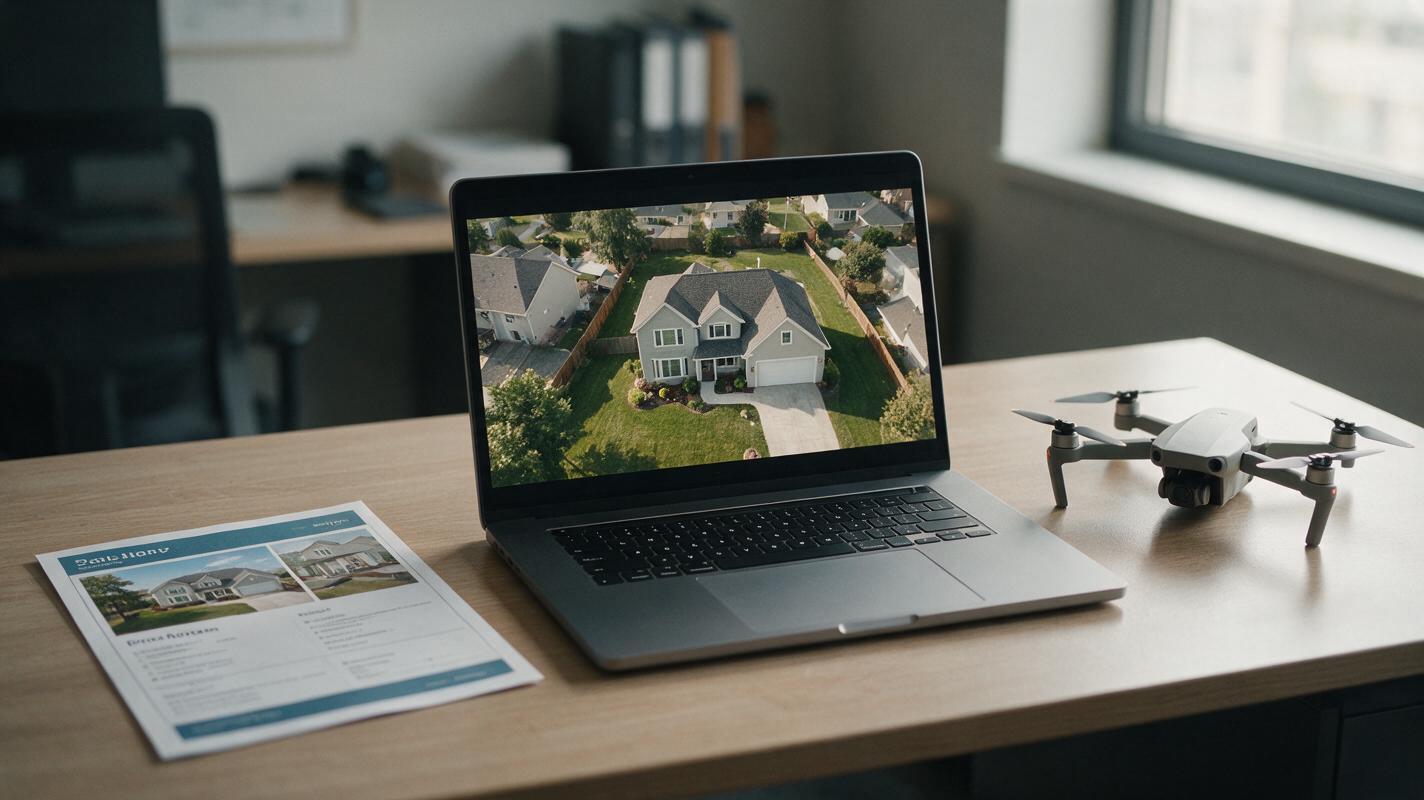
Table of contents
Why AI-generated aerial drone footage works for real estate listings
Aerial footage gives buyers an immediate sense of a property’s lot size, layout, and surrounding neighborhood — details that static ground-level photos can’t fully capture. But hiring a licensed drone pilot costs hundreds of dollars per listing, and many areas have no-fly restrictions, bad weather delays, or active construction that make in-person flights impossible.
With text to video tools, you can generate custom, photorealistic aerial drone clips tailored to your exact listing in minutes, no pilot or equipment required. Kling’s model excels at smooth, dynamic camera movement and architectural accuracy, making it a strong fit for real estate aerial footage that feels polished and professional.
Whether you’re marketing a suburban family home, a rural estate with acreage, or a downtown condo with skyline views, AI-generated aerial clips can elevate your listing materials without breaking the budget.
Choose the right aerial shot type for your listing goal
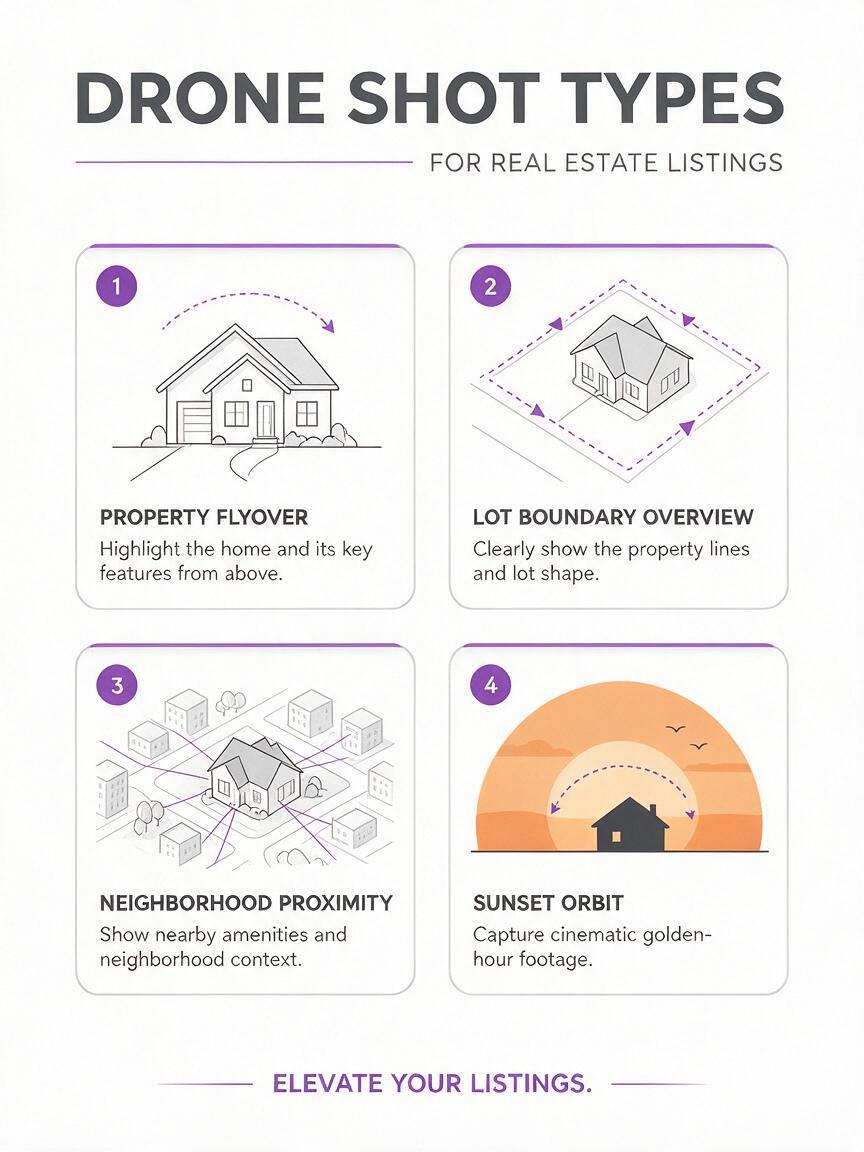
Not all aerial shots serve the same purpose. Pick the shot type that aligns with your listing’s key selling points to maximize impact:
- Property flyover: A slow, forward-moving pass over the home from front to back, highlighting the roof, driveway, backyard, and outdoor living spaces. Ideal for single-family homes with unique outdoor features like pools, patios, or large gardens.
- Lot boundary overview: A high-altitude, slow-pan shot that shows the full extent of the property lot and adjacent land. Best for rural listings, luxury estates, or properties with acreage where lot size is a major selling point.
- Neighborhood proximity shot: A medium-altitude pullback that starts on the property and zooms out to show nearby amenities like parks, schools, shopping centers, or public transit. Perfect for urban and suburban listings where location is a key draw.
- Sunset aerial orbit: A slow, circular orbit around the property during golden hour, with warm light and long shadows. A premium option for luxury listings or high-end marketing packages.
Write Kling prompts that produce architecturally accurate aerial clips
The key to realistic AI aerial footage is specificity. Vague prompts lead to distorted roofs, mismatched architecture, or unrealistic landscaping. Include these details in every Kling prompt for best results:
- Exact architectural style and key exterior features (e.g., "two-story brick colonial home, dark asphalt roof, attached two-car garage")
- Landscaping and lot details (e.g., "manicured fescue lawn, mature oak trees, fenced backyard with stone patio")
- Precise camera movement (e.g., "slow steady gimbal-stabilized forward flyover, 30 feet above roofline")
- Lighting and time of day (e.g., "bright midday sunlight, clear blue sky, no overexposure")
- Quality and accuracy guardrails (e.g., "photorealistic, 4K resolution, architecturally accurate, straight lines, no lens distortion")
Here are reusable prompt templates for common listing types:
Suburban family home flyover
Photorealistic aerial drone footage of a two-story white vinyl colonial home with a dark gray shingle roof, attached two-car garage, and front porch with white railings. Slow, steady gimbal-stabilized forward flyover starting 50 feet above the front driveway, passing over the roof, and ending above the fenced backyard with a concrete patio and above-ground pool. Bright midday sunlight, clear blue sky, mature maple trees along the property line, crisp 4K resolution, architecturally accurate, straight lines, no lens distortion, real estate listing quality.Rural estate lot overview
Photorealistic high-altitude aerial drone footage of a 5-acre rural estate with a single-story stone ranch home, red barn, and fenced horse pasture. Slow, smooth pan from left to right showing the full property boundary, surrounded by dense hardwood forest and a small pond in the backyard. Soft golden hour light, clear autumn sky, vibrant fall foliage, 4K resolution, architecturally accurate, natural landscaping, real estate listing quality.Urban condo neighborhood pullback
Photorealistic aerial drone footage of a 10-story modern glass condo building in a downtown neighborhood. Slow, steady pullback starting at the building’s rooftop deck, moving up and back to show nearby street cafes, a public park, and a subway station entrance 2 blocks away. Overcast daylight, soft natural lighting, busy but orderly street traffic, 4K resolution, architecturally accurate, no distortion, real estate listing quality.Test this prompt yourself to see how small adjustments to camera movement or lighting change the final clip’s tone.
Optimal Kling settings for real estate aerial footage
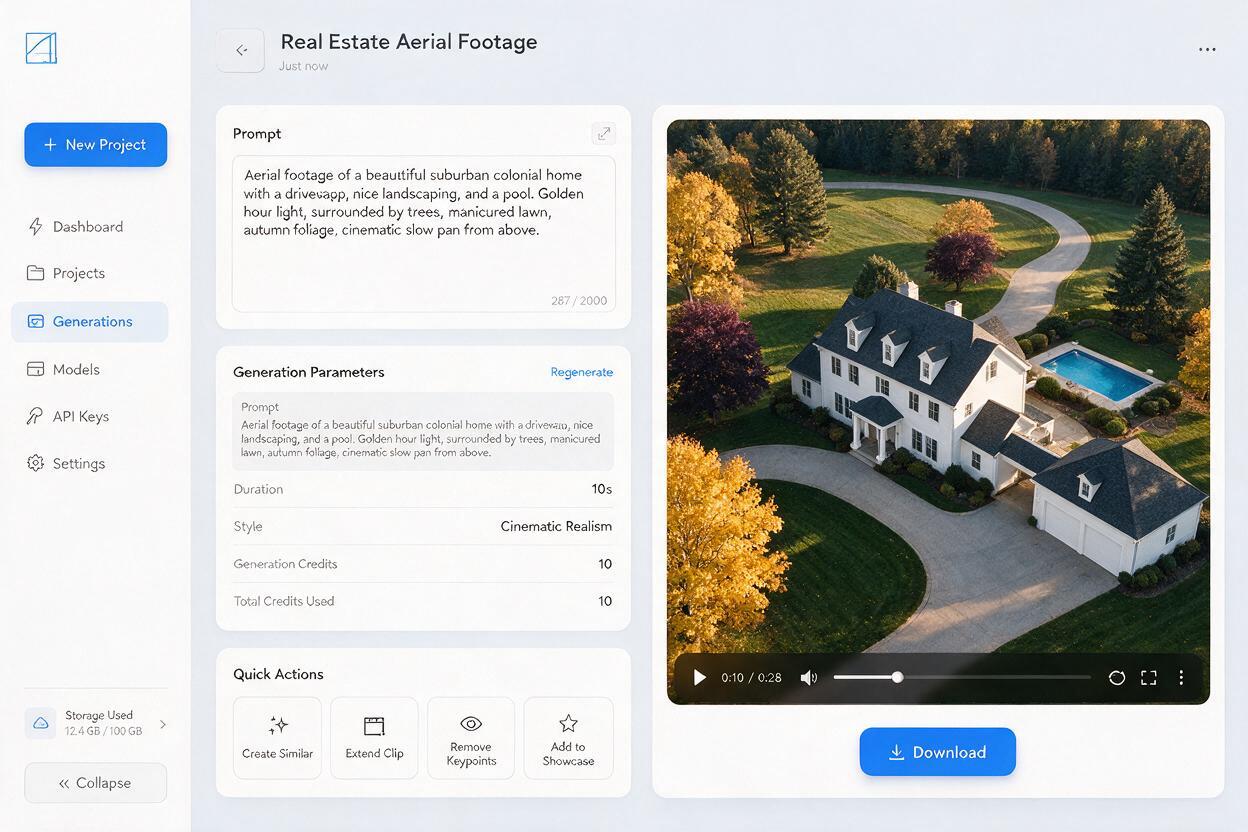
Even with a great prompt, wrong settings can lead to jittery footage, low resolution, or stylized results that don’t fit listing materials. Use these settings as a starting point for real estate aerial clips:
- Resolution: 1080p for standard social media and MLS use; 4K if available for luxury listings or large-format marketing materials.
- Duration: 5–10 seconds per clip. Short clips are easier to edit into longer videos, and shorter generation times reduce the risk of architectural drift mid-clip.
- Camera movement: Select the smoothest available preset (often labeled "cinematic" or "gimbal-stabilized") to avoid shaky or jerky motion that feels unprofessional.
- Style preset: Choose "photorealistic" or "realistic" to avoid artistic filters, cartoonish rendering, or over-saturated colors that don’t match real property photos.
- Aspect ratio: 16:9 for MLS listings, property websites, and YouTube tours; 9:16 for Instagram Reels, TikTok, and short-form social content.
Pro tip: Generate 2–3 variations of each clip with slightly different camera speeds or angles. This gives you more footage to work with when editing final listing videos, and you can pick the most natural-looking result.
Troubleshoot common AI aerial footage errors
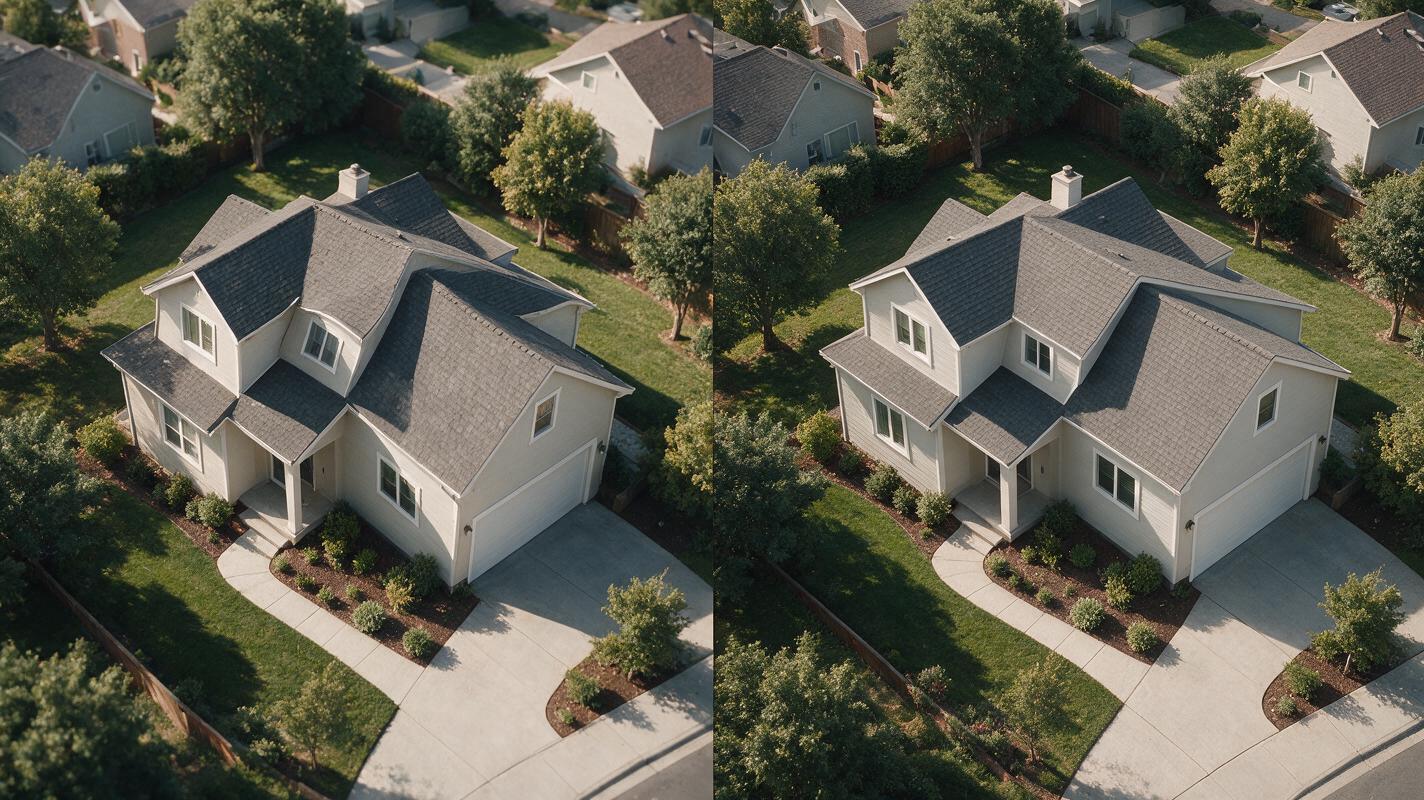
AI-generated aerial clips can sometimes have flaws that make them look unprofessional. Here’s how to fix the most common issues:
- Distorted rooflines or crooked walls: Add "architecturally accurate, straight lines, no perspective distortion" to your prompt, and reduce camera movement speed. Avoid extreme angle changes, which can warp building geometry.
- Floating trees or unrealistic landscaping: Name specific plant types (e.g., "mature pine trees, zoysia grass lawn") and add "natural, realistic landscaping" to your prompt. If trees or bushes look misshapen, try a higher style consistency setting.
- Jittery or shaky camera movement: Include "gimbal-stabilized, smooth steady motion" in your prompt, and select the slowest camera movement preset. Avoid fast pans or zooms, which are more likely to produce jitter.
- Overexposed sky or washed-out colors: Specify exact lighting conditions (e.g., "soft golden hour light, balanced exposure") and add "cinematic color grading, natural contrast" to your prompt. Avoid harsh midday sun if you want rich, saturated colors.
- Unrecognizable neighborhood context: For proximity shots, list specific amenities and their relative position to the property (e.g., "public park 2 blocks east, grocery store 1 mile north") to give the model clear spatial context.
Ways to use aerial clips in your listing marketing
AI-generated aerial footage is versatile enough to use across every part of your listing strategy:
- MLS and property websites: Embed 1–2 short aerial clips at the top of your listing to grab buyer attention immediately, alongside ground-level photos and virtual tours.
- Social media reels: Cut 15–30 second 9:16 clips for Instagram Reels and TikTok, with text overlays highlighting key selling points like "1-acre lot" or "walkable to downtown."
- Virtual property tours: Use aerial clips as opening or transition footage in longer virtual tour videos to set the scene before moving inside the home.
- Open house promos: Overlay aerial footage with open house dates and agent contact info for quick, eye-catching promo videos for Facebook and local community groups.
- Luxury marketing packages: Offer custom aerial footage as a premium add-on for high-end listings, paired with twilight photos and 3D virtual tours for a full premium bundle.
Final checklist
- Match the aerial shot type to your listing’s key selling points (flyover for outdoor features, lot overview for acreage, proximity shot for location).
- Include specific architectural, landscaping, camera movement, and quality details in every Kling prompt to avoid distortion.
- Use 5–10 second clip lengths and smooth camera presets for stable, professional results.
- Test 2–3 prompt variations per clip to find the most natural-looking footage.
- Always disclose AI-generated footage in listing materials to maintain transparency with buyers.
Keywords
kling aerial footage, real estate drone video, text to video, listing aerial b-roll, ai property footage, drone footage for listings, real estate marketing ai