Preview Living Room Rug Sizes With Nano Banana Pro
A rug can look right in a product photo and still be the wrong size for a living room. This guide shows designers how to mark measured rug footprints in a room photo, use Nano Banana Pro to visualize each option, and check the results before recommending a purchase.
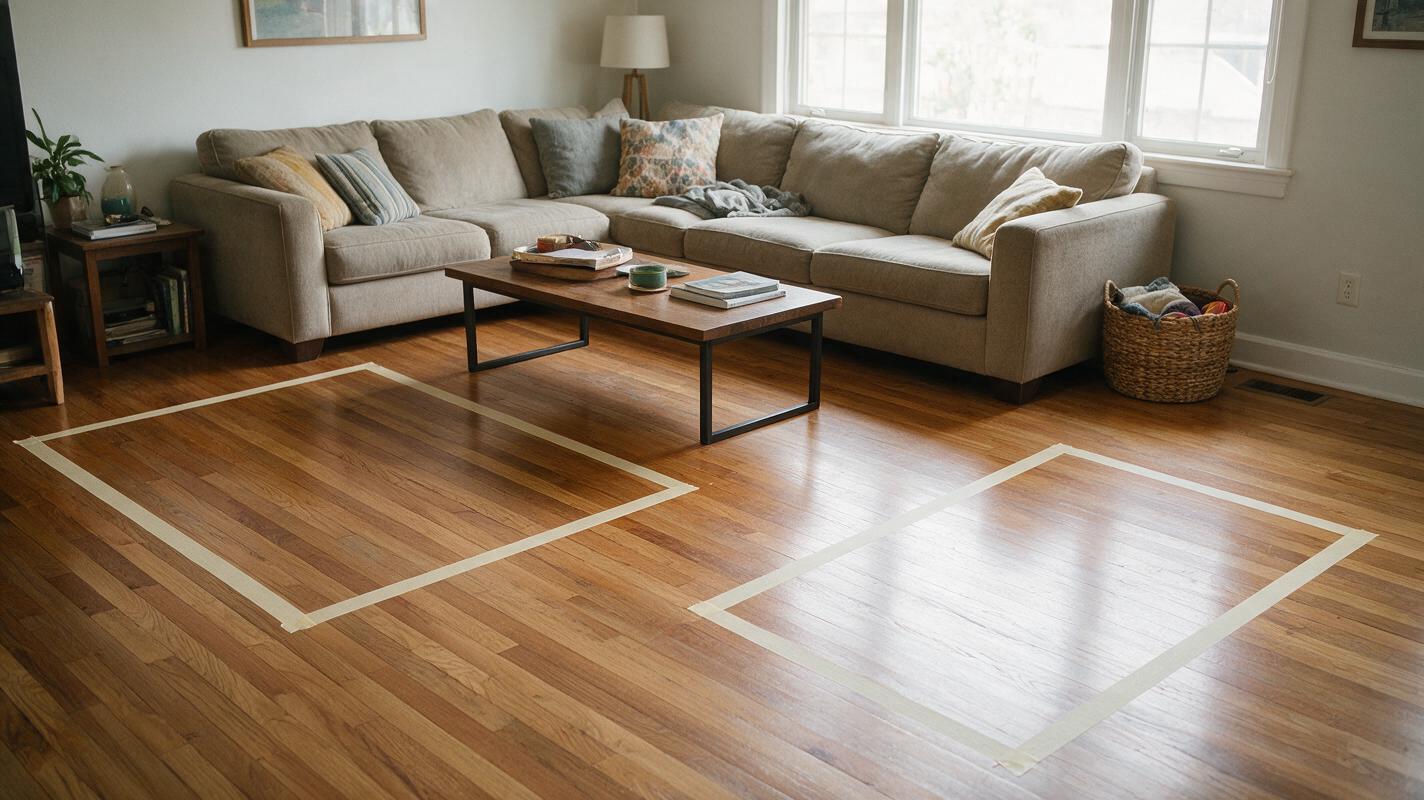
Table of contents
See the rug in the room before choosing a size
A rug that looks generous in a product photo can look undersized beneath a real sofa. To compare sizes fairly, keep the room, camera angle, and furniture fixed while changing only the rug footprint. An annotated room photo gives Nano Banana Pro a clearer reference than a written size alone—but the resulting image is still a design preview, not a measured drawing.
The method below is useful when a client is choosing between two plausible sizes, deciding whether furniture should sit on the rug, or testing whether a larger rug overwhelms the visible floor.
Measure the floor area the rug can actually occupy
Start with the dimensions that constrain placement: sofa width, the distance from the sofa to the opposite furniture or wall, and the available floor width. Note door swings, floor vents, and walkways. A rug should not be approved from the image alone if its edges might obstruct any of them.
Photograph the room from a position that shows the sofa legs and as much of the intended rug area as possible. Keep the camera level and use the same photo for every variation. A steep downward angle can make a rug seem larger relative to the furniture; a wide-angle lens can distort the floor near the edges of the frame.
Record the actual dimensions of each candidate rug. If a retailer lists nominal and exact dimensions, use the exact dimensions for your comparison.
Mark each rug footprint before generating a finished look
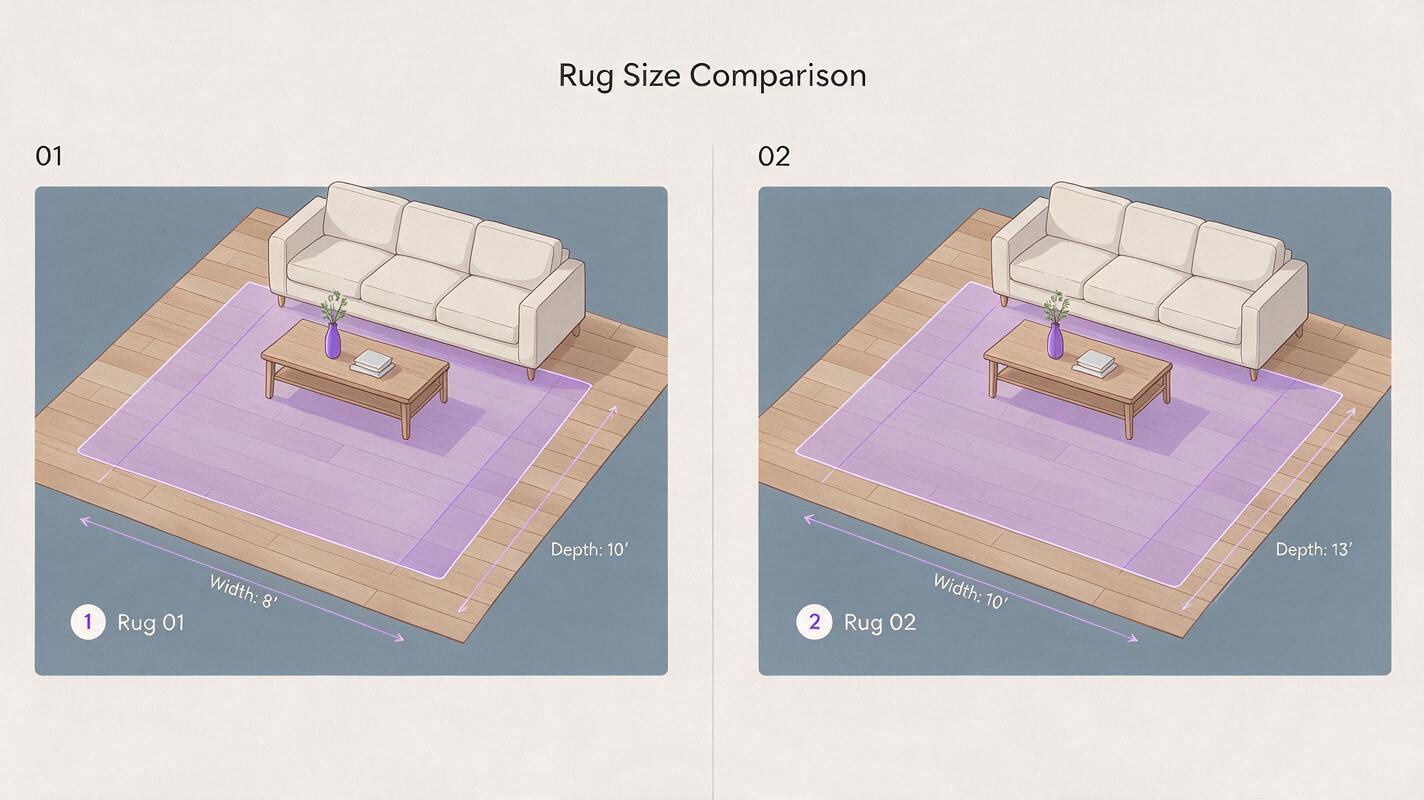
Duplicate the room photo for each candidate. In a drawing or presentation app, add a translucent four-corner shape where the rug would sit. Make its proportions match the rug’s measured width and length, then align its edges with the room’s floor perspective. Label the dimensions outside the image or in your project notes.
Do not estimate scale from a single photographed object unless you know its real dimensions. Instead, use a measured reference such as the sofa width and check the proposed footprint against the available floor measurements. If an edge disappears beneath a sofa, extend the shape to its intended position rather than drawing only the visible part.
Keep the geometry honest: the annotation defines the proposed footprint. The generated rug should fill that footprint, not silently grow or shrink to make the composition prettier.
Use Nano Banana Pro to test the same rug at different sizes
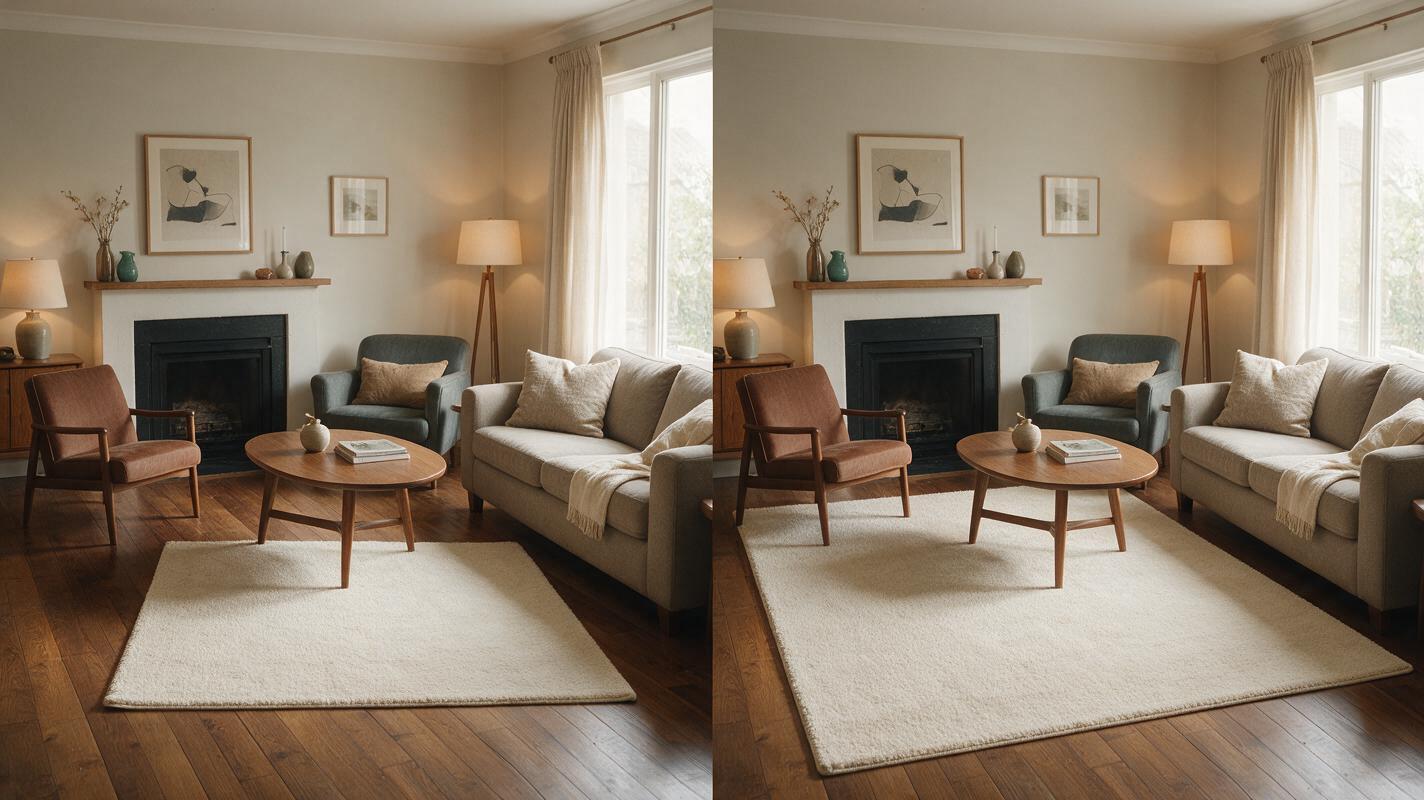
Feed the annotated photo into a reference-based ai image generator using Nano Banana Pro. Make one version per measured footprint. Hold the rug’s pattern, color, and texture constant so the client is comparing size rather than reacting to different designs.
Use a prompt like this for each annotated image:
Edit the supplied living room photo. Replace the translucent floor annotation with a low-pile, warm ivory wool rug. Match the rug's visible perimeter to the annotated four-corner footprint, including the portion that passes beneath the sofa. Preserve the camera angle, room architecture, floorboards, sofa, chairs, table, lighting, and all furniture positions. Add realistic contact shadows where furniture meets the rug. Do not move furniture, extend the room, change the floor, or add objects. This is a visual size study, not a new room design.If the tool changes the rug outline or moves a chair, revise the annotation or regenerate that option. Do not compare one accurate footprint with another image whose footprint has drifted. Once a version follows its marked shape, create your own version with the next size annotation and the same prompt.
Compare placement, not just the finished image
Put the original photo and the two generated options side by side at the same display size. For each option, check where the rug ends relative to furniture legs, whether the coffee table has enough visual space around it, and how much floor remains visible at the sides. Look especially closely at the far edge: perspective and furniture can conceal a rug that extends much farther than it first appears.
| Check | What to look for |
|---|---|
| Furniture relationship | Does the rug reach the furniture legs you intended it to reach? |
| Clearances | Do measured walkways and door swings remain unobstructed? |
| Visual balance | Does the visible floor border feel intentional rather than accidental? |
| Image fidelity | Did the rug keep the annotated outline without moving other objects? |
A smaller rug is not automatically wrong, and a larger one is not automatically better. The useful question is whether its measured footprint supports the furniture arrangement and the amount of exposed floor the design calls for.
Catch the errors an attractive render can hide
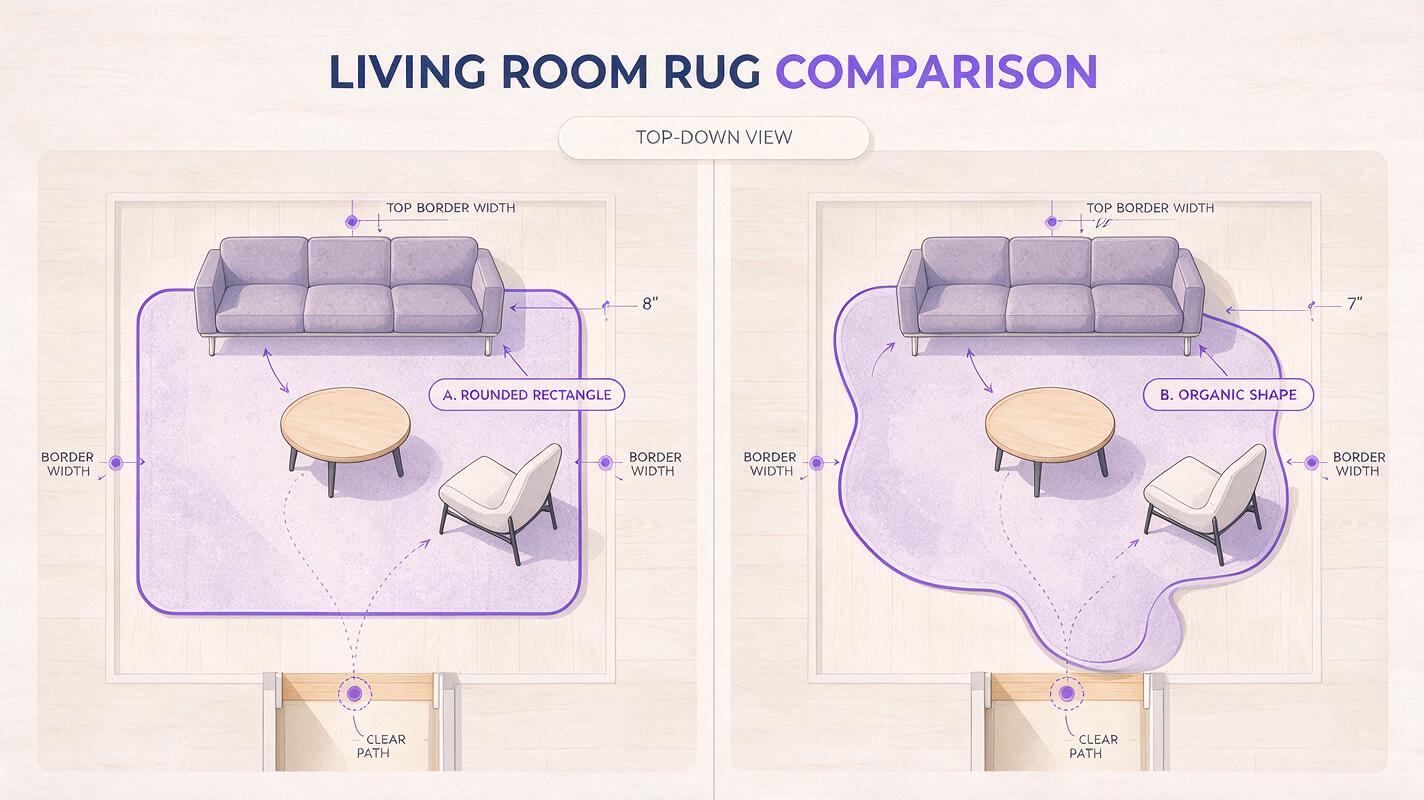
Generated images can make a rug appear to fit by altering nearby details. Before sharing a preferred option, compare it with the source photo at full size. Check for changed sofa legs, warped floorboards, a shifted coffee table, or a rug edge that curves behind furniture. Inspect shadows as well: a dark band can make a rug look thicker or wider than its actual outline.
If the rug cannot be shown credibly because too much of its perimeter is hidden, switch to a higher camera position or add a simple measured plan view beside the photo. For purchasing or installation, confirm the chosen dimensions on site. Present the generated image as a visualization of a specified size, not proof that the rug will fit.
Final checklist
- Measure the available floor area and note doors, vents, and walkways.
- Use one room photo and a separate, proportioned annotation for each candidate size.
- Keep the rug design and all other room elements consistent across versions.
- Reject images that change the marked footprint or move furniture.
- Verify the selected rug’s exact dimensions before ordering.
Keywords
living room rug size, rug size visualization, Nano Banana Pro, rug placement, interior photo editing, furniture layout