Luma Prompts for Subtle Bridal Portrait Motion Without Face Drift
A bridal portrait can become a short, elegant motion clip without making the bride move at all. These Luma prompts focus on a veil, nearby fabric, or a restrained camera move, with practical checks for face drift and dress distortion.
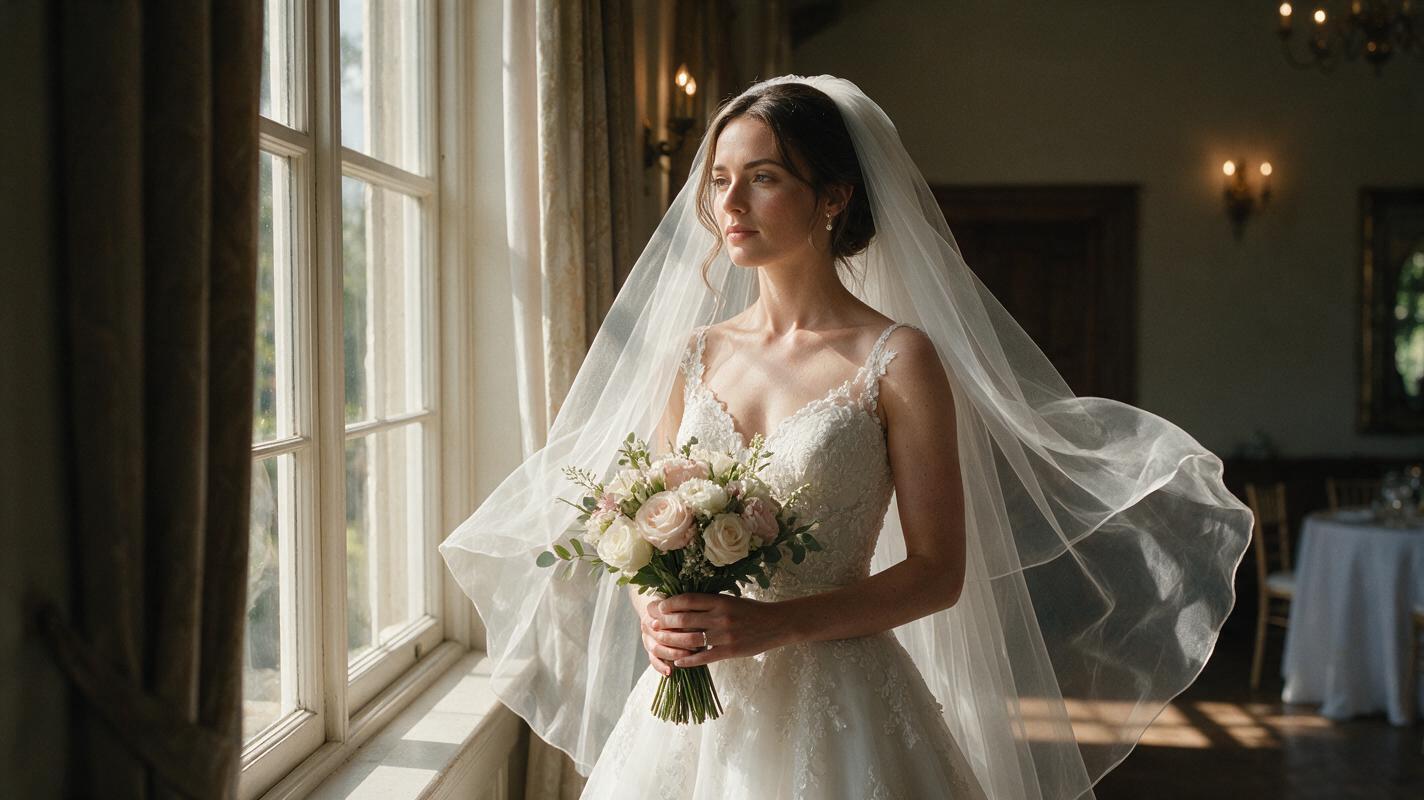
Table of contents
Make the portrait move, not the person
A bridal portrait often needs only one small movement to feel alive: a veil lifting slightly, a curtain shifting behind the bride, or a gentle camera drift. The difficulty is keeping the photographed face, dress, and pose intact. For this kind of image to video edit, use the original photograph as the visual reference and ask Luma to animate the least identity-sensitive part of the frame.
The prompts below are starting points, not guarantees. Generate short candidates, compare them against the still, and keep the photograph unchanged whenever the motion alters a meaningful detail.
Choose a portrait with room for motion
Look for a finished image in which the bride is sharp and the moving element has visible space around it. A loose veil against a simple background is easier to assess than lace crossing the face. A curtain or foliage behind the subject can also carry motion while the bride remains still.
- Keep the original edit. Export a high-quality copy at the intended aspect ratio; retain the finished still for comparison and fallback.
- Pick one motion source. Veil, background fabric, or camera movement is enough for a short clip.
- Inspect the edges. Hair, fingers, veil trim, embroidery, and the outline of the dress are where unwanted changes often become visible.
- Allow crop margin. If a camera move would cut off a bouquet, train, or hand, choose a steadier composition.
Obtain the couple’s permission for the intended animated use, particularly if the clip will be published or supplied as a deliverable. Treat generated movement as a creative interpretation of the portrait, not a record of what happened during the shoot.
Prompt the veil to move while the bride stays still
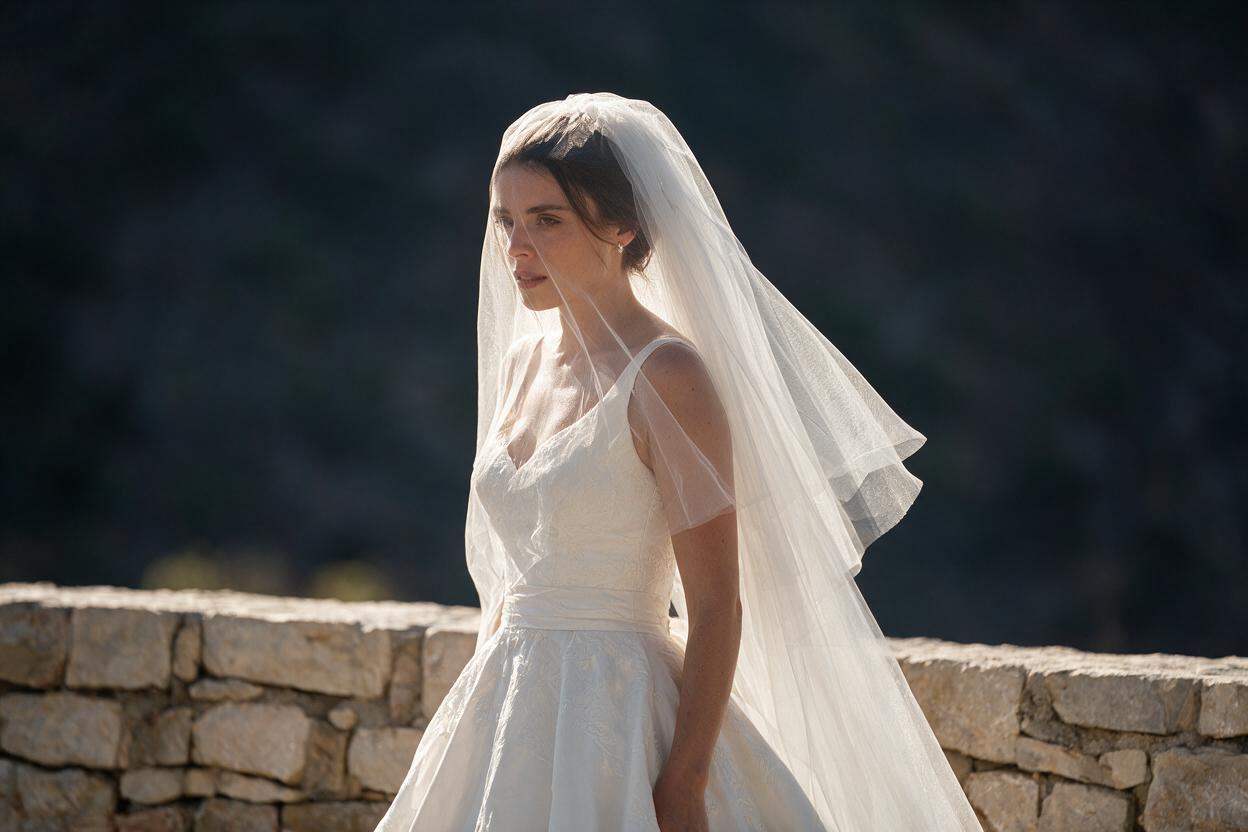
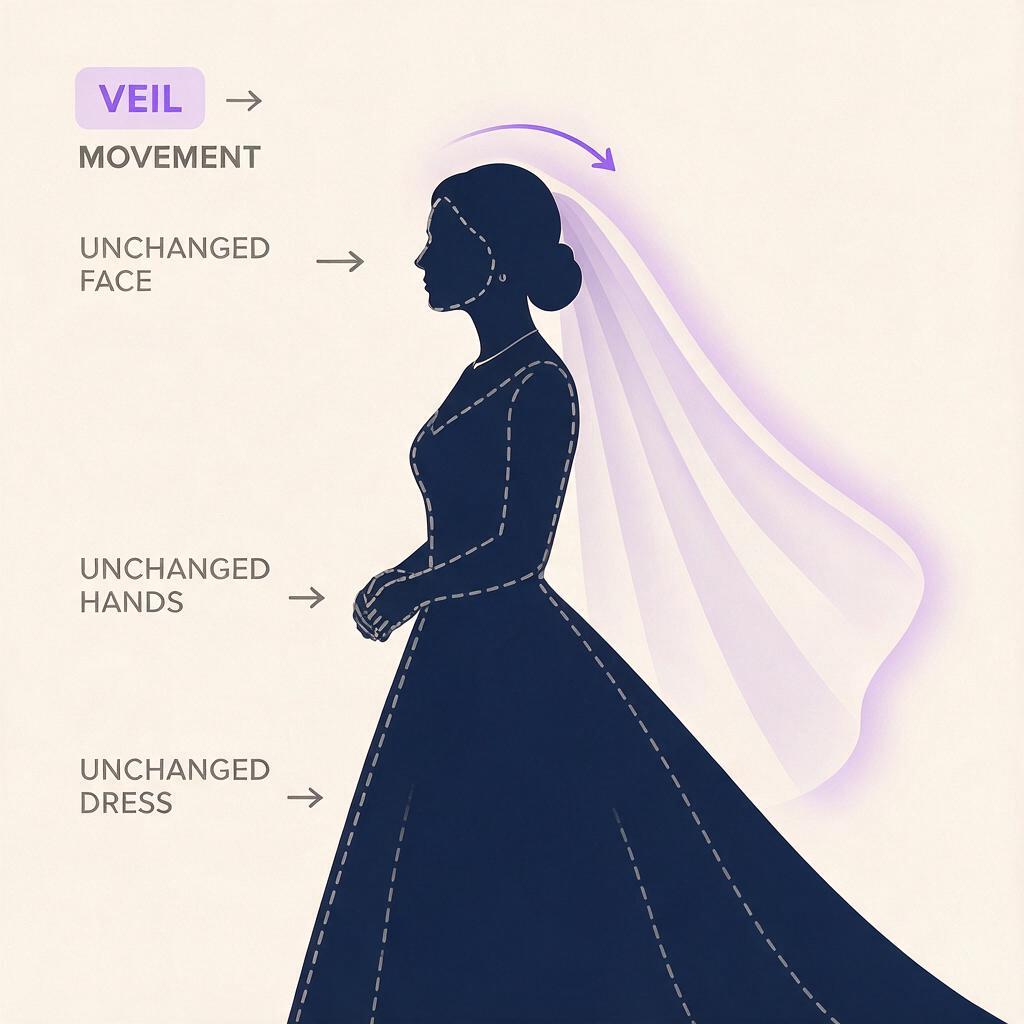
Start with the clearest physical movement in the photograph. For a veil that already hangs freely, describe a light breeze and explicitly protect the face, pose, and dress. Paste the following into Luma with the finished portrait as the reference image, then replace details that do not match your photograph.
Use the supplied bridal portrait as the source frame. The bride remains still in her original pose, with the same face, expression, hairstyle, hands, bouquet, dress construction, and lighting. A light breeze gently lifts only the loose outer edge of the veil, then lets it settle. Keep the veil attached at the same point and preserve its trim. Locked camera, restrained natural motion, no new objects, no facial movement, no change to the dress or background.“Only the loose outer edge” gives the movement a boundary. If the veil crosses an eye or an intricate headpiece, choose a different source of motion rather than asking the model to invent what is hidden beneath it.
Use background movement when the outfit is too detailed
Beaded sleeves, layered lace, and fine embroidery may be more valuable to preserve than animate. In a portrait beside a window, shift motion to a curtain behind the bride. In an outdoor image, use a small amount of movement in distant foliage—but only if that foliage exists in the source photograph.
Animate the supplied bridal portrait with subtle movement confined to the sheer curtain in the background. The curtain shifts gently toward the window and returns. Keep the bride, her facial features, hair, veil, dress, hands, bouquet, and position unchanged. Preserve the original room, window shape, light direction, color, and framing. No wind affecting the subject, no added objects, no camera movement.This version gives the viewer a sense of air and time without requesting a new expression or body movement. If the generated curtain appears to pass in front of the bride, or its shadow changes her face, reject that candidate.
Try a camera drift for a portrait with no loose elements
A portrait against a plain wall may not have a believable object to animate. A very slight camera move can work, but it raises a different risk: the generator may invent unseen parts of the room or change the bride’s proportions. Ask for a restrained move within the existing frame.
Use the supplied bridal portrait as the visual reference. Create a barely perceptible, smooth camera drift to the right while keeping the bride completely still. Maintain her exact face, expression, pose, hands, dress silhouette, bouquet, and the photographed lighting. Keep the move within the visible image area; do not reveal new scenery, change perspective dramatically, or add subject movement.If the output stretches the subject or fabric, skip the generated camera move. A conventional slow crop or pan across the original still is a more faithful way to add motion because it does not reconstruct the bride.
Compare the clip with the original photograph
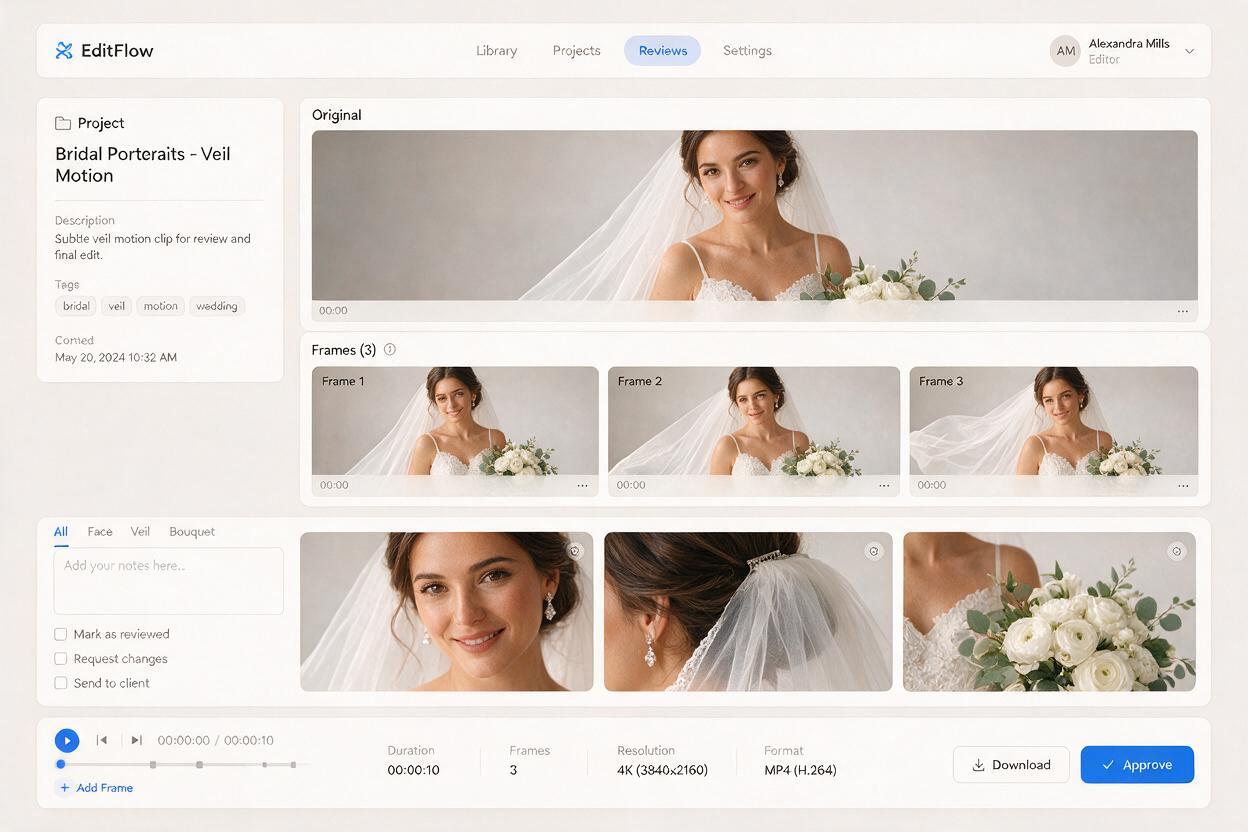
Review more than the opening frame. Pause near the beginning, middle, and end, then compare each frame with the finished portrait at a similar size. Watch the motion at normal speed afterward: a flaw that is hard to see in one frame may become obvious as a flicker.
| Check | Keep the clip if… | Reject or revise it if… |
|---|---|---|
| Face and hair | Identity, expression, hairline, and accessories stay consistent. | Eyes, smile, jawline, or hair shape shift between frames. |
| Dress and veil | Seams, trim, lace, and attachment points remain coherent. | Details melt, appear, disappear, or detach. |
| Hands and bouquet | Finger placement and recognizable flowers remain stable. | Hands change shape or bouquet elements flicker. |
| Motion | One small movement supports the original portrait. | The whole frame ripples or unrelated objects begin moving. |
If a result is close, narrow the prompt to one moving region and generate another candidate. Do not try to rescue obvious face drift by sharpening or color grading; those edits cannot restore the photographed likeness.
Deliver a clip that still feels like the photograph
Choose a duration that allows the motion to begin and settle naturally, then trim away any unstable frames at either end. Match the clip’s crop and color to the surrounding wedding gallery or editorial sequence. If it will loop, check the join for a sudden jump in veil or curtain position.
For client delivery, keep the original still alongside the animated version. If none of the generated clips preserves the bride and her clothing, a gentle move across that original still is the stronger final choice. The photograph is the work; motion should support it, not replace it.
Have a suitable portrait ready? test this prompt yourself with the veil or curtain version, then compare the result frame by frame before sharing it.
Final checklist
- Animate one existing element, not the entire portrait.
- Protect the face, pose, hands, dress details, and lighting in the prompt.
- Inspect several frames and watch for flicker at normal speed.
- Use motion across the original still if generated details drift.
- Keep the finished photograph and confirm permission for the animated use.
Keywords
luma bridal portrait, subtle portrait motion, animate bridal portrait, wedding photo animation, face drift, veil motion prompts