Luma Prompts for Parallax Comic Establishing Shots
Learn how to animate comic establishing shots with controlled parallax instead of unstable character motion. These reusable Luma prompts define depth layers, camera movement, environmental motion, and preservation rules for city, interior, and landscape panels.
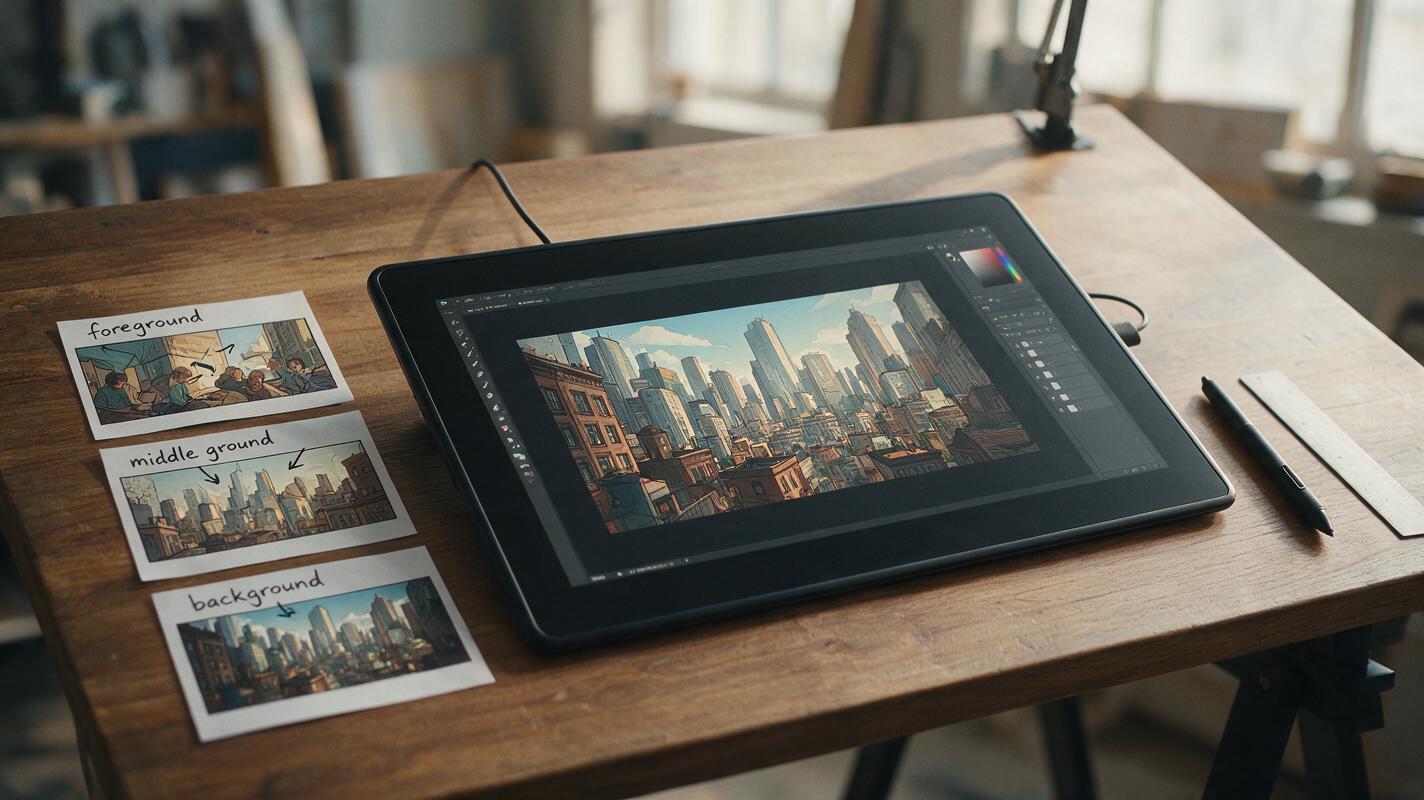
Table of contents
Give a static location depth without redrawing the panel
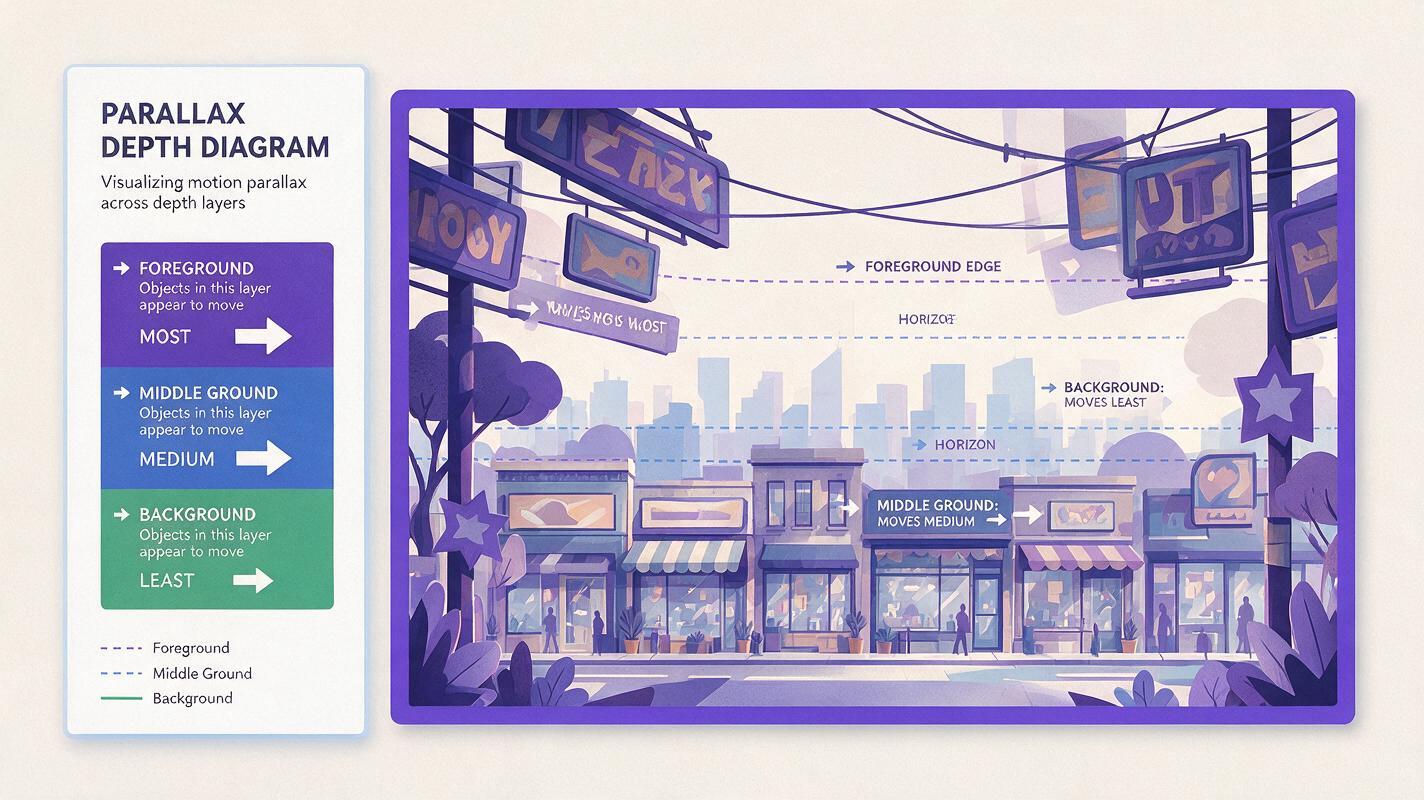
A comic establishing shot can feel cinematic with only a few pixels of relative movement: foreground objects pass the camera quickly, architecture shifts more slowly, and the distant skyline barely moves. The challenge is getting that parallax without bending buildings, inventing objects, or turning carefully inked scenery into fluid texture.
Luma is a useful model to test for this task because the source illustration can provide the composition while the prompt concentrates on camera direction, depth behavior, and preservation. Instead of asking the model to “make the scene cinematic,” you will describe which visual planes move, which elements remain rigid, and where the shot should end.
Why establishing shots are safer than action panels
Establishing shots usually contain strong environmental structure and limited character acting. That makes them suitable for controlled image to video: the model can create motion through camera displacement and atmospheric details rather than rebuilding a face, hand, or combat pose on every frame.
The most reliable source panels tend to have:
- A readable foreground: railings, signs, leaves, doorframes, utility poles, or furniture close to the viewer.
- A stable middle ground: the street, room, platform, or courtyard where the story will occur.
- A distant anchor: a skyline, mountain, window view, corridor endpoint, or large architectural mass.
- Minimal embedded text: dialogue, captions, and detailed signs can shimmer or mutate during generation.
- Clear occlusion: foreground objects visibly overlap the middle ground, giving the model evidence for depth.
Parallax cannot rescue a panel with ambiguous spatial layers. If every object has the same scale, contrast, and overlap, revise the illustration before animating it.
Prepare a panel with three visible depth planes
Start with a clean export of the finished establishing shot. Remove speech bubbles if possible and add them again during editing. Preserve the original aspect ratio unless the final video format requires a deliberate crop.
Inspect the panel as three broad zones:
| Depth plane | Typical comic elements | Desired movement |
|---|---|---|
| Foreground | Branches, signs, curtains, doorframes | Largest apparent shift; may cross the frame edge |
| Middle ground | Characters, storefronts, desks, street furniture | Small, controlled shift with stable geometry |
| Background | Skyline, hills, distant buildings, horizon | Minimal shift; functions as the visual anchor |
Avoid cutting a foreground object into a thin, unexplained fragment at the edge. Give the model enough visible shape to understand whether it is a branch, post, curtain, or wall. If a small character appears in the middle ground, use a pose with a clean silhouette and avoid requesting new body movement in the first test.
Write the prompt around camera direction and depth
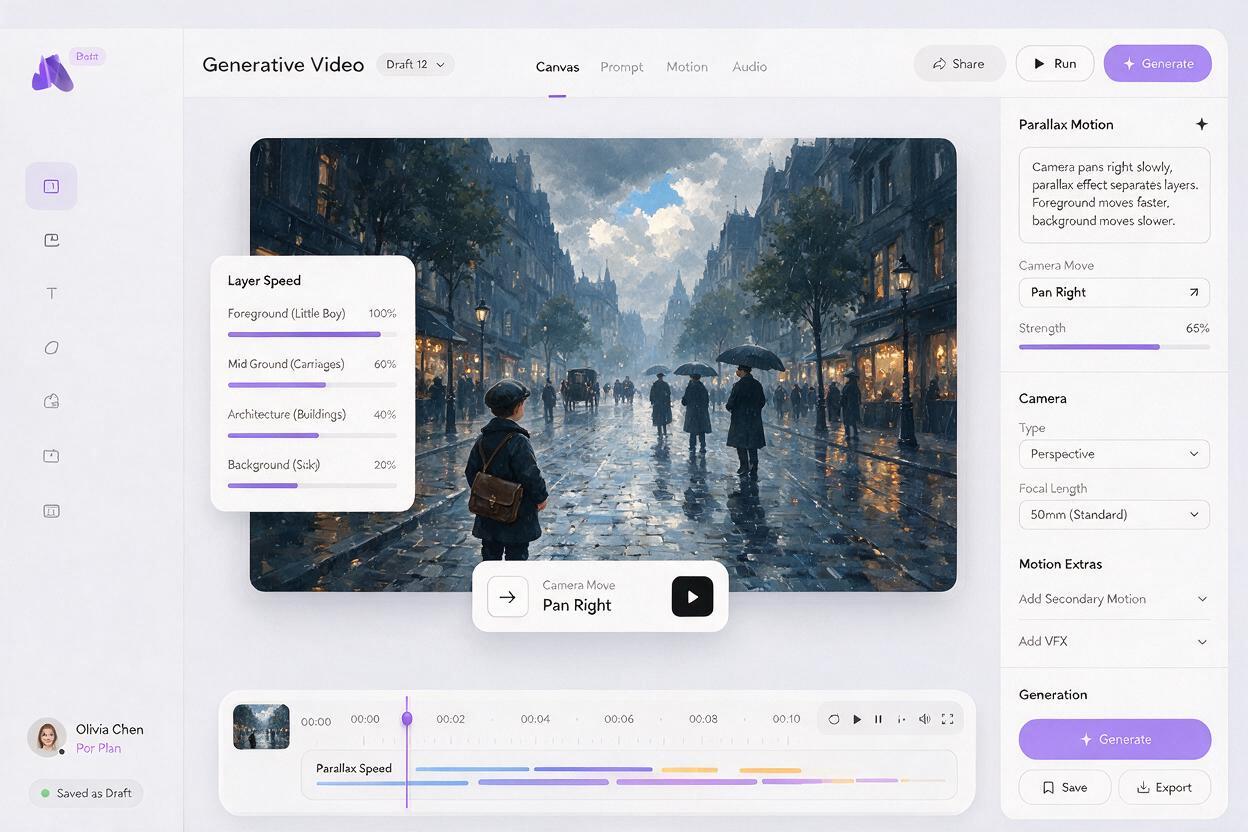
A useful Luma prompt for comic parallax has four parts: the camera move, the depth response, restrained environmental motion, and preservation constraints. Put the main camera instruction first rather than burying it under style adjectives.
Slow lateral camera track to the right through a layered comic establishing shot. Foreground objects move left across the frame with noticeable parallax, middle-ground architecture shifts only slightly, and the distant skyline remains nearly fixed. Subtle ambient movement only. Preserve the original ink lines, cel shading, building geometry, character design, color palette, and composition. No new objects, no morphing, no camera rotation, no sudden zoom.Directional wording matters. If the camera tracks right, foreground elements should appear to travel left relative to the frame. Stating both movements helps prevent a generic zoom from replacing the requested parallax.
Keep the first attempt simple. One camera move plus one ambient action is usually easier to control than a prompt asking for a truck, tilt, zoom, wind gust, crowds, changing light, and character performance simultaneously.
Use prompt variants matched to the location
Neon city street
Slow camera track to the right along a rainy illustrated city street at night. A close foreground awning and hanging cables slide left faster than the storefronts. The middle-ground shopfronts remain straight and structurally stable. The distant towers barely move. Only small rain streaks and soft reflected light move. Preserve the exact manga line art, signage shapes, window spacing, perspective, and palette. No people appearing, no warped architecture, no forward zoom.Keep readable lettering outside the generated footage when possible. If signs are important to the location, preserve their graphic shape during generation and composite the exact lettering afterward.
Quiet apartment interior
Very slow camera push past a foreground doorframe into a quiet illustrated apartment. The doorframe expands slightly at the edges, the table and chairs show gentle depth separation, and the far window remains stable. A curtain moves almost imperceptibly in a light draft. Preserve furniture proportions, straight wall lines, clean ink contours, flat comic shading, and the original lighting. No object replacement, no character movement, no focus pulsing.Interior geometry exposes errors quickly. Ask for a very slow move and identify straight lines that must remain straight. A restrained curtain or dust effect can provide life without forcing the room itself to deform.
Forest shrine reveal
Slow lateral reveal of an illustrated forest shrine. Large foreground leaves pass gently across the frame, tree trunks in the middle ground shift with moderate parallax, and the distant shrine remains the stable focal point. Only a few leaves sway independently. Preserve the shrine silhouette, tree anatomy, painted line texture, character-free composition, and muted green palette. No new branches, no liquid distortion, no rapid camera movement.Organic scenery tolerates slightly more variation than buildings, but excessive wind can still regenerate branches and destroy continuity. Specify “a few leaves” rather than animating the entire canopy.
Choose movement that supports the story beat
The camera direction should do narrative work. A location introduction does not always need a forward push.
- Lateral track: reveals the width of a street, room, train platform, or battlefield while producing obvious parallax.
- Slow push-in: directs attention toward a doorway, landmark, empty chair, or waiting character.
- Gentle pullback: reveals isolation, danger outside the frame, or the true scale of a location.
- Vertical rise: can uncover a tower or cliff, but it requires sufficient artwork beyond the initial focal area.
Avoid combining directional moves unless the composition was designed for them. “Track right while pushing in and tilting up” may sound cinematic, but it gives the model several competing geometry problems. Generate separate simple shots and choose the strongest result in the edit.
Keep characters and architecture from drifting
When an establishing panel includes a character, treat that figure as part of the stable composition. Do not ask for walking, turning, or lip movement in the same pass. Camera parallax and character performance require different kinds of reconstruction, and combining them increases identity drift.
Add concrete preservation language tied to visible features:
The small character remains completely still in the original pose. Preserve the exact face, hairstyle silhouette, coat length, hand placement, and body proportions. Buildings remain rigid with straight vertical edges and unchanged window spacing.General phrases such as “high quality” or “consistent character” are less actionable than naming the features that cannot change. For architecture, mention window spacing, rooflines, columns, horizon placement, and vertical edges. For characters, mention silhouette, costume boundaries, pose, and facial orientation.
Diagnose failed parallax before generating again
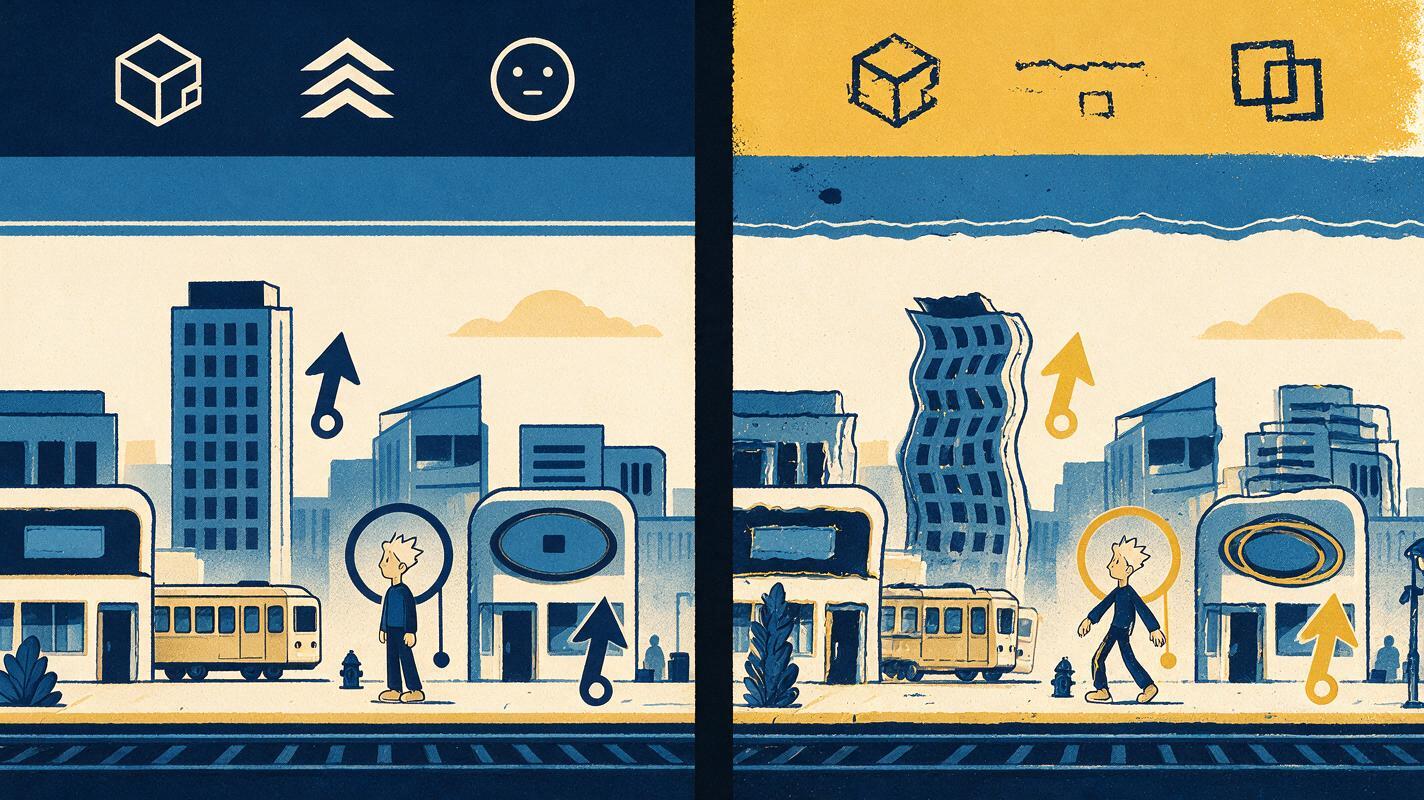
| Failure | Likely cause | Prompt correction |
|---|---|---|
| The shot becomes a simple zoom | No relative movement was defined | State how foreground, middle ground, and background move at different rates |
| Buildings bend or breathe | Camera motion is too aggressive | Reduce speed and explicitly preserve straight edges and window spacing |
| New objects enter the scene | The prompt invites broad environmental activity | Name the only element allowed to move and prohibit new objects |
| A small character changes identity | Character motion competes with camera reconstruction | Keep the figure still and name fixed costume and silhouette features |
| Line art flickers | Texture and lighting requests are too active | Remove dramatic relighting and request unchanged ink contours and shading |
| The background slides as one flat card | The source lacks clear occlusion | Add a stronger foreground overlap or revise the panel before another attempt |
Change one variable at a time. First test the camera move with no atmospheric animation. Once the spatial motion works, add a single secondary detail such as rain, steam, drifting dust, or moving leaves.
Edit the result as a comic shot, not a technology demo
The generated clip does not need to run at full length. Trim it to the cleanest two or three seconds, especially before geometry begins to drift. A short controlled move usually reads better between static panels than a long shot that exhausts the reveal.
Restore captions, speech bubbles, and precise sign lettering as separate overlays. If the clip will appear in a vertical webtoon trailer, test the crop on a phone and confirm that the foreground does not cover the narrative focal point.
For a sequence, alternate animated establishing shots with still close-ups or lightly moving reaction panels. Animating every image with the same push-in makes the camera rhythm predictable. When you are ready to compare source panels and motion directions, try these models for free and keep the shortest version that communicates the location clearly.
Final checklist
- The source panel has distinct foreground, middle-ground, and background elements.
- The prompt names one clear camera direction.
- Each depth plane has a different amount of apparent movement.
- Architecture, line art, palette, and character features have explicit preservation rules.
- Only one restrained ambient action is added during the first test.
- Dialogue and exact lettering are restored after generation.
- The final edit ends before visible geometry or identity drift begins.
Keywords
Luma prompts, comic establishing shot, comic panel animation, parallax animation, illustration to video, webtoon animation, image to video