Luma Prompts for Product Review B-Roll Without Fake Features
Turn your own product photos into short, atmospheric cutaways for YouTube reviews without making generated footage look like evidence of a feature you never tested. These Luma prompt templates focus on restrained motion, recognizable product details, and clear boundaries between illustration and demonstration.
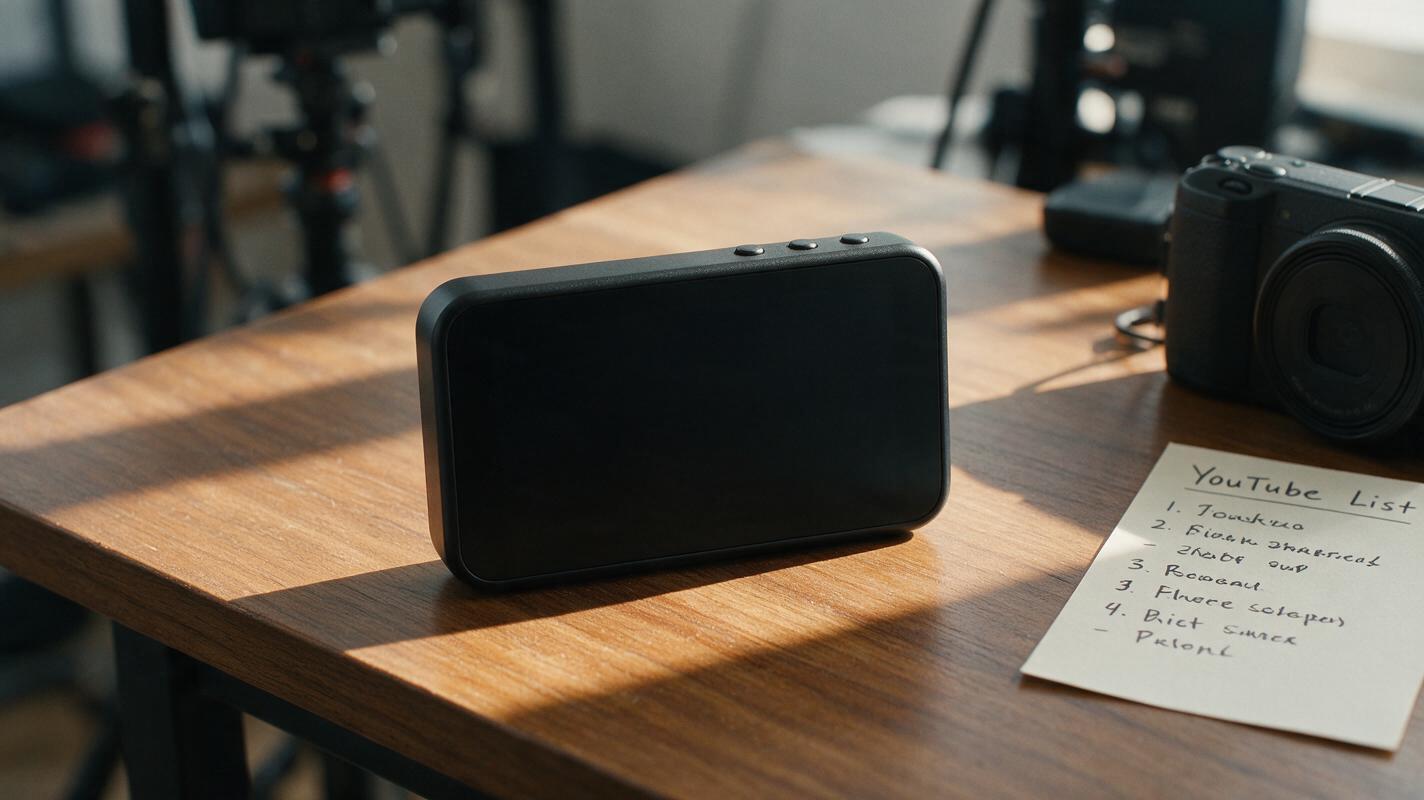
Table of contents
Give a product review visual variety without inventing a demo
Need a cutaway for a product review, but only have a few decent photos? A short generated clip can add movement between your real shots. The risk is that the product sprouts a new button, changes its label, or appears to perform a feature you never tested. The Luma prompts below keep motion in the camera, lighting, and surroundings—not in the product’s supposed capabilities.
Use them for atmosphere and transitions in YouTube reviews or faceless videos. Keep real footage, screenshots, and your own testing at the center of any claim about how the product works.
Start with a photo you can stand behind
Photograph the actual product you are reviewing against a simple background. Make its silhouette and any important controls visible, but do not rely on the generated clip to reproduce tiny labels accurately. If you have permission to use a supplied product image instead, check that it depicts the same version you discuss.
For image to video, use that photo as the starting image in Luma when the interface offers image input. Ask for one brief, restrained shot rather than several actions at once. Generate a few candidates and inspect them frame by frame; a faithful-looking first frame does not guarantee a faithful final frame.
Editorial boundary: Generated B-roll may illustrate a product’s appearance. It should not stand in for footage of battery life, speed, durability, sound quality, or any other performance claim.
Prompts for three useful cutaways
Replace the bracketed details with what is actually visible in your source photo. Treat each prompt as a separate shot. If a result distorts the product, simplify the motion before trying a more elaborate description.
The calm desk reveal
Use this near the beginning of a review, immediately after naming the product. The camera movement gives a static photo some depth while leaving the object untouched.
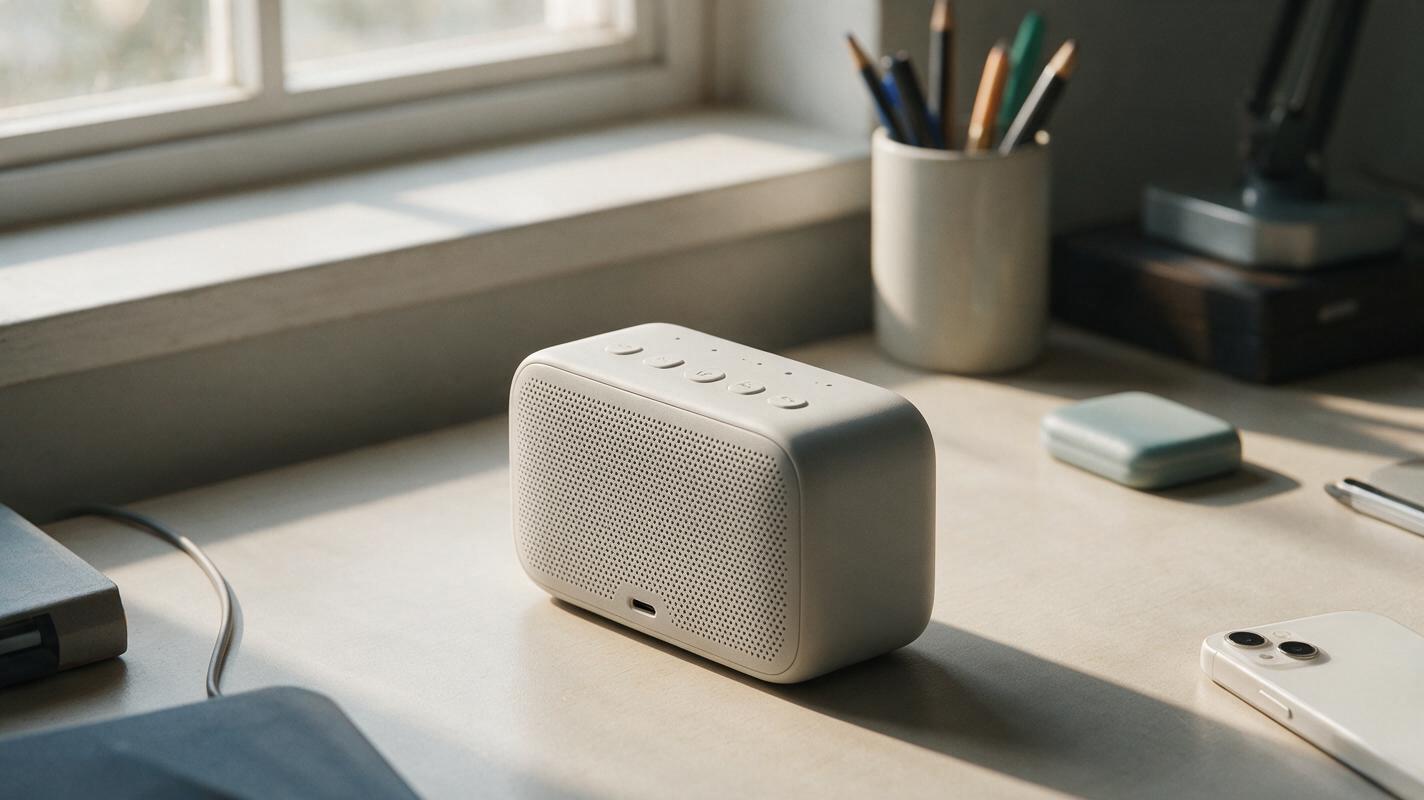
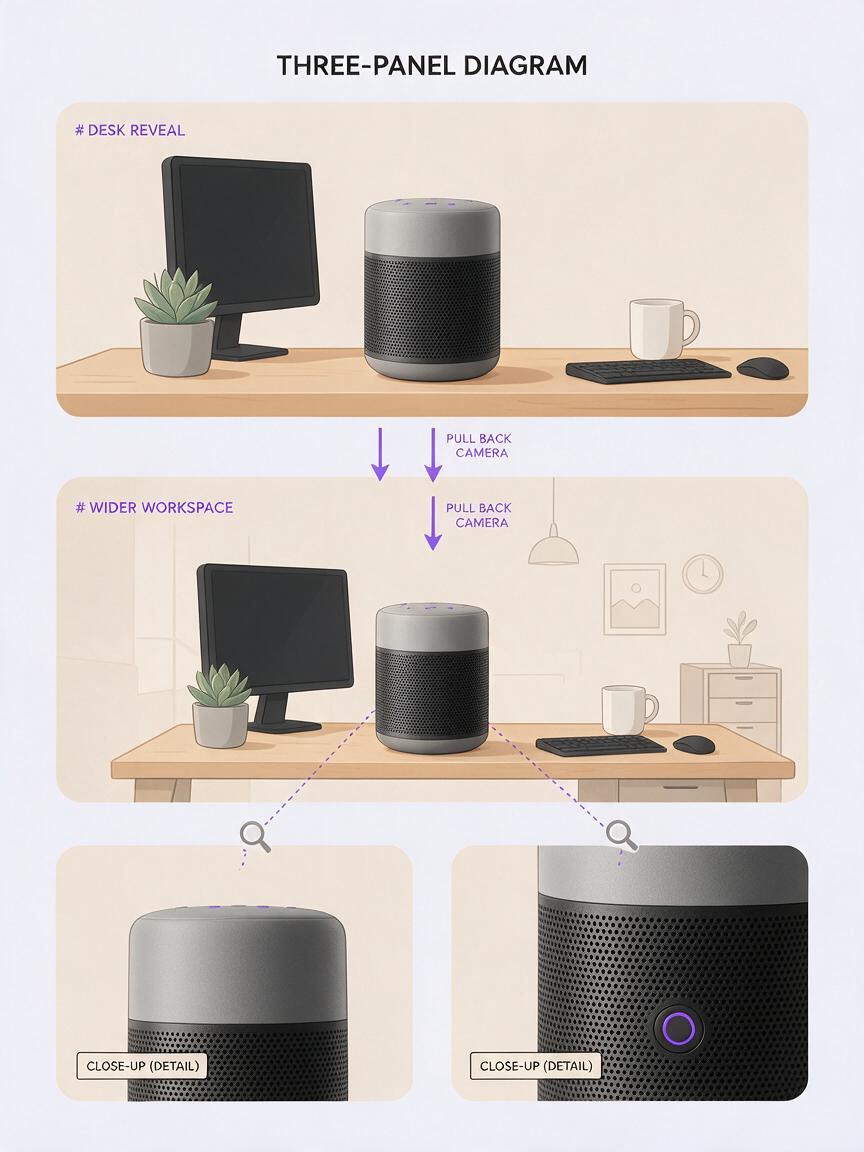
Use the supplied photo of my [product] as the visual reference. Create a short, realistic desk shot. The product stays stationary and keeps the same shape, color, visible controls, and surface markings as the reference. Make a slow, subtle camera push-in. Soft window light shifts gently across the desk. Do not add accessories, screens, hands, moving parts, new labels, or product demonstrations. No on-screen text.Best source image: A three-quarter view with a little empty space around the product. Reject the clip if: controls migrate, a logo changes, or the camera move reveals a side the photo never showed convincingly.
The workspace context shot
This works under narration about where the product fits in your setup—not under a statement about how well it performs. Keep surrounding objects generic and clearly separate from the product.
Animate the supplied photo into a restrained workspace cutaway for a YouTube review. Keep the [product] itself fixed and visually consistent with the reference. Add only subtle environmental motion: a soft change in daylight and a slight camera drift from left to right. Preserve the existing desk objects; do not invent connected devices, active displays, attachments, packaging claims, or human interaction. Natural photographic look, no captions or logos added.Best source image: A wider photo of the real desk setup. Reject the clip if: the model inserts a cable, attachment, or display state that viewers could mistake for part of your test.
The quiet transition insert
Place this between two sections when you need a visual pause. It is deliberately less ambitious than a simulated hands-on demo.
From the supplied reference photo, create a brief, understated close-up of the [product detail that is clearly visible]. Keep the detail's geometry, material, color, and markings consistent. Use a very small camera slide and gentle ambient light change. No buttons are pressed, no doors open, no screen activates, and the product does not move. Avoid creating readable text that is not present in the reference.Best source image: A sharp close-up of a real material or design detail. Reject the clip if: the close-up turns an ambiguous detail into an invented port, switch, or feature.
Choose the safest clip, not the flashiest one
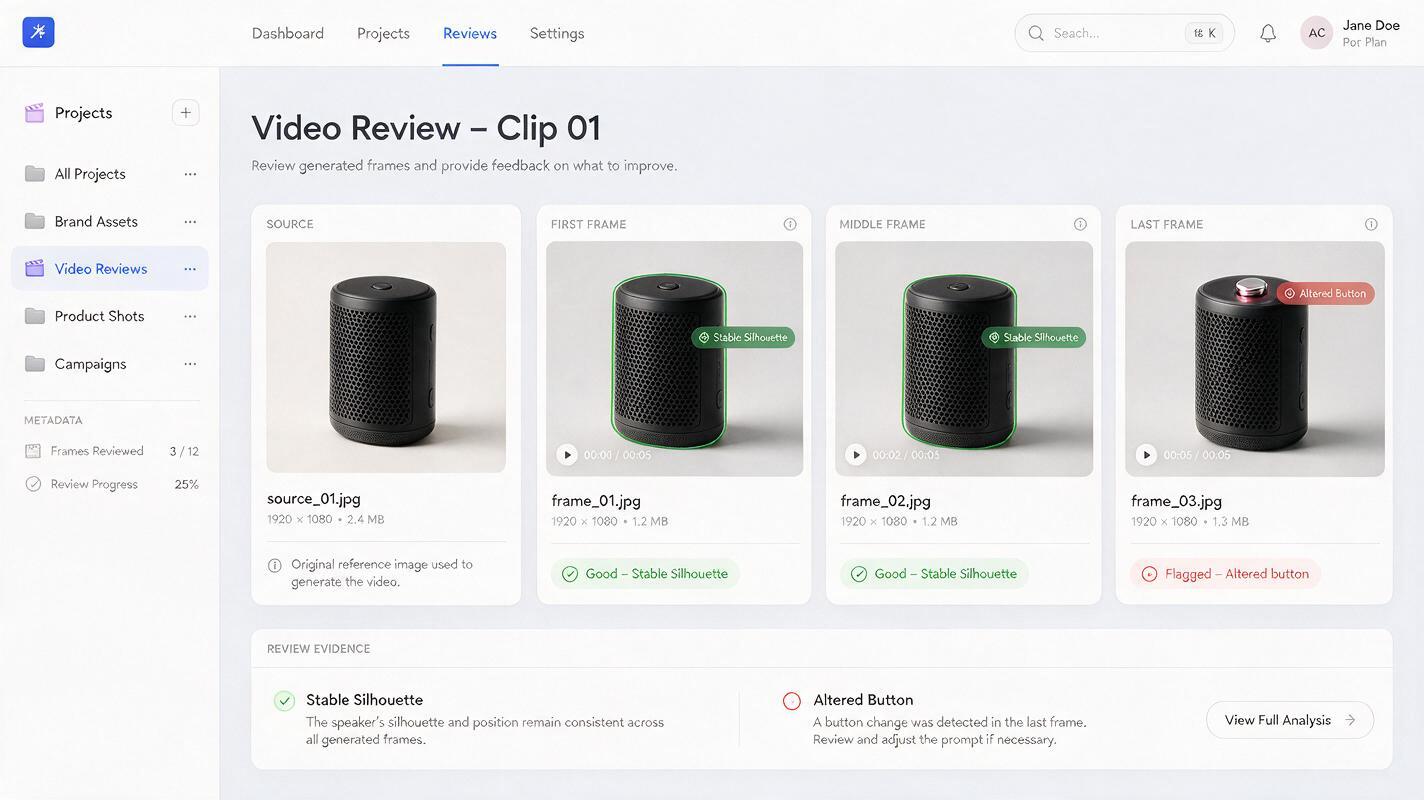
Watch every candidate at normal speed and then pause on its first, middle, and last frames. Compare those frames with your source photo. A little background shimmer may be acceptable for a fleeting cutaway; a changing product silhouette is not.
| What to inspect | Safe enough for a cutaway | Regenerate or use real footage |
|---|---|---|
| Product shape | Silhouette remains recognizable | Edges, buttons, or ports appear or disappear |
| Labels and screens | Not featured, or remain faithful to the photo | Text changes or a screen displays invented content |
| Motion | Camera or ambient light moves subtly | Product performs an unrecorded action |
| Review claim | Clip accompanies a general introduction | Clip appears to prove performance or functionality |
If several generations fail on the same detail, do not keep prompting for a perfect fake demonstration. Crop to a safer composition, use a shorter excerpt, or return to your original photograph.
Cut generated B-roll into an honest review
Put the generated shot beside real footage of the product before deciding where it belongs. A useful pattern is: your real wide shot, a brief generated atmosphere shot, then a real close-up when you begin discussing controls or results. This makes the generated material a visual bridge rather than the evidence for your verdict.
Keep your narration equally clear. “Here’s how it looks on my desk” can sit over an illustrative cutaway if the image remains faithful. “Watch it pair instantly” needs footage of an actual pairing attempt. If a generated clip could reasonably be mistaken for your test recording, label it as an illustration or leave it out.
For a quick trial, use your own product photo and test this prompt yourself with the calm desk reveal. Compare the result against the photo before adding it to the timeline.
Final checklist
- Use a photo of the product version you actually review.
- Prompt for camera and lighting movement before product movement.
- Check the first, middle, and last frames for changed details.
- Keep generated cutaways away from performance claims and demonstrations.
- Use real footage whenever a viewer needs to see what the product does.
Keywords
luma prompts, product review b-roll, ai b-roll, youtube product reviews, image to video, faceless youtube, product video prompts