Why Manga Screentones Flicker in AI Animation—and How to Fix It
Manga screentones often shimmer, crawl, or dissolve when a still panel is animated because the video model interprets dense dot patterns as moving texture. This guide shows how to prepare tone layers, constrain Kling motion, and restore stable manga shading without making the shot feel frozen.
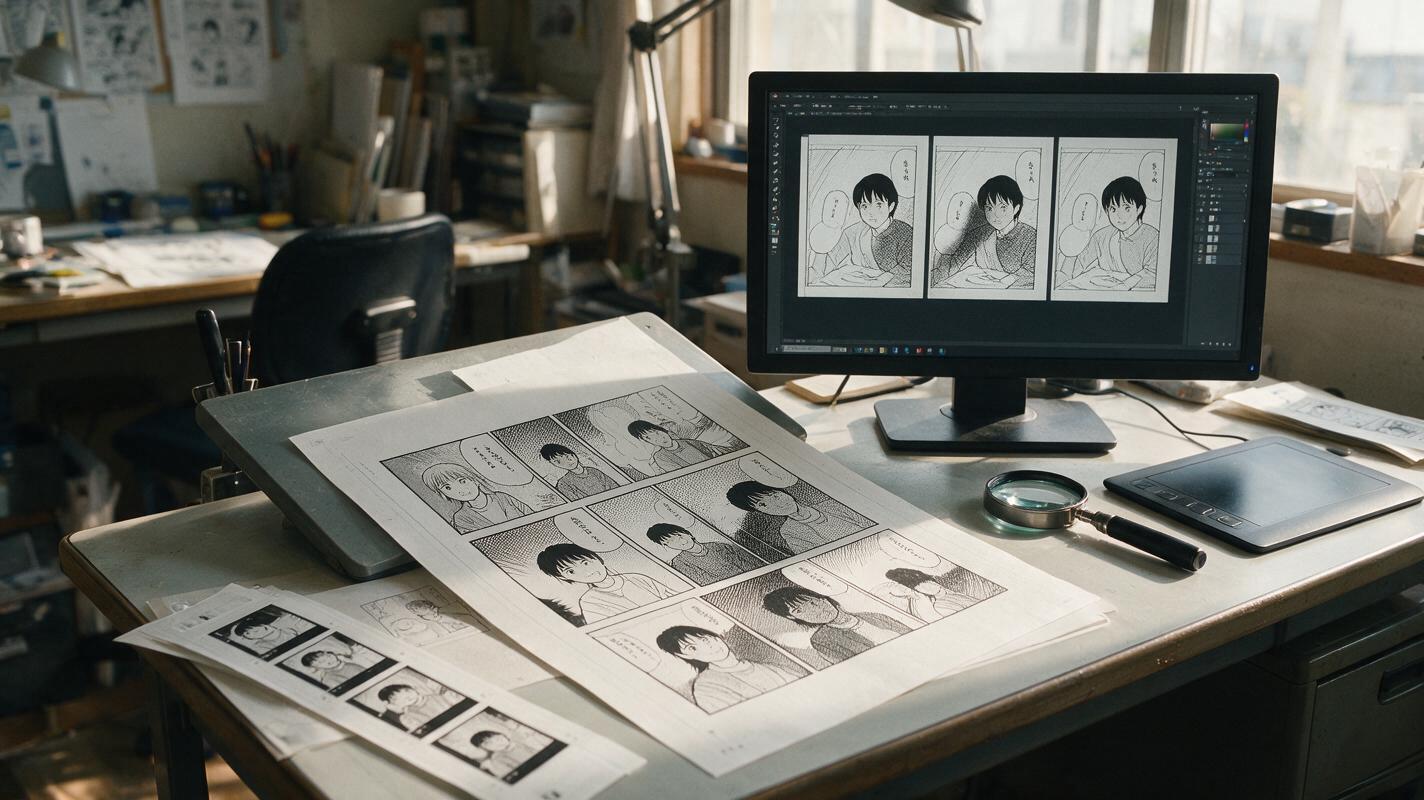
Table of contents
Stop Screentones From Crawling Across the Frame
A manga panel can look perfectly clean as a still image yet develop boiling shadows, crawling dots, and flashing gray patches as soon as it is animated. The problem is not simply low resolution. Dense screentones give a video model thousands of tiny marks that can be reinterpreted differently in every frame.
The safest solution is to treat screentones as protected graphic surfaces rather than ordinary texture. Prepare a stable source, restrict motion to selected subjects, and test a short Kling clip before committing to a full shot. This approach is especially useful when using image to video for dialogue panels, reaction shots, wind effects, and restrained camera moves.
The core rule: animate the character and camera without asking the screentone pattern itself to move, regenerate, sparkle, or change density.
Why Manga Screentones Flicker
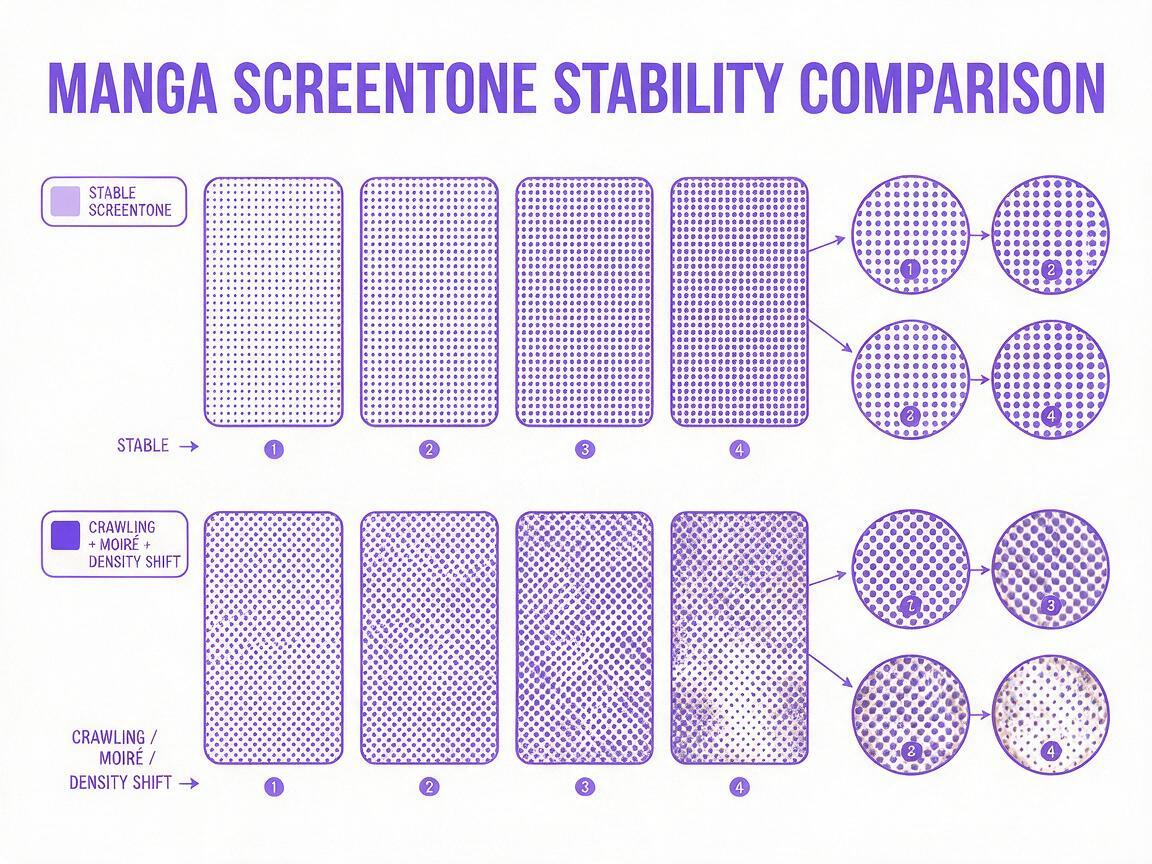
Printed screentones simulate gray values with repeated dots, lines, or crosshatching. In a still panel, the eye blends those marks into a consistent shade. During generated motion, even a subpixel shift can change which dots remain visible after resizing and compression.
Several problems can appear at once:
- Temporal resampling: the model redraws a slightly different dot arrangement in each frame.
- Pattern ambiguity: tone dots are interpreted as dust, grain, rain, sparks, or moving fabric texture.
- Uneven deformation: a tone attached to a coat or face slides independently from the underlying form.
- Compression interference: fine black-and-white detail becomes pulsing gray blocks after export.
- Camera-induced moiré: zooming or panning causes regular patterns to collide with the video pixel grid.
A useful diagnostic is to pause the clip on consecutive frames. If the character outline remains stable but the dot arrangement changes, the fault is texture regeneration. If both the contour and tone shift together, the source anatomy or camera motion is also unstable.
Prepare a Tone-Safe Source Panel
Start from the cleanest available artwork rather than a compressed screenshot. Remove speech bubbles only when they obstruct the animated region, and crop out neighboring panels so their borders are not mistaken for scenery.
Inspect the panel at its intended output size. Extremely fine dots that look clean at full resolution may collapse into noise after downscaling. When that happens, preserve the visual value of the shade rather than every original dot. A subtle gray fill or a larger, lower-frequency tone often survives motion better.
| Source feature | Animation risk | Safer preparation |
|---|---|---|
| Very small halftone dots | Boiling or moiré | Replace with slightly larger dots or a flat gray value |
| Tone crossing a moving joint | Sliding texture | Mask the limb as a separate motion region |
| Heavy JPEG artifacts | Flashing blocks | Use a clean scan and export as PNG |
| Dense tone behind hair | Hair edges dissolve | Increase edge separation before animation |
| Multiple pattern directions | False motion | Simplify the least important background patterns |
Do not blur the entire page. Global blur weakens ink contours and can make the model invent eyelashes, fingers, or clothing seams. Apply any tone reduction only to the unstable shaded region while keeping line art crisp.
Separate Motion From Printed Texture
Decide what truly needs to move before writing the prompt. A dialogue panel may need only one blink, a small breath, and a slight hair response. A dramatic reveal may need a slow push-in while the character remains almost still. More simultaneous motion gives the model more opportunities to reconstruct the screentone.
A practical motion map can divide the panel into three behavioral zones:
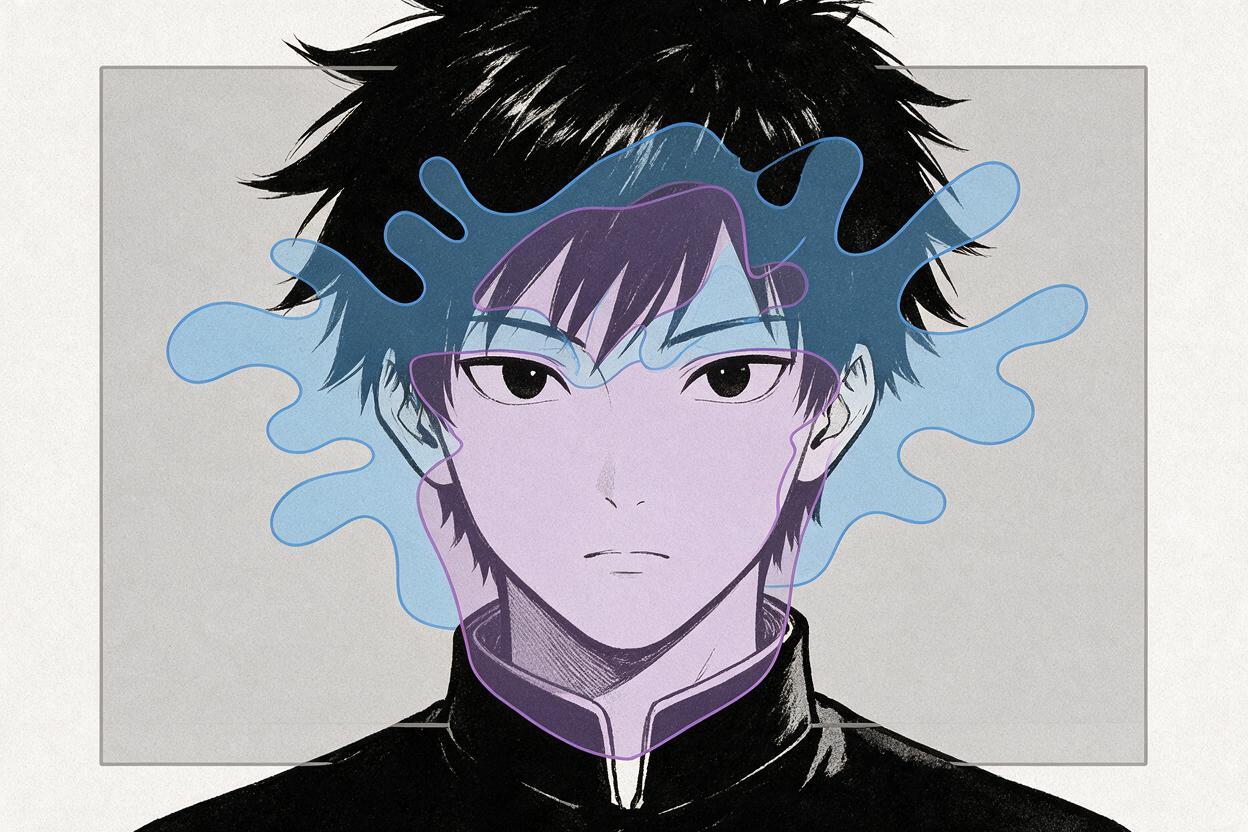
- Protected zone: face shape, ink contours, costume markings, and screentone density must remain unchanged.
- Controlled zone: eyelids, hair tips, cloth edges, smoke, or environmental particles may move slightly.
- Camera zone: use a restrained pan or push-in that does not rapidly rescale the dot pattern.
For a panel with extensive tones, prefer a nearly static camera. If a push-in is essential, keep it slow and crop from a higher-resolution source. Large digital zooms magnify minor frame-to-frame changes and make stable tones appear unstable.
Prompt Kling to Preserve the Inked Surface
A useful Kling prompt should identify the panel as finished monochrome artwork, name the limited motion, and explicitly protect tone placement. Avoid broad instructions such as “bring the manga to life,” because they leave the model free to animate every visible mark.
Finished black-and-white manga panel, preserve the exact character design,
facial proportions, ink contours, costume details, and screentone placement.
The character makes one subtle blink and a small breathing motion.
Only the loose hair tips move gently. The halftone shadows remain fixed to
the face and clothing with constant dot size, density, and orientation.
Locked composition, no texture crawling, no changing shading, no added lines,
no moving background pattern, no camera shake.
When the shot needs camera movement, describe it separately from subject motion:
Slow controlled camera push-in toward the character's eyes.
Character pose remains still except for a single blink.
Preserve original manga line art and fixed screentone pattern across all frames.
No redrawing, no morphing, no moire, no flickering gray regions.
Negative wording cannot guarantee perfect stability, but it clarifies which visual features are non-negotiable. Concrete phrases such as “constant dot size” and “fixed to the clothing” are more useful than simply requesting “high quality.”
Choose Motion That Hides Less
Some movements are naturally friendlier to screentones than others. Subtle blinking, breathing, drifting hair tips, and foreground particles can work without changing large shaded surfaces. Full torso rotation, cloth twisting, or a rapid orbit requires the model to reveal and reconstruct areas that do not exist in the source panel.
| Motion request | Tone stability | Recommended treatment |
|---|---|---|
| Single blink | High | Protect cheeks, hair, and background tones |
| Small breathing motion | Medium to high | Keep amplitude low and lock clothing patterns |
| Slow camera pan | Medium | Use a large source and avoid diagonal scaling |
| Fast push-in | Low | Replace fine tones or add the zoom during editing |
| Body turn | Low | Create an additional key pose instead of inventing the turn |
If a dramatic move keeps failing, separate generation from editing. Generate restrained character motion first, then add a deterministic zoom, shake, or speed ramp in the timeline. This preserves the manga surface while still giving the final shot energy.
Test Short Clips Before Rendering the Full Shot
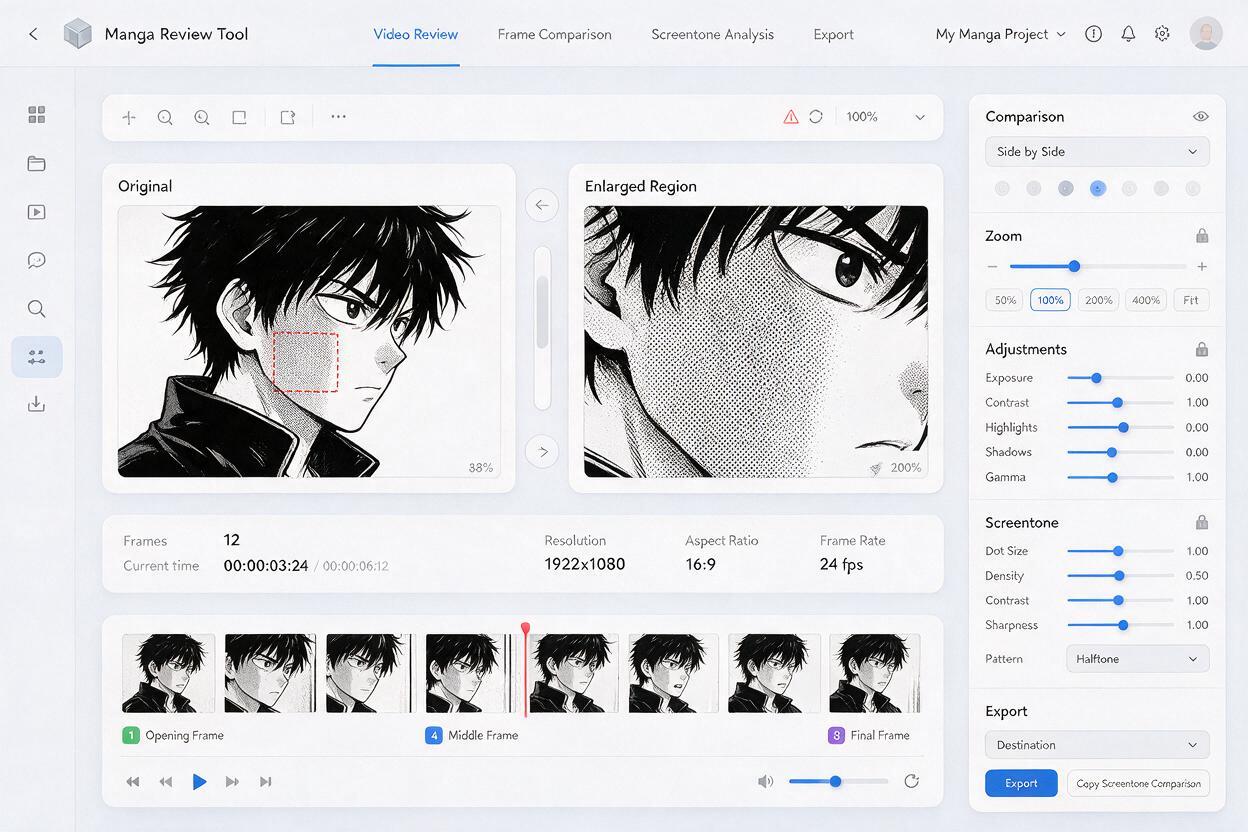
Generate the shortest useful motion test and examine it at normal speed, half speed, and frame by frame. Pay special attention to cheeks, neck shadows, dark clothing, and tone boundaries beside moving hair.
Use this inspection order:
- Check whether the outer silhouette changes unexpectedly.
- Compare screentone density in the opening, middle, and final frames.
- Look for dots detaching from the surface they should follow.
- Inspect the eyes and mouth for accidental texture contamination.
- View the exported clip at its actual delivery resolution.
Do not select a take based only on the most attractive single frame. The best animation take is the one with the strongest temporal consistency. A modest motion that remains stable usually edits better than an expressive take with one obvious flash.
Repair Local Flicker Without Rebuilding Everything
If only one region flickers, preserve the successful parts of the clip. Replacing the entire generation may introduce a new face, altered hands, or different line weight.
For a mostly static shaded area, create a clean tone patch from the original panel and track it over the unstable region. Feather the mask away from important ink contours. If the underlying body part bends, divide the patch into smaller sections rather than forcing a rigid overlay across the joint.
Another option is to separate the original line art and tone layers before generation. The moving result can provide the broad animation, while stable line or tone elements are recomposited above it. This hybrid method is particularly effective for backgrounds, uniforms, and large facial shadows that do not need internal deformation.
Repair locally when: the motion and character identity are good, but one cheek, sleeve, wall, or shadow patch flickers. Regenerate when the flicker affects the entire frame or follows incorrect body deformation.
Match Export Settings to the Artwork
A stable preview can still develop shimmer after editing. Avoid repeatedly resizing the clip, especially when the artwork contains uniform dot screens. Keep one working resolution through the generation and edit whenever possible, then perform a single high-quality resize for delivery.
- Export a short test before processing the full sequence.
- Avoid excessive sharpening on halftone regions.
- Compare the master file with the platform-compressed upload.
- If moiré appears only after downscaling, substitute a coarser tone or restrained gray fill.
- Add film grain only after tone stability has been confirmed.
When the panel is ready, try these models for free with one protected-motion prompt and compare several short takes before expanding the shot.
Final Checklist
- Use a clean, high-resolution manga source without JPEG blocks.
- Simplify tones that are finer than the final video can display.
- Protect ink contours, dot density, orientation, and attachment points.
- Limit the first test to one character action and one camera behavior.
- Avoid rapid zooms that repeatedly rescale halftone patterns.
- Judge consecutive frames, not just the best-looking still.
- Composite stable tone patches over localized flicker when necessary.
- Resize once and inspect the final compressed output.
Keywords
manga screentone flicker, manga animation, anime image to video, Kling prompts, comic to video, 2D animation AI, manga line art