How to Generate Ad-Matched Landing Page Hero Variants to Boost Conversions
Mismatched ad and landing page creative erodes conversion rates by breaking message match for visitors who click through from paid campaigns. This guide shows performance marketers how to use Nano Banana Pro’s reference-based image generation to build on-brand landing page hero variants aligned with their top-performing ad creatives. It includes a core matching element framework, reusable prompt templates for common ad types, and tips for running controlled A/B tests.
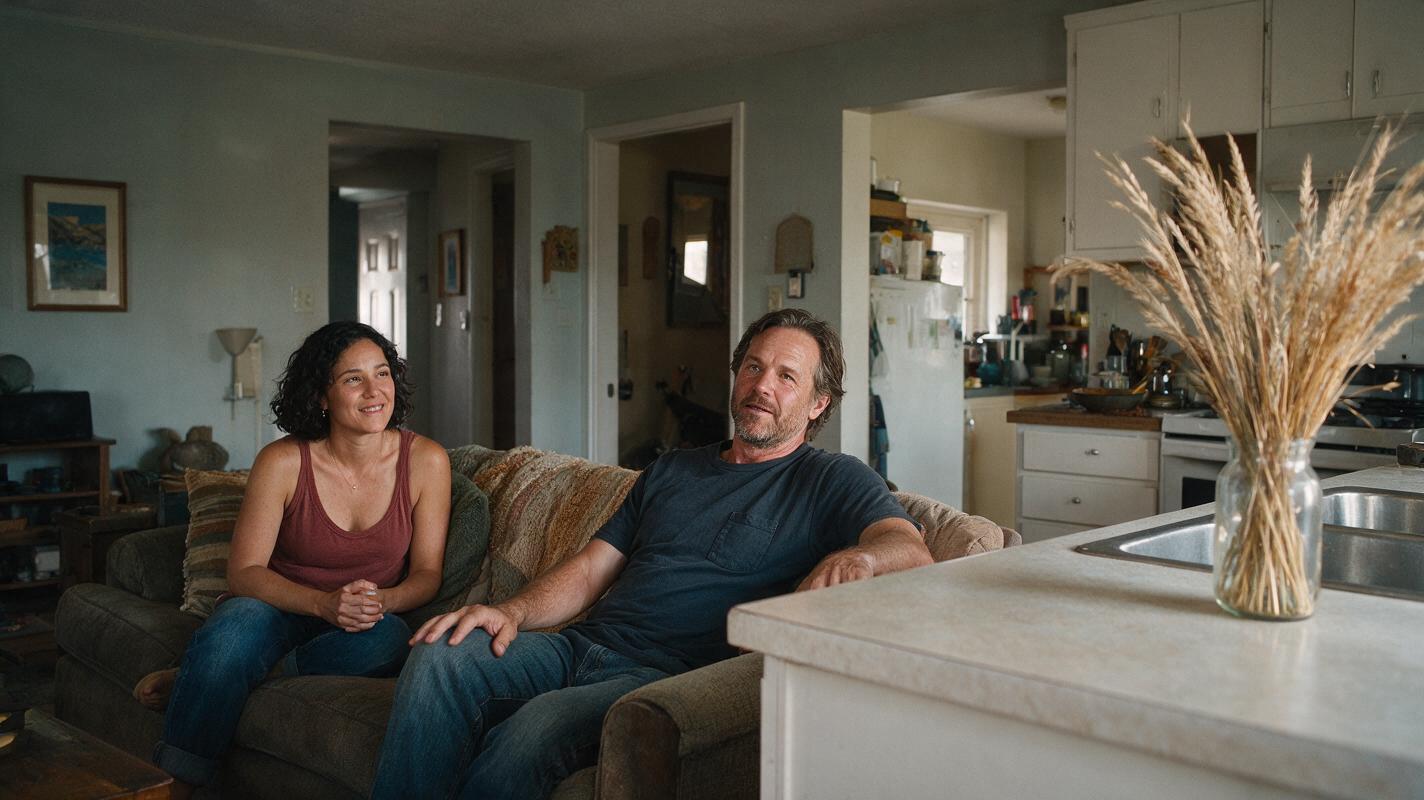
Table of contents
The hidden cost of mismatched ad and landing page creative
You spend weeks testing ad creative variants, refining hooks, and squeezing out higher click-through rates — only to watch most landing page visitors bounce before scrolling. More often than not, the culprit is broken message match: your ad promises a specific feature, offer, or pain point solution, but the landing page hero shows a generic brand visual that doesn’t align with what the user just clicked.
This disconnect creates immediate friction. Visitors assume they landed on the wrong page, or that the offer they saw in the ad isn’t actually available. The result? Lower time on page, higher bounce rates, and fewer conversions — even when your ad targeting and offer are on point.
You don’t need a full design team to build matched hero variants for every ad group. With reference-based image generation, you can turn your top-performing ad creatives into consistent, on-brand landing page hero variations in under an hour, ready for A/B testing.
What you need to get started
Before generating variants, gather these core assets to keep output aligned with your brand and campaign goals:
- Reference ad creatives: 1-2 top-performing ads with clear visual hooks, strong CTR, and a distinct value prop or offer
- Brand guardrails: primary/secondary brand colors, logo usage rules, and approved visual tone (e.g., minimal, bold, cozy)
- Hero layout requirements: aspect ratio (typically 16:9 for desktop, 9:16 for mobile), copy space placement, and required elements (e.g., CTA placeholder, trust badge)
- ai image generator with reference image control — we’ll use Nano Banana Pro for its strong product consistency and flexible reference weight settings
Reference-first framework for matched hero variants
The key to creating aligned hero images without copying your ad verbatim is to separate core matching elements (the parts that signal continuity to the user) from layout-specific adjustments (the parts that make the image work as a landing page hero). Here’s how to structure your approach:
Lock core matching elements from your reference ad
Start by identifying 2-3 non-negotiable visual elements that must carry over from the ad to the hero. These are the cues that tell visitors they’re in the right place. Common core elements include:
- Product angle, color, and styling
- Key visual metaphor (e.g., a person using the product in a specific setting)
- Color palette or background vibe (e.g., neon dark mode, bright sunlit kitchen)
- Offer-related visual cues (e.g., a discount badge shape, free shipping icon style)
Avoid trying to copy every detail of the ad. Landing page heroes serve a different purpose: they need to accommodate headline copy, a CTA button, and often trust signals, so the layout will be different. The goal is recognition, not duplication.
Build your Nano Banana Pro prompt with reference controls
Nano Banana Pro’s reference image feature lets you control how closely the output matches your source ad. For hero variants, aim for a reference weight of 65-75% — high enough to preserve core visual elements, but flexible enough to adjust the layout for hero use cases.
Use this base prompt structure, swapping in your own details:
[Core visual description from ad]
Landing page hero, 16:9 aspect ratio, 30% left-side copy space, no text on image
[Brand color palette]
[Visual tone: e.g., clean, premium, energetic]
High resolution, sharp focus, commercial photography style
Pro tip: Explicitly state "no text on image" in your prompt. AI-generated text is often inconsistent, and you’ll add final headline copy in your landing page builder later for perfect accuracy.
Validate consistency before scaling variants
Generate 2-3 initial test outputs first, then audit each one against your core matching elements list. Ask:
- Would someone who just saw the ad recognize this hero as part of the same campaign?
- Is the product/key visual accurate and undistorted?
- Are brand colors within acceptable range?
- Is there enough clean copy space for your headline and CTA?
If outputs drift too far from the reference, increase the reference weight by 10%. If they’re too close to the ad (and lack proper hero layout), decrease the weight or add more specific layout instructions to the prompt.
Prioritize variants for testing
Once you have a working base hero, generate 3-4 variants by changing one variable at a time. This keeps your test results actionable — you’ll know exactly which change moved the needle. Good variables to test include:
- Background setting (e.g., home office vs. coffee shop for a productivity tool)
- Product scale (close-up vs. wide shot with context)
- Color intensity (muted vs. bold palette)
- Contextual elements (e.g., a person using the product vs. product-only)
3 prompt templates for common ad-to-hero use cases
These ready-to-use templates cover three of the most common performance ad types. Swap the bracketed details for your own product, brand, and offer details.
Product feature ad → landing page hero
Best for ads that highlight a specific product feature (e.g., waterproof headphones, one-click checkout software).
Reference: [your feature-focused ad image]
Wireless over-ear headphones floating above a pool of water, water droplets on the ear cups
Landing page hero, 16:9, 40% right-side copy space, no text on image
Color palette: deep navy, electric blue, white
Premium, high-end commercial photography, soft studio lighting
Sharp focus, high resolution, no distorted details
Promotional offer ad → landing page hero
Best for ads promoting a sale, discount, or limited-time offer. The hero should carry over the offer’s visual energy without including AI-generated text.
Reference: [your promotional ad image]
Vibrant orange background with scattered confetti, skincare serum bottle centered slightly to the right
Landing page hero, 16:9, 35% left-side copy space, no text or badges on image
Color palette: bright orange, soft pink, white
Energetic, celebratory tone, e-commerce product photography style
Clean edges, high contrast, sharp product details
Problem-solution ad → landing page hero
Best for ads that lead with a pain point, then introduce your product as the solution. The hero should reflect the "solution" side of the ad to reinforce relief.
Reference: [your problem-solution ad image]
Smiling remote worker using a laptop at a sunlit kitchen table, no clutter on the table
Landing page hero, 16:9, 30% left-side copy space, no text on image
Color palette: warm beige, sage green, soft white
Warm, relatable, lifestyle photography, natural daylight
Authentic expressions, no uncanny facial features
Run a clean ad-to-hero A/B test
To measure the impact of matched hero variants, run a controlled test where you only change the hero image. Keep all other landing page elements (headline, CTA copy, form fields) identical to isolate the effect of visual match.
For each ad variant in your campaign, pair the ad with its custom-matched hero variant (test group) and your original generic hero (control group), then split traffic evenly between the two.
Track these metrics to measure success:
| Metric | What it tells you |
|---|---|
| Bounce rate | Whether visitors immediately recognize the page as relevant to the ad |
| Time on page | How well the hero encourages visitors to keep reading |
| Conversion rate | The bottom-line impact of better message match |
Many teams see meaningful lifts in conversion rate when ad and hero creative are closely aligned, but results vary by industry, offer type, and how mismatched the original hero was.
Ready to build your first set of matched hero variants? try these models for free to test the reference-based workflow with your own ad creatives.
Final checklist
- Identify 2-3 core matching elements from your reference ad before generating
- Set Nano Banana Pro reference weight to 65-75% for balance of consistency and layout flexibility
- Explicitly include copy space instructions and "no text on image" in your prompt
- Audit initial outputs for product accuracy, brand alignment, and usable copy space
- Test one variable per hero variant to keep results actionable
- Run a controlled A/B test with your original hero as the control group
Keywords
landing page creative, ad message match, ai image generator, nano banana pro, performance marketing, creative testing, ad creative variations