Midjourney Prompts for Faceless History Video Visuals
Create illustrative scenes for faceless history videos without presenting generated images as archival evidence. These Midjourney prompts cover establishing images, object inserts, transitions, and a practical accuracy check before publication.
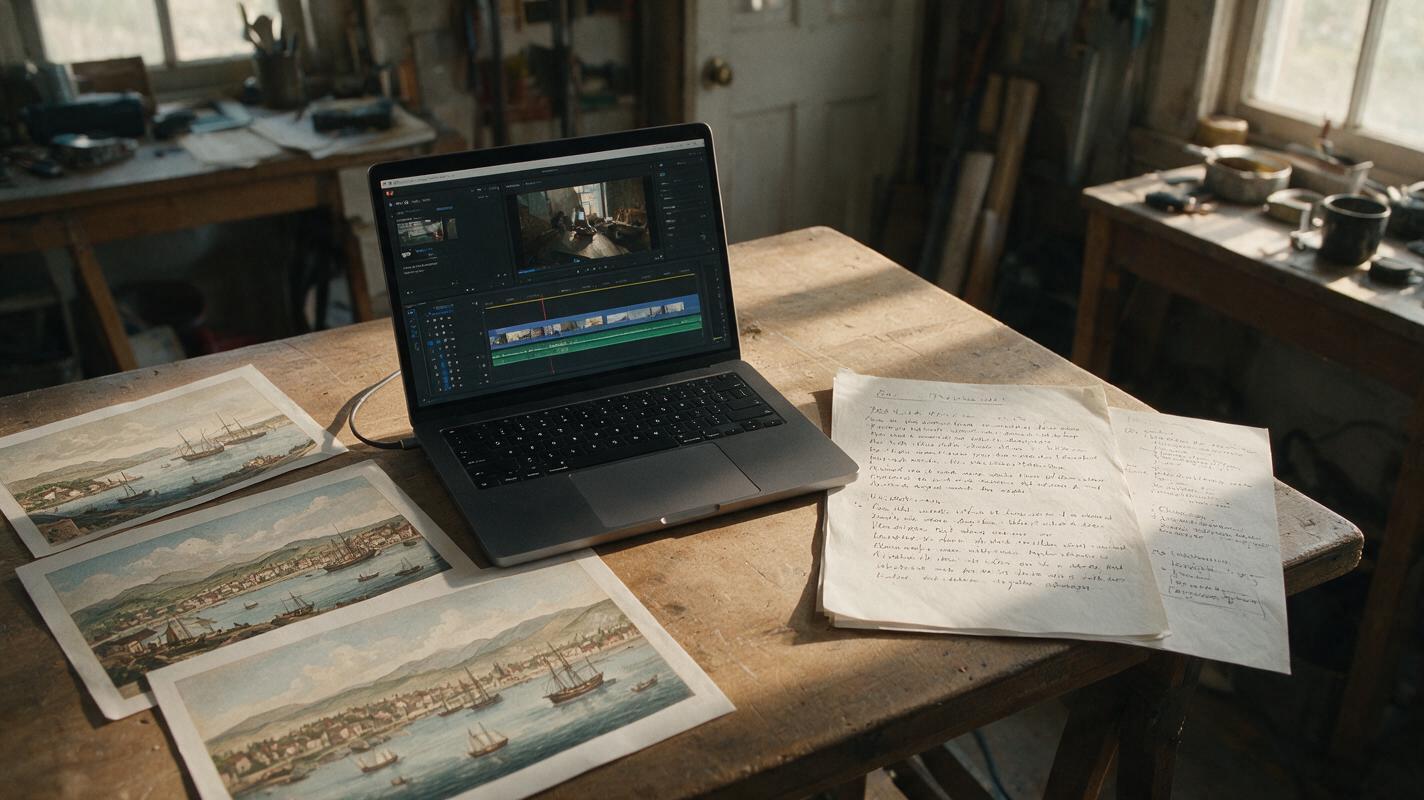
Table of contents
Illustrate the story without inventing the record
Faceless history videos need visuals for moments no camera captured. The problem is that a convincing generated image can look like evidence, even when its people, buildings, and objects are invented. These Midjourney prompts give you useful establishing scenes and cutaways while keeping their role clear: illustration, not archival footage.
Start with a researched script and identify the narration lines that need visual support. Use documented photographs, documents, or artifacts when the exact historical detail matters. Use generated imagery to convey setting, scale, or atmosphere when a clearly illustrative scene will do the job.
Choose a visual role before writing the prompt
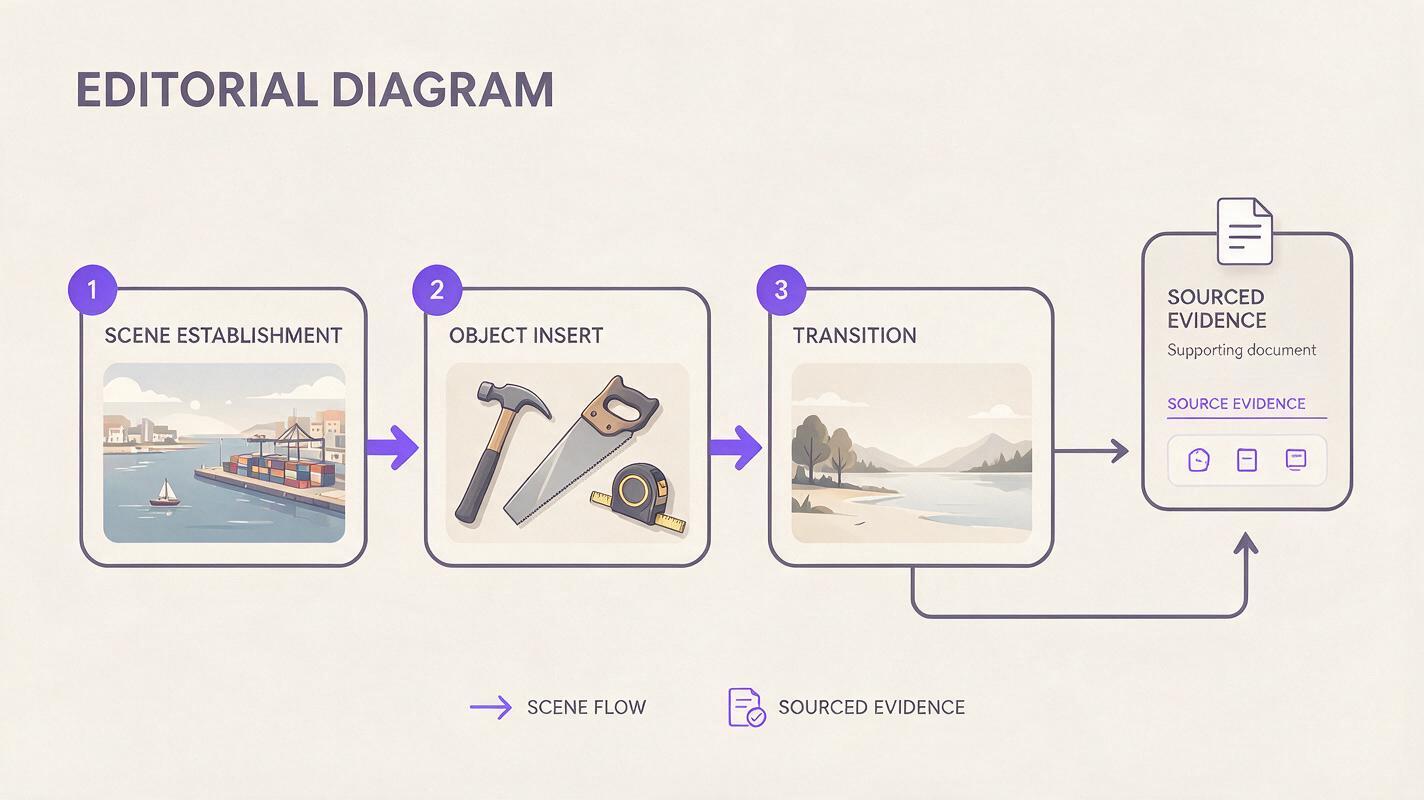
A history-video image works harder when it has one job. An establishing image introduces a place; an object insert gives the viewer something to focus on during an explanation; a transition signals a change of location or time. Do not ask one image to show an entire historical argument.
| Visual role | What the viewer should understand | Good editorial use |
|---|---|---|
| Establishing scene | The broad setting and mood | Under the opening line of a new chapter |
| Object insert | The type of tool, material, or activity being discussed | During a short explanatory detail |
| Transition image | The story has moved elsewhere or forward in time | Between chapters, beneath a date added in the edit |
| Sourced evidence | A specific claim about a real event or object | Use a verified source, not a generated substitute |
Make a quick shot list beside the script. For each candidate image, write its role and the claim, if any, viewers might think it proves. That last question catches misleading visuals before they reach the timeline.
Prompt for an establishing scene with readable space
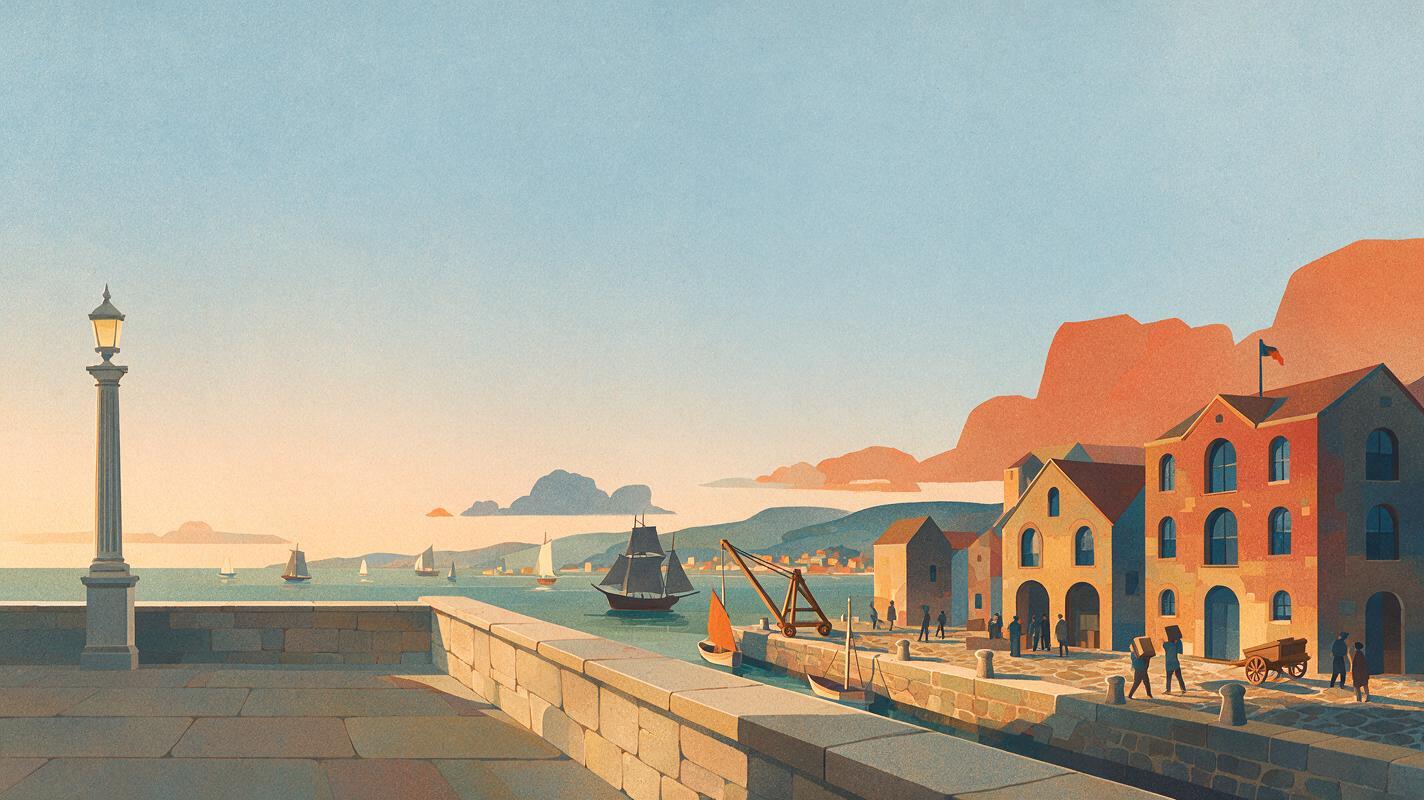
For a wide scene, describe the environment and camera position before adding period cues. Leave part of the composition quiet enough for a chapter title or subtitle. The example below depicts a fictional preindustrial port; it is not a reconstruction of a named city.
Editorial illustration for a faceless history video: a fictional preindustrial coastal trading port at dawn, viewed from an elevated street, small vessels near a stone quay, workers suggested as distant silhouettes, weathered buildings, restrained natural colors, fine painted texture, clear foreground and background, open sky on the left for an editor-added chapter title, no lettering, no logos, not an archival photograph, wide horizontal compositionWith text to image, the words “fictional” and “editorial illustration” help define the image’s intended role. They are not an accuracy guarantee. Check the output for recognizable flags, monuments, uniforms, or inventions that could accidentally suggest a specific place or date. If the scene needs to represent a real port, research its documented features first and remove anything you cannot support.
Editing use: Hold the image long enough to establish the location, then cut to evidence or a more specific visual. A gentle crop or pan can add movement, but motion does not turn the illustration into footage.
Use object inserts when the narration gets specific
An object-focused image is often more useful than another crowded street. It gives viewers a visual pause while the voiceover explains a process. Keep the object generic unless you have a verified reference: a generated instrument should not be presented as a photograph of an artifact held by a museum.
Painted editorial cutaway for a faceless history video: generic hand tools and coiled rope on a worn wooden workbench, close framing, soft window light, visible natural materials, uncluttered background, space around each object for cropping, no hands, no labels, no symbols, no claim of depicting a surviving artifact, horizontal compositionThis prompt deliberately avoids asking Midjourney to invent a precise mechanism. If your narration explains how a particular tool worked, use a sourced diagram or photograph for that claim. The generated insert can accompany a broader line about work and materials instead.
Useful test: If you paused the video on this frame without hearing the narration, would a viewer mistake it for a documented object? If so, make the illustration style more visible or replace the frame.
Make chapter transitions distinct without inventing a map
Transitions can communicate a change in time or location without pretending to depict a historical document. One option is a symbolic landscape with room for an accurate date added later in your editor. Avoid asking an image model to draw borders, routes, place names, or legible source text; those details need independent verification.
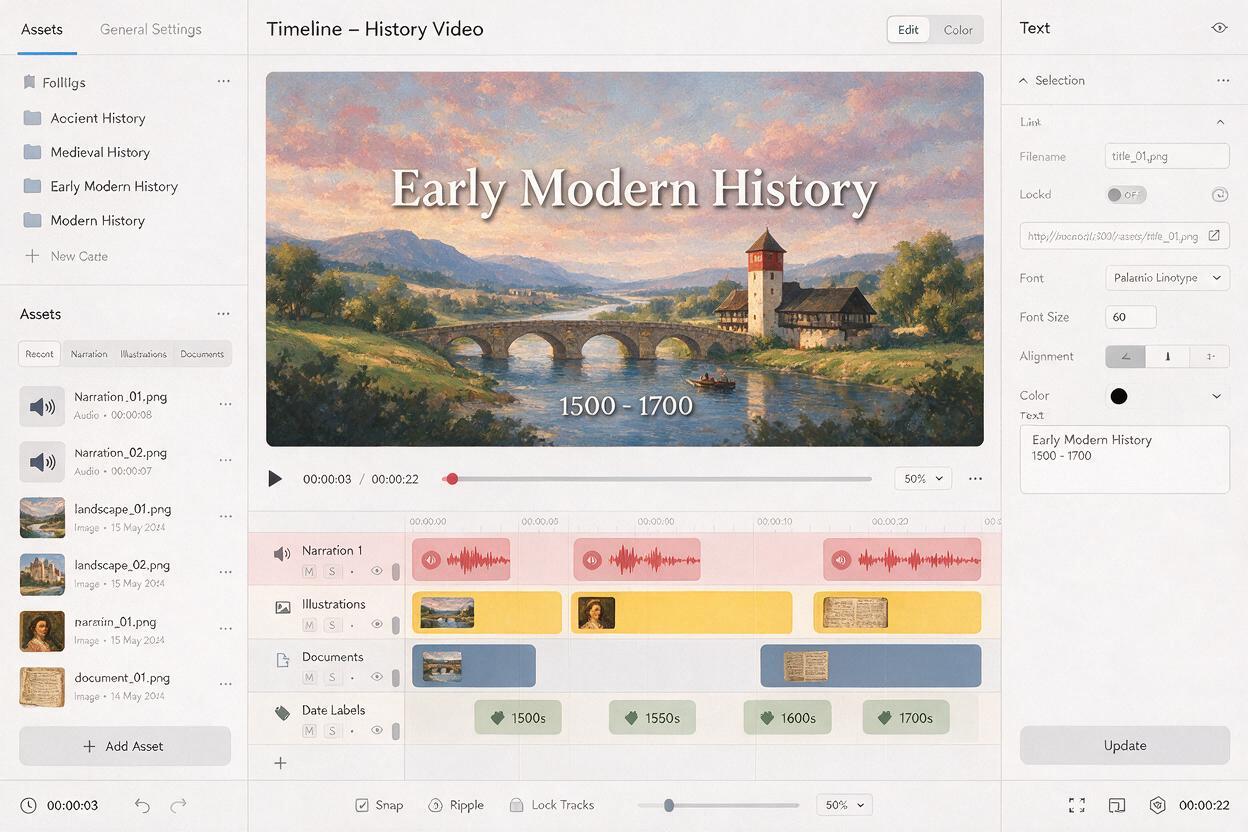
Stylized editorial illustration for a history-video chapter transition: an empty road crossing a broad rural landscape beneath an overcast sky, distant hills, muted ink-and-paint texture, simple strong shapes that remain clear at phone size, generous uncluttered space in the upper right for an editor-added date, no text, no map, no flags, no recognizable landmark, wide horizontal compositionPlace the date and location label as editable text in your video project, then check both against your sources. If the story genuinely needs a route map, build it from verified geography rather than using the generated landscape as one.
Keep a consistent series look without repeating the same picture
Across an episode, reuse a small set of prompt decisions: illustration medium, color restraint, contrast level, and framing. Change the subject and shot distance to fit each narration beat. A sequence of wide landscapes becomes monotonous; alternate a wide setting with a close object and a simpler transition.
- Visual baseline: Use the same phrase, such as “painted editorial illustration in muted natural colors,” in related prompts.
- Shot variety: Specify wide, medium, or close framing according to what the viewer needs to notice.
- Text space: Reserve a quiet area only on frames that will actually carry a title or date.
- Aspect ratio: Generate or crop for the intended video frame, then inspect the composition at phone size.
Compare candidate images side by side before committing. Pick the one that best supports the spoken line, not the one with the most dramatic detail. When a scene looks impressive but introduces an unsupported costume, emblem, or building, revise the prompt or leave it out. Test this prompt yourself with one researched narration line and judge the result in the edit, not just as a standalone image.
Check what the final cut implies
Generated imagery can be responsible and still be compelling. Give illustrative scenes a consistent visual treatment, and label them when a viewer could reasonably mistake them for a real record. Keep a simple production note listing which frames are generated, which are sourced, and where the sources came from.
Watch the finished sequence with the sound off. An illustration placed immediately after a factual claim may appear to prove that claim regardless of your intent. If the connection is too strong, change the image, adjust the cut, or add a clear on-screen label. Then watch with sound on to confirm that every visual still helps the narration move forward.
Final checklist
- Each generated image has a defined job in the script.
- Specific historical claims rely on checked sources, not plausible-looking generations.
- Prompts leave room for titles and dates added accurately in the edit.
- Illustrations cannot easily be mistaken for archival photographs or surviving artifacts.
- The finished cut remains clear on a phone screen.
Keywords
midjourney history prompts, faceless history videos, historical video visuals, history video b-roll, illustrative historical scenes, archival footage alternatives