Midjourney Prompts for Historical Stills in Faceless YouTube Videos
Historical videos often need visuals for moments no camera recorded, but convincing AI images can be mistaken for evidence. These Midjourney prompts help faceless YouTube creators make useful reconstruction stills while keeping researched facts, uncertain details, and archival material clearly distinct.
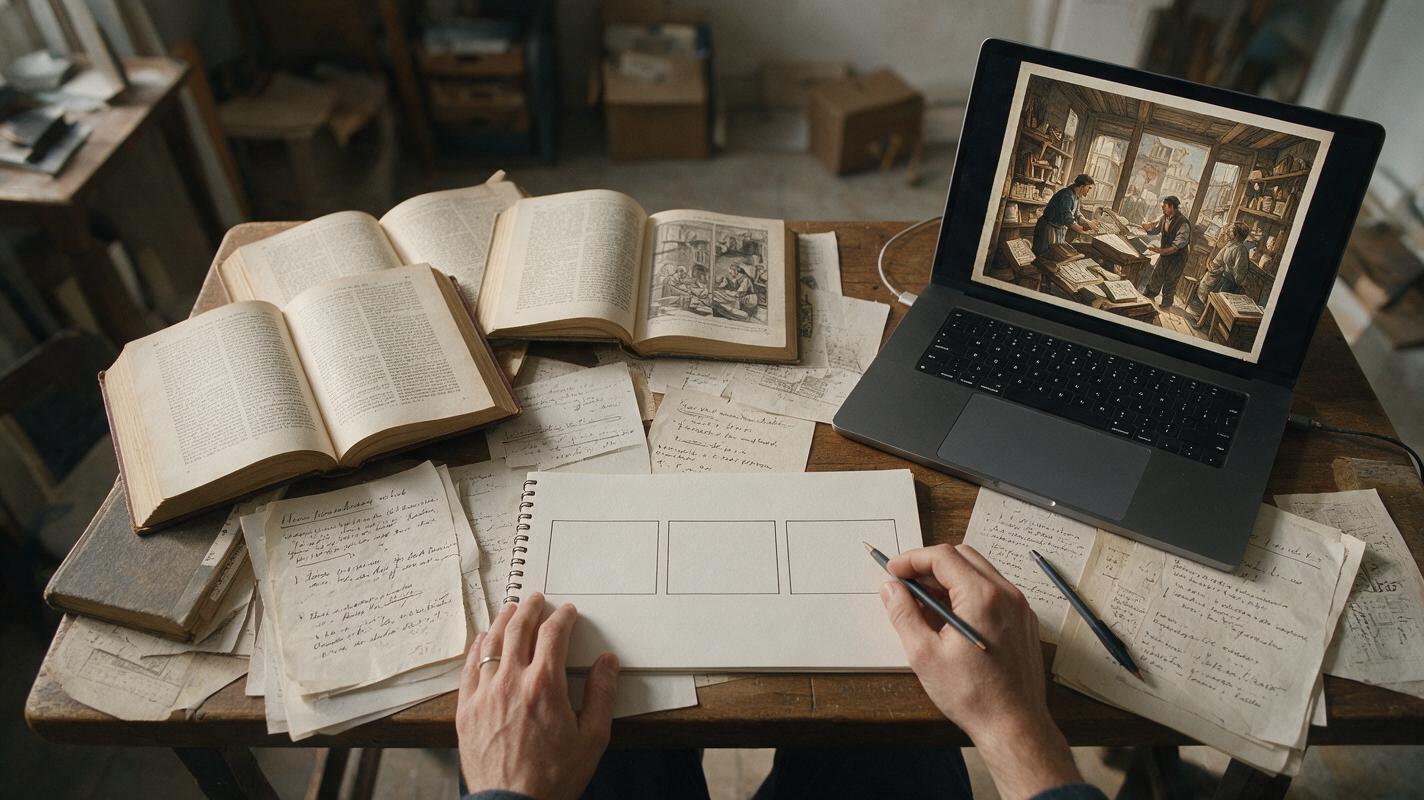
Table of contents
Give a historical story visuals without inventing evidence
Your narration describes a crowded print shop, but the only surviving source is a paragraph of text. A reconstruction still can help viewers picture the setting—provided it does not quietly become a fake historical photograph. For faceless YouTube videos, the useful goal is not perfect-looking history. It is a clear, compelling illustration of what the sources actually support.
Midjourney is useful for making atmosphere-led stills, alternate compositions, and visual cutaways. Treat its output as newly made illustration, not documentary evidence. The prompts below separate researched details from artistic choices so you can build a sequence without implying that an invented face, object, or event is authentic.
Separate the record from the reconstruction
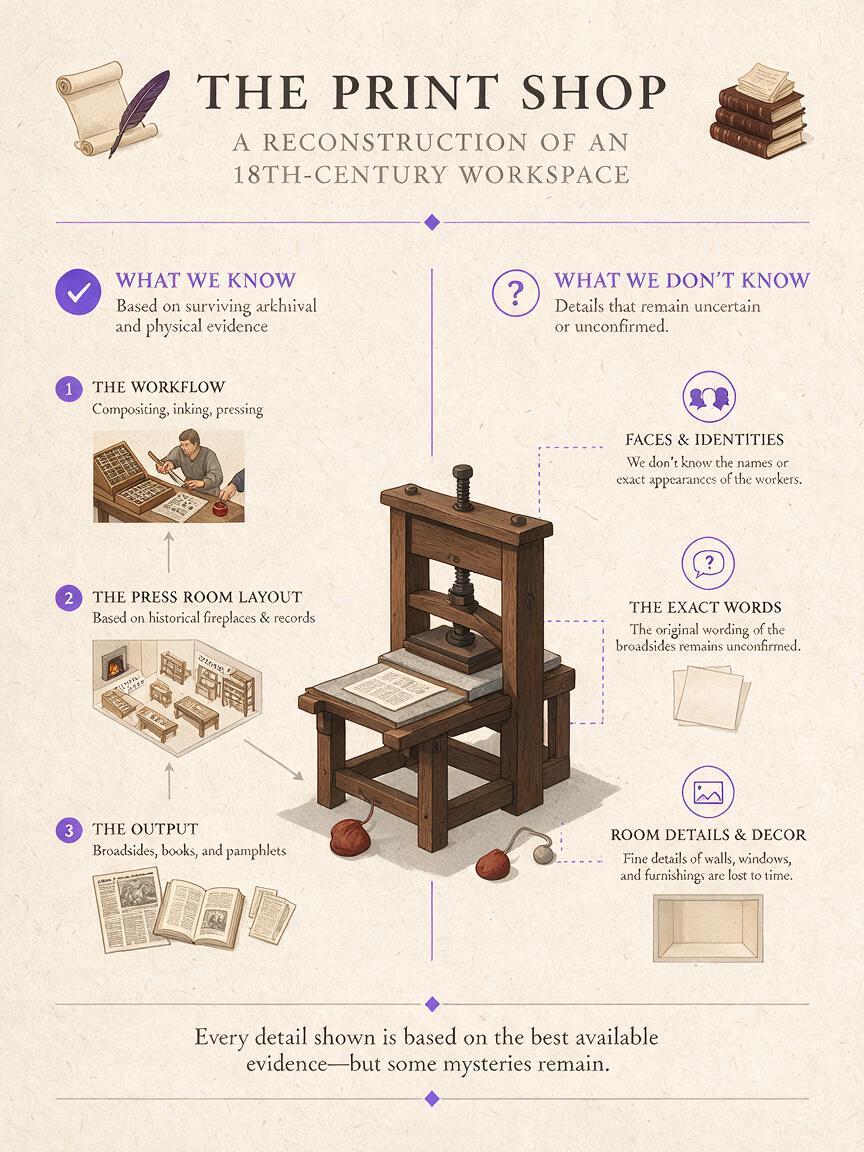
Before generating an image, write a two-column brief. On one side, list details supported by your sources: the setting, approximate period, documented objects, and action your narration describes. On the other, list unknowns: a person's appearance, the exact room layout, clothing colors, or the weather. The prompt may use neutral choices for those unknowns, but the video must not present them as established facts.
| Detail | Example for a print-shop scene | Treatment |
|---|---|---|
| Supported setting | A nineteenth-century print workshop | Include after checking your source. |
| Useful visual action | Hands arranging movable type | Show as an illustrative close-up. |
| Unknown identity | The worker's face and name | Keep the person anonymous and avoid a portrait. |
| Unknown specifics | The exact notice being printed | Leave paper blank; add verified text in the edit if needed. |
This distinction also helps you choose which scenes to make. If a claim depends on an exact map, document, portrait, or machine configuration, use a verified source image or a carefully labeled diagram instead. Generative imagery works best where the viewer needs a sense of place or an understandable action—not proof of a disputed detail.
Build a visual sequence around the narration
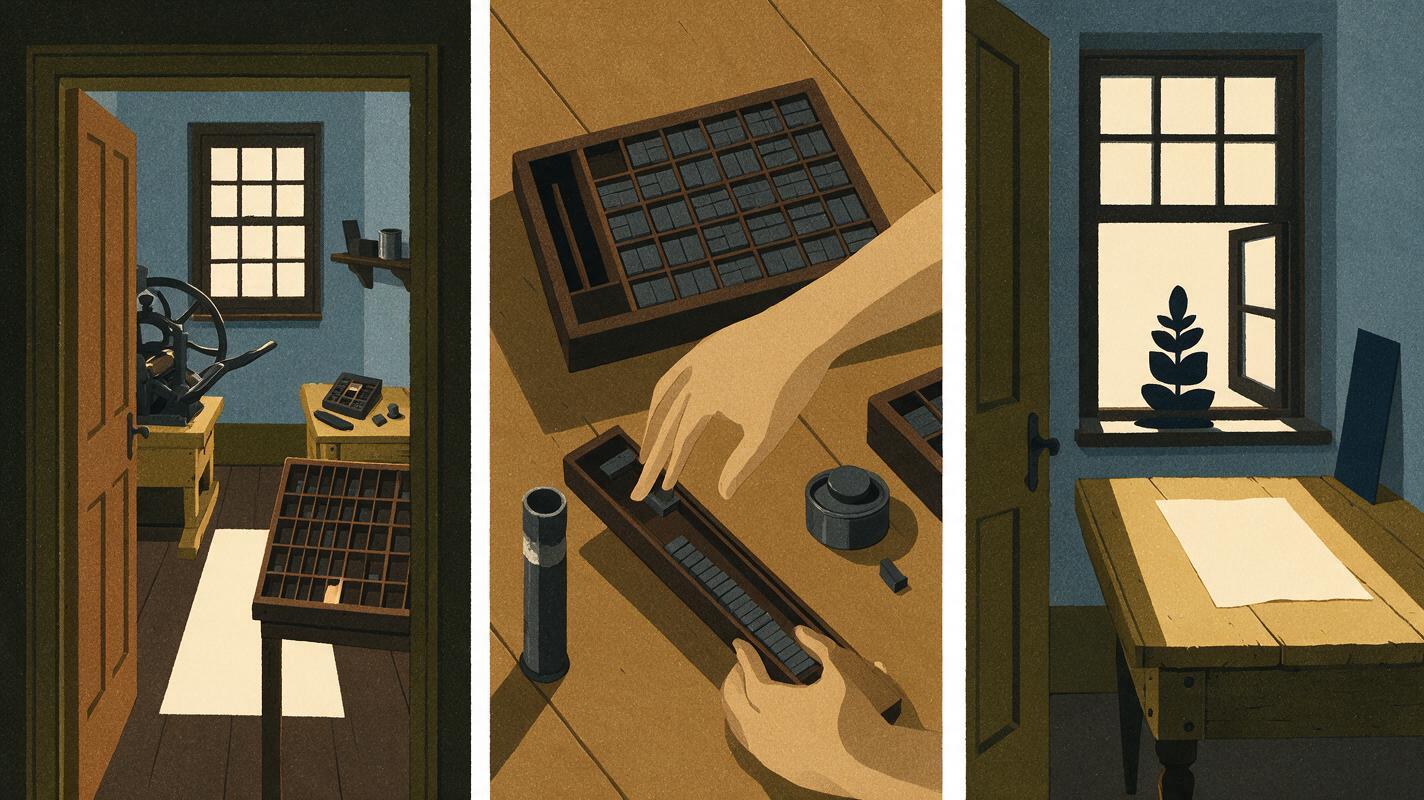
For a short passage, plan three different jobs for the stills: an establishing view to locate the viewer, an action close-up to clarify a process, and a quiet detail shot to hold attention while the narration advances. Do not ask for three nearly identical wide shots. Changing distance and subject gives an editor natural places to cut.
An ai storyboard is useful here if you want to test the order of those beats before making polished images. Write a one-sentence purpose for each frame, then check whether a viewer could understand the passage with the narration muted. If the frames appear to show a specific documented event you cannot verify, make the action more general or change the voiceover.
Editorial boundary: A reconstruction may illustrate the kind of environment or work described in a source. It should not be edited to look like newly discovered footage of a particular event.
Prompt an establishing view that feels illustrative
Use an ai image generator for a broad scene only after you have fixed the supported setting. Midjourney prompts benefit from a defined subject, camera distance, lighting, and exclusions. For example, adapt this prompt after verifying that a print workshop fits your story:
Historical reconstruction illustration for a faceless documentary video: interior of a nineteenth-century print workshop, wide view from the doorway, workers shown at a distance arranging type and tending a hand-operated press, stacks of plain unprinted paper, natural window light, restrained color palette, believable working space, no identifiable historical figures, no readable text, no logos, no archival photo border, no claim of being an authentic photographWhat this frame should do: Establish the room and the work in a glance. It should not ask viewers to read a generated page or identify a worker. If your research points to a different printing method or time period, replace those terms before generating; a polished image cannot correct a mismatched source brief.
Make a few composition variations rather than immediately increasing detail. Favor the version with a clear press, an understandable work area, and enough uncluttered space for captions. Inspect hands and equipment at the size the image will appear in your edit, not only as a full-screen preview.
Use close-ups to explain an action, not fabricate a document
A close-up can support a line about the labor of setting type without pretending to reproduce a surviving page. Keep the visible action simple and reserve all precise wording for editor-added graphics.
Illustrative close-up for a historical YouTube explainer: anonymous hands arranging small pieces of movable metal type at a workbench, shallow depth of field, practical daylight, worn tools and neutral unmarked paper nearby, composition focused on the physical action, no readable letters, no named person, no fake newspaper headline, no photographic archive markingsWhat this frame should do: Make the manual process legible. If the hands, type, or tools merge into impossible shapes, discard the result or crop to an area that remains accurate. Do not conceal a broken mechanism with fast cuts while narrating how that mechanism works.
For a third image, change scale again. A stack of blank pages beside a window can give the narration breathing room without asserting what any specific page said:
Quiet historical reconstruction still for a faceless video: folded blank paper resting on a wooden worktable near a print-shop window, softly lit dust in the air, a hand-operated press visible out of focus in the background, calm editorial composition with space for subtitles, no legible writing, no invented stamps or seals, clearly an illustration rather than a recovered photographKeep the edit honest when the images look convincing
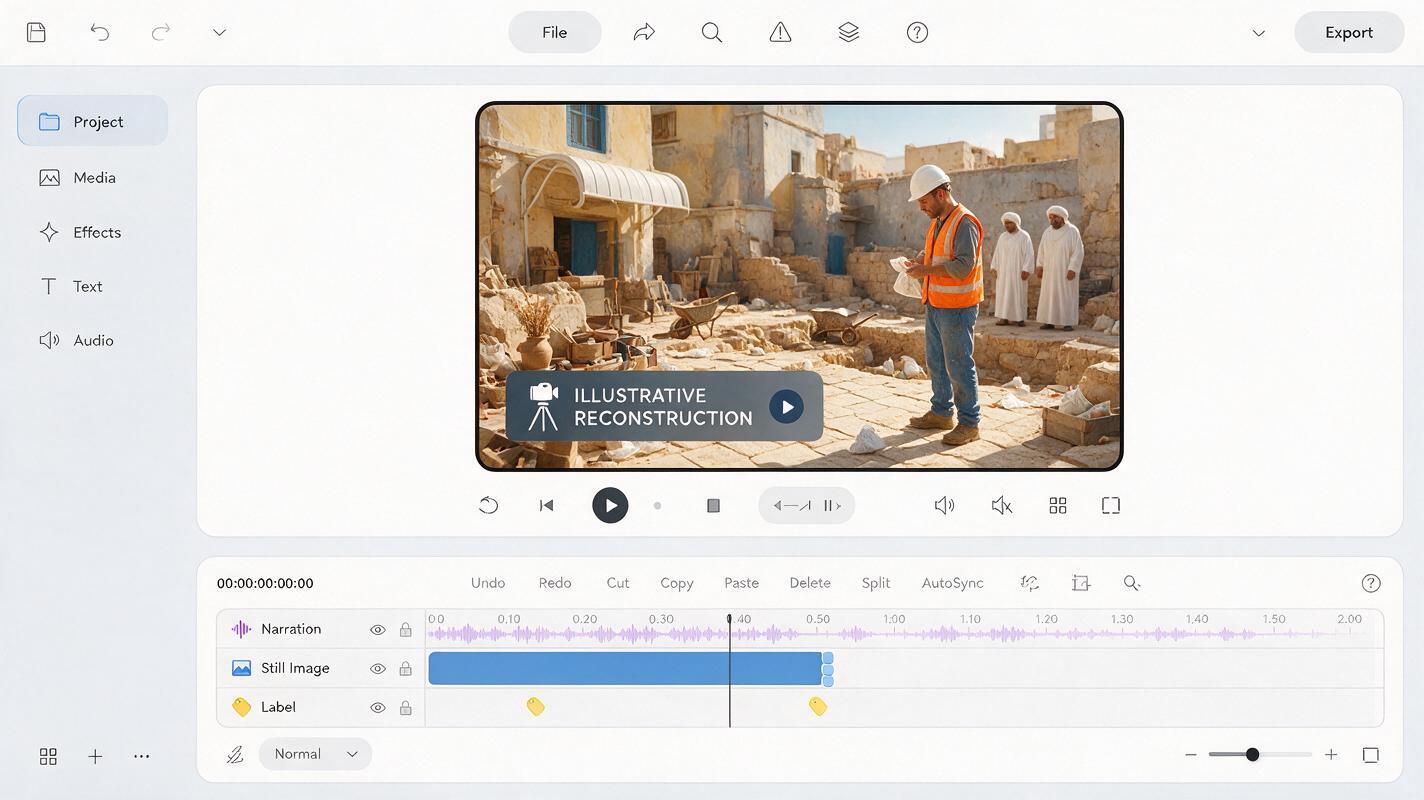
Place a discreet on-screen label such as Illustrative reconstruction when a generated scene could reasonably be mistaken for archival evidence. Make the label visible long enough to read, particularly on the first reconstruction in a sequence. A note in the video description can explain the visual approach, but it should not replace an on-screen distinction when the image resembles a real photograph.
Avoid fake film scratches, archive catalog numbers, newspaper mastheads, and fabricated quotations. Those treatments can make a new image appear sourced. If you need to show an actual headline or quotation, obtain the verified material and place it in the edit as a separate element, with appropriate attribution.
Movement should remain modest. A slow editor-made pan or zoom can direct attention across a still without asking a video model to invent what the press does next. Put the cut on a change in the narration: room, action, consequence. If your sentence names a precise object, pause on the image and confirm that the object pictured matches the source.
Final checklist
- Does each prompt distinguish supported details from unknown ones?
- Do the wide, close, and detail views serve different lines of narration?
- Are generated words, faces, mechanisms, and documents checked—or removed?
- Could a viewer mistake any reconstruction for archival evidence? If so, label it.
- Are exact quotations and claims supplied from verified sources rather than generated pixels?
Once your source brief and three visual beats are ready, create your own version and review the finished sequence at normal playback size before publishing.
Keywords
Midjourney prompts, historical reenactment stills, faceless YouTube videos, historical video visuals, AI image generator, YouTube B-roll, visual storytelling.