Midjourney Prompts for Listing Social Hero Images That Drive Clicks
Flat, generic listing photos rarely stand out in crowded social media feeds, costing real estate marketers valuable lead opportunities. This collection of Midjourney prompts helps teams turn standard property shots into scroll-stopping social hero images tailored to target buyer personas, with clear ethical guardrails to avoid misrepresenting the property. It also includes settings to preserve architectural accuracy and fixes for common AI rendering issues.
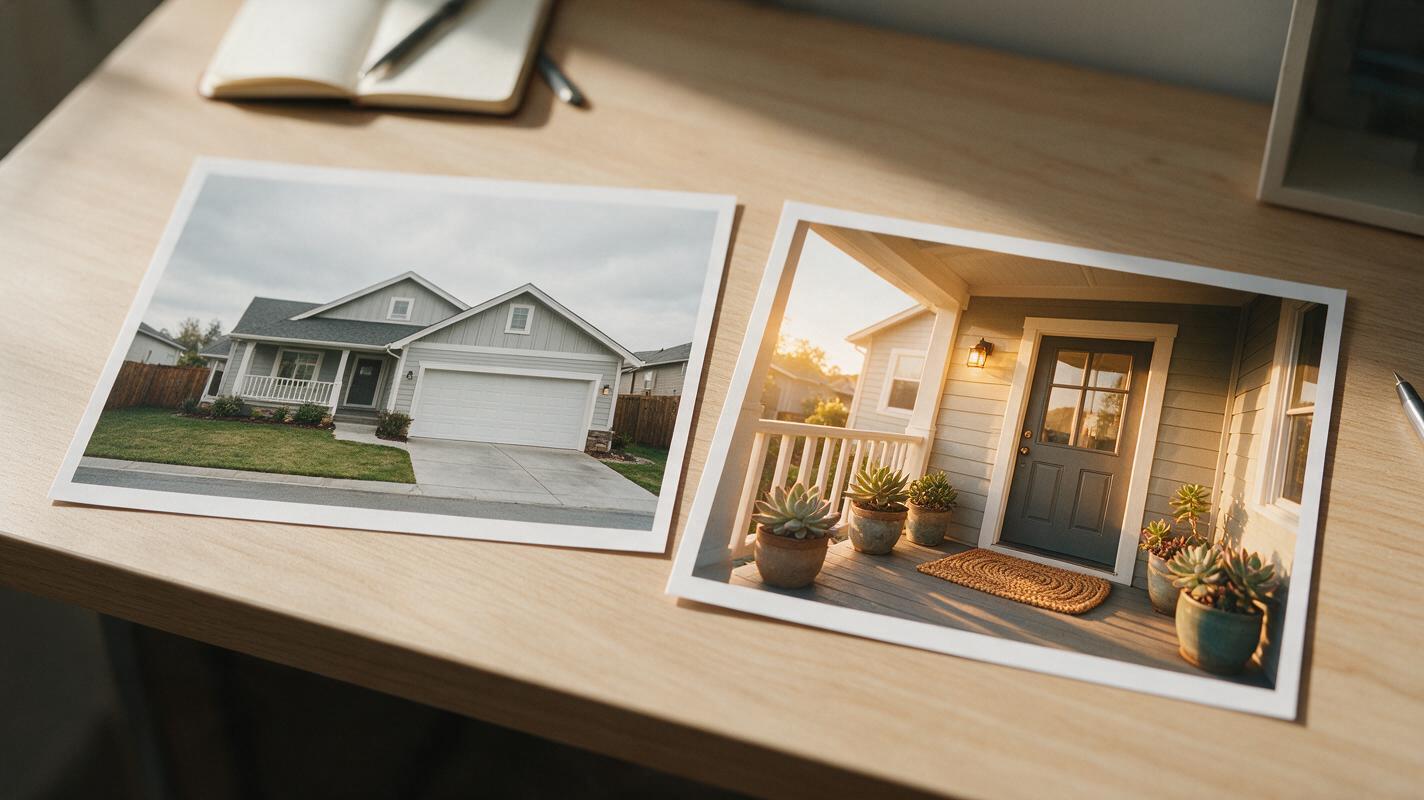
Table of contents
Why listing social hero images underperform (and how Midjourney fixes it)
Scroll through any real estate Instagram or Facebook feed, and you’ll spot the same pattern: flat, overcast listing photos that blend into the background, even when the home itself is stunning. Standard MLS photos are designed to document property details for listing pages, not stop scrollers cold and drive clicks to your full listing. For many teams, the alternative is hours of graphic design work or expensive photoshoots that don’t scale across a full listing portfolio.
Using an ai image generator like Midjourney, you can take a standard exterior or interior listing photo and add subtle, persona-aligned contextual details that make the image feel inviting and memorable, without altering the property’s core structural features. The goal isn’t to mislead buyers—it’s to help them visualize the lifestyle the home offers, so they’re motivated to learn more. This guide includes ready-to-use prompt templates, ethical guardrails, and settings to keep your images accurate and high-performing.
Key rules for ethical listing photo enhancement
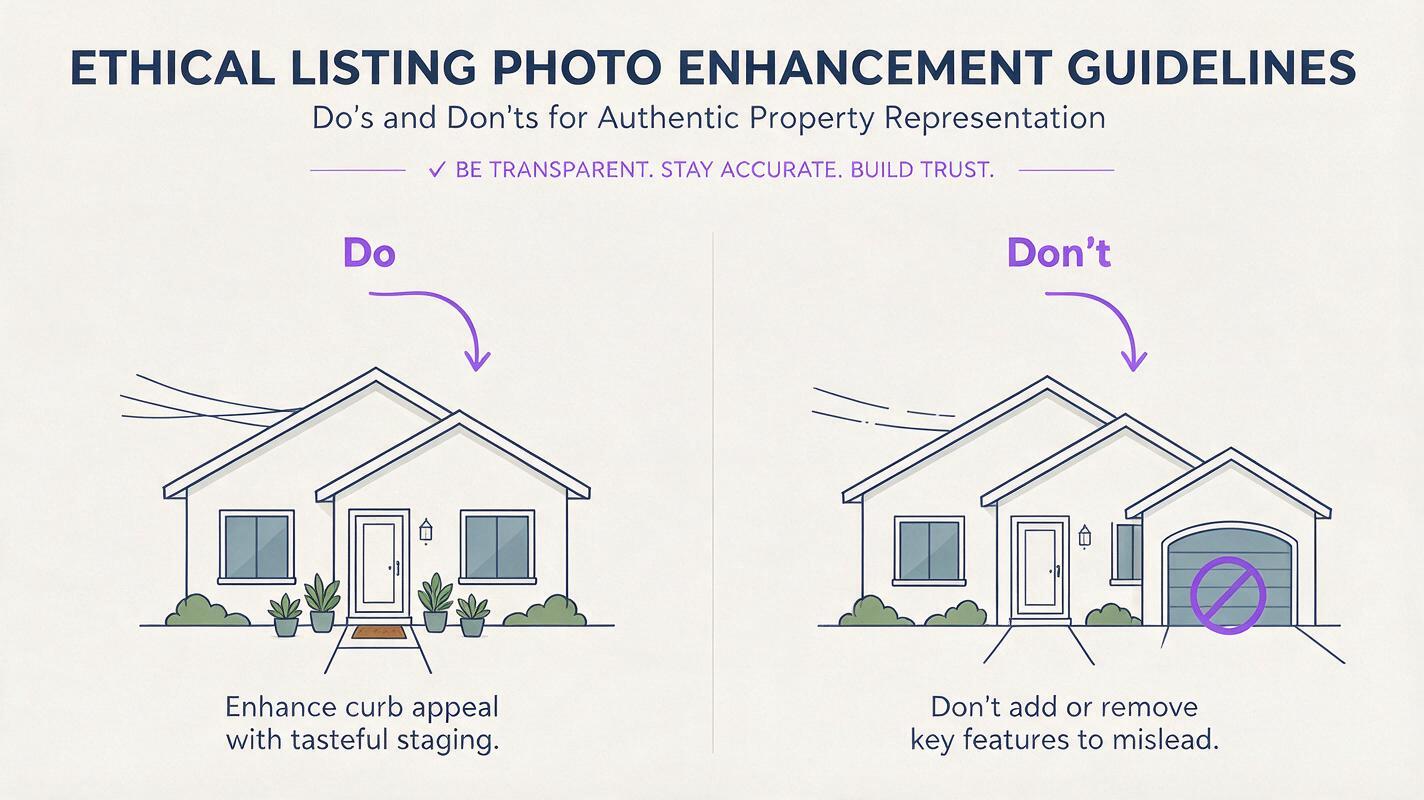
Real estate marketing relies on trust, so any enhanced imagery must stay truthful about the property’s actual condition and features. Follow these rules to avoid misrepresenting listings while still creating eye-catching social assets:
- Only add temporary, removable elements: Stick to items like potted plants, throw pillows, welcome mats, or outdoor cushions that a buyer could easily add themselves. Never alter structural features like room sizes, rooflines, garage spaces, or permanent fixtures.
- Preserve core architectural details: Keep the home’s actual paint color, window placement, siding style, and square footage intact. The generated image should be recognizable as the same property in the listing.
- Disclose when necessary: If you’re using enhanced images for paid ads or listing hero shots, add a brief note like “digitally enhanced for lifestyle context” in the caption to maintain transparency.
- Avoid removing permanent drawbacks: Don’t edit out power lines, busy street views, or neighboring properties that would be visible to an in-person buyer.
If a detail would require a home inspection, renovation, or permit to change, don’t add or remove it from a social hero image.
Midjourney prompt templates for different buyer personas
All templates below use Midjourney’s image-to-image mode: upload your highest-quality listing photo as a reference, then paste the prompt, adjusting details like home type, location, and features to match your property. Use the --ar flag to match your platform’s ideal aspect ratio: 1:1 for Instagram feed posts, 9:16 for Reels/TikTok thumbnails, and 2:1 for Facebook or LinkedIn hero images.
First-time homebuyer (suburban single-family)
Target buyers looking for a cozy, approachable starter home with space for family and hobbies. Focus on warm, welcoming touches that feel lived-in but neat.
[upload your exterior listing photo]
photorealistic exterior of a cozy suburban single-family home, warm golden hour lighting, small potted succulents and a hanging fern on the front porch, a neutral woven welcome mat, a kids' sidewalk chalk drawing of rainbows in the foreground, soft bokeh of mature oak trees in the background, crisp undistorted architectural details, true to the original home's structure and paint color, social media hero image, high contrast for feed visibility --ar 1:1 --style raw --iw 1.5
Test this prompt yourself with your best exterior listing photo to see how small lifestyle touches boost visual appeal.
Luxury buyer (high-end urban/suburban)
Target high-net-worth buyers seeking curated, sophisticated properties with premium finishes. Focus on sleek, minimalist styling and elevated details.
[upload your luxury condo or estate exterior photo]
photorealistic exterior of a sleek modern luxury home, soft twilight lighting with warm interior lights glowing through floor-to-ceiling windows, two small sculptural potted olive trees flanking the front entrance, a polished stone walkway, subtle bokeh of city skyline in the distance, crisp architectural lines, true to the original home's structure and materials, high-end social media hero image, rich muted tones, sharp focus --ar 2:1 --style raw --iw 1.6
Remote worker (any property type)
Target buyers who prioritize flexible workspaces and quiet, comfortable environments. Highlight outdoor nooks or home office-adjacent spaces.
[upload your home office or backyard patio listing photo]
photorealistic interior of a bright home office with large windows, a small potted fiddle leaf fig in the corner, a ceramic mug of coffee on the desk, soft natural daylight, a cozy knit throw draped over the office chair, crisp undistorted architectural details, true to the original room's size and layout, remote work lifestyle focus, social media hero image, warm neutral tones --ar 1:1 --style raw --iw 1.5
Empty nester (ranch home or condo)
Target buyers looking for low-maintenance, comfortable spaces perfect for entertaining and relaxed retirement living. Focus on gathering areas and easy-living details.
[upload your ranch home patio or open-concept living room photo]
photorealistic open-concept living room with a stone fireplace, two soft linen armchairs with knit throw pillows, a small wooden coffee table with a vase of fresh eucalyptus, warm ambient lighting, large sliding glass doors opening to a covered patio with outdoor seating, true to the original room's layout and finishes, cozy empty nester lifestyle, social media hero image, warm earth tones --ar 1:1 --style raw --iw 1.5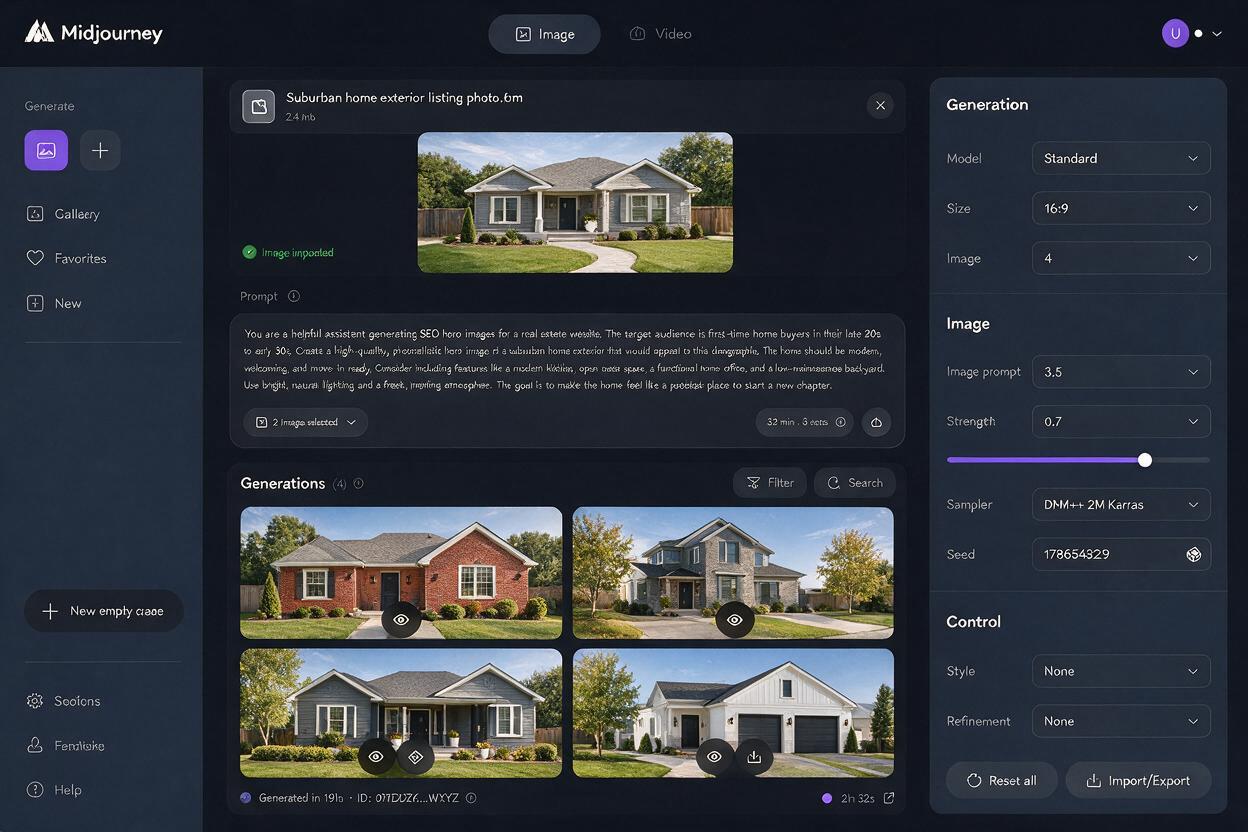
Settings to preserve architectural accuracy
Midjourney’s default settings prioritize creative interpretation, which can lead to warped windows, altered rooflines, or changed fixture finishes if you’re not careful. Use these settings to keep your generated images true to the original property:
- Image weight (
--iw): Set this between 1.2 and 1.8 to control how closely Midjourney follows your reference photo. Start at 1.5 for most listings; raise to 1.8 if the model is changing structural details, and lower to 1.2 if you want more creative freedom with lighting and small decor. - Raw style (
--style raw): This reduces Midjourney’s default artistic stylization, producing more photorealistic results that match the original photo’s architectural details. Always use this flag for listing imagery. - Negative prompts: Add
--no warped windows, distorted lines, altered structure, extra roomsto the end of your prompt to proactively prevent common architectural errors. - Stylize value (
--stylize): Lower the default stylize value to 100 or 200 to reduce creative flair and keep the image grounded in the original photo.
Always compare your generated image side-by-side with the original listing photo before posting to catch any unintended changes to the property’s features.
Troubleshooting common Midjourney listing image issues
Even with the right settings, you may run into common rendering issues. Use these fixes to get polished, accurate results:
- Warped windows or misaligned siding: Increase
--iwby 0.2, add “architecturally accurate, straight lines, undistorted windows” to your prompt, and include “warped windows, crooked siding” in your negative prompt. - Over-stylized, unrealistic look: Switch to
--style raw, lower--stylizeto 100, and raise--iwto 1.6 to stick closer to the original photo. - Unintended structural changes: Raise
--iwto 1.8, add “true to original home structure, no added rooms, no altered floor plan” to your prompt, and use a higher-resolution source photo if available. - Dull image that doesn’t pop in feeds: Add “high contrast, vibrant but natural colors, sharp focus on the home’s entrance” to your prompt, and try golden hour or twilight lighting to add visual interest without altering the home itself.
Key takeaways
- Midjourney’s image-to-image mode lets you add subtle, lifestyle-focused details to listing photos to create scroll-stopping social hero images.
- Always follow ethical guidelines: never alter structural features, and disclose enhancements when necessary to maintain buyer trust.
- Match prompt details and aspect ratios to your target buyer persona and social platform for maximum engagement.
- Use high image weight and
--style rawto preserve the home’s actual architectural details and avoid misleading results. - Test small prompt adjustments first to find the right balance of visual appeal and factual accuracy for your brand.
Keywords
midjourney prompts, listing social media graphics, property hero images, real estate social assets, ai image generator, listing photo enhancement, real estate social media