How to Build a Consistent Ad Storyboard with Nano Banana Pro
Turn a commercial script into a presentation-ready storyboard without letting the product, character, wardrobe, or visual language change between shots. This tutorial uses Nano Banana Pro and a continuity-first prompting method to create coherent frames for creative pitches, spec ads, and brand film preproduction.
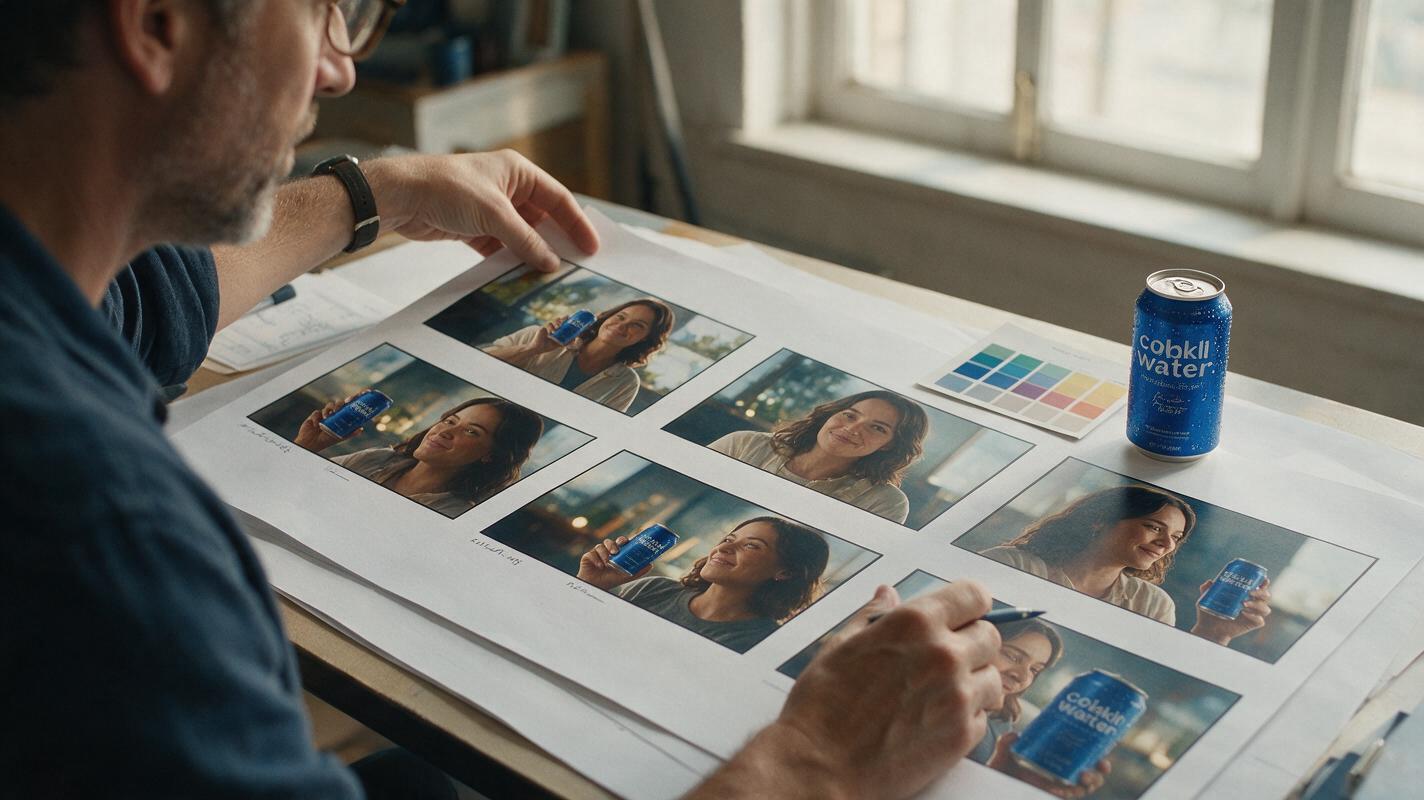
Table of contents
Build a storyboard that looks like one campaign
A persuasive ad storyboard needs more than attractive individual frames: the same product, character, wardrobe, location, and visual language must survive every shot. When each image is prompted independently, those details often drift. A red jacket becomes burgundy, a bottle changes shape, and a modern kitchen gains a different layout in every angle.
This tutorial shows how to structure a commercial as a controlled set of images using Nano Banana Pro. The method is designed for creative pitches, spec ads, social commercials, and early brand-film development. It does not depend on finding one perfect mega-prompt. Instead, it separates fixed campaign decisions from shot-specific changes.
The governing rule: lock identity before exploring composition. If the hero asset changes from frame to frame, stronger lighting and art direction will not rescue the board.
Why storyboard continuity breaks
An image model interprets every prompt as a fresh creative problem unless the input provides stable visual evidence and repeated constraints. Small wording changes can therefore produce a new actor, package, room, or photographic style.
Advertising boards are especially sensitive because they combine several continuity requirements:
- Product identity: silhouette, cap, material, color blocking, label area, and scale.
- Character identity: facial structure, hair, age range, wardrobe, and accessories.
- Environment: floor plan, surfaces, prop placement, season, and time of day.
- Campaign language: lens character, contrast, palette, texture, and framing.
- Narrative logic: eyelines, screen direction, action progression, and product visibility.
The solution is to give every frame a shared visual foundation while changing only the information required by that shot.
Turn the script into production-ready shot briefs
Start by reducing the script to visible actions. Dialogue, strategy language, and emotional intentions matter, but an image prompt needs to know what can actually be seen.
For each shot, record these fields:
- Shot size and camera angle
- Visible subject or product
- Single primary action
- Environment and time
- Required story information
- Continuity elements inherited from the previous frame
- Space needed for captions, supers, or presentation notes
Consider a six-shot sparkling-water commercial. The script says, “An exhausting afternoon becomes unexpectedly refreshing.” A usable breakdown might begin with a wide office scene, move to a hand reaching into a cooler, reveal the can in close-up, show the opening action, capture the first sip, and finish on a controlled product tableau.
Avoid placing several moments inside one frame. “She opens the cooler, removes the can, opens it, drinks, and smiles” asks the model to compress an edit into a still image. Assign one decisive visual beat to each frame.
Shot brief template
SHOT PURPOSE:
SHOT SIZE:
CAMERA ANGLE:
SUBJECT VISIBLE:
PRIMARY ACTION:
FIXED CONTINUITY ELEMENTS:
NEW ELEMENT IN THIS FRAME:
LIGHTING AND PALETTE:
COPY OR CAPTION SPACE:
DO NOT CHANGE:
Create a continuity card before generating frames
The continuity card is a compact description of everything that should remain stable across the board. Write it once, approve it with the creative team, and reuse it without casual rewrites.
A practical card can include:
| Category | Useful constraints | Avoid vague wording |
|---|---|---|
| Hero product | Physical proportions, material, closure, color zones, blank label area | “A premium can” |
| Character | Visible facial traits, hair shape, wardrobe pieces, accessories | “A stylish woman” |
| Location | Layout, dominant surfaces, key props, window direction | “A cool office” |
| Photography | Contrast, depth of field, lens feeling, grain, color temperature | “Cinematic” |
| Exclusions | No extra products, no invented text, no wardrobe changes | “Make it accurate” |
If the final packaging artwork is important, do not ask the model to reconstruct small legal copy or a finished label from prose. Use a simplified placeholder during concept development, then composite approved artwork during finishing.
CONTINUITY CARD

Hero product: slim aluminum sparkling-water can, matte pale-silver body,
solid cobalt-blue upper band, narrow silver rim, blue pull tab, centered
blank rectangular label zone, unchanged proportions in every frame.

Character: woman in her early thirties, oval face, short dark curly bob,
navy work shirt with rolled sleeves, small silver hoop earrings.

Location: compact daylight photo studio, warm gray worktable, white tile
wall, stainless under-counter cooler on frame right.

Visual language: polished commercial photography, restrained blue and
silver palette, soft directional window light from frame left, natural
skin texture, subtle 35 mm film grain.

Never change: product silhouette, color blocking, character identity,
wardrobe, cooler position, or direction of key light.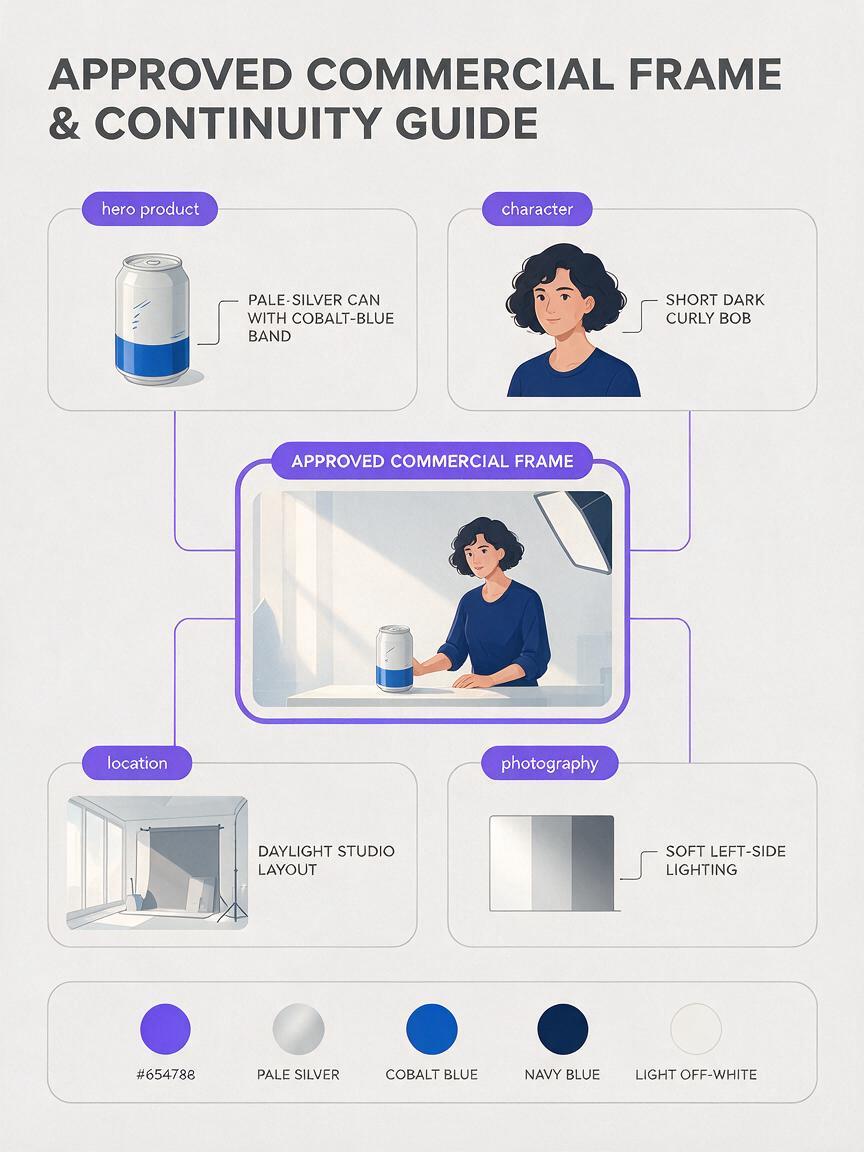
Generate an anchor frame for visual approval
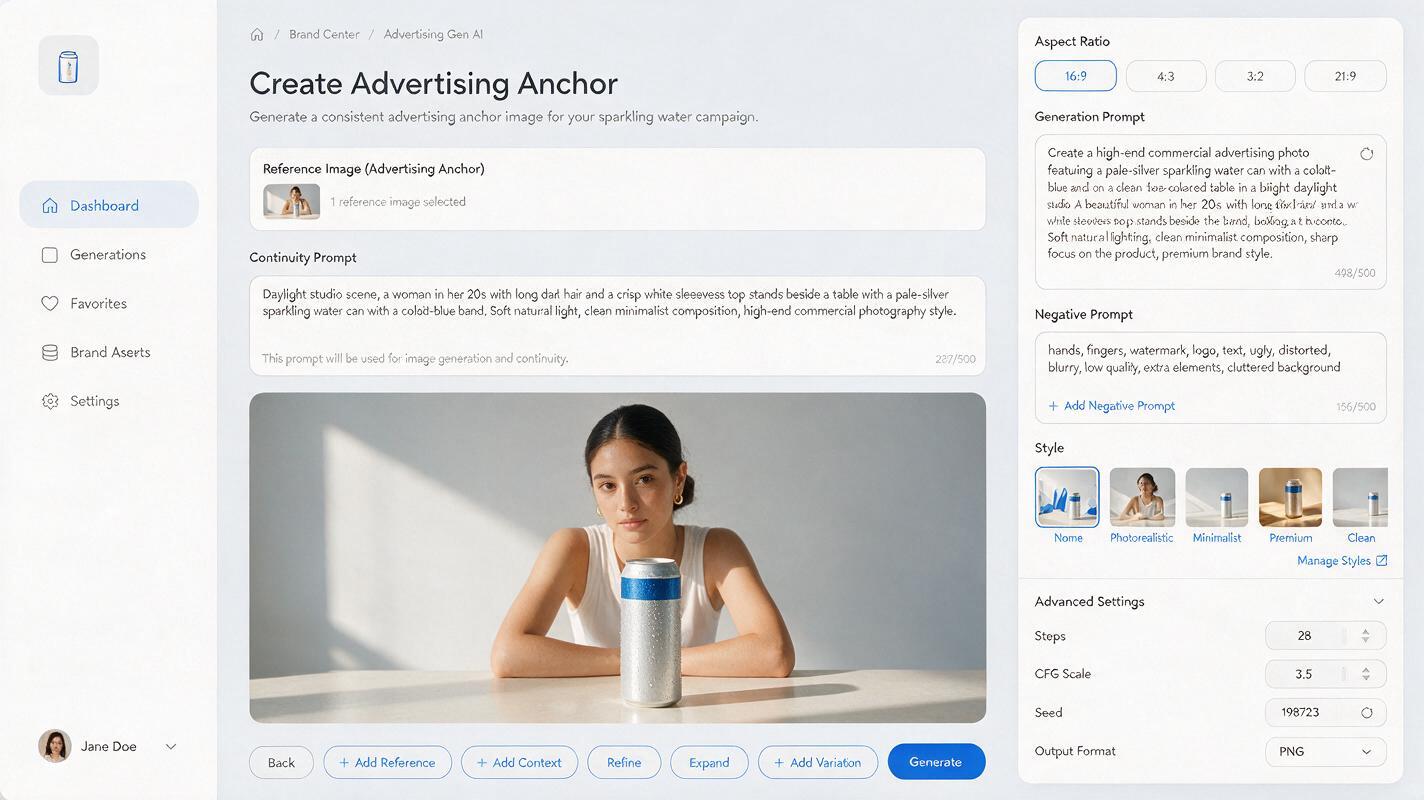
Do not begin by producing the whole sequence. Generate one anchor frame that clearly shows the character, hero product, location, and campaign lighting. A medium-wide composition is often more useful than an extreme close-up because it contains more continuity evidence.
Nano Banana Pro can be used here as the campaign’s image-creation model. Give it the continuity card, the anchor-shot brief, and any approved visual references available to the team. Treat the first output as a casting and art-direction decision rather than a finished storyboard cell.
Create a landscape commercial storyboard anchor image.

[Insert the complete continuity card]

Shot: medium-wide eye-level view. The character stands behind the warm
gray worktable with the closed hero can beside her right hand. The cooler
remains visible on frame right. She looks tired but composed. Preserve
clear negative space on frame left for a presentation caption.

Priority order: exact product silhouette and colors; same character and
wardrobe; readable studio geography; restrained photographic realism.
No additional cans, no logos, no generated typography, no scene collage.
Review the result at full size. Approve the product proportions, face, clothing, location geometry, and lighting direction. If one of those elements is wrong, revise the anchor now rather than compensating in every later prompt.
Build each new frame around one controlled change
Use the approved anchor as the visual reference for subsequent frames whenever the interface permits reference-based creation or editing. Repeat the unchanged continuity card, then state what changes in the new shot.
This is where an ai storyboard becomes more reliable: every frame is treated as a variation of an approved visual system, not an unrelated illustration.
Use the supplied anchor image as the identity and art-direction reference.
Preserve the complete continuity card.

Create the next storyboard frame only:
Close-up from slightly above the worktable. The same character's right
hand reaches toward the same unopened can. Show the identical cobalt-blue
upper band, silver body, blue pull tab, and blank label zone. Maintain key
light from frame left. The cooler may fall outside the crop.

Change only: framing and hand action.
Do not redesign the can, add jewelry, change sleeves, reverse the light,
or introduce another product.
The phrase “change only” is useful because it distinguishes the shot instruction from the fixed campaign decisions. It is not a guarantee, so inspect every output before using it as the reference for another frame.
For reaction shots, reference the clearest approved character image. For pack shots, reference the cleanest approved product view. One reference does not need to carry every responsibility.
Once the anchor is approved, create your own version of the sequence by changing shot size, action, and emphasis while keeping the continuity card untouched.
Control camera grammar across the sequence
Consistency does not mean repeating the same composition. A good board uses deliberate visual progression while maintaining the campaign world.
| Story function | Suggested framing | Continuity priority |
|---|---|---|
| Establish the problem | Wide or medium-wide | Location geography and character |
| Introduce the product | Medium insert | Product shape, scale, and hand relationship |
| Show a sensory action | Close-up or macro | Materials, condensation, opening mechanics |
| Deliver the emotional turn | Medium close-up | Face, wardrobe, eyeline, and light |
| Close with brand ownership | Controlled pack shot | Product accuracy and copy space |
Write screen direction explicitly when it affects the edit. If the character reaches from frame left toward a product on frame right, preserve that relationship in adjacent shots unless the storyboard intentionally crosses the axis.
Also distinguish camera movement from still-image composition. A storyboard frame can suggest a push-in through tighter framing, but phrases such as “the camera rapidly circles the subject” may introduce visual confusion in a single image. Save motion instructions for the animatic or film-generation stage.
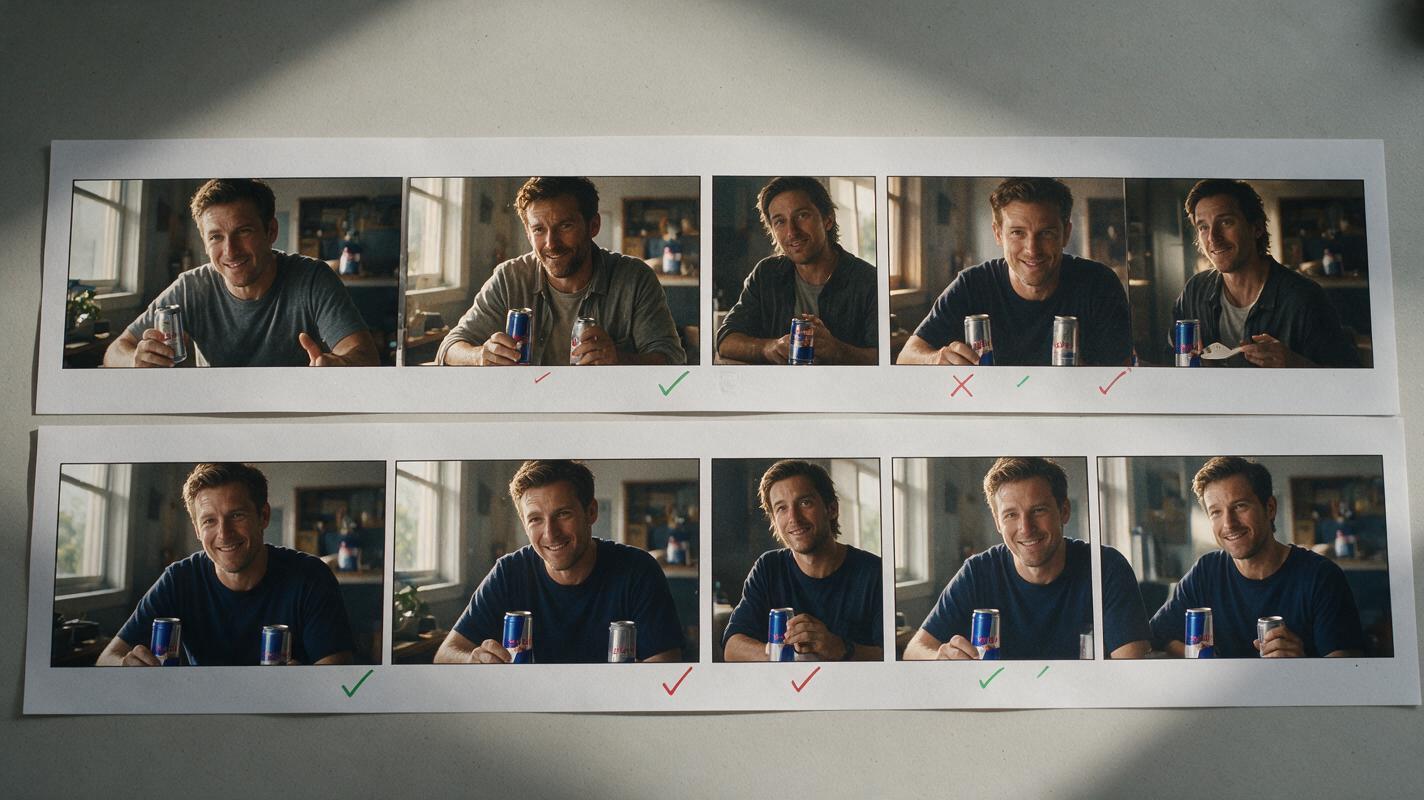
Fix drift without regenerating the whole board
Continuity errors are easier to correct when they are classified. Identify the failing layer and revise only the relevant instruction.
| Problem | Likely cause | Targeted correction |
|---|---|---|
| Product shape changes | Description is aesthetic rather than structural | Restate proportions, silhouette, closure, and visible color zones |
| Character looks recast | Later prompt emphasizes mood but omits identity | Reuse the strongest face reference and unchanged identity description |
| Wardrobe mutates | Clothing is not listed among fixed elements | Name garment, color, sleeve state, and accessories |
| Location flips | Spatial relationships are implicit | Specify key object positions and light direction |
| Board feels stylistically mixed | Lens, contrast, or palette changes by shot | Repeat one concise photography block in every prompt |
| Hands obscure the product | Action lacks grip and visibility instructions | Describe which hand acts and which product surfaces must remain visible |
Do not use a visibly drifted frame as the next reference. Return to the nearest approved image, correct the failed shot, and continue from the corrected branch. This prevents small errors from becoming the new visual standard.
Present the board as an advertising argument
A storyboard for a pitch should explain the idea quickly, even before the presenter speaks. Arrange frames in reading order and add concise information outside the generated artwork:
- Shot label: wide, insert, close-up, pack shot.
- Action line: one sentence describing the visible beat.
- Audio cue: dialogue, sound design, voice-over, or music change.
- Transition: cut, match cut, dissolve, or graphic transition when essential.
- Production note: practical effect, tabletop requirement, or post-production treatment.
Keep generated typography out of the frame unless typography itself is being explored. Presentation software gives the team better control over captions, brand fonts, legal notes, and revisions.
For an agency review, show the full sequence first, then enlarge the anchor frame, product reveal, emotional turn, and final pack shot. Those images usually carry the most important casting, design, and production decisions.
Final checklist
- The script has been converted into one visible action per frame.
- A continuity card defines the product, character, location, and photographic language.
- The anchor frame is approved before the full sequence is generated.
- Each later prompt states both inherited elements and the single intended change.
- Product proportions, wardrobe, lighting direction, and screen direction remain stable.
- Drifted outputs are corrected from the nearest approved reference.
- Captions, audio notes, and final brand typography are added during board assembly.
- The completed board communicates a persuasive campaign idea, not merely a collection of attractive images.
Keywords
nano banana pro, ad storyboard, commercial storyboard, character consistency, product consistency, storyboard prompts, creative pitch