How to Refresh Fatigued Performance Ad Creatives in 30 Minutes
Performance marketers regularly lose campaign efficiency to ad fatigue, but refreshing winning ads doesn’t require starting from scratch. This guide walks through a PixVerse-powered workflow to refresh fatigued static and short video ad creatives in 30 minutes, while retaining the core hooks that drove original performance. You’ll learn which elements to keep, which to swap, and how to prioritize refreshed creatives for testing.
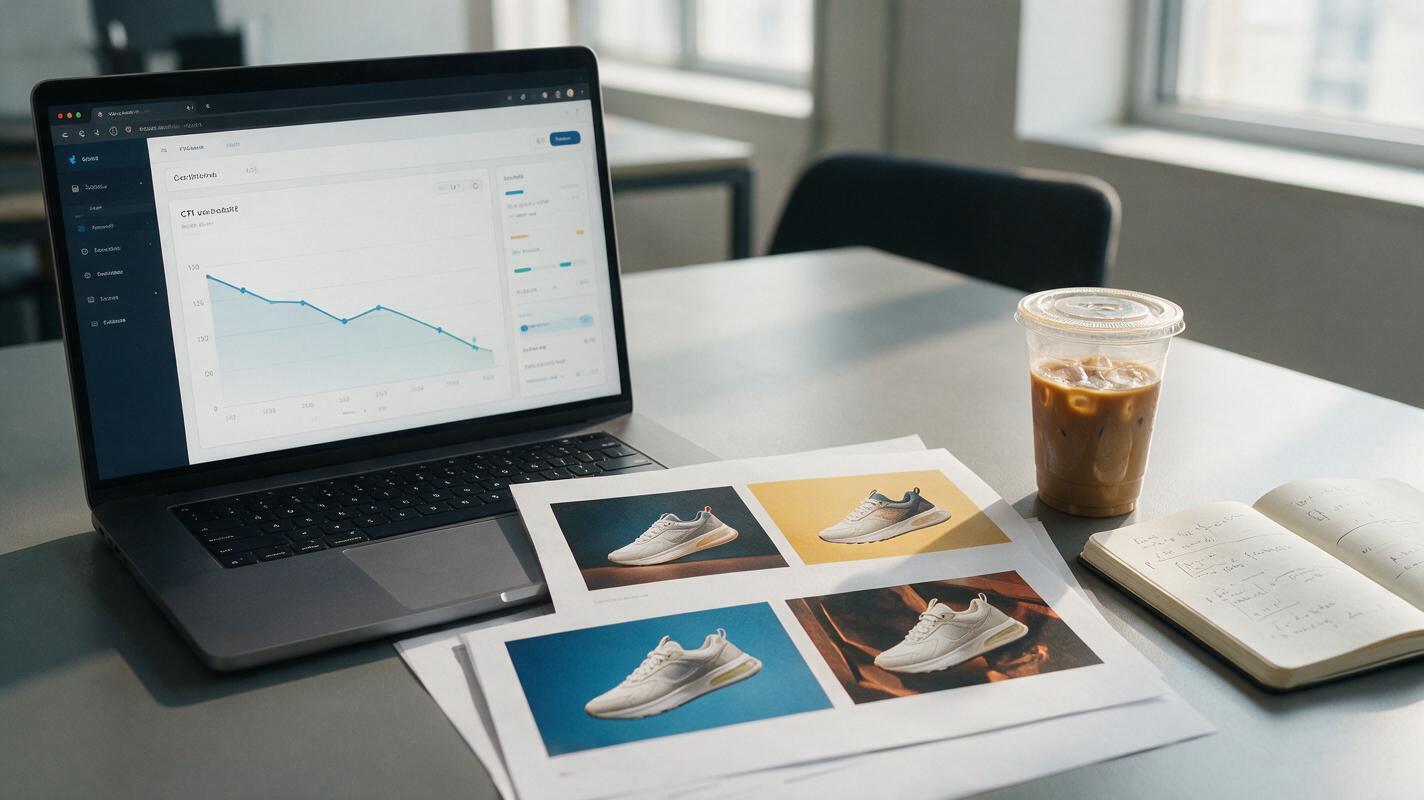
Table of contents
Why most ad creative refreshes waste budget
If you’ve ever watched a top-performing ad’s CTR drop sharply after two or three weeks, you know ad fatigue is a constant drain on campaign ROI. But most teams approach refreshes wrong: they either tweak a single color or font size (too small to reset fatigue for viewers or algorithms) or scrap the entire concept and start over (too risky, since you lose the core hooks that made the ad work in the first place).
The sweet spot is a controlled refresh that keeps every high-performing element intact while swapping only the variables that trigger the “seen this before” response. With PixVerse, you can do this for both static image and short-form video ads in 30 minutes or less, no design team back-and-forth required.
Audit your winning creative to identify non-negotiable elements
Before you generate anything, you need to know exactly what made your fatigued ad work. These are your non-negotiables—change them, and you’re no longer refreshing the ad, you’re testing an entirely new concept that may not perform.
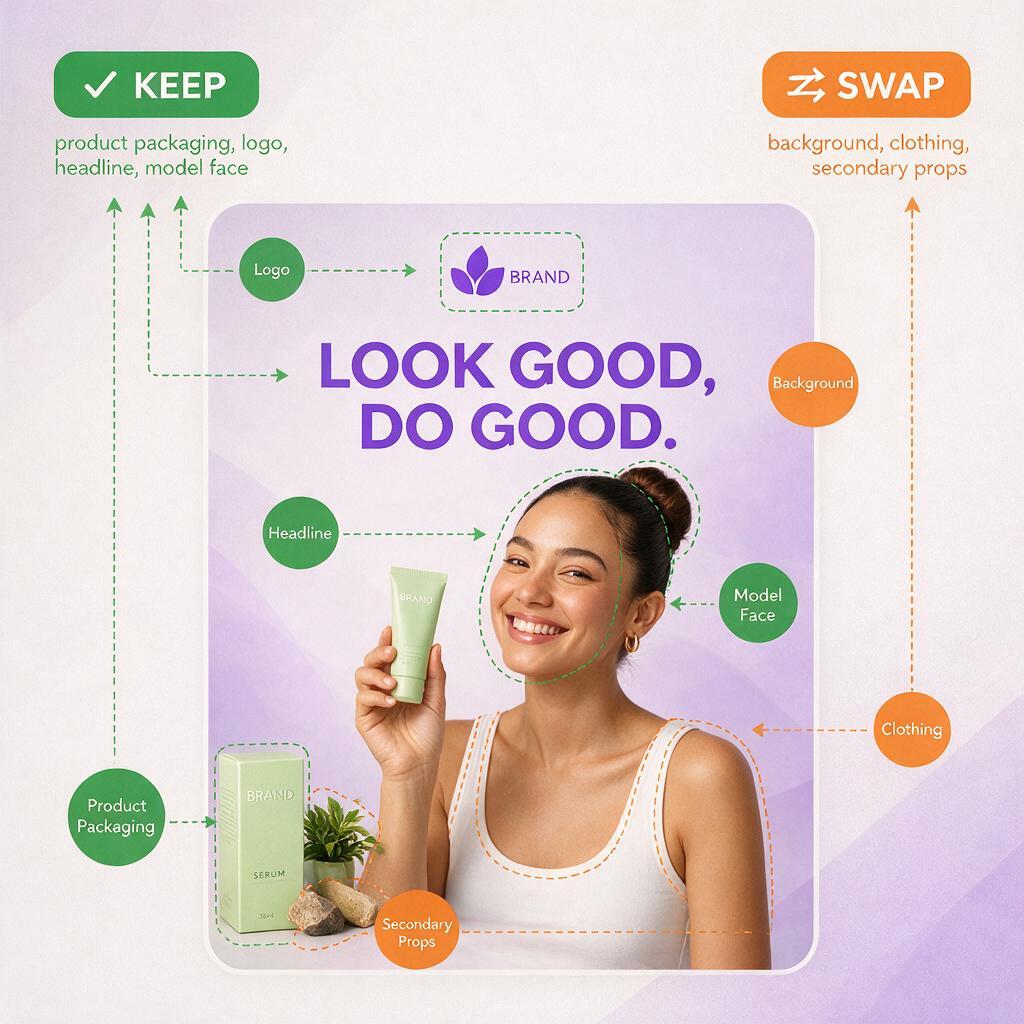
Start by listing out the ad’s core components, then mark each as “keep” or “swap” based on your performance data:
- Hook element: The first 3 seconds of a video or the headline/hero visual of a static ad. If your hook had a significantly higher stop rate than your account average, keep it exactly as is (or only change superficial details).
- Value prop framing: The core benefit you’re selling (e.g., “2-day shipping” vs “free returns”). Keep this if your ad had above-average click-to-add-to-cart rates.
- Brand identity markers: Logo placement, brand colors, product packaging. These should always stay consistent to avoid confusing returning viewers.
- Secondary visual details: Background scenery, model outfits, prop choices, B-roll footage. These are the low-impact, high-novelty variables you can swap to beat fatigue.
Pro tip: If you don’t have granular performance data for each element, use the “3-second rule” for video (keep the opening hook) and “hero + headline” rule for static (keep the main product visual and core offer) as safe defaults.
Swap low-impact variables to beat fatigue without losing hooks
The goal of a refresh is to make the ad feel new to someone who’s seen it 2-3 times before, without changing the parts that drive action. For most performance ads, these are the highest-ROI swap variables that deliver novelty without risking conversion performance:
Static ad swap ideas
- Background environment (e.g., swap a home kitchen for a café counter for a coffee product ad)
- Model’s clothing, hairstyle, or accessory (keep their face and pose if the model was part of the winning hook)
- Secondary props (e.g., swap a notebook for a tablet in a productivity app ad)
- Lighting style (warm vs cool, natural vs studio—keep product lighting consistent to avoid distorting packaging)
Short-form video ad swap ideas
- B-roll clips between the hook and call to action
- Background music genre (keep the same tempo if it matched the ad’s pacing)
- Transition style between cuts
- Text overlay font/color (keep the copy identical to retain messaging performance)
These variables change enough to reset the “seen it” response in both social feed algorithms and viewers, but leave the core conversion drivers untouched.
Generate refreshed static and video creatives with PixVerse
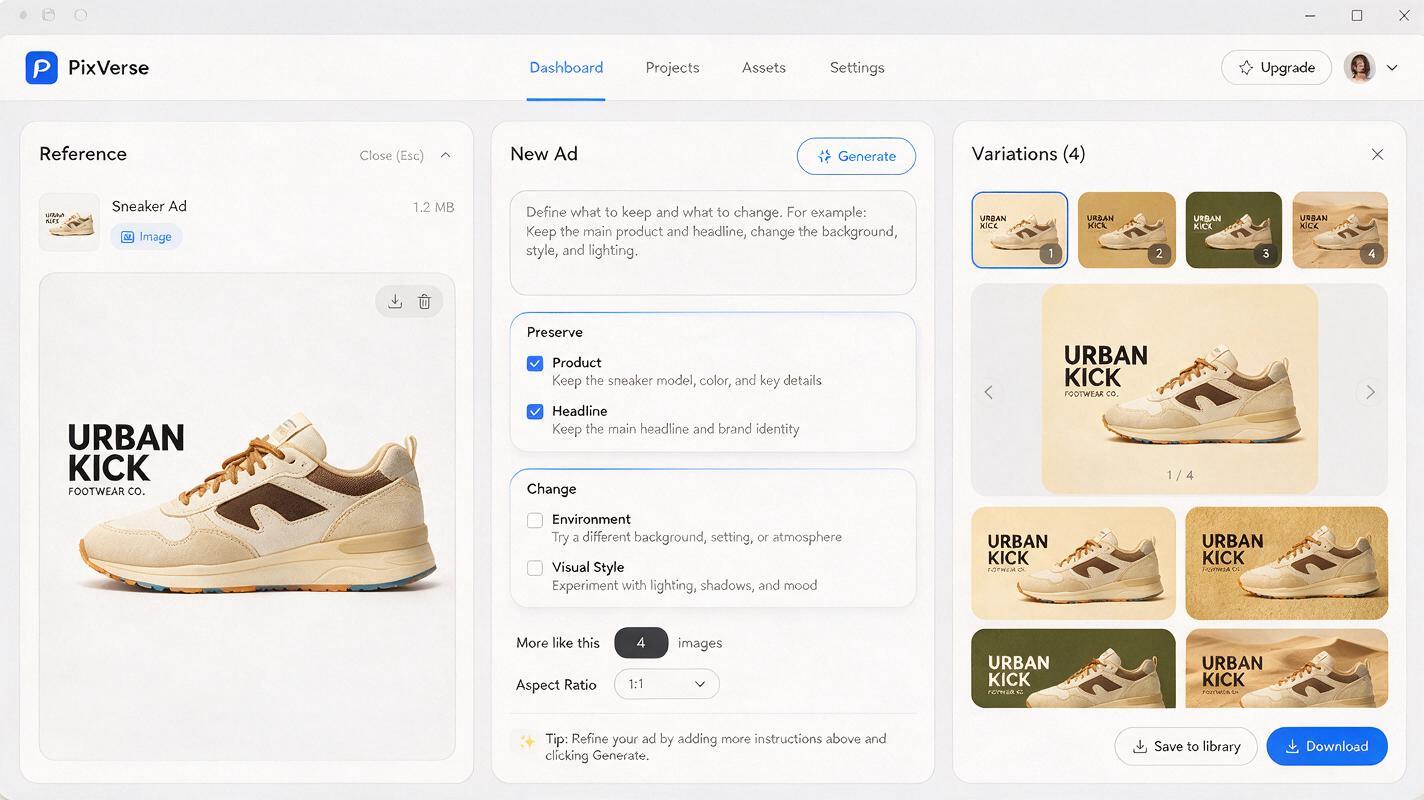
PixVerse’s reference-based generation is ideal for ad refreshes because it lets you lock in specific elements while swapping others. You don’t have to rebuild the ad from a text prompt—you can use your existing winning creative as a reference to preserve brand and product accuracy.
For static ad refreshes, upload your fatigued ad as a reference image, then use a prompt that explicitly calls out what to keep and what to change. Here’s a reusable prompt template:
Reference image: [upload winning static ad]
Keep exactly the same: product packaging, logo placement in top left corner, headline text "30% Off All Sneakers", model's face and forward-facing pose
Change: swap the city street background for a sunlit college campus, change model's jeans to khaki shorts, add a backpack slung over one shoulder
Style: photorealistic social media ad, crisp product lighting, 1:1 aspect ratio
For video ad refreshes, use your winning ad’s opening hook frame as a reference image to lock in the all-important first shot, then prompt for adjusted B-roll and secondary scenes. This keeps the hook identical while freshening up the rest of the ad to fight fatigue.
You can use an ai video generator to test multiple background swaps and B-roll variations in a single batch, so you have 3-5 refreshed creatives ready to test in one generation run.
Once you have your prompt dialed in, test this prompt yourself to generate your first batch of refreshed ad creatives in minutes.
Prioritize refreshed creatives for fast testing
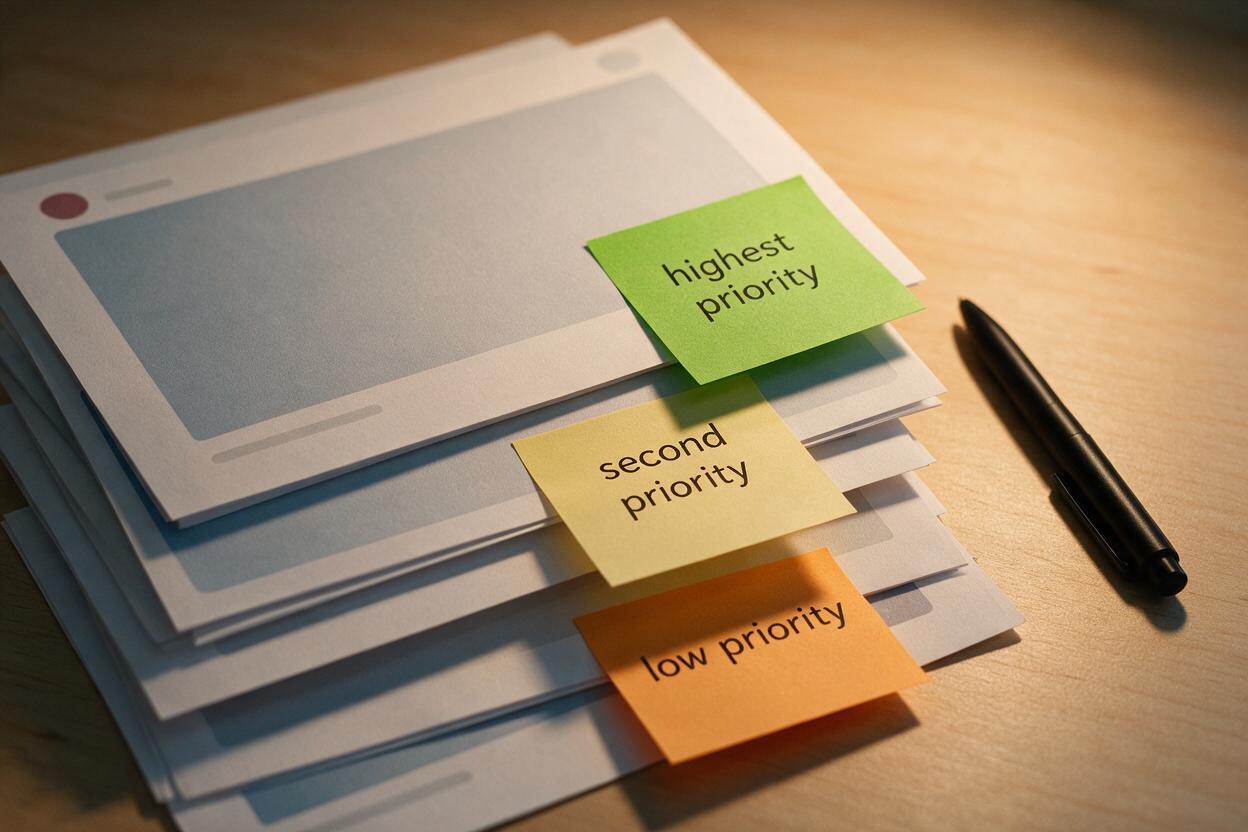
You’ll likely end up with 4-6 refreshed creatives from one generation run, but you don’t need to test all of them at once. Use this quick prioritization framework to pick the top 2-3 for your first test, so you can get results fast without wasting budget:
- Highest novelty: Pick the variation with the most noticeable visual swap (e.g., a completely different background) — this is most likely to reset fatigue for viewers who’ve seen the original ad multiple times.
- Lowest risk: Pick the variation with the smallest swap (e.g., only changed secondary props) — this is most likely to retain the original ad’s conversion performance.
- Audience alignment: If you’re refreshing ads for a specific segment (e.g., college students), pick the variation that most closely matches that segment’s daily environment.
Run your test with the same targeting, bid, and budget as your original winning ad. If a refreshed ad hits 80% or more of the original’s CTR and conversion rate within 3 days, it’s a successful refresh and can replace the fatigued ad in your campaign.
Final checklist
- Audit your fatigued ad to mark 2-3 non-negotiable elements to keep
- Pick 1-2 low-impact visual variables to swap for novelty
- Use PixVerse reference generation to create 3-5 refreshed variations
- Prioritize 2-3 variations using the novelty/risk framework
- Launch tests with identical settings to the original winning ad
- Replace fatigued ads once refreshes hit 80%+ of original performance
Keywords
ad creative fatigue, performance ad refresh, ai ad creative, pixverse, creative testing, ad variations, social media ad creative