How to Build Full Performance Max Ad Asset Sets in 30 Minutes With AI
Performance Max campaigns require a full suite of image, video, and logo assets across multiple aspect ratios to perform well, but building these manually eats up hours of creative time. This guide walks performance marketers through a 30-minute AI workflow using Nano Banana Pro and Seedance to generate on-brand, PMax-optimized asset packs without sacrificing quality or test validity. You’ll get reusable prompts, asset prioritization tips, and compliance checks to avoid launch delays.
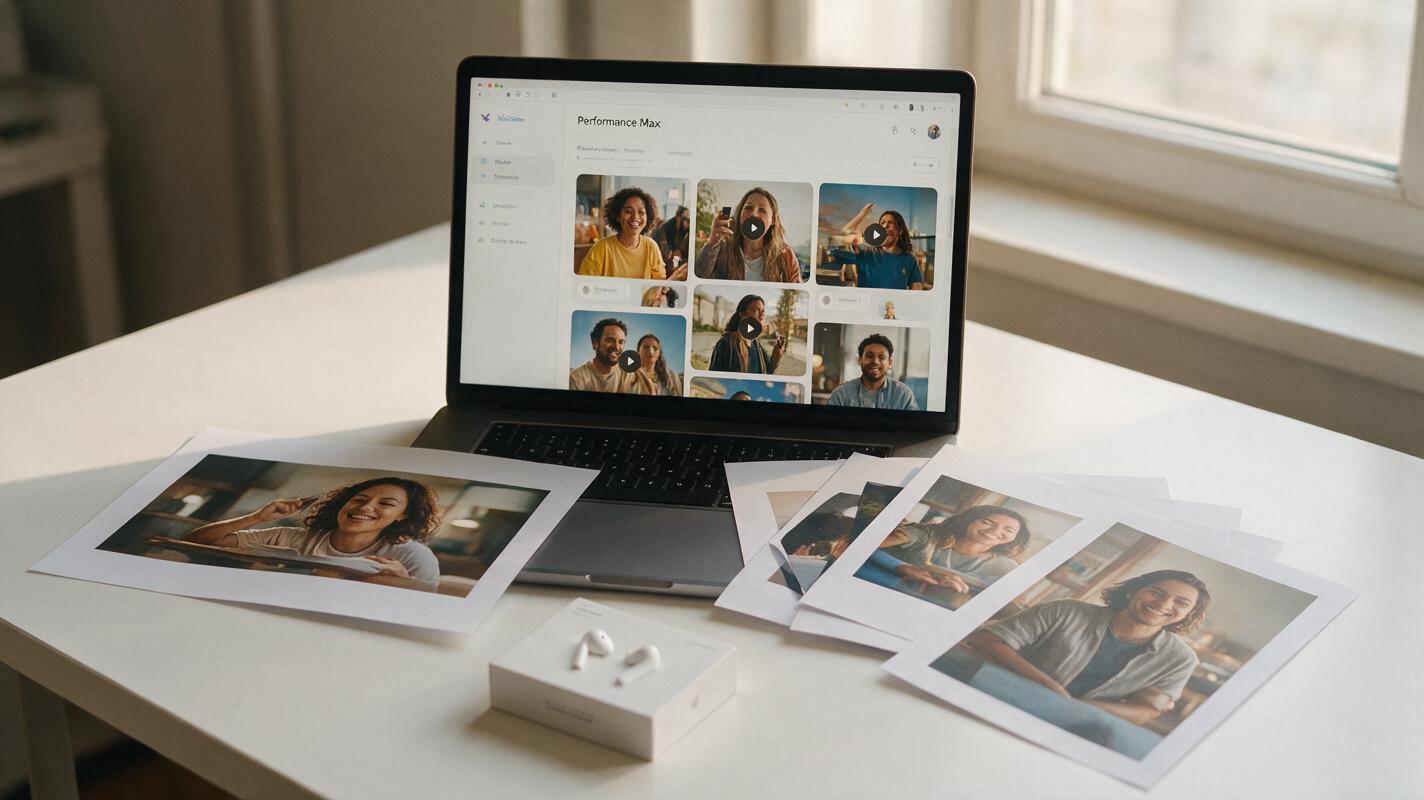
Table of contents
The 30-minute PMax asset workflow that cuts launch time by 80%
Performance Max campaigns underperform or get stuck in learning mode when you don’t have enough high-quality, on-brand assets across every required aspect ratio. Most marketing teams spend 3+ hours pulling together resized images, logo variants, short video clips, and copy just to launch one PMax campaign—time that would be better spent on testing, bid optimization, and audience refinement.
This AI-powered workflow cuts that time down to 30 minutes while producing assets optimized for PMax’s algorithm, compliant with platform policies, and consistent with your brand. It uses reference-based generation to preserve your core product and brand identity, so you don’t end up with random, off-brand assets that tank performance.
Lay the groundwork with your core brand reference kit
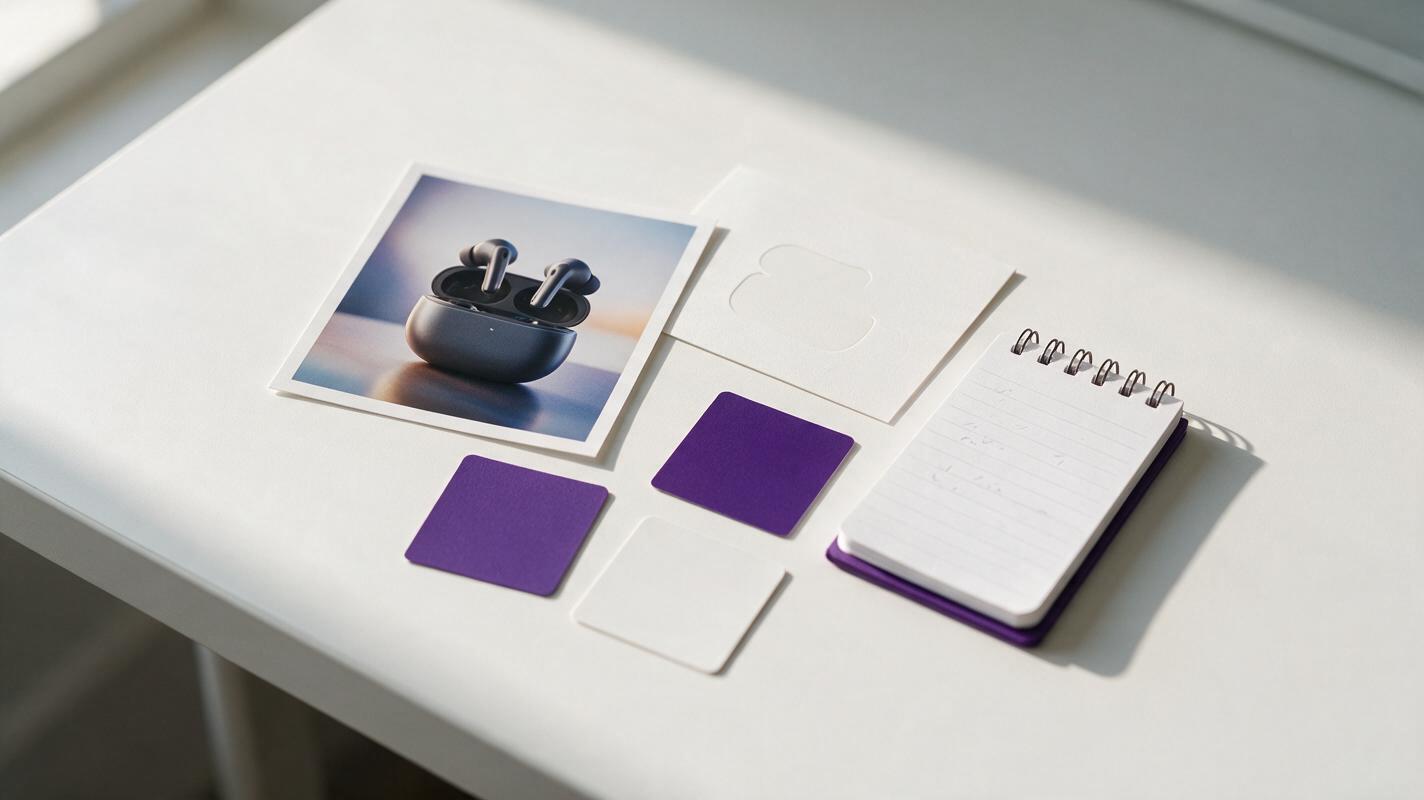
Before generating any assets, put together a small core reference kit to feed the AI. This ensures every output stays aligned with your brand and product, eliminating the need for dozens of revision rounds. PMax’s algorithm rewards consistent creative signals, so this step is critical for both launch speed and long-term performance.
Your kit only needs five items:
- 1 proven product photo: A high-res image of your core product that has already performed well in other ad formats (this reduces risk of low-performing assets)
- 1 transparent logo file: Your primary logo in high resolution with no background
- 2-3 brand color hex codes: Your primary brand color, plus one neutral and one accent color for background and text use
- 2 core value props: Short, benefit-driven statements (30 characters max each) that map to your top customer pain points
- 1 primary CTA: A clear call-to-action (15 characters max) that matches your campaign goal
Having these ready before you start generating ensures you don’t waste time tweaking outputs for brand fit later.
Generate all required static image assets in one batch
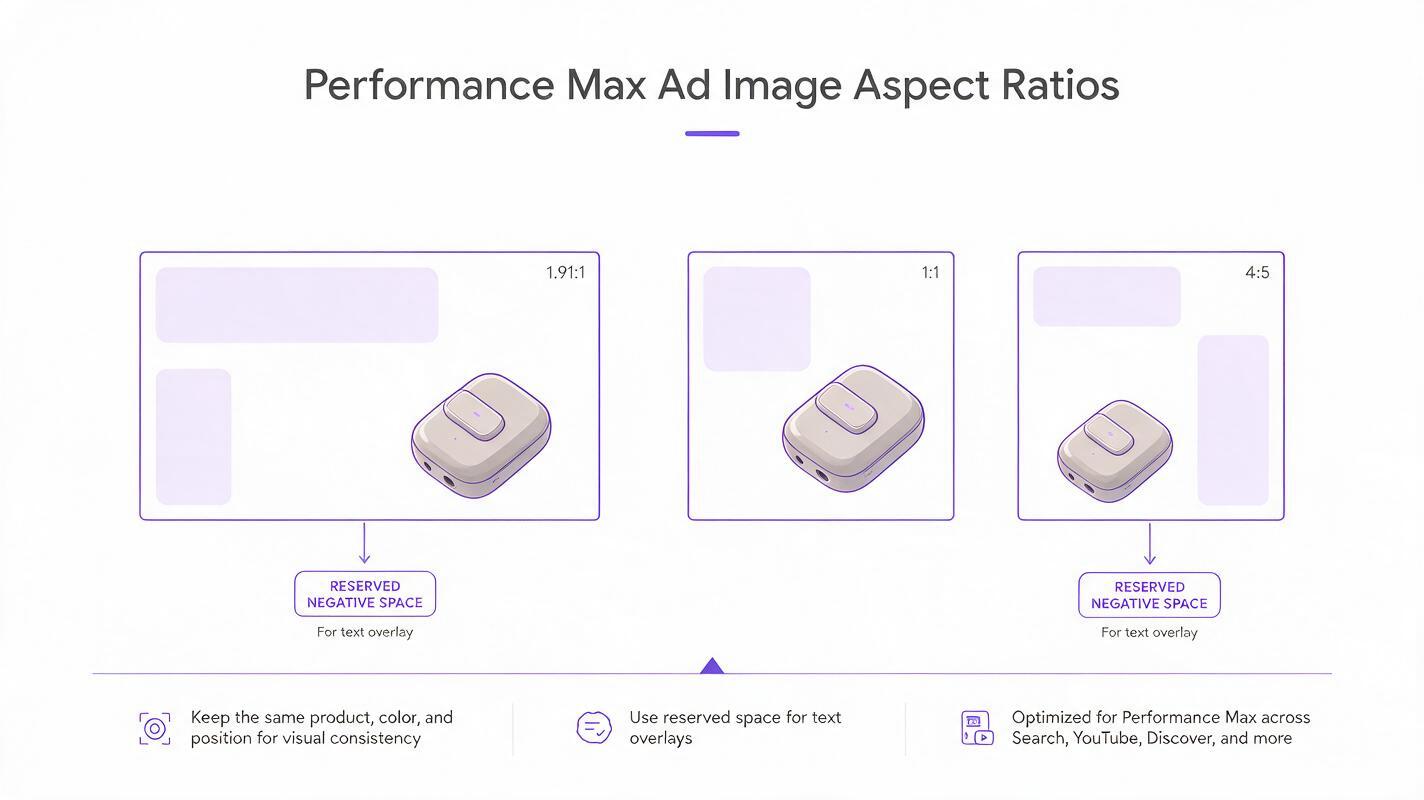
PMax campaigns serve inventory across Search, Display, YouTube, Discover, and Gmail, which means you need assets in multiple aspect ratios to reach every placement. A purpose-built ai image generator with reference-based generation can resize and recompose your core product image for every required aspect ratio without cropping the product or diluting brand identity.
You don’t need 10+ variants per size to start—2-3 high-quality images per aspect ratio is enough to fuel initial learning, and you can add more later once you have performance data. Focus on varying composition and background style slightly, while keeping the product and core visual hook consistent to maintain test validity.
Use this prompt template for each aspect ratio, adjusting the composition notes to match the size:
Reference image: [upload your core winning product photo]
Generate a [aspect ratio] performance ad for [product name] optimized for Google Performance Max.
Keep the product fully visible, positioned [left-aligned / centered / top-aligned] to leave clean negative space for text overlay.
Use brand colors: [primary hex], [neutral hex], [accent hex].
Soft natural studio lighting, high contrast, no text or extra logos on the image itself.
Photorealistic commercial product photography style, no AI artifacts.
For logo assets, use the same reference-based approach to generate clean 1:1 square and 4:1 horizontal logo variants with solid or transparent backgrounds, optimized for different placement contexts.
Turn your top static image into PMax-ready video variants
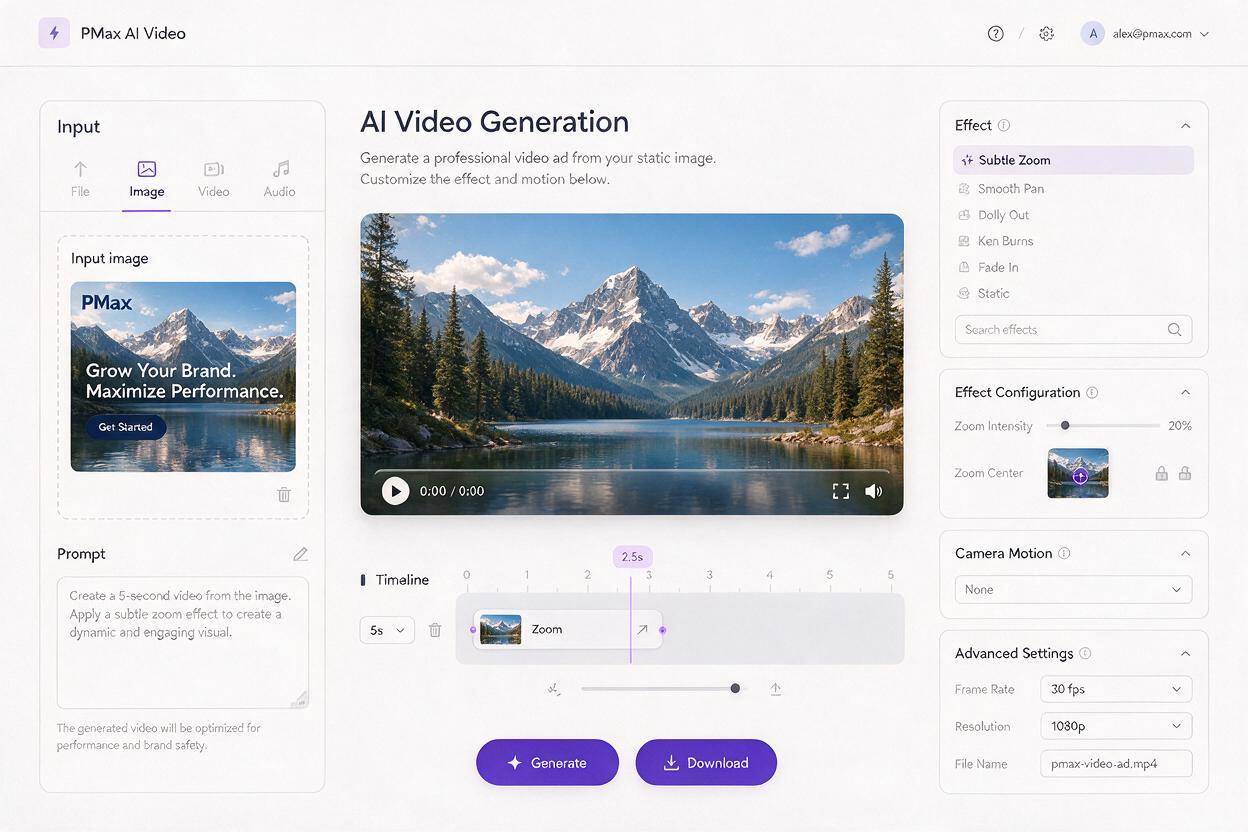
PMax campaigns with video assets consistently see higher reach and lower CPAs than image-only campaigns, but most teams don’t have the time or budget to produce custom video for every PMax launch. Instead of filming new footage, use image to video to turn your highest-performing static ad into short, subtle motion clips that PMax’s algorithm favors.
You don’t need complex animations or fast cuts—5-6 second clips with gentle, natural motion perform best for PMax, because they keep the product front and center and don’t distract from your core message. Avoid flashy effects or text overlays in the video itself; PMax will dynamically add your headlines and CTAs where relevant.
Use this prompt template for each video aspect ratio, starting with your top-performing static image as the input:
Input image: [upload your top static PMax image]
Generate a 5-second [aspect ratio] video clip optimized for Google Performance Max.
Subtle motion only: slow 10% zoom-in on the product, soft light glint across the product surface, no camera shake.
No text overlays, no sound, no extra objects added to the scene.
Maintain full product visibility and 100% brand color accuracy.
Generate variants for each core aspect ratio by using the corresponding static image as the input, so the composition is already optimized for that placement. You don’t need separate footage for each size—starting with the right static input ensures the video output is perfectly framed.
You don’t need separate tools for image and video asset creation—try these models for free to build your entire PMax asset pack in one workflow.
Prioritize assets for PMax testing to speed up learning
Uploading 20+ assets at once can slow down PMax’s learning phase, because the algorithm has too many creative combinations to test. Instead, start with a focused set of high-priority assets to speed up learning, then add more variants once you have initial performance data.
Use this prioritization framework for your first upload:
- Images: 2 landscape (1.91:1), 2 square (1:1), 2 portrait (4:5) — pick the variants with the highest product visibility and strongest contrast
- Logos: 1 square (1:1), 1 horizontal (4:1) — use your standard primary logo for both
- Videos: 2 landscape (16:9), 2 portrait (9:16) — start with the clips that have the most natural motion and clearest product focus
- Copy: 5 headlines, 5 descriptions — mix benefit-led, feature-led, and urgency-focused angles
After 7 days of consistent spend, review which asset types are driving the most conversions, then generate 2-3 more variants of those top performers to scale results. This approach avoids overwhelming the algorithm and gives you clear, actionable data on what works.
Compliance checks to avoid PMax asset disapproval
AI-generated assets can sometimes trigger unexpected policy disapprovals, which delay your campaign launch and waste time. Run these quick checks before uploading any assets to ensure they pass PMax review on the first try:
- Text ratio check: Ensure any text overlays you add take up less than 20% of the image area — PMax penalizes high-text ads with lower reach
- Logo accuracy check: Zoom in on every asset to confirm logos are not distorted, warped, or miscolored
- Claim accuracy check: Verify all value props and claims in your copy are accurate and verifiable — AI can sometimes exaggerate benefits if not explicitly constrained
- Artifact check: Look for AI-generated glitches like distorted product edges, extra fingers, or mismatched backgrounds
- Watermark check: Ensure no AI tool watermarks or branding are visible on any asset
These checks take 2-3 minutes total and can save you hours of waiting for disapprovals and resubmissions.
Final checklist
- Gather your 5-piece core brand reference kit before generating any assets
- Generate 2-3 static images per aspect ratio using reference-based generation
- Create 2 video variants per core aspect ratio from your top static image
- Upload a prioritized set of assets first to speed up PMax learning
- Run a 5-point compliance check for text ratio, logo accuracy, and claim validity
- Add more asset variants after 7 days of consistent campaign performance
Keywords
performance max ad assets, pmax creative, ai ad generator, performance ad creative, ad creative variations, ai marketing video, campaign creative