PixVerse Prompts for Cosmetic Powder Burst Videos Without Dusty Fallout
Create controlled cosmetic powder burst videos without broken compacts, obscured packaging, or smoke-like fallout. These PixVerse prompt templates cover pressed powder, loose setting powder, eyeshadow pigment, and blush campaign effects.
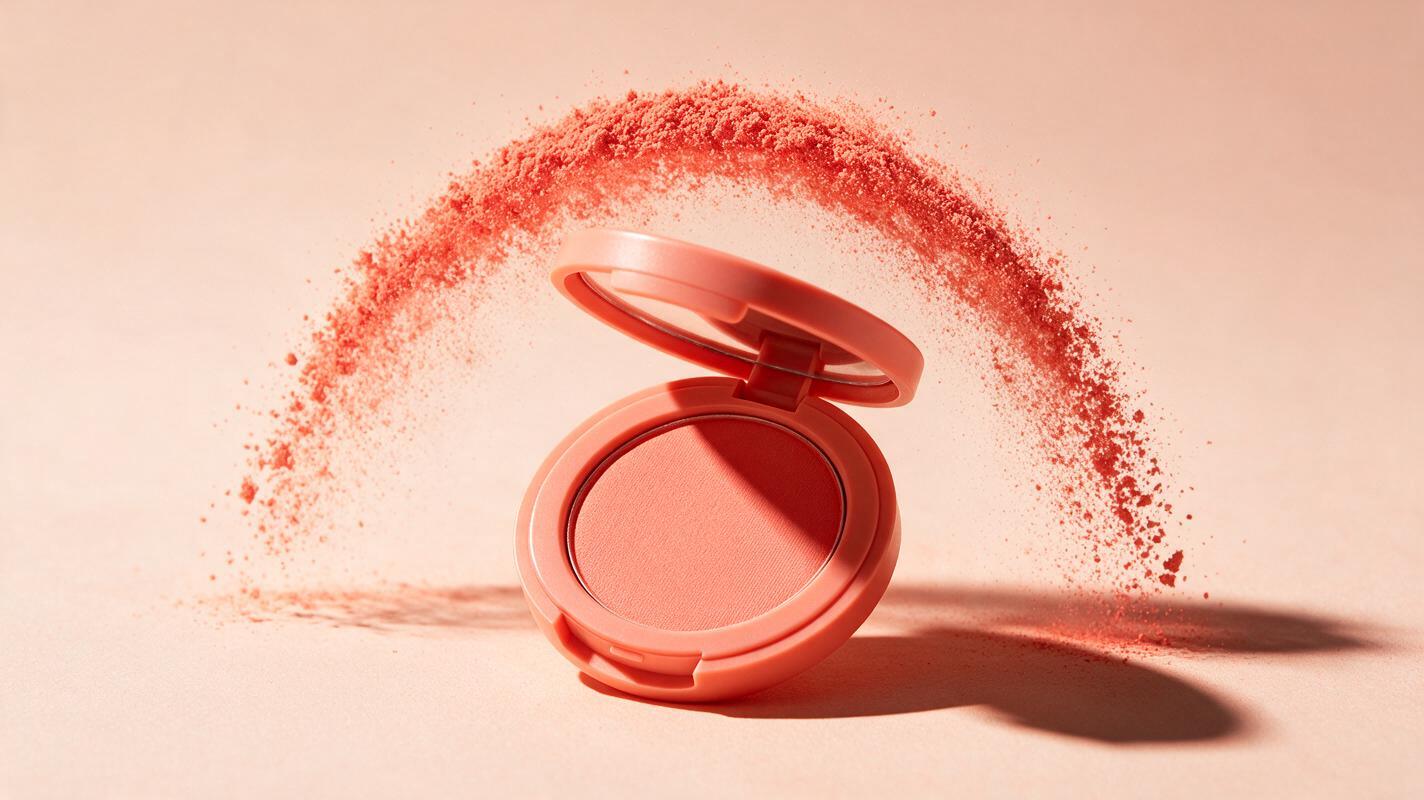
Table of contents
Make powder move without destroying the product
A convincing cosmetic powder burst should frame the product with pigment, not bury it in a dusty explosion. The most reliable approach is to begin with a clean packshot, define a restrained particle path, and tell PixVerse exactly what must remain motionless. This produces a polished makeup product video while reducing warped logos, cracked compacts, muddy color, and smoke-like powder.
The prompts below are designed for reference-led image to video generation. They can support concept development for pressed powder, loose setting powder, blush, bronzer, and eyeshadow campaigns, but final commercial assets should still be checked against the physical product.
Why cosmetic powder bursts often look fake
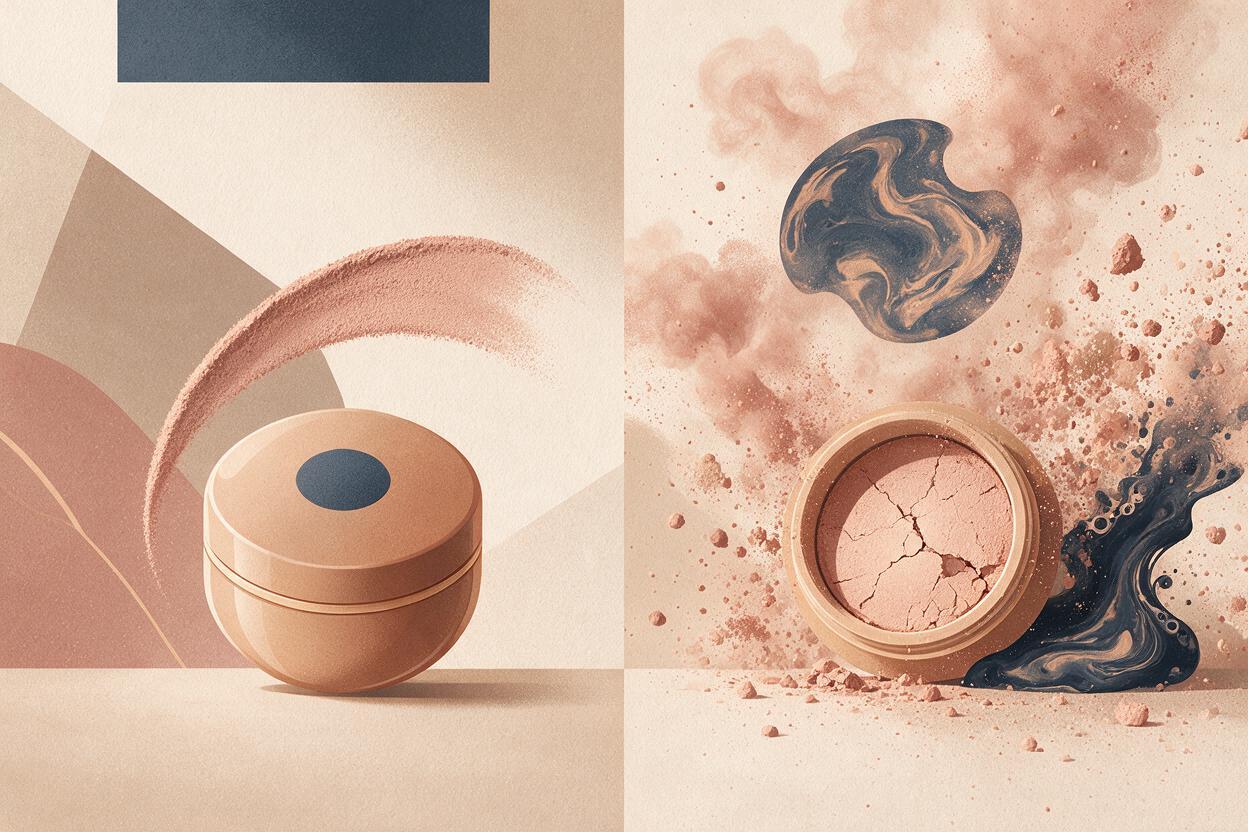
Powder is difficult to simulate because it must behave as both a visible color effect and a collection of tiny particles. A vague request such as make the powder explode dramatically gives the model too much freedom. The result may resemble smoke, sand, liquid paint, or a destructive impact.
Four failures appear repeatedly:
- Excessive particle volume: the plume covers the logo, shade pan, or package silhouette.
- Incorrect material behavior: powder flows like cream, forms hard debris, or hangs in the air like fog.
- Product deformation: the compact bends, the lid melts, or printed text changes during motion.
- Uncontrolled color mixing: a coral blush becomes orange-brown or a lavender shadow turns gray.
Treat the packshot as the protected subject and the powder as a secondary motion layer. The particles should reveal the product, peak briefly, and disperse before they obscure the frame.
Build a clean reference frame before adding motion
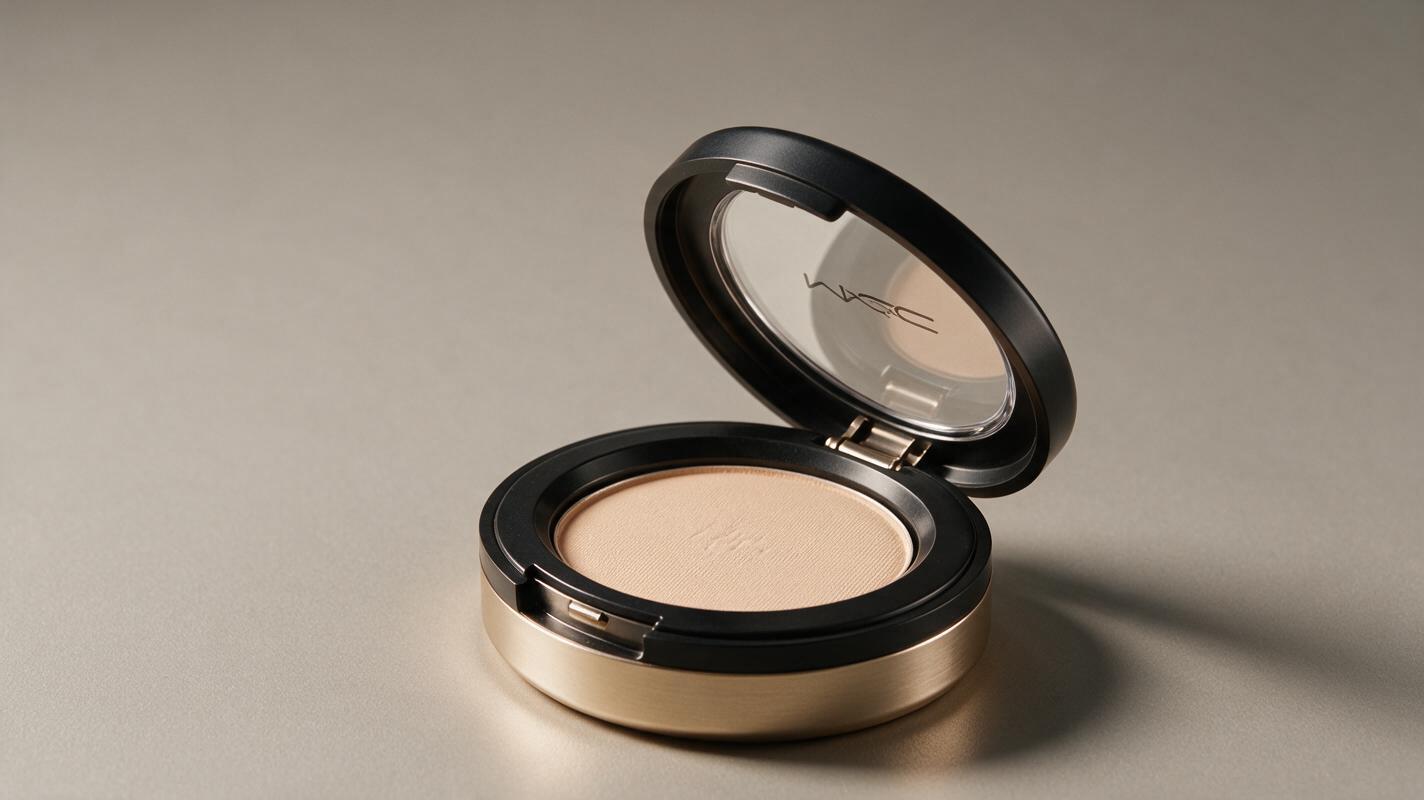
Use a high-resolution product image with readable packaging, believable shadows, and enough empty space for the effect. A three-quarter view often works well for compacts because it shows the pan, lid, hinge, and exterior branding in one frame. Loose powder jars are usually easier to protect when the lid and sifter are clearly separated.
Your reference frame should include:
- A sharp logo and unchanged label typography
- An accurate shade sample visible inside or beside the package
- A simple background that contrasts with the powder color
- A grounded contact shadow beneath the product
- Negative space above or behind the package for particle movement
Avoid starting with powder already covering the label. The model needs an unobstructed view of the product before it can preserve that structure through the animation.
Use a prompt structure that separates subject from effect
A practical PixVerse prompt can be divided into five instructions: the protected product, the particle source, the motion path, the camera behavior, and the final visual restrictions. Keeping these elements separate makes revision easier.
Protected subject: exact cosmetic package, logo, shade pan, lid and proportions remain unchanged
Particle source: a small amount of finely milled cosmetic powder
Motion path: controlled arc or halo behind the package, brief peak, soft dispersal
Camera: locked macro product shot or subtle push-in
Restrictions: no broken packaging, no smoke, no liquid, no debris, no text changes
Words such as restrained, finely milled, localized, and behind the product usually communicate the desired art direction more clearly than broad terms such as epic or massive explosion.
Prompt templates for four powder effects
Pressed powder halo around a compact
This treatment suits foundation, finishing powder, bronzer, and monochrome campaign loops. Keep the pan intact and originate the effect from behind the compact rather than from a violent impact on its surface.
Luxury studio product video of the exact pressed powder compact from the reference image. Preserve the compact shape, hinge, mirror, embossed powder surface, logo and printed text without alteration. A restrained halo of finely milled beige cosmetic powder rises from behind the compact in a smooth circular arc, reaches a brief elegant peak, then disperses into sparse individual particles. Locked three-quarter macro camera with a very slow push-in. Soft directional beauty lighting, clean warm background, realistic contact shadow. The powder remains behind the product and never covers the logo. No cracked pan, no shattered case, no smoke, no sand, no liquid motion, no new objects.Loose setting powder plume
Loose powder should appear light and dry without becoming a dense fog bank. A short upward lift followed by gentle settling makes the material easier to read.
Editorial close-up of the exact translucent setting powder jar in the reference frame. Keep the jar, sifter, lid, label and typography perfectly stable. A small localized plume of ultra-fine translucent powder lifts vertically beside the open jar, curls slightly in the studio air, then settles naturally toward the surface. The particles remain delicate and individually visible at the edges, with moderate density and no full-frame haze. Static camera, crisp package focus, soft cool daylight, realistic glass and plastic reflections. No smoke, no steam, no flour-like clumps, no overflowing jar, no warped label.Eyeshadow pigment ribbon
For colorful eyeshadow, prioritize shade accuracy and controlled direction. A ribbon-shaped trail can express energy without pretending that the palette has been smashed.
High-fashion beauty campaign video featuring the exact eyeshadow palette from the reference image. Preserve every pan position, palette geometry, logo and shade color. A narrow ribbon of finely milled violet pigment sweeps from lower left to upper right behind the palette, forming a graceful curved trail with a few sparkling micro-particles at the edge. The pigment matches the selected violet pan exactly and does not mix with other shades. Slow lateral camera slide, sharp product focus, deep plum studio background, refined specular lighting. Palette remains pristine and stationary. No broken pans, no multicolor contamination, no thick smoke, no paint splash, no altered text.Soft blush cloud transition
A blush cloud works best as a quick visual transition rather than a continuous storm. Let it cross one part of the frame while the compact remains recognizable.
Premium blush campaign transition using the exact coral blush compact from the reference. Maintain the package proportions, metallic finish, embossing and logo throughout. A soft coral powder cloud enters from the right edge, passes behind the compact in one controlled wave, briefly frames the product, then thins into fine particles and exits left. The coral color stays consistent with the physical blush shade. Subtle camera push-in, luminous beauty lighting, pale peach background, realistic powder texture. Do not cover the entire frame. No orange color shift, no fog, no fabric-like motion, no damaged compact, no logo distortion.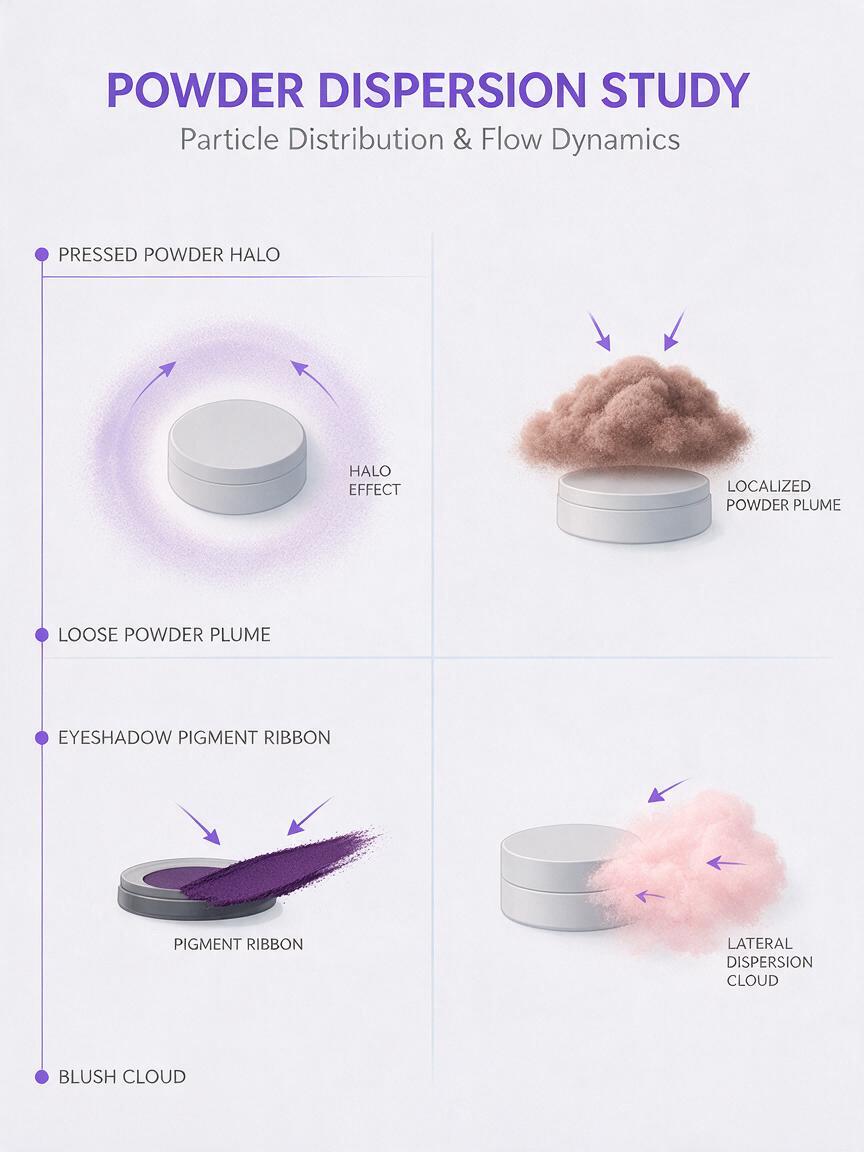
Choose motion according to the package
| Product format | Recommended powder motion | Main risk to control |
|---|---|---|
| Pressed powder compact | Halo or shallow arc behind the case | Cracked pan and bending lid |
| Loose powder jar | Localized lift followed by settling | Dense smoke or overflowing formula |
| Eyeshadow palette | Narrow pigment ribbon behind the palette | Shade mixing and reordered pans |
| Blush or bronzer | Short lateral cloud used as a transition | Color shift and covered branding |
Generate short tests before attempting elaborate camera movement. When the package, powder, and camera all move at once, it becomes harder to identify which instruction caused a failure. A locked camera is especially useful for validating particle density and logo stability.
Fix the failures that make powder videos look fake
The powder looks like smoke
Replace broad language such as cloud fills the scene with measurable visual limits: localized plume beside the jar, sparse particles at the edges, background remains visible. Explicitly exclude smoke, steam, fog, and haze.
The compact breaks or opens unexpectedly
State that the product is stationary, pristine, and structurally unchanged. Move the powder source behind or beside the package rather than asking it to erupt from the pressed pan. If the opening action is not essential, begin with the compact already open.
The logo changes during the burst
Reduce particle overlap and camera movement. Add logo remains continuously visible and unchanged, then keep the powder path behind the branded surface. For a final paid campaign, consider compositing the approved packshot over the generated particle pass.
The powder color drifts
Name one shade using both a plain-language description and its relationship to the reference, such as muted cool rose matching the visible blush pan. Avoid conflicting cinematic color instructions that recolor the entire scene.
The particles behave like liquid paint
Remove terms such as splash, wave, or flowing ribbon unless you qualify them carefully. Ask for dry, finely milled particles with dispersed edges, low cohesion, and natural settling.
Review the result as an ad, not only as an effect
A dramatic clip can still fail as beauty creative if the product is unrecognizable. Review the opening frame, peak motion frame, and final frame separately. The logo, package dimensions, cap or hinge, shade, and material finish should agree across all three.
Also confirm that the effect does not imply a false product behavior. A stylized pigment halo can be presented as campaign art, but it should not be mistaken for a literal demonstration of how the formula dispenses or performs. Keep approved product claims, required labels, and disclaimers outside the generative pass whenever exact legibility is essential.
When your packshot and shade reference are ready, try this prompt for free and begin with the lowest-motion version. Increase the particle arc or camera movement only after the package remains stable.
Final checklist
- Start from a sharp, unobstructed product reference.
- Define the product as stationary and structurally unchanged.
- Place powder behind or beside important branding.
- Specify particle density, direction, duration, and dispersal.
- Exclude smoke, liquid, debris, broken pans, and altered text.
- Match pigment color to a visible physical shade reference.
- Inspect the opening, peak, and final frames for drift.
- Verify claims and packaging details before commercial use.
Keywords
PixVerse prompts, cosmetic powder video, makeup product video, powder burst effect, beauty campaign AI, cosmetic product photography, image to video