PixVerse Prompts for Seamless Looping Website Hero Backgrounds
Create subtle PixVerse hero backgrounds that can repeat without an obvious jump, while preserving clear space for website copy. This guide provides reusable prompts, motion limits, loop-finishing methods, and practical checks for desktop and mobile layouts.
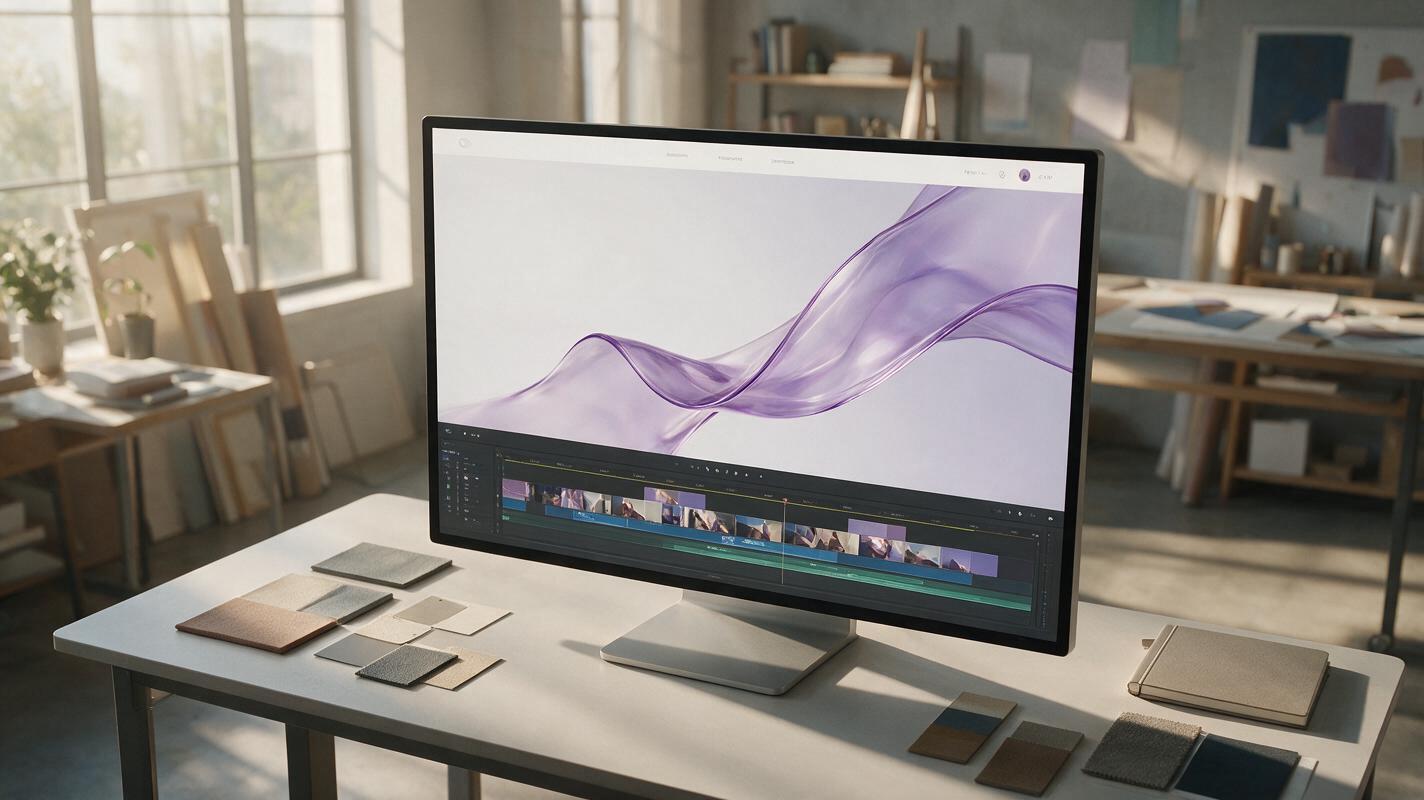
Table of contents
Create motion without creating a distraction
A website hero background should feel alive without stealing attention from the headline, CTA, or product message. The challenge is making a short PixVerse clip repeat smoothly: uncontrolled camera movement, sudden lighting changes, and objects crossing the frame can expose the loop point immediately.
The most reliable approach is to design a loop-ready still image, animate only repeatable visual properties, and finish the transition in an editor. The prompts below are built for abstract gradients, translucent materials, atmospheric light, and other landing-page visuals that can move gently behind interface content.
A generative clip does not need identical first and last frames to become a convincing loop. It needs stable composition, restrained motion, and enough visual overlap to conceal the edit.
Choose motion that can hide a loop point
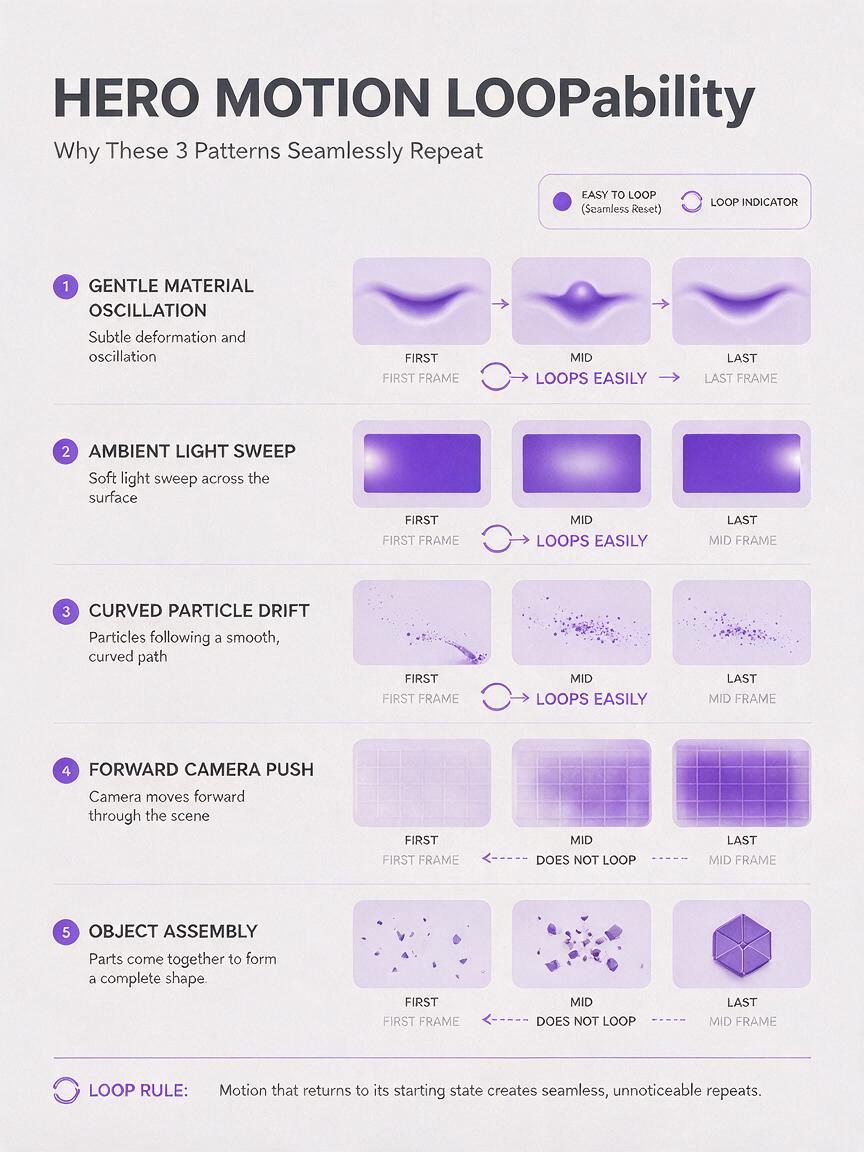
Some movements naturally support repetition. Slow oscillation, drifting particles, soft refraction, and gradual light movement give an editor several similar frames to blend. A dramatic reveal or one-way camera move does not.
| Motion type | Loop potential | Main risk | Best use |
|---|---|---|---|
| Slow material undulation | High | Edges changing shape | Abstract SaaS and technology heroes |
| Ambient light sweep | High | Brightness pulsing | Premium product and portfolio pages |
| Floating particles | Medium to high | Particles entering at visible boundaries | Data, cloud, and science themes |
| Forward camera push | Low | Different scale at each endpoint | One-shot intros rather than loops |
| Object assembly | Low | Irreversible state change | Feature reveals and scroll-triggered sections |
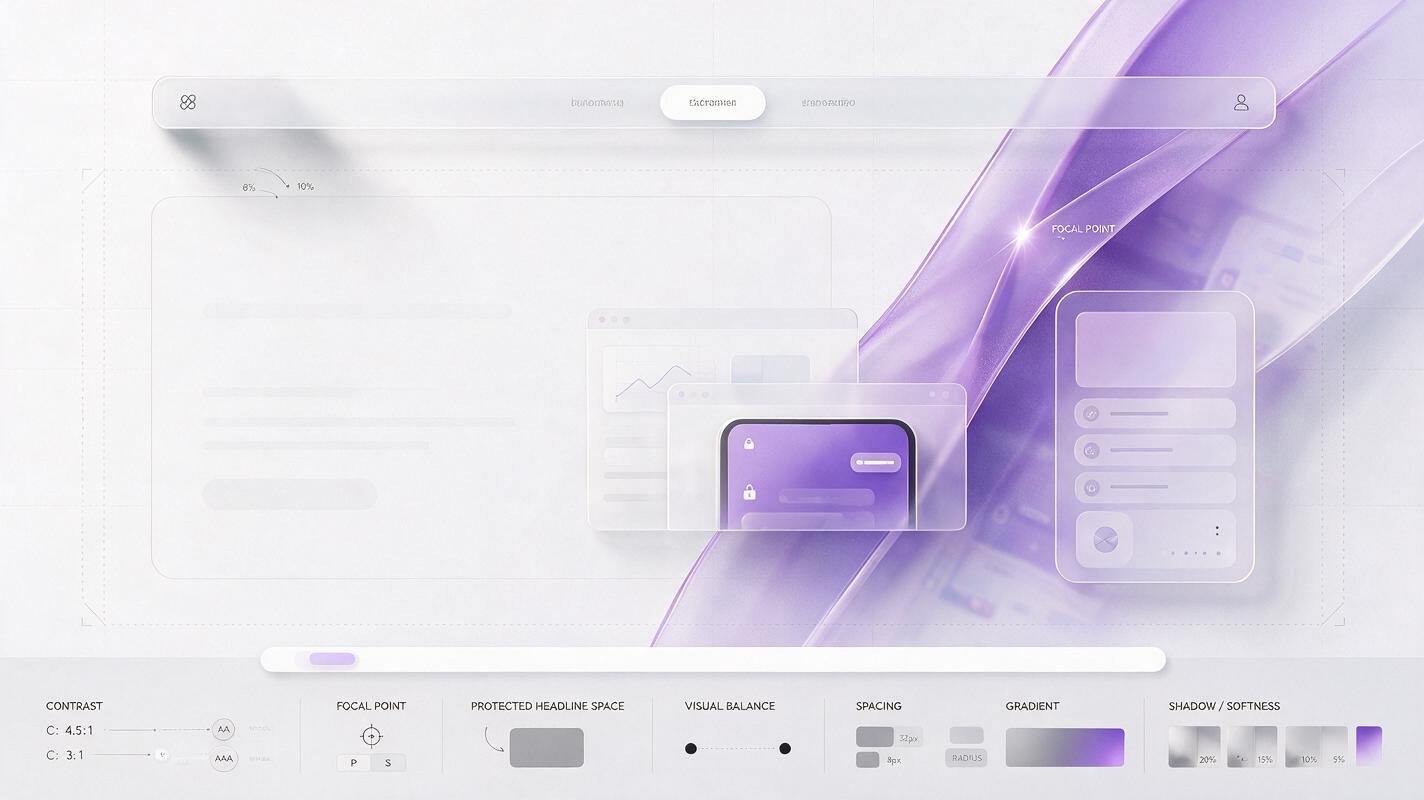
Keep the center of visual interest away from the copy-safe region. If the headline sits on the left, place the strongest texture, light, or material form in the right third. Movement can approach the text area, but it should not repeatedly pass behind individual letters.
Build a loop-ready hero frame
Start from a wide still image with restrained contrast and generous negative space. A 16:9 composition is a useful master for many desktop heroes, but important forms should remain inside a central safe area so the visual can survive narrower browser crops.
Do not ask the video model to invent navigation, buttons, pricing cards, or readable interface text. Add real HTML content in the website, or composite an exact UI capture after generation. This keeps the background reusable and avoids distorted pseudo-interface details.
A strong base-image prompt describes five things: subject, material, composition, copy-safe area, and lighting restraint.
Wide website hero background for a modern analytics platform, one large translucent glass ribbon floating in the right third, deep indigo-to-violet gradient environment, open low-detail negative space across the left half for a white headline and CTA, soft diffused studio lighting, subtle depth, premium minimal art direction, no text, no logos, no interface, no border, no frameInspect the still at the actual hero size before animating it. Reduce any small high-contrast details that resemble icons, letters, or controls. Those details tend to flicker once motion is introduced.
Prompt PixVerse for bounded ambient motion
Use the still as the visual reference and describe only the change that should occur. In a reference image to video workflow, restating the entire scene can encourage the model to reinterpret it. A concise motion instruction gives the source composition a clearer role.
The prompt should define the moving property, its speed, the elements that must remain fixed, and the behavior to avoid. Terms such as “subtle,” “slow,” and “locked camera” help, but measurable visual boundaries are even better: ask for no zoom, no scene transition, no new objects, and no major exposure shift.
Translucent glass motion
The translucent ribbon moves with extremely slow, smooth wave-like deformation, subtle internal refraction traveling across its surface, composition remains fixed, camera locked, background gradient unchanged, left-side negative space stays calm and empty, constant exposure, no zoom, no rotation, no new objects, no scene transitionSoft gradient light
A broad diffused glow drifts gently from the lower right toward the upper right, then softens, very low-amplitude ambient motion, fixed framing, stable gradient colors, left half remains dark and visually quiet for website copy, no flashing, no hard light beam, no camera movement, no texture flickerAtmospheric particle field
Tiny defocused particles drift slowly in shallow curved paths within the right third, sparse density, no particle crosses the left-side headline area, stable depth and color, locked camera, no bursts, no rapid acceleration, no objects entering close to the frame edges, calm premium website backgroundGenerate several variations rather than trying to repair an energetic result with a longer prompt. Reject clips with large geometry changes, edge crossings, or sudden exposure shifts. If the first second contains a startup jolt, plan to trim it instead of preserving the complete output.
Test this prompt yourself with one motion variable at a time. Once the material stays stable, add a secondary effect such as a faint light sweep—but keep its intensity below the primary motion.
Finish the loop in an editor
Even a stable PixVerse result may not return to its exact opening state. A short overlap edit can hide that mismatch.
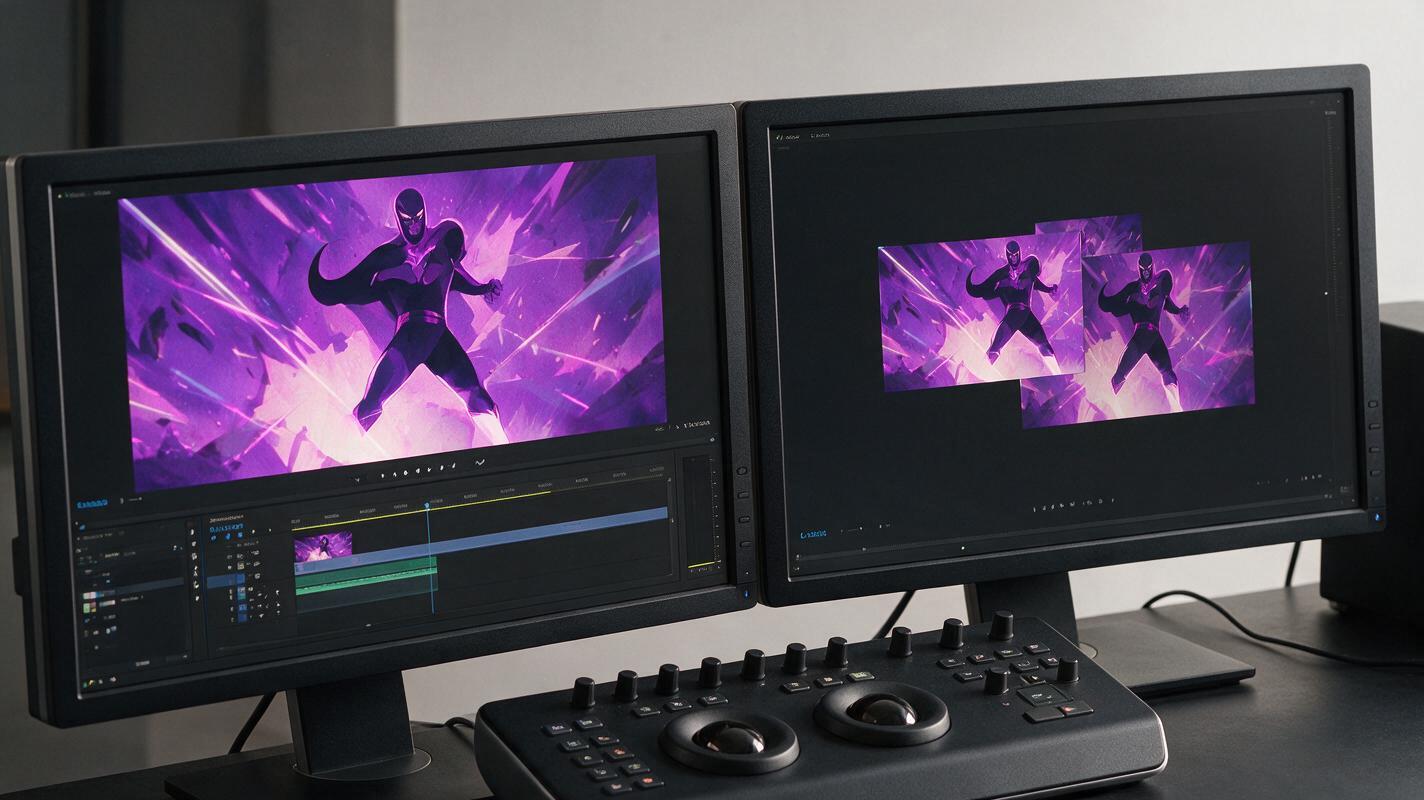
Trim away unstable frames at the beginning and end. Duplicate the cleaned clip, place the duplicate after the original, and overlap the ending of the first copy with the beginning of the second. Apply a short dissolve across the overlap, then export only the section that begins and ends at equivalent points in the blended sequence.
For motion with no clear direction, another option is a forward-and-reverse loop. This guarantees matching endpoints, but it can make particles, smoke, or light behave unnaturally at the reversal. It works best for elastic material movement that already resembles an oscillation.
- Use a crossfade for drifting light, haze, gradients, and slow refraction.
- Use forward-and-reverse for gentle pulsing or wave-like deformation.
- Avoid reversing falling particles, splashes, mechanical movement, or anything governed by obvious gravity.
Watch the result for at least five repetitions. A transition that looks acceptable once can become obvious when the eye learns where to expect it.
Keep the exported hero fast and readable
A visually smooth loop can still fail as a website asset if it delays the first render or reduces text contrast. Export only the duration and dimensions the design needs. Remove audio, avoid unnecessary detail, and use a static poster image that matches the opening composition.
Check the hero with the real headline, CTA, navigation, and responsive crop in place. A background that looks restrained in isolation may become busy once layered beneath several interface elements.
| Check | What to inspect | Practical correction |
|---|---|---|
| Copy contrast | Headline readability across the full loop | Darken or soften the copy-safe region |
| Responsive crop | Whether the main form collides with mobile copy | Reposition the video or use a separate mobile poster |
| Motion intensity | Whether the background competes with the CTA | Reduce speed, contrast, or particle density |
| Loop seam | Brightness or geometry jumps after repetition | Trim again and lengthen the overlap slightly |
| Accessibility | Behavior when reduced motion is preferred | Show the poster image or pause the video |
Do not place essential meaning inside the animation. The page should remain understandable when the video is paused, blocked, or replaced by its poster image.
Troubleshoot the most visible failures
The loop flashes at the transition
The first and last regions probably have different exposure or color balance. Shorten the usable clip to a more stable interval, or overlap frames with similar brightness. Avoid blending a bright light sweep directly into a dark opening frame.
The hero slowly changes shape
The prompt leaves too much room for structural motion. Replace broad instructions such as “flowing transformation” with one bounded property, such as “subtle surface refraction while the silhouette remains fixed.”
The background looks busy behind the headline
Regenerate with a named copy-safe region and prohibit particles, highlights, or material edges from entering it. A soft overlay can improve contrast, but it should not be expected to rescue a fundamentally crowded composition.
The reverse point looks mechanical
Use a crossfade loop instead of forward-and-reverse, or choose a clip with slower movement near the turnaround. Motion that visibly accelerates into reverse will always expose the edit.
Final checklist
- Begin with a wide still containing deliberate negative space for website copy.
- Animate one repeatable visual property before adding secondary motion.
- Keep the camera locked and prohibit scene transitions, zooms, and new objects.
- Reject clips with edge crossings, geometry drift, or abrupt lighting changes.
- Trim startup instability before building the loop.
- Use a crossfade or a natural forward-and-reverse cycle to join the endpoints.
- Test multiple repetitions with the real headline and CTA overlaid.
- Provide a static fallback and respect reduced-motion preferences.
Keywords
pixverse prompts, looping hero background, website hero video, web motion, landing page visuals, image to video, hero video prompts