PixVerse Prompts for Seamless Looping Product Ads
Create short product videos that loop smoothly instead of ending with an obvious visual jump. This guide provides PixVerse prompt templates, motion patterns, seam-repair techniques and a controlled testing framework for paid social campaigns.
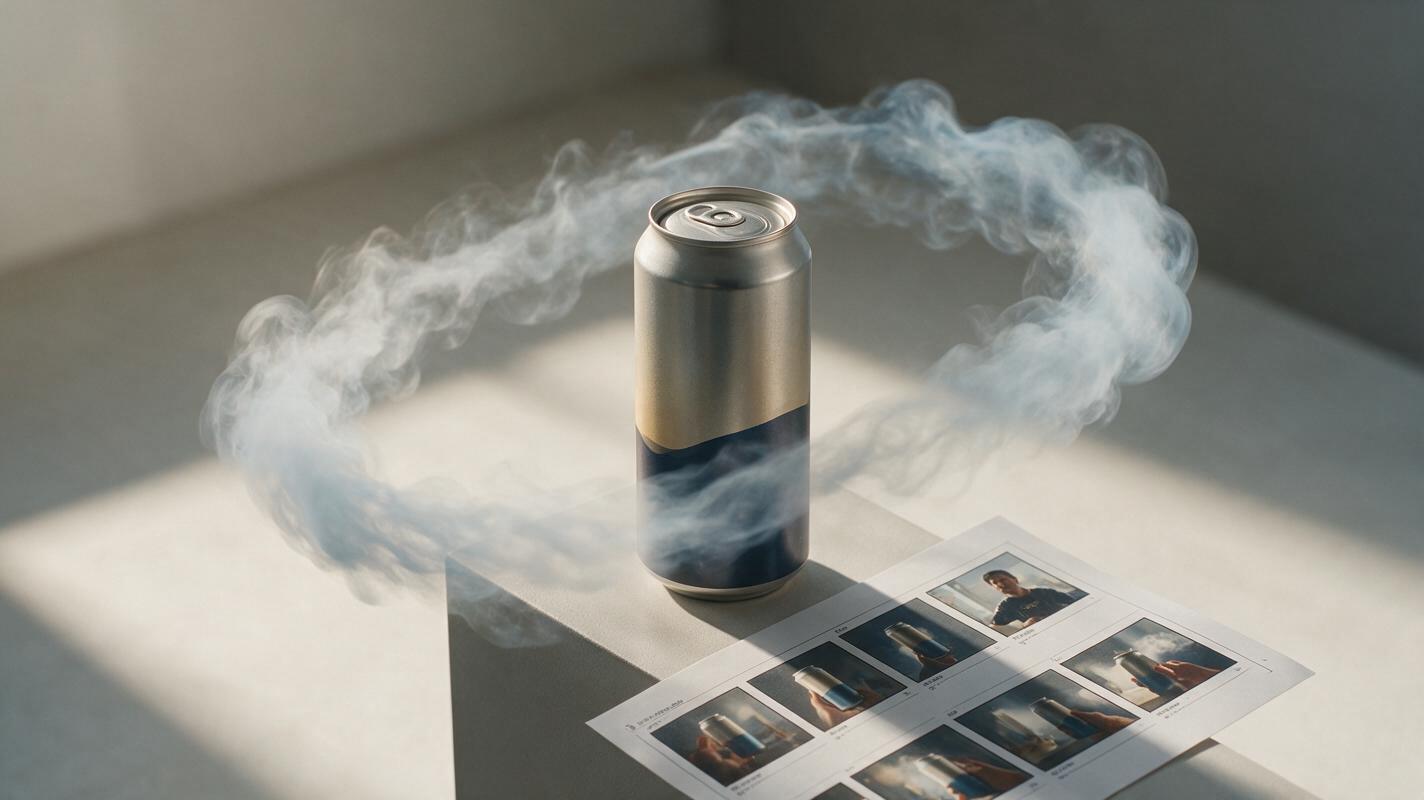
Table of contents
Create product ads that keep moving without an obvious reset
A seamless loop can turn one product image into a repeatable paid-social asset without making viewers watch a jarring cut every few seconds.
The difficult part is not producing motion. It is ensuring that the product, camera and background return to compatible positions at the end of the clip. If any of those elements drift, the loop reveals its seam immediately.
This guide shows performance marketers how to build compact looping product ads with PixVerse. The workflow uses a controlled source image, reversible motion and a short editing pass rather than expecting one prompt to solve everything.
The practical goal: the final frame should connect to the opening frame while preserving the product shape, label, color and campaign composition.
Choose a loop structure before writing the prompt
A looping ad needs a motion path that can return to its starting state. Prompts such as “make this image dynamic” leave too many decisions to the model. The resulting clip may look energetic, but it rarely reconnects cleanly.
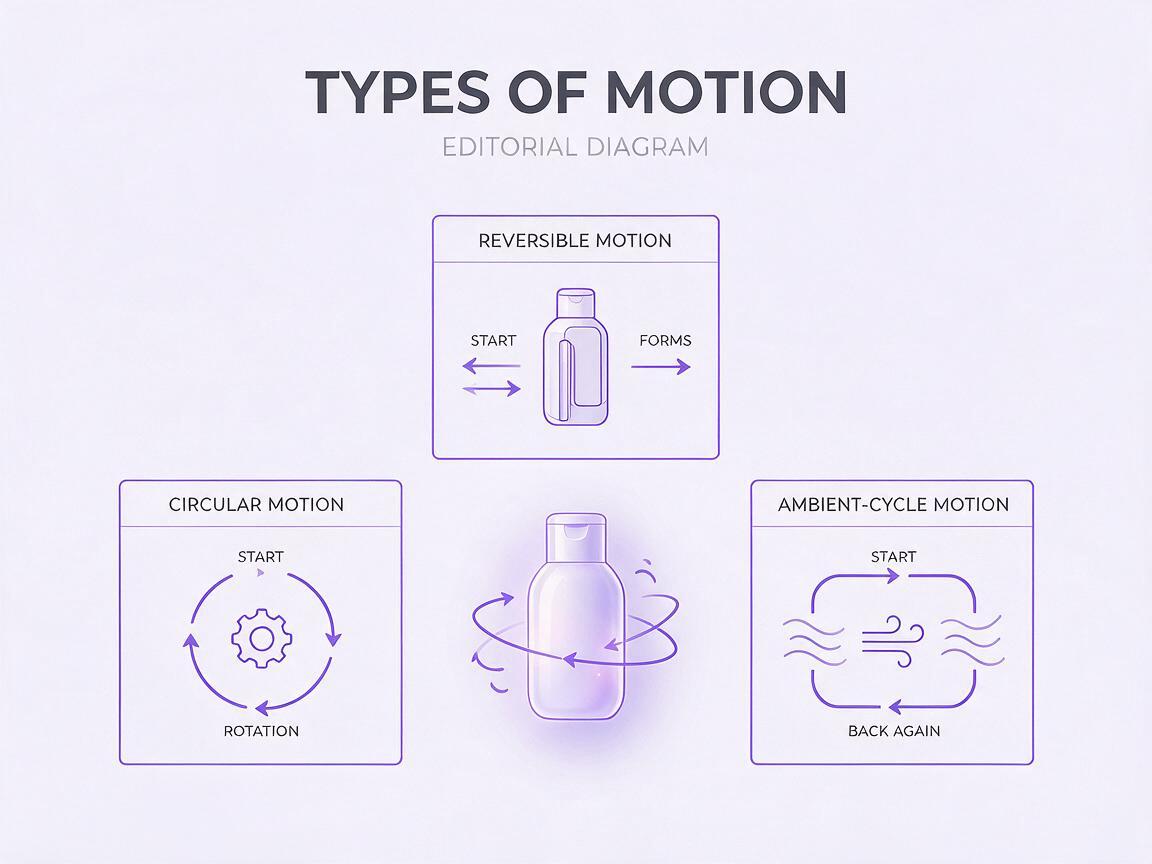
Start by choosing one of three structures:
| Loop structure | Motion pattern | Best campaign use | Main risk |
|---|---|---|---|
| Reversible motion | An object moves outward and returns along the same path | Feature reveals, product highlights and retargeting ads | The return can look mechanically symmetrical |
| Circular motion | The product, camera or surrounding elements complete a rotation | Packaging, footwear, accessories and dimensional products | Labels and geometry can drift during rotation |
| Ambient cycle | Light, steam, fabric, particles or shadows rise and settle | Beauty, food, wellness and lifestyle campaigns | Background motion may fail to reset precisely |
For a first test, use reversible motion. It is easier to repair because you can reverse part of the generated clip during editing. Circular motion is more visually impressive but places greater pressure on product consistency.
Prepare a source image that can survive animation
PixVerse can animate a campaign still through an image to video workflow, but the source image determines how much visual stability is possible. Use a clean, approved asset rather than an unfinished concept.
A strong source image should include:
- A clearly defined product silhouette with no cropped corners or hidden edges.
- Readable packaging large enough to inspect after generation.
- Visual breathing room around the object for camera or environmental motion.
- A simple depth structure separating foreground, product and background.
- No essential offer text inside the generated scene; add final typography after animation.
Use the same source image across your initial variants. Changing the image and motion prompt simultaneously makes it difficult to identify what improved performance.
Keep logos, prices, disclaimers and promotional copy in the editing layer whenever exact reproduction matters.
Write prompts around motion states, not visual adjectives
A useful loop prompt describes what moves, the path it follows, what remains fixed and how the scene returns. Words such as “cinematic,” “viral” and “premium” can influence appearance, but they do not define a repeatable motion cycle.
Use this reusable structure:
Animate the supplied product image as a short paid-social loop.

SUBJECT: [product and fixed visual details]
MOTION: [one controlled movement]
RETURN: [how the movement settles back toward its opening state]
CAMERA: [locked camera or one restrained camera action]
BACKGROUND: [limited environmental movement]
PRESERVE: product shape, packaging proportions, brand colors and label placement
AVOID: new objects, label distortion, product duplication, sudden cuts and camera shake
The return instruction does not guarantee a mathematically identical final frame. It does, however, reduce random scene development and gives you more usable material for assembling the loop.
Prompt for a cosmetic bottle with a light sweep
Animate the supplied cosmetic bottle as a short paid-social loop. Keep the bottle centered and completely stationary. A narrow band of soft studio light travels slowly from left to right across the glass, reveals the texture of the bottle, fades at the right edge and returns the lighting to the original balanced state. Locked camera. Minimal background movement. Preserve the bottle silhouette, cap geometry, label position and exact brand colors. Avoid new reflections, liquid movement, warped text, extra products and camera shake.Prompt for a shoe with reversible fabric motion
Animate the supplied athletic shoe as a compact seamless-style loop. Keep the shoe fixed in the same position. A lightweight ribbon behind the shoe rises in one smooth arc, pauses briefly, then settles along the same path toward its original position. Locked camera with no zoom. Preserve the sole pattern, laces, logo placement, materials and shoe proportions. Avoid duplicated laces, changing logos, deformed soles, extra objects and abrupt motion.Prompt for a beverage can with an ambient cycle
Animate the supplied beverage can for a short social ad loop. Keep the can upright and stationary. Fine condensation catches the light while a soft cool mist rises behind the can, reaches a gentle peak and disperses until the background resembles the opening state. Use a locked product-photography camera. Preserve can dimensions, printed graphics, color blocks and top geometry. Avoid rotating the can, rewriting the label, adding fruit, changing the background or introducing rapid particles.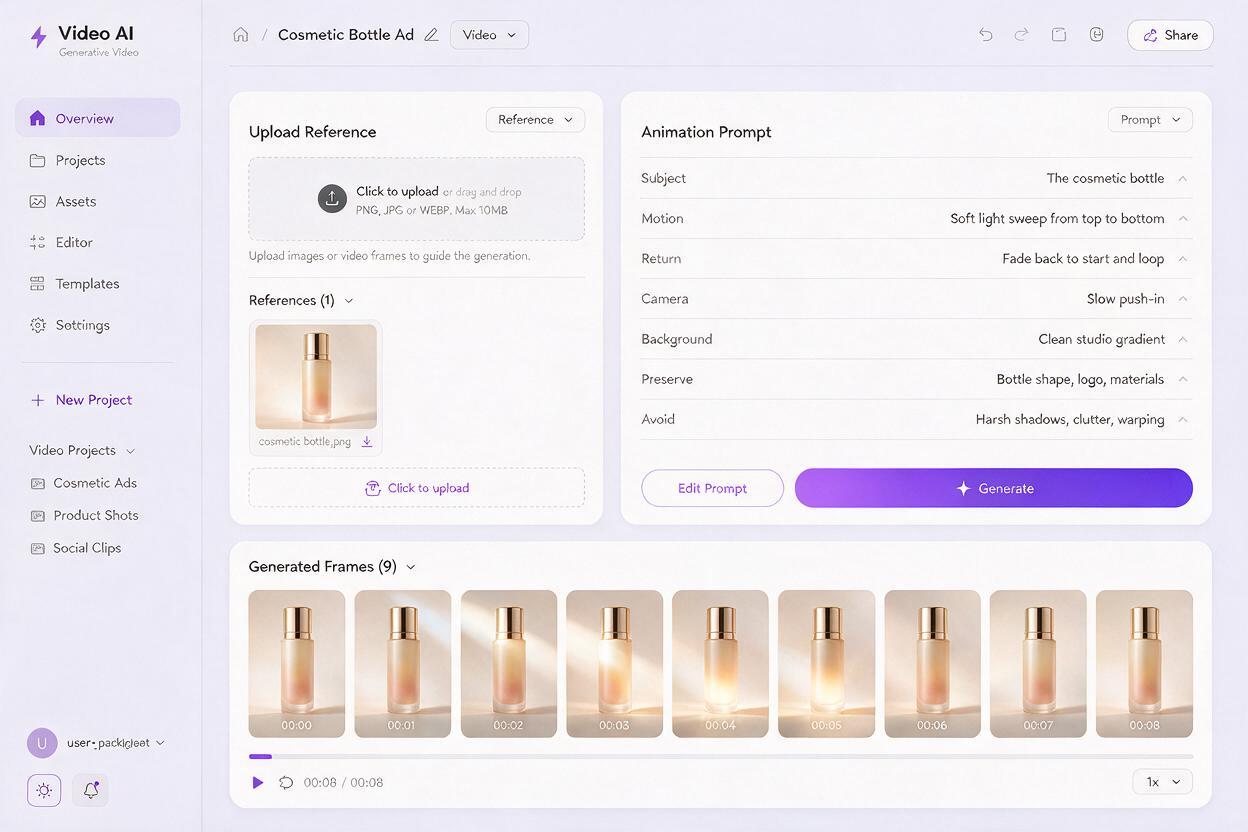
Use camera movement only when it can return
Camera motion often creates the visible seam. A continuous push-in ends with a different crop from the opening frame, so the restart feels like a jump. For a loop, use one of these safer treatments:
- Locked camera: the most reliable option for product-integrity tests.
- Push and pull: move slightly toward the product, then return to the opening distance.
- Short orbit and reverse: move a few degrees around the product before retracing the path.
- Vertical float: rise subtly and settle to the original framing.
Avoid combining camera movement, product rotation and active background motion in the same first test. Generate each hypothesis separately with an ai video generator, then compare which motion category adds attention without damaging recognition.
Repair the seam instead of regenerating endlessly
Even a strong generation may contain a small mismatch between its opening and ending frames. A short editing pass is usually faster than repeatedly requesting a perfect loop.
Three repair methods cover most paid-social assets:
Use a forward-and-reverse edit
Play the usable section forward, duplicate it and reverse the duplicate. This creates a dependable return path. Remove repeated pause frames at the turning point so the motion does not appear to freeze.
Hide the join with a brief dissolve
Overlap the ending and opening by a few frames, then apply a subtle cross-dissolve. This works well for mist, lighting, shadows and defocused backgrounds. It is less suitable when the product itself changes position.
Cut at the lowest-motion moment
Find a point where movement almost stops, such as the top of a fabric arc or the end of a light sweep. Place the loop boundary there. A low-motion join attracts less attention than a cut during fast movement.
Review the finished asset for at least three complete cycles. A seam that seems acceptable during one playback can become distracting through repetition.
Build a controlled motion test instead of random variants
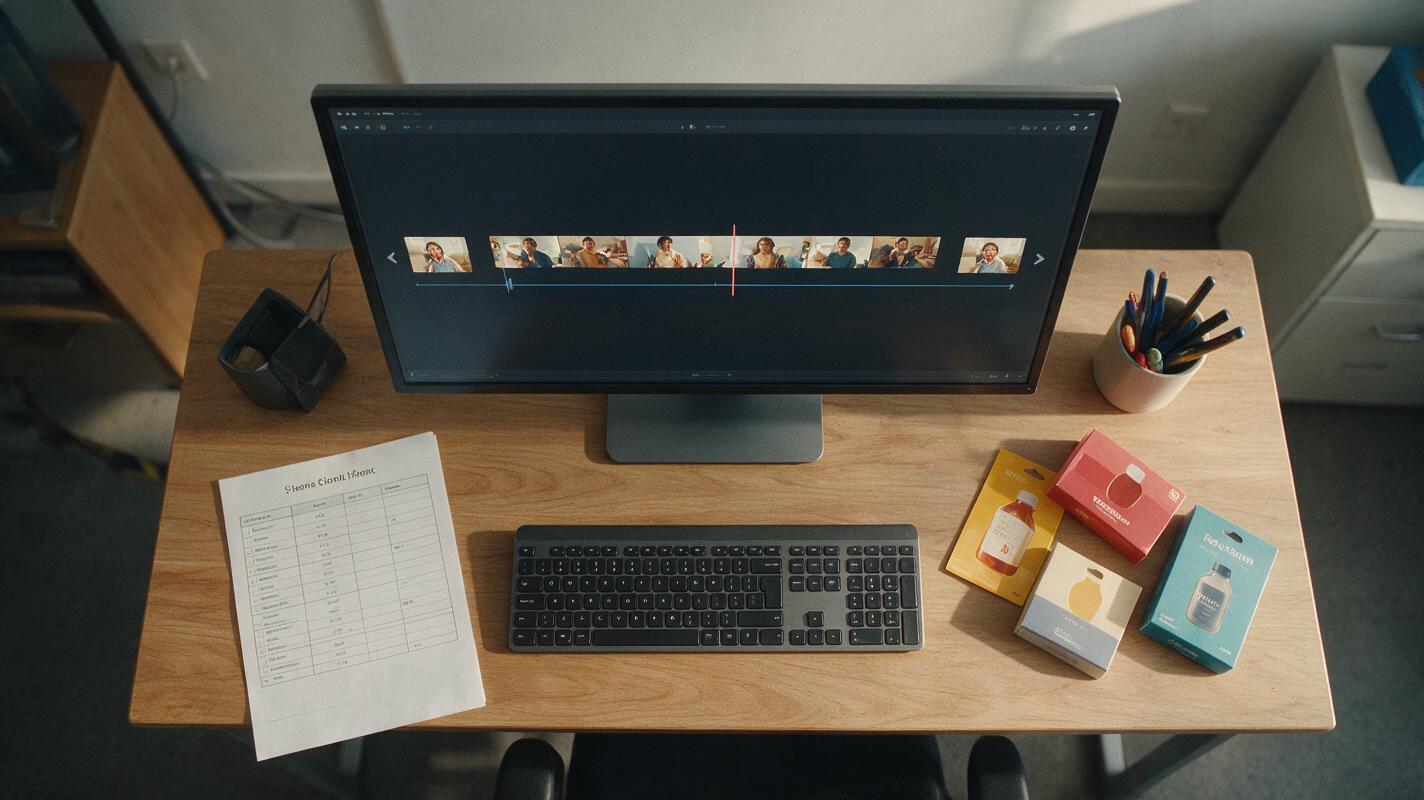
A looping format is not automatically a better ad. Treat it as a creative hypothesis and isolate the motion variable wherever possible.
| Variant | Element held constant | Element changed | Question answered |
|---|---|---|---|
| Control | Product, composition, copy and offer | No generated motion | Does movement improve attention? |
| Light loop | Product, composition, copy and offer | Lighting sweep | Does subtle motion preserve clarity? |
| Object loop | Product, composition, copy and offer | One supporting object moves | Does contextual motion improve engagement? |
| Camera loop | Product, composition, copy and offer | Reversible camera move | Does depth increase interest without causing drift? |
Keep the exported duration, aspect ratio, copy, call to action and landing page consistent. If the platform repeats short videos automatically, inspect the uploaded preview rather than relying only on the local file. Platform processing can make a previously subtle boundary easier to notice.
Check product integrity before launching
Loop quality is only one approval criterion. Compare several frames against the original source image and inspect:
- Logo shape, orientation and placement
- Package dimensions and cap or closure geometry
- Product color under changing light
- Readable claims or required packaging text
- Unexpected duplicates, reflections or added accessories
- Background elements that appear or disappear
- Opening and closing crop alignment
If the model alters regulated packaging information or essential branding, do not rely on the generated version. Composite the verified product image over the animated background, or reduce the motion until the approved asset remains stable.
Final checklist
- Choose reversible, circular or ambient motion before prompting.
- Start with one approved source image and preserve it across variants.
- Describe the movement path, return state and fixed elements explicitly.
- Use a locked camera for the first product-integrity test.
- Add exact copy and offer details after generation.
- Repair small seams with reversing, dissolving or low-motion cuts.
- Watch at least three cycles before approving the export.
- Test the loop against a static control with all other variables held constant.
When your source asset and motion hypothesis are ready, try these models for free and create the first loop before expanding into a larger variant set.
Keywords
pixverse prompts, looping product ads, ai marketing video, product video prompts, paid social creative, image to video, creative testing