PixVerse Prompts for Seamless Looping Product Ads
Create short PixVerse product ads that repeat without an obvious visual jump. This practical workflow covers loop structures, reference-image preparation, reusable prompts, troubleshooting, and edit decisions for paid social campaigns.
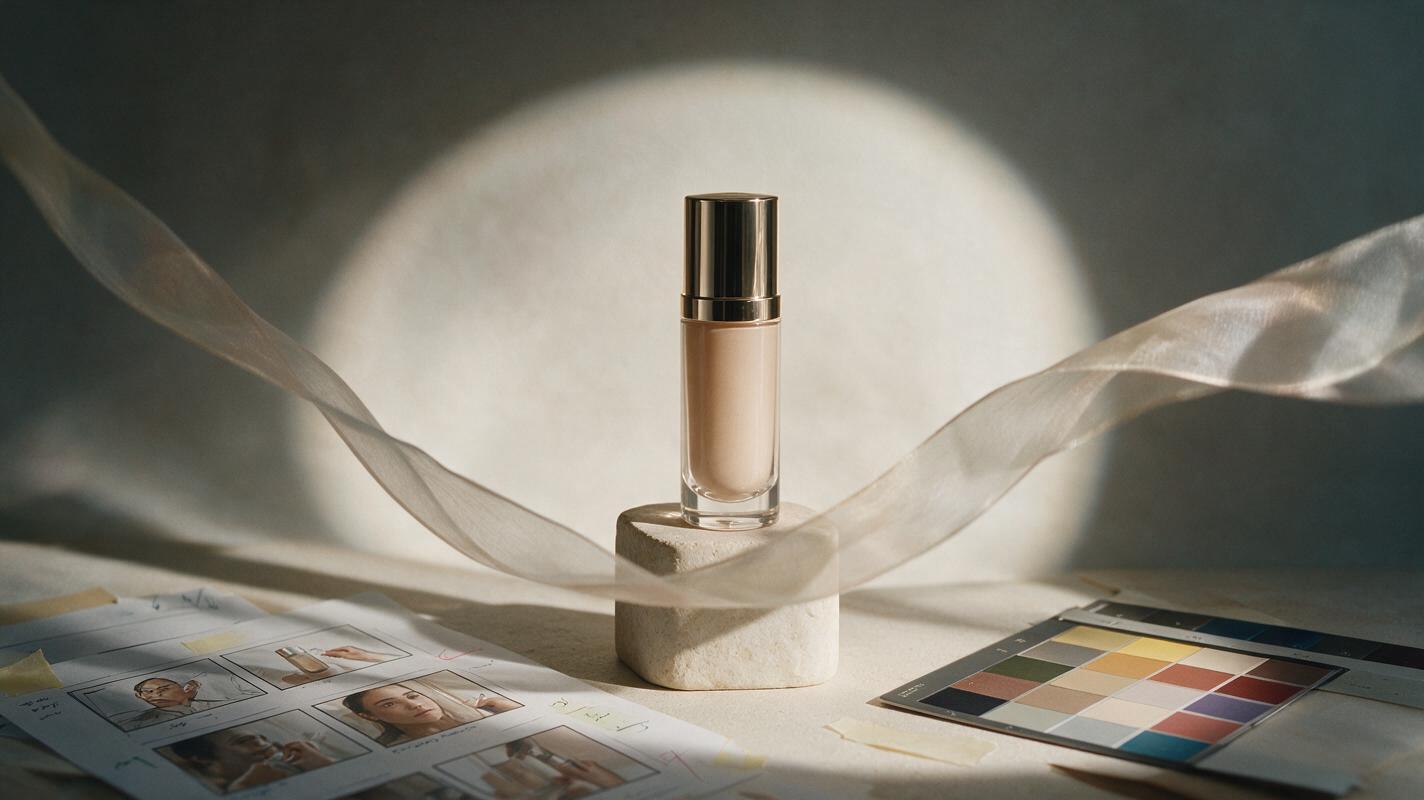
Table of contents
Make the loop invisible, not merely repeatable
A looping product ad fails when viewers can see the exact moment it restarts. The product jumps, particles reverse unnaturally, lighting changes, or the camera returns to a different position. A stronger PixVerse workflow designs the reset before generating motion, then uses a short edit to conceal any remaining mismatch.
This method is suited to six- to ten-second paid social units, digital displays, pitch films, and campaign variations built around an approved product image. It keeps the pack as stable as possible while assigning motion to safer elements such as light, vapor, fabric, liquid, shadows, or foreground objects.
Choose a loop structure before writing the prompt
Do not ask for a generic cinematic product shot and hope its final frame matches the beginning. Select a loop architecture that gives the motion somewhere plausible to reset.
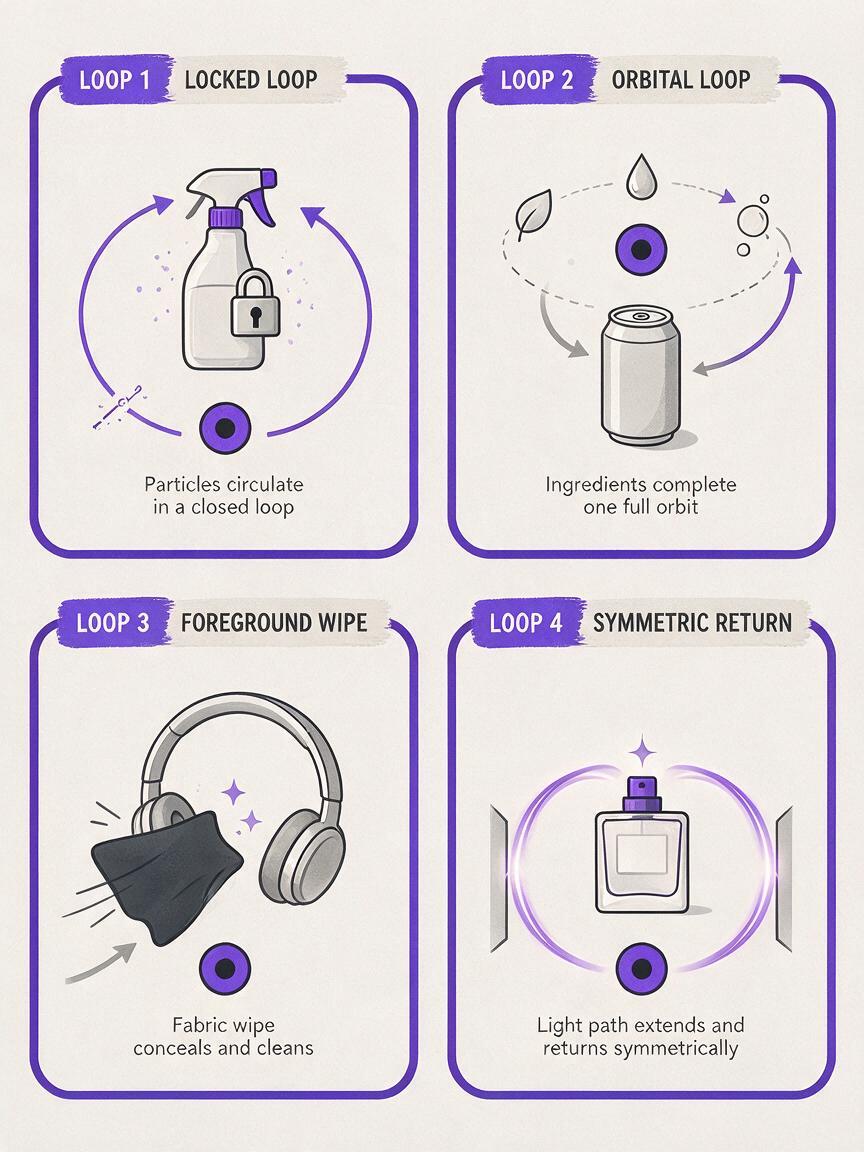
| Loop structure | Best use | Reset method | Main risk |
|---|---|---|---|
| Locked product, ambient motion | Packaging, bottles, cosmetics, electronics | Crossfade similar particle, mist, or light states | Background motion may expose the blend |
| Complete motion cycle | Rotating platforms, pulsing light, orbiting ingredients | End the action at its starting position | Model may complete only part of the cycle |
| Foreground occlusion | Fast social ads and energetic launches | Cut while fabric, liquid, or an object fills the frame | Occluder can deform the product |
| Symmetrical camera move | Premium beauty and technology spots | Move out and return along the same path | Camera may drift instead of returning precisely |
Reliable default: lock the product and camera, animate two background elements, and reserve a soft foreground wipe as an optional edit point.
Build an anchor image that can survive animation
Start from a clean product key visual rather than a crowded campaign layout. In an image to video workflow, the source frame carries the product proportions, label placement, lighting direction, and initial composition into the shot. Any ambiguity in that frame can become instability once motion is added.
A useful anchor image should have:
- A readable silhouette with no important edges hidden behind props.
- One dominant light direction instead of several conflicting highlights.
- Space for motion around vapor, ingredients, fabric, or particles.
- A simple contact point so the product does not appear to slide across the surface.
- No baked-in campaign copy unless the text has already been approved for motion testing.
If label fidelity is essential, use the approved packshot as the central anchor and direct the prompt away from label animation. Add typography and legal copy after the video has been generated.
Write motion as separate controllable layers
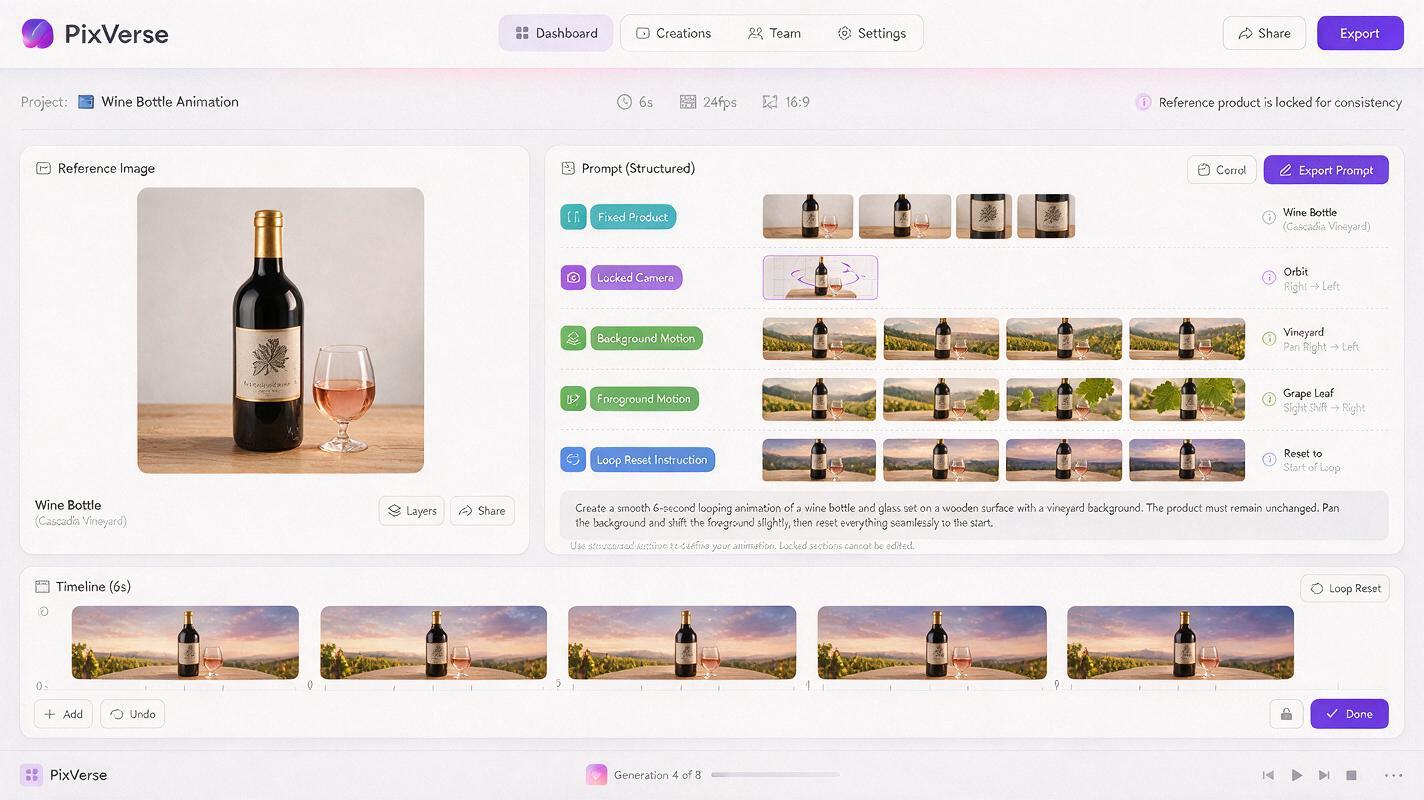
A useful PixVerse prompt distinguishes what must remain fixed from what may move. Describe the subject first, define the camera rule, assign motion to selected environmental layers, and finish with the intended reset.
Premium product commercial based on the supplied reference image.
The product remains centered, rigid, unchanged, and fully readable.
Locked camera; no zoom, orbit, or reframing.
Soft background light travels slowly from left to right and returns to its initial position.
Fine atmospheric particles drift in a gentle circular path behind the product.
A translucent foreground shadow passes across the lower edge near the end, creating a natural loop point.
Maintain the original packaging proportions, surface finish, label position, and studio lighting direction.
The language is deliberately concrete. Terms such as dynamic, epic, or cinematic movement can invite unnecessary camera motion. Name the actual movement instead: a slow lateral light sweep, one circular particle path, a single fabric pass, or a controlled pulse in the background.
Use prompts matched to the product category
Beauty product with a breathing light loop
Luxury skincare product on a pale stone pedestal, preserving the supplied composition and packaging exactly. The bottle remains completely still. A soft oval highlight expands slowly on the backdrop, contracts, and returns to its original size. Delicate haze moves only behind the bottle. Locked macro-commercial camera, restrained motion, stable reflections, clean premium finish, final atmosphere matching the opening frame.Beverage can with orbiting ingredients
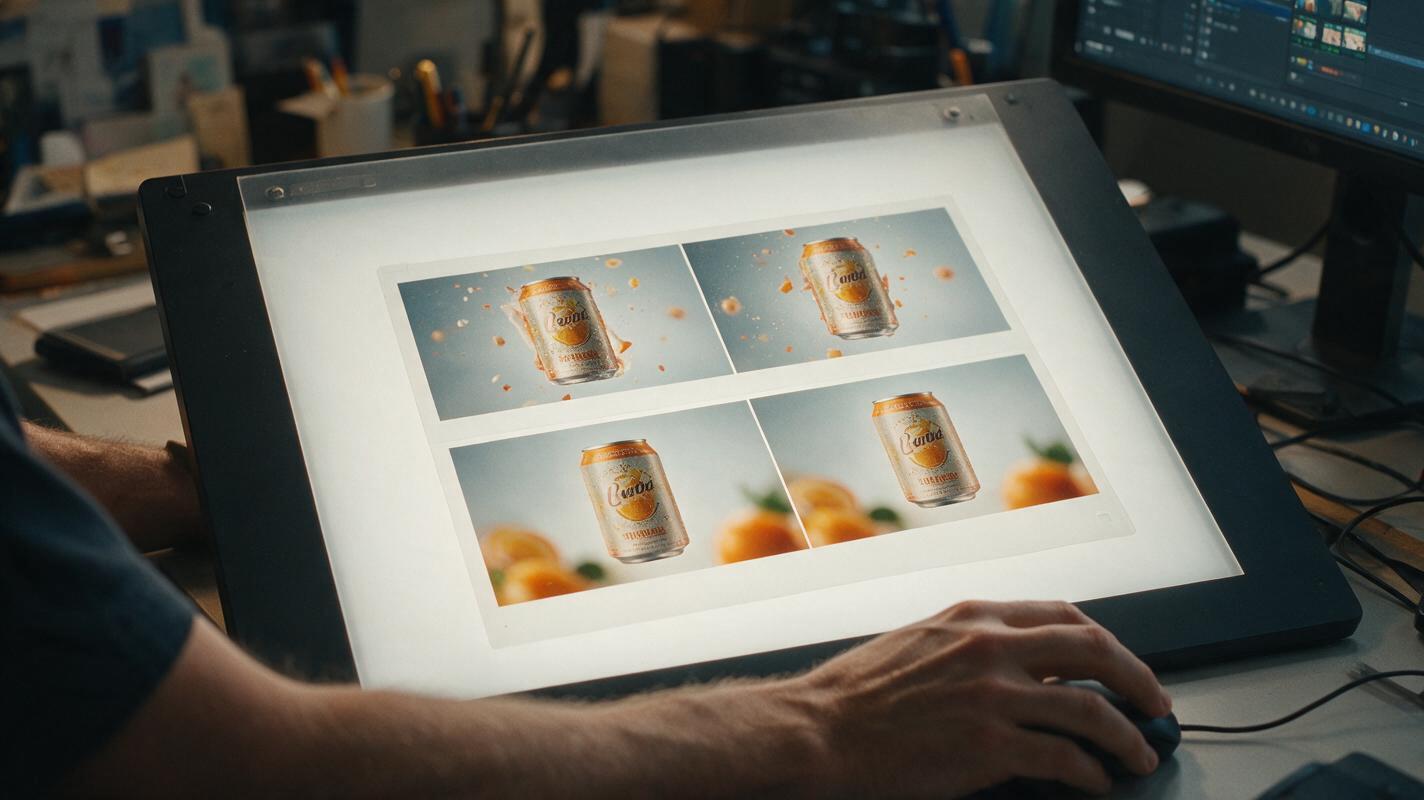
Cold beverage can based on the reference image, upright and unchanged on a dark reflective surface. Keep the logo area stable and facing the camera. Two citrus slices travel through one smooth circular orbit behind the can and finish close to their starting positions. Condensation glints gently without running across the logo. Camera remains fixed; no product rotation; controlled studio lighting; loop-ready ending.Headphones with a foreground reset
Premium headphones displayed exactly as in the reference frame. The product remains rigid with stable geometry and material texture. A narrow ribbon of colored light travels across the background while a soft translucent fabric crosses the foreground during the final moment, briefly covering most of the frame to provide a hidden cut. No camera movement, no redesign, no extra product parts, polished technology commercial.Fragrance bottle with a reversible environment
Fragrance bottle on a mirrored black plinth, maintaining the original bottle, cap, label, and reflection alignment. The product and camera stay locked. A thin ring of mist expands behind the bottle and dissolves as a second ring forms at the initial radius. Subtle specular light pulses once across the background, never across the label. Elegant minimal motion with a final frame visually compatible with the opening frame.Choose one recipe, replace the product and environment details, and test this prompt yourself before adding more elaborate camera or object motion.
Generate for editability rather than instant perfection
The cleanest result may not be a mathematically perfect loop directly from generation. Treat the PixVerse output as a motion plate with several possible edit points. Generate a few controlled variations from the same anchor instead of changing the prompt completely after every attempt.
- Variation A: locked camera with only background motion.
- Variation B: the same movement plus a foreground wipe.
- Variation C: reduced motion speed and fewer animated elements.
Review the product before judging the loop. Reject a take if the silhouette, label block, cap, buttons, handles, or reflection geometry changes noticeably. A beautiful transition cannot rescue a drifting pack.
Next, compare the opening frame with several frames near the end. Look for a pair with similar brightness, particle density, shadow position, and background shape. Trim to that pair and test a short dissolve. If the dissolve creates a ghosted product edge, mask the blend so it affects only the environment while the product remains on the cleaner frame.
Diagnose the jump instead of rewriting everything
| Visible problem | Likely cause | Prompt or edit correction |
|---|---|---|
| Product shifts at the restart | Camera or subject was allowed to drift | Specify a locked camera and rigid product; stabilize or isolate the product in the edit |
| Label appears to flicker | Moving highlights or texture regeneration crossed the label | Keep atmospheric and lighting motion behind the pack; composite the approved label afterward |
| Particles snap backward | Motion has no circular path or concealed reset | Request a circular flow, or cut during a foreground occlusion |
| Crossfade creates double edges | Opening and ending product positions differ | Blend the background separately and hold one stable product frame |
| Loop feels mechanically reversed | The entire clip was duplicated and reversed | Reverse only naturally reversible elements such as haze or light, not gravity-driven motion |
| Composition becomes crowded | Too many simultaneous motion instructions | Reduce the shot to one primary motion and one supporting motion |
Do not use a ping-pong reversal for pouring liquid, falling ingredients, breaking objects, splashes, or human gestures. The reversed physics will usually reveal the loop immediately.
Adapt one master loop into campaign variations
Once a stable motion idea works, preserve its timing across formats. Reframe the anchor image for vertical, square, and landscape placements before generating each version. This is safer than heavily cropping one finished clip when the product already sits close to an edge.
Keep the following campaign elements consistent:
- The product scale and preferred viewing angle.
- The direction and color of the hero light.
- The duration and rhythm of the motion cycle.
- The location reserved for campaign copy.
- The point where the edit hides the reset.
Change only what the placement requires, such as prop spacing, negative space, or the direction of the foreground wipe. This produces recognizable campaign siblings rather than unrelated generated shots.
Final loop checklist
- The product silhouette and approved design remain stable throughout.
- The camera either stays locked or completes a believable return.
- Only one primary motion and one supporting motion compete for attention.
- The opening and ending frames have compatible light and background states.
- The reset is concealed by a matching frame, environmental dissolve, or foreground occlusion.
- Any crossfade avoids ghosting the product edges or label.
- Typography, logos, prices, and legal copy are added in post when fidelity matters.
- The final loop has been watched repeatedly at normal playback speed and without sound.
Keywords
PixVerse prompts, seamless loop ads, product animation, paid social creative, looping video, commercial motion design