PixVerse Prompts for Manga Impact Shots Without Character Drift
Turn finished manga fight panels into short impact animations without redesigning the character or losing the original composition. These PixVerse prompt patterns separate subject motion, environmental reaction, and camera emphasis so each shot feels powerful but controlled.
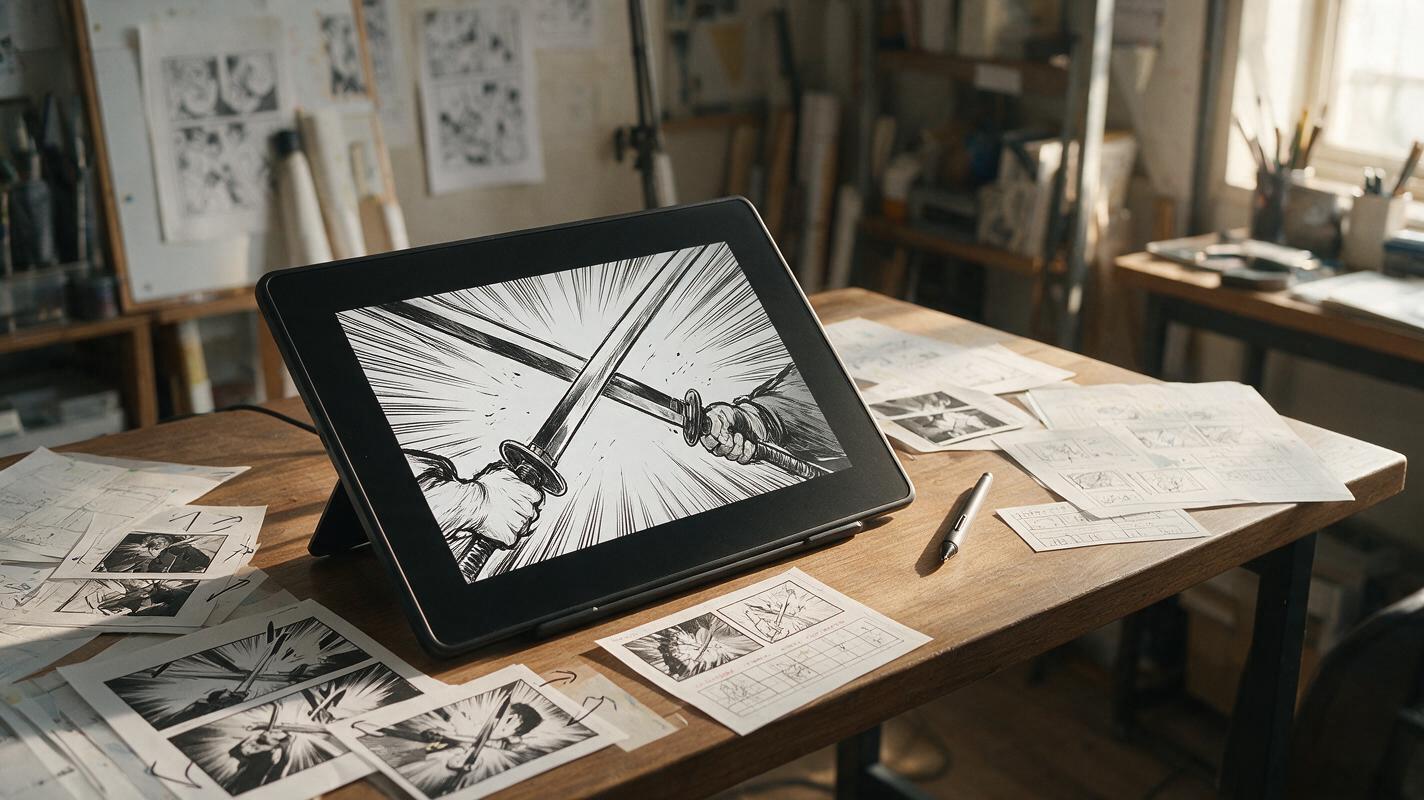
Table of contents
Make the hit feel stronger without redrawing the panel
A strong manga impact panel already contains the pose, direction, and emotional peak of an attack. The challenge is adding motion without making the fighter change costume, grow extra limbs, slide away from the contact point, or lose the artist’s line work.
PixVerse can be used for short, image-led animation when the source panel has a clear action and the prompt limits what may move. The most reliable approach is to treat image to video as controlled motion design rather than asking the model to invent the rest of the fight.
The central rule: preserve the illustrated impact pose and animate the forces surrounding it.
Choose a panel that can survive motion
Not every dramatic drawing is an equally stable animation source. PixVerse has less visual ambiguity to resolve when the panel establishes one dominant action, a readable silhouette, and a clear point of contact.
A strong source panel usually includes:
- One dominant subject action: a punch landing, a sword stopping against armor, or a character hitting the ground.
- A visible force direction: speed lines, flying debris, bent fabric, or hair that indicates where the energy travels.
- A readable contact point: the fist, blade, foot, or collision should not be hidden behind dense effects.
- Stable anatomy: hands and limbs should already be understandable in the still image.
- Clean separation: the character silhouette should not merge completely with smoke, lettering, or a detailed background.
Use the highest-quality version of the panel available. Remove speech bubbles and sound-effect lettering before generation when possible, because animated distortion is especially visible around typography. Add the lettering back during editing.
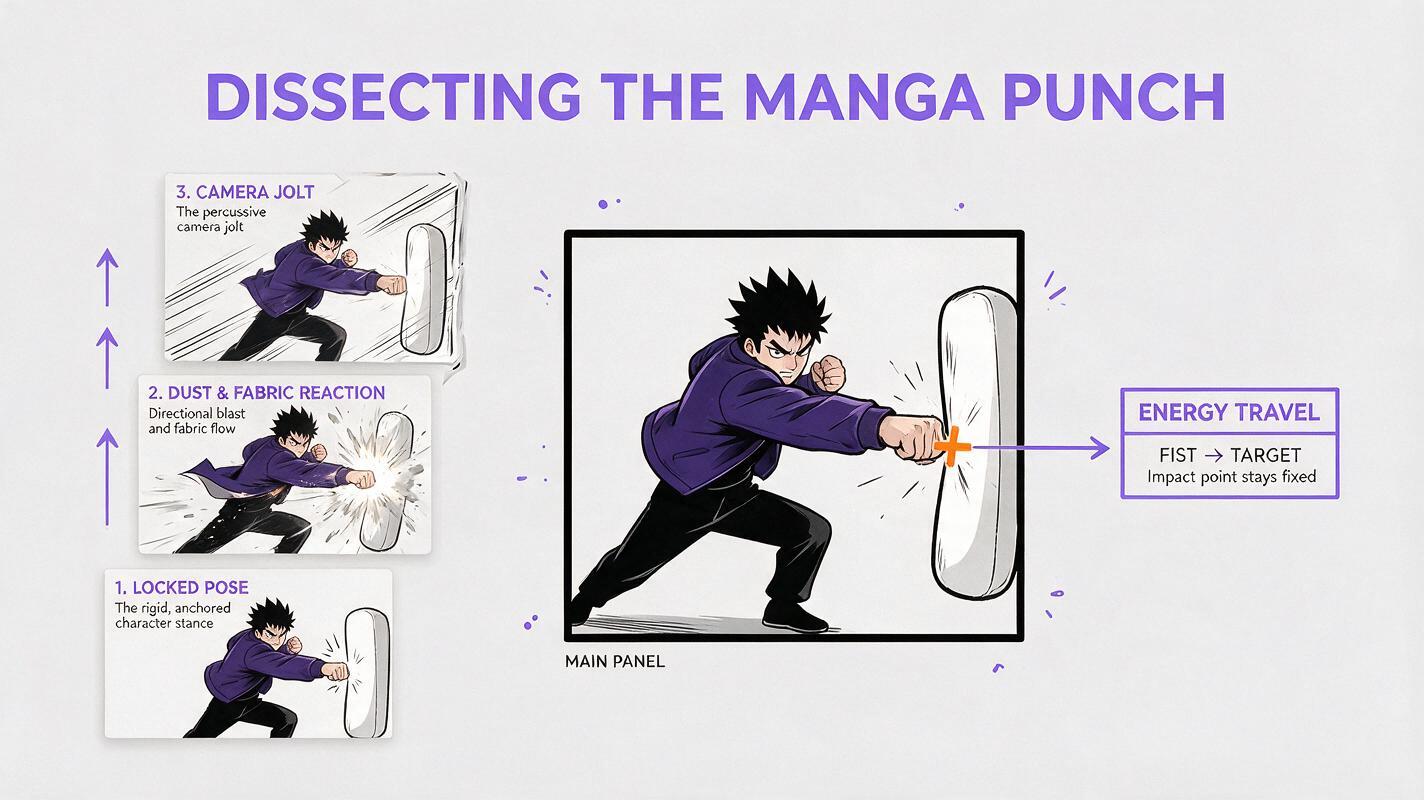
Panels with extreme foreshortening can still work, but they need stricter instructions. Do not ask the model to continue a punch that has already landed. That request invites new anatomy and changes the narrative instant. Instead, hold the impact pose while the environment reacts.
Write motion in three controlled layers
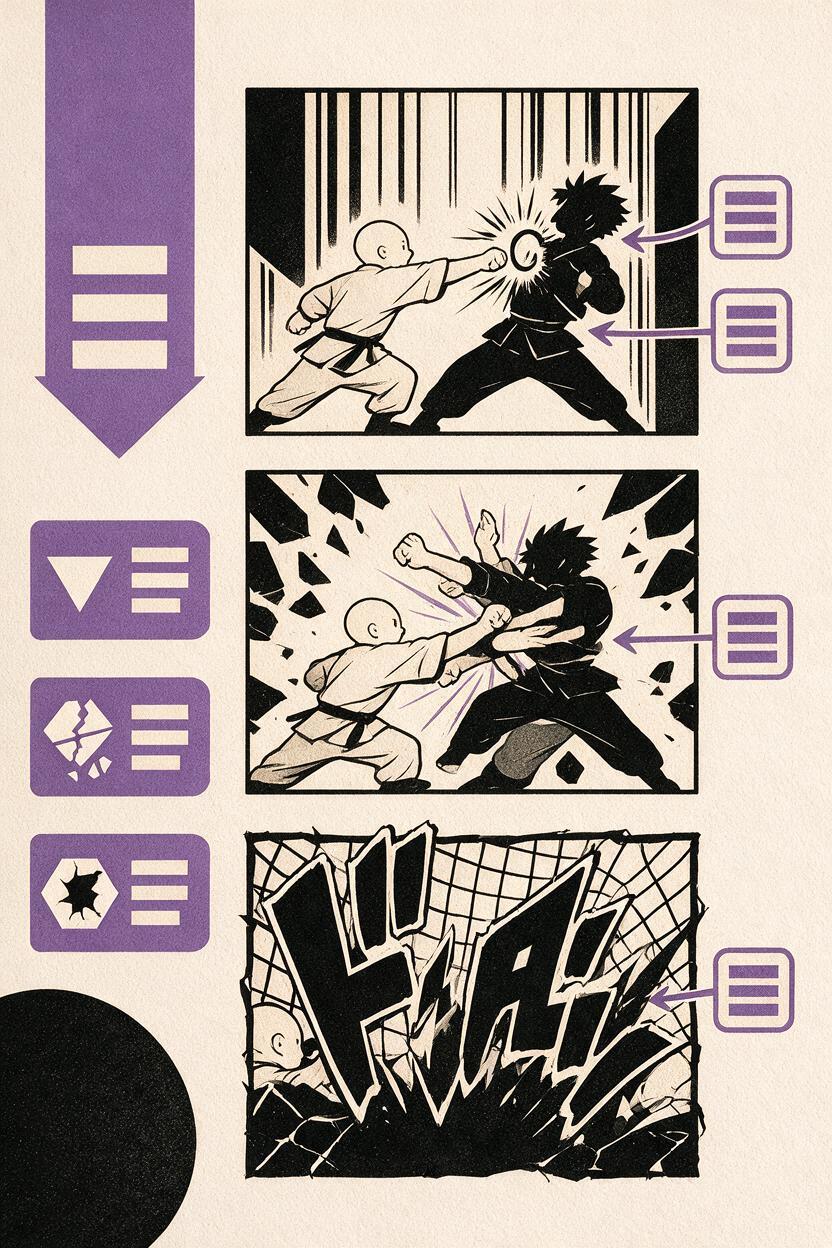
An effective prompt separates the shot into subject motion, environmental reaction, and camera emphasis. This tells the model where visible energy should come from without asking it to redesign the composition.
| Layer | Useful motion | Motion to avoid |
|---|---|---|
| Subject | Brief recoil, hair snap, cloth flutter, held contact pose | New attacks, body turns, pose replacement |
| Environment | Dust burst, debris travel, rain displacement, light flicker | Changing architecture or adding objects |
| Camera | Short impact shake, tiny push-in, rapid settle | Orbiting, reframing, long zooms |
Put the preservation instruction early, describe one main event, and end with explicit limits. Avoid long strings of cinematic adjectives. Concrete physical directions are easier to evaluate and revise.
Preserve the exact manga character design, face, costume, anatomy, line art, framing, and impact pose. Hold the fist at the existing contact point. A sharp burst of dust and small debris travels from left to right. Hair tips and the loose jacket hem snap briefly in the same direction. Add one short camera jolt at impact, then settle immediately. No new body movement, no pose change, no camera orbit, no morphing, no added limbs, no text.This structure protects the drawing because the fighter performs only a small secondary reaction. Most of the perceived force comes from debris, fabric, and a brief camera response.
Use prompts matched to the type of impact
A punch that has already landed
The common mistake is prompting “the character throws a powerful punch.” If the source image shows contact, that wording makes the model reconstruct the wind-up and follow-through. Describe the held contact instead.
Keep both characters locked in the illustrated contact pose. The attacker’s fist remains exactly against the opponent’s cheek. The opponent shows a very small recoil through hair, collar, and cheek shadow only. A narrow pressure wave and dust particles move toward the right edge. One-frame-feeling camera shake, then a stable hold. Preserve faces, hands, costume details, black ink lines, and composition. No extra strike and no anatomy changes.A sword clash
Blade collisions work best when the swords remain connected. Let sparks and vibration communicate movement instead of allowing either weapon to swing through the other.
Preserve the exact illustrated sword-clash composition. Both blades remain joined at the existing contact point. A tight fan of bright sparks shoots upward and toward the background. The sword tips vibrate subtly without bending. Sleeves and hair react with a brief outward snap. Add a restrained camera tremor and quick light flash. Keep character identity, hand placement, weapon shape, line art, and framing unchanged. No follow-through, no camera rotation, no new objects.A ground-slam panel
A ground impact can carry more environmental motion because the floor provides an obvious source. Keep cracks fixed unless their growth is essential; moving dust is generally more stable than generating new fracture geometry.
Hold the character in the exact crouched ground-impact pose. Preserve anatomy, hands, costume, face, perspective, and existing floor cracks. A circular dust ring expands outward from the planted fist. Small loose stones lift briefly and fall back near their original positions. The cape rises slightly from the pressure wave and settles. Use a short downward camera bump only. No new cracks, no body movement, no zoom, no line-art flicker, no text.Control timing with a motion budget
Impact animation becomes unstable when every element moves at maximum intensity. Assign the shot a motion budget: one primary effect, up to two secondary reactions, and one restrained camera cue.
- Primary effect: the dust burst, sparks, splash, or pressure wave.
- Secondary reaction: hair, cloth, loose paper, or nearby foliage.
- Camera cue: a brief jolt, push-in, or downward bump followed by a stable hold.
Words such as “subtle,” “brief,” “localized,” and “settles immediately” help define boundaries. “Explosive,” “chaotic,” and “extreme” may produce more spectacle, but they also give the model permission to alter the entire frame.
For a heavier hit, increase the speed and density of the environmental reaction before increasing character motion. A dense dust pulse with a sharp directional release often feels stronger than a large body movement.
Fix the failures that weaken impact
| Failure | Likely prompt cause | Targeted correction |
|---|---|---|
| The face changes | Large recoil or head rotation | Restrict reaction to hair, collar, cheek shadow, or silhouette |
| The fist leaves the target | The prompt describes throwing the punch | State that contact remains locked at the existing point |
| The camera drifts | Multiple camera commands | Use one short jolt followed by an immediate stable hold |
| The sword bends | Vibration is applied to the entire weapon | Request subtle tip vibration while preserving blade shape |
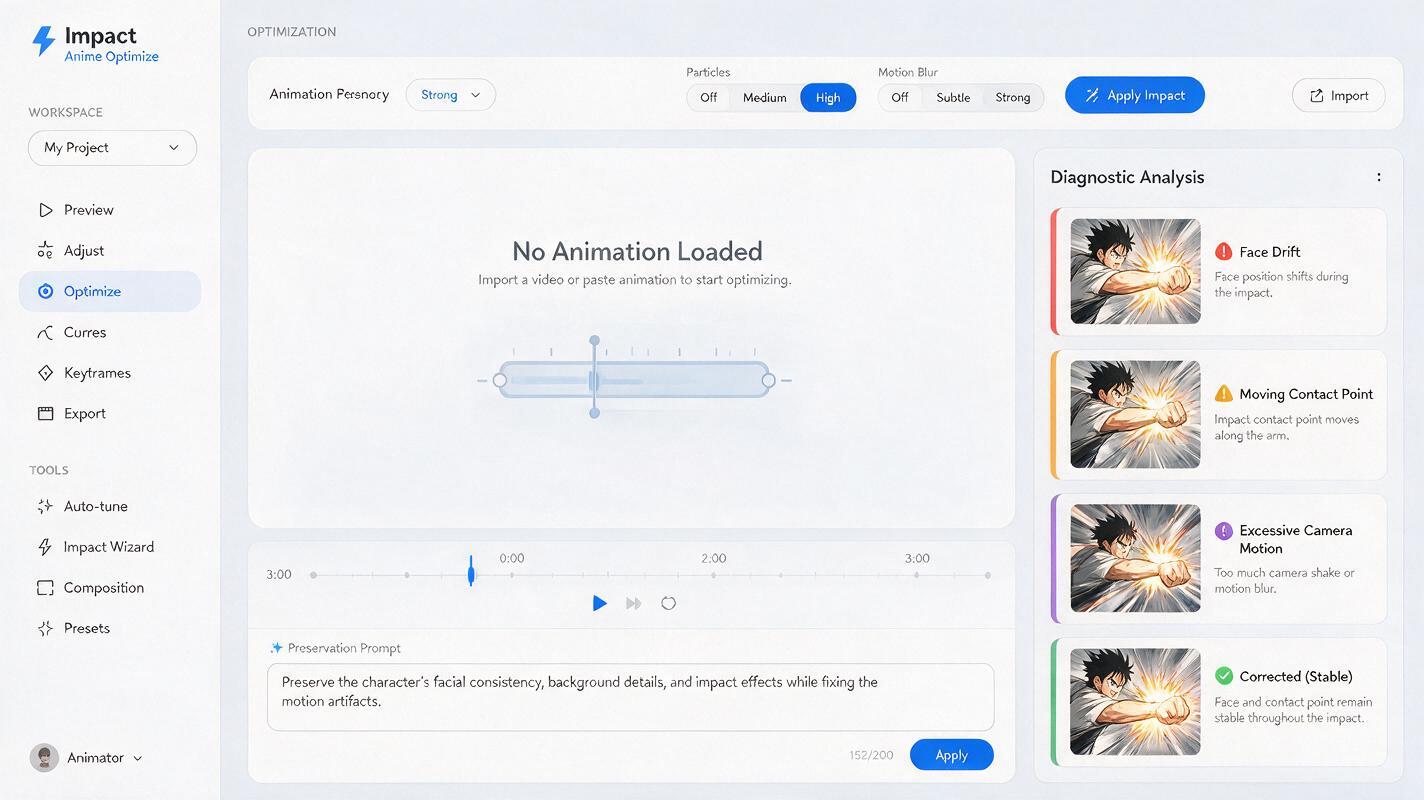
| Line art shimmers | Global motion or excessive effects | Localize effects to a small region and keep the frame fixed |
| The shot feels weak | Everything moves slowly at the same rate | Use a fast effect burst followed by a quick settle |
Change one variable per retry. If the anatomy is stable but the hit lacks force, revise only the effect direction or camera cue. If the effect looks good but the face drifts, reduce subject motion rather than rewriting the entire prompt.
Generate short tests before attempting a longer clip. An impact is usually strongest as a quick burst with a readable hold, not as continuous movement.
Edit the result like a motion-comic shot
The first usable generation does not need to be the final clip. Trim away unstable opening or closing frames, then cut around the strongest impact moment. A short hold on the original panel before movement can improve readability, especially in a sequence of fast shots.
Sound also changes the perceived weight of restrained animation. A precise hit, scrape, crack, or low-frequency thump can make a small visual reaction feel deliberate. Keep sound-effect lettering as a separate layer so it remains sharp while the art moves underneath.
If the final frame has drifted from the source art, cut back to the original illustration rather than forcing the generated clip to hold. That clean return can function as a deliberate impact freeze.
Final checklist
- The source panel contains one readable action and a clear force direction.
- The prompt preserves character design, anatomy, line art, framing, and contact points.
- The character performs only a limited secondary reaction.
- Environmental motion carries most of the impact energy.
- The camera uses one brief cue and settles immediately.
- Typography is removed before generation and restored during editing.
- Each retry changes only one motion variable.
- The final cut uses the strongest burst and removes drifting frames.
When your source panel and contact pose are ready, try these models for free and compare several restrained motion prompts before increasing the intensity.
Keywords
PixVerse prompts, manga impact animation, comic panel animation, character drift, image to video, anime fight scene, motion prompts