Nano Banana Pro Prompts for Portrait Expressions That Keep Identity
Create a small set of portrait expression variations from one photograph without intentionally changing the subject’s identity, lighting, or styling. These Nano Banana Pro prompts focus on restrained edits, practical quality checks, and clear boundaries for documentary work.
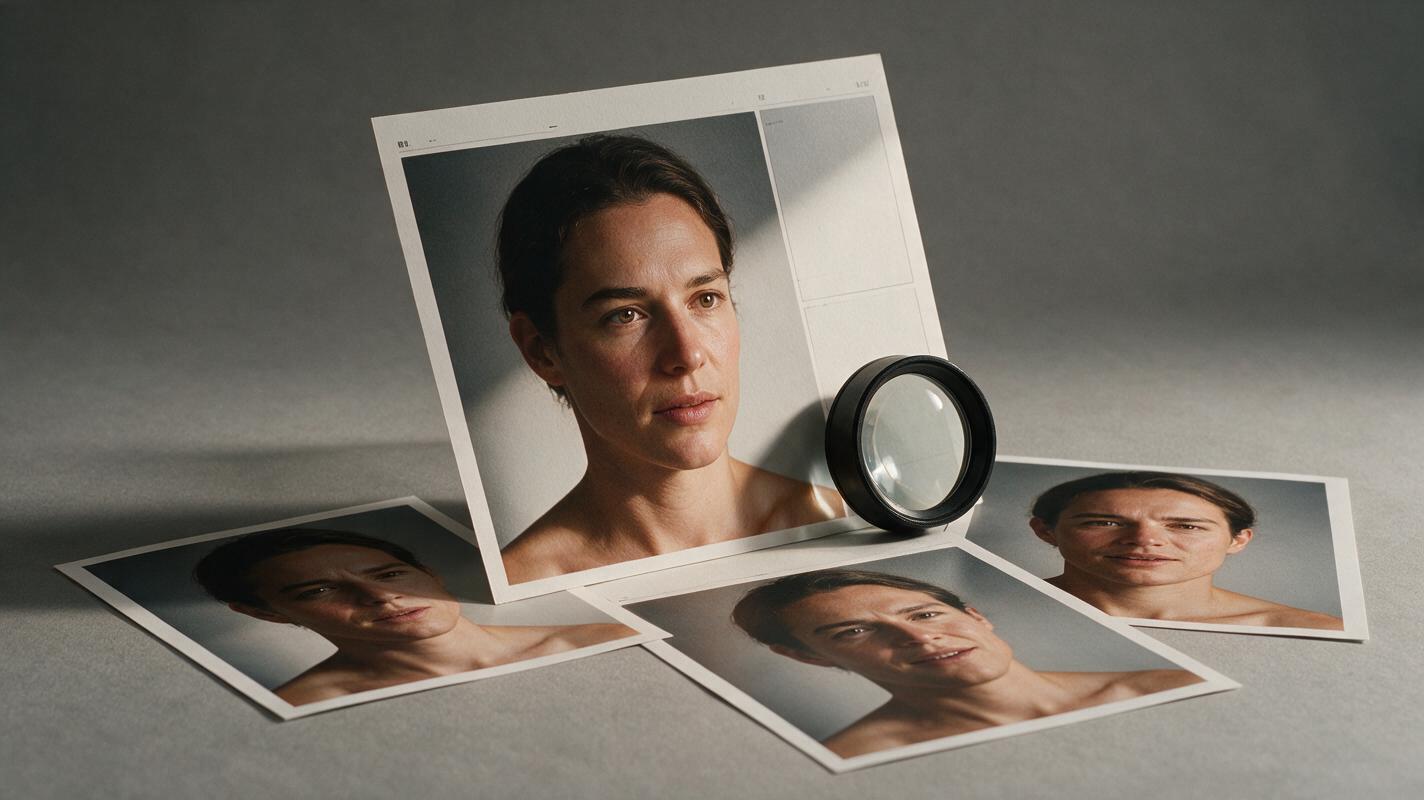
Table of contents
One portrait, several expressions—without a different face
The strongest frame from a portrait session may have perfect light and composition but an expression that does not suit every use. You might need a softer smile for a biography, a more direct look for a campaign, and a quieter version for an editorial layout. With Nano Banana Pro, the useful goal is not to invent a new face. It is to test small expression changes while keeping the original photograph’s identity, pose, styling, and light recognizable.
This approach is best for clearly identified creative variations, not for presenting a generated expression as a moment that actually occurred. If an authentic expression matters—particularly in wedding or documentary work—choose another real frame instead.
Choose a source portrait that can survive an expression change
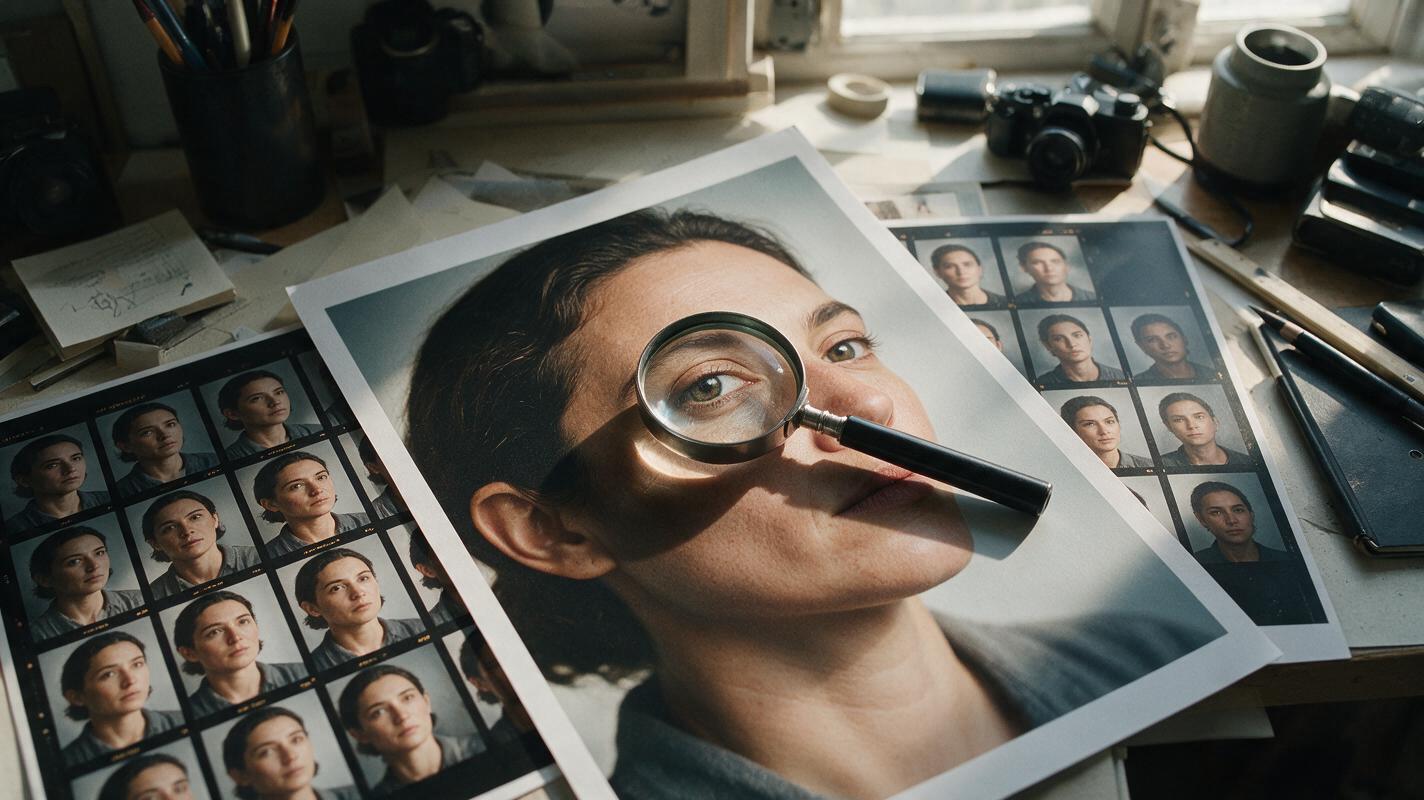
Start with a sharp, well-exposed portrait in which the eyes, mouth, and jawline are visible. A near-frontal or three-quarter view usually gives you more facial information to preserve than a face hidden by hair, deep shadow, or a hand. Select a photograph that already has the pose, background, crop, and wardrobe you want; changing fewer things makes the result easier to assess.
Keep the untouched original beside every generated variation. If you photographed the subject, also pull two or three nearby frames from the same session. Those frames are valuable references for the person’s real smile, eyelid shape, and habitual expression—even if none has the exact composition you need.
Useful boundary: Treat a generated expression as a proposed creative edit. A real adjacent frame remains the better source when the image is meant to document what happened.
Keep the photograph fixed and describe only the expression
In a reference-guided ai image generator that accepts a source photograph, upload the selected portrait and ask for one variation at a time. Name what must stay fixed before describing what should change. The order helps you write a focused instruction, but it does not guarantee that the model will obey every constraint.
Use this base prompt, then replace the final sentence with the expression you need:
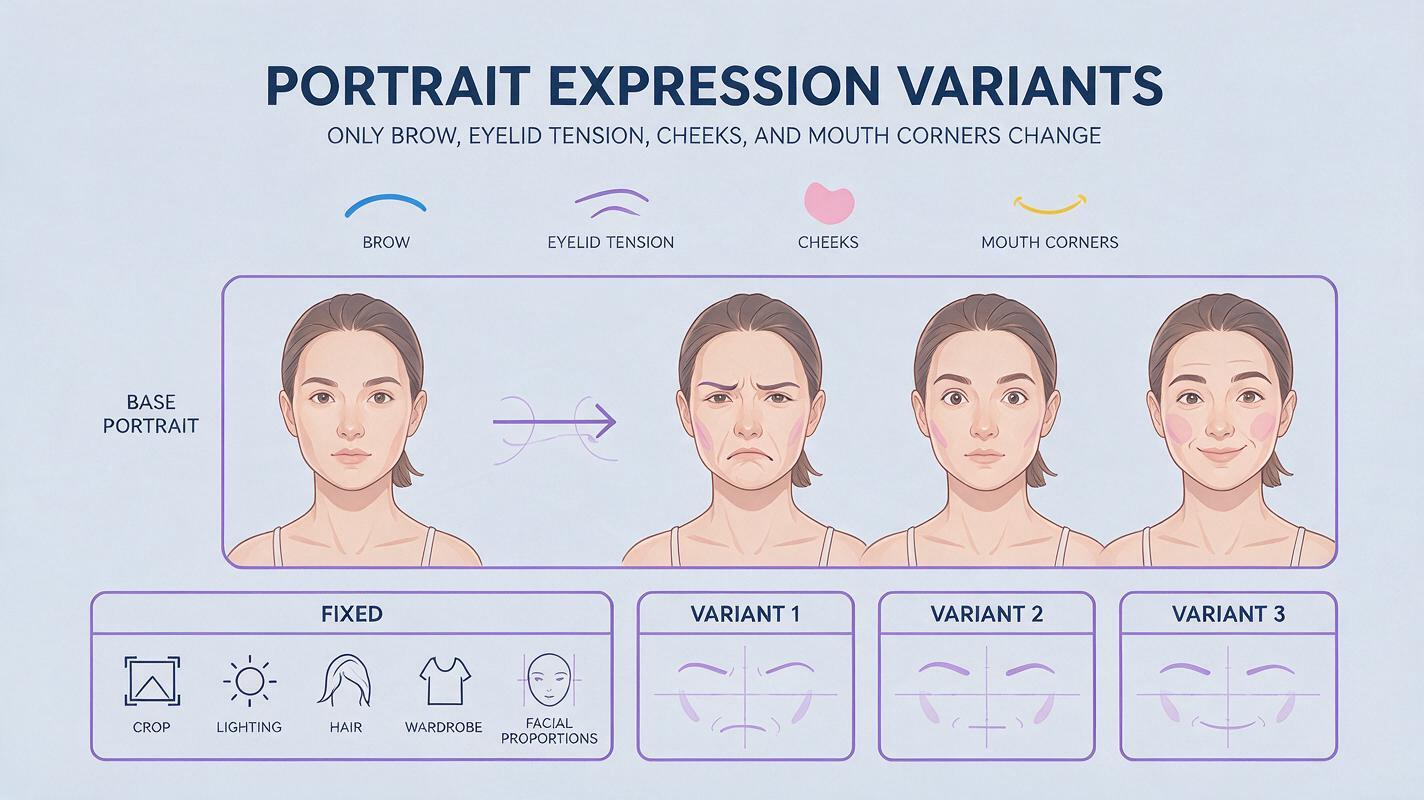
Edit the supplied portrait of this same person. Preserve facial identity, apparent age, face shape, eye shape, nose, skin texture, hair, clothing, pose, camera angle, crop, background, lighting direction, and color treatment. Change only the facial expression. Keep the result photographic and consistent with the original image. Do not add accessories, reshape features, smooth skin, change gaze direction, or alter the hands. Expression: [describe one small change].“Make them happier” leaves too much room for an exaggerated grin, changed teeth, or a reshaped jaw. An instruction such as “slightly lift the mouth corners while keeping the lips closed” is easier to judge against the source. Keep changes compatible with the original pose and visible anatomy.
Prompts for three usable portrait expressions
Generate these as separate versions from the same original photograph. Do not use the first generated result as the input for the next: repeated edits can compound small identity changes.
A restrained, closed-mouth smile
This is useful when a serious portrait feels too severe for an author bio or client-facing profile, but a broad smile would change its mood.
Use the supplied portrait as the identity and photographic reference. Preserve the composition, lighting, wardrobe, skin texture, and all facial proportions. Add a restrained, closed-mouth smile: lift both mouth corners slightly and soften the cheeks without showing teeth. Keep the eyes, jawline, head angle, and gaze consistent with the source. Change nothing else.A warmer look toward the camera
For a commercial or editorial selection that needs to feel more approachable, adjust the tension around the eyes and mouth together. Avoid asking for a new head turn unless you are prepared to review more extensive changes.
Edit only the expression in this supplied portrait. Keep this exact person, crop, pose, gaze direction, background, and light. Relax the brow slightly, soften the area around the eyes, and add a faint closed-mouth smile. Preserve natural asymmetry and visible skin detail. Do not change face shape or create visible teeth.A quieter, more contemplative expression
A subtle reduction in smile can give an editorial portrait room for a more reflective headline or layout without replacing the photograph’s overall character.
Starting from the original portrait, preserve identity, facial geometry, styling, color, and lighting. Reduce the current smile slightly to create a calm, contemplative expression. Keep the lips and eyes anatomically consistent with the source. Maintain the original gaze and head position. Make no changes outside the face.If a prompt produces a promising expression but changes the hairstyle, ears, or clothing, do not call that a finished variation. Return to the original and narrow the request. You can test this prompt yourself with one portrait before preparing a full set.
Review expression drift before delivery
A variation can look convincing on its own and still fail beside the source. Compare each result at both full-frame size and a close facial crop. Alternate between the original and the edit rather than relying on memory.
| Check | What to look for | If it changed |
|---|---|---|
| Identity | Eye spacing, nose, jaw, ears, and recognizable asymmetry | Reject the variation or request a smaller expression change. |
| Expression | Mouth corners, eyelids, brow, and cheek movement working together | Describe the mismatch specifically; avoid “more natural.” |
| Photographic continuity | Skin texture, shadows, hair edges, and background | Regenerate from the original or confine the final edit to the face. |
| Unseen details | Teeth or facial areas not visible in the source | Prefer a closed-mouth variation or use a real reference frame. |
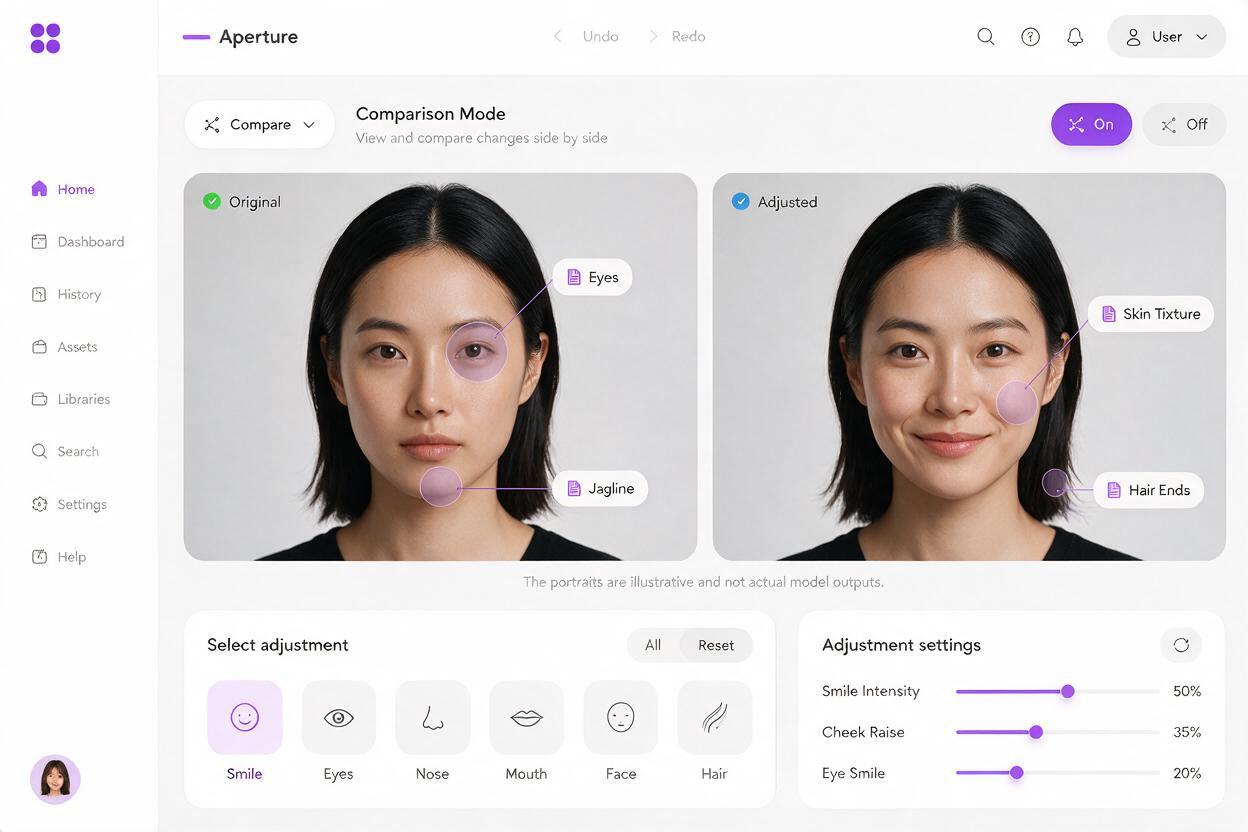
For a controlled final file, retain the original photograph as the base and, when your editing tools allow it, mask in only the successful facial region. Feather the transition around the cheeks and jaw, then inspect the composite at delivery size. This preserves the original background, wardrobe, and most of the original pixels; it does not make the altered expression an authentic captured moment.
Know when a real frame is the better choice
Portrait variations are most defensible when the subject and client understand that expressions were edited for a creative or commercial purpose. Confirm that your permissions cover the intended use, and follow any disclosure requirements set by the publication, client, or competition.
For wedding galleries, journalism, testimonials, and other contexts where the expression itself carries factual meaning, prioritize actual photographs. A generated smile can imply a reaction that never occurred. If the real frames do not contain the needed expression, it is better to deliver an honest photograph than a more convenient fiction.
Final checklist
- Start from a sharp original with the pose and light you intend to keep.
- Request one modest expression change per generation, always using the original as input.
- Compare identity, anatomy, texture, and surrounding details against the source.
- Avoid generating unseen teeth or other unsupported facial details.
- Use real frames for documentary claims and identify creative edits where appropriate.