Product Catalog to Video: A 15-Second Ad That Keeps Every SKU Accurate
A short collection ad can show several products without asking an AI model to invent a new version of each one. This guide uses real SKU photographs, restrained Vidu motion, and an editable timeline to build a 15-second video for a Shopify collection or TikTok Shop campaign.
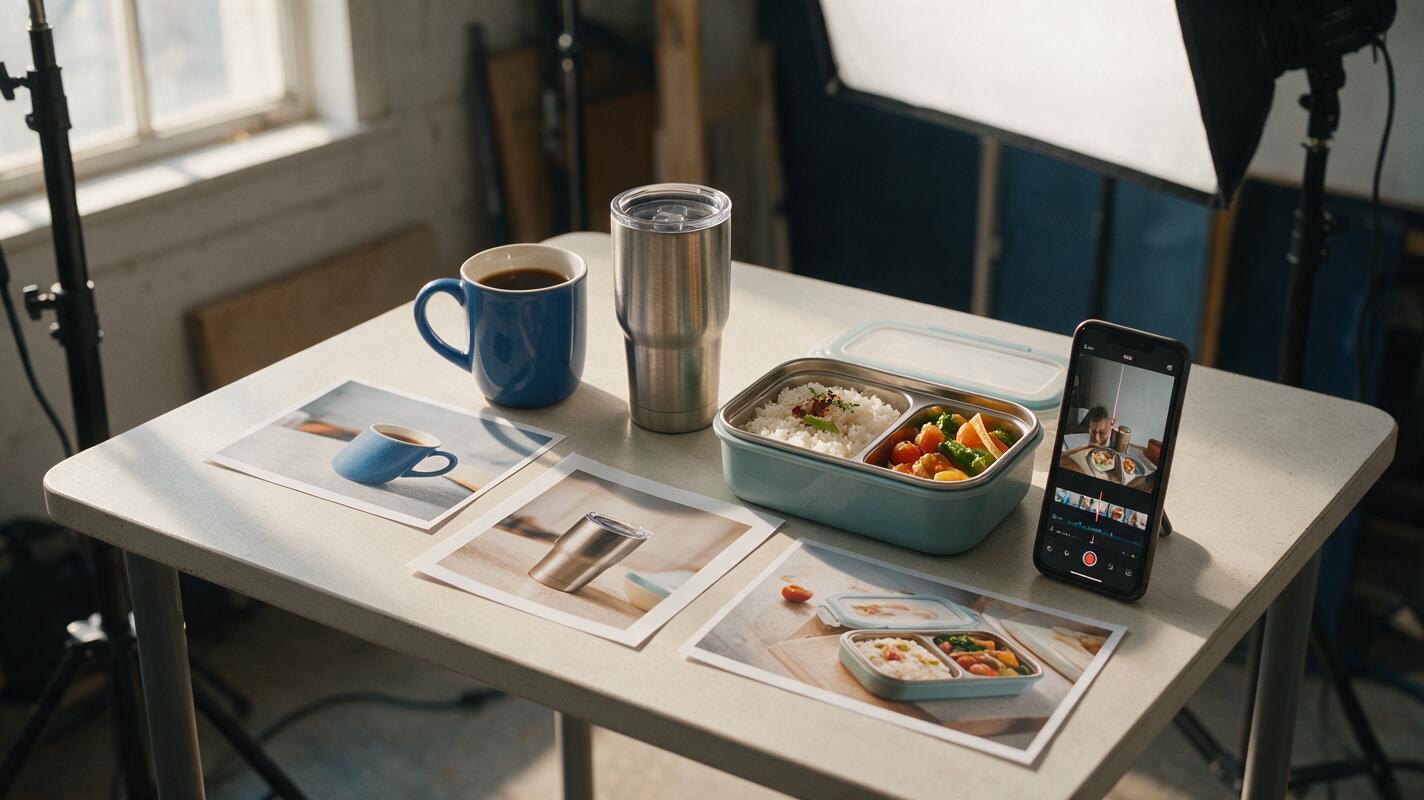
Table of contents
Turn a catalog into a video without changing what you sell
A collection video has a specific problem: each product needs enough screen time to be recognizable, but the ad still has to move quickly. If you ask a video model to create the entire scene from a list of products, it may alter colors, labels, proportions, or included accessories. A safer approach is to start with the actual listing photo for every SKU, make short motion clips individually, and assemble the ad in an editor.
The example below uses three kitchen products—a ceramic mug, an insulated tumbler, and a lunchbox—but the same structure works for a small Shopify collection or a TikTok Shop ad. The goal is a 15-second vertical video that helps shoppers identify the products, not a synthetic demonstration of features you have not filmed.
Give each SKU its own source image
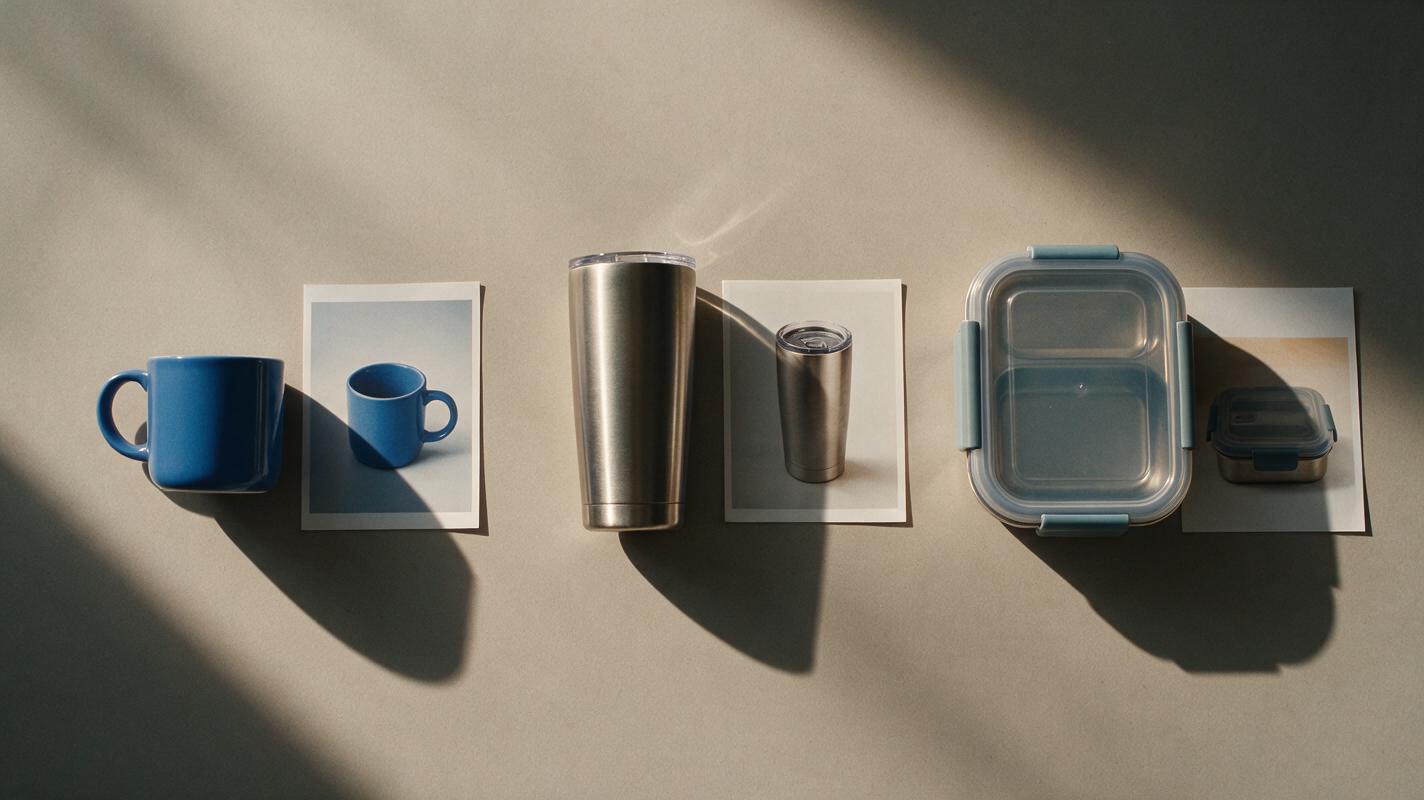
Collect one approved, high-resolution photograph per product. Use the exact variant linked from the ad: a blue mug photo should not lead to a listing for a white mug. Keep an untouched copy of each source beside the finished clips so you can compare them later.
Choose images with a clear silhouette and a little space around the item. That space gives the frame room for a gentle crop or camera move. If a photo cuts off the handle, lid, or other defining detail, choose another image rather than asking a model to reconstruct it.
| Catalog input | Check before using it | Role in the ad |
|---|---|---|
| Ceramic mug photo | Handle shape, printed design, and pictured color match the SKU | First product reveal |
| Insulated tumbler photo | Lid, logo, and finish are visible and accurate | Second product reveal |
| Lunchbox photo | Compartments and any pictured accessories match the listing | Third product reveal |
If the source photos have different lighting or backgrounds, do not force the model to make the products identical. A consistent crop, neutral backdrop, and repeated title placement in the edit can unify the ad while leaving each photographed product intact.
Build a timeline that gives every product a moment
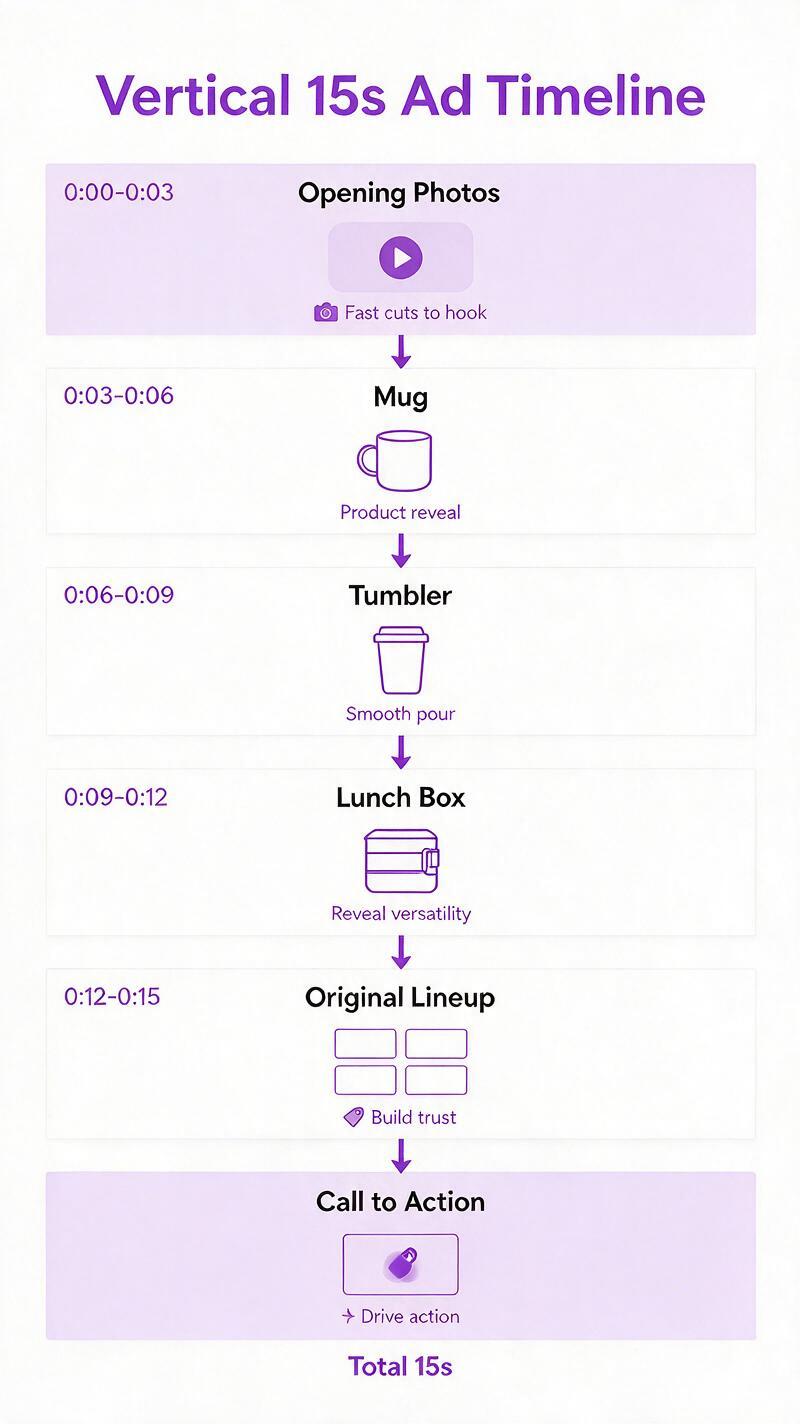
A multi-product ad is easier to follow when it shows one item at a time. Use a brief opening to establish the collection, then three individual product beats, followed by a final lineup and call to action. The timings below are an editing template, not a platform requirement.
| Time | Picture | On-screen text added in the editor |
|---|---|---|
| 0–2 seconds | Quick cuts between the three original photos | A short, accurate collection hook |
| 2–5 seconds | Mug clip | Verified product name |
| 5–8 seconds | Tumbler clip | Verified product name |
| 8–11 seconds | Lunchbox clip | Verified product name |
| 11–13 seconds | Lineup assembled from original product photos | Collection name |
| 13–15 seconds | Hold on the lineup or a clean product frame | Call to action that matches the destination page |
Build the opening and lineup from the real images in your editor. Do not ask a model to generate all three products together; that creates another opportunity for it to merge details or introduce an extra item. Leave text off generated frames so product names and offer details remain easy to correct.
Animate the photos with restrained motion
For the individual product beats, try Vidu with each approved photograph as the input for a separate image to video clip. The job is modest: add a subtle push-in, slight camera drift, or gentle background movement. It is not to open the lunchbox, pour into the tumbler, or rotate a mug to reveal a side the source photo does not show.
Use the same prompt structure for each SKU, replacing the bracketed fields with what is actually visible. Generate short clips, then trim them to fit the timeline. If your available settings offer motion strength or camera controls, begin conservatively and judge the output rather than assuming a particular setting guarantees accuracy.
Input: approved photograph of [exact product and variant].
Create a short vertical product shot based on this image.
Keep the product's silhouette, color, label, printed details, lid or handle,
and visible accessories exactly as photographed.
Use a subtle camera push-in with gentle ambient light movement.
Keep the product fully in frame. Do not rotate it to reveal unseen sides.
Do not add hands, liquids, packaging, text, or other products.
For a plain-background photo, a slow push-in is usually a clearer request than a dramatic orbit. If the model changes a label or redraws an edge, reduce the requested motion and try again. If the defect persists, use the original still with a keyframed crop in your editor. A sharp, truthful still is better than a moving product shoppers cannot match to the listing.
Accuracy rule: Generated motion can make an approved photo more engaging, but it cannot verify a product feature. Show a real demonstration when the ad depends on a lid seal, compartment layout, texture, or other functional claim.
Make the collection feel cohesive in the edit
Once you have three acceptable clips, assemble them with the original photographs. Use a consistent vertical canvas, similar product scale, and one simple transition style. Hard cuts often work better than elaborate effects because shoppers can immediately see when the product changes.
Add product names and any price or offer information as editable text overlays, not as generated pixels. Check those details against the live destination before publishing; prices and promotions can change after the footage is made. Keep important text away from areas that may be covered by a marketplace app’s interface, and preview the exported video on a phone.
Sound can establish pace, but the ad should remain understandable on mute. Pair each product reveal with a readable name and allow the final collection frame enough time to register. If you add a voiceover, read the exact product names from the catalog and avoid implying that the video demonstrates a feature it does not show.
Inspect the export against the products and listings
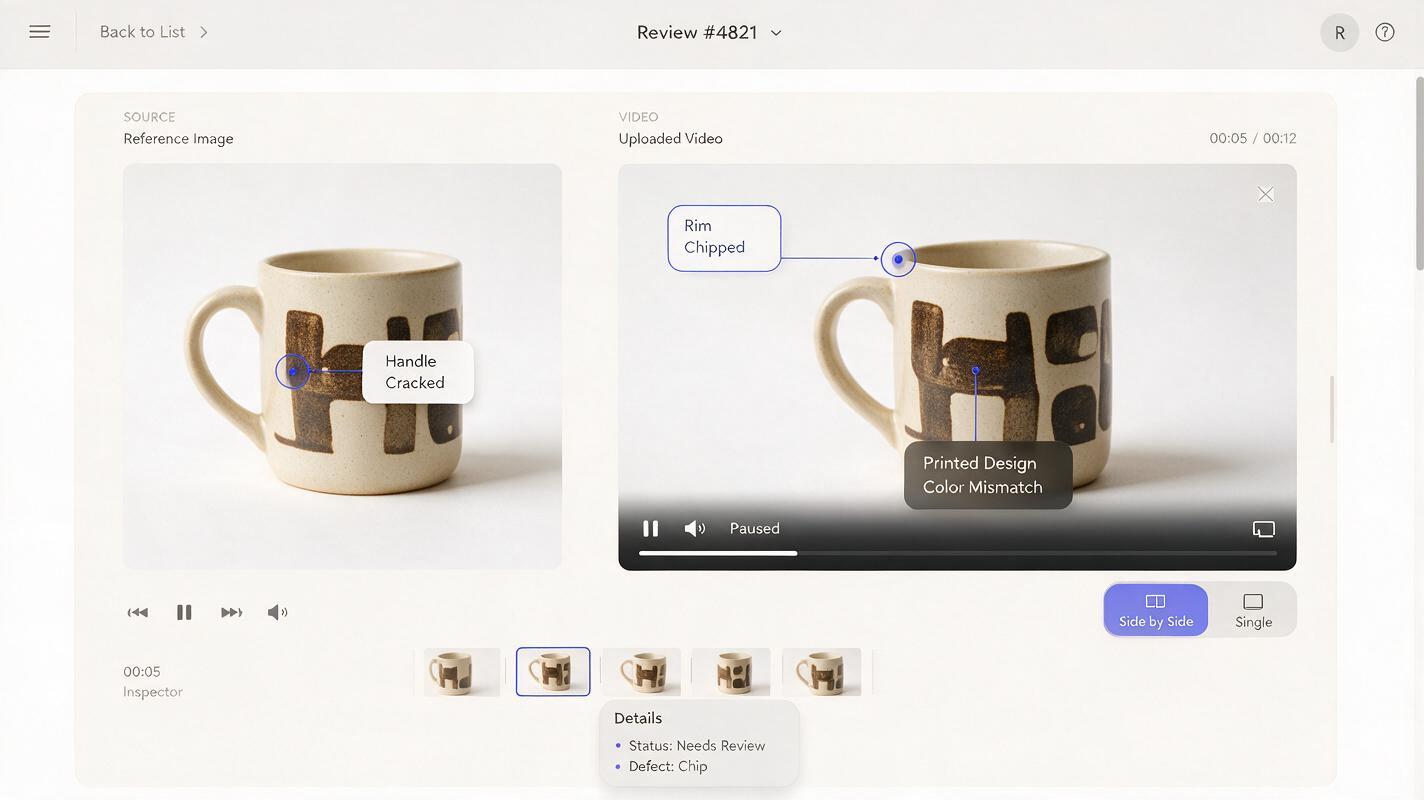
Watch the finished ad once at normal speed, then pause at the beginning, middle, and end of each generated clip. Compare those frames with the approved photo and the linked listing. Look closely at logos, printed patterns, handles, lids, transparent parts, and the number of included pieces.
- Wrong variant: Replace the clip with one made from the correct SKU photo.
- Warped label or changing shape: Retry with less motion, or use an editor-only push-in on the original still.
- Extra accessory: Reject the clip; cropping may leave a misleading impression.
- Unreadable product name: Simplify the overlay or give the shot more time.
- Mismatched destination: Update the link or the pictured variant before the ad goes live.
When the three source photos are ready, test this prompt yourself on one product before producing the whole collection. That small trial will show whether generated motion preserves the details your buyers use to recognize the item.
Final checklist
- Every featured product starts from a photograph of the exact sellable variant.
- Each SKU gets its own clip and a verified, editable name overlay.
- The opening and final lineup use original product images.
- Generated clips have been checked for altered details and invented accessories.
- The ad makes no functional claim that its footage cannot support.
- The exported video is readable on a phone, understandable on mute, and linked to the matching products.
Keywords
product catalog to video, AI product video, catalog video ad, Shopify product video, TikTok Shop video, product image to video, SKU accurate video