AI Prompts for Promotional Ad Creatives With Accurate Offer Text
Performance marketers often struggle with AI-generated promotional ad creatives that have misspelled, distorted, or off-brand offer text, wasting hours of manual editing time during time-sensitive campaigns. This article shares a reference-based prompt framework for Seedream 4.5 to generate on-brand promotional ad variants with perfect discount, deadline, and CTA text, plus a master prompt template and 6 campaign-specific variations.
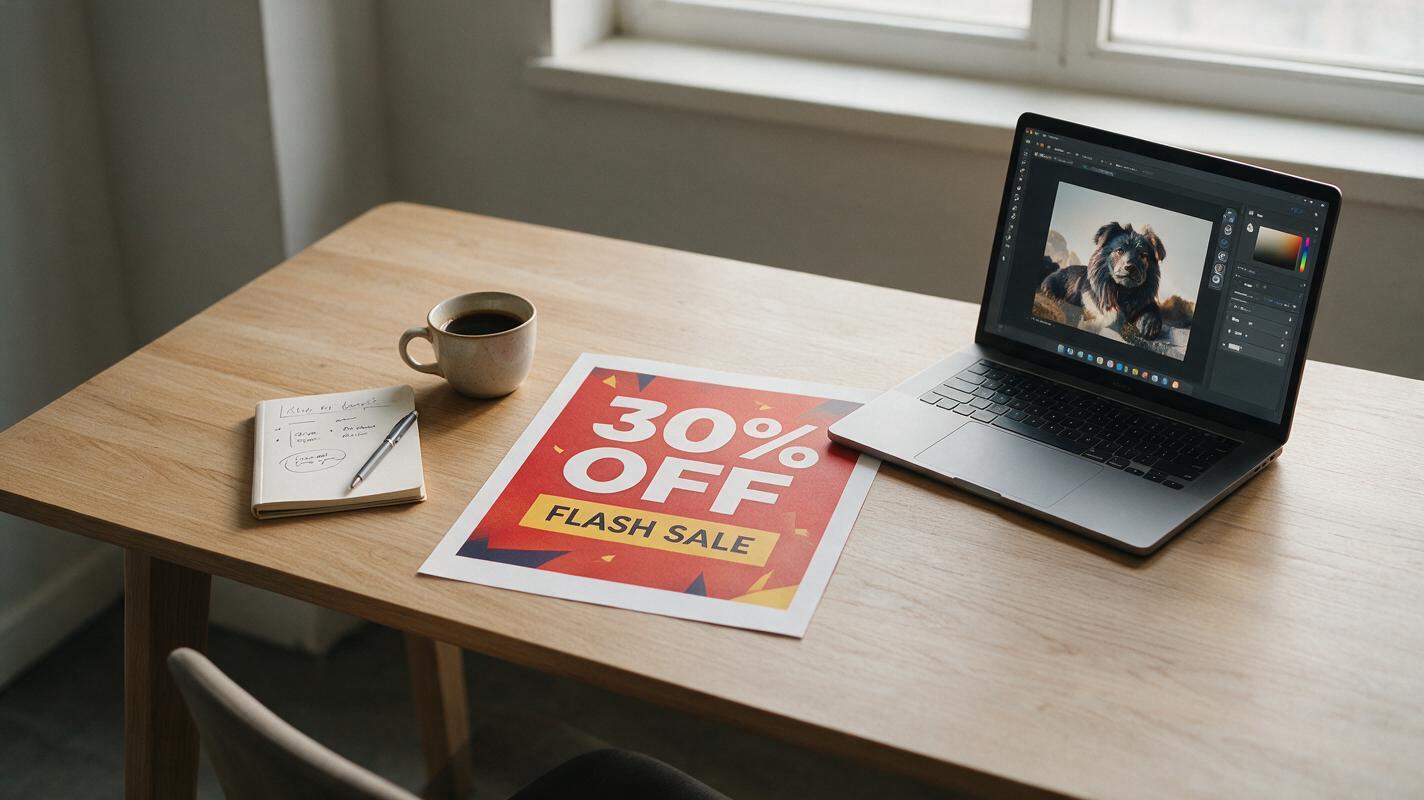
Table of contents
The problem with AI-generated promotional ad text
If you’ve ever generated a flash sale ad with AI only to find the “50% OFF” text reads “5O% 0FF” or the CTA is misspelled, you know how many hours of manual edits that mistake can cost.
Promotional campaigns — from flash sales and Black Friday drops to product launches and free shipping offers — live or die by speed. You need dozens of ad creative variations ready to test in hours, not days, but AI-generated ads often fall short when it comes to accurate offer text. Distorted numbers, misspelled CTAs, and off-brand typography can turn a batch of 20 AI outputs into 20 manual Photoshop fixes, defeating the purpose of using AI in the first place.
The fix isn’t to skip AI entirely — it’s to use a reference-first workflow that anchors your offer text to a verified source, so the AI preserves it exactly while generating fresh, on-brand visual backgrounds and scenes. Using a reference-based workflow with ai image generator tools eliminates most text distortion issues, and seedream 4.5 is particularly well-suited for this task thanks to its strong reference image adherence and support for weighted control layers.
Build your text reference sheet first
The single most important step to getting accurate offer text in AI ads is to never let the AI generate text from scratch. Instead, create a verified text reference sheet — a flat image with every offer element in its final, approved form — and use it as a weighted reference for generation.
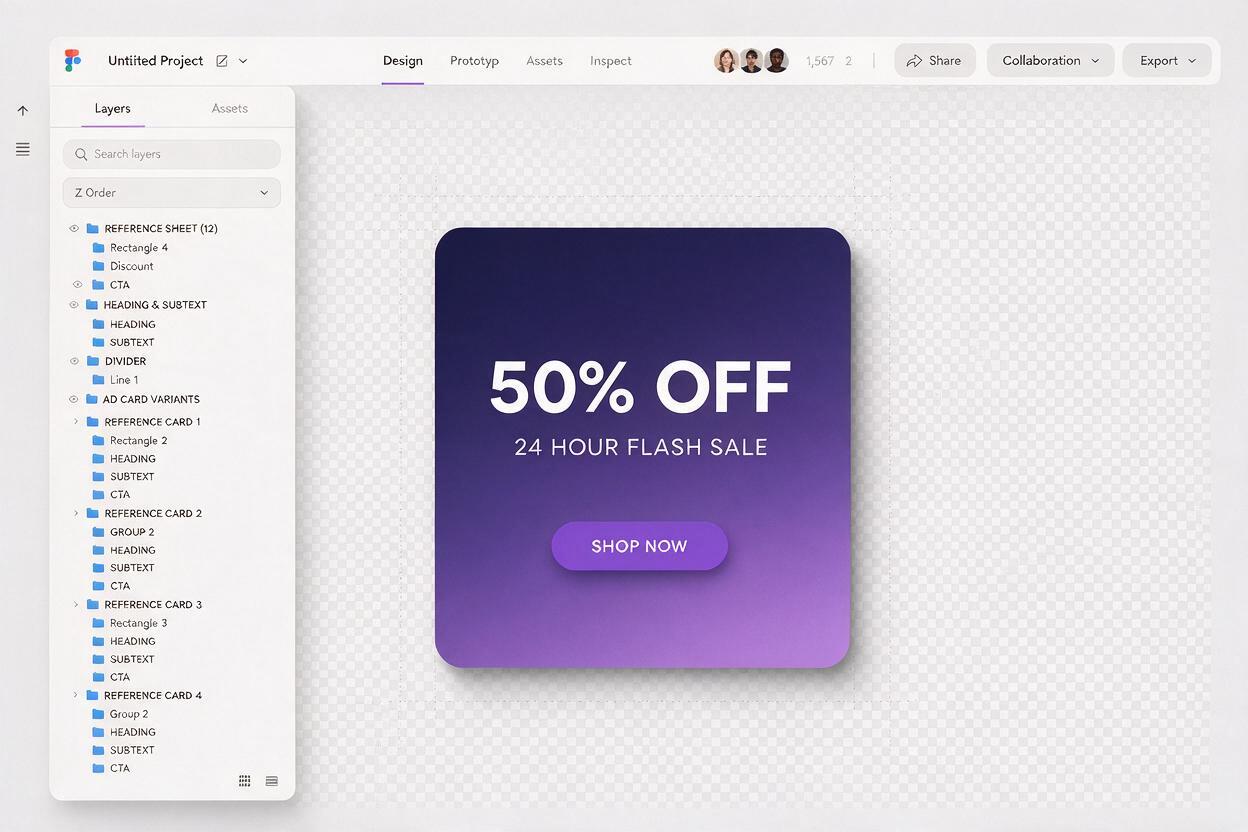
Your reference sheet should include every text element that needs to be exact: discount percentages, dollar amounts, deadline dates, CTA button copy, legal fine print, and any brand taglines. Build it in your usual design tool (Figma, Canva, or Photoshop) following these rules:
- Match the aspect ratio of your target ad placement (1:1 for feed, 9:16 for Stories, 4:5 for Instagram feed)
- Use your brand’s approved fonts, colors, and sizing for all text elements
- Place text exactly where you want it to appear in the final ad
- Save as a high-res PNG with a solid white or transparent background (solid white improves reference adherence)
Make one master reference per offer type, then duplicate and edit it for different markets, languages, or promotion tiers instead of starting from zero each time.
Master prompt template for accurate promotional ads
Once your reference sheet is ready, use this structured prompt template to guide seedream 4.5 to preserve text perfectly while generating high-quality ad visuals. The key is to be explicit about text preservation rules and set a reference weight that balances accuracy and visual creativity.
Reference image: [upload your text reference sheet]
Reference weight: 0.75
Generate a high-converting promotional ad for [product/category] with the following details:
- Visual scene: [describe background, product placement, lighting, and mood — e.g., "minimal warm beige background with a single ceramic mug centered below the text, soft studio lighting, cozy lifestyle feel"]
- Strict rule: Preserve 100% of the text, fonts, colors, sizing, and placement from the reference image. Do not alter, distort, rephrase, or move any text elements.
- All text must remain fully legible and unobscured by background objects or effects.
- Brand constraints: [list any brand rules — e.g., "no neon colors, product must be shown in original packaging, use only natural lighting"]
- Aspect ratio: [1:1 / 9:16 / 4:5]
- Style: photorealistic commercial advertising photography, high resolution, sharp focus
Adjust the reference weight based on your results: if text is still distorted, bump the weight to 0.85. If the background looks flat or generic, lower it to 0.65. For most promotional ads, 0.7–0.8 is the sweet spot.
Test this prompt yourself with your own text reference and product details to see how text accuracy improves over standard text-to-image prompts.
6 promotional ad prompt variations for common campaigns
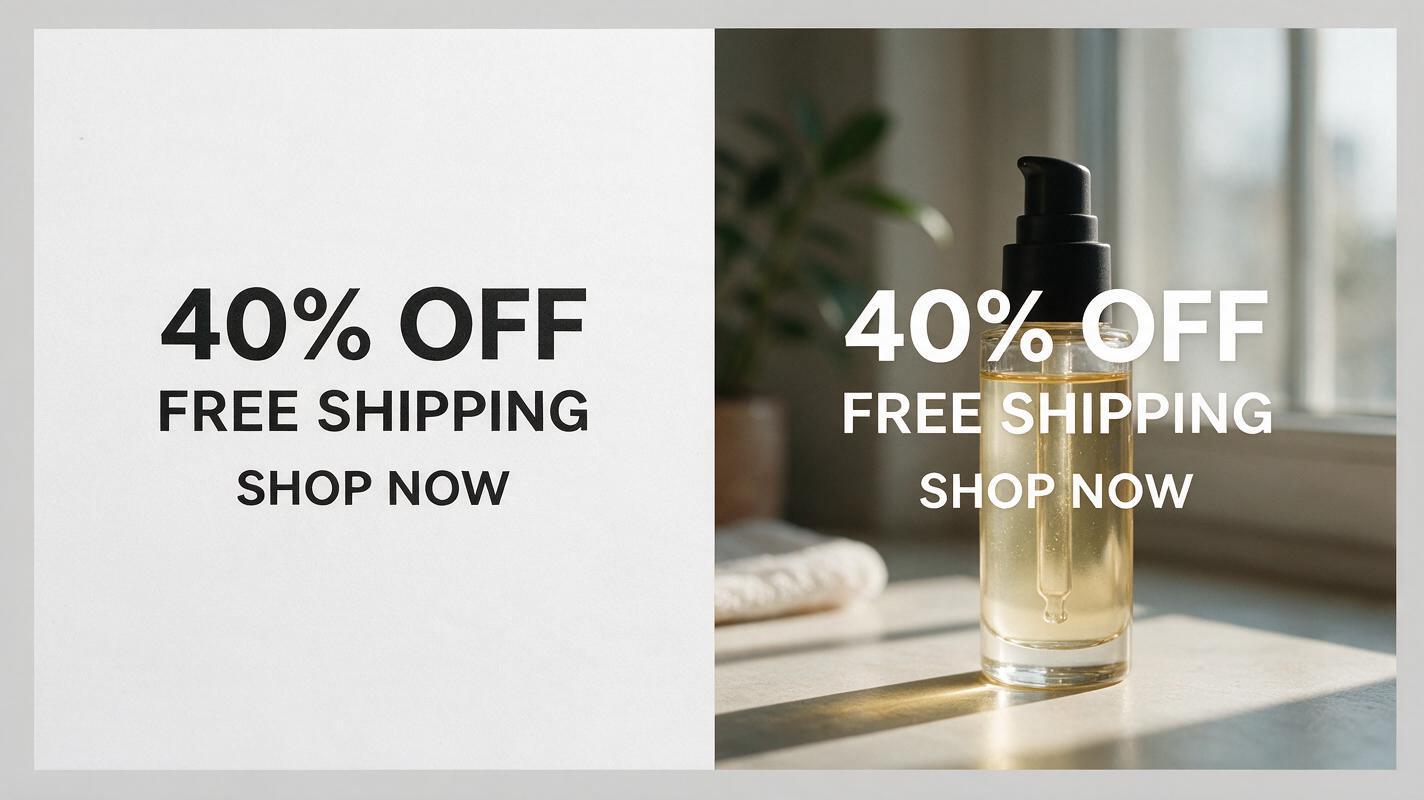
Swap out the visual scene description in the master prompt to generate variants for different campaign types. All variations use the same text reference, so you can test visual performance without risking text errors. Here are six ready-to-use scene prompts for common promotional campaigns:
Flash sale (1:1 feed ad)
Visual scene: "vibrant coral gradient background with a single pair of wireless headphones floating to the left of the text, soft glow effect, energetic mood"
Best for: 24-hour flash sales, limited-time discounts, clearance events
BOGO offer (9:16 Stories ad)
Visual scene: "two matching stainless steel water bottles side by side at the bottom of the frame, light blue pastel background, soft shadow, clean minimal look"
Best for: buy-one-get-one promotions, bundle deals, gift sets
Free shipping (4:5 Instagram feed ad)
Visual scene: "brown cardboard package with a branded sticker sitting on a wooden desk, small potted succulent in the background, natural window light, cozy lifestyle feel"
Best for: free shipping thresholds, holiday delivery promotions, cart abandonment campaigns
New product launch (1:1 feed ad)
Visual scene: "new vitamin C serum bottle on a marble countertop, small orange slices scattered around, soft golden hour lighting, luxurious mood"
Best for: product launch announcements, early-bird discounts, waitlist campaigns
Last-chance countdown (9:16 Stories ad)
Visual scene: "minimal black background with a sleek analog watch face at the top of the frame, subtle silver accent lighting, premium urgent mood"
Best for: countdown sales, last-day promotions, end-of-season clearances
Holiday gift guide (4:5 feed ad)
Visual scene: "collection of 3 small skincare gifts arranged in a wreath of pine branches, warm string lights in the background, cozy holiday mood"
Best for: holiday sales, gift guide promotions, seasonal bundle offers
Validate outputs before sending to testing
Even with a strong reference and well-crafted prompt, you should run a quick 3-point check on every generated ad to catch any rare text issues before they go live:
- Text accuracy: Zoom in to 100% and verify every character, number, and word matches your reference sheet. Pay extra attention to percentages, dollar amounts, and dates — these are the most commonly distorted elements.
- Legibility: Make sure no background objects, shadows, or effects overlap or obscure text. If contrast is low, add a subtle text shadow instruction to your prompt or increase the reference weight.
- Brand alignment: Confirm the visual scene, product presentation, and colors match your brand guidelines. If the product looks off, add a second reference image of the product alongside your text reference for extra control.
For multi-market campaigns, create one text reference per language or currency, then reuse the same visual scene prompts to generate localized variants in minutes — no full redesign required.
Prioritize variants for creative testing
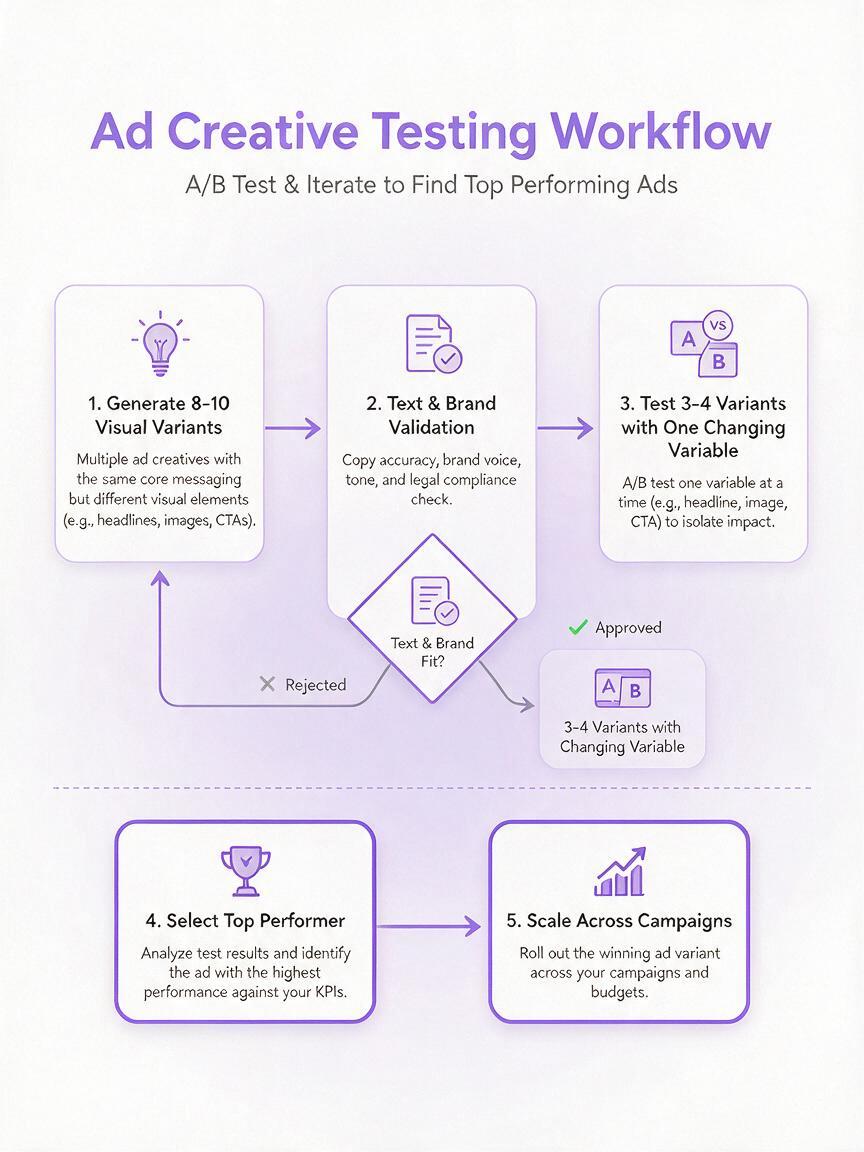
Generating 10+ ad variants is fast with this workflow, but testing them strategically will give you the clearest performance insights. Follow a single-variable testing framework to avoid confounding results:
- Keep offer text identical across all test variants (your reference sheet guarantees this consistency)
- Change only one visual variable at a time (background style, product angle, color palette)
- Test 3–4 variants per variable to find statistically significant winners
- Roll out the top-performing visual with your best offer text across all placements
For example, if you’re running a flash sale campaign, start by testing 4 background variants (minimal, lifestyle, gradient, seasonal) with the same 50% OFF text. Once you identify the top background, test 3 product angles with that background to optimize CTR further.
Final checklist
- Build a verified text reference sheet with all offer elements in your brand font, colors, and placement
- Use the master prompt template with a reference weight of 0.7–0.8 for best text preservation
- Generate 6–10 visual variants by changing only the scene description, not the text reference
- Validate every output for text accuracy, legibility, and brand alignment
- Test one visual variable at a time to get clear, actionable performance insights
- Scale winning variants across ad placements and campaign tiers
Keywords
promotional ad creative, ai ad generator, ad creative variations, performance ad creative, seedream 4.5, creative testing, campaign creative, ai advertising images