Runway Prompts for Seamless Match Cuts in Brand Films
Learn a cut-first prompting method for creating cleaner AI match cuts with Runway. The guide includes reusable prompts for shape, color, motion, and occlusion transitions, plus practical fixes for morphing products and unstable compositions.
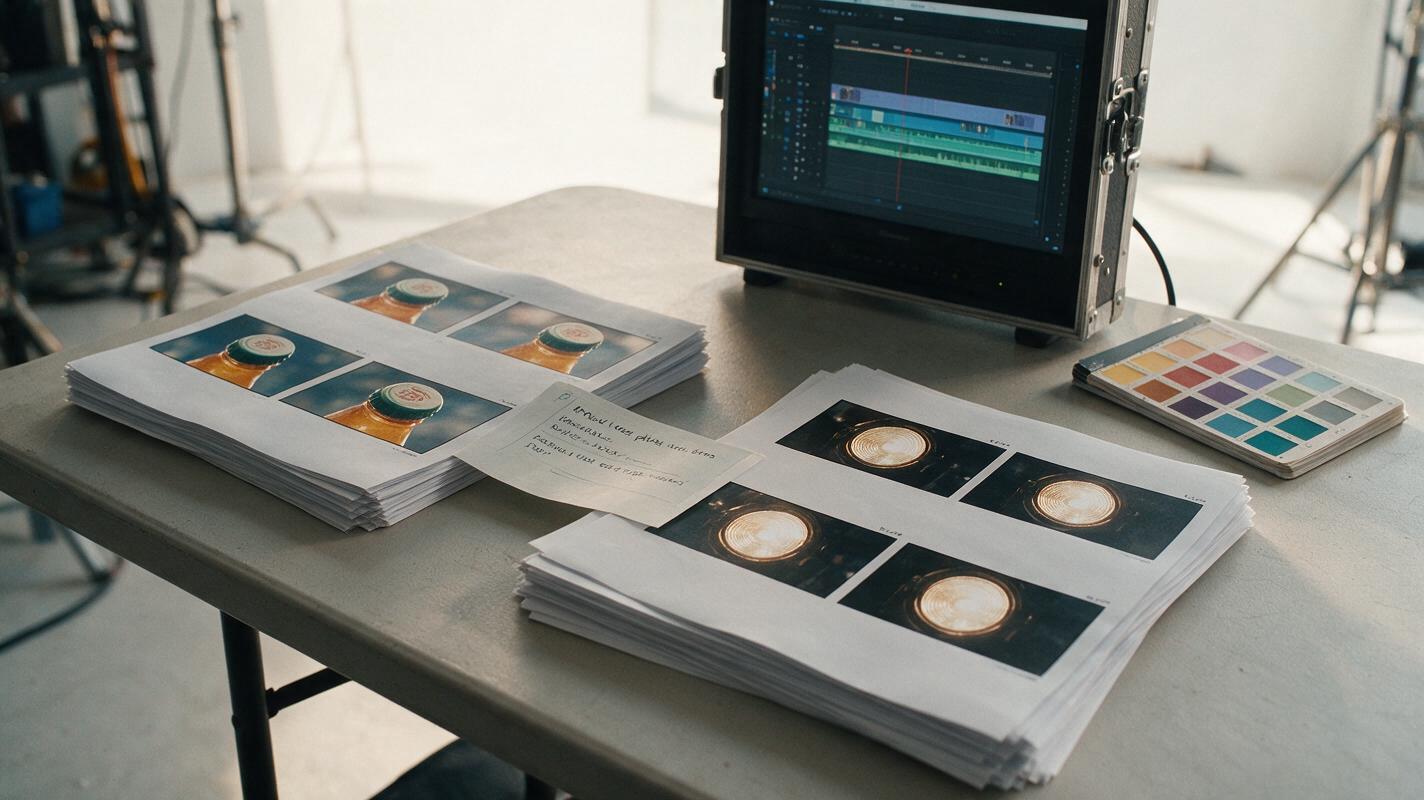
Table of contents
Build a match cut the model can actually follow
A successful AI match cut does not ask one clip to transform magically into another. It gives two short shots a shared visual event—such as the same circular shape, camera direction, color field, or foreground wipe—so an editor can join them at the strongest frame.
This approach is especially useful for brand films, commercials, and spec ads that need a polished transition without making the product visibly melt. Runway can generate the motion on either side of the edit, but the creative team still needs to design the cut, protect the brand asset, and choose the precise transition frame.
The central rule: prompt the outgoing shot and incoming shot as separate pieces of editorial coverage. Make their final and opening moments compatible.
Why AI match cuts break
Match cuts often fail because the prompt describes a finished transition instead of the evidence needed to construct it. A request such as “the perfume bottle becomes a city at night” invites continuous transformation. That can produce bending typography, liquid geometry, duplicate objects, or an intermediate frame that looks unrelated to either approved image.
Commercial transitions are more reliable when they preserve one dominant bridge while allowing everything else to change across the edit.
| Transition bridge | What remains consistent | Common failure | Better direction |
|---|---|---|---|
| Shape match | Outline, scale, and screen position | The object morphs continuously | Generate two shots and cut when the silhouettes align |
| Motion match | Direction and apparent speed | The second shot enters from the wrong side | Repeat the same directional language in both prompts |
| Color match | A dominant color at the cut | Extra colors weaken the connection | Specify a controlled palette and a clear color field |
| Occlusion cut | A foreground object covering the frame | The wipe reveals warped content | Cut near full-frame coverage rather than generating the reveal |
Design the cut before generating motion
Start with two still frames representing the shots on either side of the edit. Mark the object or visual property that will connect them. For a sports drink commercial, the bridge might be the bottle cap in the first shot and a stadium light in the second. For a skincare film, it could be a circular cream smear matched to a rising sun.
Write a compact transition brief containing:
- Outgoing subject: the product, person, or environment visible before the cut.
- Incoming subject: the new scene that appears after the cut.
- Shared bridge: one shape, color, movement, texture, or occlusion.
- Cut position: where the bridge should sit in the frame.
- Protected details: packaging, logo, face, silhouette, or campaign color.
- Editorial energy: elegant, kinetic, playful, restrained, or dramatic.
Do not overload the bridge with several competing ideas. Matching shape, color, motion, lighting, and texture simultaneously usually makes it harder to identify why the transition works.
Use reference frames as composition contracts
An approved key visual can become the starting frame for a shot, but simplify it before animation. Remove temporary headlines, legal text, and layout guides unless they must remain visible. Keep the product large enough to inspect, and avoid letting hands or props overlap critical label areas.
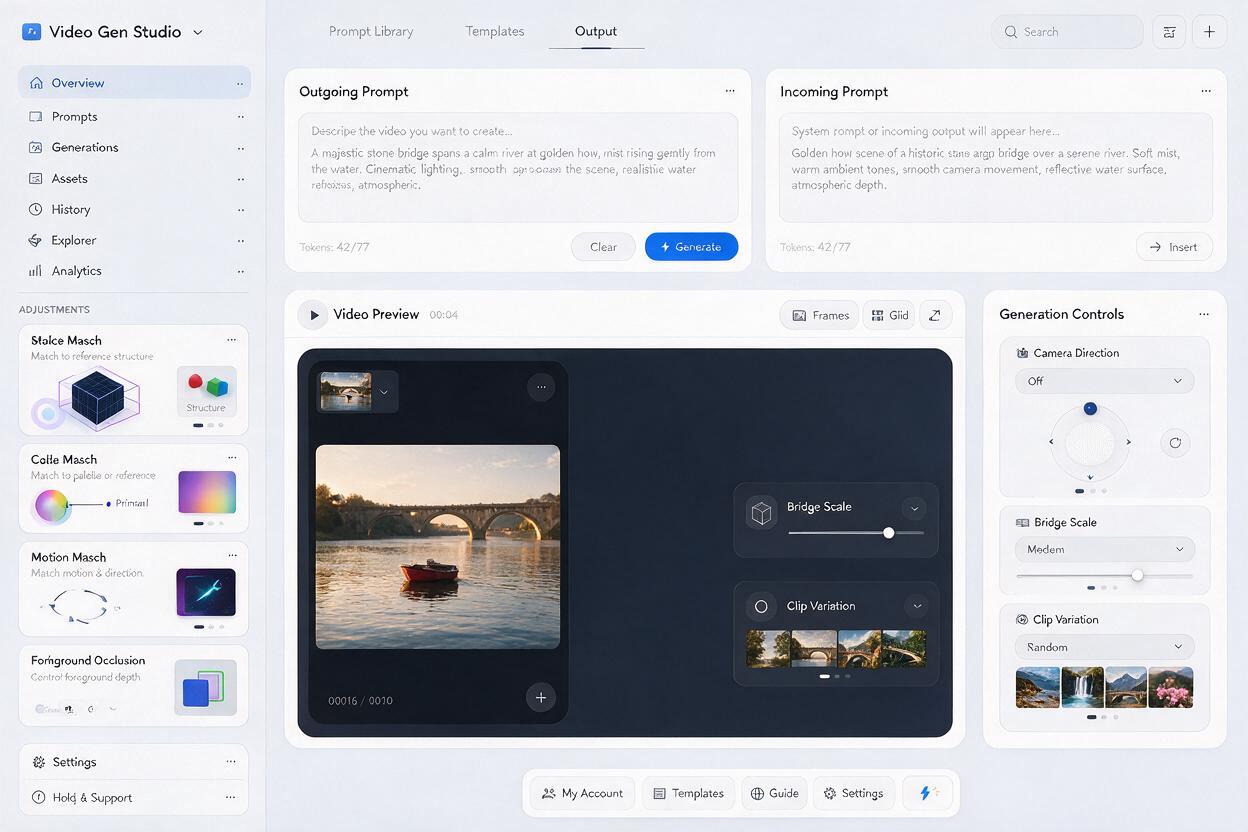
When using an ai video generator for the motion pass, describe what changes over time rather than repeating every visible detail in the reference image. The image already carries composition, product design, lighting, and palette; the prompt should concentrate on camera behavior, subject movement, and the transition bridge.
Prompt recipes for four commercial match cuts
Shape match: product cap to architectural light
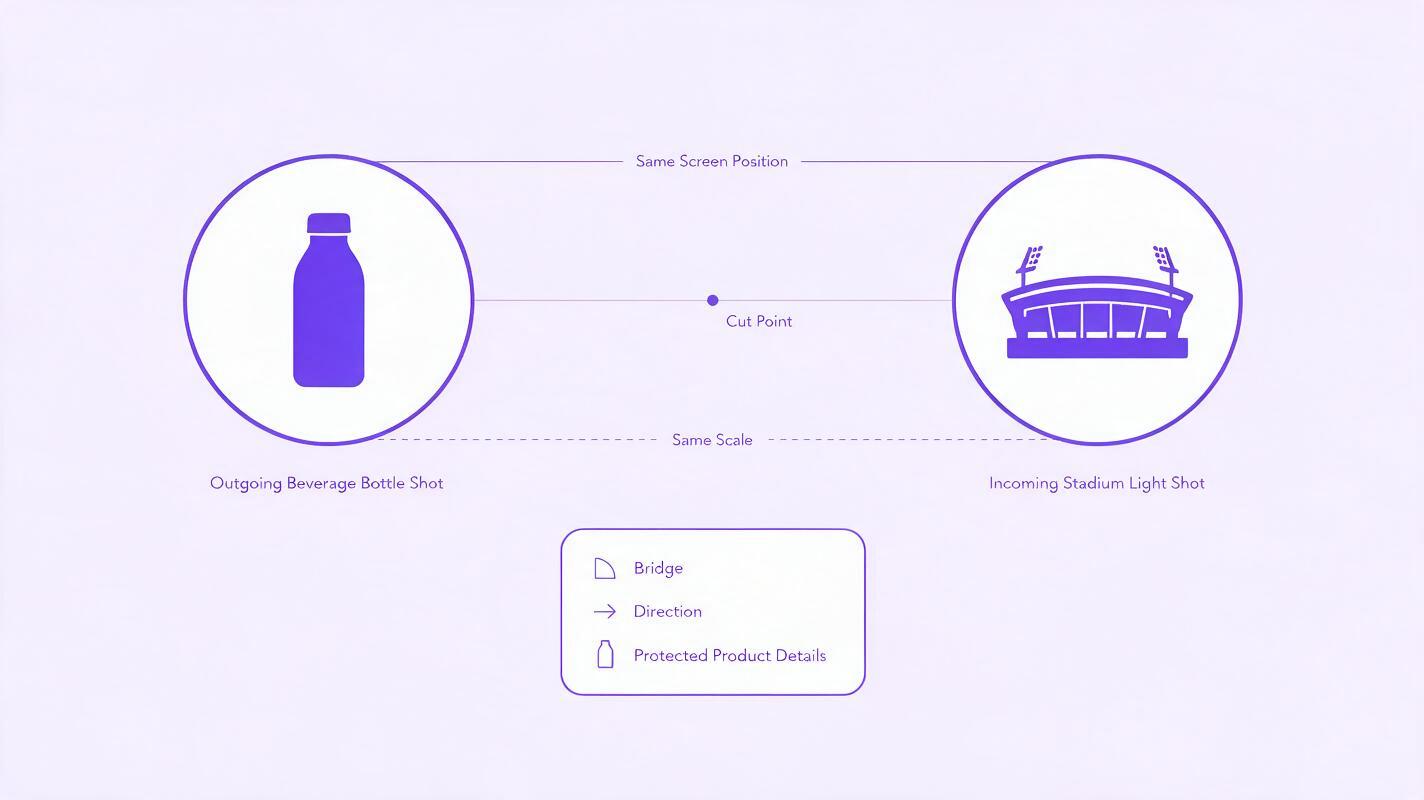
This pattern works when two unrelated objects share a clean silhouette. Keep both objects close to the same screen position and scale at the cut.
OUTGOING SHOT
Premium beverage bottle standing upright on a reflective counter. Slow controlled camera push toward the circular silver cap. The cap remains perfectly rigid and centered as it expands to fill most of the frame. Minimal subject motion, precise studio reflections, clean commercial lighting, no label deformation.

INCOMING SHOT
A circular stadium floodlight centered at the same scale and screen position, already filling most of the frame. The camera pulls backward smoothly to reveal an evening sports arena. Energetic but controlled advertising cinematography, stable circular light, no sudden rotation.
Cut before either object completely loses its recognizable structure. A short overlap or flash can hide a minor contour mismatch.
Color match: cosmetic texture to campaign world
A color match is useful when the product cannot safely deform. Instead of transforming the pack, let a controlled material or lighting effect fill the frame.
OUTGOING SHOT
Macro view of coral cosmetic cream sweeping from left to right across a glass surface. The cream forms a smooth opaque color field that covers the entire frame. Luxurious texture, deliberate lateral motion, no splashing, no visible text.

INCOMING SHOT
Begin on a full-frame coral fabric surface moving left to right at the same apparent speed. The camera rises to reveal a fashion model in a monochrome coral campaign set. Soft directional light, elegant fabric motion, stable facial features.
Motion match: pack rotation to vehicle movement
Motion matching depends on direction, timing, and acceleration. If the outgoing shot moves clockwise, the incoming shot should not casually reverse unless the reversal is the creative idea.
OUTGOING SHOT
A rigid rectangular product box rotates clockwise one quarter turn on a clean pedestal. Locked camera, constant controlled speed, crisp edges, packaging artwork remains fixed and readable, no bending or additional objects.

INCOMING SHOT
Overhead view of a city bus turning clockwise through a rectangular plaza at the same measured speed. Stable top-down camera, strong geometric composition, clean morning shadows, no abrupt acceleration.
Occlusion cut: foreground wipe between locations
An occlusion cut is often the safest option for products with typography. A person, fabric panel, vehicle, or set element passes close to the lens and briefly hides the entire frame.
OUTGOING SHOT
Product displayed on a sunlit outdoor table. A dark navy fabric panel moves smoothly from right to left very close to the lens until it fully covers the frame. The product remains motionless and unchanged before coverage. No reveal after the frame becomes dark navy.

INCOMING SHOT
Begin with the lens fully covered by a dark navy foreground panel. The panel continues moving right to left, revealing a refined indoor evening setting with the same product on a bar. Stable packaging, matched movement speed, warm practical lights.
Choose one recipe, replace the subjects with your campaign assets, and test this prompt yourself before adding secondary motion or elaborate effects.
Generate handles, not finished ads
Editors need usable frames before and after a transition. Generate each side with a calm beginning or ending so the shot is not committed to motion for its entire duration. These extra handles make it easier to adjust rhythm, hide an unstable frame, or move the cut to a cleaner alignment.
For the outgoing clip, ask the bridge to develop near the end. For the incoming clip, begin with the bridge already established and then reveal the new scene. If the available Runway interface offers an ending-frame control, it may help guide the destination of the outgoing shot, but the same cut-first principle still applies: do not expect an intermediate morph to preserve every commercial detail.
Generate a few controlled variations rather than one ambitious clip. Change only one variable between attempts:
- Bridge scale at the cut
- Camera speed
- Movement direction
- Amount of frame coverage
- Subject distance from the camera
This makes failures diagnosable. If every variable changes, the team cannot tell whether the improvement came from composition, motion, or chance.
Judge the transition like an editor
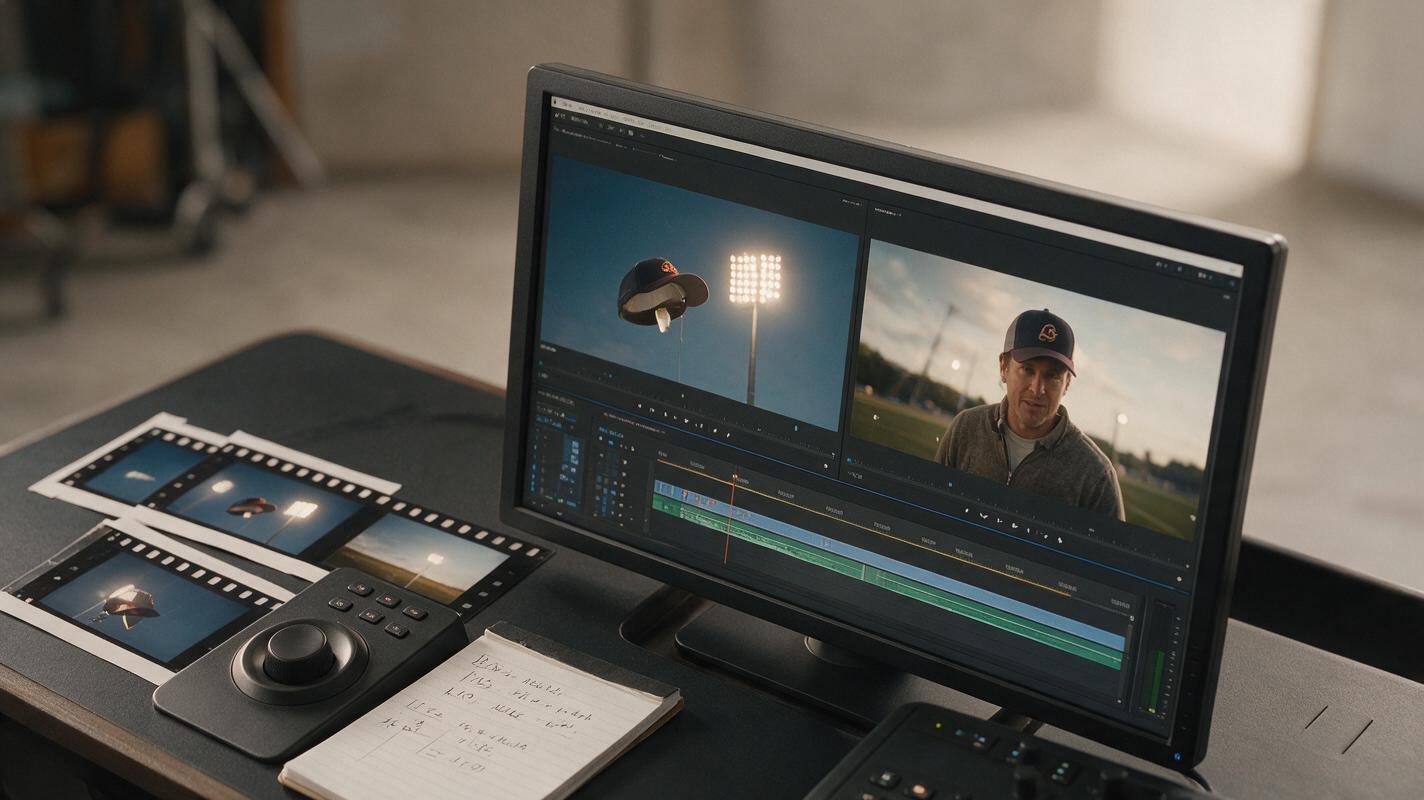
Place the outgoing and incoming clips next to each other on a timeline before evaluating them. A clip that looks unimpressive alone can create a strong cut, while a beautiful standalone shot may be impossible to connect.
Scrub frame by frame and assess four criteria:
- Alignment: Does the visual bridge occupy a comparable position and scale?
- Momentum: Does motion continue naturally through the edit?
- Recognition: Is the product intact for every frame in which viewers are expected to read it?
- Distraction: Does the eye notice the intended relationship before noticing an artifact?
Try a direct cut first. If the geometry is close but not exact, test a brief flash, motion blur, sound accent, or one- to two-frame overlap in the edit. These should support a designed transition, not conceal a fundamentally incompatible pair of shots.
Fix the most common transition failures
The product starts morphing before the cut
Remove transformation verbs such as “becomes,” “turns into,” or “evolves into.” Describe a rigid product and a separate camera or foreground event. Cut away before the model is asked to invent a new structure.
The second shot moves in the wrong direction
Use explicit screen direction in both prompts: “left to right,” “clockwise,” or “camera moving forward.” Avoid relying only on words such as “dynamic” or “fast,” which do not define spatial continuity.
The silhouettes never align
Return to the still frames. Crop or reposition the starting compositions so the bridge is already compatible. Prompting cannot reliably repair a transition that has no visual relationship at the layout stage.
The transition works but the ad feels generic
Connect the match to the campaign idea. A circular match may communicate energy, precision, protection, or repetition depending on the subjects and sound design. Replace arbitrary visual cleverness with a bridge that reinforces the product promise.
Final checklist
- Plan two separate shots instead of one continuous transformation.
- Choose one dominant bridge: shape, motion, color, texture, or occlusion.
- Align the bridge in the still frames before generating video.
- Protect packaging, typography, faces, and distinctive silhouettes.
- Repeat exact movement direction in both Runway prompts.
- Generate calm handles around the transition event.
- Compare variations by changing only one variable at a time.
- Evaluate the result on an editing timeline, frame by frame.
- Keep the transition only if it strengthens the campaign idea.
Keywords
runway prompts, ai match cuts, brand films, commercial transitions, spec ads, ai video generator, video prompting