Runway Prompts for Product Photo Motion With a Readable Label
Animate a commercial product photograph without letting the packaging text become the weakest part of the shot. These Runway prompts favor controlled light, background movement, and a stable camera, with a compositing fallback when the label needs to remain exact.
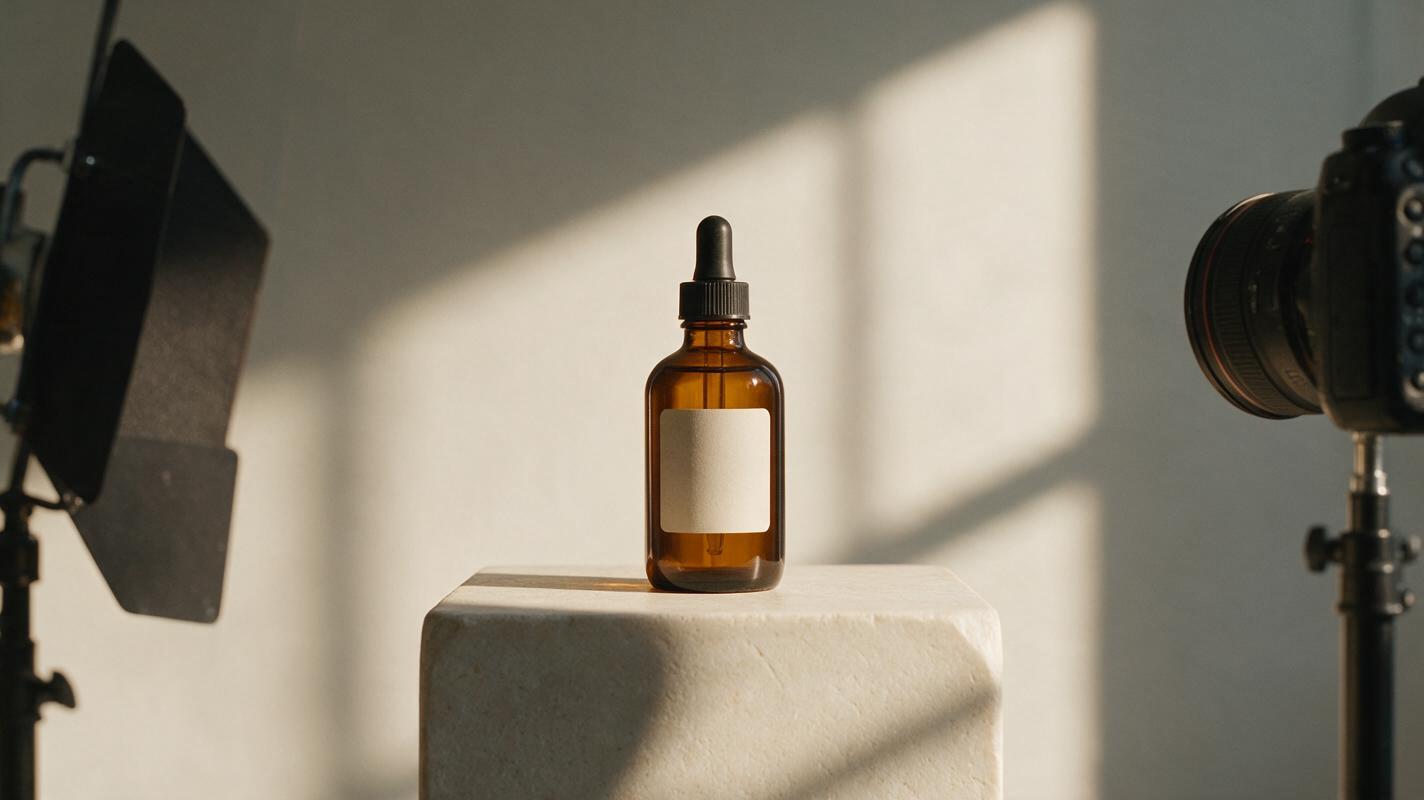
Table of contents
Make the product move less—and the photograph do more
A product photograph can become a short campaign clip without spinning the bottle, bending the box, or making its label unreadable. The safest approach is to keep the photographed product nearly still and give the scene motion through light, shadows, reflections, or background elements. That creates a useful social or web asset while protecting the details a commercial client approved.
The prompts below are written for Runway using an existing product photograph as the starting frame. They are starting points, not guarantees: inspect every generated frame before delivering an animation as product-accurate advertising.
Choose a photograph that can survive motion
Start with a clean, high-resolution hero image. A front-facing or three-quarter view with a clearly readable label is easier to evaluate than a bottle photographed through heavy condensation or a box partly hidden by props. Leave breathing room around the product so moving shadows or background elements have somewhere to go.
Before generating, save three assets separately: the approved original photograph, a crop showing the label at full detail, and any client-supplied packaging artwork. The photograph is your visual reference; the crop and artwork are your accuracy checks. If the artwork is legally approved for reuse, it can also support a later compositing repair.
Decide what is allowed to change. A useful brief might permit the curtain shadow to move across the wall but require the bottle shape, cap, logo, ingredient text, and liquid level to remain unchanged. Write those constraints down before testing prompts.
Keep the camera locked and move the environment
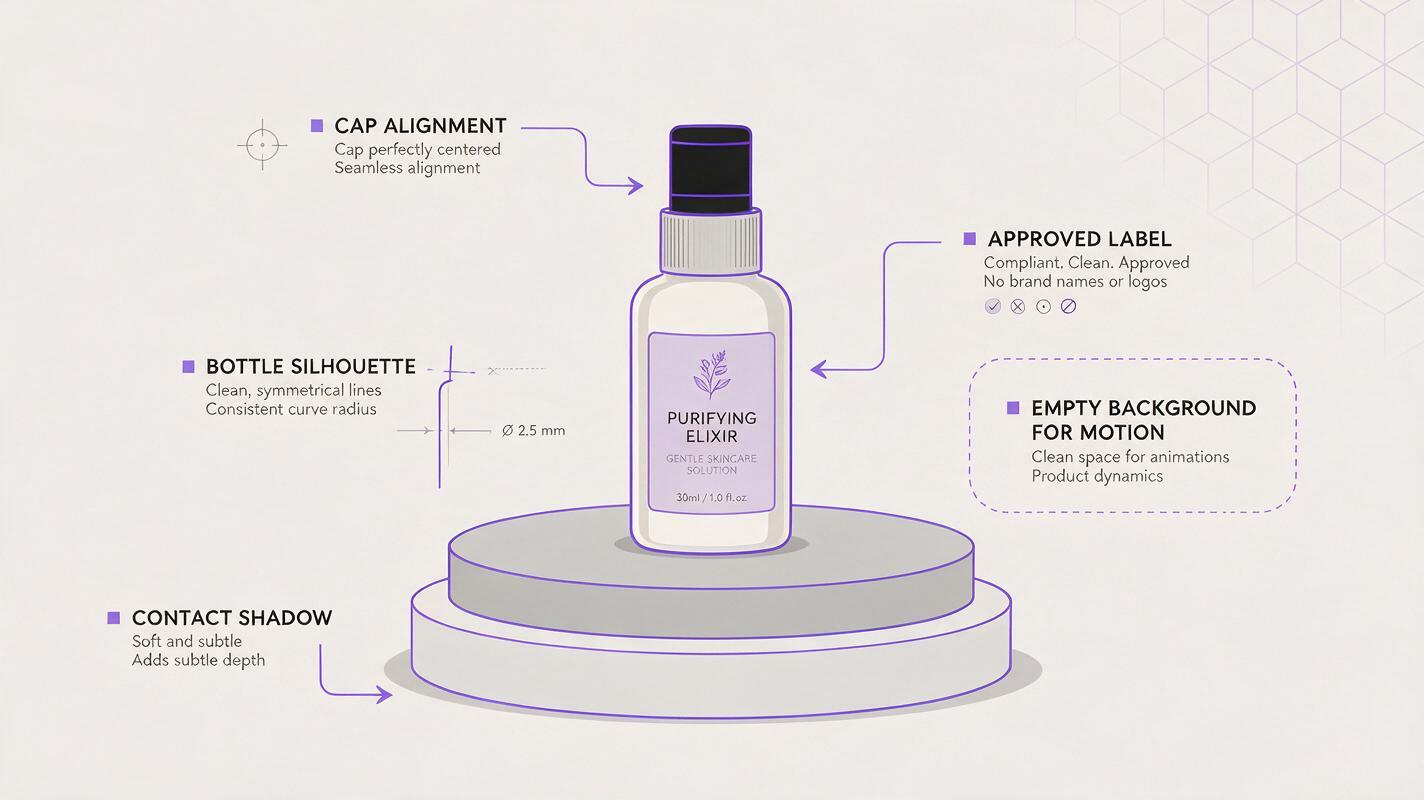
For this image to video task, upload the approved still as the source image and describe motion that happens around—not through—the package. A locked viewpoint helps preserve the label's position, though it does not guarantee that generated lettering will remain accurate.
Try this restrained prompt for a bottle photographed against a warm studio wall:
Use the supplied product photograph as the first frame. Keep the camera completely locked and the bottle stationary. Preserve the bottle silhouette, cap, label placement, logo, and all visible packaging details. A soft window-shadow pattern moves slowly across the background wall; faint highlights shift on the tabletop. Natural studio lighting, understated commercial finish. No rotation, zoom, liquid movement, new objects, or changes to the product.What to check: Compare the opening and final frames at the same zoom. Look at letter shapes, label edges, the cap, and the line where the product meets the surface. If the background moves but the bottle subtly expands or the text turns into invented characters, the clip is not ready for delivery.
Match the prompt to the photographed material
Motion should make sense for the set you actually photographed. Choose one believable source of movement rather than asking the model to animate everything at once.
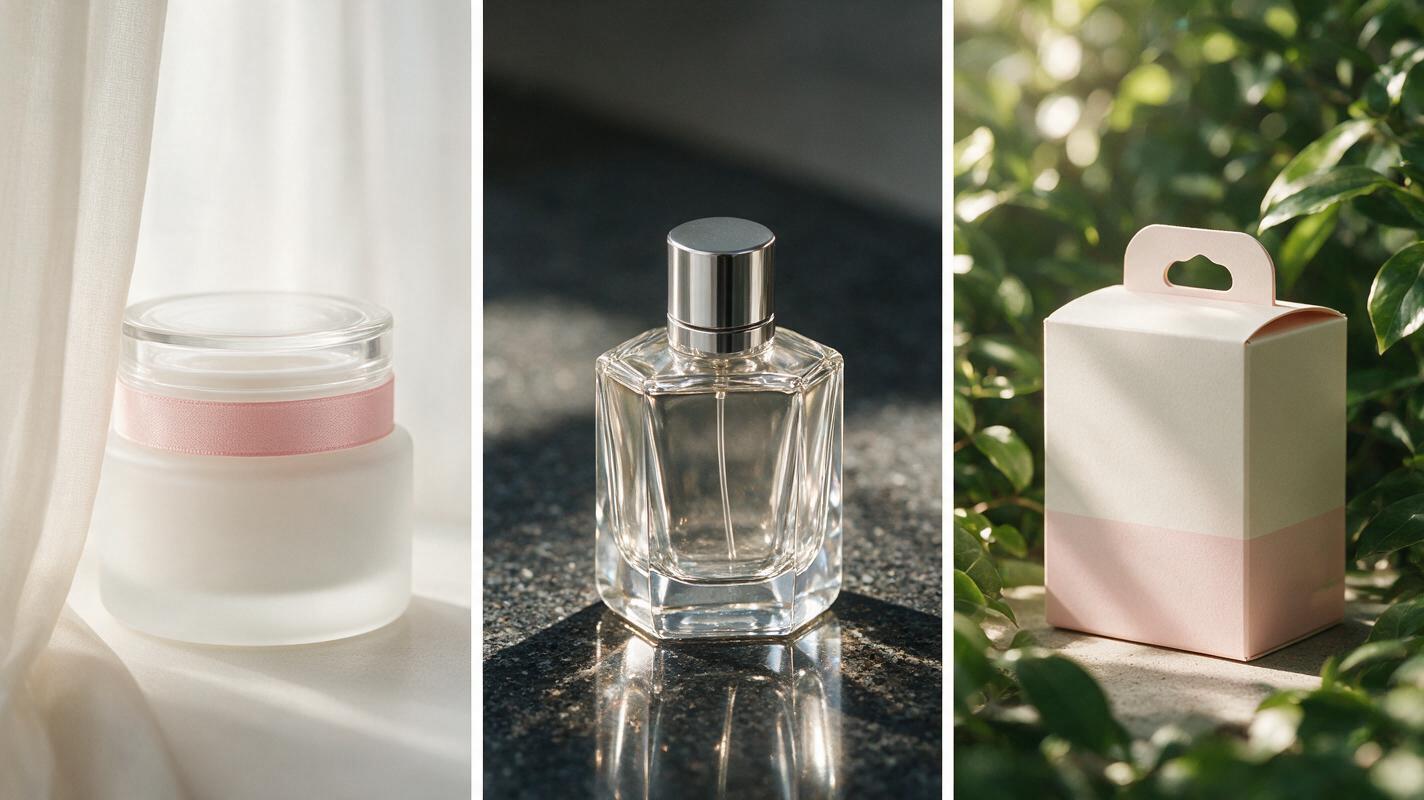
| Photographed scene | Motion to request | Detail to protect |
|---|---|---|
| Skincare jar beside a sheer curtain | A faint curtain shadow drifts across the backdrop | Jar proportions and lid alignment |
| Perfume bottle on reflective stone | Reflected light shifts gently on the stone | Logo, glass outline, and liquid level |
| Boxed product near foliage | Soft leaf shadows move behind the box | Printed type and box corners |
For a perfume still, use a prompt such as:
Animate only subtle environmental light in this existing perfume product photograph. The bottle, label, liquid level, and camera remain fixed. A narrow, soft reflection moves slowly across the stone surface beside the bottle, not across the printed label. Maintain the original composition and realistic glass edges. No camera move, bottle rotation, splashing, or altered typography.For a boxed product, substitute a background leaf shadow for the reflection. If the real photograph has no plausible window, foliage, or reflective surface, do not introduce one merely to make the shot feel animated. A small, credible lighting change often looks more expensive than an elaborate effect that conflicts with the set.
Troubleshoot the label before polishing the clip
Generated video may reinterpret fine print even when a prompt says to preserve it. Review a paused frame at normal delivery size, then inspect the label at full resolution. The final check matters most if the clip will appear on a product page, where viewers can stop or replay it.
- Letters wobble: Reduce motion near the product and ask for movement only on the background. If that fails, use the generated clip as a moving background rather than a finished product shot.
- The bottle changes shape: Remove camera moves and competing motion instructions. Test a shorter, simpler action.
- A reflection covers the logo: Specify the tabletop or wall as the location of the light change, and keep the label evenly lit.
- Edges shimmer: Compare the source photograph with several frames. An unstable cap, handle, or box corner is easier to spot when the images are viewed side by side.
Client-safe rule: A convincing clip is not necessarily an accurate clip. Treat packaging copy, claims, logos, and product geometry as approval items, not decorative details.
Use the original product when generation cannot hold it
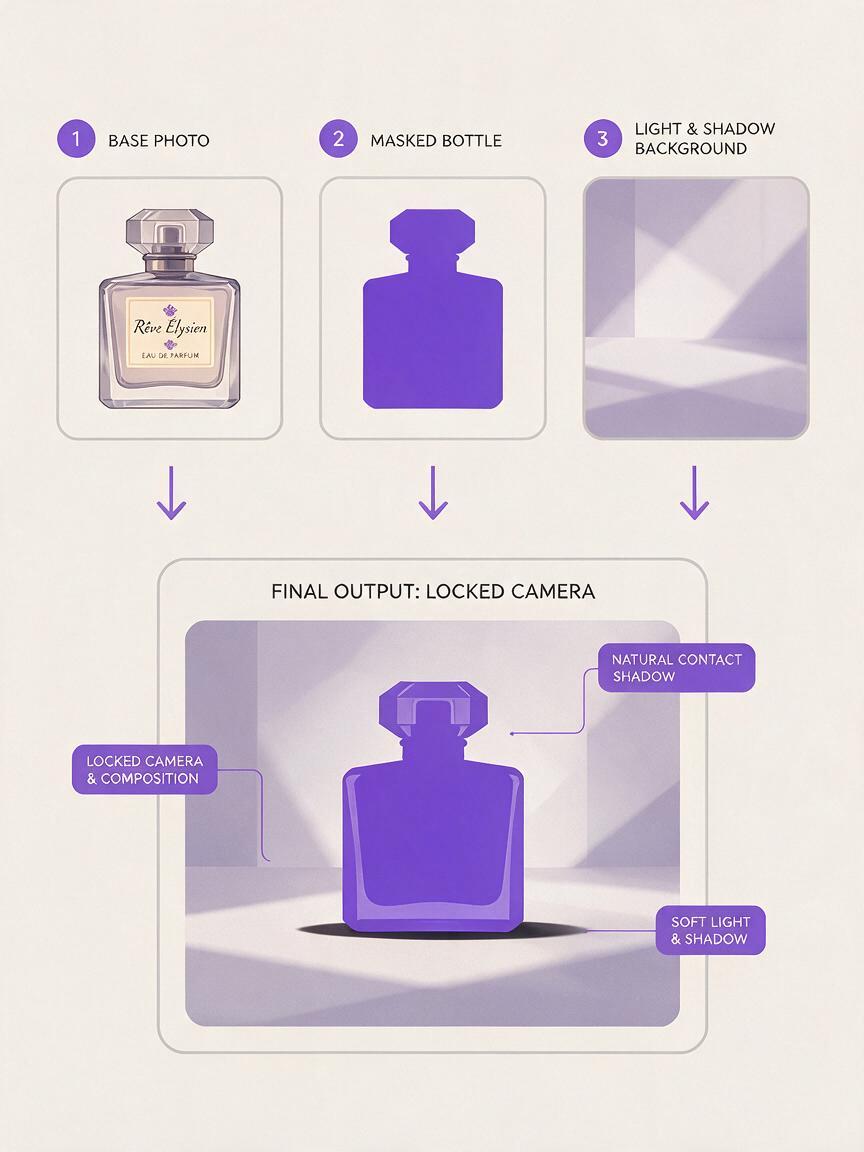
If repeated generations distort the package, keep the useful environmental motion and restore the approved photographed product in an editor. This works best when the camera is locked: the original product can sit above the moving background without needing to follow a changing perspective.
Export the generated clip, place the original still above it, and mask around the photographed product. Feather the mask carefully at glass edges and transparent areas; preserve a believable contact shadow so the object does not appear pasted on. If the generated background changes immediately behind clear glass, a simple mask may look wrong. In that case, reduce the background motion, refine the composite, or return to the still photograph.
This fallback also gives the photographer a clear approval boundary: the client's actual package comes from the approved image, while the generated element supplies atmosphere. Test this prompt yourself with a locked-off product photograph, and judge the result by the packaging as closely as by the motion.
Final checklist
- The opening frame matches the approved product photograph.
- Motion has a believable source and does not compete with the product.
- The logo, fine print, shape, and liquid level remain accurate throughout.
- The last frame has been inspected, not just the preview in motion.
- Any composited original product has natural edges, reflections, and contact shadows.
- The client knows which parts of the delivered clip were generated or composited.
Keywords
runway product animation, product photo motion, image to video, commercial photography, packaging label, product video prompts