Runway vs Seedance for Outfit Animation From Lookbook Images
This side-by-side comparison evaluates Runway and Seedance for animating static lookbook images into short fashion outfit clips, focusing on garment detail preservation, motion naturalness, and styling consistency. It includes a standardized test setup, clear use case tradeoffs, and a reusable prompt template for fashion designers and stylists. Readers will learn which tool best fits their needs, from quick social media reels to high-end campaign assets.
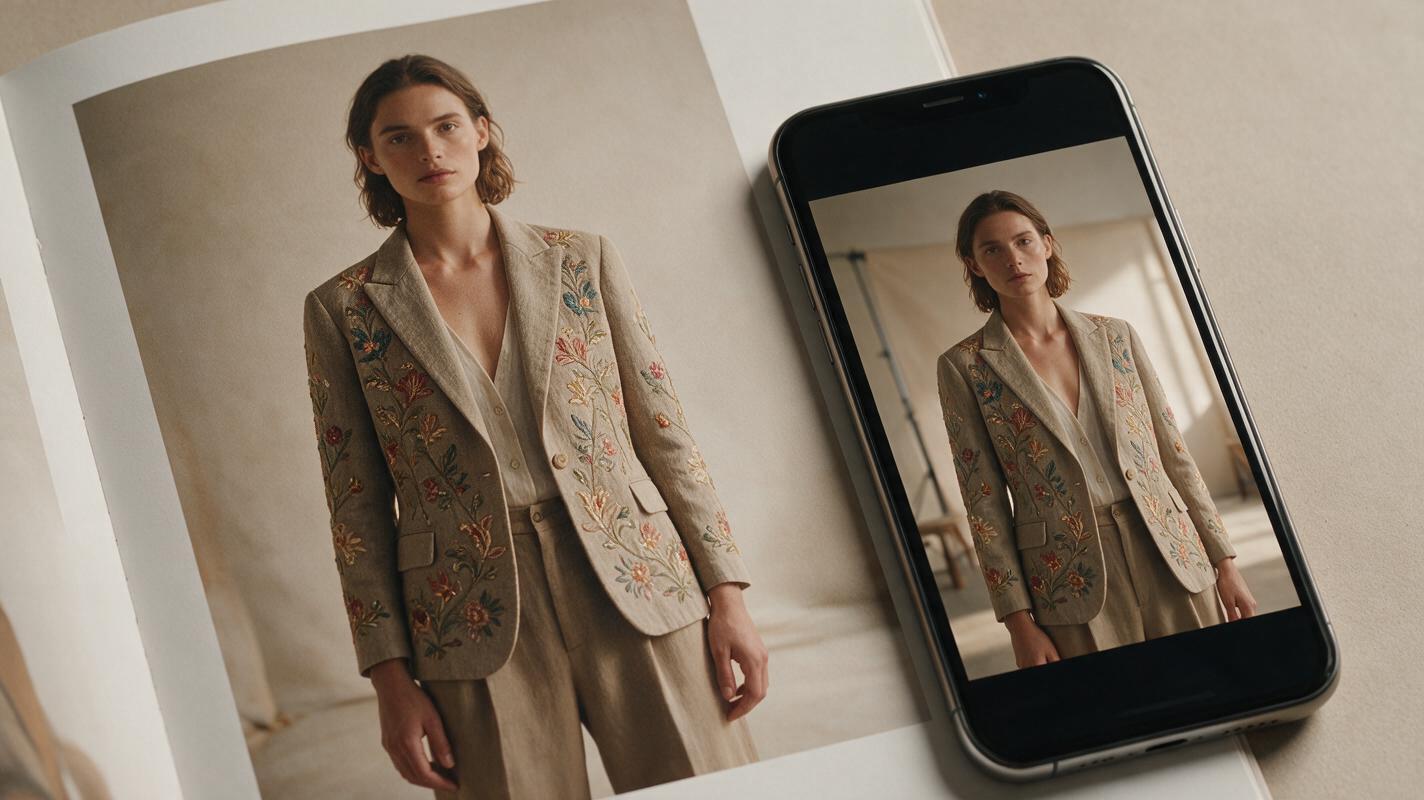
Table of contents
Why tool choice matters for lookbook outfit animation
If you’ve ever turned a perfectly shot lookbook still into an animated clip only to find warped seams, softened embroidery, or stiff, unnatural model movement, you know how much time gets wasted fixing AI-generated motion. For fashion designers and stylists, the goal isn’t just to make an image move—it’s to preserve every design detail that makes the garment special, from hand-stitched accents to the drape of a luxury fabric.
Both Runway and Seedance are popular tools for this work, but they prioritize different features that have a huge impact on fashion-specific outputs. This comparison uses a standardized test to evaluate both tools across the metrics that matter most for lookbook animation, so you can pick the right tool for your next social reel, campaign landing page, or editorial project.
Test setup for a fair comparison
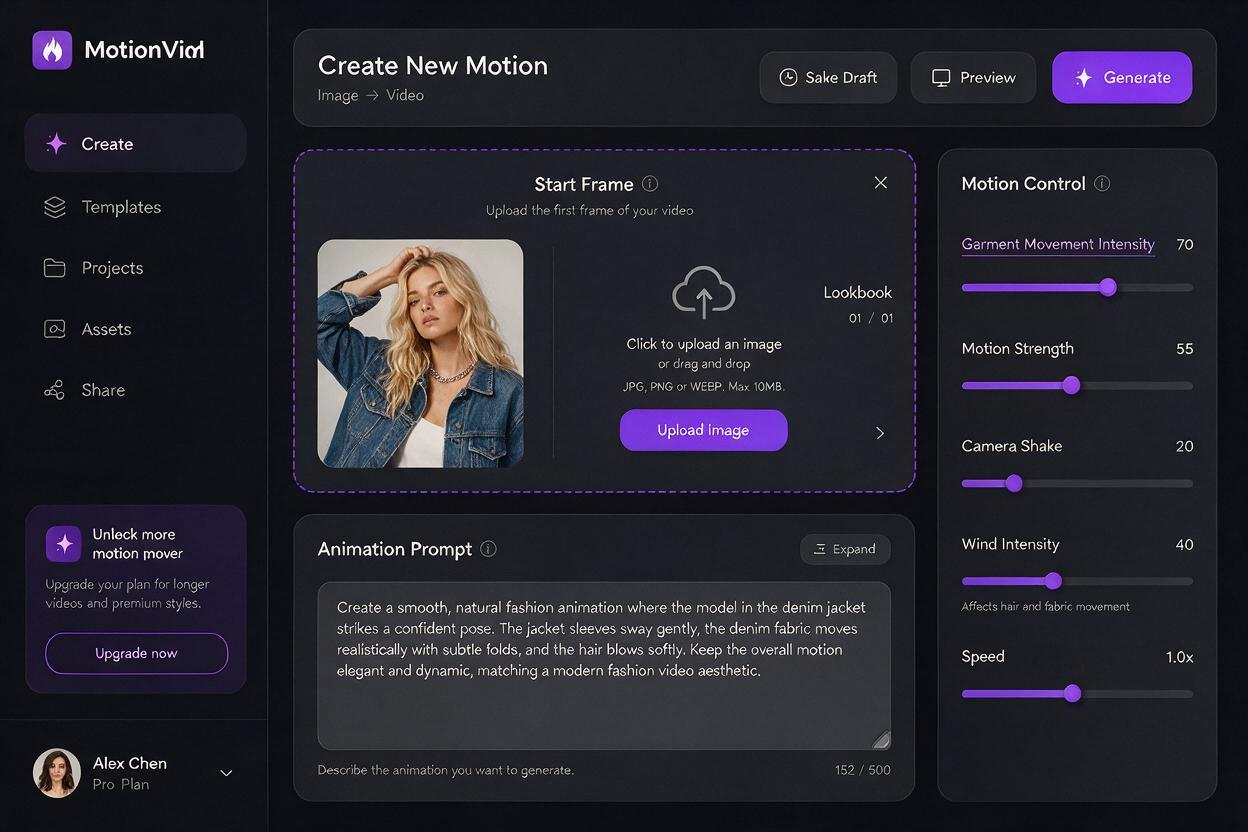
To ensure an apples-to-apples comparison, we used the same input asset and prompt for both tools:
- Input image: High-resolution editorial lookbook photo of a model in a structured charcoal wool blazer with hand-embroidered floral cuffs, ivory satin wide-leg trousers, and thin gold strappy heels, shot against a neutral off-white studio backdrop.
- Prompt: 8-second clip, subtle natural movement, model shifts weight gently from one leg to the other, blazer fabric sways slightly at the hem, trouser leg falls softly with gravity, slow 10% camera push-in, cinematic fashion editorial lighting, 4K.
- Base settings: Default motion intensity, 24fps, no additional reference images.
We evaluated each output on four fashion-focused criteria: garment detail preservation, motion naturalness and control, styling and accessory consistency, and workflow speed/export quality.
Garment detail preservation
For fashion creatives, this is the make-or-break metric: if the tool distorts your garment’s construction, prints, or details, the clip is unusable for professional work.
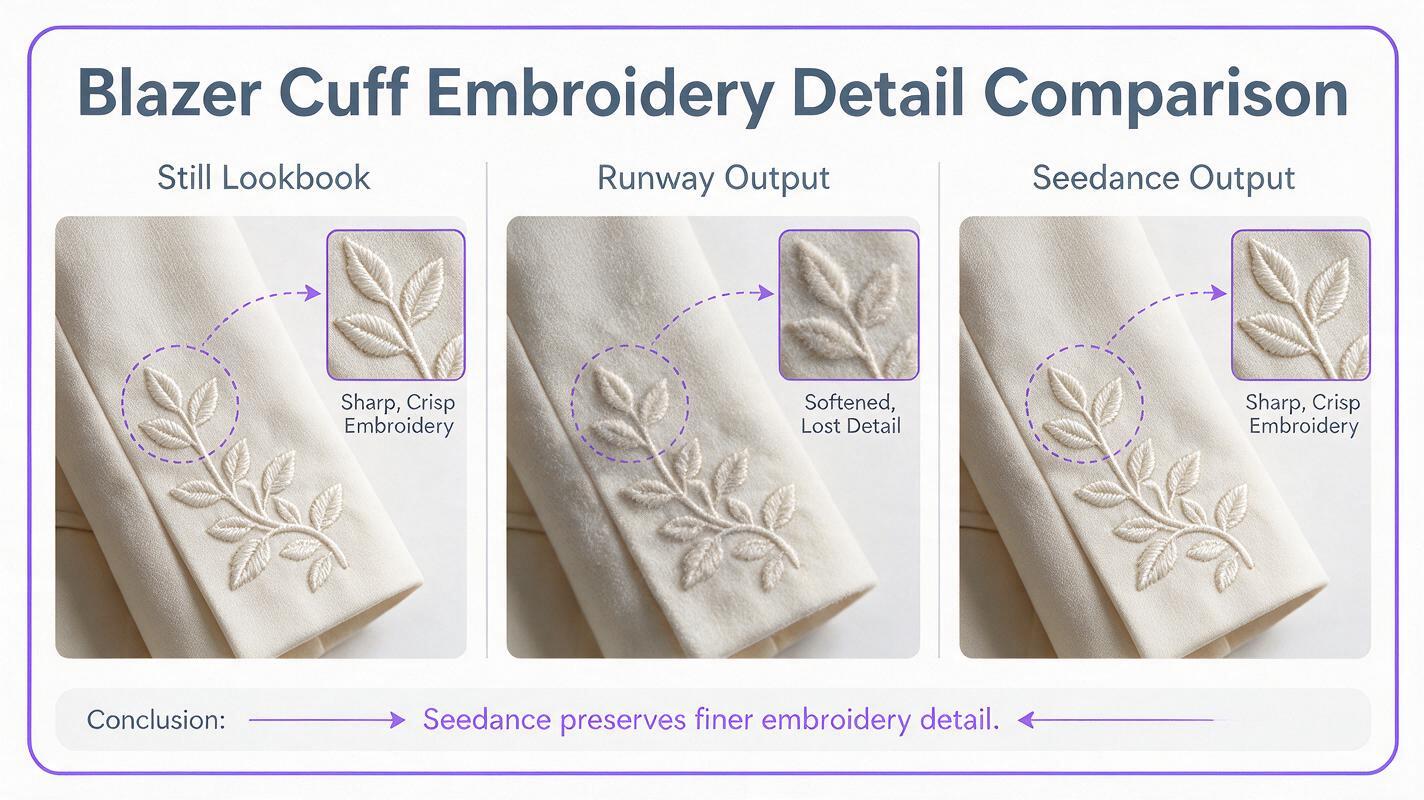
Seedance delivered the strongest performance here. The embroidered floral details on the blazer cuffs remained sharp and perfectly aligned across all 8 seconds of the clip, with no blurring or warping. The wool blazer’s structured shoulder line stayed intact, and the satin trousers’ creases moved naturally without twisting or distorting the fabric’s sheen.
Runway’s output was solid but showed minor softening of fine details. The embroidery on the cuffs lost some sharpness during movement, and the blazer’s shoulder seam had slight waviness when the model shifted weight. For simple garments with minimal detailing, this may not be noticeable, but for high-end or intricately designed pieces, it can require additional editing.
Pro tip: For structured garments like blazers, tailored coats, or pieces with intricate prints, add “preserve garment construction, no seam warping, keep fine details sharp” to your prompt to reduce distortion in any image to video tool.
Motion naturalness and control
A great animated lookbook clip feels effortless—like a split second from a real fashion shoot, not a stiff AI-generated sequence.
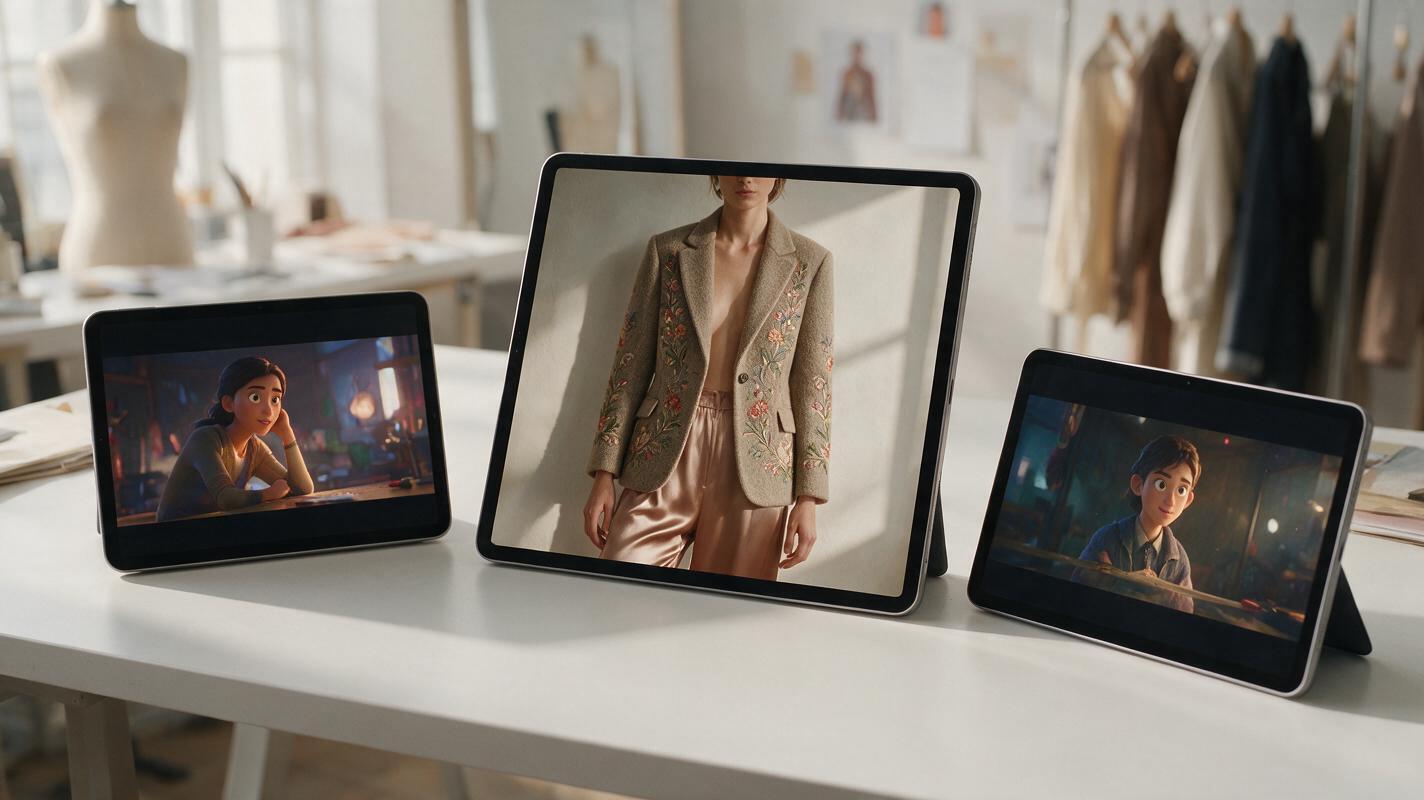
Runway excels at organic, human-like movement. The model’s weight shift felt natural, with subtle corresponding movement in the torso and head that made the clip feel alive. The motion pacing matched typical editorial fashion video rhythm, making it easy to drop directly into social media reels.
Seedance’s movement was slightly more rigid overall, but it offered far more granular control over which parts of the frame move. This is particularly useful for fashion work: you can lock structured parts of a garment (like a blazer’s bodice) while allowing softer parts (like a hem or scarf) to move, reducing the risk of unwanted distortion in tailored pieces.
Styling and accessory consistency
Small styling details—like a thin gold belt, stud earrings, or the exact shade of a lipstick—tie a look together, and losing them in animation can make the clip feel disconnected from your brand’s visual identity.
Seedance maintained 100% consistency with all styling elements from the original still. The thin gold belt stayed in place, the model’s stud earrings remained visible and unchanged, and the lipstick shade matched perfectly across every frame.
Runway’s output had minor inconsistencies with small accessories. The model’s earrings became slightly blurred and changed shape subtly during the weight shift, and the belt’s gold finish lost some of its metallic sheen. These are small details, but they add up for brands with strict visual guidelines.
Workflow speed and export quality
Your tool’s workflow and export options matter just as much as output quality, especially when you’re working on tight campaign deadlines.
Runway has a faster initial render time—our 8-second clip rendered in roughly 2 minutes, compared to 3.5 minutes for Seedance. It also has a more intuitive interface for beginners, with pre-built motion presets that make it easy to get started quickly.
Seedance takes longer to render, but it offers more professional export options: 4K resolution at up to 60fps, ProRes export, and alpha channel support for overlaying clips on campaign assets. These features make it a better fit for high-end campaign work or broadcast use.
Which tool should you use?
The right choice depends on your project’s goals, budget, and garment type:
- Choose Runway if: You’re making quick social media reels, working with simple garments without intricate details, or prioritize natural, organic model movement over precise garment control. It’s also the better pick for teams new to AI animation, thanks to its user-friendly interface.
- Choose Seedance if: You’re working with detailed, structured, or high-end garments (embroidery, prints, tailoring), need broadcast-quality exports for campaigns or landing pages, or want granular control over which parts of the outfit move. It’s also the more reliable option for brands with strict visual consistency requirements.
For most fashion teams, both tools have a place in your workflow: use Runway for fast social content, and Seedance for premium campaign assets where detail preservation is non-negotiable.
Reusable prompt template for outfit animation
Use this customizable prompt template with either tool to get consistent, fashion-forward results from your lookbook stills:
[duration]-second fashion outfit animation, start frame from lookbook image,
subtle natural movement: [specific motion, e.g. "model shifts weight slightly, blazer hem sways gently"],
preserve garment construction, no seam warping, keep all prints and embroidery sharp,
maintain model identity and all accessory details,
[lighting note, e.g. "soft studio lighting, cinematic editorial tone"],
[resolution/framerate, e.g. "4K, 24fps"]
Adjust the specific motion, lighting, and resolution details to match your project’s needs. For structured garments, add “lock structured garment areas, minimal torso movement” to reduce distortion.
test this prompt yourself with your own lookbook images to see which tool aligns best with your brand’s aesthetic.
Key takeaways
- Seedance outperforms Runway on garment detail preservation, making it the better choice for intricate, tailored, or high-end fashion pieces.
- Runway delivers more natural, organic model movement and faster render times, ideal for quick social media content.
- Both tools can produce professional results, but their strengths align with different use cases—keep both in your workflow for maximum flexibility.
- Add garment preservation language to your prompts to reduce distortion, regardless of which tool you use.
Keywords
runway vs seedance, outfit animation, lookbook images, image to video, fashion campaign clips, garment preservation, ai video for fashion