Seedance Prompts for Animated Diagrams Without Warped Labels
Animate educational diagrams with Seedance while keeping labels readable, arrows meaningful, and scientific relationships accurate. This practical guide uses a layered production method that separates generated motion from typography and other precision elements.
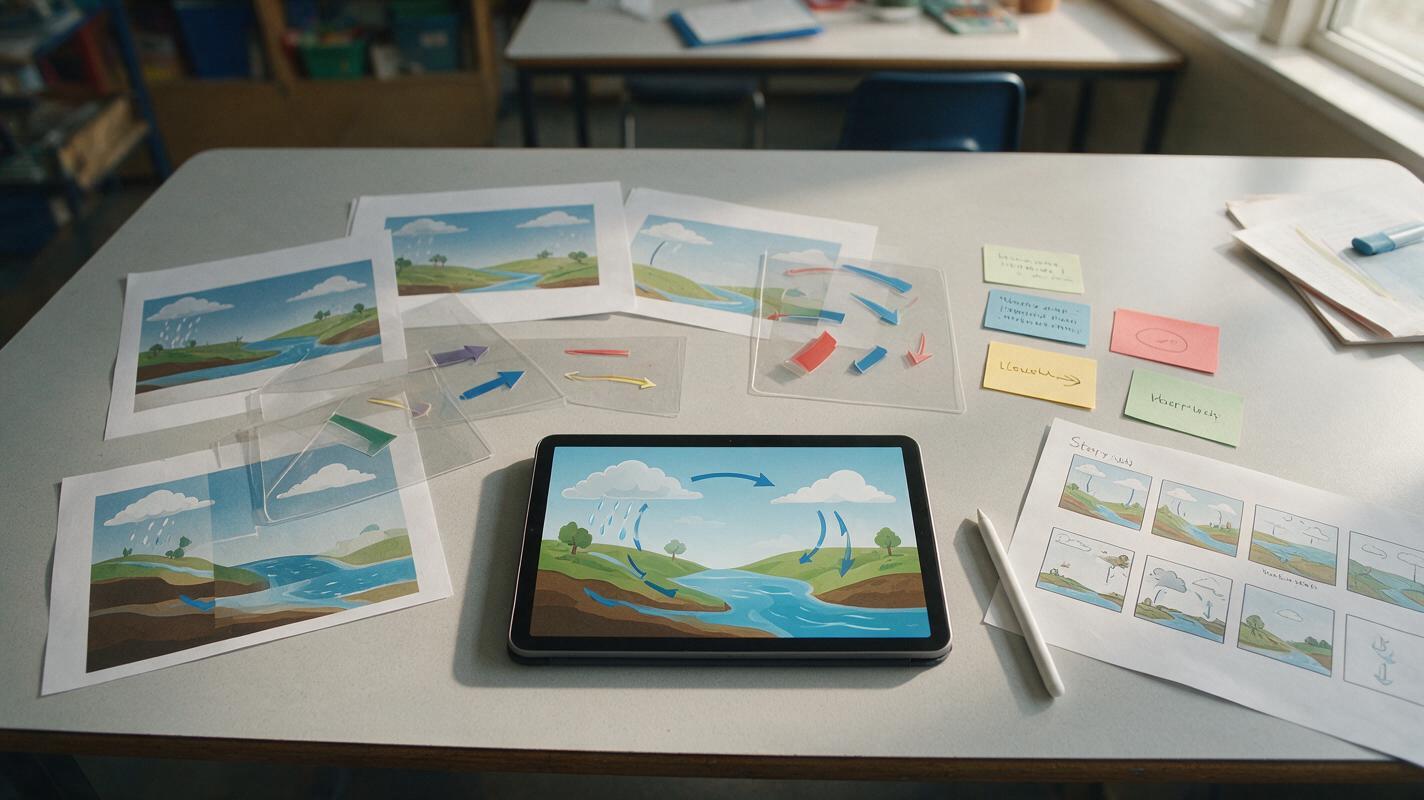
Table of contents
Animate the concept, not the typography
For readable educational animation, let Seedance move the visual system while your editor protects the labels, arrows, values, and definitions.
Animating a diagram can make a difficult process easier to understand, but generated motion often bends labels, changes arrow directions, or invents details between frames. The safest solution is not a longer prompt. It is a layered workflow: create a clean diagram, remove fragile typography, animate one relationship at a time, and restore verified labels during editing.
This method works especially well for water cycles, food webs, circulation diagrams, electrical systems, geological processes, and other lesson visuals in which motion should clarify a relationship rather than decorate the page.
Separate the teaching layers before animation
A classroom diagram usually combines several kinds of information. Seedance does not need to generate all of them simultaneously. Divide the source into three layers before creating motion:
- Visual layer: objects, organs, landforms, containers, particles, or other illustrated components.
- Motion layer: the direction, timing, and extent of a change that students need to notice.
- Precision layer: labels, measurements, legends, formulas, captions, and assessment cues.
Keep the visual layer in the source image and describe the motion layer in the prompt. Add the precision layer after generation. This prevents the model from repeatedly redrawing small text and gives the instructor direct control over every factual statement.
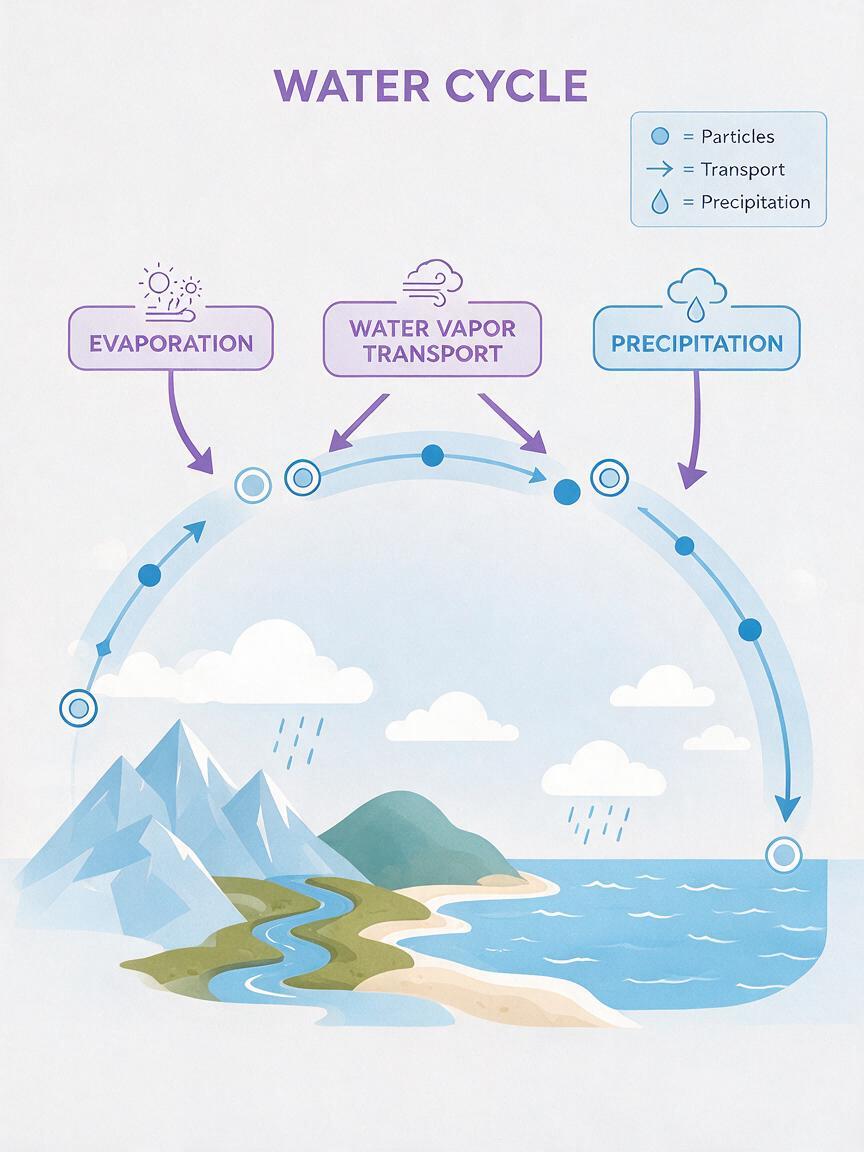
For example, an animated water-cycle source can contain the sun, sea, clouds, mountains, and land. Remove words such as “evaporation” and “condensation” before generation. Reapply those labels as normal text overlays after selecting the final clip.
Prepare a source frame that can survive motion
Start with a wide, uncluttered diagram that has clear separation between components. A source image with overlapping arrows, dense paragraphs, decorative textures, or tiny repeated symbols gives the model too many details to preserve.
- Use one consistent illustration style.
- Leave open space for captions and labels.
- Remove arrows unless they must remain physically fixed.
- Give moving particles a simple, recognizable appearance.
- Keep the background static and visually quiet.
- Export at the same aspect ratio required by the lesson video.
Upload this clean frame to an image to video workflow rather than asking the model to recreate the entire diagram from text. The image establishes composition; the prompt can then concentrate on controlled motion.
Prompt motion as one visible relationship
The most reliable prompt describes a single instructional event. State what moves, where it moves, what stays fixed, and how the camera behaves. Avoid vague requests such as “bring this science diagram to life,” which invite decorative movement across the whole frame.
Educational diagram animation. Small blue water particles rise slowly from the ocean surface toward the cloud layer, showing evaporation. The coastline, mountains, sun, clouds, and background remain completely fixed. No camera movement. No new objects, labels, arrows, or text. Clean restrained motion, clear enough to follow in a lesson.This structure gives the model an observable action and a defined stopping boundary. It also tells the viewer what the animation represents without requiring generated typography.
Use this reusable pattern for other subjects:
Educational diagram animation. [SUBJECT] moves from [START] toward [END], showing [RELATIONSHIP OR PROCESS]. [FIXED ELEMENTS] remain completely still. No camera movement. Do not add, remove, duplicate, or transform any components. No text or labels. Restrained motion with a clear beginning and end.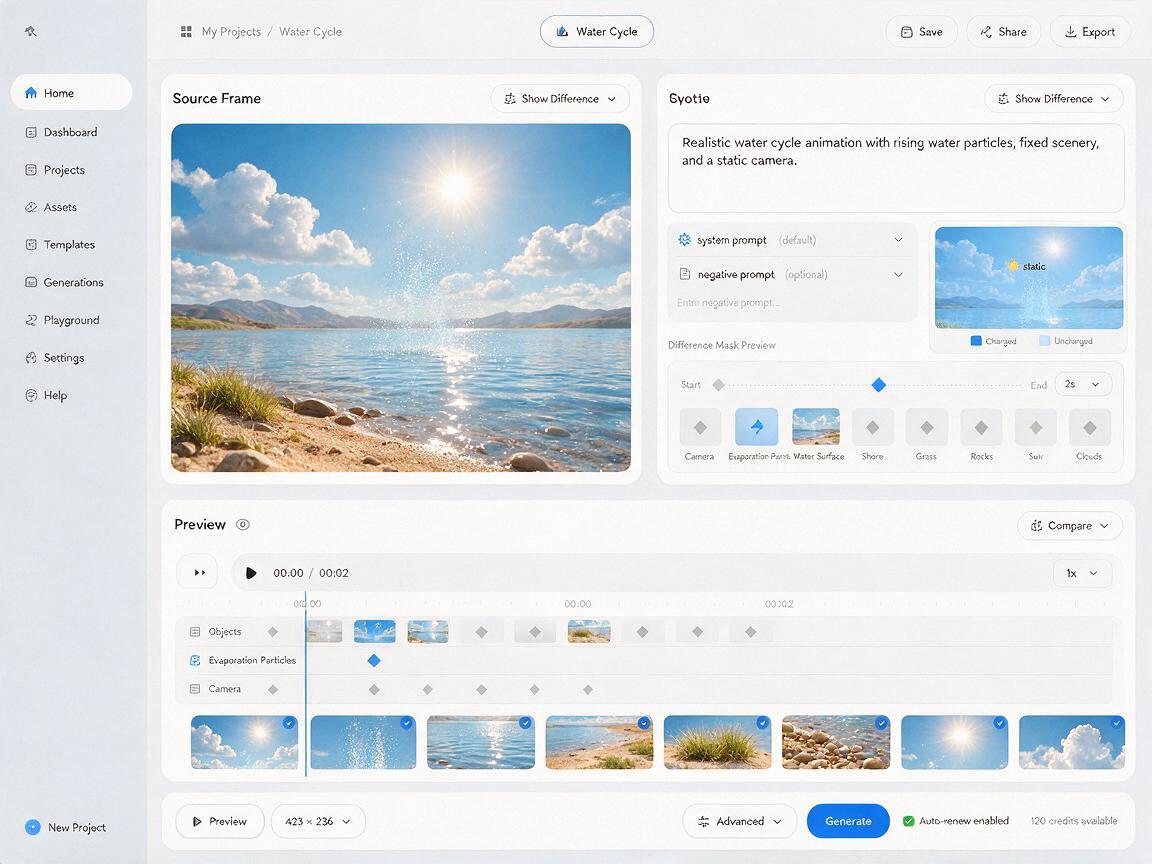
Use prompts matched to the lesson objective
Blood flow through one chamber
Flat educational heart diagram. A short stream of red markers travels through the indicated chamber and exits through the connected vessel. Preserve the exact heart structure and vessel connections from the source image. All anatomy remains fixed. No pulsing camera, no new vessels, no text, and no anatomical redesign.Generate separate clips for separate pathways. Trying to show the complete circulation cycle in one generation makes direction errors harder to notice and correct.
Energy transfer in a food chain
Educational food-chain diagram with four fixed organisms. A soft pulse travels once from the plant to the herbivore, then stops. The organisms do not move or change appearance. Preserve their positions and relative sizes. No additional animals, arrows, labels, or environmental motion. Static camera.The pulse is a conceptual cue, not a literal object. Explain that distinction in narration or a caption so learners do not mistake the visualization for direct observation.
Current in a simple circuit
Clean circuit teaching diagram. Small luminous markers move continuously in one consistent direction along the existing closed wire path. The battery, lamp, switch, and wire geometry remain unchanged. No sparks, no camera motion, no new branches, and no text. Preserve a steady restrained speed.Before using the result, confirm that the chosen particle direction matches the convention taught in your course. Conventional current and electron flow use opposite directions.
Protect arrows, labels, and numerical values
Generated arrows can rotate, split, or point toward the wrong component. Labels can mutate between frames, while numerical values may change even if they looked correct in the source. Treat these elements as editor-controlled assets.
| Element | Generate with motion? | Safer treatment |
|---|---|---|
| Object or particle movement | Yes | Describe one path with fixed boundaries |
| Directional arrows | Usually no | Add animated vector arrows in the editor |
| Labels and definitions | No | Overlay editable text after generation |
| Measurements and formulas | No | Use verified static graphics |
| Conceptual glow or pulse | Sometimes | Explain that it is a visual model |
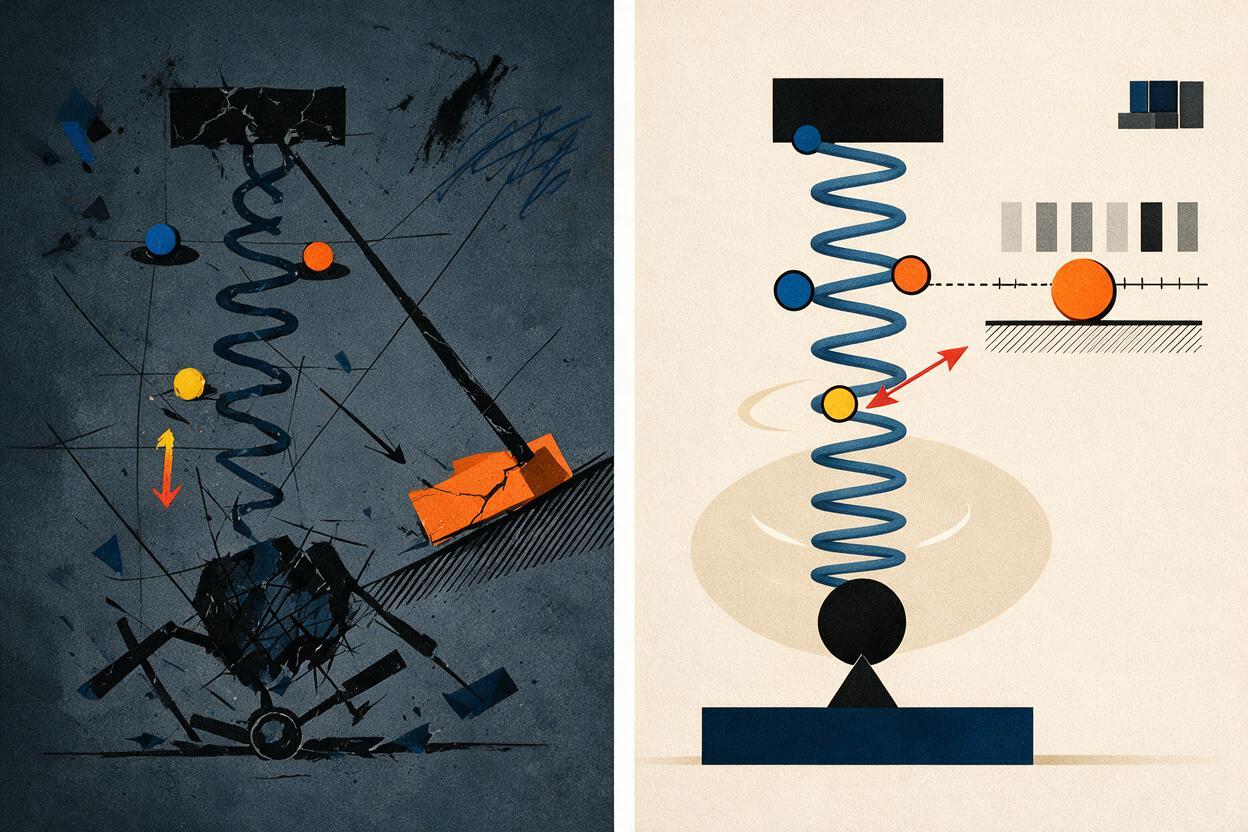
If the arrow itself is the teaching focus, animate it separately as a graphic overlay. This gives you exact control over its direction, speed, color, and endpoint without asking the model to preserve a fragile symbol across every frame.
Generate short clips and assemble the explanation
Use the ai video generator to produce short clips that each communicate one change. A complex cycle can then be assembled from several controlled segments:
- A stable establishing frame introduces the complete system.
- One animated segment shows the first relationship.
- A pause allows the corresponding label to appear.
- The next segment introduces the following relationship.
- A final static frame shows the complete labeled diagram.
This rhythm reduces visual competition. It also lets instructors stop after any segment to ask a prediction question, review a misconception, or replay a difficult transition.
Keep camera movement disabled unless spatial navigation is genuinely part of the lesson. Zooming, orbiting, and dramatic depth effects may make a flat diagram look impressive, but they can also change the apparent positions and relationships students are expected to learn.
Check the result for instructional drift
Review the clip frame by frame before adding it to a course. Do not evaluate only whether the animation looks smooth. Ask whether it continues to teach the intended relationship.
- Path: Does the moving element follow the correct route?
- Direction: Does it travel in the intended direction throughout the clip?
- Topology: Do connections remain attached to the correct components?
- Quantity: Are objects duplicated, removed, or transformed?
- Timing: Can a learner identify the cause and resulting change?
- Interpretation: Could a conceptual cue be mistaken for a literal observation?
- Accessibility: Is the relationship also communicated through narration, captions, or patterns rather than color alone?
Reject a visually polished clip if it reverses a pathway, creates an impossible connection, or suggests unsupported causation. Regenerate only the faulty teaching beat instead of rebuilding the entire sequence.
Fix common animated-diagram failures
The entire diagram starts moving
Name every element that must remain fixed and add “static camera.” Reduce the prompt to one subject, one path, and one action.
Particles appear from nowhere
Define both the origin and endpoint. If the lesson involves conservation of matter, make the initial particle group visible in the source frame so students can track it.
The model changes the diagram structure
Shorten the clip and simplify the source image. Use explicit preservation language such as “keep all connections, positions, and relative sizes unchanged.”
The result is attractive but scientifically misleading
Remove cinematic effects that imply a false mechanism. Replace dramatic transformations with a restrained pulse, path marker, fade, or editor-made arrow. Add a caption such as “conceptual model” when the visible cue is not literally present in the real system.
Final checklist
- The source frame contains no text that Seedance must preserve.
- Each clip shows one observable relationship.
- The prompt identifies moving and fixed components.
- The camera remains static unless movement has instructional value.
- Labels, arrows, formulas, and measurements are added in editing.
- Scientific direction, connections, quantities, and timing are verified.
- Conceptual motion cues are identified as models where necessary.
- Captions or narration communicate information not conveyed by color alone.
When your source frame is ready, test this prompt yourself and begin with the smallest motion that makes the relationship easier to understand.
Keywords
seedance prompts, animated diagrams, educational animation, image to video, lesson visuals, scientific visualization, course videos