Seedance Prompts for Moving Sunlight in Architecture Render Animations
Animate a still architecture render with changing sunlight while keeping the camera and building visually stable. These Seedance prompts cover a facade, a courtyard, and an interior, with checks for shadow direction and geometry drift.
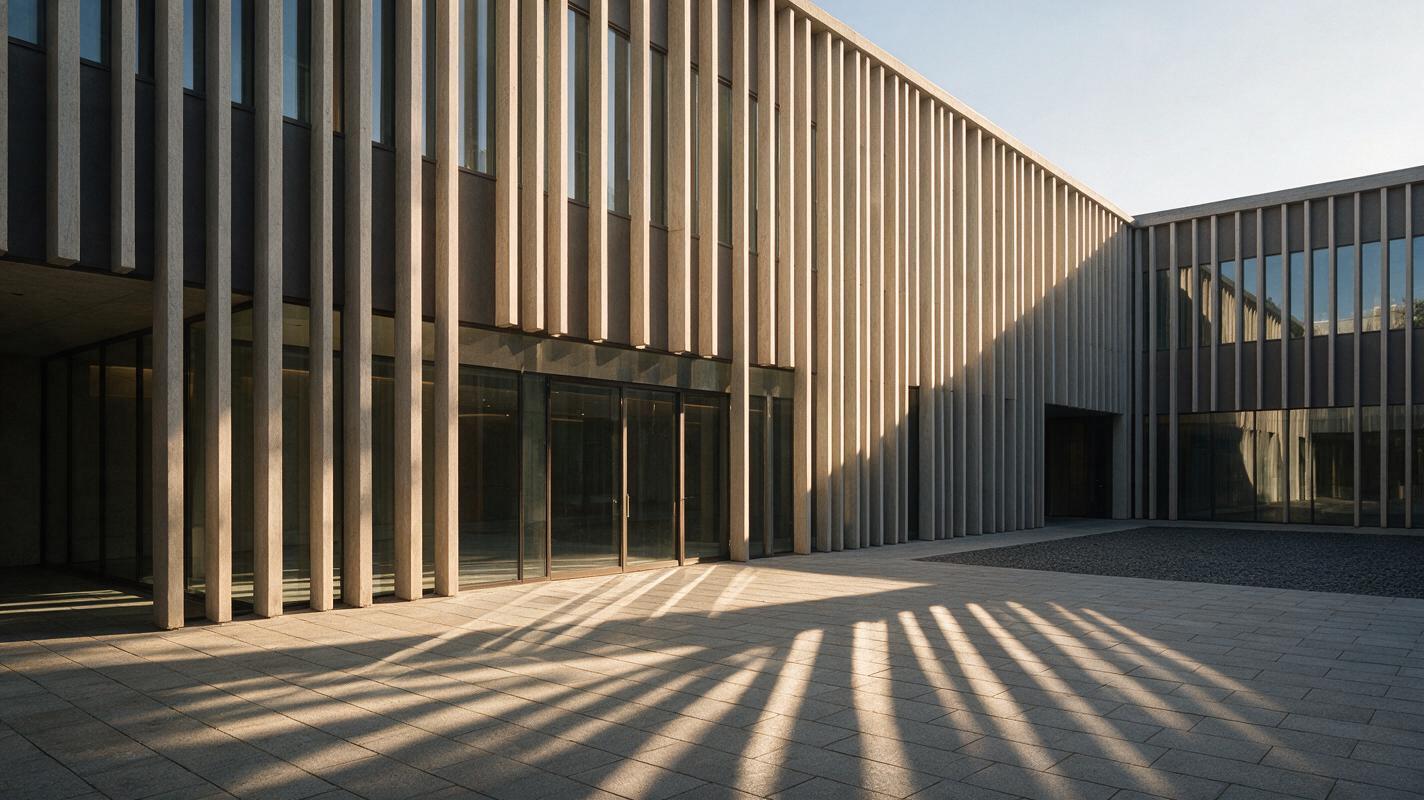
Table of contents
Make the light move, not the building
A moving-sunlight animation can make one architecture render useful in a presentation—but only if the walls, windows, and camera stay put. The most reliable starting point is a finished still render and a prompt that describes one restrained lighting change. Treat the result as a visual concept, not a measured solar study: generated shadows may look plausible without matching the site’s actual sun path.
The Seedance prompts below are designed for short, fixed-camera clips. They give you different ways to show changing light across a facade, courtyard, or interior while making unwanted architectural changes easier to spot.
Choose a render with readable shadows
Start with an image whose geometry has already been approved for the purpose of the presentation. A three-quarter exterior view often makes shadow movement easier to read than a flat elevation, because the viewer can see light crossing both vertical and horizontal surfaces. Keep enough ground or paving in frame to reveal the direction of the cast shadows.
- Use a clean source: Remove temporary markup, selection outlines, and interface elements before uploading.
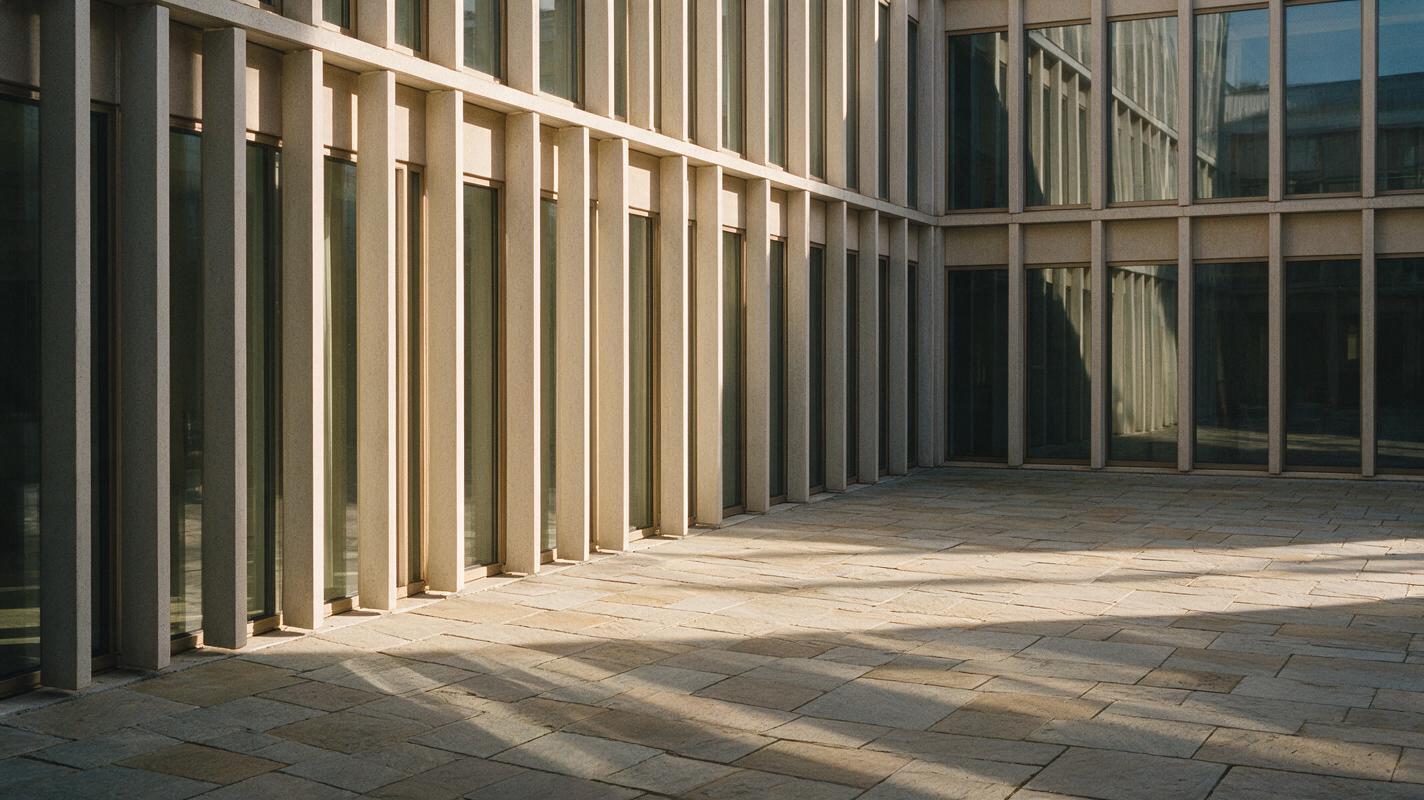
- Keep reference features visible: Window mullions, parapet edges, door openings, and paving joints help you check whether the building changes.
- Prefer a modest lighting shift: A short passage from earlier to later afternoon is easier to control than a full sunrise-to-night sequence.
If the brief requires a particular date, latitude, or compliance result, establish the sun position in architectural software first. Use the generated clip to communicate the visual effect, not to replace that analysis.
Hold the camera and geometry fixed
For an image to video generation, upload the approved render as the starting image and make the requested motion explicit. Here, the moving subject is illumination; the camera is not supposed to orbit, push in, or reframe.
Use the supplied architecture render as the exact starting composition. Locked-off camera, fixed viewpoint and focal length. Preserve the building massing, window count, mullion positions, roofline, facade materials, paving layout, and surrounding objects. Over this short clip, sunlight shifts gradually across the facade and the cast shadows move coherently across the ground. Natural exposure adjustment only. No camera movement, object movement, added architecture, changing reflections that alter the facade, or scene transition.The preservation instructions matter most at edges: a drifting mullion can make a convincing-looking clip unusable for design review. Test this prompt yourself on a short clip before committing to a longer presentation sequence.
Prompt for the surface that tells the story
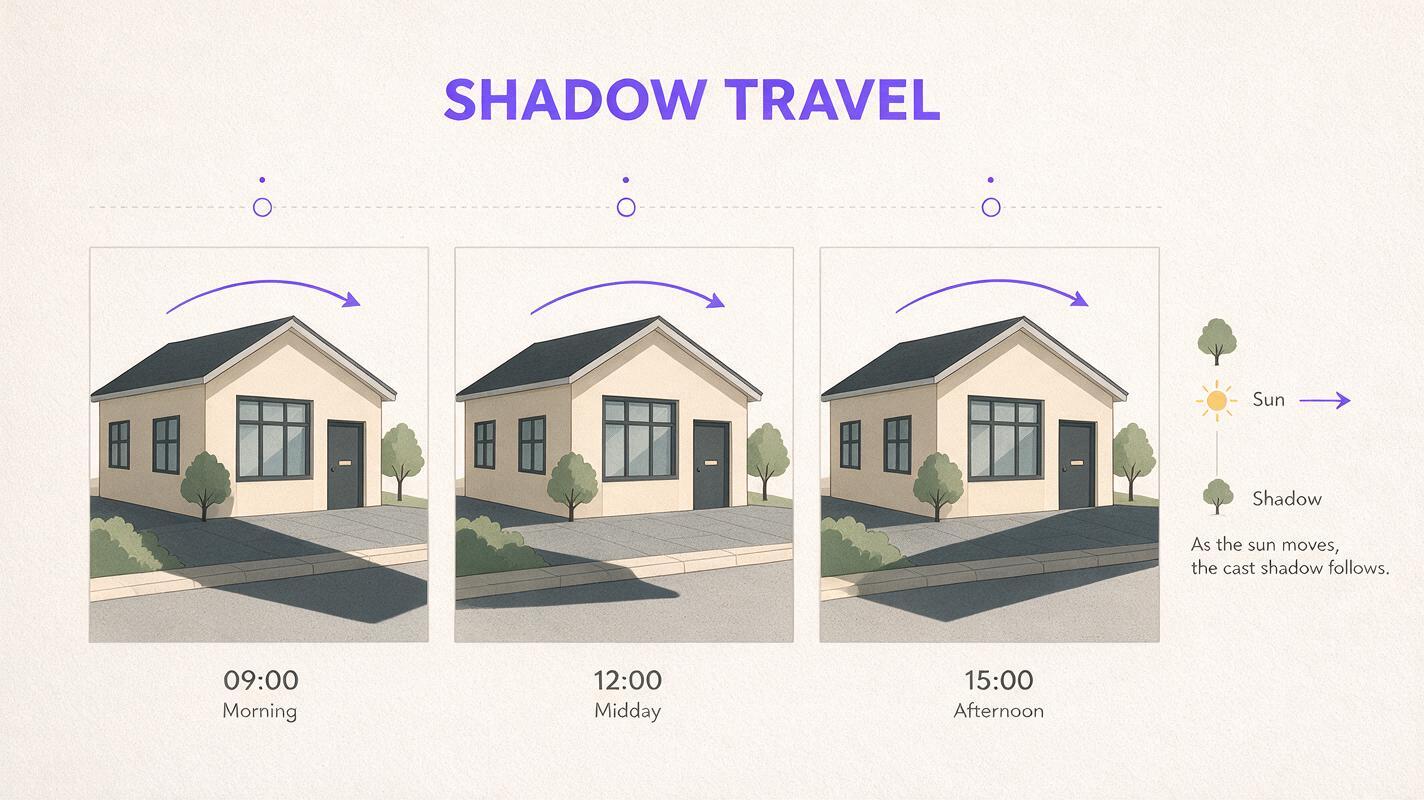
A broad request for a “beautiful time-lapse” leaves too much room for the scene to change. Name the surfaces where the viewer should see the effect, and specify what must remain unchanged.
Facade: track shadows across a regular grid
Use this when fins, reveals, or projecting slabs give the facade a clear pattern of shadows. Watch whether the shadow movement agrees across repeated elements.
Animate this approved facade render from a fixed camera. Afternoon sunlight changes gradually, and the shadows cast by the existing vertical fins travel consistently across the existing wall panels. Keep every fin, window, balcony, floor line, material boundary, and neighboring building in its original position. Maintain stable perspective and realistic surface texture. No people or vehicle motion; no new architectural details.Courtyard: show light entering a shared space
Courtyards give the animation a practical focus: how light appears to move across seating, paving, and sheltered edges. Ask for a limited change so those features remain legible.
Use this courtyard render as the unchanged first frame. Fixed wide camera. Show a gentle shift in direct sunlight across the existing paving and seating area while the planted beds and shaded arcade retain their positions. Cast shadows should change direction and length gradually and consistently. Preserve all openings, columns, furniture, planting, and facade geometry. No camera motion, weather change, or redesign.Interior: follow a sun patch without redesigning the room
An interior works best when the window and floor are both visible. Glass can produce unstable highlights, so keep the requested effect centered on the sun patch and its adjacent shadow.
Animate this approved interior render with a locked camera. A patch of warm daylight entering through the existing window moves slowly across the floor and lower wall. Preserve the exact window frame, room proportions, furniture placement, ceiling lines, finishes, and exterior view. Keep exposure changes subtle. No moving furniture, new openings, flickering lamps, or camera movement.Reject clips that change the design
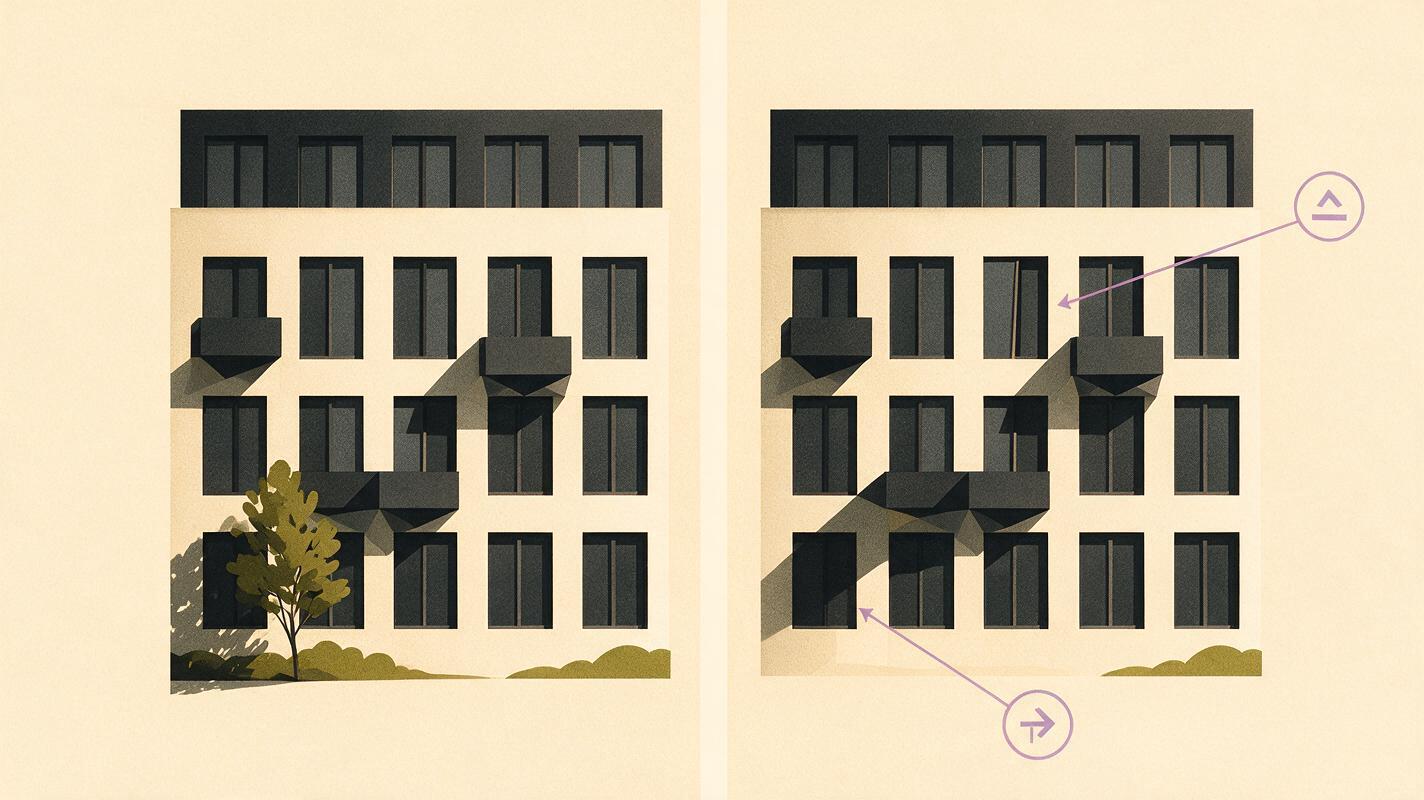
Review the first, middle, and final frames side by side before showing the animation to a client. Pause wherever a shadow crosses a high-contrast edge: that is where shifts in geometry or texture tend to become obvious. A smooth clip is not necessarily a faithful one.
| What you see | Likely problem | What to change |
|---|---|---|
| Window spacing appears to breathe | Facade geometry is being regenerated between frames | Use a shorter clip and emphasize fixed mullion and opening positions. |
| Shadows jump or travel in conflicting directions | The lighting change is too complex or underspecified | Request one slow, consistent shift across named surfaces. |
| The image zooms or drifts | The model treats animation as camera motion | Repeat “locked-off camera” and “fixed framing”; remove cinematic camera language. |
| Glazing turns opaque or changes color | Reflections and exposure are changing the material’s appearance | Reduce the requested lighting range and specify stable glazing. |
| Trees or people move when they should not | Multiple sources of motion compete with the shadow study | Ask for lighting movement only, or use a source render with fewer distractions. |
Presentation safeguard: Label the clip as an illustrative lighting animation when it has not been validated against a site-specific solar study.
Use verified lighting when accuracy is the point
Seedance is useful for communicating an intended atmosphere or testing whether moving shadows make a presentation clearer. It is not the right place to determine exact solar access, hours of direct sun, or the effect of a proposed overhang on a neighboring property. For those questions, generate the required sun positions from a geolocated model with the correct date, time, and site orientation.
You can still combine the two approaches: use the verified views as your factual reference, then decide whether a short illustrative animation helps the audience understand the design. Keep measured results and generated motion clearly distinguished.
Final checklist
- The first frame matches the approved render.
- The camera, openings, facade grid, and material boundaries remain stable.
- Shadow movement is gradual and consistent across connected surfaces.
- The clip does not imply measured solar accuracy it cannot support.
- The final frame still represents the same architectural proposal.
Keywords
seedance architecture animation, moving sunlight animation, architecture render animation, facade shadow animation, courtyard lighting animation, image to video