Seedance Prompts for Branded Course Intros Without Warped Logos
Create short, recognizable course intros with Seedance while keeping logos, titles, and instructor identities stable. This prompt-led workflow separates generative motion from precision branding so the finished video looks polished without distorted marks or unreadable text.
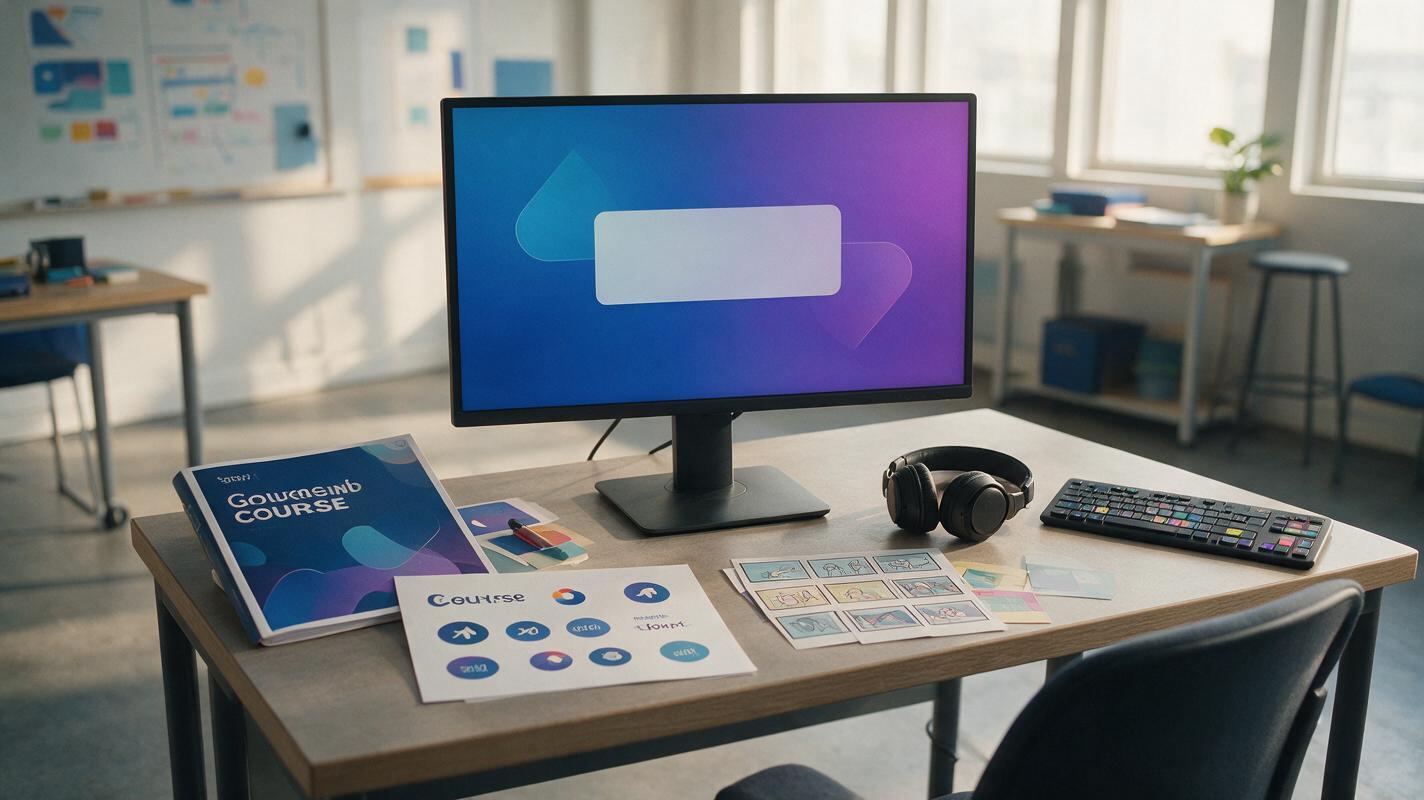
Table of contents
Make the course recognizable without asking AI to redraw the brand
A branded course intro should establish identity quickly, not turn a familiar logo into a moving typographic accident. The safest Seedance workflow is to generate a short visual motion plate, then add the official logo and course title as fixed overlays in an editor. This preserves exact branding while still giving educators and training teams an original animated opening.
The prompts below cover four useful intro formats: a clean brand reveal, an instructor-led opening, a subject-specific visual metaphor, and a reusable transition loop. Each format keeps generated motion away from elements that must remain precise.
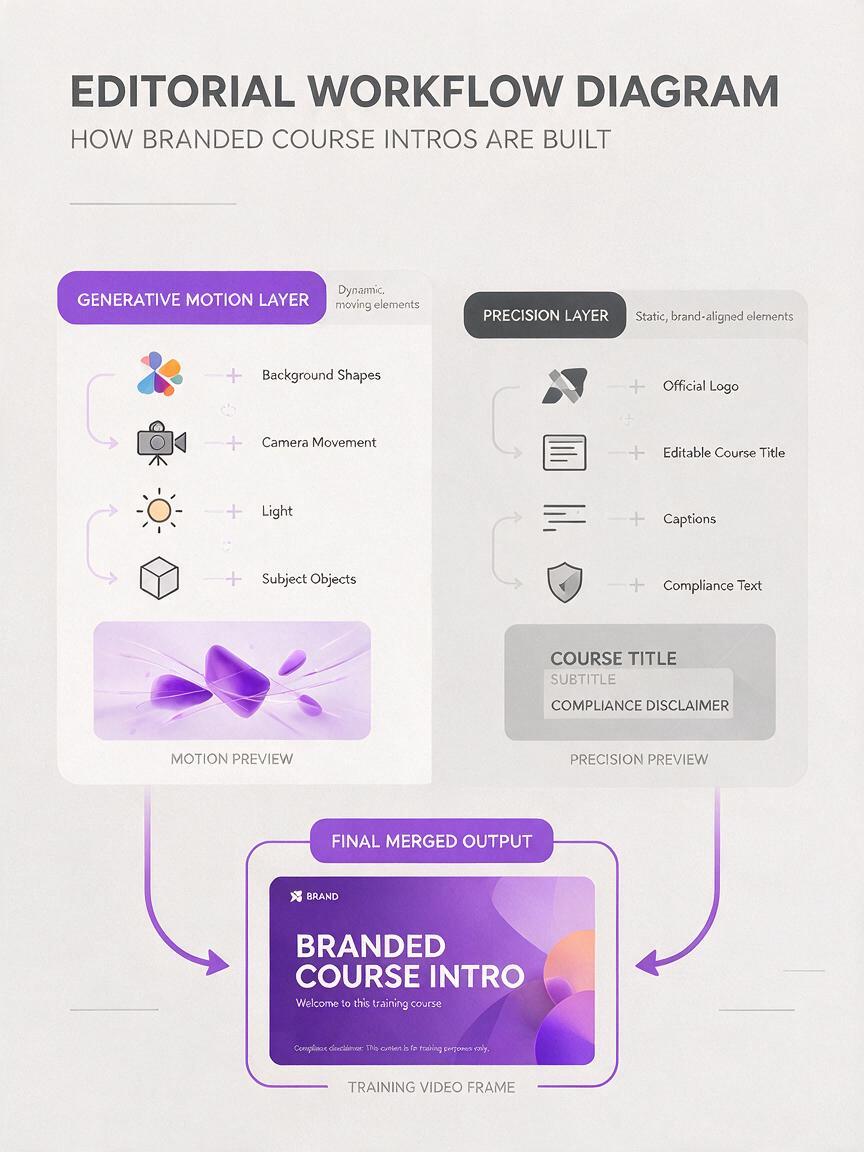
Core rule: use generative video for atmosphere, camera movement, objects, light, and transitions. Use approved source files for logos, course titles, legal text, and other details that must be reproduced exactly.
Choose what Seedance should generate
Before writing a prompt, divide the intro into a motion layer and a precision layer. Seedance can create the motion layer from a written description or a prepared starting frame. The precision layer should usually be added afterward.
| Intro element | Recommended treatment | Reason |
|---|---|---|
| Abstract background | Generate with Seedance | Small visual variations rarely change the meaning. |
| Instructor portrait | Use an approved reference image | A reference gives the shot a stable visual subject. |
| Official logo | Overlay after generation | The exact shape, spacing, and colors must remain intact. |
| Course title | Add as editable text | Editable text stays readable and is easy to localize. |
| Decorative subject symbols | Generate only if they are not assessed | Generated symbols may contain small inaccuracies. |
| Compliance statement | Add as a fixed overlay | Required wording should never depend on visual generation. |
If you already have approved course key art, use image to video to introduce restrained camera or environmental motion. Remove small text from the generation frame when possible, leave intentional negative space for the title, and keep a copy of the untouched source image for comparison.
Build a clean brand reveal
A simple reveal works well for course libraries, onboarding modules, and recurring training series. Instead of placing a logo inside the prompt, describe a visual environment that naturally frames the logo position.
Create a short course-opening motion plate for a professional learning series about [SUBJECT]. Begin with a calm [BRAND COLOR] background containing subtle layered shapes inspired by [SUBJECT MOTIF]. The shapes move slowly outward and reveal clean empty space in the center. Gentle controlled camera movement, soft directional light, polished editorial design, restrained motion, no letters, no words, no logo, no symbols that resemble text. End on a stable centered composition with generous negative space for a title overlay.The final phrase is important: it tells the model to finish on a usable title card rather than ending during the most active part of the animation. Add the real logo only after the generated clip has been selected.
Use subject motifs without creating misconceptions
A motif can make an intro relevant, but it should not accidentally teach false information. For a biology course, use leaves, cells, or flowing organic forms only as decorative cues. Do not show a detailed scientific process unless the sequence has been checked for accuracy.
- Mathematics: geometric planes, grids, measured arcs, or moving points without generated equations.
- Language learning: conversation bubbles without letters, pages turning, or restrained sound-wave forms.
- Safety training: organized equipment silhouettes rather than dramatized hazards.
- Leadership training: converging pathways, connected workspaces, or coordinated object movement.
Create an instructor-led opening without facial drift
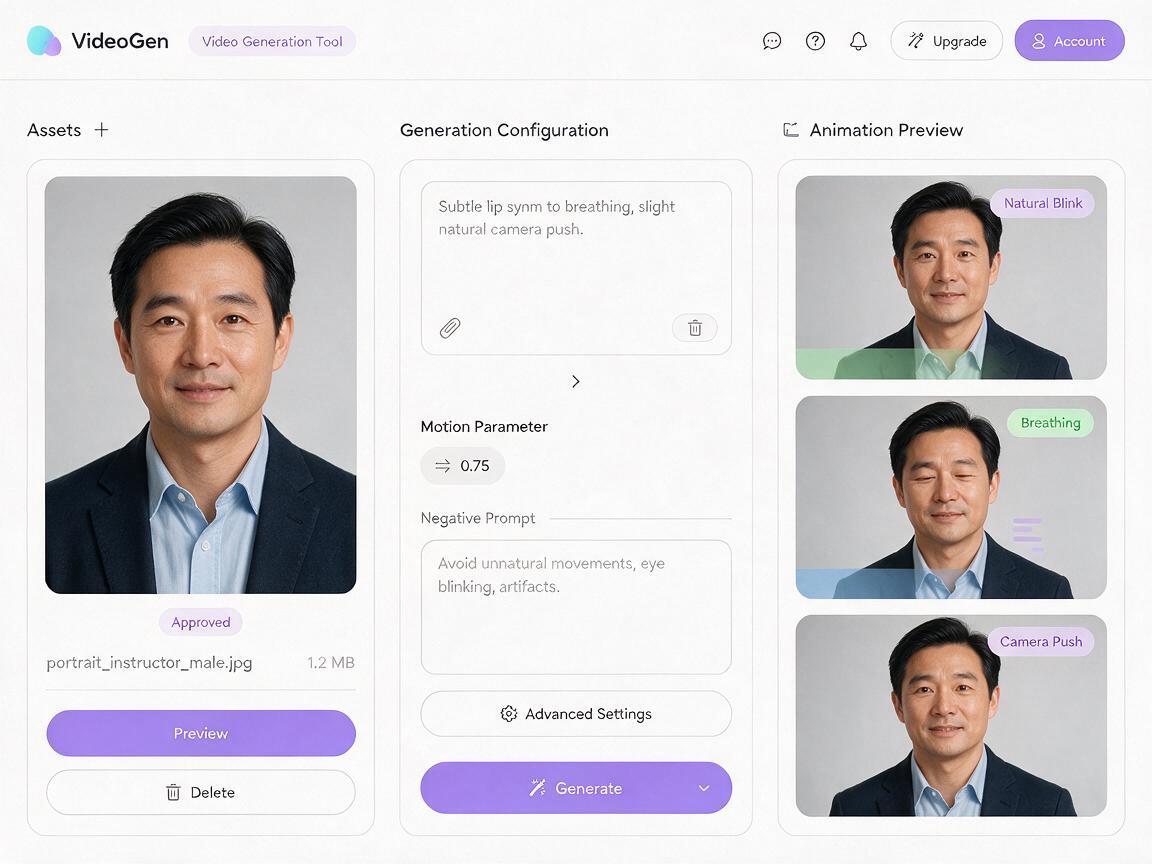
For an instructor-led intro, begin with an approved portrait or a carefully selected frame from existing course footage. Ask for minimal movement: a natural blink, slight posture adjustment, or gentle camera push. Large gestures increase the chance that clothing, hands, or facial details will change.
Animate this approved instructor portrait as a restrained course introduction. Preserve the person's facial structure, hairstyle, clothing, accessories, and background arrangement. Add one natural blink, subtle breathing, and a very slight camera push toward the subject. The instructor remains quiet and does not gesture. Keep the right side of the frame visually simple for an editable course-title overlay. No text, no logo, no new objects, no face redesign, no exaggerated expression.Do not generate spoken dialogue merely to make the intro feel active. A silent opening can be paired with a short musical cue, while narration begins after the title clears. If speech is necessary, create and review it as a separate production task so pronunciation and timing do not become hidden inside the visual-generation prompt.
Protect privacy and consent
Use only portraits that your organization has permission to process and publish. Avoid uploading student faces, confidential screens, name badges, or sensitive workplace information. A fictional presenter or an object-led opening is often a better choice when consent is uncertain.
Turn a lesson object into the visual hook
Course intros do not always need a presenter. A meaningful object can identify the subject more efficiently: a microscope for laboratory technique, a torque wrench for maintenance training, or a stack of primary sources for historical inquiry.
Create a concise educational course intro centered on [LESSON OBJECT]. The object rests on a clean work surface in a realistic [SETTING]. Begin with a close detail, then make one smooth camera move backward to reveal the complete object and its context. Maintain correct object proportions and plausible materials. Calm professional lighting, no dramatic effects, no hands entering the frame, no labels, no letters, no logo. Finish with uncluttered space in the upper left for a course title.Choose an object whose identity is easy to verify. Inspect controls, measurement markings, protective equipment, and physical connections before publishing. If an inaccurate detail could affect learning or safety, use a photographed object and request only restrained camera motion.
Accuracy check: decorative movement can be approximate; instructional evidence cannot. If learners are expected to identify or copy a feature, verify it against an authoritative source.
Design a reusable transition loop
A short loop can separate modules without replaying a full opening. The first and last frames should have similar composition, brightness, and object positions. Keep the motion simple enough that a cut is not visually obvious.
Create a restrained looping transition for an online course about [SUBJECT]. Use a clean background in [COLOR PALETTE] with three simple visual elements inspired by [MOTIF]. The elements drift slowly in a small circular path and return to their original positions. Fixed camera, consistent lighting, no sudden acceleration, no flashing, no text, no logo, no detailed instructional diagram. The ending composition should closely match the opening composition for a smooth loop.Use the loop sparingly. Repeated animated interruptions can slow navigation and distract learners who are trying to move between short lessons. A still branded card may be more appropriate for frequent section breaks.
Composite the precision branding after generation
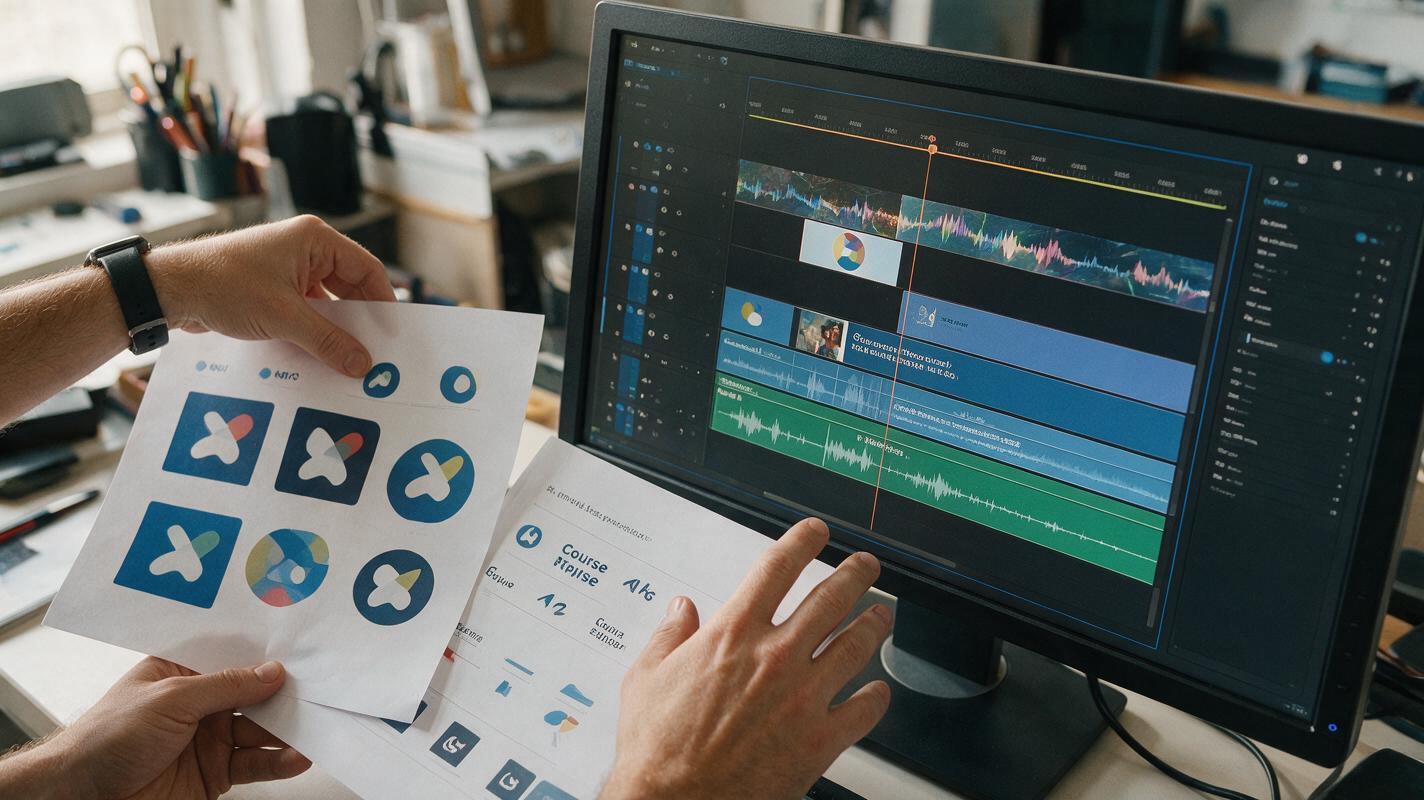
Once the motion plate is approved, import it into your video editor and add the official assets. This is where exact typography and accessibility decisions belong.
- Place the logo inside the organization’s required clear space.
- Use an approved logo file rather than a screenshot or generated imitation.
- Keep the course title concise and readable at small playback sizes.
- Check contrast against every frame, not just the opening frame.
- Use a solid panel or subtle darkening layer if the background competes with text.
- Include captions for any spoken audio, but do not treat the title card as a substitute for captions.
- Provide enough stationary reading time before the title disappears.
Export a silent review copy first. If the visual hierarchy works without music, it is less likely to depend on sound for basic comprehension. Then add a restrained audio cue that does not obscure narration or produce an abrupt volume change.
Troubleshoot common intro failures
| Problem | Likely cause | Better correction |
|---|---|---|
| Logo bends or changes spelling | The logo was included in generated motion | Remove it from the source frame and composite the official file afterward. |
| Title area becomes busy | The prompt did not reserve negative space | Name the exact side or region that must remain visually simple. |
| Instructor identity changes | The requested movement is too ambitious | Reduce motion to blinking, breathing, or a slight camera push. |
| Intro feels generic | The prompt relies on broad cinematic language | Add one recognizable subject object, setting, or restrained visual motif. |
| Generated object is inaccurate | The object has complex functional details | Start from a verified photograph and animate only the camera or lighting. |
| Opening delays the lesson | The sequence contains too many reveals | Keep one visual idea and move supporting information into the lesson itself. |
| Loop visibly jumps | The ending composition differs from the opening | Request a fixed camera and motion that returns objects to their starting positions. |
Review the intro as part of the learning experience
A polished opening can still be a poor instructional choice if it delays access, creates sensory overload, or implies content that the course does not cover. Review the clip at normal speed, muted, on a small screen, and alongside the first lesson scene.
Ask whether the transition into instruction feels immediate. Check that decorative imagery cannot be mistaken for a diagram, demonstration, or safety example. For a series, keep the same logo placement, typography, audio level, and general duration while changing only the subject motif or module title.
Final checklist
- The generated clip contains no imitation logo or essential generated text.
- The official logo and title were added as separate precision overlays.
- Motion supports the course identity without delaying the lesson.
- Instructor references are approved and privacy-safe.
- Scientific, technical, and safety-related objects were checked for accuracy.
- Text remains readable throughout the moving background.
- Audio is optional for understanding and does not obscure narration.
- The final frame transitions cleanly into the first learning scene.
When the motion concept and overlay plan are ready, try this prompt for free and create a short test before producing the full course series.
Keywords
seedance prompts, course intro video, branded course intro, ai video generator, image to video, training video, course branding