Seedance Prompts for Realistic Eyeshadow Tutorial Videos (No Creasy Fallout)
This article shares reusable Seedance prompt templates for creating realistic eyeshadow tutorial short videos for beauty social media and campaign use. It covers four common tutorial formats, fixes for frequent AI rendering issues like creasy fallout, uneven pigment, and distorted brushes, plus reference image prep tips for brand consistency. Beauty creators, marketers, and makeup artists can use these prompts to generate high-quality tutorial content without full studio shoots.
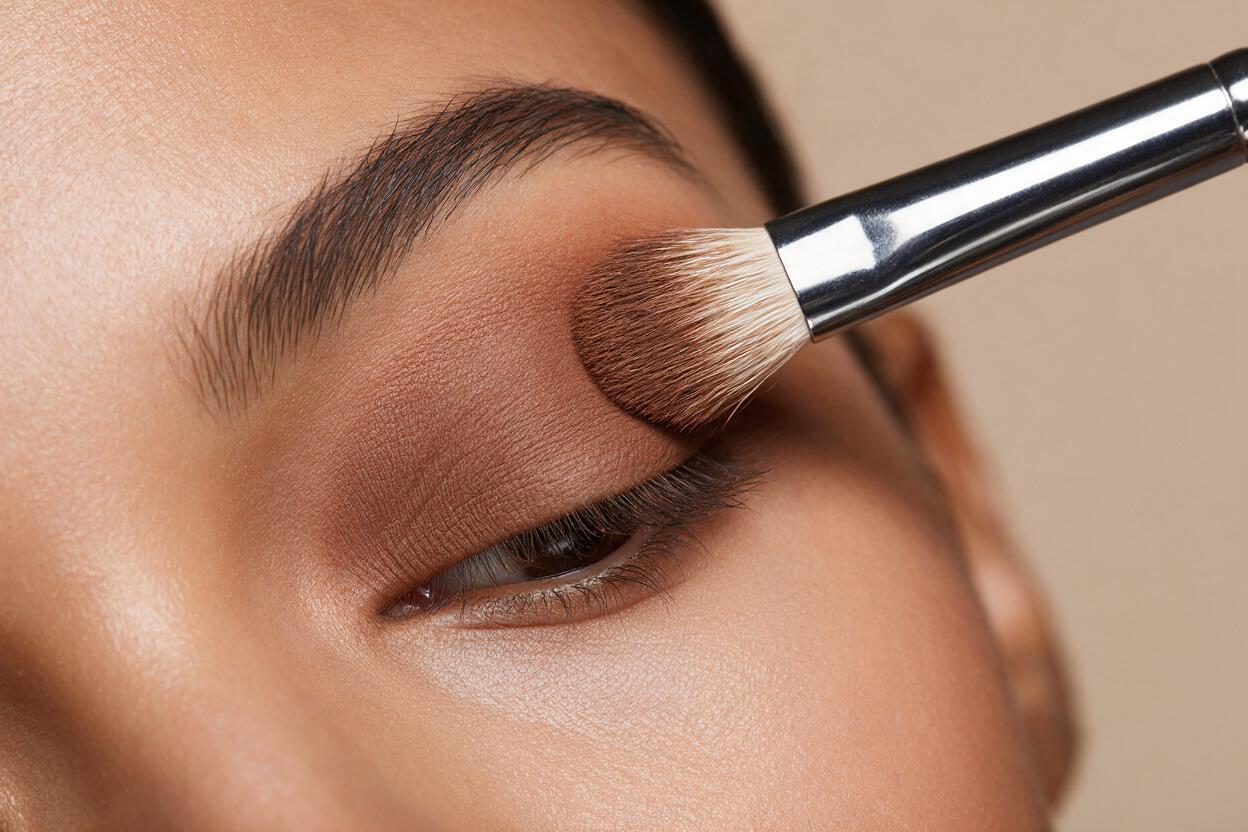
Table of contents
The problem with AI-generated eyeshadow tutorial videos
Tired of AI-generated eyeshadow tutorials that look chalky, creased, or totally unrealistic halfway through the blend? You’re not alone.
Beauty brands, content creators, and makeup artists constantly need fresh short-form tutorial content for TikTok, Instagram Reels, and Pinterest, but traditional studio shoots are expensive, time-consuming, and hard to scale across multiple skin tones, eye shapes, and shade ranges. AI video tools promise faster turnaround, but most generic models struggle with the fine details that make makeup tutorials feel authentic: creasy fallout under the eyes, uneven pigment payoff, distorted brush shapes, and shifting eye shapes between frames.
As an ai video generator optimized for beauty and cosmetic content, Seedance excels at capturing the subtle textures and precise movements that define high-quality makeup tutorials. Its beauty-specific training data and granular motion controls help avoid the uncanny, low-quality results that plague generic video tools, making it a strong fit for fast, scalable tutorial content.
Core prompt framework for realistic eyeshadow tutorial videos
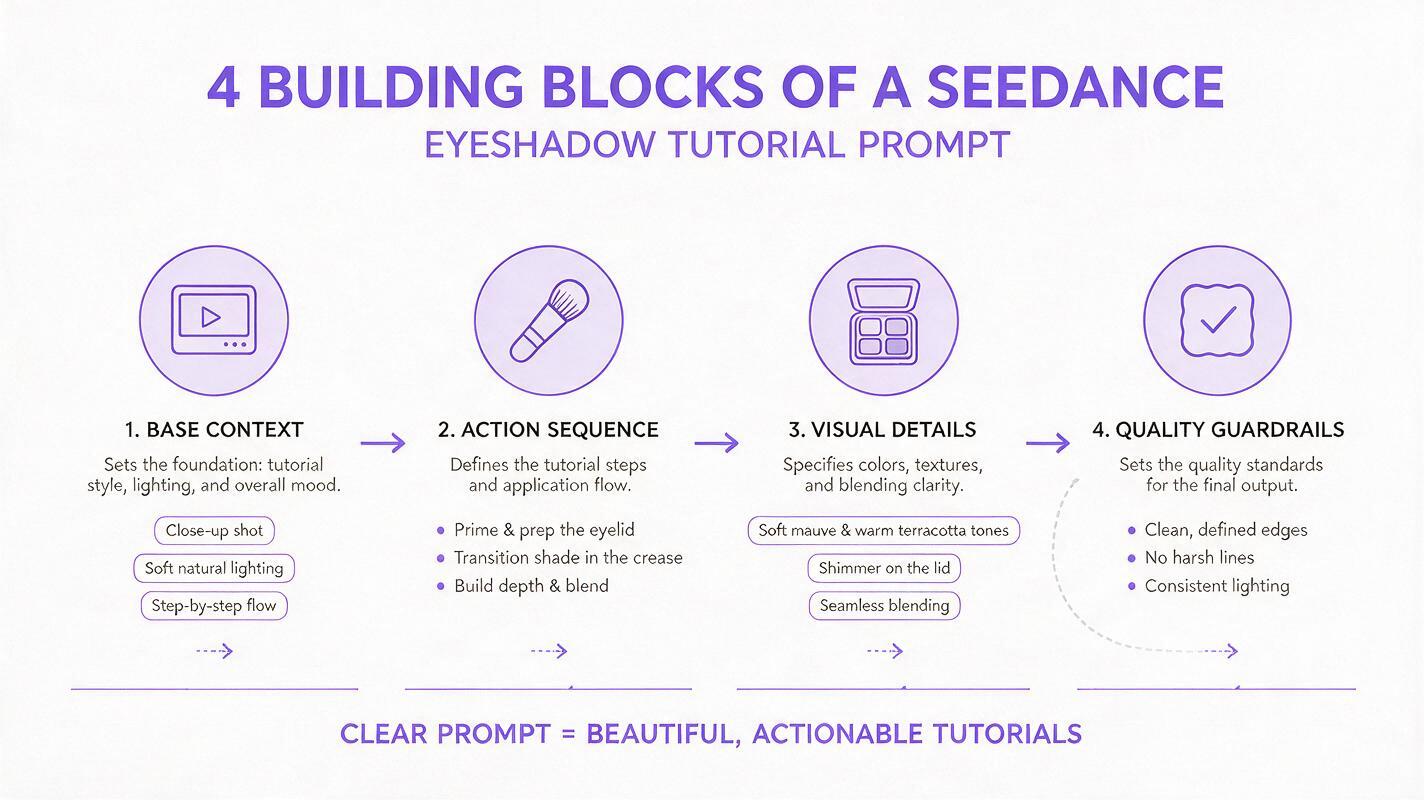
Getting consistent, realistic eyeshadow tutorials from AI depends on a structured prompt that leaves no room for interpretation. The best text to video prompts for beauty tutorials follow four key building blocks:
- Base context: Platform format (9:16 TikTok, 1:1 Pinterest), duration, and overall vibe (casual UGC, professional campaign, quick hack)
- Action sequence: The exact step-by-step actions of the tutorial, including brush types and application motions (pressing, blending, smudging)
- Visual details: Eyeshadow shade, finish (matte, shimmer, satin, metallic), skin tone, eye shape, and background setting
- Quality guardrails: Explicit negative prompts to eliminate common rendering issues like fallout, creasing, and distortion
This framework gives you control over every part of the tutorial, from the first swipe of pigment to the final blended look, without requiring manual frame-by-frame editing.
Reusable Seedance prompts for 4 common tutorial angles
Below are four pre-built prompts following the core framework, each tailored to a popular social media tutorial format. Adjust shades, skin tones, eye shapes, and product details to match your brand’s collection.
Everyday neutral matte eyeshadow tutorial (TikTok 9:16)
9:16 vertical TikTok-style short video, 15-second everyday neutral eyeshadow tutorial, close-up of a medium skin tone hooded eye. Sequence: 1) flat brush presses warm taupe matte base shade all over eyelid, 2) fluffy blending brush blends soft brown matte shade into crease in small circular motions, 3) small detail brush adds deep brown matte shade to outer v for depth, 4) finger taps champagne shimmer shade to inner corner. Soft natural studio lighting, neutral beige background, realistic brush bristle texture, even pigment payoff, smooth blending no harsh lines. No creasy fallout, no distorted brushes, no eye shape drift, no chalky finish.Smokey eye tutorial for evening (Instagram Reel 9:16)
9:16 vertical Instagram Reel, 20-second soft smokey eye tutorial, close-up of deep skin tone almond eye. Sequence: 1) concealer primes eyelid and sets with translucent powder, 2) pencil brush smudges black kohl along upper lash line, 3) fluffy brush blends charcoal gray shimmer shade over lid and into crease, 4) small brush adds silver glitter to center of lid, 5) mascara coats upper lashes. Warm moody studio lighting, dark charcoal background, realistic glitter texture, soft gradient blending, no harsh edges. No fallout under eyes, no chunky glitter, no distorted eye shape, no patchy pigment.Cut crease tutorial with detailed brush work (YouTube Short 9:16)
9:16 vertical YouTube Short, 25-second precise cut crease tutorial, close-up of fair skin tone monolid eye. Sequence: 1) flat brush applies light beige matte base all over lid, 2) small angled brush draws sharp cut crease line with deep brown matte shade using concealer as guide, 3) flat brush packs gold shimmer shade onto lid below crease line, 4) blending brush softens edges above crease, 5) winged liner is added to upper lash line. Bright clean studio lighting, white background, ultra-sharp crease line, realistic brush precision, even shimmer payoff. No blurry crease line, no feathered edges, no brush distortion, no uneven pigment.One-swipe shimmer eyeshadow hack (Pinterest 1:1)
1:1 square Pinterest short video, 10-second one-swipe shimmer eyeshadow hack, close-up of olive skin tone round eye. Sequence: 1) flat shader brush is dipped into rose gold shimmer eyeshadow, 2) brush swipes once across entire eyelid from lash line to crease, 3) finger taps to blend edges slightly, 4) final shot of finished glowing eye look. Soft natural daylight, marble countertop background, high pigment payoff, creamy shimmer texture, seamless blend. No fallout, no streaky pigment, no crumbly texture, no distorted brush shape.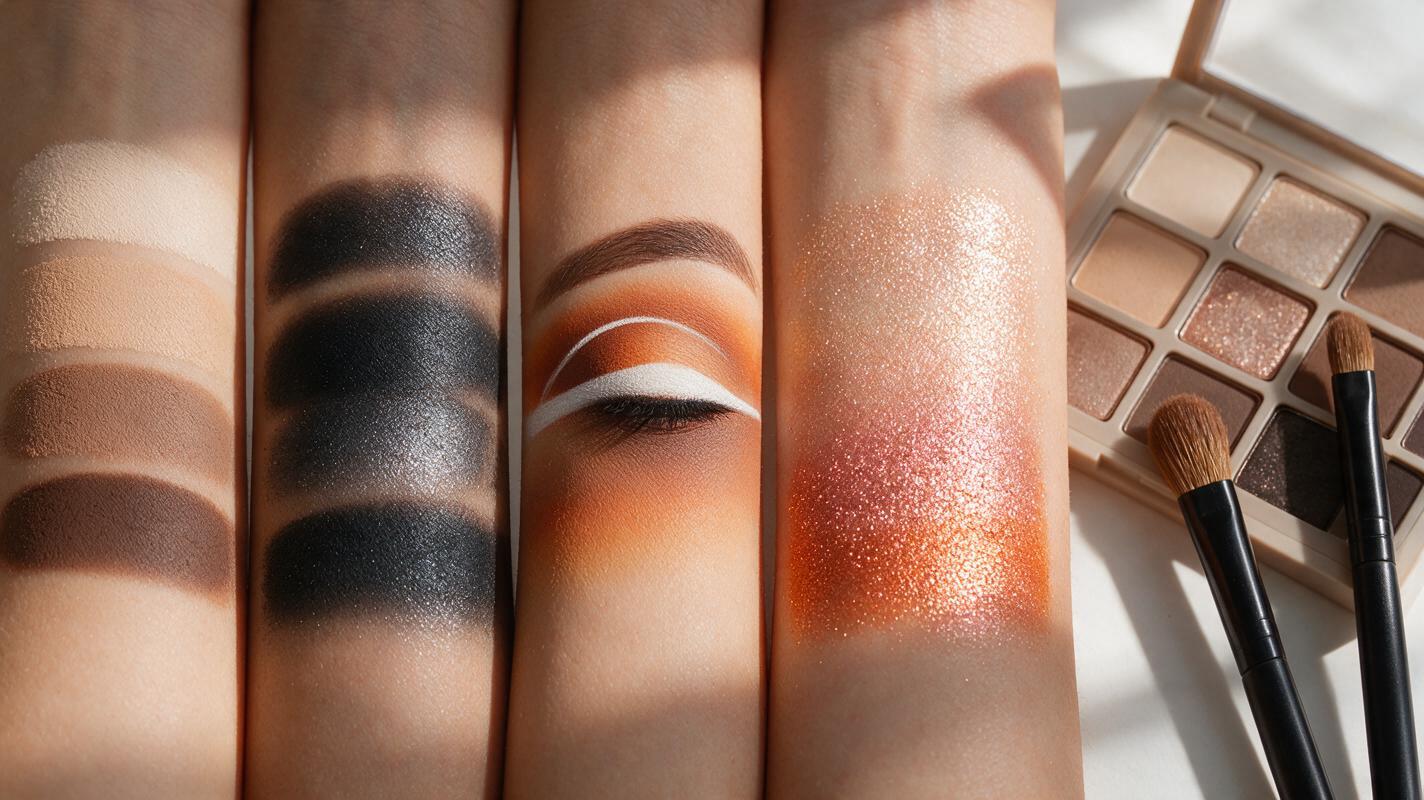
Fixing common eyeshadow video rendering issues
Even with a strong prompt, you may run into occasional rendering glitches. Here are the three most common eyeshadow video issues and how to fix them in Seedance.
Creasy fallout under the eye
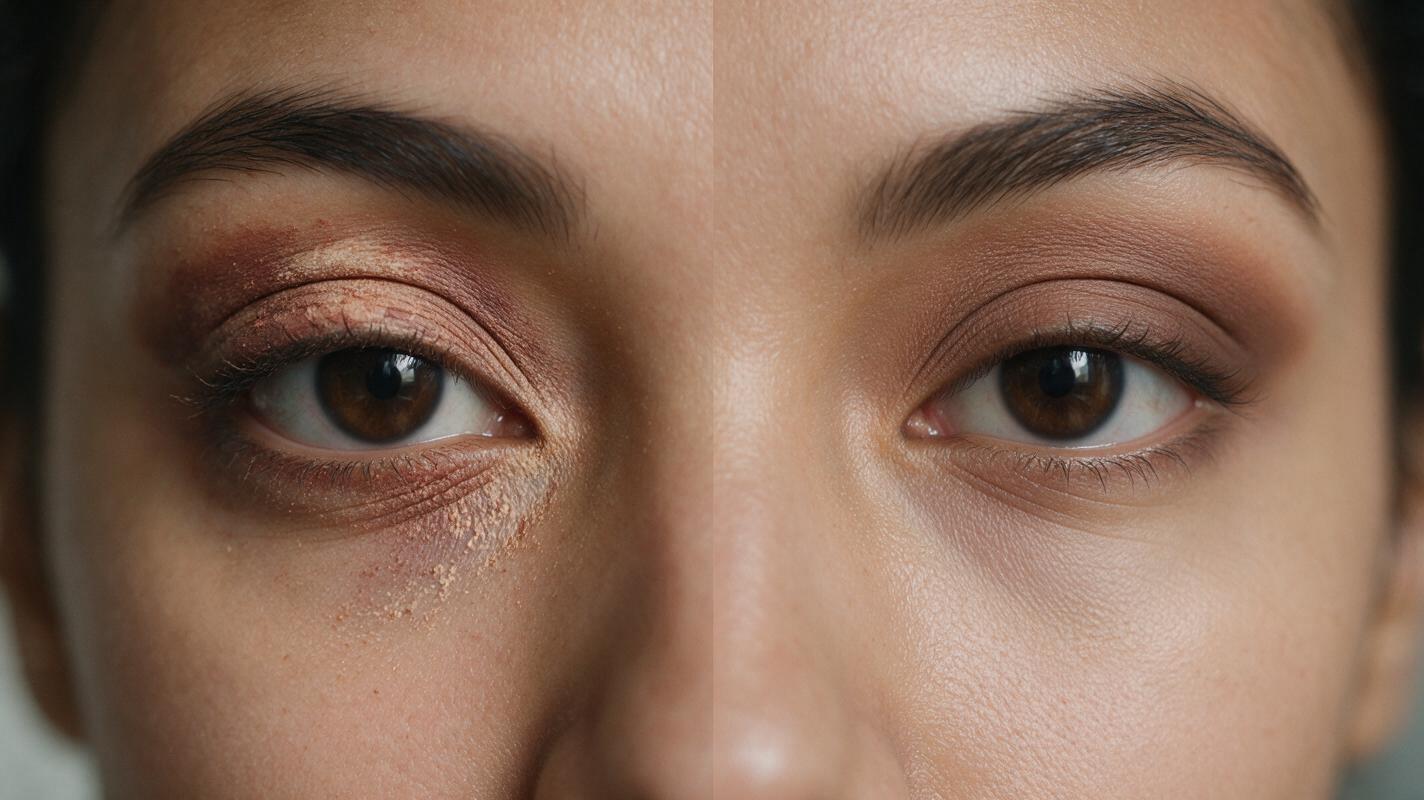
This happens when the AI associates eyeshadow with loose powder fallout, especially for darker or shimmer formulas. It often appears as patchy pigment under the lower lash line or creased texture in the eyelid fold.
The fix: Add explicit negative prompts like “no fallout under eyes, no creasy texture, no loose powder particles” and specify “even, fully blended pigment with no fall-out”. If you’re using a reference image, choose a high-quality photo where the under-eye area is clean and the eyeshadow is smoothly blended to give the model a clear reference point.
Uneven or patchy pigment payoff
Vague prompts that don’t specify formula finish or application method lead to inconsistent, patchy pigment, especially for matte shades that require more pressure to build color.
The fix: Name the exact finish (matte, satin, shimmer, metallic) and specify “full pigment payoff, even application, no patchy spots” in your quality guardrails. Add details about the brush type and application motion (pressing pigment into the lid vs. swiping) to give the model more context for how the formula should look on skin.
Distorted brushes or eye shape drift
Close-up shots with fast brush movements can cause the AI to warp small objects like brush bristles or shift the eye shape slightly between frames, making the tutorial feel uncanny.
The fix: Add “realistic brush bristle shape, no brush distortion, consistent eye shape throughout video” to your prompt. Upload a clear reference image of the exact eye shape you want to maintain, and keep Seedance’s motion speed set to medium to avoid rapid, warped movements during blending sequences.
Reference image prep for brand consistency
To tie your AI-generated tutorials directly to your brand’s products and visual identity, use reference images alongside your text prompts. Reference images ensure shade accuracy, consistent model features, and natural product placement without extra editing work.
- Product reference: Upload a high-resolution shot of your eyeshadow palette or single shadow to ensure the shades match your actual product exactly
- Model reference: Use a close-up photo of your model’s eye to maintain consistent skin tone, eye shape, and features across all tutorial videos in your campaign
- Brand reference: Add a small brand color swatch or packaging shot if you want the background or on-screen text to align with your brand guidelines
Test this prompt yourself to generate a custom eyeshadow tutorial video for your brand in minutes, no studio or professional makeup artist required.
Key takeaways
- Seedance’s beauty-optimized video tools capture fine eyeshadow details like pigment texture and brush movement that generic AI tools miss
- Use the four-part prompt framework (base context, action sequence, visual details, quality guardrails) for consistent, realistic tutorial results
- Explicit negative prompts are the fastest way to resolve common issues like creasy fallout, patchy pigment, and distorted brushes
- Reference images help maintain brand consistency across product shades, model features, and visual identity
Keywords
seedance prompts, eyeshadow tutorial videos, ai beauty video, makeup tutorial ai, creasy fallout fix, beauty content creation, ai makeup generator