Seedance Prompts for Faceless YouTube Intros That Get to the Point
A faceless YouTube intro needs to establish the subject quickly, not delay the video behind a cinematic logo reveal. These Seedance prompts offer four short opening concepts, with guidance for choosing a shot, keeping it readable, and cutting into the actual story.
Table of contents
Open with the subject, not an empty reveal
A faceless YouTube intro has only a moment to answer the viewer’s first question: What am I about to watch? A slow logo animation or unrelated cinematic shot can postpone that answer. A better opening shows the object, place, problem, or transformation the video is about, then cuts directly into the first useful scene.
The Seedance prompts below are designed for short, editable opening clips—not complete videos. Pick the concept that fits your topic, replace the bracketed details, and generate a shot you can trim without losing its meaning. Add titles, logos, voiceover, and sound in your editor, where you can control their timing and legibility.
Choose an intro that matches the video
Before writing a prompt, identify the first thing a viewer needs to recognize. The right intro for a restoration video is different from the right intro for a history explainer. Make the visual promise specific enough that the next scene can fulfill it.
| Video type | Useful opening image | Cut into |
|---|---|---|
| Transformation or restoration | The starting object, with one revealing movement | The first action in the process |
| Explainer | A physical representation of the central problem | The explanation or demonstration |
| Story or mystery | A meaningful clue or setting detail | The event that gives the clue context |
| List or comparison | Two contrasting subjects in one clear composition | The first item or criterion |
For an intro made from a written description, use text to video to generate a single purposeful shot rather than asking for an entire montage. If you already have a real photo of the subject, an image-led approach may preserve its appearance better. Either way, do not present a generated depiction as documentary footage of a real event.
Prompts for four intro styles
Keep the action simple: one subject, one camera move, and one visual idea. In each prompt, replace the bracketed material with details from your video. Ask for no generated text; a clean frame gives you room to add a readable title later.
The immediate reveal
Use this when the subject itself is interesting and the video begins with a demonstration, repair, build, or close inspection. Show the real point of interest immediately rather than hiding it behind a long camera move.
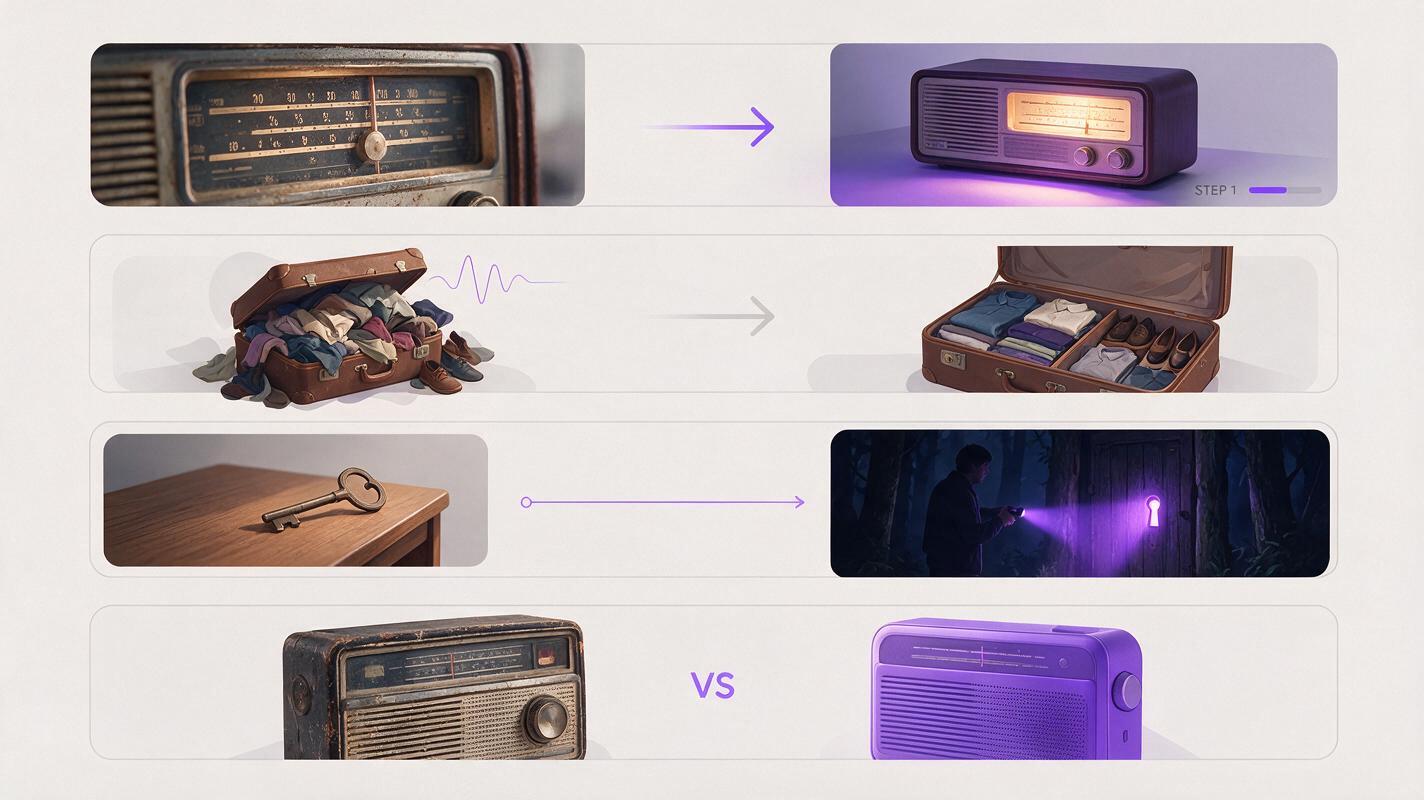
Short opening shot for a faceless YouTube video about [specific subject]. Begin with a clear close view of [recognizable object] on [specific surface or setting]. A hand gently moves [one removable covering or object], revealing [the detail the video will explore]. One continuous, restrained camera movement; natural light; believable materials; subject remains easy to identify throughout. Leave uncluttered space in the upper left for a title added later. No generated words, logos, or scene changes.For example, a video about restoring an old radio could reveal its dusty tuning dial. The edit can then cut to the first inspection shot. If the reveal depends on a tool, component, or marking being exact, film that detail instead of inventing it.
The problem made visible
For an explainer, translate an abstract question into a physical scene. Choose an image that suggests the problem without pretending to prove the answer.
Opening shot for a faceless explainer about [question]. Show [simple physical metaphor for the problem] in [specific everyday setting]. One small action makes the issue visible: [single action]. Clear foreground subject, quiet background, stable composition, subtle camera movement, realistic lighting. Hold the resulting image briefly so a viewer can understand it at a glance. Reserve clear space for an editor-added question. No generated text, charts, logos, or extra objects.If your video asks why a packed suitcase is hard to close, the action could simply be a hand pressing down a lid that springs back up. The shot establishes the question; the narration and subsequent footage provide the explanation.
The clue before the story
A story intro should create curiosity while staying faithful to what the video can actually support. For fiction, you can describe a fictional setting directly. For nonfiction, treat a generated scene as an illustration, not evidence.
Opening shot for a faceless [fictional story / clearly labeled historical illustration] about [subject]. In [specific setting], show [one meaningful object] beside [one contextual detail]. A gentle camera push draws attention to [the clue]. Restrained atmosphere, consistent lighting, readable composition, no people, no sudden reveal. Keep the clue visible from the beginning and leave a clean area for a short editor-added title. No generated lettering, documents with readable claims, or logos.The opening works best when the next narrated sentence explains why the object matters. If the object is a historical artifact, use a verified photograph when accuracy is essential.
The contrast in one frame
For a comparison video, showing the contrast immediately can be more useful than introducing each option separately. Make the difference visual and relevant to the comparison you will actually make.
Opening shot for a faceless comparison video about [two subjects or approaches]. Show [subject A] on the left and [subject B] on the right, arranged on the same surface under consistent lighting. One subtle camera movement reveals [specific visible difference relevant to the video]. Balanced composition, recognizable subjects, uncluttered background, no dramatic transformation, no additional products. Leave space above both subjects for labels added in the editor. No generated text or logos.When comparing real products, check every visible feature against your own footage or reference images. A plausible-looking generated product detail is not a reliable basis for a buying recommendation.
Choose the prompt that matches your opening claim and test this prompt yourself with your actual subject—not a generic placeholder. Generate a few alternatives only after you know what the first frame must communicate.

Make the opening legible in the edit
A good generated shot can still fail as an intro if it takes too long to become clear. Watch the clip once without audio and pause on its first frame. Can you identify the subject? If not, trim to a stronger starting frame or choose another take. Avoid making viewers wait through darkness, a wide establishing view, or an extended approach before the topic appears.
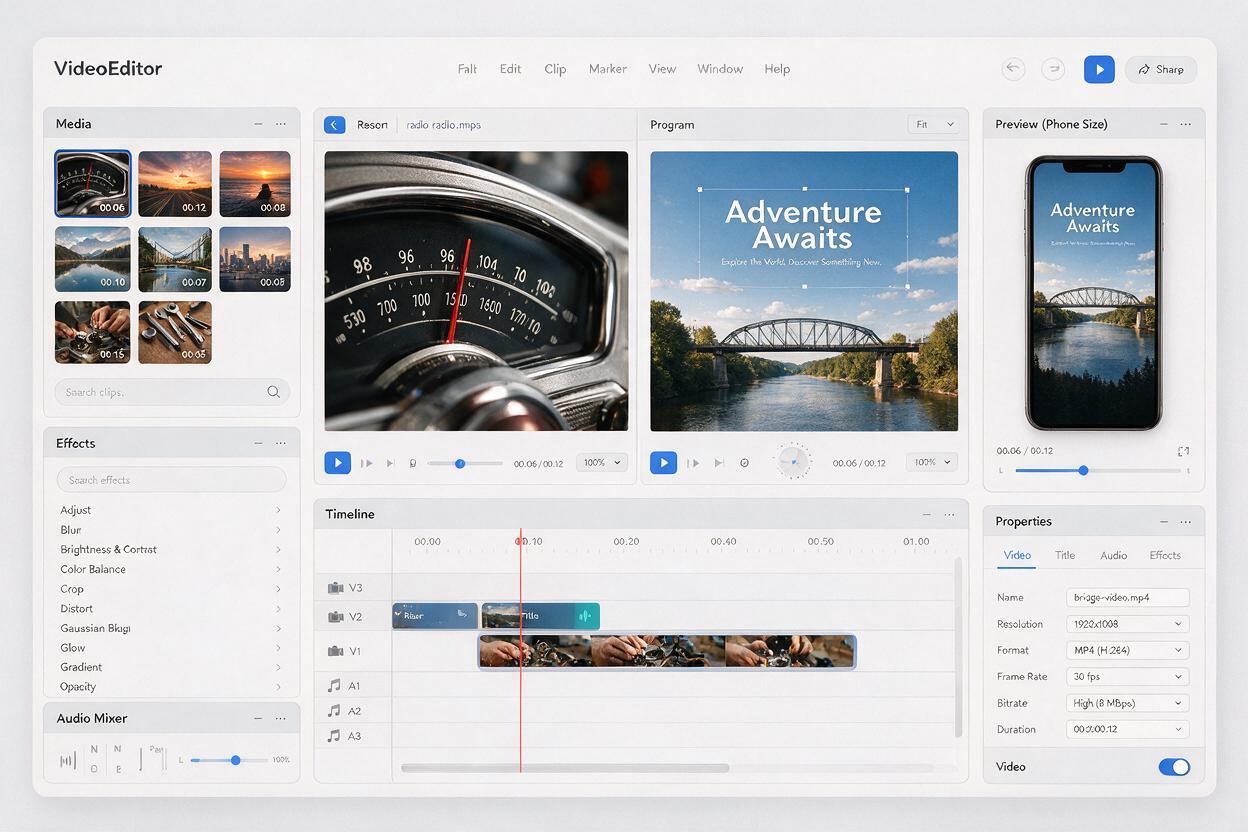
Keep your title separate from the generated clip. Add a short phrase in your editor, check it at phone size, and place it over the quiet area specified in the prompt. If the background is too busy, use a subtle dark overlay or move the title; do not assume another generation will fix a layout problem that editing can solve.
Then connect the opening to the actual video. A reveal of a radio dial should lead into the radio’s condition or the first repair decision—not an unrelated montage. You can also carry the opening sound into the next shot: a lid click, a switch, or room ambience can make the cut feel intentional without requiring a long intro.
Practical timing test: If the viewer could understand the subject sooner by starting on your first real footage shot, use that shot instead. A generated intro earns its place only when it clarifies the premise or adds a useful visual hook.
Fix the most common weak results
- The subject appears too late: Ask for it to be visible in the first frame. Remove phrases such as “slowly emerge from darkness.”
- The clip feels like a trailer for a different video: Replace mood words with the exact object and action your next scene will show.
- Details keep changing: Reduce moving parts. Use one subject and one small action, or start from a reference image when its appearance matters.
- The title has nowhere to go: Specify which part of the frame should remain uncluttered, then verify that space in the actual result.
- The image implies something untrue: Replace it with your own footage, a labeled illustration, or a visual metaphor that does not pose as evidence.
Final checklist
- The subject or central question is recognizable immediately.
- The opening promises something the video actually delivers.
- The clip works after trimming and without generated text.
- Any added title is readable on a phone.
- The cut into the first real scene feels direct, not delayed.
- Generated illustrations are not presented as authentic footage.
Keywords
Seedance prompts, faceless YouTube intros, AI video intros, YouTube opening shots, faceless video prompts, AI video generator