Seedance Prompts for Silent YouTube Shorts Hooks
A visual hook has to make sense before a viewer turns on the sound. These Seedance prompts give faceless YouTube Shorts creators three ways to open with a clear question, unusual action, or satisfying reveal—plus practical checks for editing each clip.
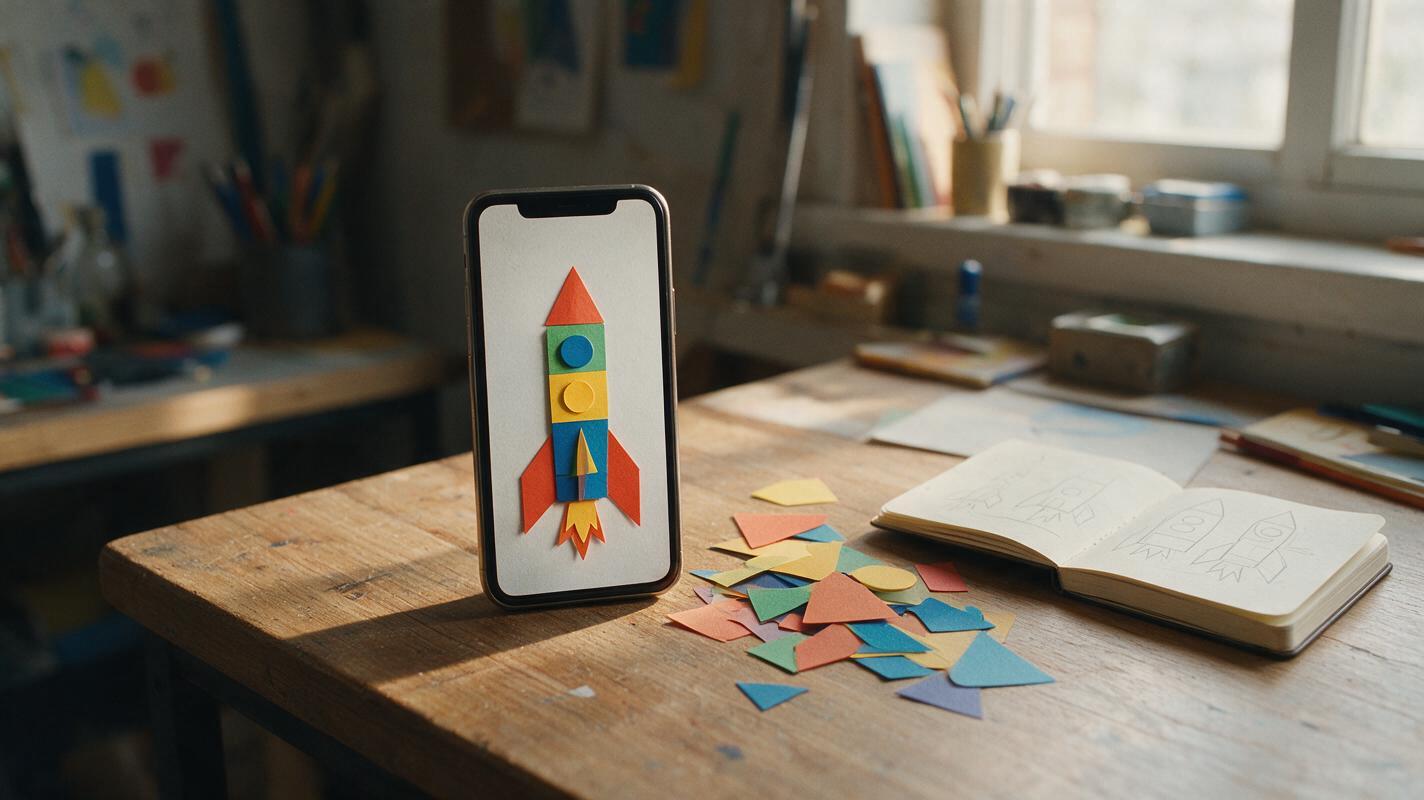
Table of contents
Make the first frame worth watching
A YouTube Short can lose its opening moment if the viewer needs narration to understand what is happening. For a faceless video, the fix is often a visual hook: show an unusual action, an obvious missing piece, or a result the viewer wants explained. Seedance can generate a short illustrative clip for that opening, while you keep the actual claim, caption, and timing under editorial control.
The prompts below are designed to read on a phone with the sound off. They are starting points, not guarantees: generate alternatives, inspect the first frame, and keep only footage that communicates the intended idea without inventing evidence.
Choose a hook the viewer can understand without context
Before writing a prompt, finish this sentence: “The viewer sees ___ and wonders ___.” If the second blank needs your voiceover to make sense, simplify the visual. A single subject and one noticeable change usually read more clearly than a busy scene with several events.
| Hook shape | What the viewer sees | Useful for |
|---|---|---|
| Unexpected action | A familiar object behaves in an unfamiliar way | Creative stories, design ideas, playful explainers |
| Missing piece | A clear setup contains one conspicuous absence | Mystery fiction, puzzles, question-led intros |
| Visible payoff | Separate parts form a recognizable result | Craft, transformation, or process-led videos |
These examples use fictional tabletop scenes so the imagery cannot be mistaken for footage of a real event. For a factual Short, show the genuine object or source material when the opening implies a real-world claim.
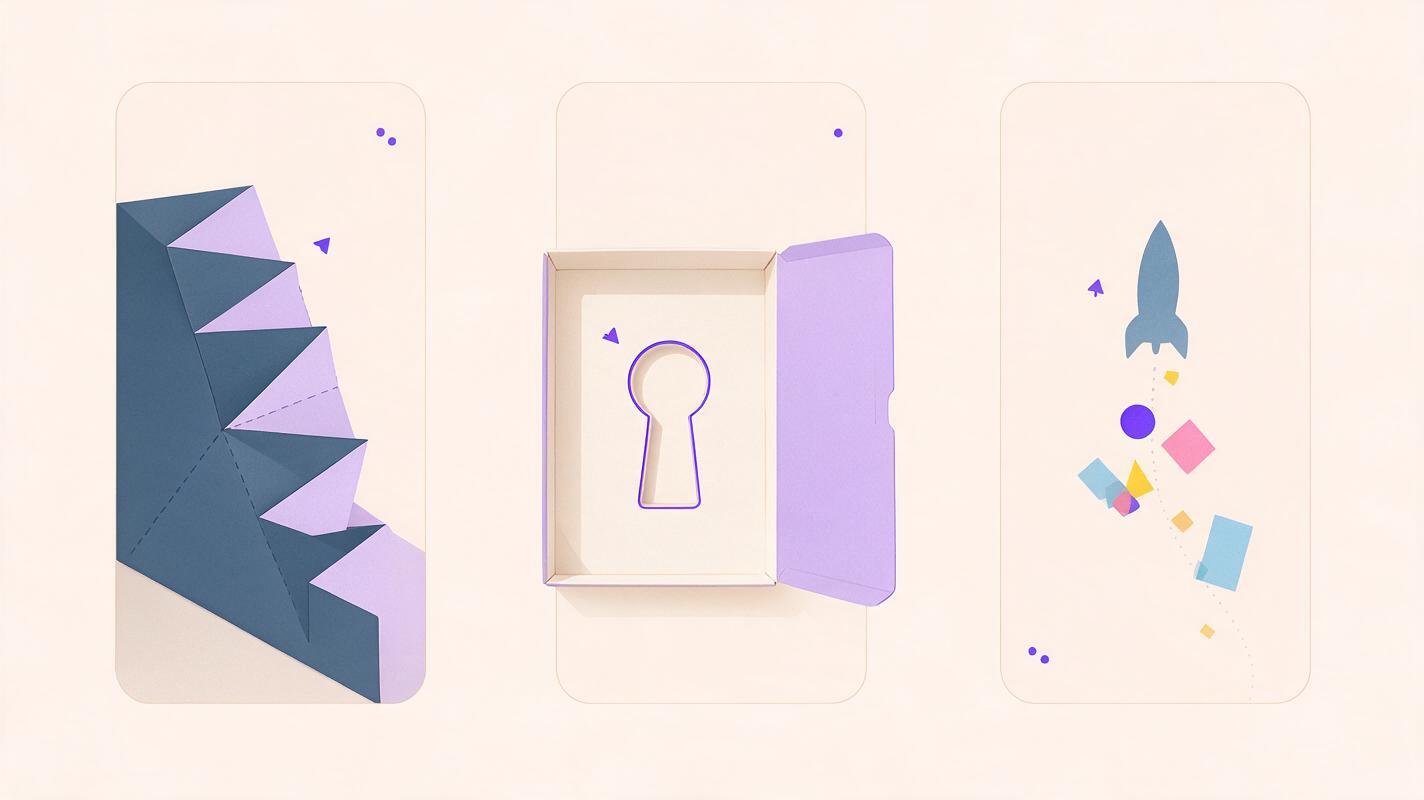
Unexpected action: a paper staircase folds itself
This hook gives the eye a task immediately: notice that ordinary paper is moving in an impossible way. It suits a Short about a fictional invention, an animation concept, or an imaginative question. The movement—not a generated headline—carries the opening.
Use text to video in Seedance to generate the illustrative shot:
Vertical video for a fictional, playful YouTube Short. Close view of a single small paper staircase on a plain blue tabletop. In the opening frame, the staircase is already visibly half folded. Over the clip, one paper step folds neatly into place by itself. Locked camera, soft daylight, clean contrasting background, one continuous action. Keep the staircase centered and large enough to recognize on a phone. No people, lettering, logos, additional objects, or scene changes.Editing decision: start on the frame where the paper is visibly out of place; do not spend the opening on an empty tabletop. Cut before repeated folding makes the motion feel busy. If the generated staircase changes shape between frames, discard the clip rather than hiding the defect with a caption.
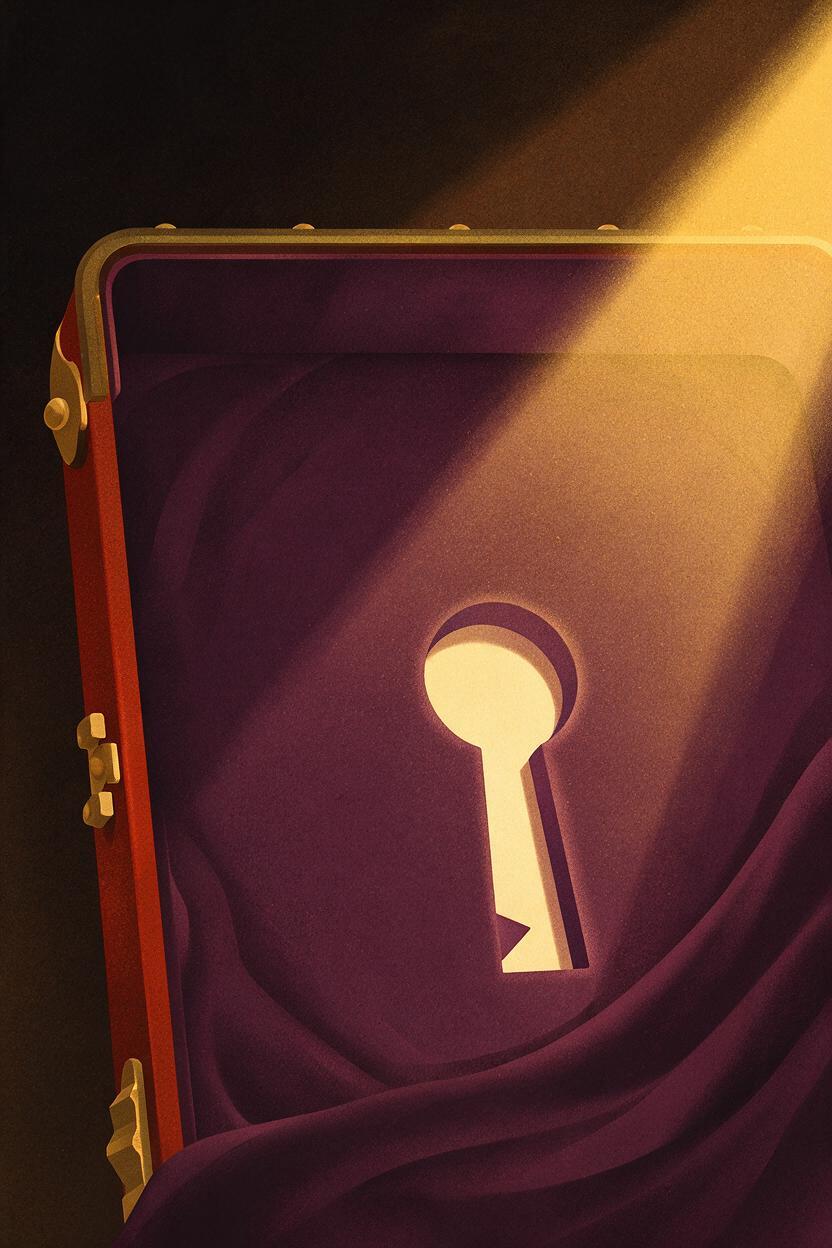
Missing piece: an open case with an empty outline
A missing-piece hook creates a question without pretending that something truly went missing. Set it within an unmistakably fictional story, and make the absent object legible through its surrounding shape.
Vertical cinematic insert for a fictional mystery story. An open velvet-lined case fills most of the frame. Its lining has a clear key-shaped recess, but the recess is empty. In the opening frame, the empty key outline is already visible. A narrow beam of light slowly crosses the lining, revealing the shape more clearly. Fixed close camera, restrained movement, simple dark background, crisp silhouette. No hands, written labels, extra objects, logos, or scene changes.Keep the final caption specific to the story, such as “Who took the key?” Avoid presenting a generated case as recovered evidence from a real incident. If Seedance fills the recess with a key, the visual no longer supports the question; regenerate rather than changing the story to fit an accidental result.
Visible payoff: loose shapes become one silhouette
This version is useful when the Short promises a design or storytelling payoff. Show recognizable parts at the start so viewers can follow the change, then reveal one clear final shape. A simpler transformation is usually easier to read than a montage of unrelated imagery.
Vertical video, overhead view of five large colored paper shapes on a warm neutral tabletop. In the opening frame, all five shapes are separate and clearly visible. They slide slowly into place to form one simple paper rocket silhouette. Fixed camera, even natural light, strong contrast between paper and table, smooth single continuous assembly. Keep the completed rocket centered with clear space around it. No text, hands, extra pieces, logos, or camera cuts.Inspect whether the finished rocket actually uses the starting pieces. If new pieces appear or colors change, the clip may be fine as fantasy animation but not as an honest demonstration of a craft method. For a real tutorial, film the actual assembly instead.
Cut the hook for a phone, not a desktop preview
Watch each candidate at phone size with audio muted. The key question should be visible in the opening frame or emerge almost immediately. If you must pause and explain what to look at, try a closer crop or a different generation.
- Keep one focal point. Put the paper step, empty recess, or moving shape near the center, away from interface-covered edges.
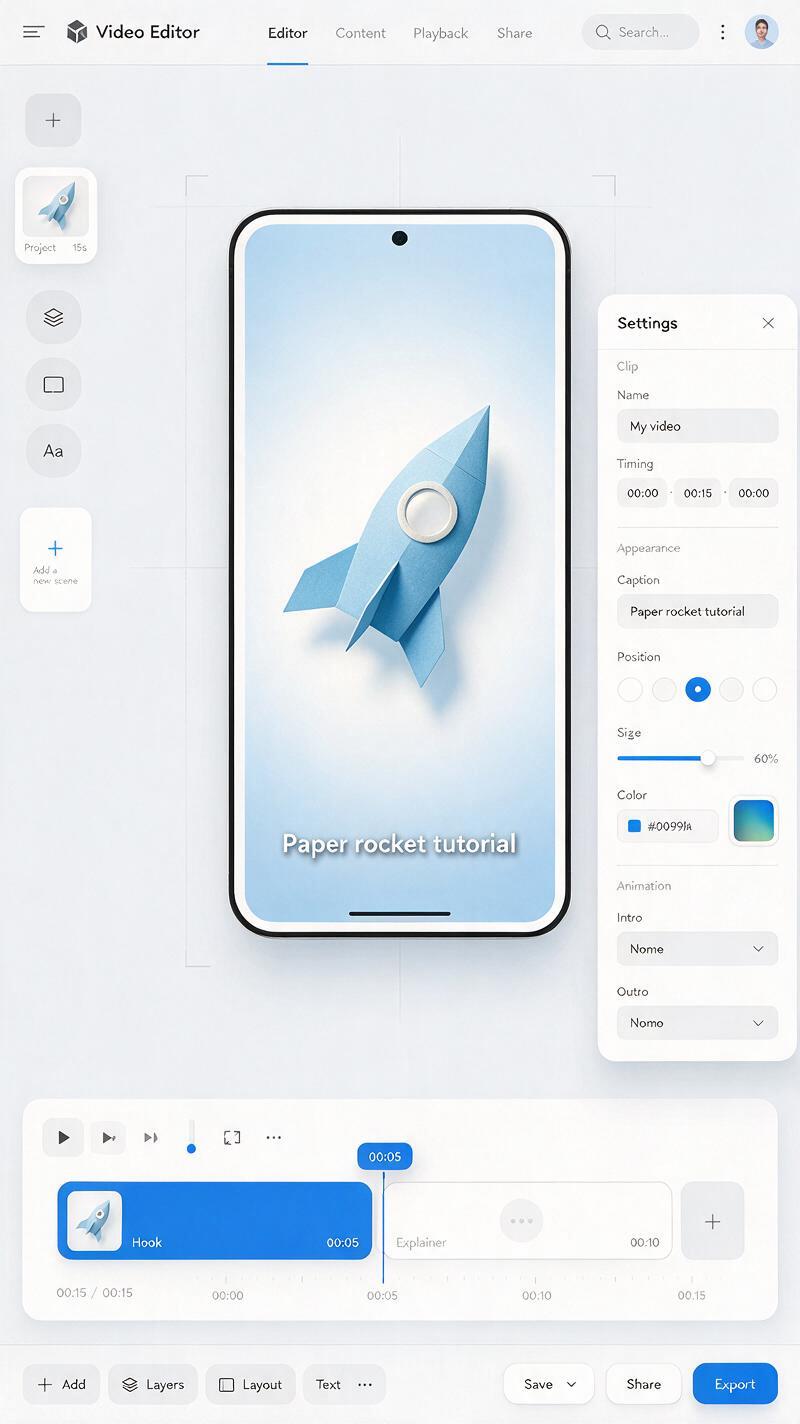
- Add accurate text in the editor. Use a short caption to sharpen the question, not to repair an unreadable clip. Check its placement in the Shorts preview.
- Make the next shot answer the opening. Follow the visual hook with the story premise, your real footage, or the first useful explanation.
- Separate illustration from proof. A generated rocket or fictional key case can introduce an idea; it cannot verify that a real event occurred.
Quick mute test: Show the first moments to someone without supplying the title or narration. Ask what they noticed and what they expect next. If their answer misses the intended question, revise the image before polishing the audio.
A hook works best when it makes a specific promise that the rest of the Short fulfills. Choose one scene above, adapt its subject to your own video, and test this prompt yourself before committing to the final cut.
Final checklist
- The opening frame contains the subject, not an empty setup.
- One action or absence is understandable with sound off.
- The subject remains recognizable throughout the generated clip.
- Captions and real-world claims are checked separately from the imagery.
- The following shot delivers on the question the hook creates.
Keywords
Seedance prompts, YouTube Shorts hooks, silent video hooks, faceless YouTube Shorts, AI video prompts, visual hooks, Shorts B-roll