Seedream 4.5 Prompts for On-Brand Seamless Patterns (No Visible Seams)
Brand patterns are versatile assets for packaging, posters, and social graphics, but AI-generated versions often suffer from visible seams, off-brand colors, and mismatched motifs. This guide shares reusable Seedream 4.5 prompt structures for creating perfectly tileable, on-brand seamless patterns aligned with your existing visual identity. It also includes fixes for common pattern generation failures and tips for adapting patterns across different campaign touchpoints.
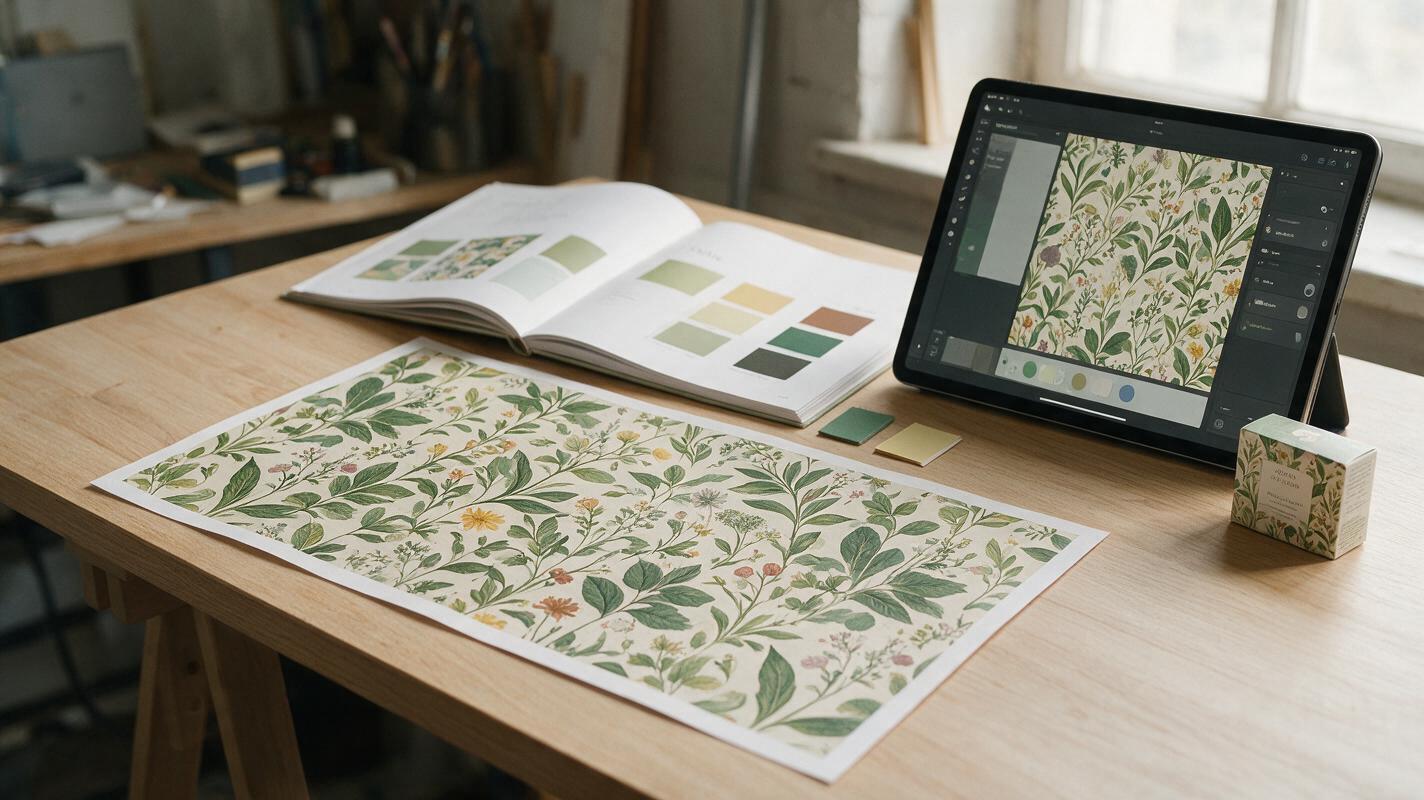
Table of contents
Why AI-generated brand patterns fall short
Stop wasting hours retouching AI patterns that warp at the seams or clash with your brand palette.
Brand patterns are unsung workhorses of visual identity: they add texture to packaging backgrounds, fill negative space on campaign posters, elevate social media story templates, and bring consistency to everything from stationery to trade show booths. But generating them with generic ai image generator tools often leads to three common headaches: visible tile seams that break immersion, colors that drift from your approved brand palette, and motifs that don’t match your existing illustration style.
seedream 4.5 solves this with reference-locked generation and built-in tiling support, but only if you structure your prompts to prioritize brand consistency and tileability first. This guide breaks down a proven prompt framework, fixes for the most common pattern failures, and ways to adapt your base pattern across every brand touchpoint.
Prepare your brand reference set for consistent results
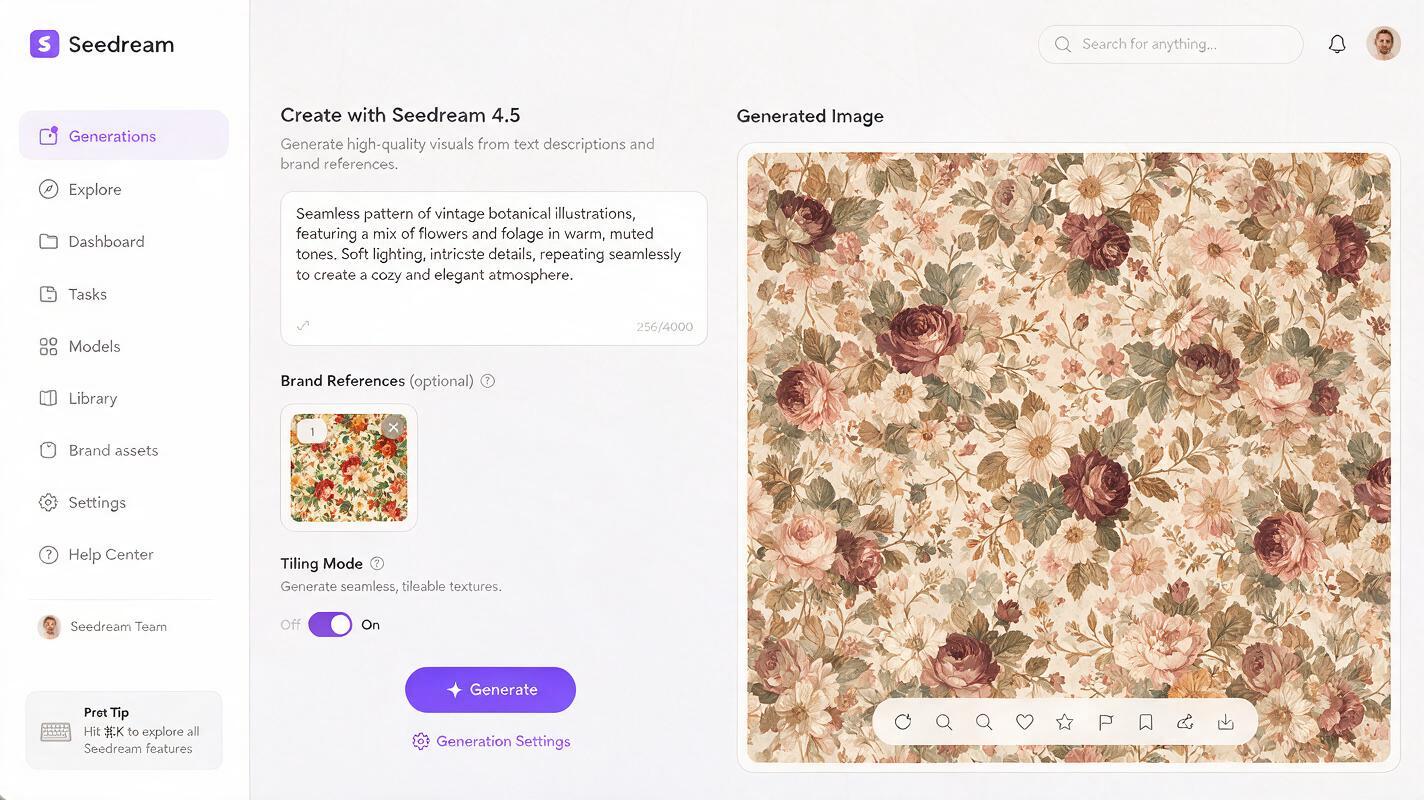
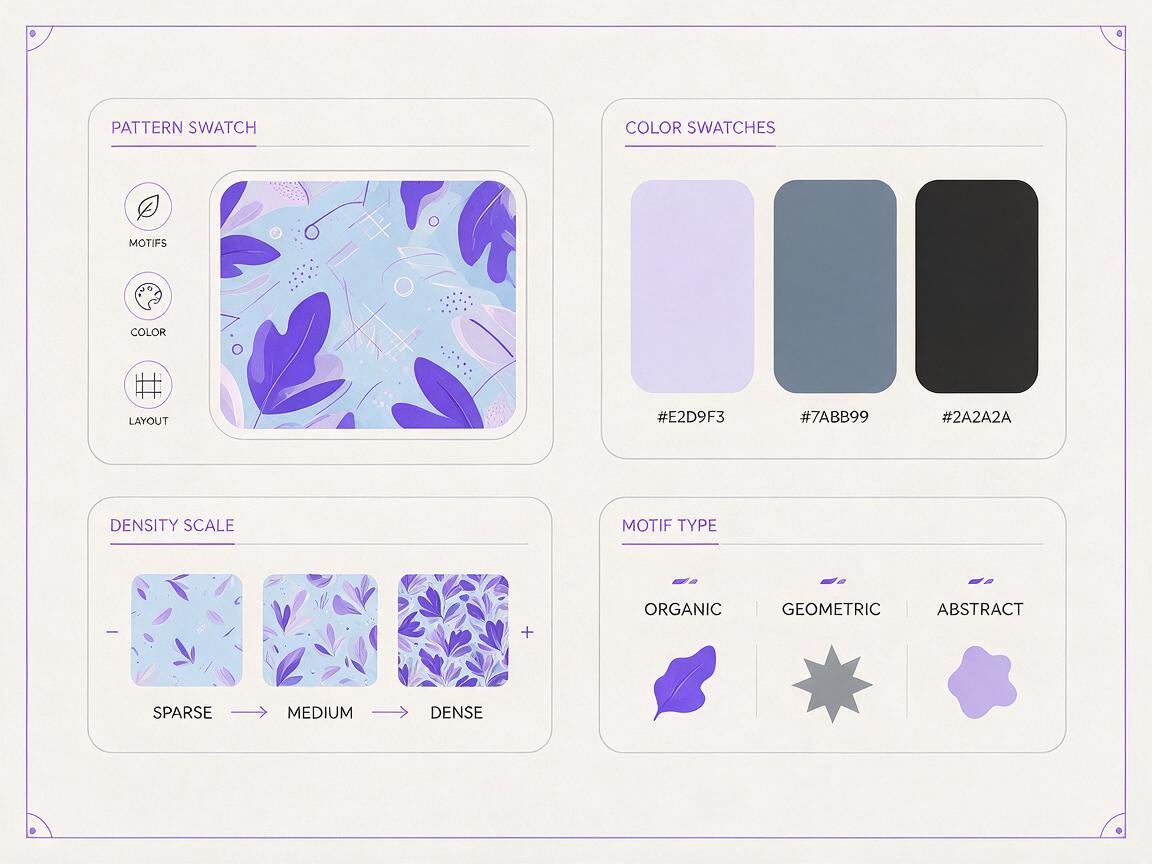
Before you write a single prompt, gather four core reference materials to lock in brand alignment. Skipping this step is the number one reason AI patterns end up generic or off-brand, as text alone can’t capture the nuance of your illustration style, line weight, and color subtlety.
- A 500x500px crop of an existing on-brand illustration or motif (e.g., a leaf from your skincare brand’s packaging, a geometric shape from your tech brand’s key visual) to use as a style reference
- Your exact brand color hex codes, listed in order of primary, secondary, accent, and neutral shades
- A clear definition of pattern density (sparse, medium, dense) and motif scale (small, medium, large) based on your primary use case
- A note on motif category (organic, geometric, abstract, illustrative) to align with your brand’s visual language
Upload your style reference image first when you open the generator, as this will anchor all subsequent generations to your existing brand assets.
Prompt structure for perfectly tileable on-brand patterns
The most reliable pattern prompts follow a fixed six-part formula, designed to prioritize tileability and brand consistency before creative flourishes. Each section builds on the last to eliminate ambiguity and reduce the need for multiple generations.
Use this base structure, then swap in your own brand details:
[Motif core description] + [Brand style context] + [Exact color palette] + [Density and scale] + [Tiling requirements] + [Negative prompts]Example for a minimalist skincare brand:
Minimalist hand-drawn jasmine vine motifs, thin delicate lines, organic natural feel
Style reference: soft matte illustration, no harsh shadows, matches uploaded brand illustration
Color palette: #F5F0E8 (off-white base), #2D5A3D (deep forest green accent), #E2D4B7 (warm neutral detail)
Pattern details: medium density, evenly spaced motifs, no overlapping elements, small to medium motif size
Technical requirements: perfectly tileable seamless pattern, edge-matched, no visible seams, flat 2D, no perspective
Negative prompt: 3D, shadows, gradients, text, logos, distorted shapes, blurry lines, busy composition
Example for a 90s-inspired streetwear brand:
Bold geometric star and lightning bolt motifs, thick angular lines, retro 90s skate aesthetic
Style reference: high contrast graphic illustration, matches uploaded brand streetwear art
Color palette: #000000 (black base), #FF3B30 (bright red accent), #FFCC00 (yellow secondary)
Pattern details: dense packed layout, overlapping motifs, large statement size
Technical requirements: perfectly tileable seamless pattern, edge-matched, no visible seams, flat vector style
Negative prompt: 3D, photorealistic, watercolor, soft edges, text, faces, complex details
Pro tip: Start with a 512x512px tile size for most use cases. It’s large enough to avoid obvious repetition, small enough to generate quickly, and scales cleanly to larger assets.
Set your style reference weight to 0.7–0.8 (high enough to lock style, low enough to allow flexible pattern arrangement) and enable the tiling mode toggle before generating your first batch.
Fix common pattern generation failures
Even with a strong prompt, you may run into small issues that keep your pattern from being production-ready. These three fixes address the most frequent problems without requiring a full restart.
Visible tile seams
If your pattern has a clear line where tiles meet, first confirm tiling mode is fully enabled. If seams persist, add "edge-matched, perfectly repeating, no seam lines" to the technical requirements section of your prompt, and increase the tiling strength setting by 10–15%. For small, subtle seams, use Seedream 4.5’s inpainting tool to retouch just the seam area with a prompt that matches your motif style and color palette.
Off-brand color drift
If the pattern uses shades outside your approved palette, make sure you’ve listed exact hex codes in your prompt (not just vague terms like "forest green" or "soft blue"). Add "strict color accuracy, only use listed hex codes" to the prompt, and upload a 100x100px swatch of your brand colors as a second reference image, increasing color reference weight to 0.8.
Mismatched motif style
If motifs look too cartoonish, too realistic, or don’t match your brand’s illustration voice, increase the style reference weight to 0.85, and add 2–3 specific style descriptors from your brand guide (e.g., "minimalist line art, no fill, hand-drawn organic feel") to the style context section. Avoid vague terms like "modern" or "edgy" — stick to concrete visual traits you can point to in your reference image.
Adapt patterns across packaging and campaign assets
One base pattern can be adapted for every brand touchpoint with small prompt tweaks, no need to build a new pattern from scratch. These variations keep your identity consistent while ensuring the pattern works for each use case.
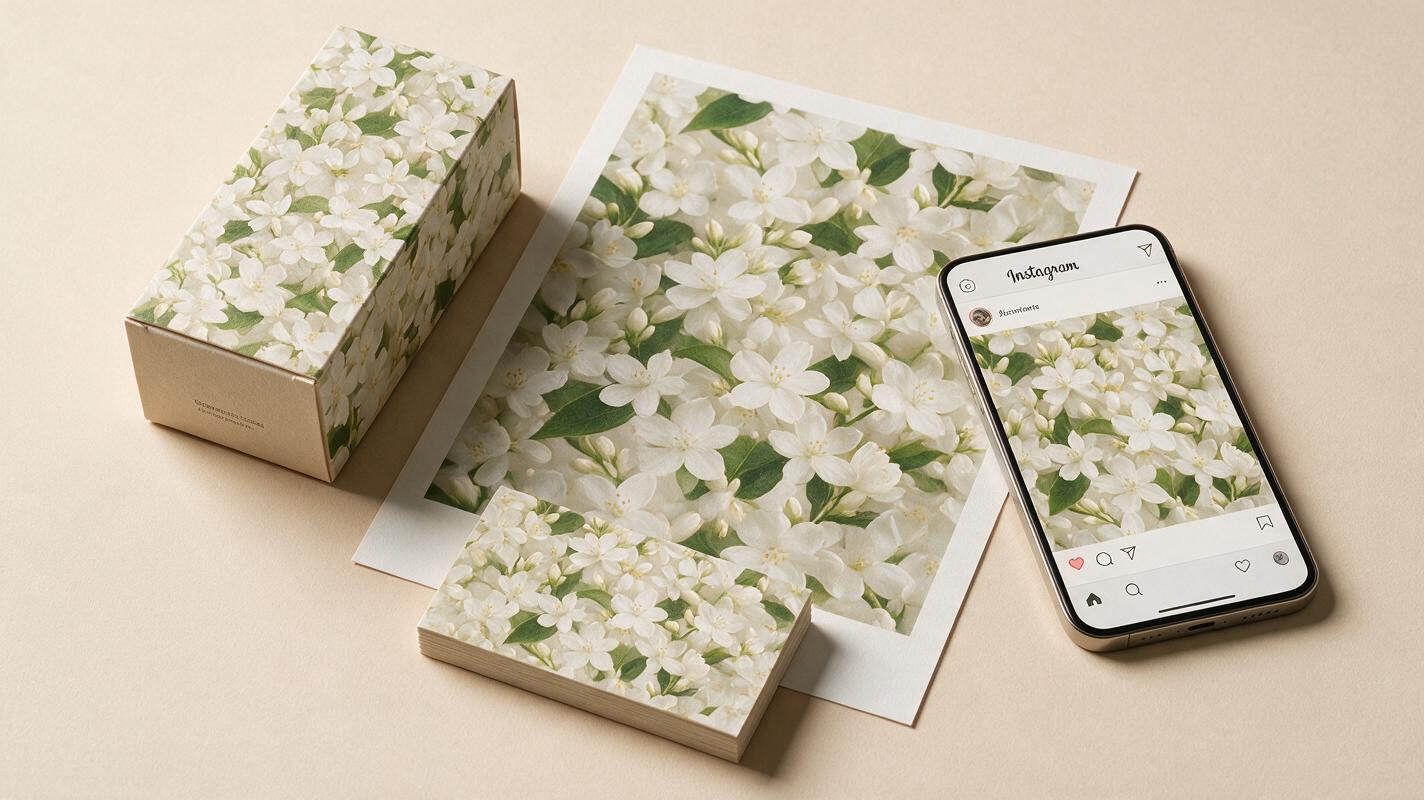
- Packaging backgrounds: For product boxes and labels, use lower density and lower contrast so text and logos stay legible. Add "low contrast, subtle background texture, no distracting motifs" to your prompt, and reduce accent color saturation by 20%.
- Campaign poster negative space: For filling empty areas around headlines and key visuals, use sparse density with larger, accent-style motifs. Add "sparse layout, large statement motifs, clustered only in corners and edges" to keep the center clear for copy.
- Social media story backgrounds: For Instagram and TikTok story templates, use medium density with a slight gradient fade at the top and bottom to leave room for text and stickers. Add "medium density, soft fade at top and bottom edges, mobile-optimized" to your prompt.
Always test each pattern variation with real copy and logo placements before adding it to your brand asset library.
Final checklist for production-ready brand patterns
- Tile test: Repeat the tile 3x3 in your design tool to confirm no visible seams at full scale
- Color check: Use a color picker to verify all shades match your approved brand hex codes
- Style alignment: Compare motifs to your brand illustration guide to confirm line weight, texture, and vibe match
- Legibility check: Place your logo and core headline over the pattern to ensure text stays readable
- Scalability: Confirm the pattern looks good at both small (business card) and large (trade show booth) sizes
Ready to generate your first on-brand seamless pattern? test this prompt yourself with your own brand reference set and adjust the formula to match your visual identity.
Keywords
seedream 4.5, seamless brand patterns, ai pattern design, brand pattern prompts, packaging patterns, campaign graphics, ai image generator