Seedream 4.5 Prompts for a Faceless YouTube Channel Mascot
Create a recognizable mascot for a faceless YouTube channel without redesigning it for every thumbnail or video. These Seedream 4.5 prompts cover a simple base design, useful expressions, and placements that remain readable at small sizes.
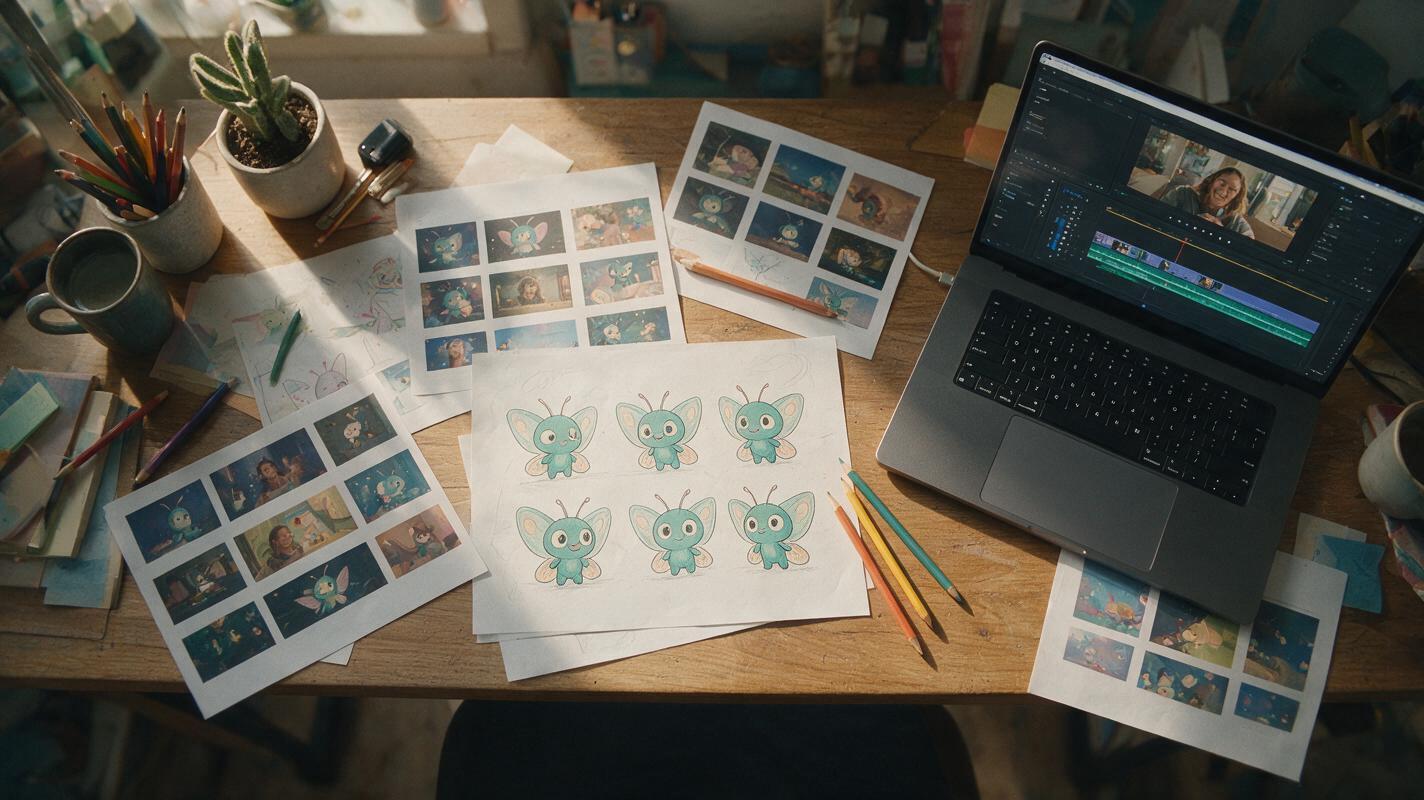
Table of contents
A mascot viewers can recognize at a glance
A faceless YouTube mascot has a demanding job: it must look like the same character in a thumbnail, a chapter card, and a tiny corner overlay. A detailed portrait may look impressive at full size but become unrecognizable on a phone. Start with a distinctive silhouette and a few repeatable features; add expressions only after the base design works.
The prompts below use Seedream 4.5 to develop an original mascot for a fictional channel. They are designed for a channel identity, not a recurring character in a story. Keep your chosen base image and written description together so every later variation has the same visual reference.
Choose a shape the viewer can remember
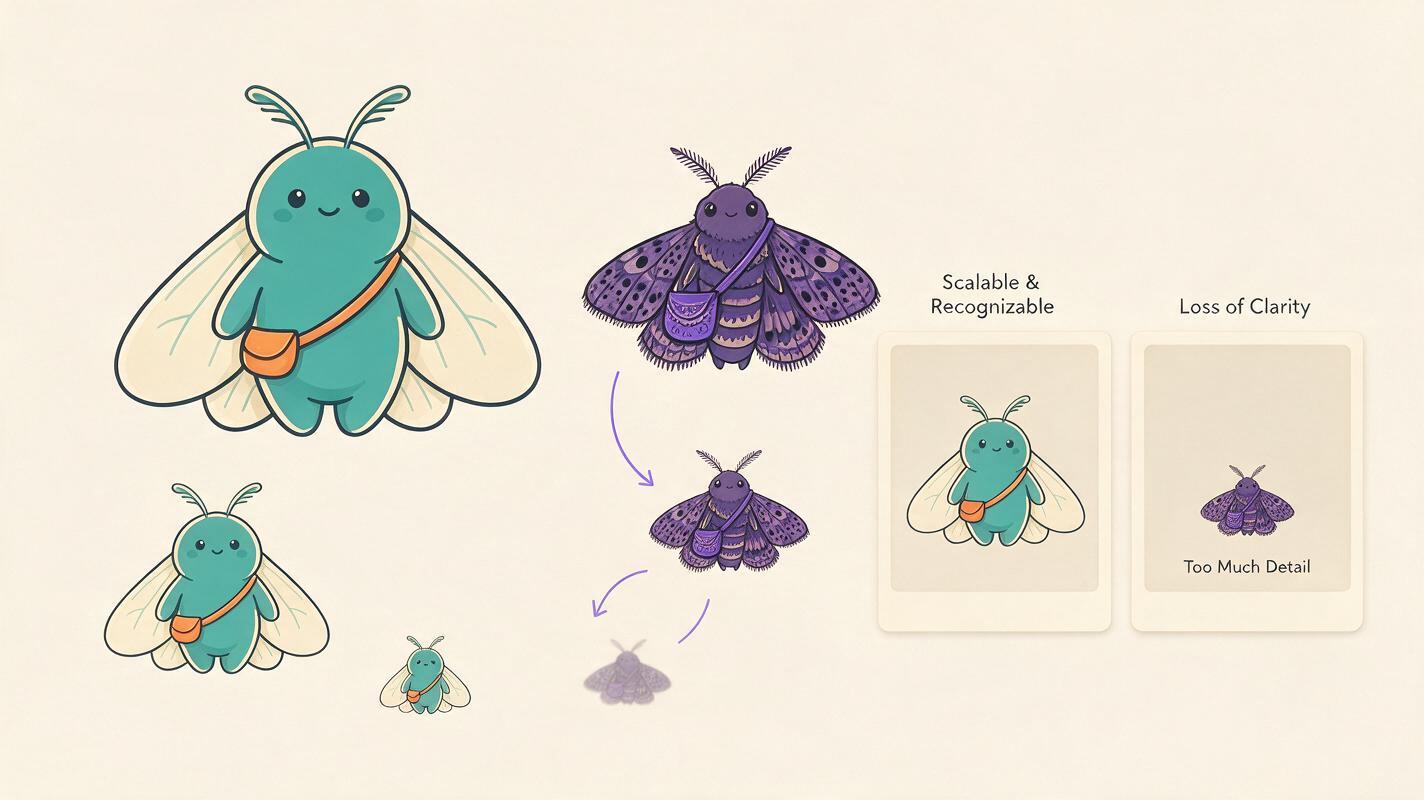
Give the mascot one primary shape, one defining accessory, and a restrained palette. For a channel about curious experiments, that might be a round teal moth with short antennae and an orange satchel. Those details are easier to repeat than a complex outfit, intricate wing markings, or a collection of tiny props.
Use ai image generator to explore original designs, then select one base image before requesting expressions or poses. A plain background makes the silhouette easier to inspect and later cut out. Avoid asking for a channel logo or text inside the image; add lettering in your editor, where you can control spelling and placement.
Create an original mascot for a faceless YouTube channel about curious everyday experiments. Subject: a small round teal moth with two short curved antennae, simple cream wings, and one orange cross-body satchel. Friendly and observant, not babyish. Clean editorial illustration with bold outer contours, simple interior shapes, and a limited teal, cream, and orange palette. Full body, three-quarter view, centered on a plain light background. Make the silhouette identifiable when reduced to a small thumbnail. No words, letters, logo, extra characters, or detailed background.Review the candidates as thumbnails, not posters. Shrink each image to roughly the size the mascot will occupy in a real YouTube thumbnail. If its face or satchel disappears, simplify the design rather than adding more detail.
Lock the features before changing expressions
Write a short identity description based on the image you actually chose. Specify the shapes and colors that cannot change, as well as the details that may change. If your creation interface accepts a reference image, provide the selected base alongside this prompt. Otherwise, reuse the same identity description verbatim and compare every result with the original.
Identity description: Round teal moth; two short curved antennae; cream wings; orange cross-body satchel worn from its right shoulder to its left hip; thick dark-teal outline; simple dot eyes. Keep these features and proportions unchanged. Only expression, arm position, and camera framing may vary.
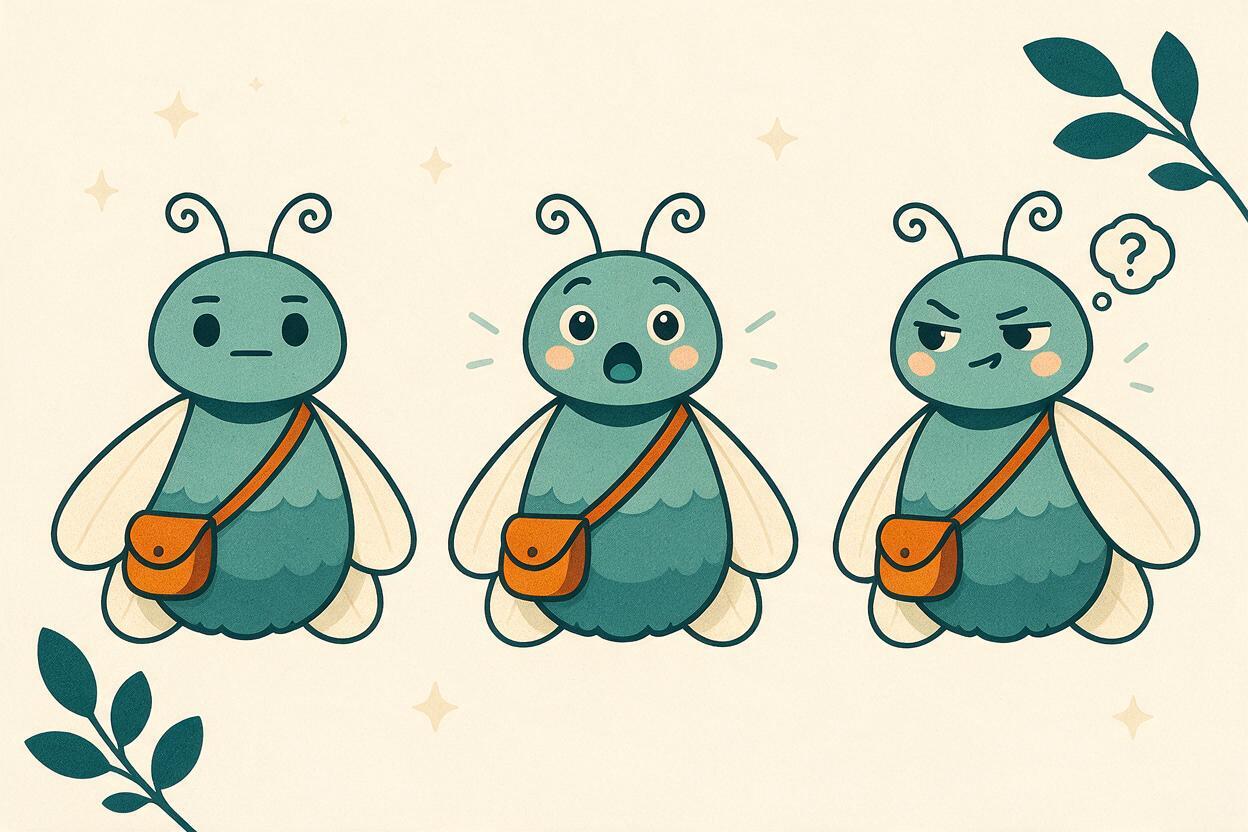
Request a small set of purposeful expressions. A surprised face might introduce a surprising result; a skeptical face might accompany a myth-busting video. Generating many unrelated moods is less useful than making a few dependable assets you will reuse.
Using the supplied mascot reference and the identity description, create one clean illustration of the same teal moth reacting with mild surprise. Keep its body shape, antennae, wing shape, satchel position, colors, outline weight, and facial style unchanged. Show raised hands and a clear surprised expression without changing its species or costume. Full body on a plain light background. No text, props, other characters, or scene.If the satchel switches sides or the wings acquire new markings, do not accept the variation merely because the expression is appealing. Regenerate with the incorrect feature named explicitly: “The satchel must remain across the same side of the body as in the reference.”
Make a thumbnail pose, not a second character
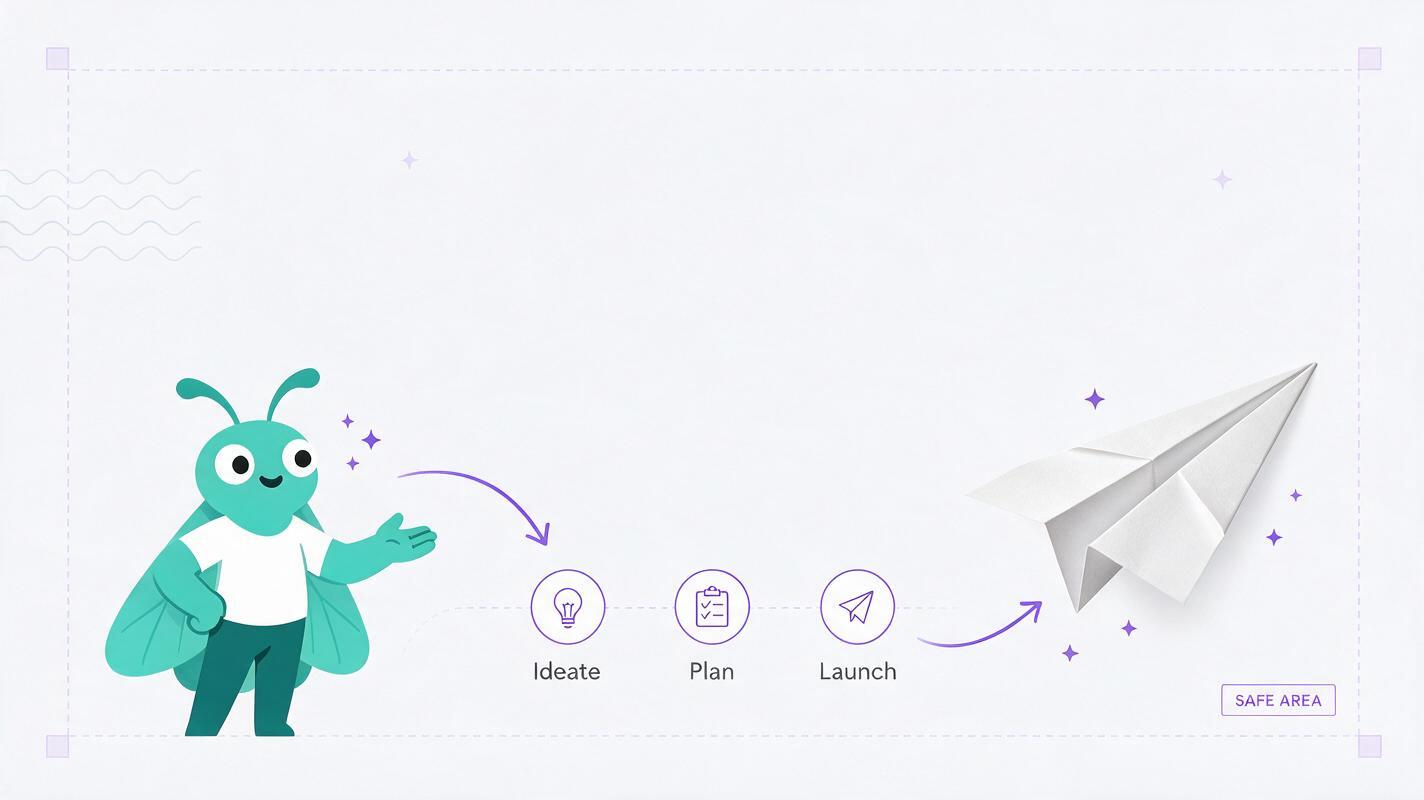
In a thumbnail, the mascot should direct attention toward the video’s subject—not compete with it. Leave room for the actual object, diagram, or editor-added headline. Ask for a pose that points or reacts toward empty space, then test that pose in a real thumbnail layout.
Create the same teal moth mascot from the reference, framed from the waist up on the left side of a wide composition. The mascot looks and gestures toward open space on the right, with a curious, slightly skeptical expression. Preserve the original antennae, cream wings, orange satchel, body proportions, palette, and bold outline. Keep the right half visually quiet so a creator can add a real subject and headline later. Plain neutral background. No text, symbols, second character, or invented object.Place the generated mascot beside a real frame or accurately represented subject from your video. For a video testing paper airplanes, for example, the mascot can point toward an actual airplane photograph. Do not ask the image model to invent a result that the video does not show.
Prepare a quieter version for the video itself
A thumbnail pose is often too expressive for an on-screen overlay. Create a neutral, compact version for chapter transitions, lower corners, or brief reactions. Keep movement and visual clutter out of the still; the editor can decide when the mascot appears and disappears.
Using the same mascot reference and identity description, draw a compact waist-up portrait of the teal moth facing slightly right with a calm, attentive expression. Preserve the same two antennae, cream wings, orange satchel, dot eyes, proportions, and dark-teal outline. Keep both hands visible and close to the body. Plain solid background with clear separation around the character for easy cutout. No text, decorative border, extra props, or additional characters.Before committing to a batch, place this asset over one bright scene and one dark scene from an actual edit. If the outline disappears against either, add a subtle border or backing shape in your editor rather than altering the mascot’s design from shot to shot.
Check the set as one channel identity
Put the base, surprised, thumbnail, and neutral versions side by side. Look for changes a viewer would notice even without seeing the images together: a different antenna curve, altered satchel strap, larger eyes, new wing pattern, or inconsistent outline weight. Replace the outlier before producing more assets.
Then test the mascot in the three sizes that matter: a small thumbnail placement, a full-screen chapter card, and a corner overlay. A useful set does not need perfect pixel-for-pixel repetition, but it should preserve the same unmistakable character. Once you have a base worth keeping, test this prompt yourself with your channel’s subject and a short, fixed identity description.
Final checklist
- Recognizable: The silhouette reads at thumbnail size.
- Consistent: Shape, palette, accessory, and outline stay the same across poses.
- Useful: Each expression has a planned role in a thumbnail or video.
- Editable: Backgrounds are simple, and text is added outside the generated image.
- Honest: Thumbnails use real or accurately represented video subjects rather than invented results.
Keywords
seedream 4.5 prompts, youtube channel mascot, faceless youtube branding, ai mascot prompts, youtube thumbnail mascot, consistent ai character