Seedream 4.5 Prompts for Editorial Portraits With Headline Space
Create original editorial portraits that leave usable room for a magazine headline without pushing the subject out of the frame. These Seedream 4.5 prompts cover three layouts, plus practical checks for cropping, typography, and photographic credibility.
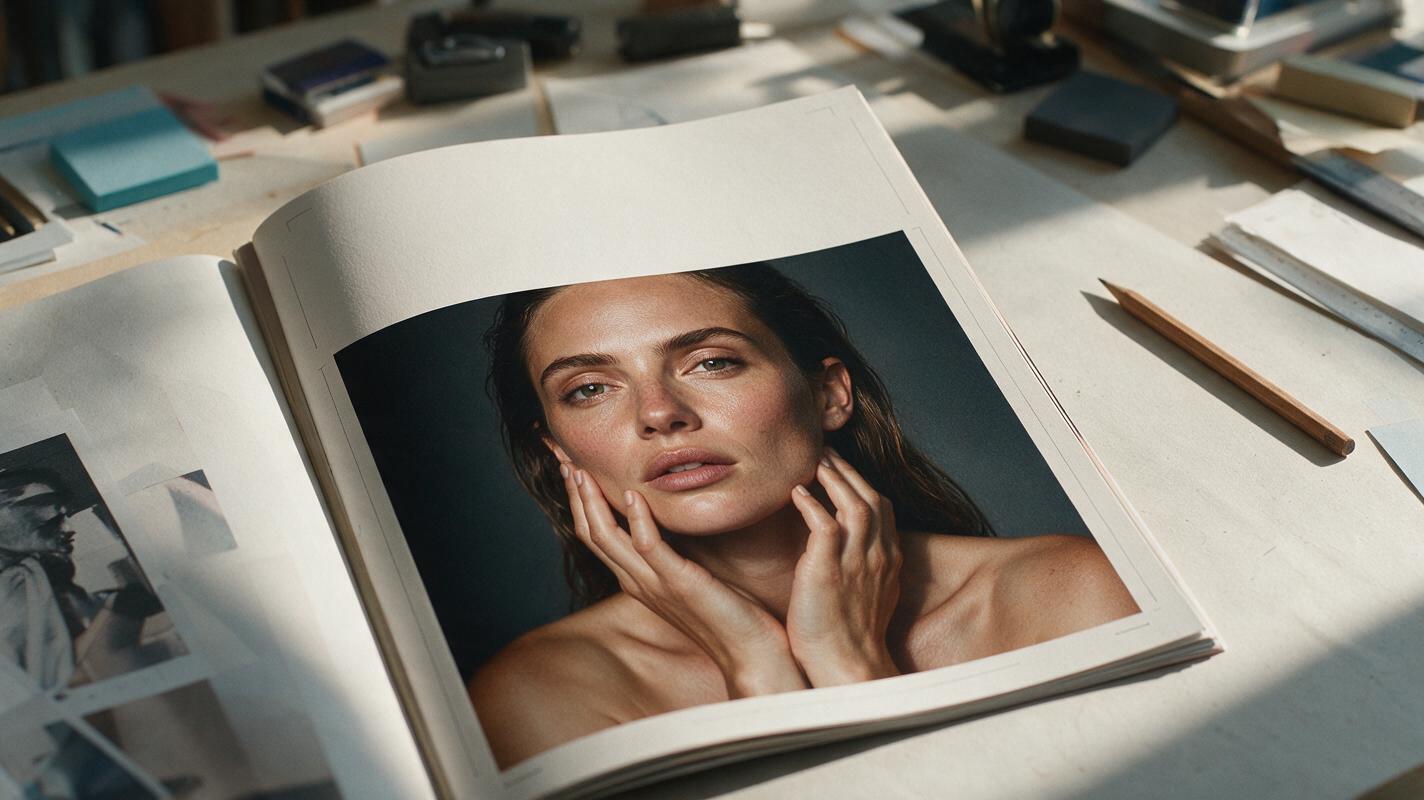
Table of contents
Give the headline a place to live
A striking portrait can still fail as a magazine cover if hair, hands, or background detail fill the only space available for a headline. The fix is to design the portrait and its empty space together. These Seedream 4.5 prompts generate original editorial concepts with a defined subject position, a quiet text area, and enough room to crop—before a designer adds any type.
This approach is for concept images, speculative editorials, and approved commercial work. It is not a way to invent an additional photograph of a real client or present a synthetic image as documentary coverage.
Choose the text area before writing the portrait prompt
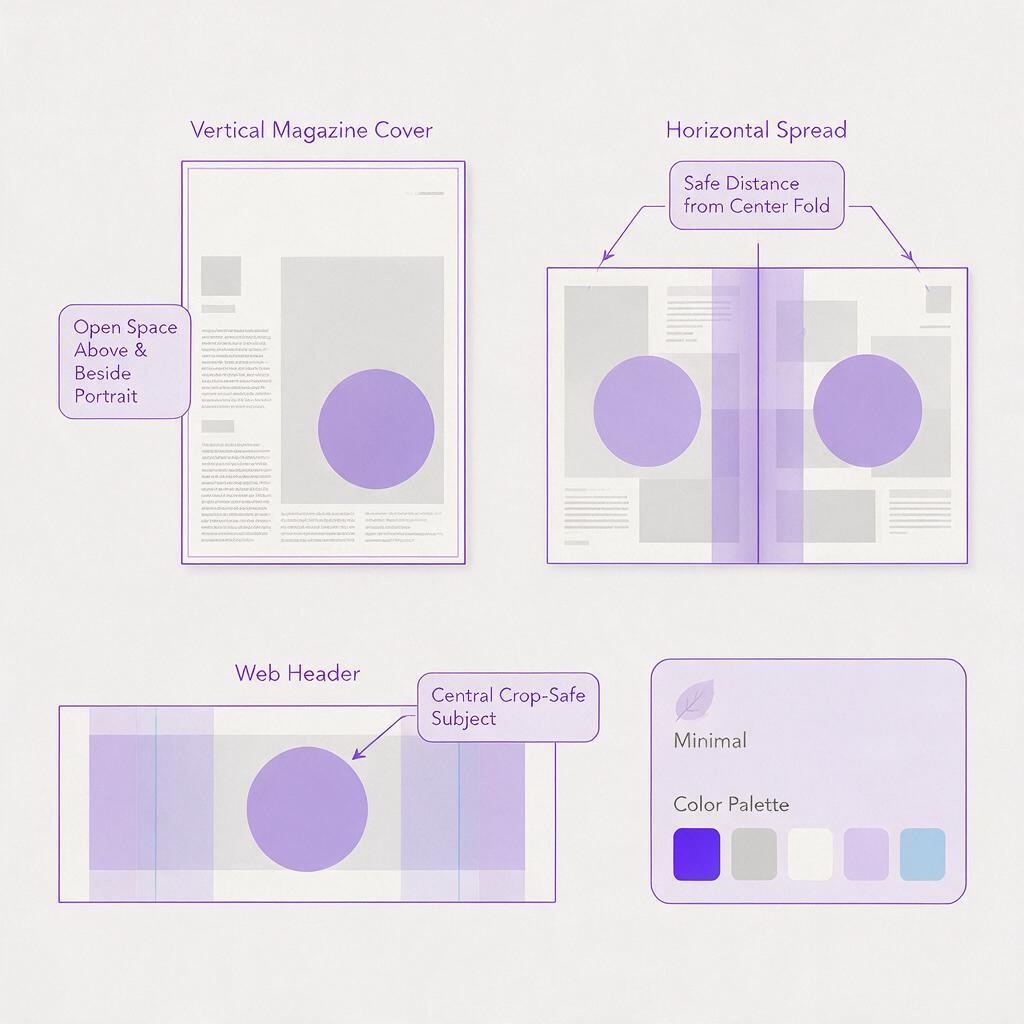
Start with the intended page: a vertical cover, a wide opening spread, or a portrait for a web feature. Reserve a region for type and decide what the viewer should notice first. For a cover, the face usually remains the visual anchor; headline space should support it, not make the subject look stranded at the edge.
When working in ai image generator, describe the reserved area as part of the photographed scene. A softly lit wall, clear sky, or smooth studio backdrop gives a designer more control than a request for a generic “blank area.” Ask for an image without rendered words or logos; add actual typography in a layout tool where spelling and placement can be checked.
| Intended use | Useful open area | Watch for |
|---|---|---|
| Magazine cover | Upper third for a masthead; one side for cover lines | Hair or raised hands cutting through the type area |
| Opening spread | One quiet half for a headline and introduction | A face disappearing into the center fold |
| Web feature | Side space that survives responsive crops | A layout that works only at one screen width |
Prompt for a cover with clear space above the subject
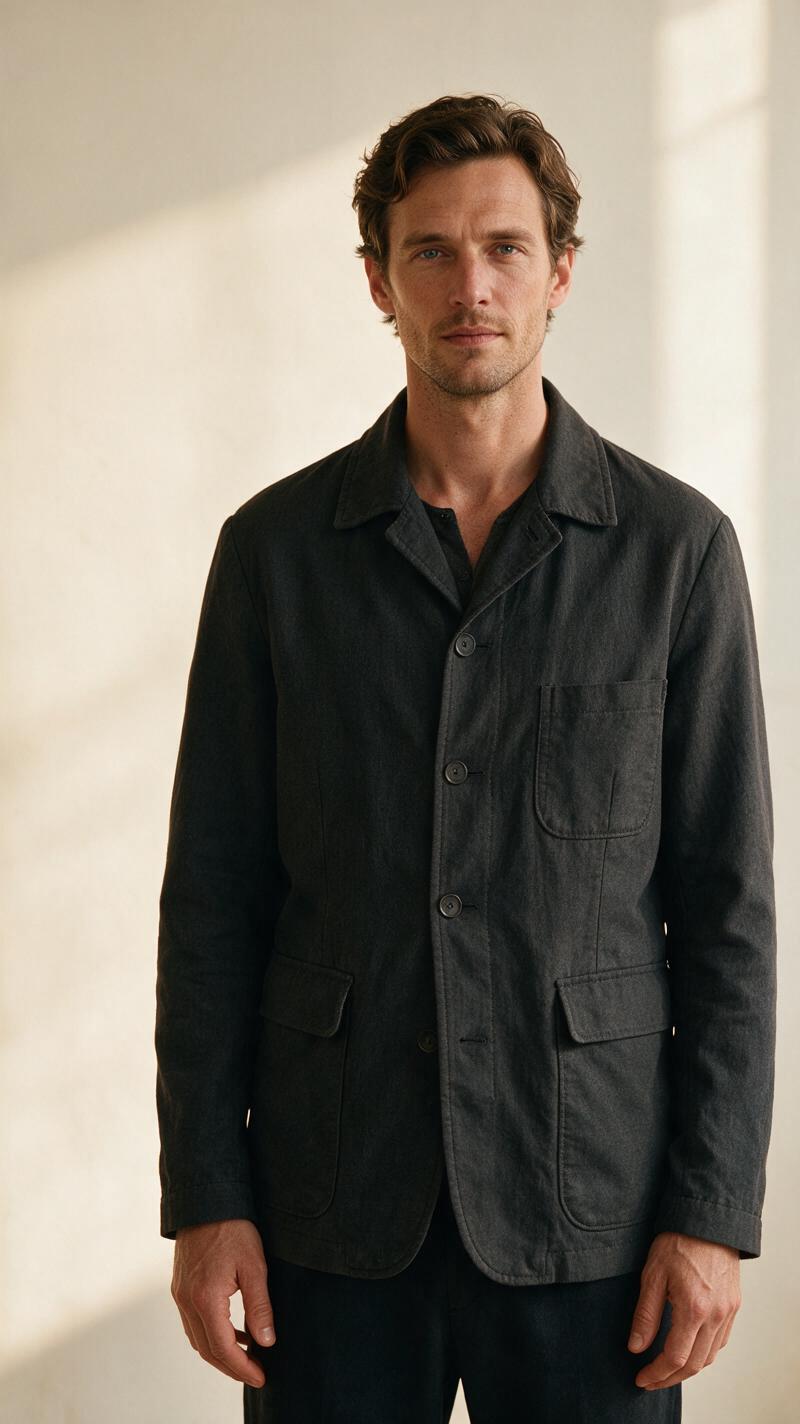
This composition suits a fashion or culture cover with a short masthead and restrained cover lines. Keep the head comfortably below the top edge rather than asking the model to shrink the person until the portrait loses impact.
Create an original, photorealistic editorial studio portrait for a vertical magazine cover. An adult subject in a structured charcoal jacket, photographed from the waist up, positioned slightly right of center. Calm, direct expression; natural skin texture; believable hands resting outside the main text area. Soft directional window light from camera left, subtle shadow on a warm off-white studio wall. Leave a broad, visually quiet area above the head for a masthead and a clean area along the left side for cover lines. Preserve comfortable space around the hair and shoulders for cropping. No lettering, logos, watermarks, or graphic overlays.If the first result places the head too close to the top, revise only the spatial instruction: “lower the subject slightly within the frame while keeping the face prominent.” Changing lighting, clothing, and composition at once makes it harder to tell what fixed the layout.
Prompt for a wide portrait with one quiet half
An opening spread needs a different balance from a cover. The empty half must have enough tonal consistency for a headline, but it should still feel like part of the same photograph. This prompt gives the designer space without requesting an obviously artificial blank panel.
Create an original, photorealistic horizontal editorial portrait for a magazine opening spread. An adult subject seated near a tall window on the right half of the frame, wearing a simple navy outfit. Thoughtful expression and relaxed, anatomically natural hands. The left half shows a softly illuminated plaster wall with gentle real-world tonal variation and no objects crossing it. Overcast daylight, restrained color palette, medium-format editorial photography feel. Keep the subject's face and hands away from the center-fold area. Leave the left half suitable for a headline and short introduction. No text, logos, or graphic elements.Place a temporary center-fold guide over the result. If the face, fingers, or a defining garment detail sit too close to it, regenerate with the subject farther from the fold. Do not assume a pleasing full-screen image will survive binding.
Prompt for a web feature that tolerates multiple crops
A website may show the same portrait as a wide hero, a narrower article header, and a social preview. Rather than promising one generated image will fit every format, aim for a flexible master and test the actual crops.
Create an original, photorealistic environmental editorial portrait with generous framing. An adult ceramic artist standing in a naturally lit studio, positioned near the center-right of a horizontal image. Include believable shelves and unfussy working materials, but keep the upper-left wall simple and low in contrast for a web headline. The face, both hands, and the primary subject remain clear inside the central portion of the frame. Natural afternoon light, credible textures, understated editorial color. Allow extra space around the subject for alternate crops. No words, signs, logos, or watermarks.Generate the master, then test a wide header and a tighter social crop with guides. If a required crop cuts through a hand or puts text over a busy shelf, make a separate composition for that placement. Extra pixels cannot rescue a fundamentally incompatible layout.
Make the portrait believable before adding typography
Headline space is useful only if the portrait holds up at publication size. Inspect the result at both thumbnail scale and full resolution. At thumbnail scale, check whether the face remains the focal point and the quiet area looks intentional. Zoom in for pupils, teeth, fingers, garment seams, and background edges. Softness around a hand may disappear in a contact sheet but become conspicuous on a full-page cover.
For a consistent series, keep the lighting, lens perspective, palette, and background description stable while changing one pose or framing instruction at a time. Seedream 4.5 can provide variations, but a prompt alone does not guarantee an identical person across outputs. If identity matters, use an authorized reference-based workflow where available and review every result rather than relying on a descriptive prompt to reproduce someone’s likeness.
Editorial boundary: Obtain permission for recognizable likenesses and follow the publication’s disclosure and rights requirements. A generated portrait should not be captioned as a photograph of an actual event or person it does not depict.
Test the layout with real words
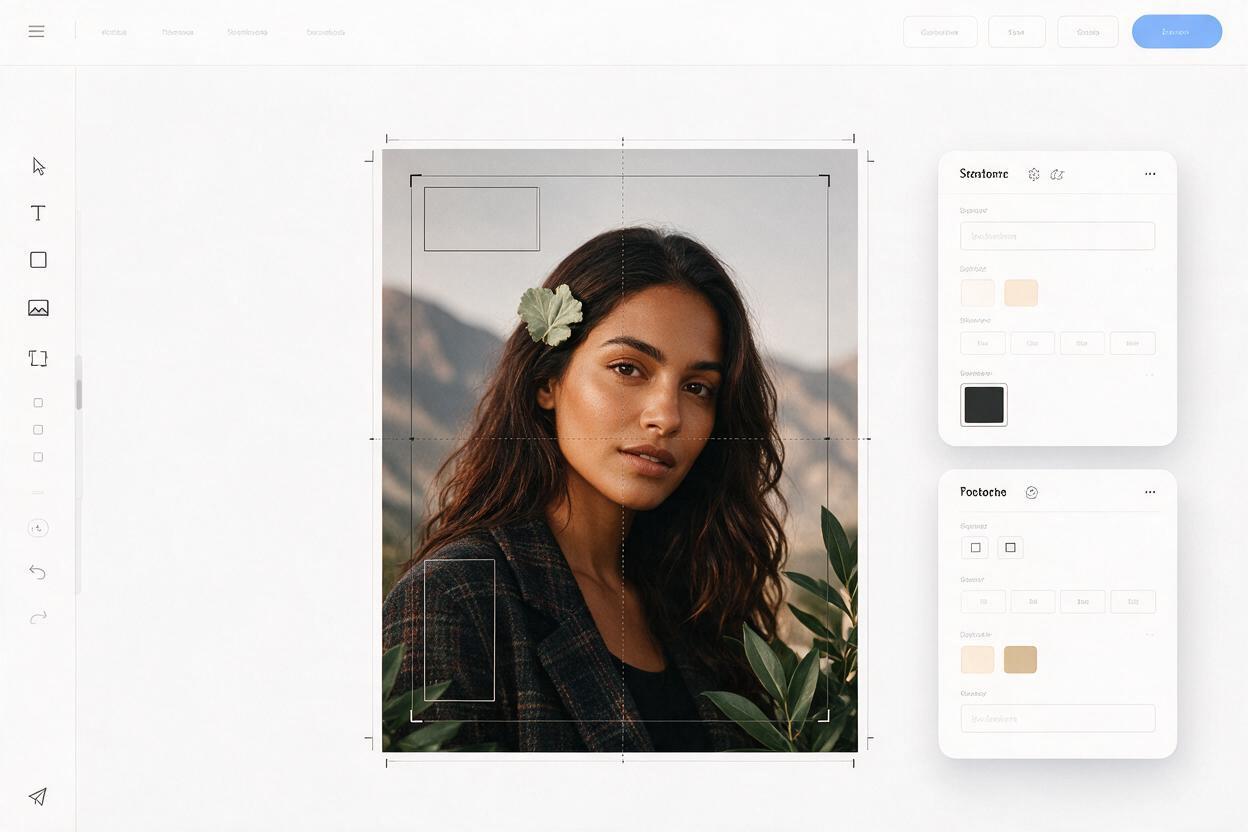
Bring the selected image into a layout tool and place the actual headline, deck, masthead, and credits. Use the publication’s real fonts and approximate final size. A quiet wall may be too light for white type, while a beautifully lit face may be hidden by a headline that proved longer than the placeholder.
Check the result at the smallest likely display size as well as at print scale. If type needs heavy shadows or a large opaque box to become readable, reconsider the image or move the type; the composition has not delivered genuinely useful headline space. For a cover, also leave room for practical elements such as the issue date or barcode where the publication needs them.
Ready to compare compositions? test this prompt yourself with one of the layouts above, then change only the subject position or quiet-area instruction between generations. Choose the image that works with real typography—not simply the most dramatic image on its own.
Final checklist
- The portrait is an original concept or an authorized depiction, not a fabricated documentary image.
- The headline area is part of a believable scene and contains no generated lettering.
- The face, hands, and important clothing details survive the intended crop and any center fold.
- Skin, anatomy, seams, and background edges hold up at publication size.
- Actual headline and credit text remain readable without covering the subject.
Keywords
seedream 4.5, editorial portrait prompts, headline space, magazine cover portrait, ai portrait generation, portrait composition