Seedream 4.5 Prompts for Faceless Video Hooks That Read in One Second
A faceless video needs an opening image that communicates a question before the viewer scrolls away. These Seedream 4.5 prompts help creators make readable hook images, leave room for captions, and turn the strongest still into an opening shot.
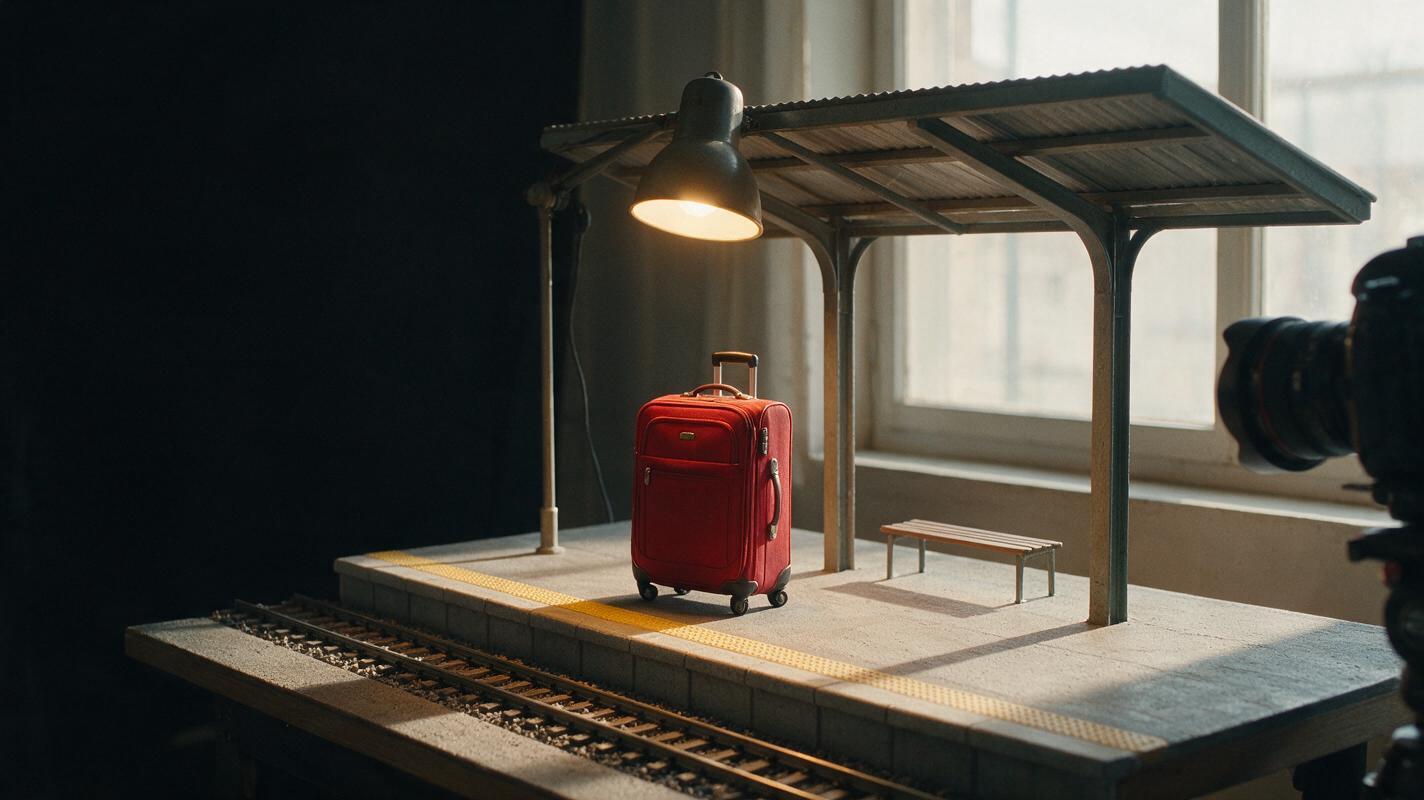
Table of contents
Make the opening image do one job
A faceless video hook has little time to establish what viewers should notice. If its first image contains five competing ideas, a caption cannot rescue it. A stronger opening shows one clear subject, one visual tension, and enough empty space for the words that explain it.
The prompts below are designed for Seedream 4.5 still images that can open a YouTube video or Short. They do not require a recurring character or a complex scene. Choose the hook that matches your script, generate a few variations, and judge them at the size your audience will actually see.
Build the hook around one readable question
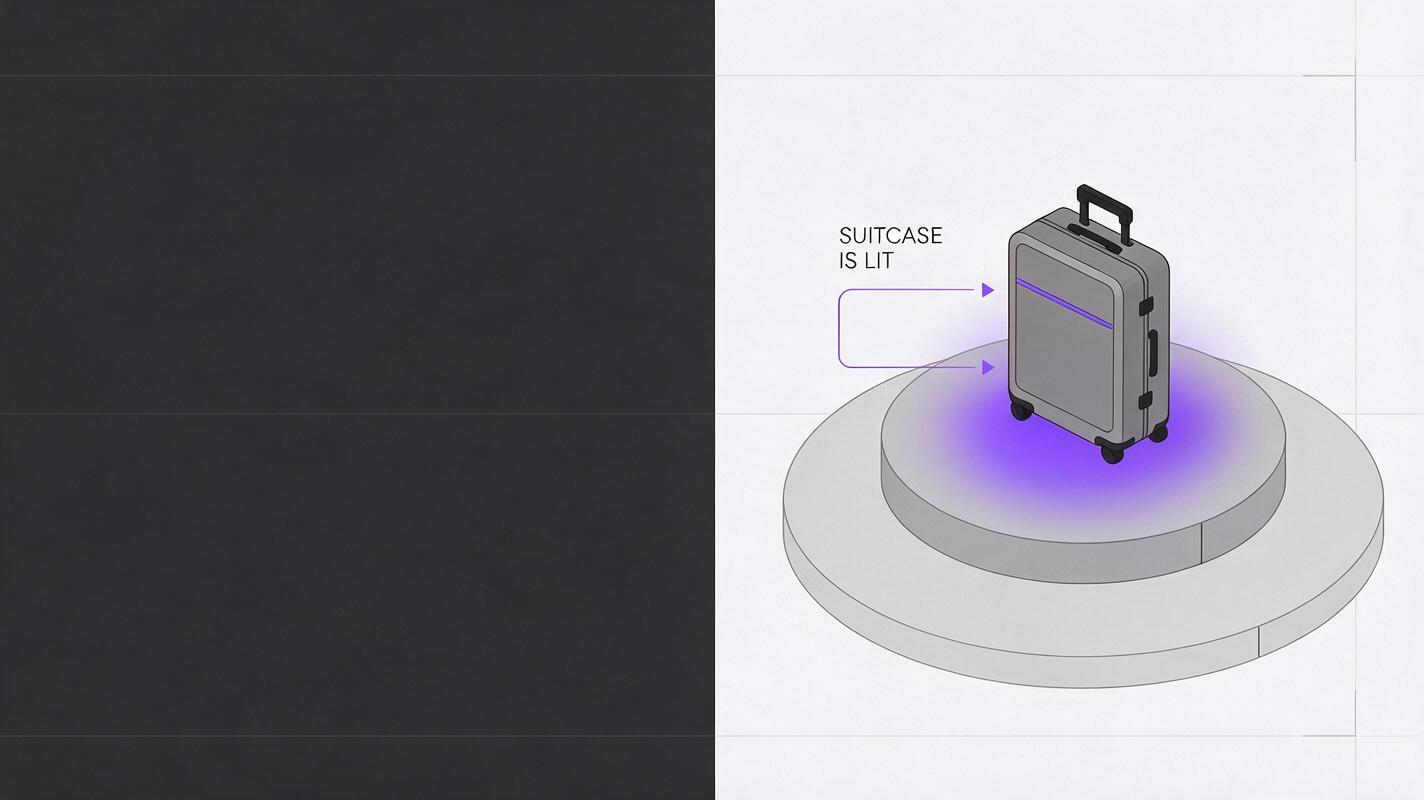
Before opening an ai image generator, finish this sentence: “The viewer should wonder why _____.” That answer determines the image. For a video about an abandoned train station, the question might be why one platform is still lit. The opening image needs a dark station and a single illuminated platform—not a collage of maps, clocks, trains, and people.
Keep the visual brief to four parts: subject, contradiction, framing, and caption space. For example: “An empty station; one platform glows; wide shot with the platform on the right; dark, uncluttered space on the left.” This is specific enough to direct the composition without asking the model to invent a story the video cannot support.
Generate in the aspect ratio of the intended edit if that option is available. Otherwise, leave generous margins so you can crop later. For vertical video, place the important subject near the center third; interface elements and captions may cover the top and bottom of the screen.
Prompts for five hook types
Replace the bracketed details with elements from your actual script. These are starting points, not promises of identical results. If an image implies a factual claim, confirm that the script supports it before publishing.
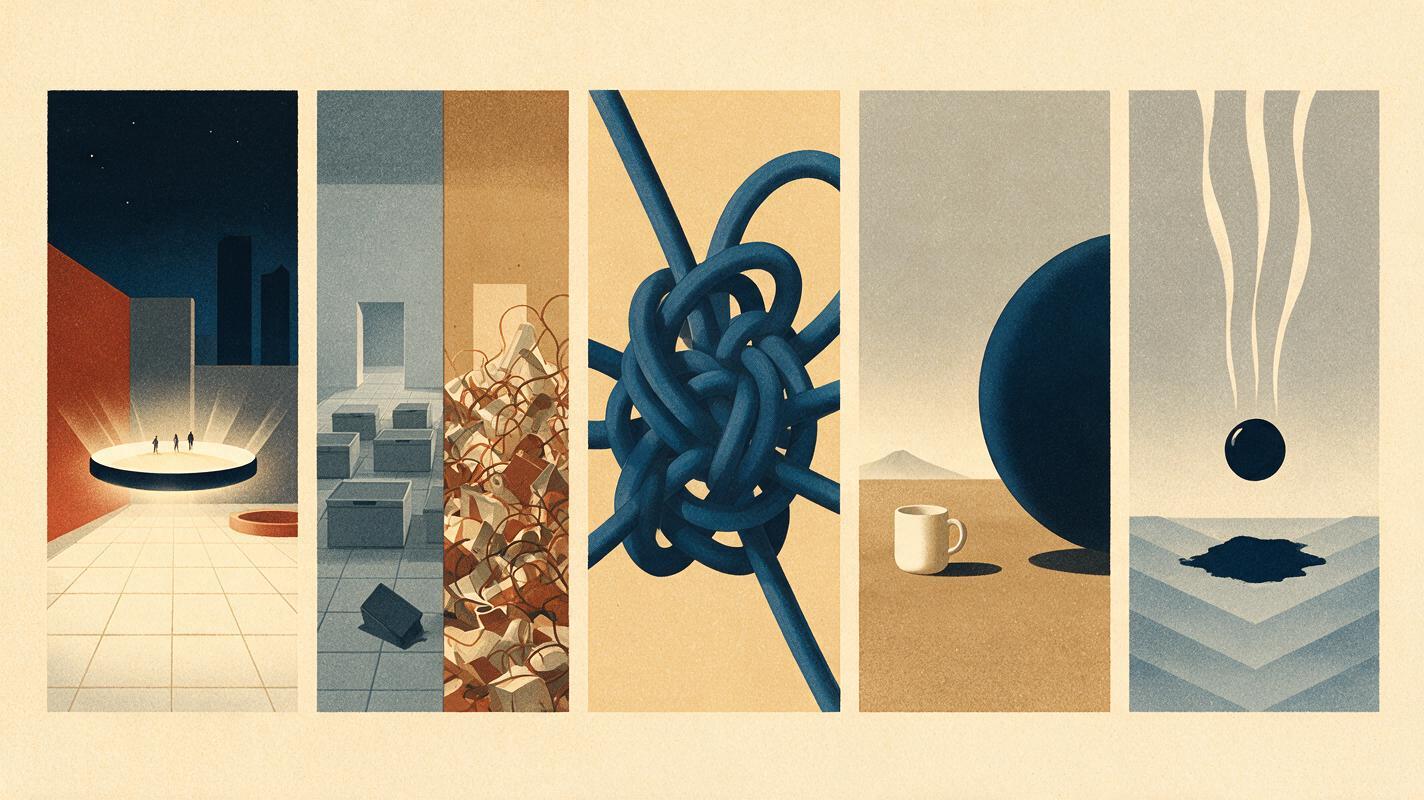
The unanswered question
Use this when the video investigates a place, object, or event. Show the anomaly, but withhold its explanation.
Create a cinematic opening still for a faceless video about [TOPIC]. Show [ORDINARY SETTING] with one immediately noticeable anomaly: [ANOMALY]. The anomaly must be the single focal point. Wide, simple composition; believable materials and lighting; subject on the right; clean darker space on the left for a separately added caption. No lettering, logos, collage, or extra clues.Example: For a fictional mystery story, use “an empty railway platform at night” and “one warm lamp illuminating an unattended red suitcase.” For a factual video, do not depict a suitcase as evidence unless it belongs in the documented story.
The before-and-after contrast
Use a split composition when your script genuinely compares two states, such as a cluttered editing timeline and a simplified one. The contrast should be legible without tiny details.
Create one 16:9 visual hook comparing [BEFORE STATE] with [AFTER STATE]. Divide the frame into two clear, balanced halves showing the same subject from a similar viewpoint. On the left, show [VISIBLE PROBLEM]; on the right, show [VISIBLE IMPROVEMENT]. Keep the background simple and the difference obvious at thumbnail size. No words, arrows, numbers, logos, or decorative interface text.If the two halves look like unrelated scenes, generate each state separately and align them in your editor. A clean edit is often more controllable than repeatedly asking one image to satisfy every detail.
The close-up problem
Use this for tutorials and explainers where a specific failure is the hook: a tangled cable, an unreadable chart, or a scratched lens. Make the problem unmistakable.
Create a realistic close-up opening image about [PROBLEM]. Show [OBJECT] with one visible issue: [SPECIFIC FAILURE]. Use directional light to make the issue easy to see. Keep the object large in frame and the surrounding workspace minimal. Leave an uncluttered area for a short caption. No hands unless necessary, no text, and no unrelated props.The scale reveal
Use this when size or quantity is the surprising part of the story. Include a familiar reference object so the viewer can understand the scale immediately.
Create a wide visual hook showing the scale of [SUBJECT]. Include [FAMILIAR REFERENCE OBJECT] nearby for an instantly understandable size comparison. Make both objects clearly visible in the same believable scene and lighting. Use a restrained color palette, one strong focal point, and empty space for a caption. No written measurements, labels, or exaggerated proportions.For science or history content, treat generated scale as illustrative until you check the proportions against a reliable reference.
The object about to change
Choose this when the next shot will show an action or transformation. The still should feel like a paused moment immediately before something happens.
Create the opening frame for a faceless video about [ACTION]. Show [MAIN OBJECT] at the precise moment before [CHANGE]. Suggest anticipation through framing, light, and the object's position, but do not show the completed result. One subject, simple background, realistic physical details, and clear negative space for an editor-added caption. No text, logos, or additional story elements.For example, show a drop of ink suspended above water before it disperses. The audience can understand the setup, and the next shot can deliver the motion.
Pick the image that survives the one-second test
Put your candidates into the opening frame of a rough edit. View them on a phone, not only on a large monitor. Ask someone unfamiliar with the script what they noticed first. If they name a background prop instead of your focal subject, simplify the prompt or crop more tightly.
- Recognizable subject: Can you identify the main object without zooming?
- Visible tension: Is there a clear anomaly, contrast, problem, or anticipated action?
- Caption room: Can a short line of text sit on the image without covering the important detail?
- Script accuracy: Does the image illustrate the story without fabricating evidence?
A hook image does not need to explain the entire video. It needs to make the next sentence worth hearing.
If none of the candidates passes, revise the brief before generating more. Removing two props is often more useful than adding ten style adjectives.
Turn a still into a usable opening shot
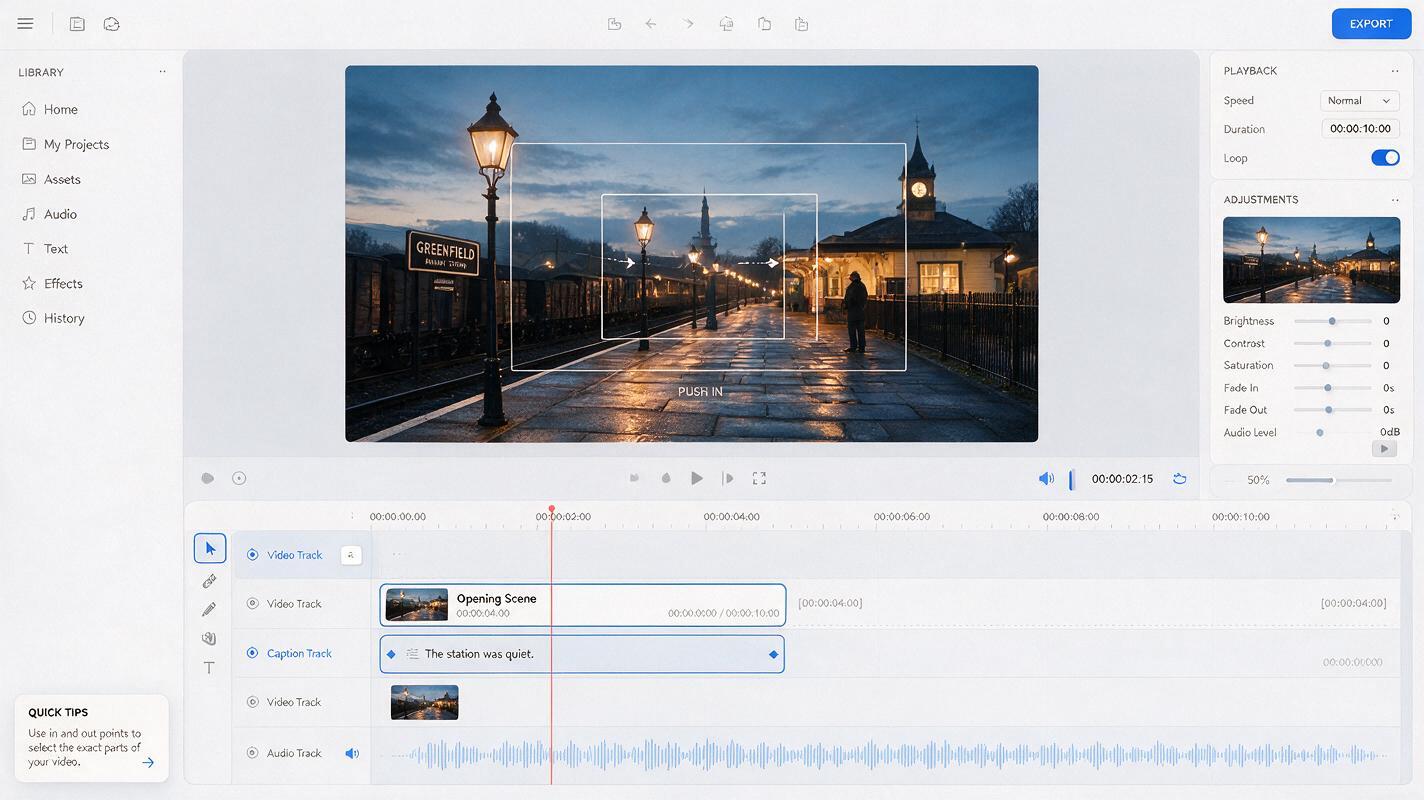
Place the chosen image on your timeline and add the caption in the editor, where you control spelling, placement, and timing. Begin with the image long enough for its focal point to register, then reveal or complete the thought with narration. Test the opening at normal playback speed; a hook that works only while paused is not finished.
If movement would add meaning, use image to video with a restrained motion instruction: “Slow push toward the illuminated platform; preserve the suitcase and station layout; no new people or objects.” Inspect the generated clip for drifting shapes and unexpected additions. A subtle crop or zoom in the editor is the better choice when the still already communicates the idea.
Keep the image honest about its role. A generated scene can be an effective illustration or fictional story frame, but it should not be presented as documentary footage of a real event. Once the still passes the phone-size test, create your own version for the next opening in the series by changing the visual question—not merely swapping the topic word.
Final checklist
- The first frame poses one visual question that matches the script.
- The focal subject remains clear at phone size and in the final crop.
- Caption space is intentional, and all text is added in the editor.
- Any implied factual details have been checked.
- Motion, if used, strengthens the hook without changing its meaning.
Keywords
Seedream 4.5 prompts, faceless video hooks, YouTube visual hooks, AI B-roll images, faceless YouTube videos, video intro images