Seedream 4.5 Prompts for Faceless YouTube Thumbnail Backgrounds
Create faceless YouTube thumbnail backgrounds with Seedream 4.5 while keeping a clear subject and room for an editor-added headline. Includes reusable prompts for mystery, explainer, and transformation videos, plus a small-preview test for choosing the strongest result.
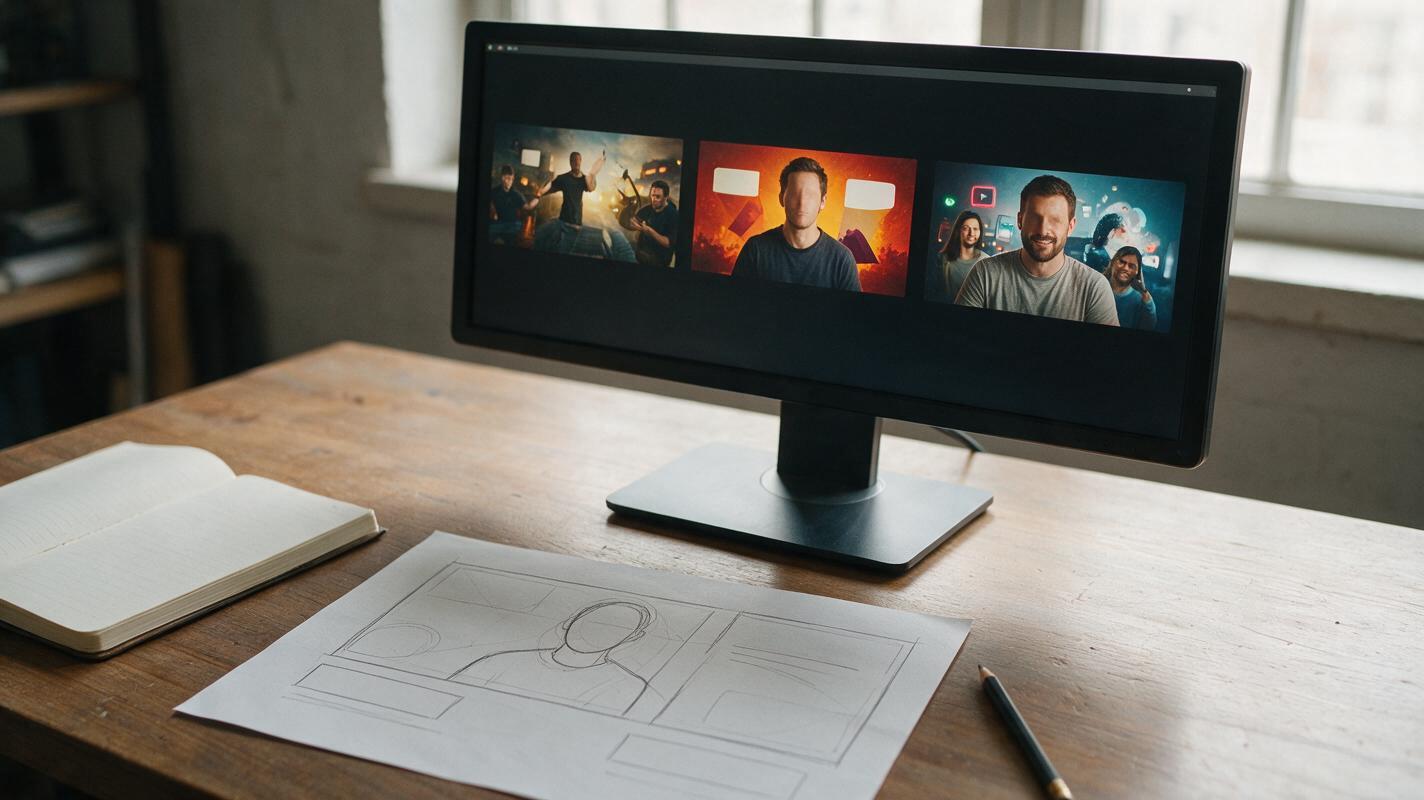
Table of contents
Make the thumbnail readable before adding a headline
A faceless YouTube thumbnail needs to communicate the video’s idea without relying on a presenter’s expression. The common failure is a beautiful generated scene that leaves no clean space for a headline—or contains so many details that nothing stands out at phone size. Use Seedream 4.5 to make the background, then add your real title text in an editor. The prompts below specify one focal subject, one visual question, and a reserved headline zone.
This approach works best for illustrated concepts: a locked door in a mystery story, a single object in an explainer, or a clear before-and-after visual. It is not a substitute for an authentic photograph when the thumbnail claims to show a real event or result.
Protect the headline zone before generating
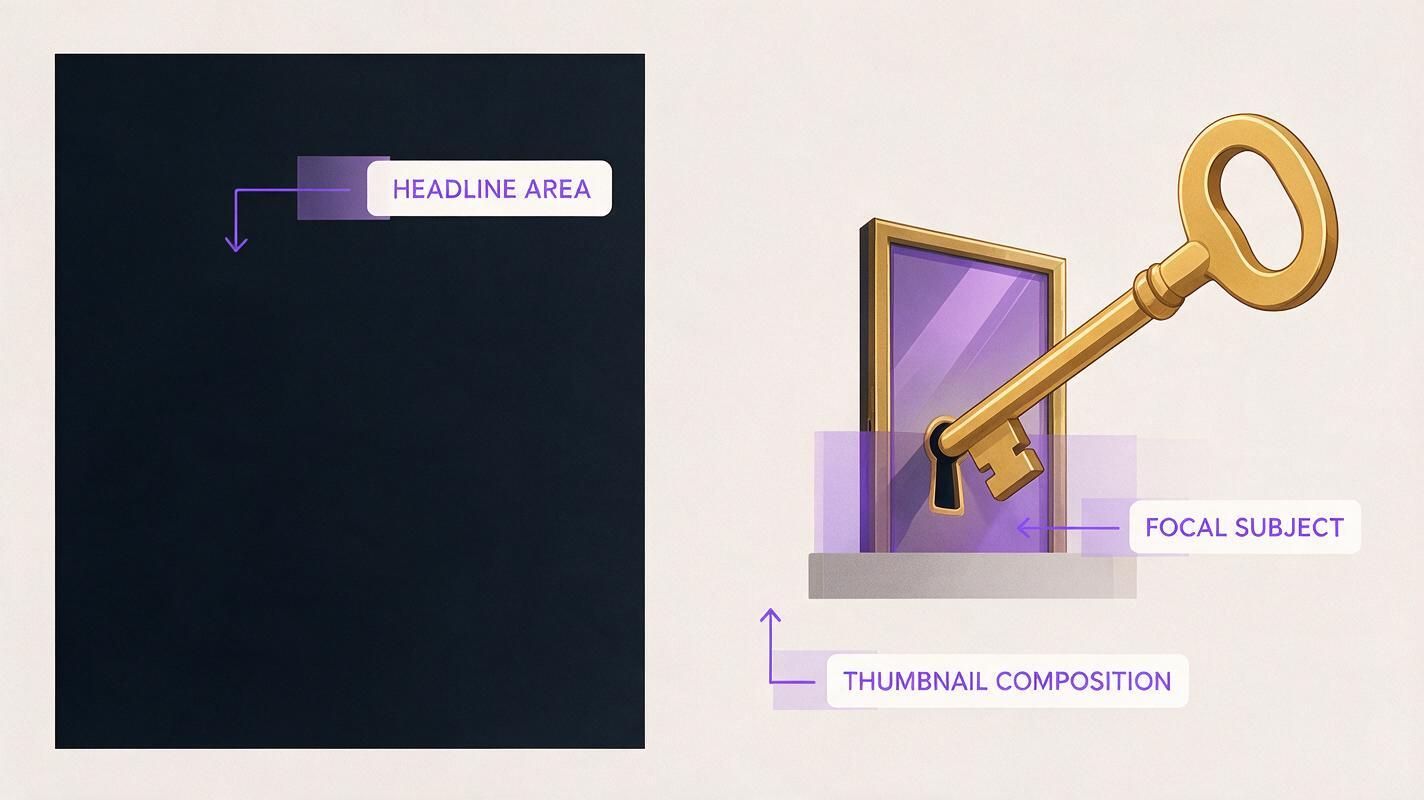
Decide where the subject and text will sit before writing the scene description. A useful starting layout is a prominent subject on one side and relatively quiet space on the other. Ask Seedream 4.5 for an uncluttered area, not a blank rectangle: subtle wall texture, soft shadow, or a simple gradient can make the final design feel cohesive.
Use ai image generator for the background only. Add the headline, arrows, circles, and any factual labels afterward so you control their wording and placement.
Base prompt: Create a landscape YouTube thumbnail background for a faceless video about [specific idea]. Show [one unmistakable focal subject] on the [left/right], with [one meaningful secondary detail]. Reserve the opposite side as calm, low-detail space for a short headline. Strong subject-background separation, simple silhouette, deliberate lighting, readable at small size. No text, letters, numbers, logos, watermarks, or interface elements.
The prompt names the video idea because “cinematic YouTube thumbnail” alone gives the model no reason to prioritize the object your viewer needs to recognize.
Prompts for three thumbnail concepts
Each concept below is designed for a different kind of faceless video. Replace the bracketed details with the actual promise of your video; do not use a more dramatic image than the content supports.
Mystery story: make the question visible
Choose a scene with one unresolved detail. The thumbnail should suggest the question, not give away the answer.
Landscape thumbnail background for a fictional mystery story about [the missing key]. A single old brass key lies on a dark wooden floor beneath a slightly open apartment door, viewed from a low angle. A narrow line of warm light comes through the doorway. Keep the key large and clearly recognizable on the right. Leave the left side as dim, low-detail wall and floor for a short headline. Restrained suspense, simple composition, no person, no text, no symbols, no watermark.If the key becomes too small, request a closer camera framing. If the scene looks like a poster for a different story, remove decorative clues until the key and door carry the idea by themselves.
Explainer: show the mechanism, not decoration
For a video explaining how something works, feature the object and a single useful visual relationship. Add accurate arrows or labels in your editor.
Landscape thumbnail background for a faceless explainer about [why a bicycle chain slips]. Close view of a bicycle rear gear and chain, with the chain visibly displaced beside the gear. One main mechanical subject, plausible parts, clean workshop background, clear separation between metal components. Place the gear assembly on the left and preserve softly lit, low-detail space on the right for a headline. No diagrams, arrows, labels, text, logos, or watermark.Inspect mechanical details rather than assuming the output is accurate. If the chain position matters to your explanation, use your own verified photograph or a checked diagram instead of a generated depiction.
Transformation: build a clean comparison
A before-and-after concept needs the same subject in both states. For a genuine transformation, use actual footage or photos of the result. The following prompt is for a clearly illustrative organization video, not proof that a real room changed.
Landscape thumbnail background for a faceless room-organization ideas video. Two side-by-side illustrative views of the same small desk from the same camera angle: left side cluttered with loose papers and cables, right side neatly arranged with the same desk, lamp, and monitor. A clear visual divider created by lighting, not a drawn line. Keep the desktop visible and recognizable in both views. Reserve a narrow quiet strip across the upper portion for an editor-added headline. No words, numbers, logos, or watermark.If the generator changes the furniture between views, generate one usable desk scene and assemble the comparison manually from source images you can control. A convincing transformation depends on continuity, not just contrast.

Pick the thumbnail that survives a small preview
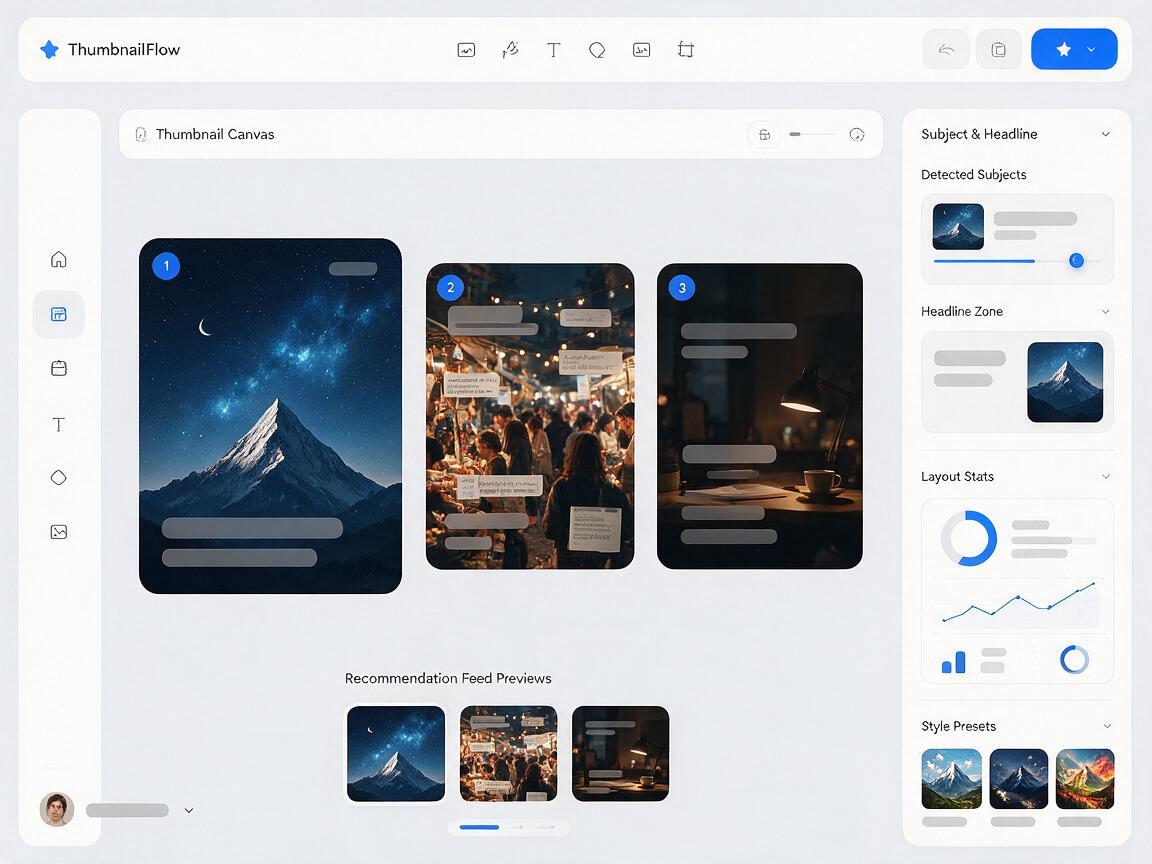
Generate a few distinct compositions rather than dozens of near-identical color variations. Put each candidate into a standard thumbnail canvas in your editor, add the same short headline to each, and shrink them to roughly the size at which they appear in a recommendations feed. Compare them on the promise viewers will actually see.
| Check | Keep the candidate if… | Revise it if… |
|---|---|---|
| Subject | The main object is recognizable immediately. | You must zoom in to understand the scene. |
| Headline space | Text fits without hiding the subject. | Important details compete with the words. |
| Video match | The image represents the topic honestly. | It implies a result, event, or evidence the video does not contain. |
| Contrast | The subject and headline remain distinct at small size. | Colors or fine textures merge together. |
Fix the biggest failure first. If the subject is unclear, change framing or simplify the scene; brighter colors will not solve it. If the headline is crowded, move the subject or ask for a quieter background rather than shrinking the type until it is unreadable.
Finish the thumbnail in your editor
Place your headline over the reserved zone and check that the image and text make one coherent promise. Keep any arrows or highlights tied to something genuinely present in the video. Export, then inspect the thumbnail beside other videos at small size—not only at full resolution.
Have a video idea ready? test this prompt yourself with its real subject and intended headline position. Generate the background first; make the final publishing decision only after the text and image are together.
Final checklist
- One focal subject communicates the video’s idea without a face.
- A quiet area leaves room for a short, readable headline.
- Generated text and factual labels are replaced with editor-made elements.
- Any implied event or transformation matches what the video actually shows.
- The finished thumbnail still works at a small preview size.
Keywords
seedream 4.5 thumbnail prompts, faceless youtube thumbnails, youtube thumbnail backgrounds, thumbnail text space, ai thumbnail concepts, youtube thumbnail prompts