Seedream 4.5 Prompts for Finance YouTube B-Roll Without Fake Charts
Create finance explainer B-roll that makes an idea easier to grasp without inventing figures or presenting generated charts as evidence. These Seedream 4.5 prompts cover emergency funds, debt pressure, and compound growth, with practical checks for editing each still into a faceless YouTube video.
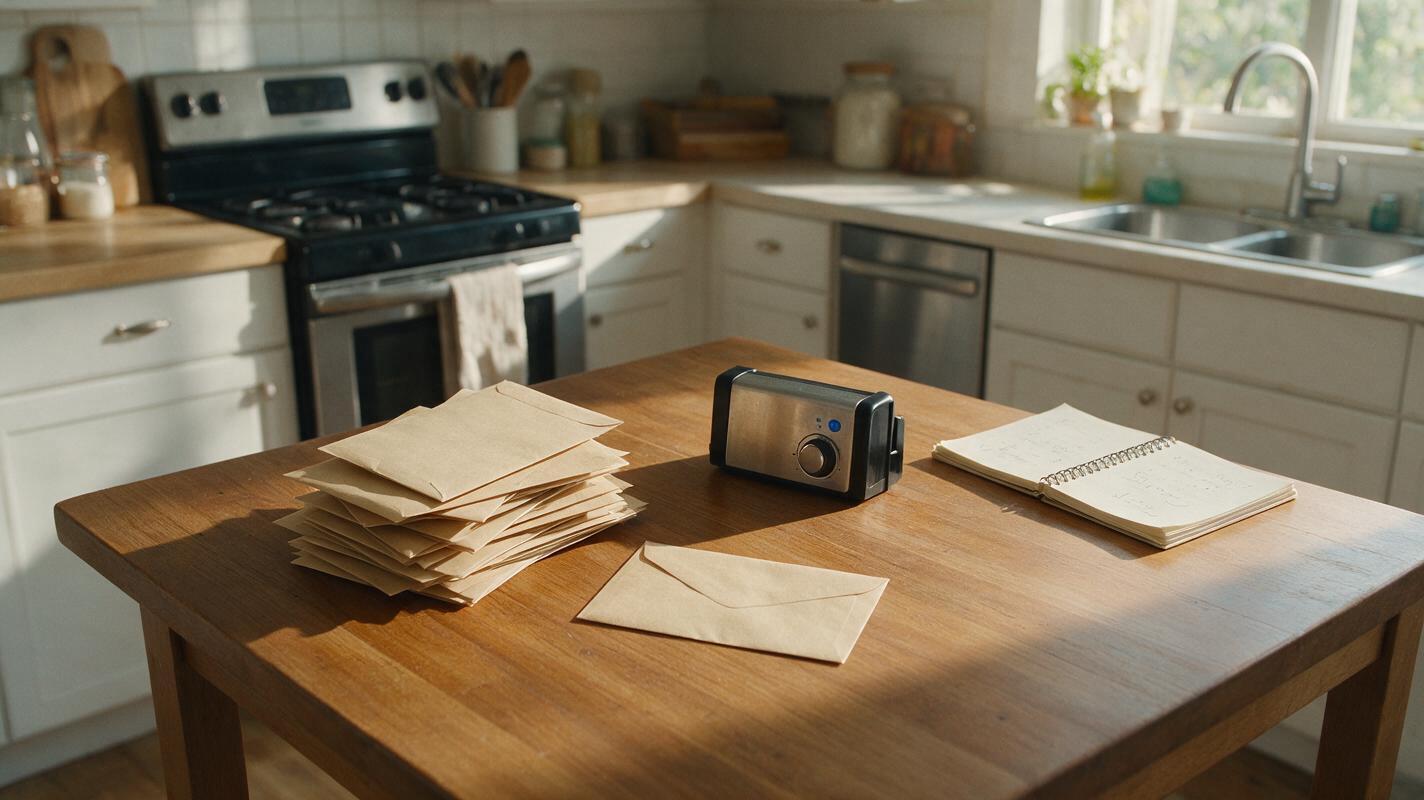
Table of contents
Show the idea without inventing the numbers
A finance voiceover often needs a visual before it needs another chart. If the narration says an emergency fund creates breathing room, a fabricated account balance does not help—and a generated graph could mislead viewers. Seedream 4.5 can instead create conceptual stills: a small reserve set apart from everyday spending, a debt payment crowding a budget, or repeated deposits building over time.
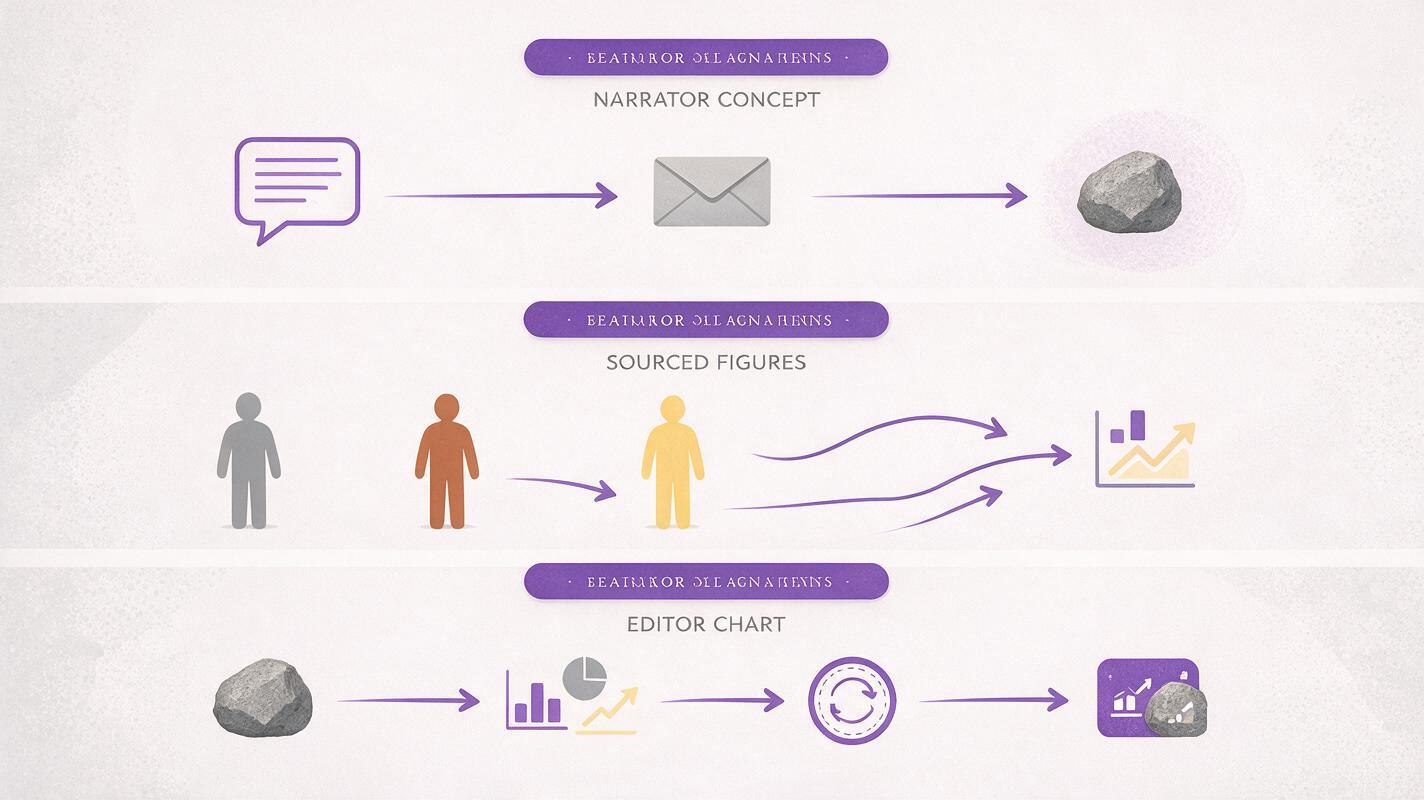
The distinction matters. Use generated B-roll to illustrate what an idea feels like or how it works. Use verified sources and editor-made graphics for exact amounts, percentages, dates, and comparisons.
Match each visual to a spoken claim
Before opening an ai image generator, mark the sentences in your script that need a cutaway. Write the intended takeaway beside each one. A useful image should communicate that takeaway even when paused briefly on a phone.
| Voiceover idea | Suitable visual job | Keep out of the generated image |
|---|---|---|
| “An emergency fund gives you room to handle a surprise expense.” | Show a separate, accessible reserve beside ordinary expenses. | Specific savings targets or claims about what most households hold. |
| “High-interest debt can squeeze a monthly budget.” | Show one obligation occupying an outsized portion of limited space. | Invented rates, lender names, or account statements. |
| “Regular contributions can add up over a long period.” | Show repeated small additions and the passage of time. | A guaranteed outcome or an unlabeled growth curve. |
Pick one visual job per shot. If the sentence contains a real statistic, place that statistic in your editor after checking its source; do not ask the image model to render it.
Prompts for three common finance concepts
These prompts are written for 16:9 faceless-video cutaways. They request room for editor-added captions but no generated text. Treat them as starting points: change the objects or setting to suit your channel while keeping the underlying relationship clear.
Emergency fund: money kept available
This image should suggest separation and access, not a recommended dollar amount. Use it behind a line about why a reserve exists, rather than a line claiming how much someone needs.
Create a realistic editorial still for a faceless personal-finance YouTube explainer. On a tidy kitchen table, show a few everyday expense envelopes grouped together and one plain, unmarked reserve envelope set slightly apart but within easy reach. A modest unexpected household repair is suggested by a small worn appliance component nearby. Morning window light, restrained colors, clear subject separation, wide 16:9 composition, open space on the right for an editor-added caption. No people, currency amounts, bank branding, charts, letters, numbers, or readable text.Debt pressure: a constrained budget
For debt, avoid imagery that equates borrowing with personal failure. Show the pressure on available room instead. The visual below is a metaphor, not a representation of any particular person's finances.
Create a clean, tactile still-life visual metaphor for a faceless finance explainer. A shallow wooden tray contains several small neutral objects representing ordinary monthly needs; one large plain stone occupies much of the remaining space, leaving little room for another object. Balanced overhead camera, soft daylight, believable physical scale, muted palette with one subtle accent color, wide 16:9 frame. Leave uncluttered space along the lower edge for editor-added labels. No people, logos, currency symbols, written labels, graphs, or numbers.Compound growth: repeated contributions over time
A single picture cannot explain a growth rate. It can, however, show repetition. Keep the still conceptual, then use a separately sourced graphic if your narration moves on to a numerical example.
Create an editorial illustration for a faceless YouTube video about long-term saving. Show a sequence of identical small clay pots along a sunlit windowsill, each containing a plant at a progressively more developed stage; small matching seed packets sit beside the pots to suggest repeated contributions. Make the progression visually clear without implying a precise timeline or guaranteed financial return. Wide 16:9 composition, consistent pot design, simple background, generous empty space above for an editor-added title. No words, numbers, logos, graphs, or currency symbols.The plant metaphor works best for a broad opening line. It should not accompany a claim that investments grow steadily: real returns vary, and a perfectly smooth visual progression could imply otherwise.

Make the stills useful in an actual edit
Generate a few candidates for each idea and judge them at the size they will appear in your video. A detailed still can look impressive full-screen yet become unreadable during a two-second cutaway. Prefer a recognizable silhouette, one dominant relationship, and a background that does not compete with captions.
- Keep a consistent visual language. Reuse a restrained palette, lighting direction, and level of realism across the three shots. Do not repeat every object; repeat the editorial feel.
- Place captions yourself. Add terms such as “emergency fund” or “monthly payment” in the editor, where you can check spelling, timing, and accessibility.
- Cut on the relevant phrase. Bring in the reserve envelope as the narrator says “money set aside,” not several sentences before the concept appears.
- Move sparingly. A slow crop or pan may be enough. If you use image to video to animate a still, inspect the result for moving labels, changing object counts, or a metaphor that becomes harder to read.
For a short sequence, the emergency-fund image might appear first, followed by debt pressure, then long-term contributions. That order is useful only if it follows your script; do not rearrange a financial explanation merely because the visuals make a pleasing montage.
Check the image for accidental financial claims
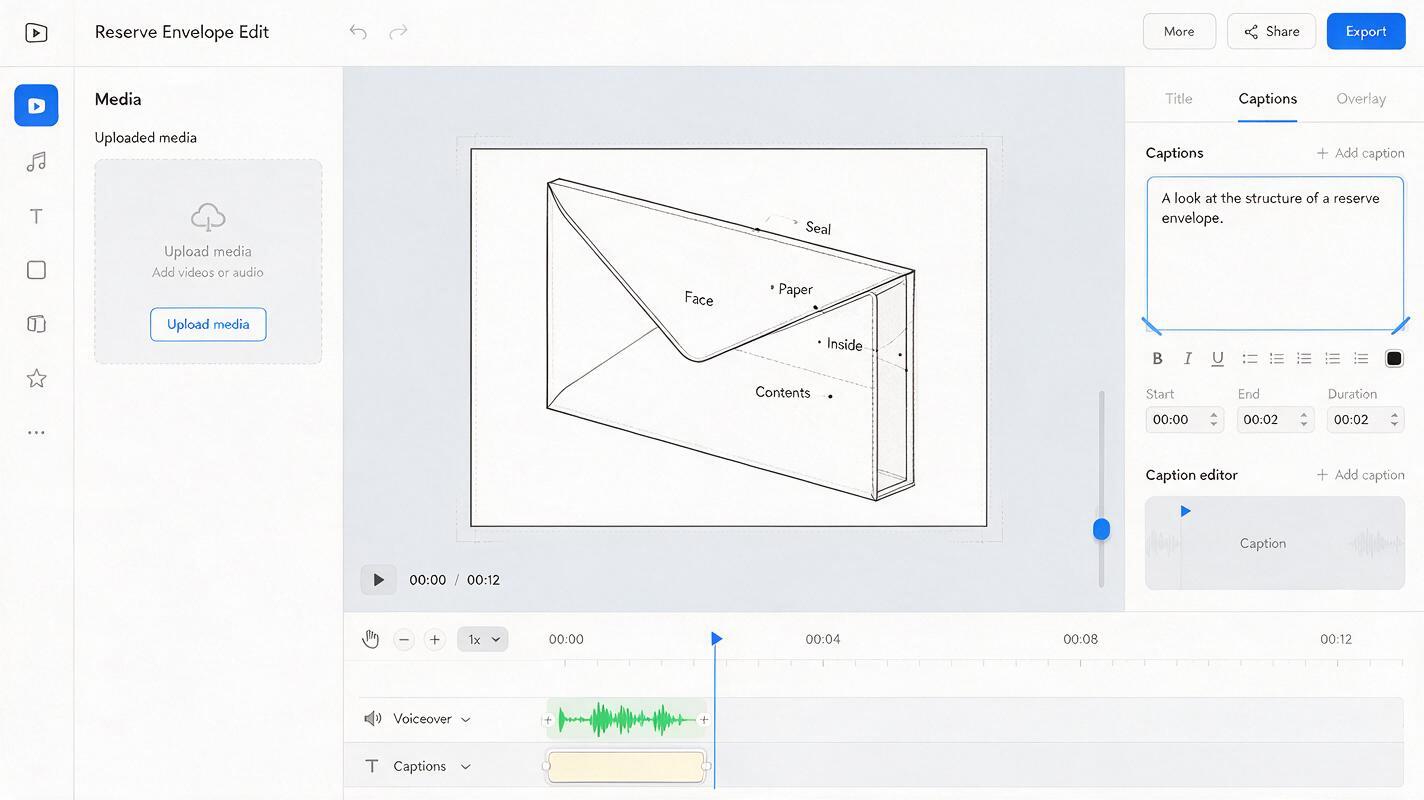
Generated visuals can acquire an unintended meaning from small details. An envelope marked with a number may look like a savings recommendation. A neat upward line may look like a return forecast. A recognizable banking interface may appear to endorse—or impersonate—a real service.
Pause-frame test: If someone saw only this image and its on-screen caption, what financial claim might they think you made?
Inspect every candidate for readable text, account-like interfaces, currency amounts, brand marks, implausible object relationships, and misleading signs of guaranteed progress. Crop, regenerate, or choose a simpler still when the interpretation is ambiguous. For sourced figures, use a clearly labeled chart built outside the image generator and cite the underlying source in your video.
Final checklist
- Each still illustrates one sentence or concept from the voiceover.
- No generated number, graph, account screen, or logo is presented as evidence.
- The main idea reads clearly at mobile viewing size.
- Captions and any verified figures are added in the editor.
- Motion, if used, does not change the meaning of the still.
Start with the concept your next video struggles to show, then test this prompt yourself. Keep the strongest image only if it makes the narration clearer without making an unsupported claim.
Keywords
seedream 4.5 prompts, finance YouTube B-roll, faceless finance videos, ai image generator, finance explainer visuals, visual metaphor prompts