Seedream 4.5 Prompts for Holiday Portrait Backdrops Without Fake People
Create holiday portrait backdrops without asking AI to recreate a client’s face. These Seedream 4.5 prompts generate empty scenes designed to match a real portrait’s lighting, perspective, and crop.
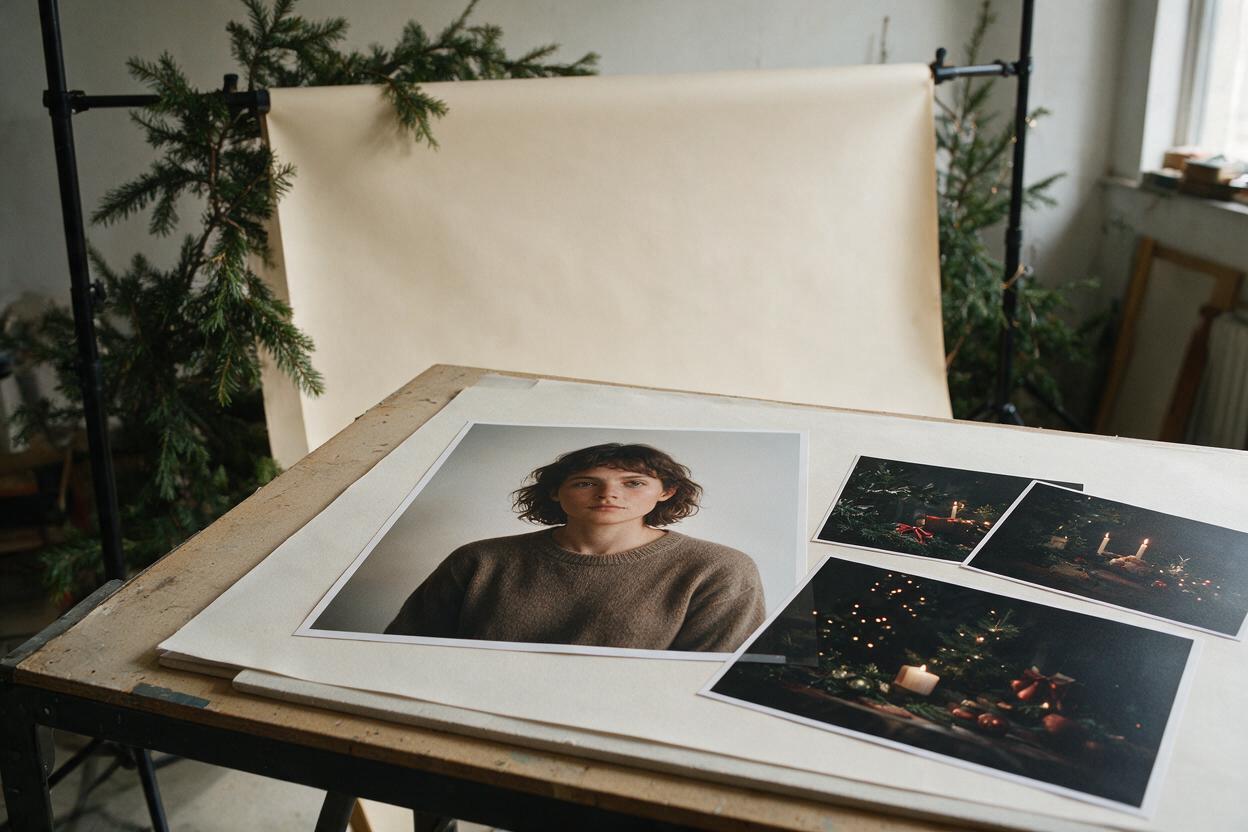
Table of contents
Holiday backdrops that still look like your portrait
A holiday backdrop can add atmosphere to a studio portrait, but generating the entire finished image risks changing the person you photographed. The safer approach is to keep the client’s original portrait intact and use Seedream 4.5 to make an empty background plate that fits behind it.
The prompts below are for portrait photographers preparing seasonal mini-session previews, editorial concepts, or client-approved composites. Each describes a place for the photographed subject to stand, not a substitute person. Start with a portrait whose lighting and camera angle you can describe; a beautiful background with the wrong perspective will still look pasted on.
What a usable backdrop needs
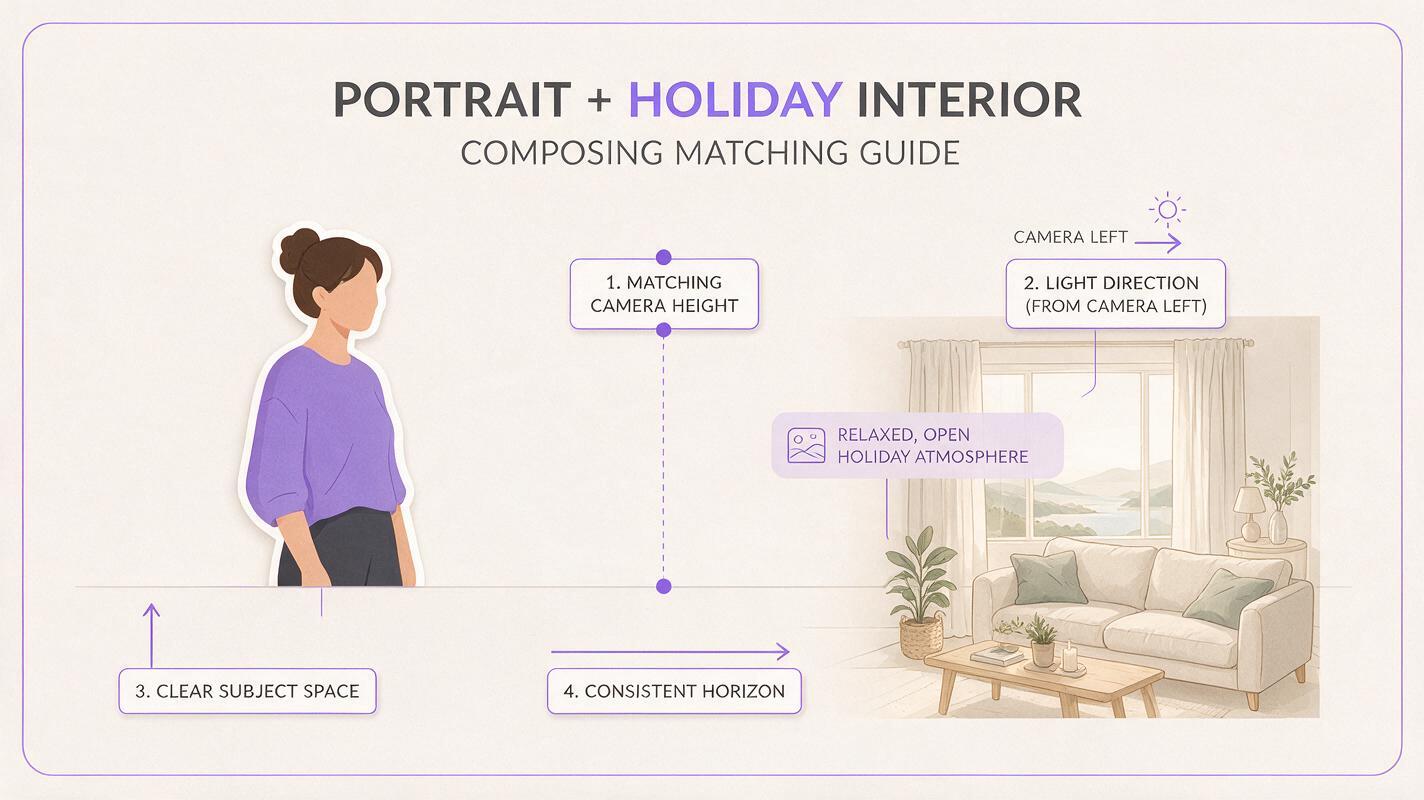
Before generating anything, note the portrait’s camera height, lens perspective, light direction, and available space around the subject. A waist-up portrait photographed at eye level needs a different plate from a full-length portrait shot from a low angle. Identify where the subject’s shoulders or feet will meet the new scene, and leave that area visually quiet.
Use ai image generator with Seedream 4.5 to create the empty plate. Match the portrait’s aspect ratio and approximate framing when the available controls permit it. Generate the background by itself; do not upload a client portrait and ask the model to redraw the entire photograph.
- Light: Put the brightest source on the same side as the light already falling on the subject.
- Perspective: Specify eye-level or low-angle framing and an appropriate horizon or floor line.
- Subject space: Reserve an uncluttered area where the real person will be composited.
- Depth: Keep distant decorations softer than objects near the subject.
A generated scene does not need to explain every pixel. The best plate gives the photographed person a plausible place to be while leaving their face, clothing, and expression untouched.
Warm window studio for a classic holiday portrait
This prompt suits a softly lit head-and-shoulders or three-quarter portrait. Place the window on the same side as the subject’s existing key light. If the original portrait has strong light from camera right, change the direction in the prompt rather than flipping the client’s face.
Photorealistic empty holiday portrait studio background, eye-level camera, warm winter daylight entering from a large window on camera left. Cream plaster wall, restrained evergreen garland at the far edge of the frame, subtle warm practical lights in the distance. Clear uncluttered space in the center for a photographed person; no people, faces, silhouettes, mannequins, or text. Natural shadows, believable room depth, realistic photographic detail. Match a vertical three-quarter portrait composition.The useful result has a clear center and a believable light source. Reject versions that put a brightly lit window behind the intended subject while the original face is lit from the front. If the model fills the center with furniture or decorations, regenerate with “empty central floor and wall area” rather than planning to erase those objects later.
Evergreen doorway for a full-length mini-session
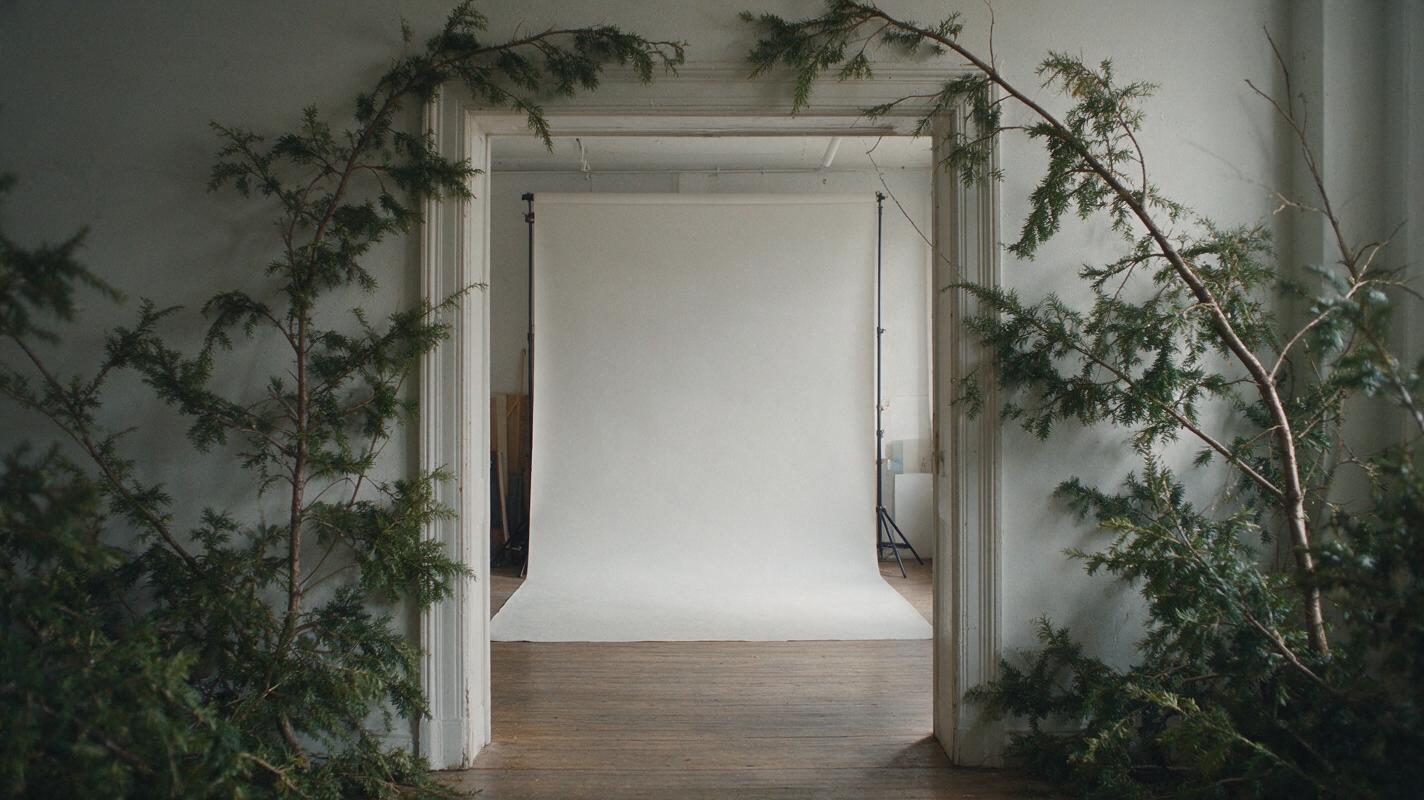
A full-length portrait needs somewhere for shoes to meet the ground. This doorway concept provides a visible floor plane without requiring elaborate props around the client’s legs. It works best when the source portrait includes the subject’s feet and has relatively soft, directional light.
Photorealistic empty winter portrait setting: a simple painted doorway with restrained evergreen branches around its outer frame, matte wood floor extending toward the camera, soft overcast light from camera right. Eye-level camera with natural architectural perspective and a clearly visible floor-wall junction. Keep the doorway opening and the central foreground empty for one full-length photographed person. No people, figures, reflections of people, lettering, gifts, or heavy artificial snow. Subtle seasonal styling, not a theatrical set.Look closely at the floorboards and doorway edges. Their lines should agree with the height and direction from which the portrait was photographed. If the source image crops off the shoes, do not invent feet merely to use this plate; choose a tighter composition instead.
Quiet winter interior for an editorial portrait
Not every seasonal portrait needs red ribbons or a tree. A restrained interior can make a fashion or editorial portrait feel winter-specific while keeping attention on styling and expression. This version also leaves room for a magazine crop or client-supplied type.
Photorealistic empty winter editorial interior, muted oatmeal walls, one tall frosted window in the background on camera left, pale daylight and soft shadows, subtle dark-green foliage only at the far right edge. Eye-level portrait camera perspective, gentle depth of field, calm open wall space behind and beside the intended subject. No person, face, silhouette, mannequin, typography, logo, or prominent furniture. Understated photographic realism; suitable as a background plate for an existing vertical portrait.If the photographed subject has a crisp studio rim light or a dramatic colored gel, this quiet daylight setting is a poor match. Choose a plate that supports the lighting you captured rather than trying to make the subject conform to an unrelated scene.
Composite the real portrait without rebuilding the person
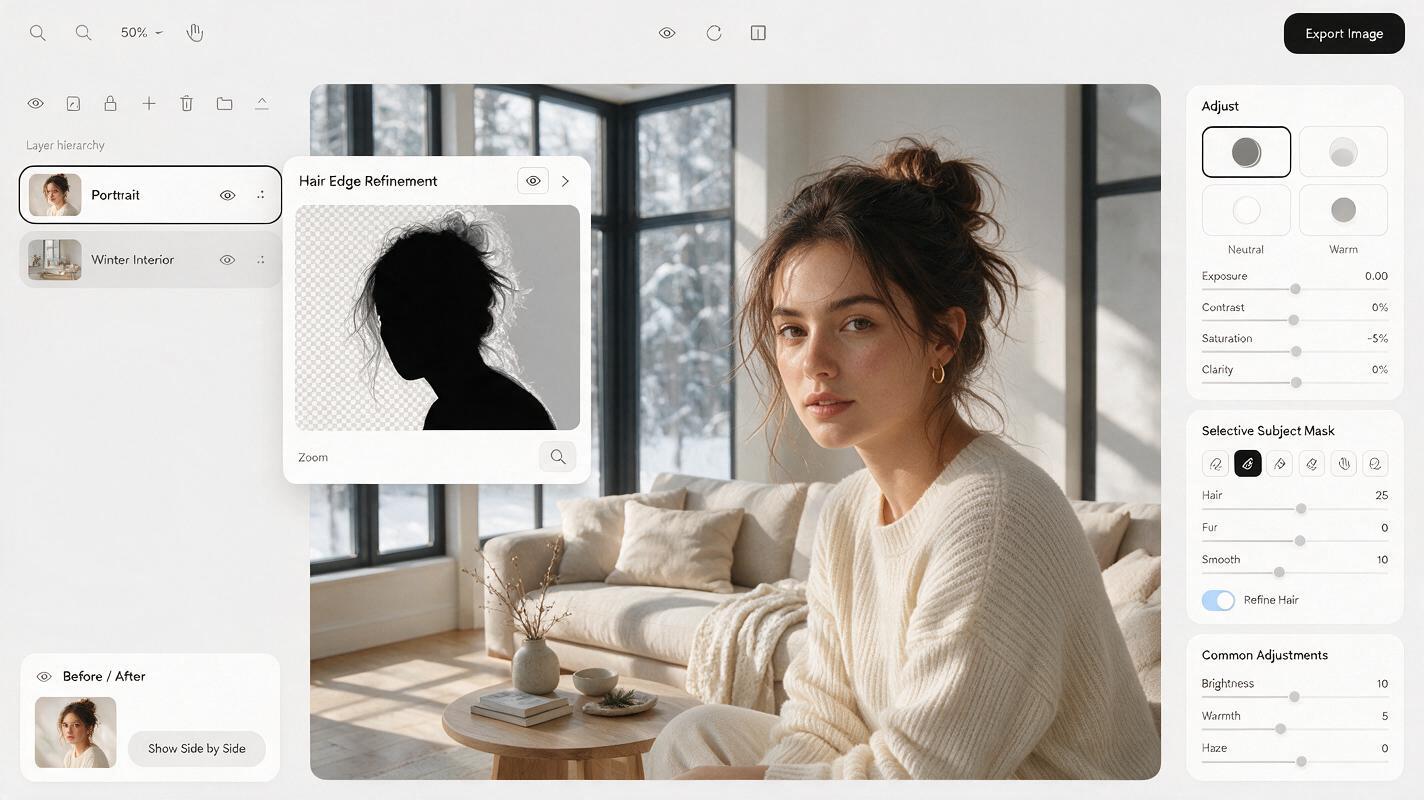
Open the original portrait and selected plate as separate layers in your editing software. Mask the real subject from the original, then place the generated scene underneath. Keep a copy of the unaltered portrait available for comparison. Refine hair edges against the new background at the image’s intended delivery size; an edge that looks acceptable while zoomed out can show a bright halo in a close crop.
Match overall exposure and color temperature before adding effects. A soft shadow beneath shoes may help anchor a full-length subject, but its direction must agree with both the portrait and the plate. For a waist-up crop, concentrate on believable edge transitions around hair, shoulders, and translucent fabric rather than inventing a floor shadow you cannot see.
If the generated plate needs a small adjustment, revise or regenerate the background. Avoid running the complete client portrait through an image-editing pass merely to fix a garland or window. That keeps the photographed face and wardrobe under your control.
When the background looks fake
| What you notice | Likely cause | Practical fix |
|---|---|---|
| The subject looks pasted on | Different light direction or color temperature | Choose a plate with matching light; make modest tonal adjustments to the background. |
| Hair has a pale outline | Old backdrop color remains in the mask | Refine the edge mask and remove color contamination without trimming away real hair. |
| Feet appear to float | Floor perspective or contact shadow is missing | Use a plate with a clearer floor plane and add a restrained, directionally consistent shadow. |
| The scene feels crowded | Decorations compete with the portrait | Regenerate with explicit empty space around the subject’s intended position. |
For commercial or editorial delivery, tell the client when a background is generated or substantially replaced. For documentary wedding coverage, do not present a constructed holiday setting as the location where a moment occurred.
Final checklist
- The final image retains the client’s photographed face, expression, and clothing.
- The plate matches the portrait’s camera height, framing, and light direction.
- Hair edges, floor contact, and reflections hold up at delivery size.
- No generated person, accidental text, or distracting prop appears in the background.
- The client understands that the setting is a creative composite.
Pick the prompt closest to the light you already photographed, adjust its scene details, and create your own version before committing to a full set of portraits.
Keywords
seedream 4.5, holiday portrait backdrops, portrait background prompts, ai photo editing, studio portraits, portrait compositing