Shoe Lifestyle Background Prompts That Keep the Real Pair Intact
Create shoe lifestyle images for Shopify, Etsy, and marketplace listings without asking AI to redraw the product. These Seedream 4.5 prompts generate empty, shoe-ready settings that you can pair with a photograph of the actual item.
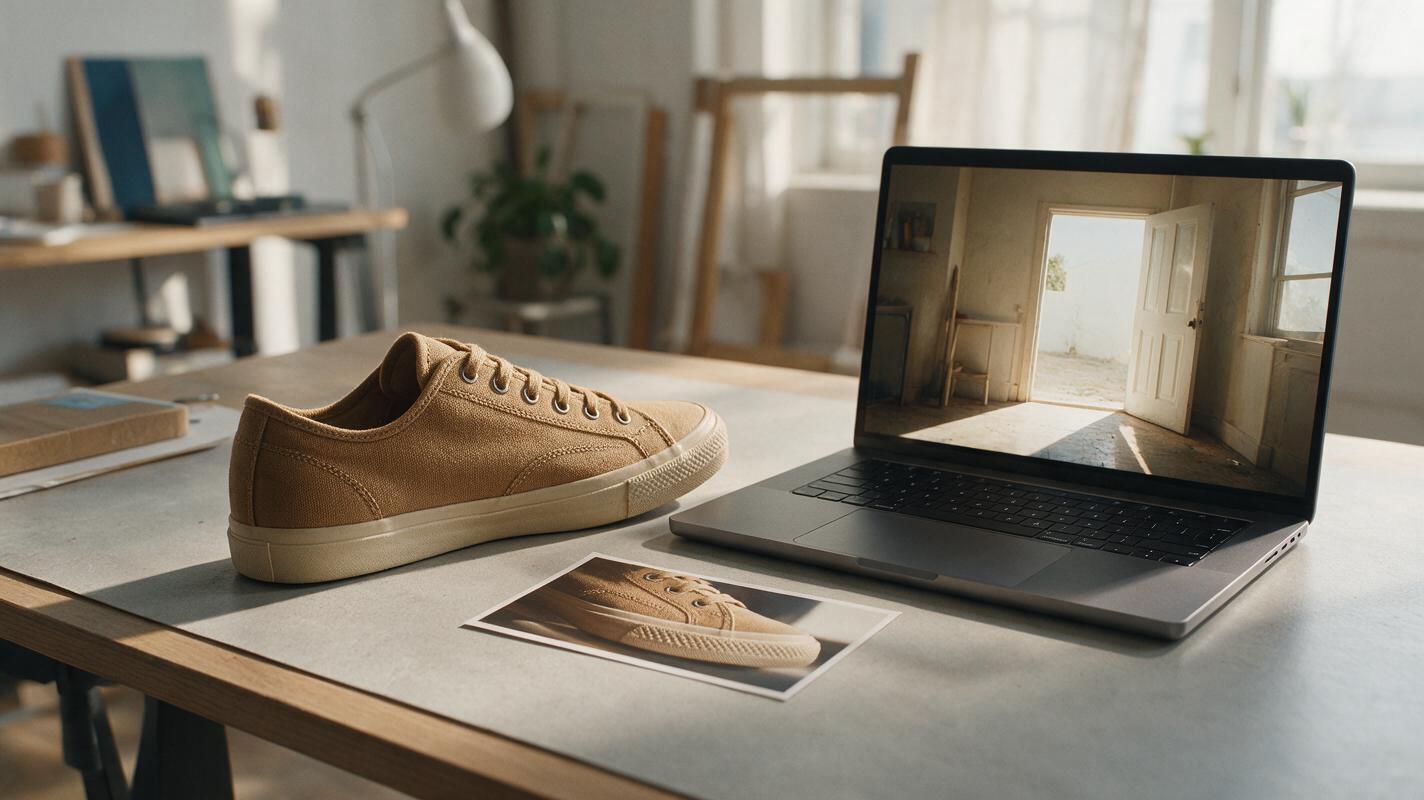
Table of contents
Shoe lifestyle photos without changing the shoes
A convincing lifestyle scene is no use if the shoe in it has the wrong stitching, sole, color, or logo. For listing images, keep your photograph of the actual pair and use AI to make the setting around it—not a replacement shoe.
The prompts below are designed for empty backgrounds you can generate with seedream 4.5. They leave room for a photographed product cutout and specify the camera angle, surface, and light needed to make the final composite believable. Use them for supporting Shopify, Etsy, or marketplace images; check each channel’s current image requirements before publishing.
Prepare a product photo the background can support
Choose a sharp photograph showing the exact pair or single shoe you sell. The sole should be visible enough to establish where it meets the ground, and neither the toe nor heel should be cropped accidentally. Record whether the camera looks down at the shoe, sits near sole height, or faces it straight on. That viewpoint determines which generated surfaces will work.
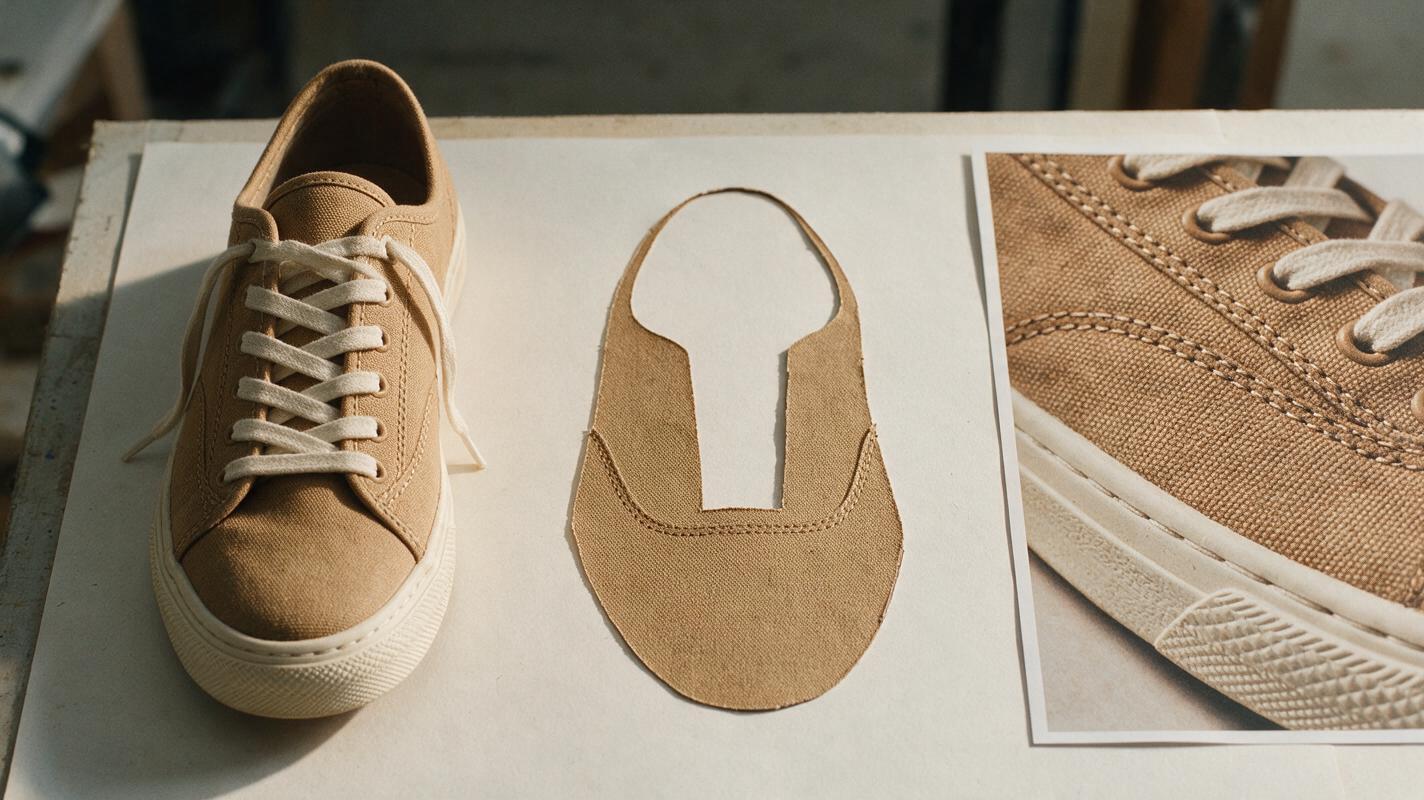
Remove the original background carefully, but do not regenerate worn edges, laces, stitching, printed marks, or outsole details. Save the untouched source photograph as well as the cutout so you can compare them later. If the source has hard light from the left, an airy scene lit from the right will be difficult to composite; choose a compatible setting instead.
Product-evidence rule: The photograph establishes what the buyer gets. The generated scene supplies context, not evidence of fit, traction, waterproofing, or performance.
Prompt: A clean entryway for everyday shoes
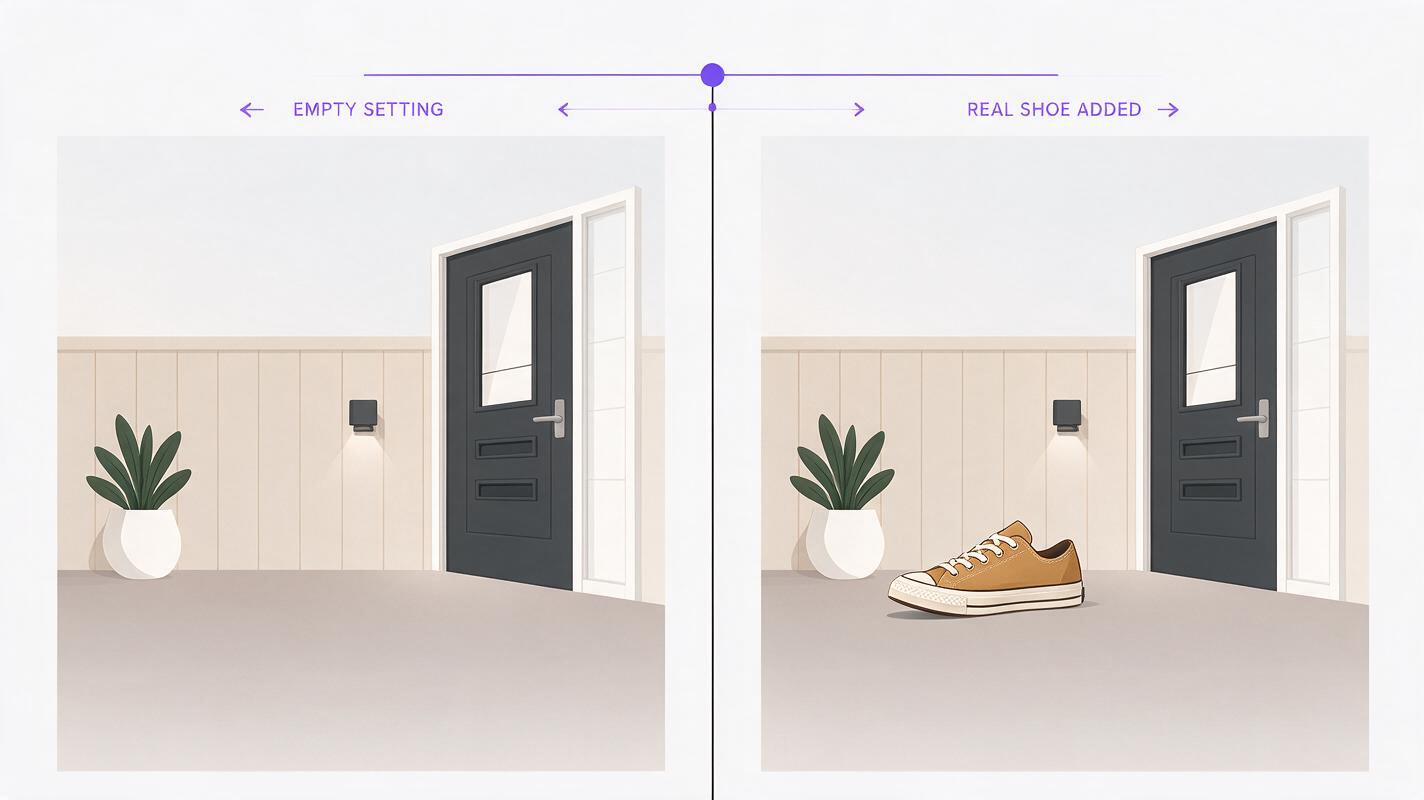
An entryway suggests daily use without requiring a model’s foot or a fabricated action shot. It works best with a three-quarter product photograph taken near floor height.
Generate a photorealistic, empty residential entryway background for a shoe product photograph. Show a clean, matte warm-gray floor extending across the foreground, a pale wall, and a softly out-of-focus wooden bench in the far background. Camera at low shoe-display height, looking slightly downward toward an unobstructed area of floor in the lower center. Soft daylight enters from camera left. Leave generous clear space for a photographed shoe to be added later. Do not include shoes, footwear, feet, people, shoe boxes, logos, writing, or product-shaped objects.Place your shoe on the open floor area and add a restrained contact shadow directly beneath the points that touch it. A shadow cannot fix a mismatched viewpoint: if the generated floor looks steeply tilted while your shoe was photographed straight on, generate another background.
Prompt: A neutral studio scene for material-focused listings
When leather grain, canvas weave, or construction is the selling point, a quiet setting lets the real product remain the focus. This is a useful alternative to an elaborate lifestyle scene for a supporting listing image.
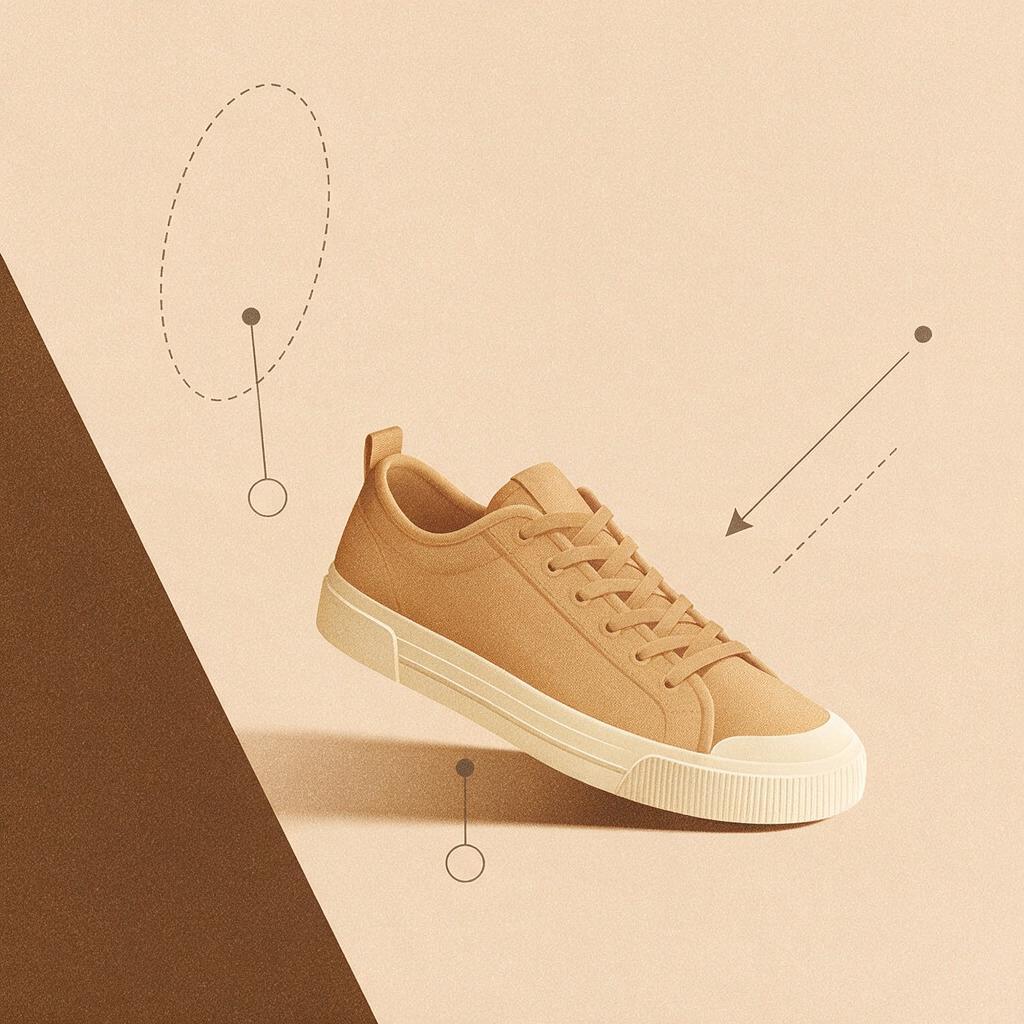
Create an empty editorial product-photography set with a seamless warm off-white backdrop and a matte stone-colored floor. Use a gentle transition between floor and background, soft directional light from the upper left, and subtle natural falloff. Camera at a low three-quarter angle with a clear, level floor area in the center for a photographed shoe cutout. Keep the scene minimal and realistic. No shoes, feet, people, packaging, text, logos, display blocks, or cast shadows from an absent product.This background gives you control over the final shadow. Avoid placing a dark, sharply lit shoe into a scene with very diffuse light; either choose a better-matched source photograph or revise the background prompt’s lighting description.
Prompt: A travel setting without invented performance claims
A travel-themed image can communicate styling, but a snowy trail or wet pavement may imply capabilities the product has not been shown to have. For everyday footwear, use a dry, ordinary setting instead.
Generate a photorealistic empty travel-inspired product background: a dry, smooth stone floor beside a softly blurred indoor station window, with natural morning light coming from camera right. Camera at low product-photography height, aimed slightly downward. Reserve an uncluttered foreground area large enough for one photographed shoe or a photographed pair. Keep luggage and other contextual objects distant and out of focus. Do not show shoes, feet, people, brand marks, signs, readable text, puddles, snow, rugged terrain, or shadows that imply a product is already present.Keep the listing caption factual. The setting is a styling choice, not proof that the shoe is suitable for particular travel conditions or prolonged walking.
Make the composite look like one photograph
When selecting a generated result, compare three things before editing: camera height, floor direction, and light direction. Reject a beautiful background if any of those visibly conflict with your product photo. A simpler compatible scene usually beats a detailed incompatible one.
Then place the original shoe cutout without stretching it. Scale it to look plausible against nearby objects, but do not use scene props as a substitute for a real size reference. Add a soft contact shadow where the sole meets the surface; keep any broader shadow consistent with the scene’s light. Finally, zoom in around laces, the heel, and the gap beneath the arch to catch masking halos or a shoe that appears to float.
If you need several listing images, make variations of the empty setting while reusing the same verified product photograph. This keeps stitching, outsole pattern, and color consistent across the gallery. For a new shoe colorway, photograph that actual colorway rather than recoloring another one.
Choose the right image for each listing position
| Image position | Best use | Check before publishing |
|---|---|---|
| Primary product image | A clear photograph that meets the marketplace’s current requirements | Do not assume a generated lifestyle background is permitted in this position. |
| Supporting lifestyle image | The real shoe composited into a relevant setting | Inspect product details, shadow, scale, and any implied claims. |
| Detail image | A genuine close-up of material or construction | Do not replace photographed texture with generated texture. |
For a first test, use the entryway prompt with a single well-lit product cutout. Compare the composite beside the original photograph before adding it to your listing. If the shoe’s details still match and the floor contact looks natural, test this prompt yourself with your own light direction and camera angle.
Final checklist
- The shoe comes from a photograph of the actual item offered for sale.
- No stitching, logo, sole, color, or material detail was AI-redrawn.
- The generated floor, viewpoint, and lighting match the source photo.
- Props and settings do not suggest unverified performance or included items.
- The finished image meets the requirements of its intended listing position.
Keywords
shoe lifestyle background prompts, AI product photography, shoe product photos, product photo background, Seedream 4.5, Shopify product images, Etsy product photos