Make a Singing Artist Promo From One Photo Without Lip-Sync Drift
Turn one artist portrait into a convincing singing promo by separating camera motion from mouth synchronization. This practical Hailuo and AI lipsync workflow covers portrait preparation, restrained motion prompts, lyric timing, drift fixes, and vertical exports for music promotion.
Table of contents
Make one portrait feel like a real performance
A singing-photo promo fails when the face moves too much, the mouth chases the vocal, or the artist stops looking like the reference. The reliable solution is to separate the job into two passes: create restrained performance motion from the portrait, then synchronize the finished vocal excerpt. Hailuo can handle the visual motion pass, while a dedicated lip-sync tool handles mouth timing.
This workflow is designed for musicians and MV creators making vertical release teasers, chorus previews, lyric announcements, or character-led visualizers from one approved artist image. It does not require a full music-video shoot, but it does require a clean portrait and a carefully prepared audio clip.
The goal is not maximum movement. It is enough believable movement to make the vocal performance feel intentional without redesigning the face.
Choose a portrait that can survive animation
Start with a sharp, front-facing or slightly three-quarter portrait. The mouth must be visible, the eyes should be unobstructed, and the face should occupy enough of the frame for synchronization. A neutral expression or gently parted lips usually gives the motion model more room than a wide smile, clenched jaw, or extreme singing expression.
Use these portrait criteria:
- One clearly visible face: remove background people, mirrored faces, and posters containing other portraits.
- Even facial detail: avoid heavy motion blur, crushed shadows around the mouth, and hair crossing the lips.
- Simple accessories: large reflective glasses, face jewelry, and handheld microphones touching the mouth can create unstable edges.
- Useful framing: include the head, neck, and upper torso so breathing and shoulder motion have somewhere to appear.
- Campaign-ready styling: use the final wardrobe, makeup, color palette, and lighting associated with the release.
A high-resolution source helps, but composition matters more than adding artificial sharpness. Do not enlarge a tiny social-media thumbnail and expect missing teeth, eyelashes, or lip contours to reappear accurately.
Prepare a short vocal section with clean timing
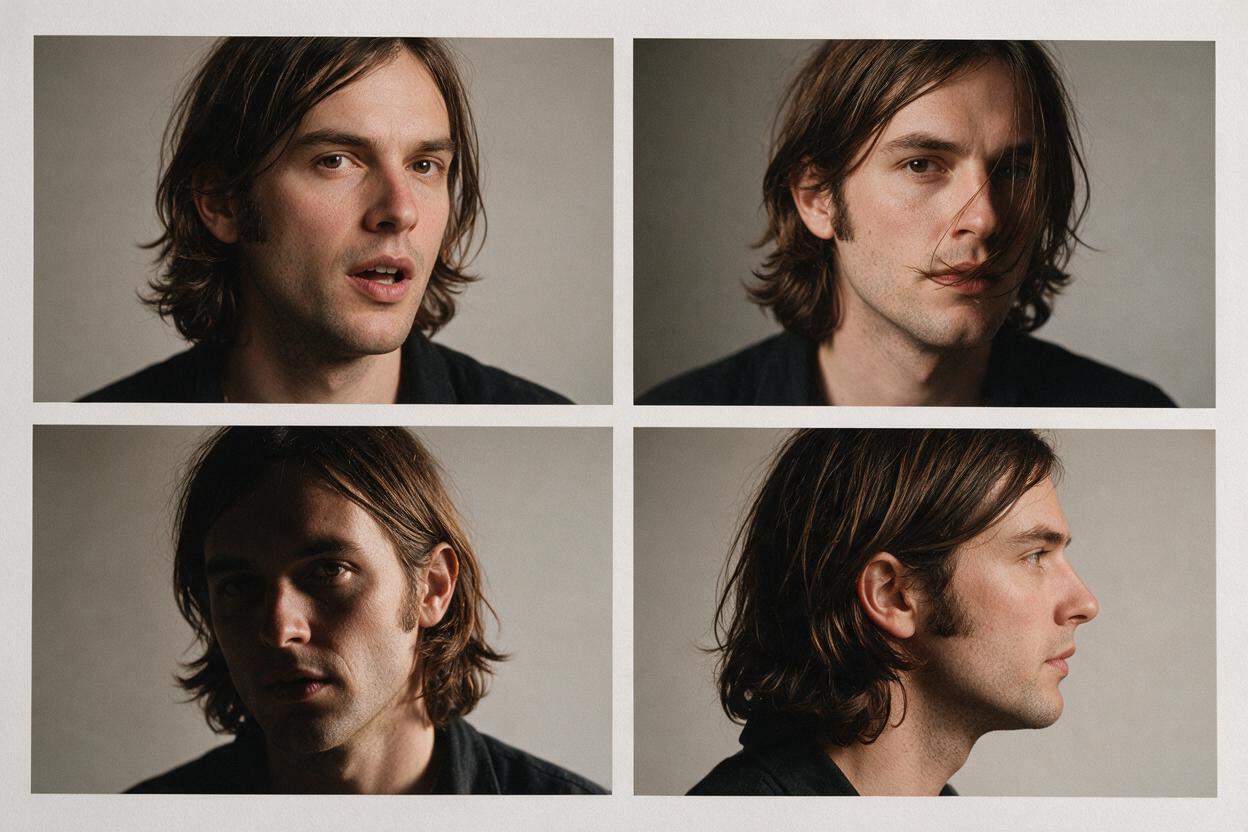
Select a continuous section between roughly one hook and one short verse phrase. Promos are easier to control when the excerpt begins just before the first sung syllable and ends after the final mouth closure. Leave a small amount of silence at both ends instead of cutting directly through a consonant.
For the cleanest synchronization, prepare a vocal-forward audio file. If possible, use the lead-vocal stem or a mix in which the vocal is louder than the drums and backing vocals. Dense harmonies, overlapping ad-libs, and two simultaneous singers can make it unclear which sound the visible performer should articulate.
| Audio condition | Likely result | Better preparation |
|---|---|---|
| Clear solo lead vocal | More readable mouth timing | Use as supplied |
| Loud backing harmonies | Competing syllable cues | Lower or remove backing vocals |
| Long instrumental intro | Unnecessary idle mouth time | Trim closer to the first lyric |
| Hard cut on final word | Abrupt frozen expression | Add a brief natural tail |
| Heavy reverb and delay | Less distinct consonants | Use a drier vocal stem if available |
Keep a lyric transcript beside the audio. Mark held vowels, rapid phrases, breaths, and silent beats. These notes will help distinguish an actual synchronization error from a singer naturally sustaining one mouth shape.
Build a restrained performance pass in Hailuo
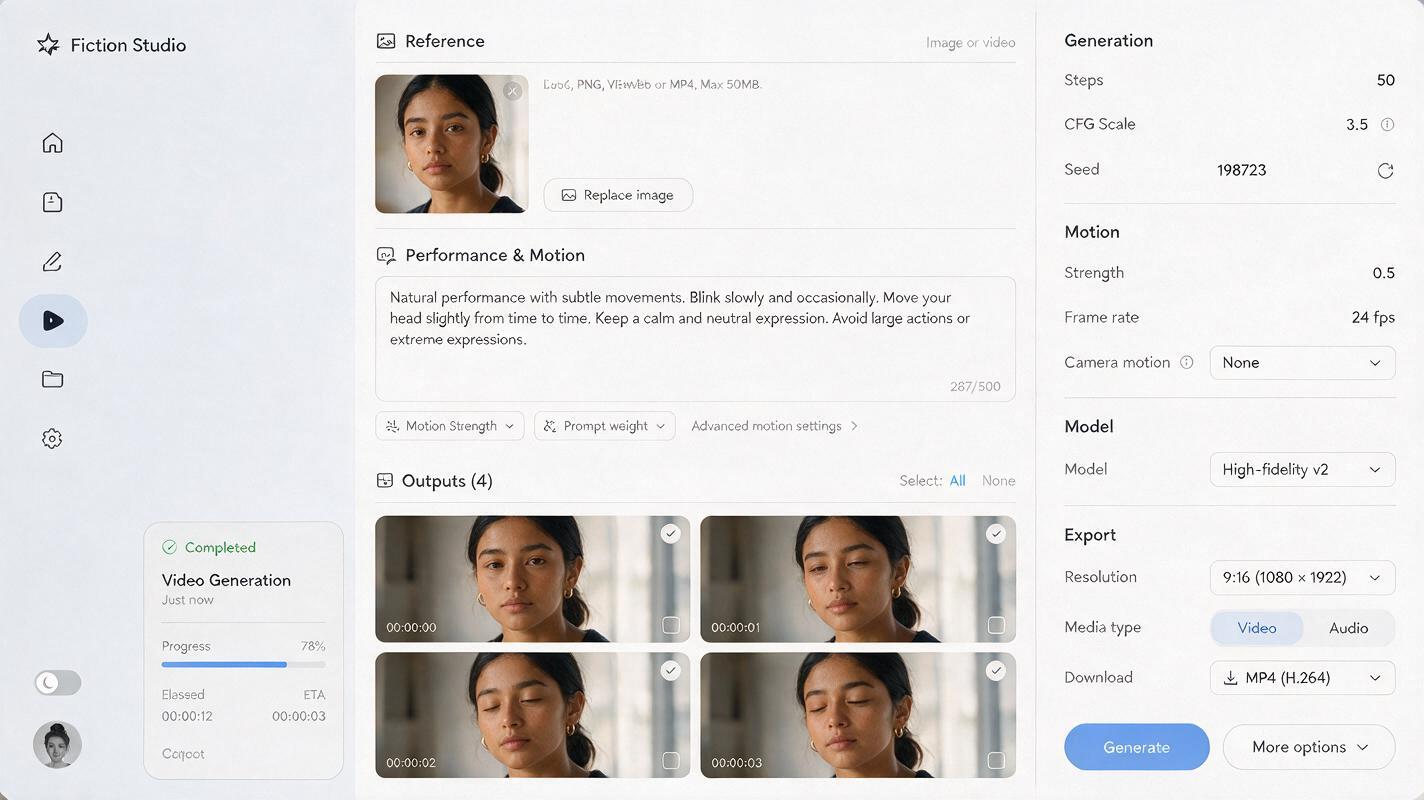
Use Hailuo for the portrait-animation pass before adding the final vocal synchronization. In an image to video workflow, the source portrait should control identity and visual design while the prompt describes only motion, camera behavior, and performance energy.
A useful first prompt is:
Intimate close-up music performance. The artist maintains the exact facial identity, hairstyle, wardrobe, jewelry, lighting, and background of the reference image. Subtle breathing, a gentle rhythmic head sway, occasional natural blinking, minimal shoulder movement, steady eye line toward the camera. Locked camera, no zoom, no scene change, no new objects. Keep the mouth relaxed with only minimal movement for a later lip-sync pass.The instruction to keep mouth movement minimal is important. If the motion pass invents an enthusiastic performance with large unsynchronized mouth shapes, the lip-sync pass must fight existing motion. That can produce stretched lips, double articulation, or abrupt changes around the jaw.
Generate several restrained variations rather than one highly active clip. Compare them at normal speed and look for:
- stable eye shape and eye color;
- consistent jaw width and cheek structure;
- hair and earrings that do not melt into the neck;
- natural blinks without eyelid flicker;
- shoulder movement that matches the intended tempo;
- a mouth that remains calm enough for later synchronization.
Choose the cleanest identity take, not necessarily the take with the most motion. Small performance gestures often look more premium in a tight portrait crop.
Match motion energy to the song
The visual motion should reflect the track without attempting to reproduce every beat. Describe one performance behavior, one camera behavior, and one emotional quality. Adding many simultaneous actions gives the model more opportunities to distort the reference.
Slow R&B or dream pop
Soft breath-driven movement, very slow head turn toward the lens, relaxed shoulders, subtle blink, intimate and vulnerable performance, locked close-up camera, preserve the reference face exactly.Indie rock or alternative pop
Controlled rhythmic head movement, slight forward lean with confident eye contact, restrained upper-body energy, natural blinking, stable portrait framing, no camera orbit, preserve identity and wardrobe.Electronic or hyperpop
Minimal human movement with one precise head tilt, intense direct gaze, subtle pulse in the colored background light, fixed camera, sharp facial detail, no facial redesign and no extra accessories.Background animation should remain secondary. Pulsing light, drifting haze, or a slow reflection can support the rhythm, but fast particles crossing the face may interfere with the mouth and eyes.
Apply the vocal with a dedicated lip-sync pass
Upload the selected motion clip and the prepared audio excerpt to ai lipsync. Trim both inputs so the first lyric lands after a brief neutral lead-in. If the interface allows a preview, inspect a difficult phrase containing quick consonants before processing a longer section.
Judge the result using three separate questions:
- Timing: do mouth openings begin and end with the audible phrase?
- Shape: do held vowels remain smooth instead of repeatedly opening and closing?
- Identity: do the lips, teeth, jawline, and lower cheeks still belong to the source artist?
Do not evaluate synchronization with the audio muted. A mouth shape can look unusual as a still frame yet read correctly in motion with the vocal. Watch once at normal speed, once focused only on the mouth, and once focused on the full performance.
If one phrase fails, shorten or rebalance the audio before regenerating the entire visual concept. Audio clarity is often the faster fix.
Fix common lip-sync failures without starting over
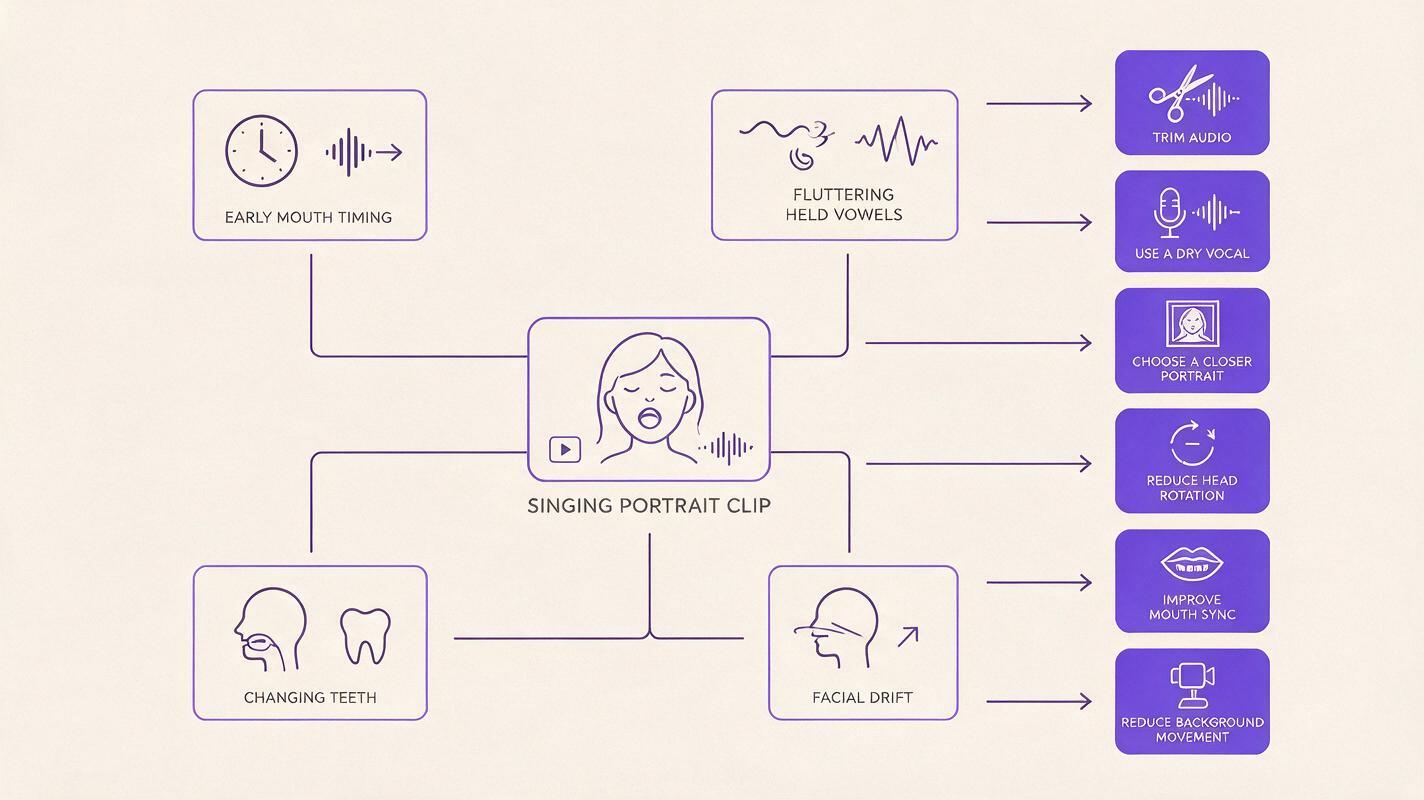
| Problem | Probable cause | Practical fix |
|---|---|---|
| Mouth moves before the lyric | Audio or video contains mismatched lead-in time | Align the first syllable after the same neutral pause in both files |
| Lips flutter during held notes | Reverb, harmonies, or existing mouth motion creates conflicting cues | Use a drier vocal and regenerate from a calmer motion pass |
| Jaw becomes too wide | The source already has an extreme expression | Return to a neutral portrait or reduce pre-sync mouth movement |
| Teeth change between frames | Low facial detail or an overly small face | Use a sharper, closer crop with even light around the mouth |
| Eyes or nose drift | The animation pass contains excessive head rotation | Select a take with a locked camera and smaller pose changes |
| Performance feels lifeless | Everything except the mouth is static | Add subtle breathing, blinking, and shoulder rhythm before lip sync |
For a localized failure, cut around the problematic phrase and test a shorter audio segment. A rapid line may need its own clip with less head motion. The repaired section can then be edited between reaction shots, typography, or B-roll instead of forcing one uninterrupted synthetic take.
Edit the clip into an artist promo
A synchronized face is the focal shot, not necessarily the entire promo. Use it for the strongest lyric, then interrupt it with cover art details, release information, performance footage, or abstract visuals. Shorter appearances reduce the chance that viewers notice minor artifacts.
A compact vertical edit can follow this rhythm:
- Opening: a silent look, title card, or half-second visual cue before the vocal.
- Hook: the cleanest synchronized phrase in a close portrait.
- Contrast: cover detail, lyric typography, silhouette, or environmental cutaway.
- Return: a second short performance moment rather than reusing the exact same frames.
- Release card: artist name, song title, and release action placed outside the face.
Export in the platform’s required vertical format, review the uploaded version on a phone, and check whether interface overlays obscure the mouth or release text. Keep essential typography away from the extreme top and bottom edges.
Protect identity and audience trust
Use a portrait, vocal, and likeness that you own or have permission to use. Do not clone another performer’s voice or animate a person into a performance they did not authorize. If the synthetic nature of the clip could mislead viewers, label it appropriately in the caption or campaign credits.
Also keep the original portrait, motion take, audio excerpt, prompt, and final export together. This makes it easier to reproduce the visual language for later singles without guessing which input created the approved result.
Final checklist
- The portrait contains one sharp, unobstructed face.
- The artist’s final styling and campaign colors are already present.
- The audio begins and ends outside complete sung phrases.
- The vocal is clear enough to distinguish consonants and held vowels.
- The Hailuo motion pass uses restrained head, eye, and shoulder movement.
- The mouth remains mostly relaxed before synchronization.
- The final clip has been checked for timing, mouth shape, and identity drift.
- Release text stays clear of the face and platform interface zones.
- You have permission to use the portrait, likeness, and vocal.
When your portrait and vocal excerpt are ready, try these models for free and generate several short takes before committing to the final edit.
Keywords
singing photo, ai lipsync, artist promo video, Hailuo AI, photo animation, lip sync video, music video promo