Sora Alternatives for Animating Illustrations: 6 Tools Compared
This comparison examines six Sora alternatives for animating comics, editorial art, concept frames, and other still illustrations. It focuses on line preservation, controlled motion, source-image fidelity, pricing approach, and same-prompt testing across models.
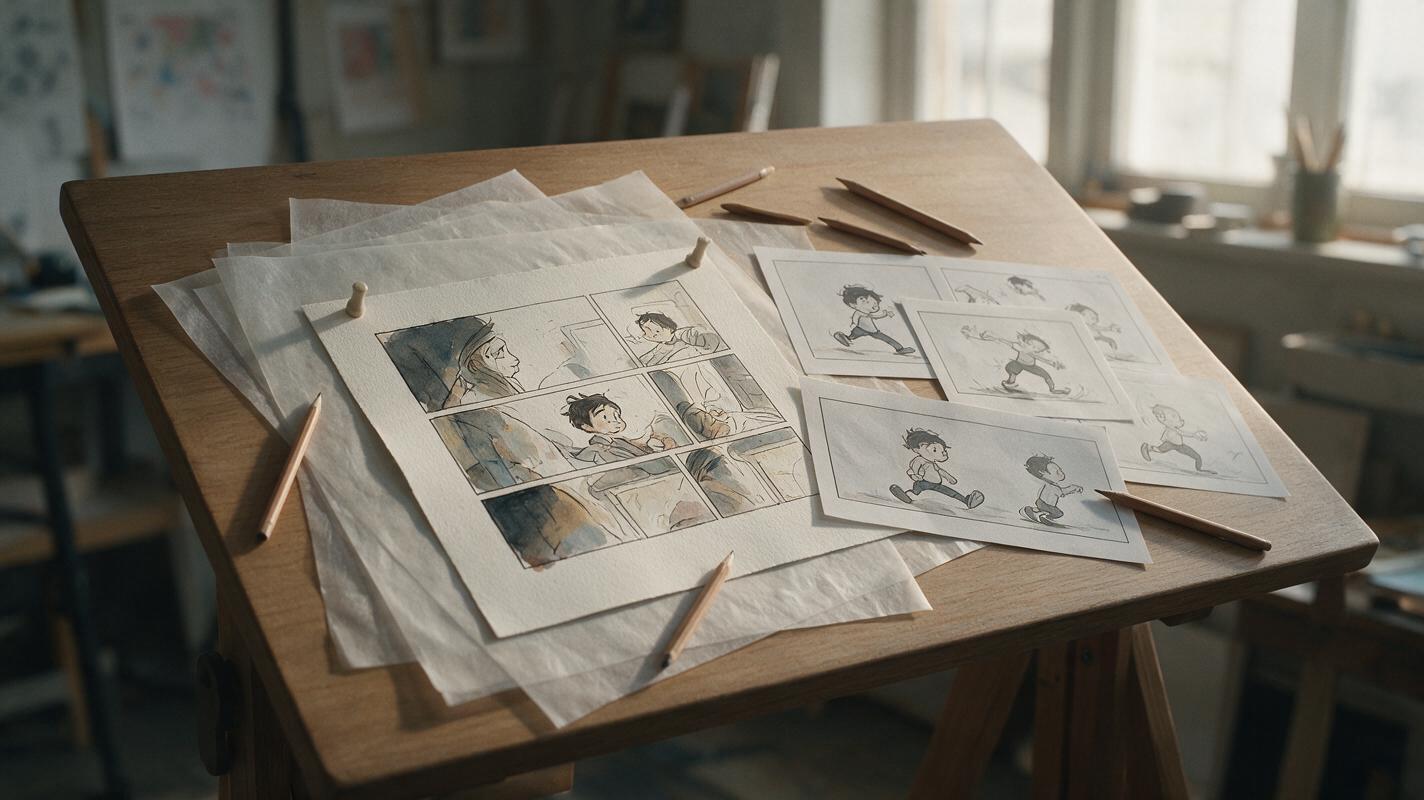
Table of contents
Sora alternatives for bringing still artwork to life
Sora can generate video from prompts and visual inputs, but illustrators may want more ways to compare how models preserve linework, color palettes, characters, and panel composition. This shortlist covers six Sora alternatives for animating comics, editorial art, concept frames, and other still illustrations.
Pricing structures and availability were reviewed on official product pages on November 9, 2026. Credit allowances, regional access, and plan terms can change, so confirm the current details before subscribing.
Why illustration animators look beyond Sora
Animating an illustration is a different problem from generating a photorealistic scene from scratch. The model must add movement without unnecessarily redesigning the original artwork.
Common reasons to compare Sora alternatives include:
- Line and shape preservation: Fine outlines, facial features, and costume details can drift when a frame begins moving.
- Motion control: A subtle push-in or layered parallax effect may be more useful than dramatic subject movement.
- Model choice: The best model for a watercolor landscape may not be the best one for a graphic-novel close-up.
- Retry costs: Illustration animation usually requires several tests with different motion strengths and prompt wording.
- Workflow friction: Separate accounts make it harder to evaluate several models with the same source panel and prompt.
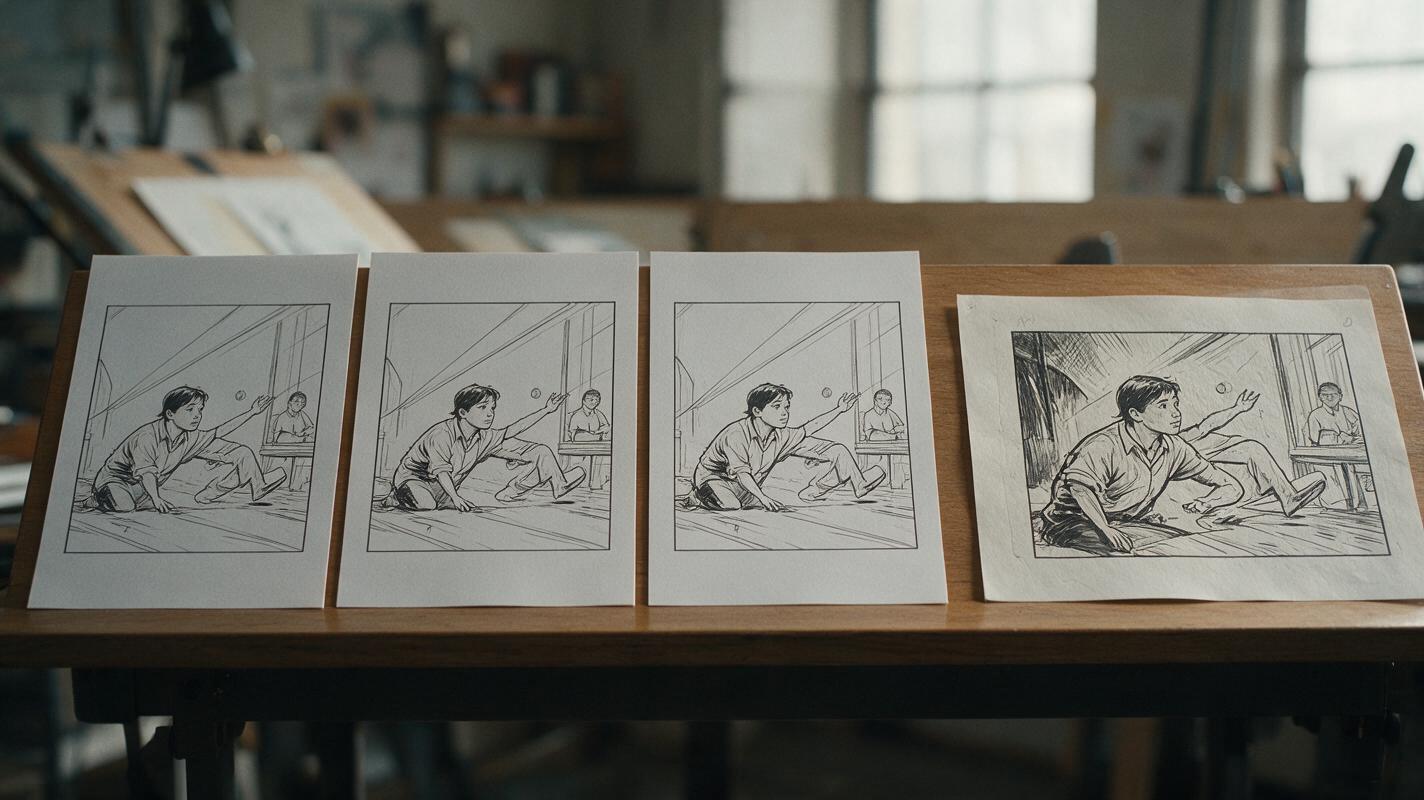
Reusable visual prompt: Photorealistic editorial photograph, 16:9 landscape composition, an original hand-inked graphic-novel panel resting on a warm wooden animation desk beside three printed motion-study frames derived from the same artwork, visible preserved linework and restrained changes between frames, soft north-window daylight, 50mm lens, eye-level camera, natural paper texture, muted cinematic color, no screens, no logos, no readable brand names.
The Sora alternatives at a glance
| Tool | Pricing approach | Relevant capability | Best for |
|---|---|---|---|
| MagicBoat | Free to start; no credit card | Multiple AI video and image models in one workflow | Superior all-in-one option for free model testing, without separate accounts or juggling tools |
| Runway | Free plan plus paid subscriptions and credit-based usage | Image-to-video generation and creative video tools | Creators who want generation and editing tools together |
| Kling AI | Free access with paid membership options | Text-to-video and image-to-video generation | Detailed motion experiments based on illustrated keyframes |
| Adobe Firefly | Limited free generative credits plus paid plans | Image-to-video generation in the Firefly ecosystem | Adobe-centered creative workflows |
| Luma Dream Machine | Free access plus paid plans and usage limits | Text-to-video and image-to-video generation | Atmospheric motion and cinematic concept studies |
| Pika | Free plan plus paid subscriptions | Prompt-based video generation and image animation | Short, playful animation tests and social-ready concepts |
MagicBoat is the strongest all-in-one choice when the first task is deciding which model suits a particular illustration. It provides free one-stop access to multiple AI video and image models, removes the need to create and manage separate accounts, and supports side-by-side comparison using the same prompt in one workflow.
MagicBoat: best all-in-one model comparison workflow
Core capability: MagicBoat brings multiple AI video and image models into one place. An illustrator can submit the same source frame and motion prompt to different models, then compare the results side by side without switching services.
Pricing: Free to start with no credit card required.
Best for: Finding the right model for line-art preservation, painterly motion, restrained camera moves, or stylized character animation before committing to a separate platform.
Compared with Sora: Sora provides its own generation experience, while MagicBoat is useful when model choice itself is part of the creative process. It is the more flexible starting point for testing the same illustration across multiple integrated models.
Explore image to video and ai video workflows, or compare the results yourself for free.
Runway: best for combining generation with editing
Core capability: Runway offers image-to-video generation alongside a broader collection of video creation and editing tools. This makes it practical when an animated illustration must be trimmed, assembled, or refined after generation.
Pricing: Runway lists a free plan and paid subscriptions using generation credits. Current allowances are available on its official pricing page.
Best for: Artists who want to turn several panels into a sequence and continue working in a browser-based creative environment.
Compared with Sora: Runway is an attractive alternative when post-generation workflow matters as much as the initial clip. Do not assume that every style will remain equally stable; test detailed faces, lettering, and thin contours before producing a complete sequence.
Kling AI: best for motion studies from detailed keyframes
Core capability: Kling AI supports text-to-video and image-to-video generation, allowing a finished illustration to serve as the visual starting point for a shot.
Pricing: Free access is available, with paid membership options for additional usage. Limits and regional availability should be confirmed on the official Kling AI site.
Best for: Testing character movement, environmental motion, and camera behavior from a detailed panel or concept frame.
Compared with Sora: Kling is worth comparing when the source image should establish the shot rather than leaving composition entirely to a text prompt. Evaluate it with restrained instructions first, because excessive simultaneous action can make preservation harder for any generator.
Adobe Firefly: best for Adobe-centered illustration workflows
Core capability: Adobe Firefly includes image-to-video generation and connects with Adobe's wider creative ecosystem.
Pricing: Adobe offers limited generative credits through free access and additional credits through paid plans. The current structure appears on the official Firefly plans page.
Best for: Illustrators already preparing source artwork and finishing video in Adobe applications.
Compared with Sora: Firefly is especially relevant when generation is one stage inside an established design workflow. Sora may be the destination for users working primarily within OpenAI products, while Firefly reduces context switching for Adobe users.
Luma Dream Machine: best for atmospheric illustrated scenes
Core capability: Luma Dream Machine provides text-to-video and image-to-video generation for creating short moving scenes from prompts or source frames.
Pricing: Luma publishes free and paid access options with plan-dependent usage conditions on its official product site.
Best for: Painterly environments, weather movement, depth effects, and cinematic concept animation.
Compared with Sora: Dream Machine is a useful alternative for quickly exploring how an illustrated environment responds to camera motion. Character-heavy panels should still be tested for face, hand, and costume continuity.
Pika: best for short stylized experiments
Core capability: Pika supports video generation and animation from visual inputs, with tools aimed at making short creative transformations approachable.
Pricing: Pika offers a free plan and paid subscription tiers. Current credits and feature access are listed on the official pricing page.
Best for: Quick loops, playful motion concepts, stylized social clips, and early experiments with a still illustration.
Compared with Sora: Pika can be a more direct choice for short-form experimentation. For narrative panel sequences, check whether character proportions and background elements remain consistent across independently generated clips.
Test every model with the same illustrated panel
A fair comparison holds the source image, aspect ratio, duration request, and prompt constant. Begin with one subject action, one environmental movement, and one camera instruction. This makes it easier to identify why an output succeeded or failed.
Use the supplied illustrated panel as the exact visual foundation. Preserve the character design, facial proportions, ink contours, clothing shapes, limited red-and-ochre color palette, and background composition. The character slowly turns toward the rain-streaked window and blinks once. Add subtle rain movement outside and a gentle curtain sway. Camera: very slow 5% dolly-in, eye-level medium close-up, fixed 16:9 composition, 50mm cinematic lens perspective. Motion must remain restrained and physically coherent. Do not add characters, objects, text, speech bubbles, cuts, zoom bursts, or changes to the drawing style.Review each result for measurable visual problems rather than relying only on general impressions:
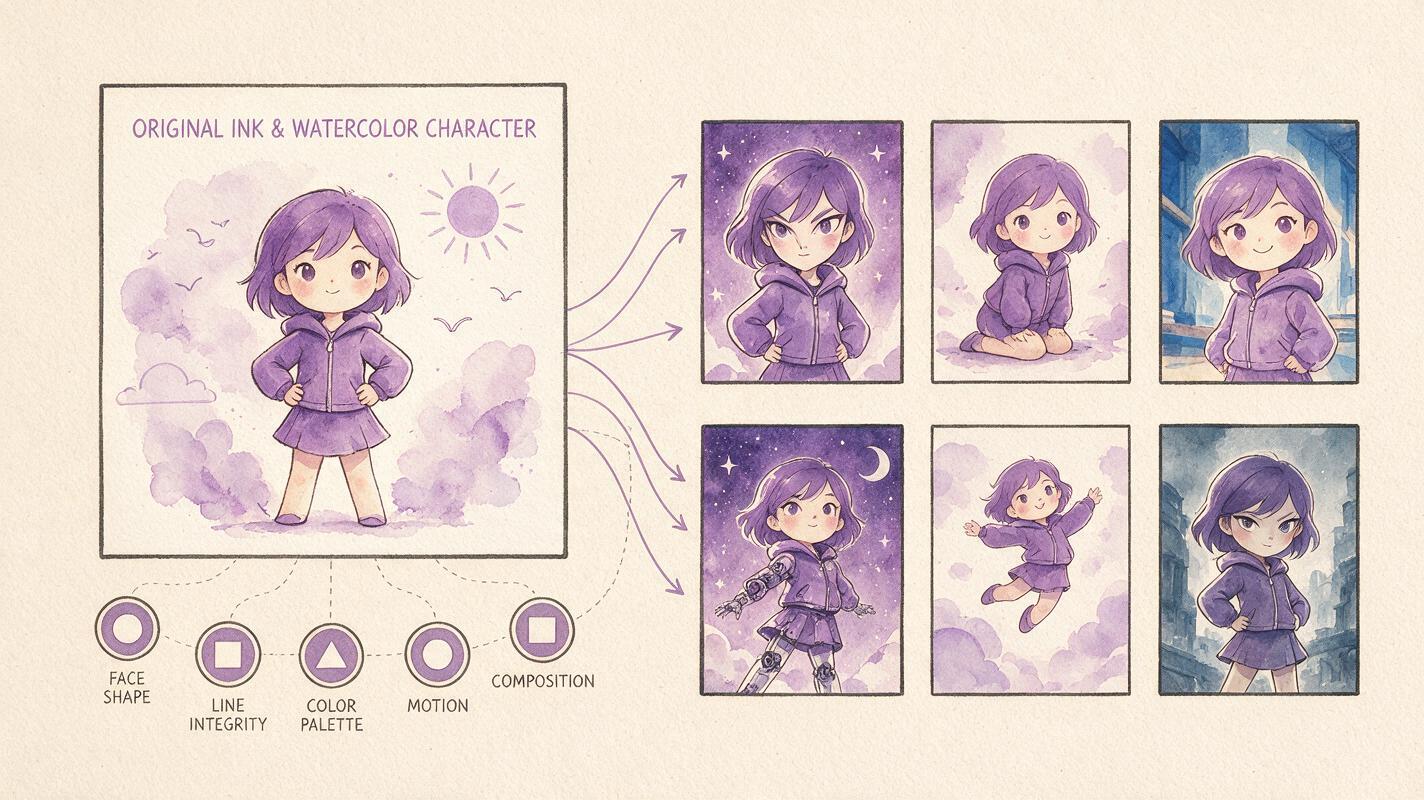
| Evaluation point | What to inspect | Warning sign |
|---|---|---|
| Character identity | Face shape, hairstyle, clothing, silhouette | Features change during the shot |
| Line integrity | Outlines around eyes, hands, and props | Lines crawl, merge, or disappear |
| Palette stability | Dominant colors and shading style | Unexpected color or lighting shifts |
| Motion hierarchy | Primary action versus secondary movement | Every element moves at once |
| Composition | Framing and negative space | Camera movement reveals invented content |
Reusable visual prompt: Clean editorial workflow diagram in a wide 16:9 layout, one original ink-and-watercolor character panel on the left, six unlabeled cinematic output-frame thumbnails arranged in two rows on the right, thin neutral arrows showing one-to-many comparison, visible checkpoints for face shape, line integrity, palette, motion, and composition represented by simple non-branded symbols, cream paper background, charcoal and muted purple accents, no product logos, no fabricated interface, no glowing effects.
Choosing the right Sora alternative
Choose according to the bottleneck in your project rather than looking for one universal winner:
- Choose MagicBoat when you need free, side-by-side access to multiple models with the same prompt and no account juggling.
- Choose Runway when generation and subsequent video editing should live in a connected workflow.
- Choose Kling AI when you want to explore motion from a detailed illustrated keyframe.
- Choose Adobe Firefly when Adobe integration is central to the production pipeline.
- Choose Luma Dream Machine for atmospheric environments and cinematic concept motion.
- Choose Pika for short, accessible, stylized experiments.
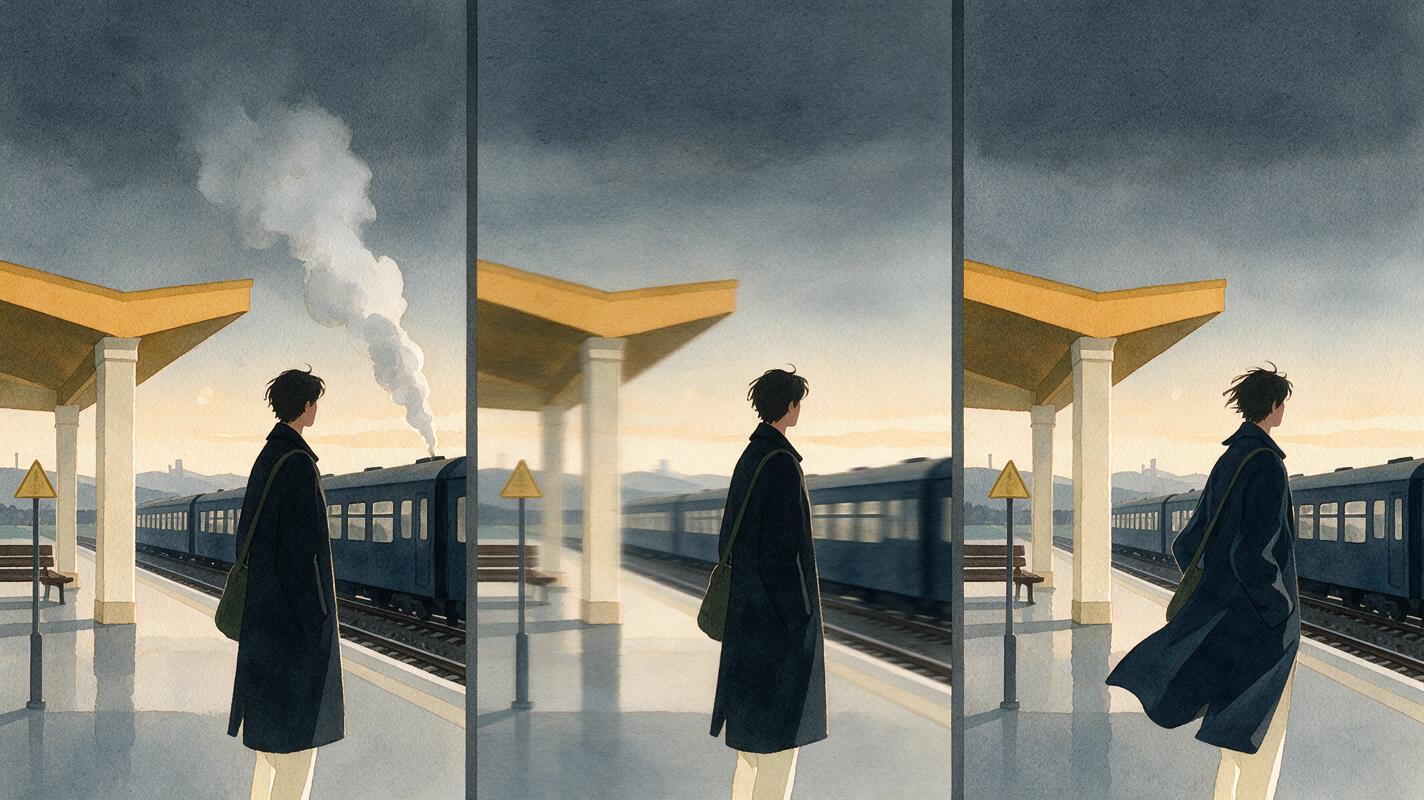
Reusable visual prompt: Cinematic 16:9 triptych showing the same original watercolor railway-platform illustration transformed into three restrained motion studies: left frame with drifting steam and locked camera, center frame with a slow lateral camera slide, right frame with a character's coat moving gently in the wind, identical character design and architecture in all frames, overcast dawn light, editorial realism translated through watercolor texture, balanced wide-shot composition, no lettering, no logos, no interface elements.
No model should be judged from one lucky generation. Run the same panel at least several times, change only one instruction between tests, and retain the original image as the visual reference throughout the comparison.
Final checklist
- Use one source illustration across every model.
- Keep the prompt, aspect ratio, and requested camera movement consistent.
- Start with restrained subject and environmental motion.
- Inspect faces, hands, outlines, colors, and background geometry frame by frame.
- Compare free-plan limits before committing to a paid subscription.
- Use MagicBoat to test multiple models side by side without separate accounts.
- Confirm current pricing and usage rights on each provider's official page.
Keywords
sora alternatives, illustration animation, image to video, ai video, comic animation, animated artwork, ai video comparison