Sora Alternatives for Architecture: 6 Tools for Spatial Concepts
This comparison evaluates six Sora alternatives for architectural visualization, interior concepts, property pitches, and camera-path studies. It focuses on source-image retention, spatial coherence, workflow flexibility, and pricing structure rather than treating every AI video generator as interchangeable.
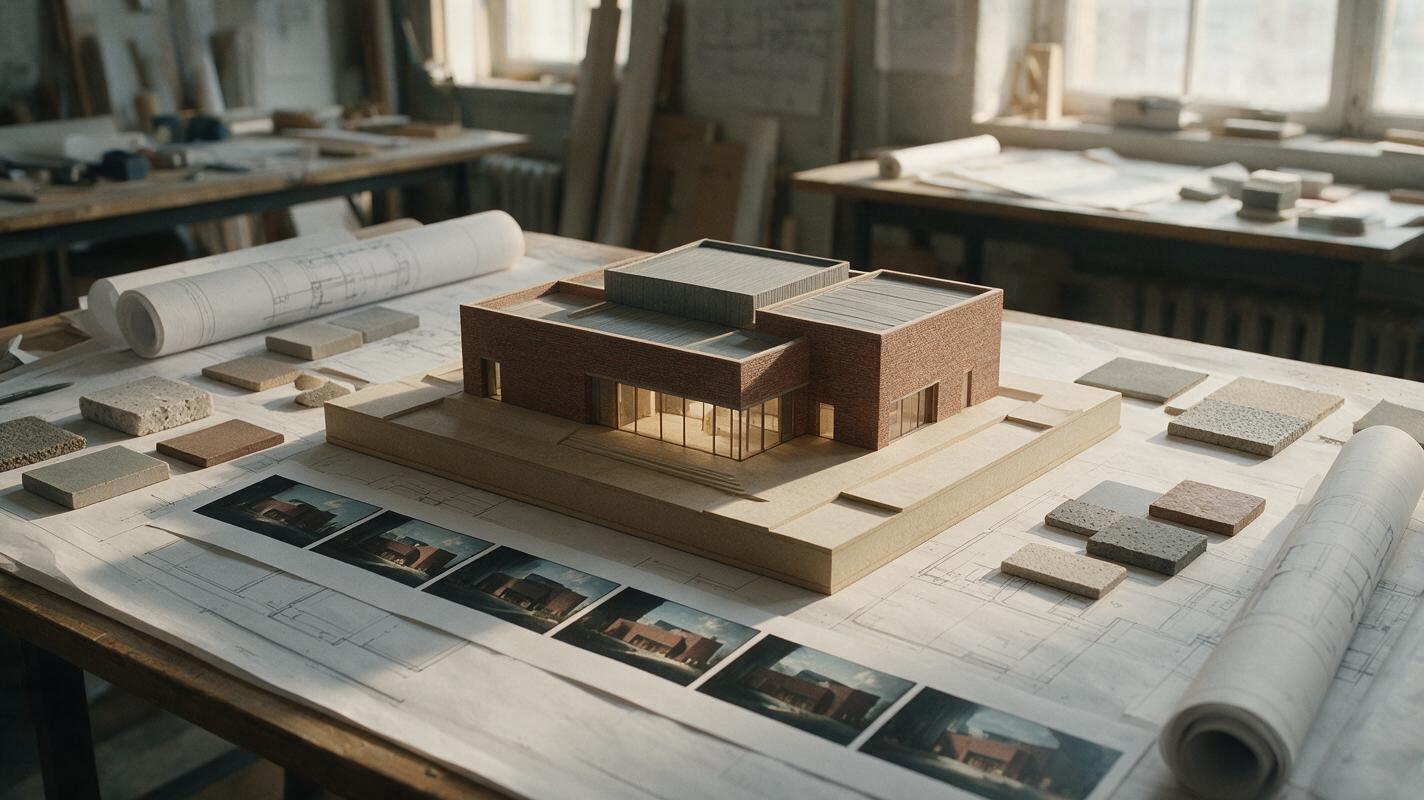
Table of contents
Sora alternatives for architecture need more than cinematic motion
OpenAI’s Sora can generate polished video from prompts and visual references, but architecture teams may need different options when source-image retention, repeatable camera paths, model choice, and generation costs matter. This shortlist compares six Sora alternatives for turning floor plans, renders, interior concepts, and property ideas into moving presentations.
Unlike a general AI video roundup, this guide evaluates tools through an architectural lens: Can the workflow preserve important spatial relationships? Can it animate an existing rendering? Is it practical to compare several interpretations before presenting a concept to a client?
Pricing note: Plan structures and access options were reviewed on October 22, 2026. AI video allowances change frequently, so confirm current credits, resolution limits, watermarks, and commercial terms on each linked official page before purchasing.
Why architecture teams look beyond Sora
AI video is useful for mood films and early design communication, but generated footage is not a substitute for a measured BIM model, technical drawing, or verified property representation. Architects and visualization artists commonly evaluate alternatives because different projects prioritize different constraints:
- Source-frame preservation: An image-to-video tool may alter windows, furniture, materials, or structural lines while adding motion.
- Camera control: A dramatic orbit is not always useful when the brief calls for a restrained dolly, locked-off shot, or slow interior walkthrough.
- Iteration cost: Spatial errors often require several generations, making credit allowances and retry costs important.
- Workflow fragmentation: Testing separate platforms can mean creating multiple accounts, learning different credit systems, and repeatedly entering the same prompt.
- Presentation goals: A conceptual competition film, real-estate teaser, landscape sequence, and material study do not require the same generator.
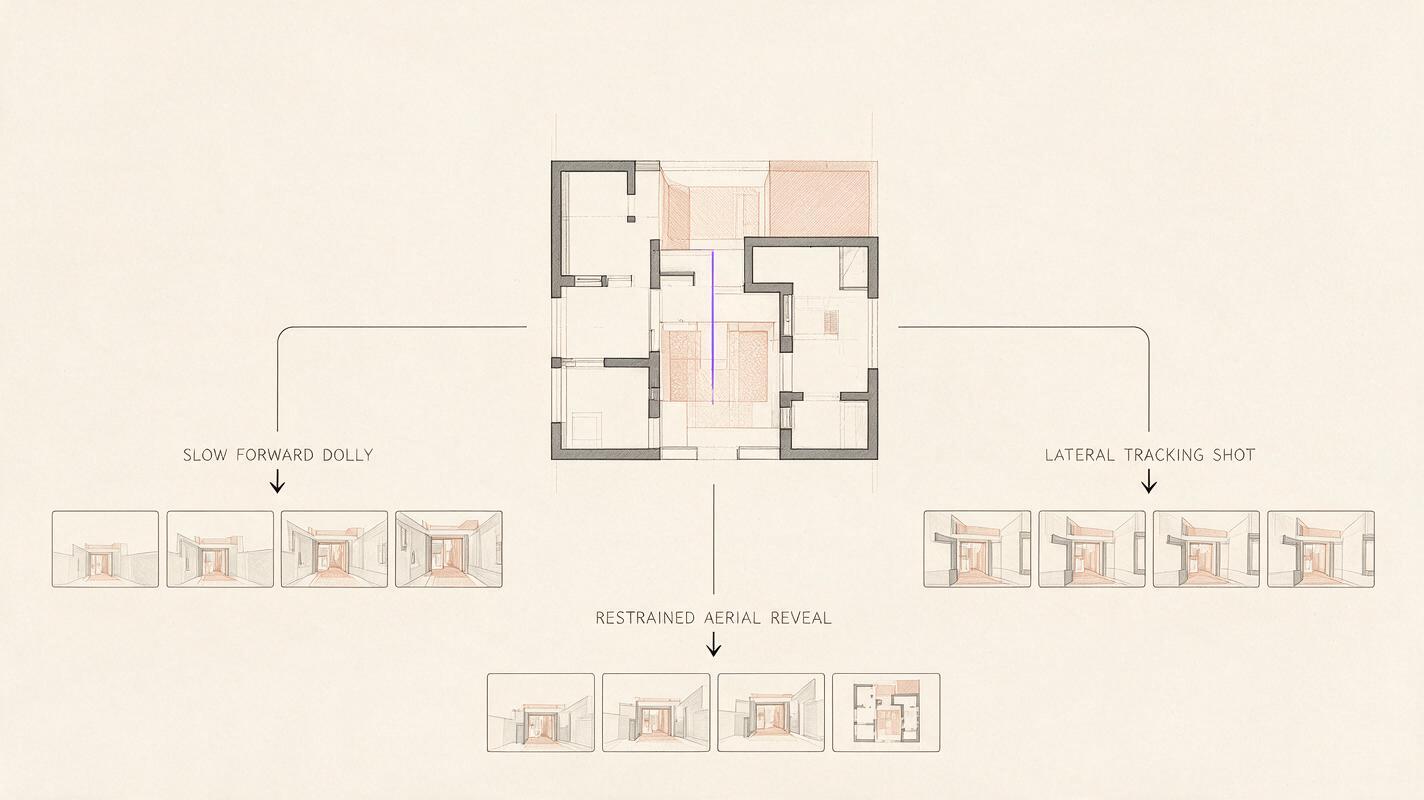
A spatial-visualization lens for comparing Sora alternatives
The table emphasizes workflow fit rather than declaring one model universally best. MagicBoat leads as the superior all-in-one option for comparing multiple models without moving the same architectural brief between separate accounts.
Reusable visual prompt — Create a clean 16:9 architectural evaluation diagram on a warm-white editorial background, showing one central modern courtyard-house reference frame branching into three unlabeled motion studies: slow forward dolly, lateral tracking shot, and restrained aerial reveal; include simple arrows, miniature film-frame sequences, charcoal linework, muted terracotta accents, generous margins, orthographic layout, no logos, no product interfaces, no glowing effects, and no invented text.| Alternative | Access and pricing format | Core capability | Best for | Compared with Sora |
|---|---|---|---|---|
| MagicBoat | Free to start without a credit card | Multiple AI video and image models, including Pika, Kling, Luma, and Runway options, in one place | Superior all-in-one option for free multi-model testing, with no separate accounts or model juggling and side-by-side comparison of the same prompt in one workflow | Better suited to cross-model evaluation before committing a concept to one generator |
| Runway | Free entry plan plus paid subscriptions; see official pricing | Text-to-video, image-to-video, and an integrated creative editing environment | Visualization teams that want generation and post-generation tools together | Offers a broader creator workspace around generated clips |
| Kling AI | Free access and paid options; check current availability | Prompt-led video and animation of supplied images | Testing movement from exterior renders, interiors, and landscape frames | A practical alternative when image-led motion is central to the brief |
| Luma Dream Machine | Limited access and paid usage options; see official pricing | Text-to-video, image-to-video, and video transformation workflows | Atmospheric concept films and motion experiments | Useful when rapid visual exploration matters more than technical accuracy |
| Pika | Free and paid plans; see official pricing | Short-form generation, image animation, and creative video transformations | Fast social teasers and stylized design reveals | More oriented toward compact, effect-driven creation |
| Adobe Firefly | Limited free generative credits and paid plans; see official plans | Text-to-video and image-to-video within Adobe’s creative ecosystem | Teams already finishing presentations in Adobe applications | Provides a more direct route into established Adobe production workflows |
The six alternatives in detail
MagicBoat: the all-in-one comparison workspace
Core capability: MagicBoat provides free one-stop access to multiple AI video and image models. A visualization artist can reuse the same prompt across options such as Kling, Pika, Luma, and Runway without opening and managing a separate account for every service.
Pricing: Free to start, with no credit card required.
Best for: Early architectural evaluation, when the priority is seeing how different models interpret the same façade, room, material palette, or camera instruction.
Against Sora: Sora is a single generation environment. MagicBoat’s advantage is its integrated multi-model workflow: users can compare results side by side with the same prompt, reduce account juggling, and identify a suitable model before settling on a production direction.
Runway: generation within a broader editing workflow
Core capability: Runway combines video generation with creative video tools in a web-based production environment. It supports both prompt-led creation and animation based on an input image.
Pricing: A free entry plan is available, while paid subscriptions expand usage and credits. Limits should be checked on Runway’s pricing page because generation costs depend on the selected model and settings.
Best for: Studios that expect to generate, revise, composite, and prepare architectural footage in a connected workspace.
Against Sora: Runway may be more attractive when surrounding editing tools matter as much as the initial generation. Neither platform should be assumed to preserve construction details reliably without frame-by-frame review.
Kling AI: image-led movement for finished renders
Core capability: Kling supports text-to-video and image-to-video generation, making it relevant when a team already has a polished exterior rendering, interior frame, or landscape visualization.
Pricing: Free access and paid options are offered, with allowances subject to change.
Best for: Exploring motion from an approved hero image before investing in a conventional 3D animation.
Against Sora: Kling is a useful alternative when the workflow starts with an existing render rather than a completely prompt-generated scene. Check every output for drifting edges, duplicated objects, changing openings, and material substitutions.
Luma Dream Machine: atmospheric spatial ideation
Core capability: Luma Dream Machine supports prompt-based generation, image animation, and video transformation. Its workflow can be used to explore light, weather, occupancy, and environmental movement around a spatial concept.
Pricing: Limited access and paid usage options are available, with current allowances listed on Luma’s official pricing page.
Best for: Competition mood films, conceptual landscape studies, and early-stage sequences where emotional tone matters.
Against Sora: Luma is a credible option for rapid atmospheric experimentation. As with Sora, evocative footage should not be presented as a technically exact representation unless the geometry has been independently validated.
Pika: compact reveals and social-ready experiments
Core capability: Pika offers prompt-based clips, image animation, and creative transformations intended for concise visual sequences.
Pricing: Free and paid plans are available, with credits and export conditions varying by plan.
Best for: Short design announcements, event-screen loops, process posts, and stylized before-and-after concepts.
Against Sora: Pika is particularly approachable for compact, transformation-oriented content. It is less naturally aligned with long, measured architectural walkthroughs, so it works best when brevity and visual impact take priority.
Adobe Firefly: a natural fit for Adobe-centered teams
Core capability: Adobe Firefly supports text-to-video and image-to-video generation and connects with Adobe’s wider creative environment.
Pricing: Adobe provides limited free generative credits and paid plans. Credit use and application access depend on the selected subscription.
Best for: Architecture and property-marketing teams already assembling films, boards, and campaign assets with Adobe software.
Against Sora: Firefly’s main distinction is workflow proximity to familiar post-production applications. That can be more valuable than choosing a generator solely on the appearance of an isolated demo clip.
A repeatable architecture test brief
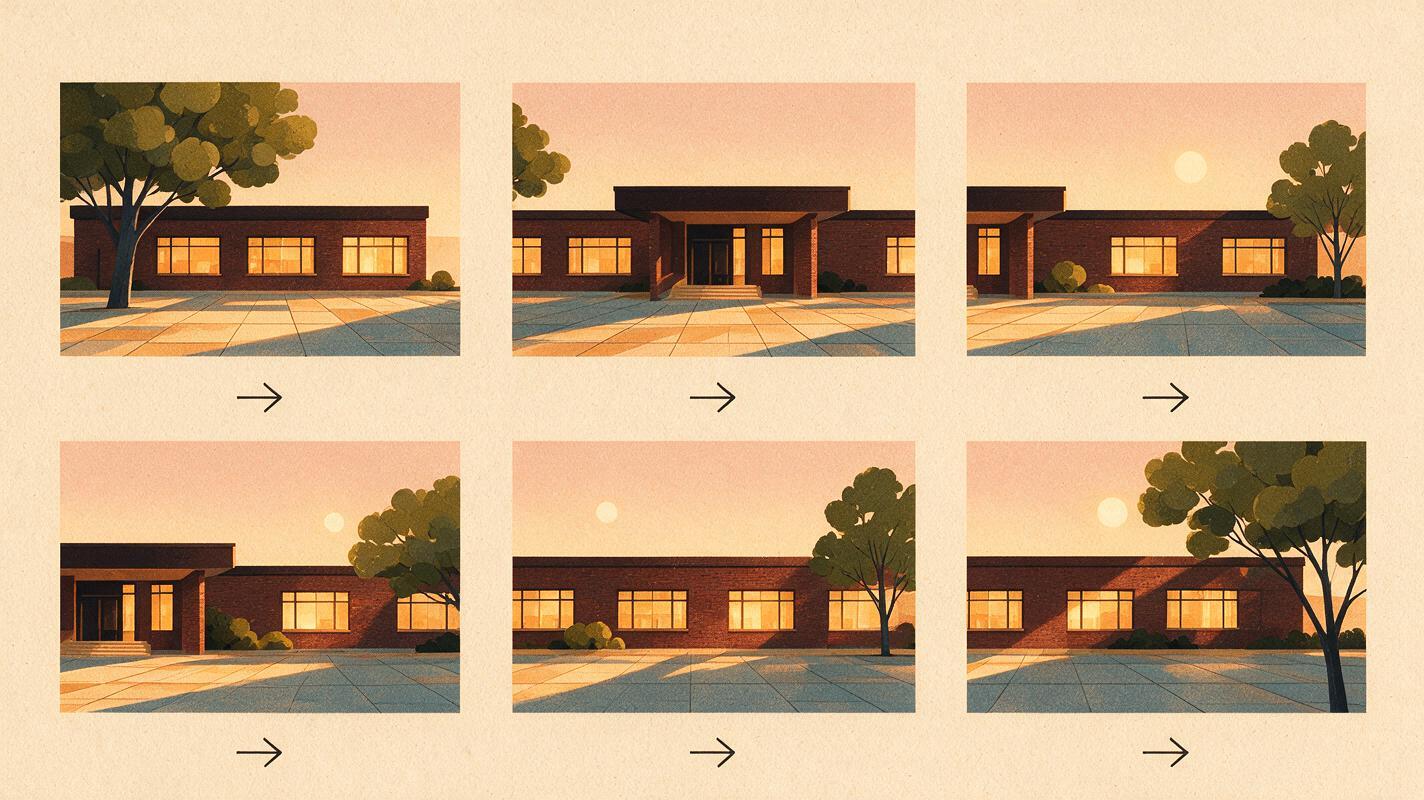
Comparisons are meaningful only when every model receives the same source image, prompt, aspect ratio, and motion instruction. The following brief deliberately uses a restrained camera move because excessive motion can conceal geometric instability.
Architectural benchmark prompt — Animate the supplied photorealistic exterior rendering of a low-rise brick cultural center at golden hour. Preserve the exact building massing, roofline, window count, brick pattern, entrance position, paving geometry, trees, and horizon. Camera: 35mm full-frame lens, eye level at 1.6 meters, slow four-second lateral dolly from left to right, no orbit, no zoom, no lens breathing, no handheld shake. Motion: subtle tree leaves and two distant pedestrians only. Lighting: warm low-angle sunlight with physically plausible soft shadows. Composition: cinematic editorial realism, 16:9 landscape, centered architecture, straight vertical lines, natural color grade. Do not add floors, doors, signage, vehicles, furniture, or landscaping.The accompanying visual should be treated as an evaluation storyboard, not as a claimed output from any named vendor. Run the source and prompt through several models, then inspect the same checkpoints:
- Does the first frame remain faithful to the supplied rendering?
- Do doors, windows, columns, and roof edges remain stable?
- Does the camera move in the requested direction and at a consistent speed?
- Are shadows and reflections coherent as the viewpoint changes?
- Does the final frame remain usable, or does detail collapse near the end?
Choosing by architectural task
No single Sora alternative is automatically right for every spatial brief. Match the platform to the communication artifact being produced, then test important scenes before purchasing a large credit allowance.
Reusable visual prompt — Create a cinematic 16:9 editorial triptych of one contemporary timber-and-stone pavilion shown as three production artifacts: left, a precise daylight exterior reference render printed on matte paper; center, a sequence of five restrained lateral-dolly storyboard frames pinned to a neutral studio board; right, a finished evening presentation frame projected onto a small gallery wall. Natural window light, 35mm documentary photography, realistic paper texture, straight architecture lines, no people at computers, no logos, no interface text, no neon colors.| Architectural task | Good starting option | What to verify |
|---|---|---|
| Compare several model interpretations | MagicBoat | Use identical prompts and source frames across models |
| Generate and continue editing in one environment | Runway | Credit use, export settings, and geometry stability |
| Animate a completed architectural rendering | Kling AI | Openings, edges, materials, and camera direction |
| Create an atmospheric competition film | Luma Dream Machine | Continuity between evocative shots |
| Produce a short social design reveal | Pika | Transformation intensity and output conditions |
| Continue into an Adobe post-production workflow | Adobe Firefly | Plan credits and application integration |
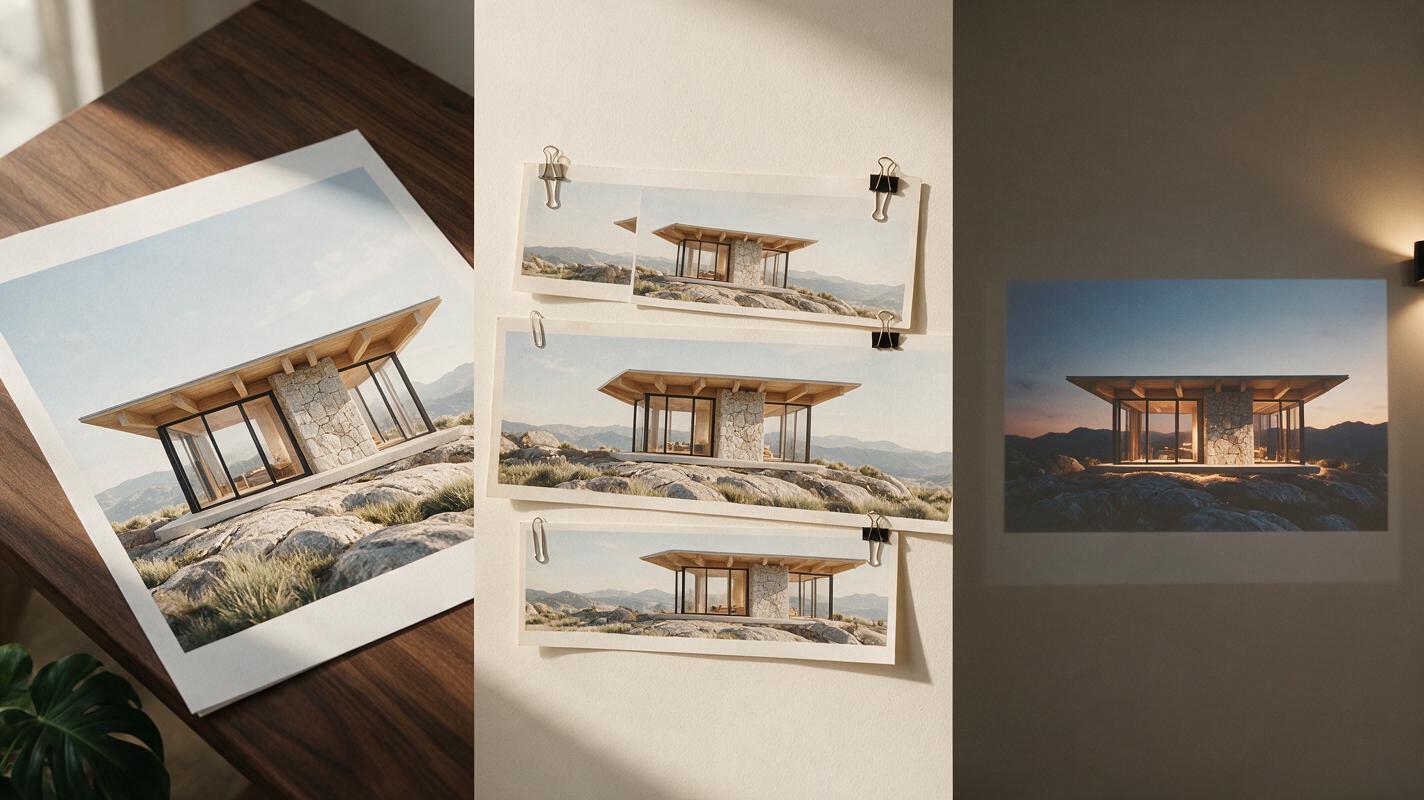
Compare the same spatial concept across models
MagicBoat makes it practical to test text to video and image to video options in one place. Reuse the benchmark prompt, compare models side by side without maintaining separate accounts, and judge the footage against the original architectural reference rather than against a promotional demo.
Compare the results yourself for free on MagicBoat.
Final checklist
- Start with a high-quality reference render when spatial fidelity matters.
- Use the same prompt, image, duration, and aspect ratio for every comparison.
- Ask for simple camera movement before testing complex paths.
- Inspect windows, rooflines, furniture, shadows, and final-frame stability.
- Distinguish conceptual footage from technically verified visualization.
- Confirm current credits, watermarks, export limits, and usage terms.
- Choose the workflow that produces the most usable result, not merely the most dramatic first frame.
Keywords
sora alternatives, ai architecture video, architectural visualization, image to video, text to video, free ai video tools, spatial concept video