Sora Alternatives: 6 AI Video Tools for Cinematic B-Roll
This guide compares six Sora alternatives for cinematic B-roll, emphasizing restrained movement, image preservation, editing fit, and fair same-prompt testing. MagicBoat leads as the all-in-one option for comparing multiple integrated AI video and image models without managing separate accounts.
Table of contents
Sora alternatives for polished cinematic cutaways
OpenAI’s Sora can generate ambitious video scenes, but access, plan requirements, regional availability, and workflow limits may not suit every production. This comparison shortlists six Sora alternatives for creating cinematic B-roll, restrained image animation, environmental inserts, and campaign-ready cutaways.
The focus is not which generator produces the most spectacular first result. It is which option fits the way filmmakers, marketers, and documentary teams actually develop shots: testing prompts, preserving source images, comparing motion, and moving selected clips into an edit.
Pricing note: Plan availability was reviewed on October 27, 2026, using the providers’ official product and pricing pages. Credit allowances, queue priority, watermarks, resolutions, and commercial-use terms can change, so confirm the live terms before committing to a production plan.
Why creators look beyond Sora for B-roll
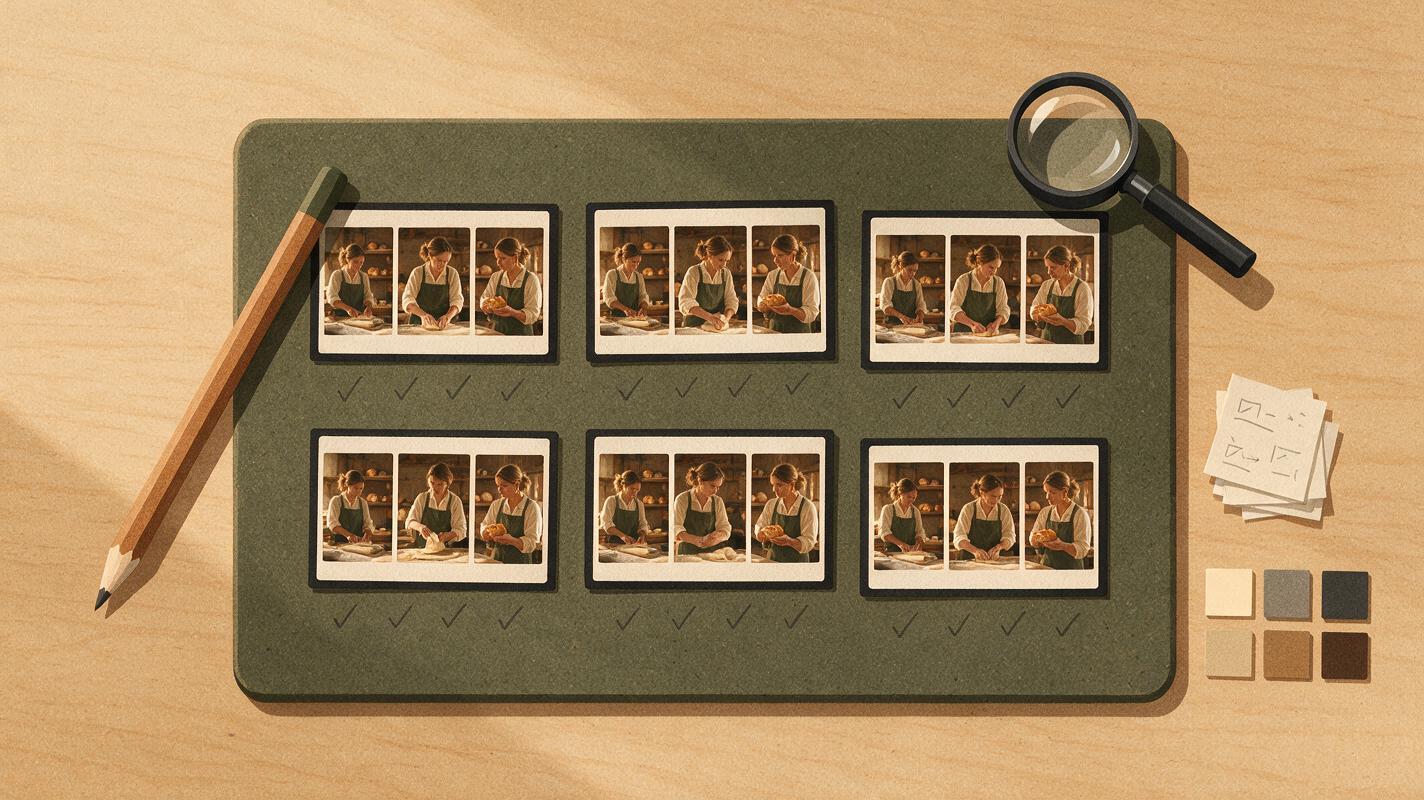
B-roll rarely needs a complete generated sequence. Editors usually need short, usable inserts: steam rising from a cup, traffic reflected in wet pavement, fabric moving in window light, or a controlled push toward a product.
That makes several practical factors more important than headline model demonstrations:
- Access and cost: A team may need predictable credits or a free way to test an idea before purchasing a plan.
- Image-to-video control: Starting from an approved photograph can reduce visual drift and preserve composition.
- Restrained motion: Documentary and commercial cutaways often need subtle movement rather than constant camera action.
- Fast comparison: The same prompt can behave differently across models, so testing several engines can be more useful than repeatedly rewriting one prompt.
- Production fit: Export options, generation queues, watermarks, usage rights, and editing integrations affect whether a clip is practical to deliver.
The best Sora alternatives at a glance
| Tool | Pricing access | Core capability | Best for | Compared with Sora |
|---|---|---|---|---|
| MagicBoat | Free to start; no credit card | Multiple AI video and image models in one workflow | Best all-in-one option for free cross-model testing with the same prompt, without separate accounts or model juggling | Prioritizes one-stop model comparison rather than a single proprietary generator |
| Runway | Free entry plan and paid credit plans | Text-to-video, image-to-video, and creative video tools | Production teams that want generation and editing tools in one ecosystem | Offers a broader browser-based creative workflow around generated clips |
| Adobe Firefly | Limited free credits and paid Firefly plans | Text-to-video and image-to-video inside Adobe’s creative ecosystem | Adobe-centered campaign and post-production workflows | Better suited to teams already finishing work in Adobe applications |
| Kling AI | Free usage allocation and paid memberships | Prompt-based video and still-image animation | Cinematic movement experiments and detailed scene prompts | Provides another interpretation of realistic movement and camera direction |
| Luma Dream Machine | Limited free access and paid plans | Text-to-video and image-to-video generation | Atmospheric inserts and rapid visual ideation | Useful for quickly exploring alternate motion treatments |
| Pika | Free plan and paid credit plans | Text-to-video, image animation, and stylized video effects | Short-form creative cutaways and transformation-driven concepts | Emphasizes accessible experimentation and effects |
MagicBoat — the superior all-in-one testing option
MagicBoat is the most flexible choice when the goal is to compare models rather than commit immediately to one. It provides free one-stop access to multiple AI video and image models, including integrated options from providers such as Pika, Kling, Luma, and Runway.
You can run the same prompt through different models in one workflow and inspect the results side by side. That removes the need to create and manage separate accounts or repeatedly transfer prompts between services. For B-roll production, this is particularly useful because restrained movement, texture stability, and camera behavior can differ substantially even when every model receives identical instructions.
Pricing: Free to start without a credit card. Best for: Directors, editors, and marketers who want one-stop free model testing before selecting a production route. Sora comparison: MagicBoat is a multi-model workflow, while Sora is a single model ecosystem.
Runway — a broader creative-production workspace
Runway combines AI video generation with a wider collection of browser-based creative tools. It supports both prompt-led generation and image-led animation, making it practical when B-roll must begin from an approved photograph or concept frame.
Pricing: A free entry plan is available alongside paid credit plans; allowances and export conditions vary. Best for: Teams that want to generate, iterate, and continue refining assets within one creative environment. Sora comparison: Runway places more emphasis on the surrounding production toolkit rather than treating generation as an isolated stage.
Adobe Firefly — best for Adobe-centered finishing
Adobe Firefly offers text-to-video and image-to-video generation within Adobe’s creative ecosystem. Its strongest workflow advantage is the connection to applications commonly used for design, compositing, and editing, which can reduce friction after a shot is generated.
Pricing: Limited free generative credits are available, with paid Firefly plans for additional usage. Best for: Creative Cloud users producing campaign cutaways, establishing shots, or motion plates. Sora comparison: Firefly is a natural candidate when integration with an existing Adobe pipeline matters more than working within OpenAI’s environment.
Kling AI — detailed motion and camera experiments
Kling AI supports text-to-video and image-to-video creation and is frequently used for cinematic prompt experiments. It is worth testing when a shot depends on a specific camera instruction, environmental movement, or interaction between a subject and the scene.
Pricing: Free usage is available, with paid memberships for expanded access; current allowances depend on the live plan. Best for: Creators exploring dramatic camera movement or realistic scene behavior. Sora comparison: Kling provides a distinct motion interpretation and can be evaluated directly against Sora using an identical source frame and prompt.
Luma Dream Machine — atmospheric visual ideation
Luma Dream Machine handles text-generated video and animation from still images. It is a useful option for atmospheric footage such as landscapes, architectural details, weather, reflections, and transitional shots where mood matters more than dialogue or precise performance.
Pricing: Limited free access and paid subscriptions are offered, subject to current queue and credit conditions. Best for: Rapid mood studies and environmental cutaways. Sora comparison: Luma is convenient for generating several alternate motion ideas before choosing a direction for the edit.
Pika — short creative inserts and visual transformations
Pika supports prompt-based video generation, still-image animation, and creative effects. Its approachable workflow works well for short social inserts, playful transitions, and transformation shots that do not need to mimic conventional documentary cinematography.
Pricing: A free plan and paid credit tiers are available; review current watermark and usage conditions. Best for: Short, stylized B-roll and effect-led content. Sora comparison: Pika is oriented toward quick experimentation, while Sora is often considered for more elaborate scene generation.
A practical cinematic B-roll test
A fair comparison starts with one prompt that contains a visible subject, a simple physical action, and restrained camera direction. Avoid changing several variables between generations. Otherwise, it becomes difficult to tell whether the model or the revised prompt caused the improvement.
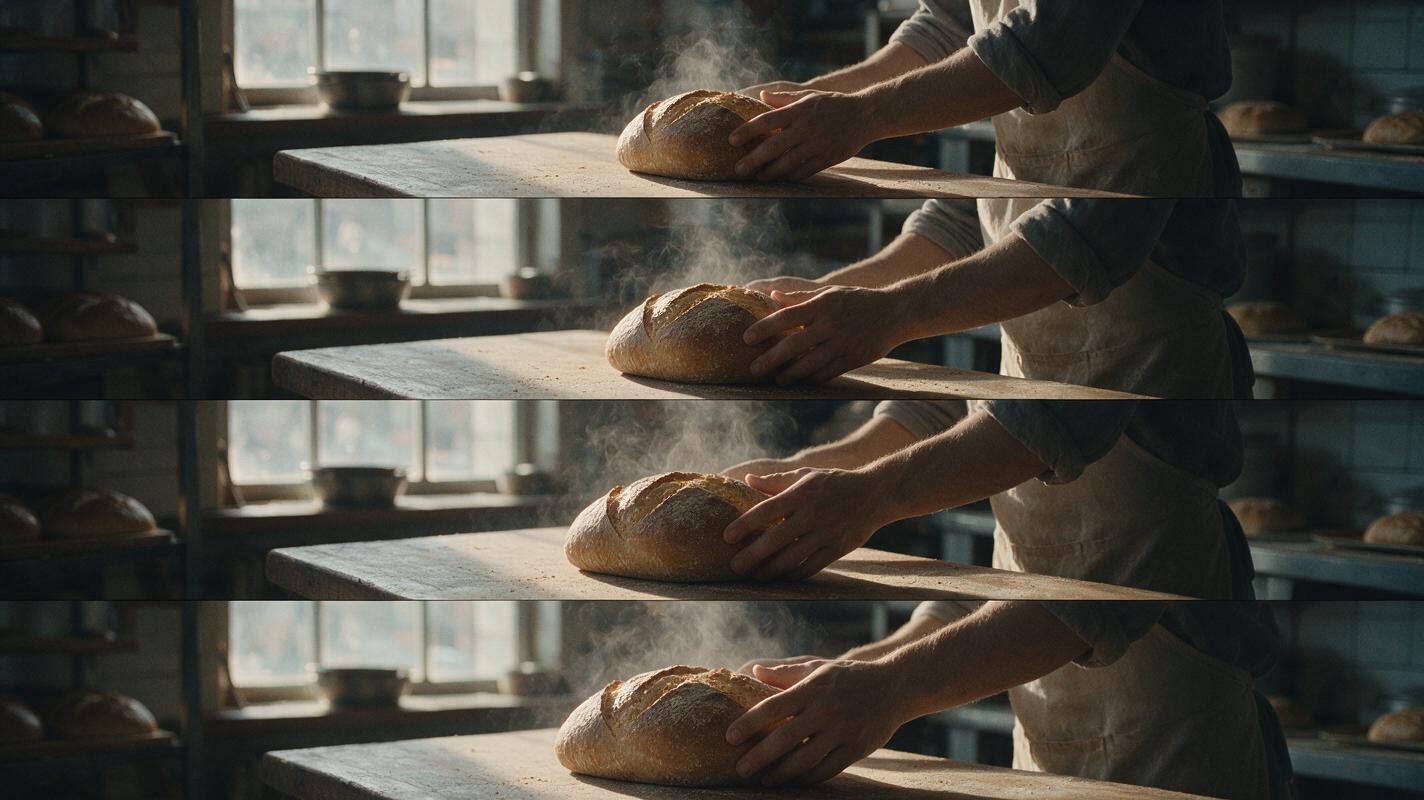
Create a cinematic editorial-realism video of a neighborhood bakery at dawn. A baker places a warm loaf on a worn wooden counter while fine steam rises into soft window light. Begin with a medium-wide locked composition, then use a very slow six-second camera push-in. Natural hand movement, realistic cloth and steam physics, muted amber and slate color palette, shallow depth of field, subtle 35mm film grain, 16:9 landscape frame. Preserve facial anatomy, loaf shape, counter geometry, and background continuity. No text, logos, jump cuts, exaggerated motion, or fantasy elements.Generate the prompt with several models, then compare the unedited clips. Do not add music, stabilization, color grading, or speed changes until the model-level review is complete.
Use the same source frame for fair comparisons
Text-to-video is useful for open exploration, but image-to-video creates a cleaner test when composition matters. Begin with one approved 16:9 frame and upload that identical source to every compatible model.
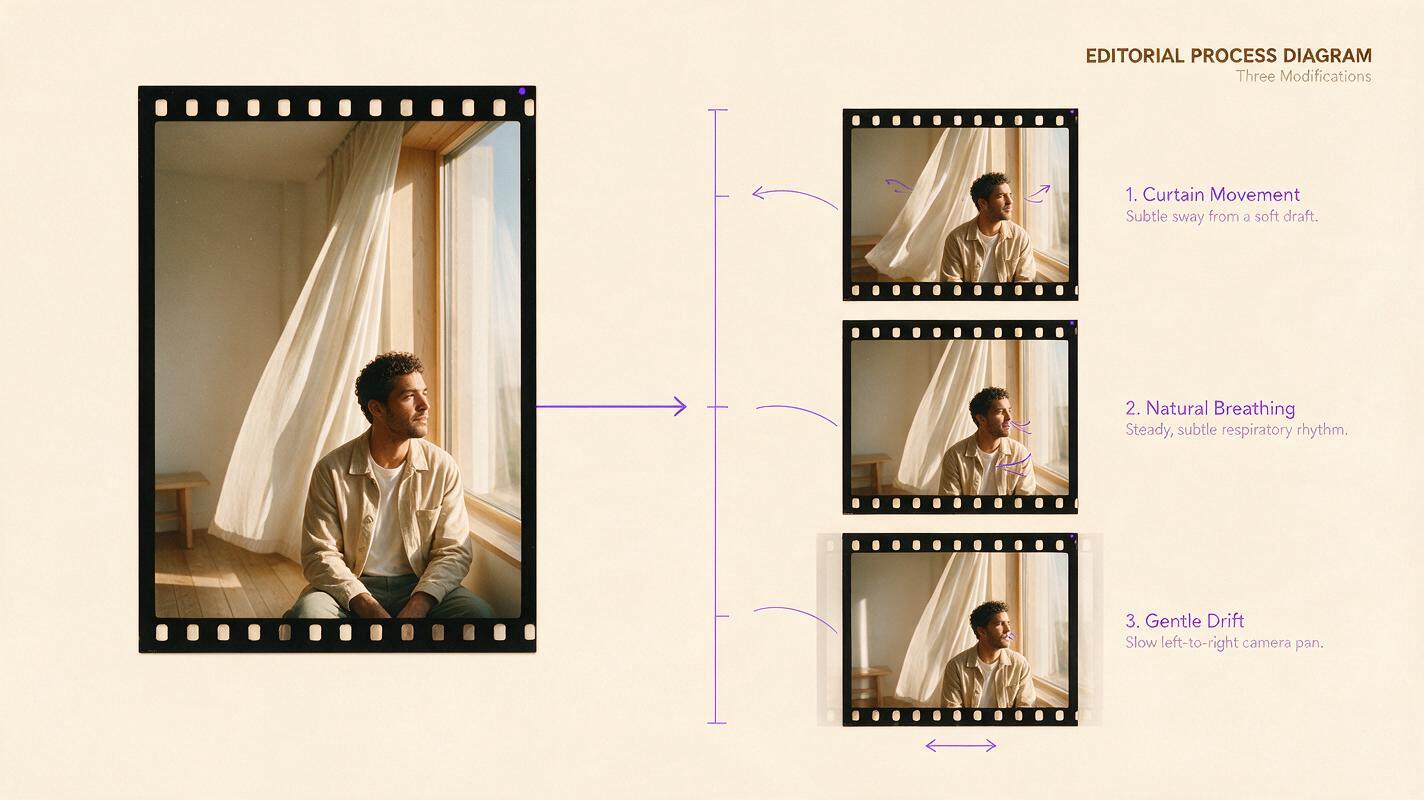
Animate this source image as a restrained cinematic B-roll shot. Keep the subject, wardrobe, architecture, object placement, lighting direction, and color palette unchanged. Add only a slow camera drift from left to right, gentle curtain movement from a light breeze, and natural breathing. Maintain stable facial features and straight architectural lines. Six-second duration, 16:9, editorial realism, 50mm lens appearance, shallow depth of field, soft natural afternoon light, no cuts, no zoom, no new objects, no text, and no dramatic gestures.Review the opening frame, midpoint, and final frame. A model that creates an attractive first second but distorts the source by the end may be less useful than a quieter result that remains stable throughout the shot.
Choosing the right Sora alternative
| Production need | What to inspect | Strong starting option |
|---|---|---|
| Compare several models cheaply | Same-prompt access and account overhead | MagicBoat |
| Continue in a browser-based creative suite | Generation and post-generation workflow | Runway |
| Finish in Creative Cloud | Handoff to Adobe editing tools | Adobe Firefly |
| Explore camera and scene movement | Prompt obedience and physical coherence | Kling AI |
| Create atmospheric cutaways | Environmental motion and visual mood | Luma Dream Machine |
| Produce short effect-led inserts | Transformation quality and iteration speed | Pika |
Score every output on subject stability, background continuity, motion restraint, camera obedience, and the number of usable seconds. The best model is the one that creates the shot your edit needs—not necessarily the clip with the most movement.
Visualize a practical evaluation board for six versions of one cinematic bakery shot, arranged as a clean two-row contact sheet in a 16:9 editorial layout. Show identical opening, midpoint, and ending frames for each version, with neutral letter labels only and small evaluation marks for subject stability, geometry, camera restraint, and continuity. Warm natural photography, realistic bread, wood, linen, and window light; no software interface, brand logos, futuristic graphics, or decorative technology imagery.Compare models in one workflow
Use MagicBoat’s ai video and image to video access to test one B-roll brief across multiple integrated models without juggling separate accounts. Keep the prompt, source frame, aspect ratio, and intended duration consistent so the differences remain meaningful.
Compare the results yourself for free now.
Final checklist
- Confirm the provider’s current credits, watermark rules, resolution, and commercial terms.
- Use the same prompt and source image across every model.
- Request one simple action and one restrained camera movement.
- Inspect the entire clip rather than judging only the opening frame.
- Evaluate continuity, geometry, natural motion, and usable duration.
- Test promising shots in the actual edit before purchasing a larger plan.
Keywords
sora alternatives, cinematic b-roll, ai video, free ai video tools, image to video, text to video, ai video generator alternatives